Vidiyo
AI Video for FAST Channels: Create, Label, Program
AI video for FAST channels: create episodes with AI assist, label synthetic work clearly, and program a linear schedule viewers and partners can trust.

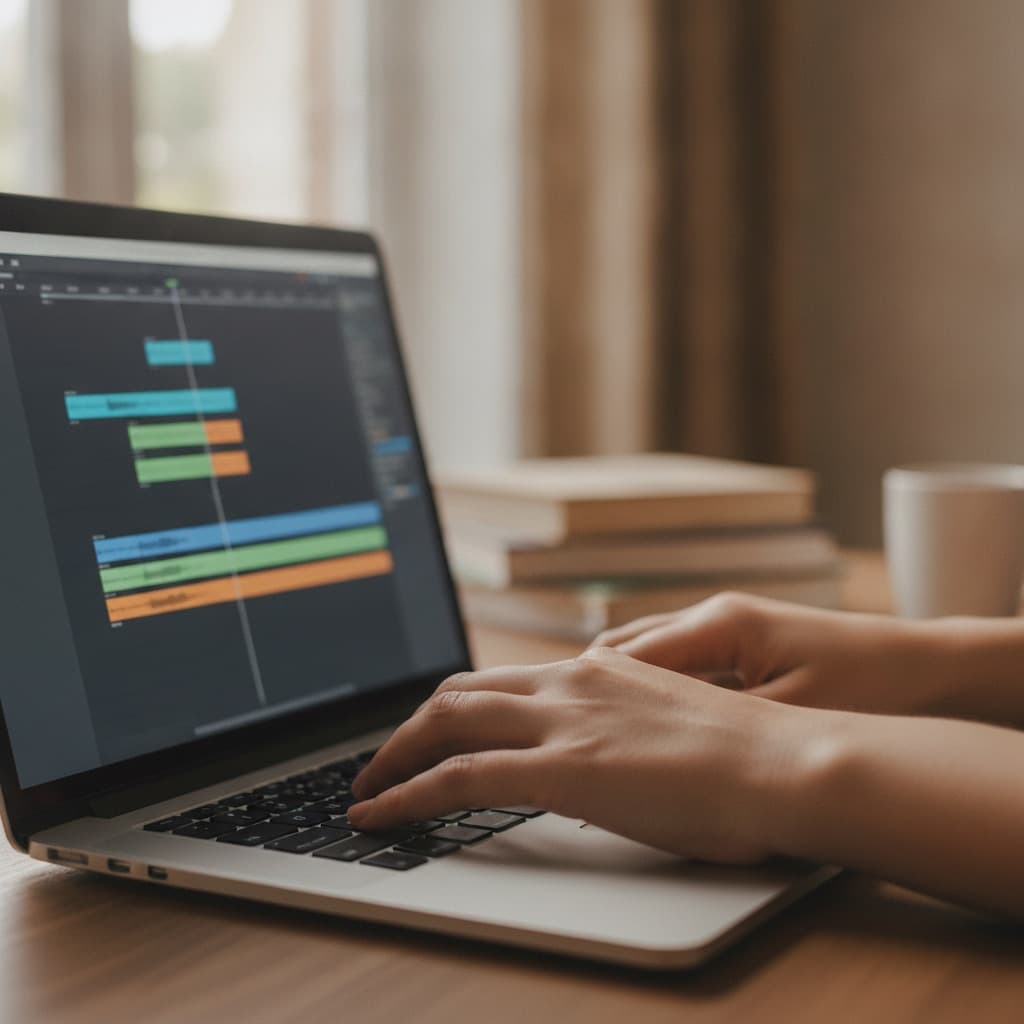
AI video for FAST channels works when you treat models as a production crew, not a rights department. Create faster, label honestly, and program only what you can defend on air.
This guide covers the full loop: generation and assembly, disclosure labels, and linear scheduling on a free FAST channel stack. Pair it with launching with no library if you are starting near zero, and with AI-generated content on TV for trust rules that go beyond metadata.
What AI video can (and cannot) do on a FAST channel
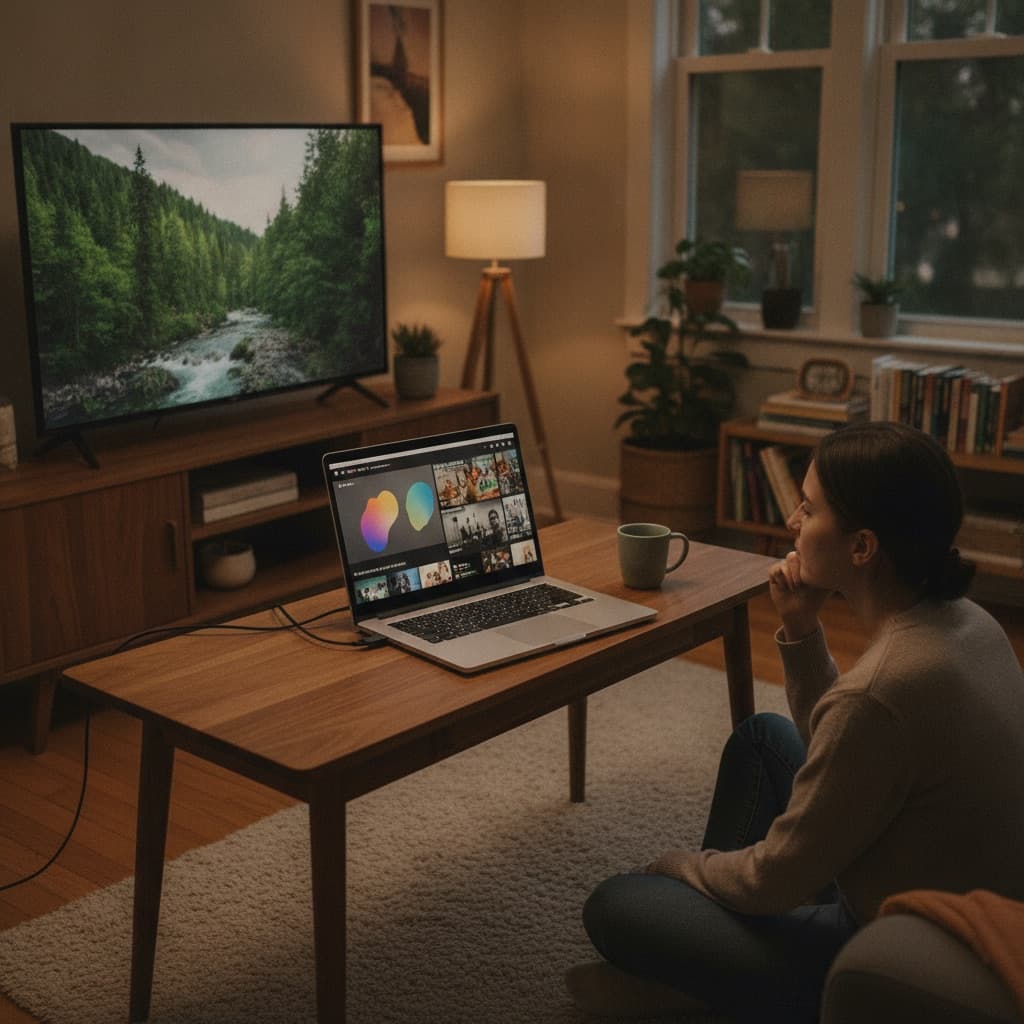
FAST is linear TV with ads: a schedule, an EPG, and living-room sessions. Viewers arrive by channel, not by a single algorithmic clip. That changes how AI helps.
Where AI helps most
- Drafting EPG and episode copy from outlines you already approved
- Rough assembly of B-roll, lower thirds, and bumpers when you own the assets
- Caption drafts and translation passes you still proof for accuracy
- Promo and art variants sized for guide tiles and app store listings
- Script and beat sheets for hosts who still shoot or perform the show
Where AI fails or creates liability
- Clearing music, clips, or likenesses you do not own
- Filling 24/7 with synthetic episodes that all look the same
- Voice cloning guests or talent without written consent
- Shipping unreviewed schedules that invent titles, times, or claims
Vidiyo is a free FAST channel platform with feed, live, AI-assisted creation, and SSAI. The product can speed upload, scheduling, and ad insertion. It does not replace your judgment on rights or editorial taste. For ad plumbing context, see what SSAI is.
Create: a production workflow that stays shippable
Start with a channel promise one sentence long. Example: "Nightly indie game news with one live hour and replay blocks." AI output should serve that sentence, not invent a new genre every week.
Step 1: Lock source rights before you generate
List every input: footage, stills, music beds, logos, guest audio, game captures. If a license is YouTube-only or personal-use, do not feed it into a commercial linear channel. The YouTube to linear guide covers music traps that also apply when AI remixes your library.
Step 2: Separate "assist" from "generate"
Assist means the human performance or primary footage still carries the show. AI helps with cuts, captions, or packaging.
Generate means the picture or voice is mostly synthetic. That path needs stricter labeling and usually shorter blocks until quality is proven.
Most durable channels mix both. A host on camera with AI-assisted graphics is easier to trust than a fully synthetic news desk that never names its sources.
Step 3: Produce in episode-shaped units
Linear TV rewards clear starts and ends. Aim for 8 to 22 minute episodes, or 30 to 60 minute blocks with ad-safe chapters. Short clips can become interstitial packages. They rarely carry a primetime hour alone. See short-form to linear TV for packing rules.
Step 4: Build a fallback loop
Live and AI both create spikes of volume. Record live shows. Archive approved AI packages. Schedule replays between originals so the grid never goes black. How to go live and run a channel covers the live half of that loop.
Label: disclosure that holds up on the big screen
Labels are not legal theater. They tell viewers and partners what kind of show they are watching. On CTV, the first thirty seconds set trust. If the picture looks synthetic and the EPG pretends it is a filmed documentary, people leave and may not return.
What to disclose
- AI-assisted: Human-led show; tools used for edit, captions, graphics, or packaging
- AI-generated: Primary picture, voice, or script produced by models with limited human performance
- Hybrid: Name which segments are synthetic (openers, explainers, B-roll) versus filmed
Put the label in three places when the show is mostly generated:
- EPG description (one clear sentence)
- On-screen end card or bumper
- Channel about page or help text
You do not need a flashing warning every minute. You do need honesty at the decision points: guide browse, start of show, and channel identity.
What not to fake
Do not invent bylines, locations, or "exclusive interviews" that never happened. Do not clone a living person's voice or face without consent. Do not present AI news summaries as live field reporting. Trust debt compounds faster than content volume.
For a fuller trust checklist, use AI-generated content on TV. Tool hygiene lives in best practices for AI video tools.
Program: put AI output on a real linear grid
Creation without programming is a hard drive of experiments. Programming without creation is empty hours. Connect them.
Design dayparts, not dumps
Group AI packages by energy and topic:
- Morning: short explainers, headlines, fitness or learning blocks
- Daytime: longer evergreen packages and soft marathons
- Primetime: live, host-led, or highest-production originals
- Overnight: loops and catalog depth that tolerate repetition
AI can generate volume. Dayparts decide whether that volume feels like a channel or like a shuffle playlist.
Cap repetition with honest EPG titles
If the same package plays four times a day, say so with clear titles ("Replay: Indie Desk, Ep. 12"). Fake uniqueness in the guide trains viewers to distrust every listing.
Leave room for ads without wrecking flow
SSAI inserts ads server-side. Design natural pause points every 8 to 12 minutes in long blocks. Avoid cliffhangers that die mid-sentence when a pod starts. FAST channel monetization explains how watch hours and fill interact.
Keep a human in the publish path
Require one editor to approve:
- Technical QC (audio levels, captions, black frames)
- Rights QC (music, clips, likeness)
- Editorial QC (claims, labels, EPG match)
Automating publish without that gate is how bad episodes scale.
A 30-day plan for AI-assisted FAST launch
Week 1: Write the channel promise. Audit rights. Produce 3 to 5 pilot episodes with clear labels. Design two bumpers and one end card.
Week 2: Build an 8 to 12 hour starter grid with pilots, live (if any), and replays. Publish art and descriptions that match branding basics.
Week 3: Add captions, fix QC issues, and schedule one recurring live or "appointment" block. Invite your existing audience from YouTube, Discord, or email. See how to build a FAST channel audience.
Week 4: Measure completion on pilots, not vanity episode count. Cut formats that drop viewers in the first two minutes. Expand only the formats that hold.
Vidiyo for AI creators is built for this path: free channel, feed plus live, AI-assisted creation, and SSAI without an enterprise contract. Start at sign-up when the pilots are ready to schedule.
Common failure modes
Volume without identity. Ten genres of synthetic clips do not make a brand. One promise with weekly depth does.
Unlabeled synthetic news. Viewers treat news as a trust category. Mislabeling here is costly.
Music from the wrong license. AI tools often suggest beds you cannot broadcast. Clear audio first.
Ignoring vertical and TV framing. Phone-native crops leave empty pillars on living-room screens. Follow vertical video on TV when short-form is part of the mix.
Skipping the audience you already have. AI does not create discovery by itself. Point existing fans at the linear schedule with clear dayparts.
Quick answers
Can AI alone run a 24/7 FAST channel? Technically you can loop synthetic packages. Commercially, channels that keep viewers mix human hosts, clear labels, and a schedule people can remember.
Do I have to label AI-assisted edits? If the show is still human-led, a light disclosure is enough. If the primary picture or voice is synthetic, label it in the EPG and on air.
Does Vidiyo generate episodes for me? Vidiyo offers AI-assisted creation inside a free FAST channel workflow with feed, live, and SSAI. You still own rights clearance, editorial choices, and what you schedule.
How much AI content should I program at launch? Start with a few strong pilots and honest replays. Grow hours after QC and retention look solid, not before.
Cite this page
Vidiyo, "AI Video for FAST Channels: Create, Label, Program", vidiyo.com/learn/ai-video-for-fast-channels.
What's next
Ready to launch your TV channel?
Vidiyo handles streaming, ads in the stream, the TV guide, and apps on every screen so you can focus on programming.