 Vidiyo
Free TV for seniors: the simplest legal options
Free TV for seniors: an antenna, Pluto TV, Sling Freestream and other no-account apps with simple guides. Compare costs, devices and setup in one table.

Free TV for seniors starts with an antenna for local channels and free live TV apps such as Pluto TV, Sling Freestream and The Roku Channel, which play channels with ads. Sling Freestream and Samsung TV Plus need no account, and several of these services play in a web browser with nothing to install.
What free TV for seniors looks like
Free live TV channels play on a schedule, the way cable does, and commercial breaks pay the bill instead of the viewer. The industry calls it FAST, short for free ad-supported streaming TV (what FAST TV is). In practice, an older viewer turns on the TV, picks a channel from a guide and watches whatever is on. There is nothing to choose from a menu of thousands of titles.
These apps carry full movies and older TV shows, plus lifestyle channels that play all day. The broadcast networks also post free episodes of current shows a few days after they air, usually on their own apps and websites.
Free TV has limits, and it helps to know them before cancelling anything. It does not include cable networks like ESPN or HGTV, and it does not include regional sports. If those channels matter, a paid live TV service is the next step. Many households pair free TV with one paid service and keep that service only for as long as they need it.
The simplest free TV options compared
This table was checked in November 2026. Channel counts change often, so treat them as approximate.
| Service | What it has | Cost | Where it plays | Account needed? |
|---|---|---|---|---|
| Digital antenna | Local ABC, CBS, NBC, FOX and PBS, live | One-time purchase | Any TV with a tuner; no internet needed | No |
| Sling Freestream | More than 600 live channels, including 24/7 news | Free with ads | Apps and web browser | No |
| Pluto TV | More than 250 live channels with a cable-style guide | Free with ads | Phone, smart TV, Roku, web browser | Optional; a free account unlocks more |
| Samsung TV Plus | Over 200 live channels | Free with ads | Samsung TVs and Galaxy devices only | No |
| The Roku Channel | Movies, older shows and live channels | Free with ads | Roku devices and its app | Check the app |
| Tubi | Large on-demand library, live TV and a separate Tubi Kids section | Free with ads | Phone, smart TV, Roku, web browser | Optional |
| Network apps (ABC, NBC, Fox) | Selected recent episodes | Free, usually with ads | Network apps and websites | Usually not for free episodes |
| Kanopy and Hoopla | Movies and documentaries | Free with a library card, no ads | Apps and web browser | Library card |
| BYUtv | Live and on-demand shows | Free, no commercials | App and web | No |
A good starting set, if you only want to install a few, pairs Tubi for movies with Pluto TV or Sling Freestream for live channel surfing, plus a network app for news. There are more ways to watch free live TV in our wider guide.
Which free TV services need no account?
Sling Freestream and Samsung TV Plus play without any account, and Pluto TV also works without one, though its lineup is thinner until you sign up free with an email address. In WhistleOut's free streaming app guide, Sling Freestream needed no account and no credit card, and Pluto TV took about two minutes to set up with an email.
Passwords expire, apps sign people out after updates, and a forgotten email address can turn a five-minute fix into a phone call to a family member. An app that opens straight to live channels removes that step entirely. If a service does need an account, set it up on the viewer's behalf, use an email the helper can also check, and write the password somewhere safe.
An antenna for local news and network shows
A digital antenna is still the simplest way to watch live TV. It costs one purchase and needs no subscription and no internet, and it brings in local channels: ABC, CBS, NBC, FOX and PBS, plus local news and some live sports. The viewer uses the TV's normal channel up and down buttons. Nothing needs installing, and there are no menus or updates to learn.

It has two drawbacks. A basic antenna does not record, so a missed show is gone unless you add extra equipment. Reception also depends on where you live: hills, distance from the broadcast towers and building walls can block the signal, and some households simply cannot get a picture. Try the antenna in a window facing the nearest towers before deciding it doesn't work, and keep the receipt in case it doesn't.
Free TV in a web browser with nothing to install
Pluto TV and Tubi both play in a web browser on any computer, whether a laptop, a desktop or a tablet. Open the website and pick a channel, or search for a movie, and it starts playing. There is no app to download or keep updated, which suits someone who is comfortable with email and a web page but uneasy with app stores. A browser can also make the text and buttons larger with the zoom setting, which TV apps rarely allow.
Tablets are a good fit for this. AARP's 2026 Tech Trends report, published in July 2026, found that adults 70 to 79 now surpass those 50 to 69 in tablet ownership. A tablet propped on a stand by an armchair works as a second TV. Our guide to watching free TV on a laptop covers browser tips, sound settings and the services that work best.
Making the remote and screen easier
A free channel only helps if the person can reach it. The same AARP report found that three in five adults 50-plus say technology is not designed with their age in mind, and TV remotes with 40 small buttons are a fair example. These tools help:
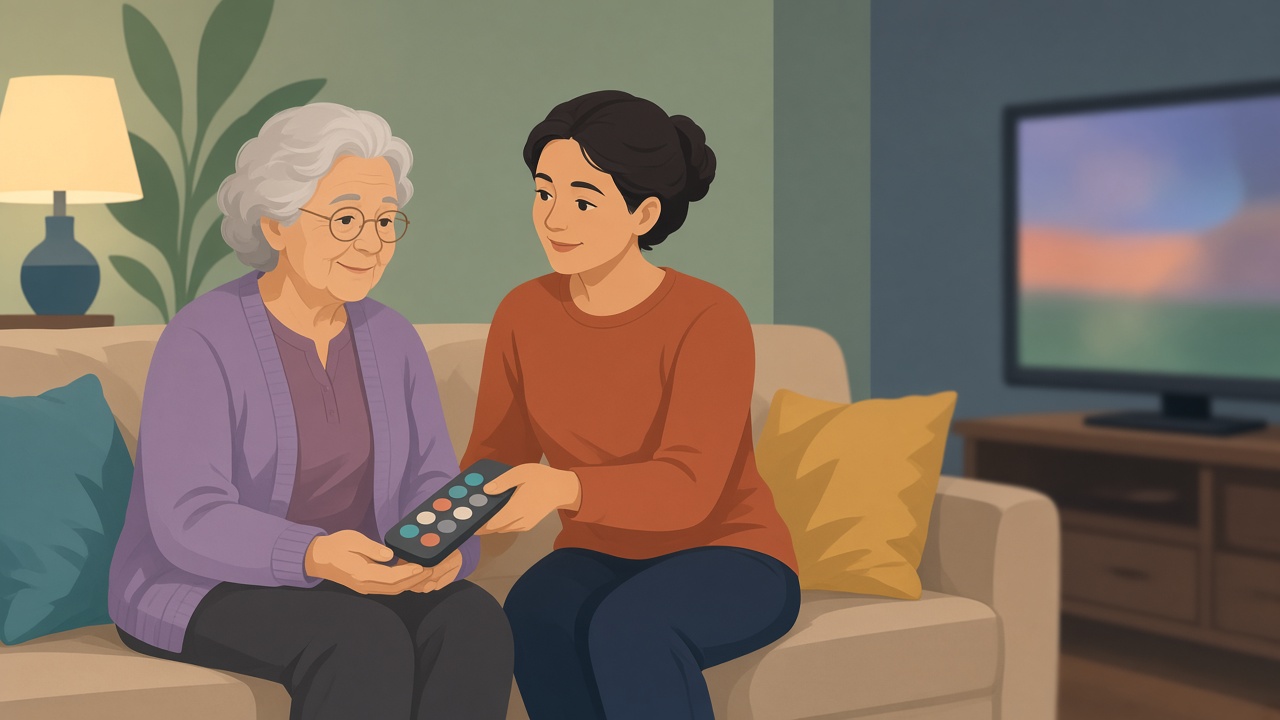
- Big-button universal remotes sold for older users, such as the Flipper Big Button universal remote, cut the remote down to power, volume and channel. Some "learning" models copy codes from the original remote, so keep that remote at hand during setup.
- On an Android tablet, a simplified home screen launcher replaces the standard layout with large buttons and large text, and can hide every app except the ones the person uses.
- Caregiver devices such as JubileeTV's remote TV system let a family member change the channel, fix the TV or start a video call from their own phone. JubileeTV says it cannot control apps built into smart TVs, so streaming needs a separate device like a Roku, Apple TV or Fire TV stick.
Before buying a streaming stick, check what the TV already has. Many sets come with free channels built into Samsung and LG TVs, and LG's list of free channels is extensive. If you do need a stick, our guide to free apps for Fire TV sticks covers what to install first.
Setting it up for a parent: a short plan
A family helper can set this up in an afternoon.
- Turn on the TV and look at what is already built in. Samsung TVs include Samsung TV Plus, LG TVs have their own free channel list, and Roku TVs include The Roku Channel.
- Connect a digital antenna and run the TV's channel scan, so local news is always one button away.
- Pick one or two free apps and remove or hide the rest. Fewer icons means fewer wrong turns.
- Move the chosen apps to the first spots on the home screen, and save favorite channels inside each app where it allows.
- If the household uses an Apple TV, start with the free apps worth adding on Apple TV and keep the home row short.
- Write down one way back to live TV (for example, Press Home, then the first icon) on a card next to the remote.
- Pair the setup with a big-button remote, or a caregiver device if you live far away and expect to troubleshoot.
What to watch: classic shows, music and calm background TV
Several genres on free live TV are ones many older viewers already like. Our page on where classic sitcoms stream free lists services running old sitcoms, westerns and game shows around the clock. Music video and concert channels have returned on free apps, and the guide to free music channels on TV covers where to find them. For a quiet room, calm background TV channels covers slow-moving options like fireplace loops and aquarium streams, and nature fans can go to our roundup of free nature documentaries and science TV.
Where Vidiyo fits
Vidiyo is our product, so weigh this section with that in mind. Vidiyo is a free service of live TV channels run by independent creators, and it plays in a web browser at vidiyo.com with no sign-up and nothing to install. The lineup includes classic film channels such as Frontier Cinema, which runs old westerns from the 1930s, plus history, cartoon, news and music channels. It is not a licensed library of studio movies or network shows, so for those the services in the table above are the better answer.
The TV guide plays the current channel while you browse, and the arrow keys change channels the way a cable box does, which is easy for someone used to channel surfing. Vidiyo apps are available on iPhone and iPad, Android, Roku and Apple TV. Apps for Fire TV and Android TV are coming soon, as are apps for Samsung, LG and Vizio, but none of those are out yet. To try it, see how to watch free TV on Vidiyo, or open vidiyo.com in a browser and pick a channel.
Watch free live TV now
Creator channels stream 24/7 in your browser. Free to watch. No credit card.