Vidiyo
Free TV on Samsung and LG Smart TVs: What's Already Built In and What to Add
Free TV on Samsung and LG smart TVs is built in: Samsung TV Plus and LG Channels are preinstalled. What they carry, what to add, and when a stick wins.

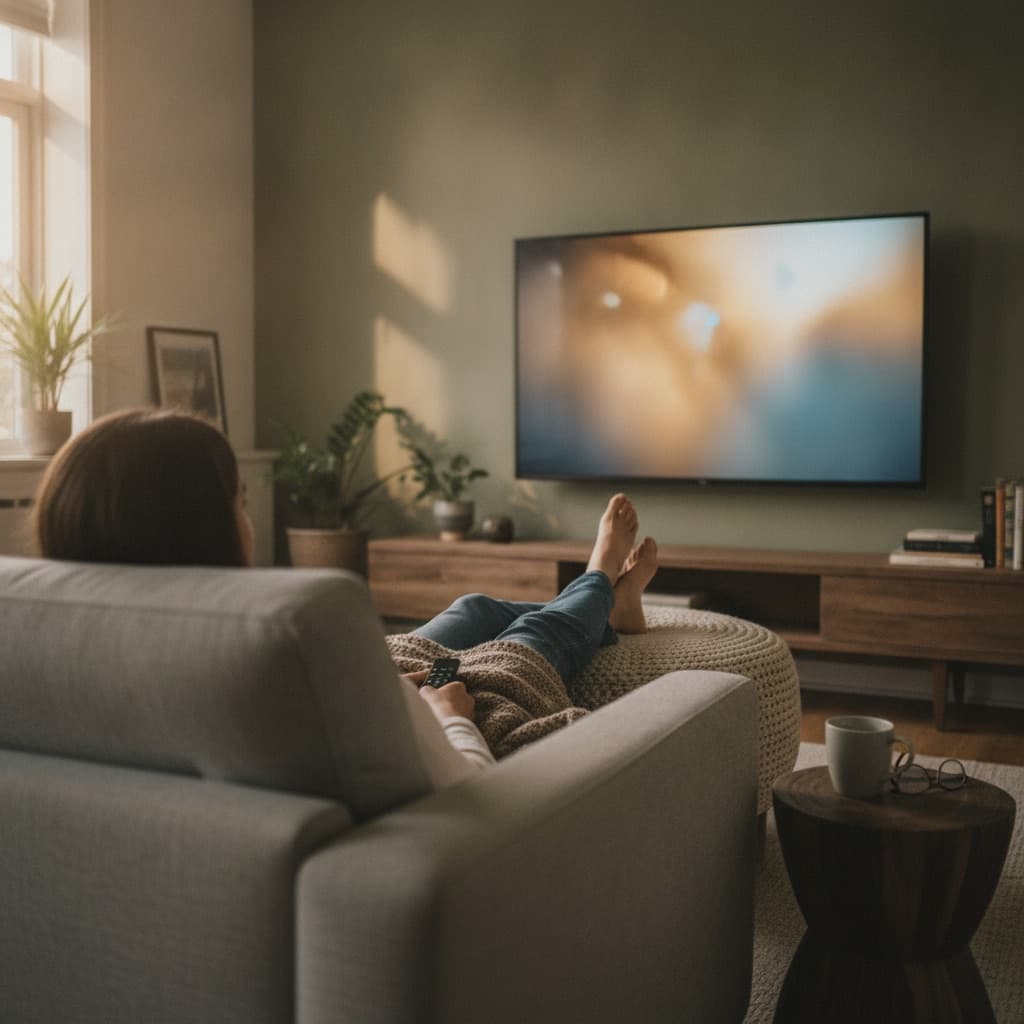
If you own a Samsung or LG smart TV, free live TV is already installed. Samsung TVs ship with Samsung TV Plus and LG TVs ship with LG Channels, each carrying hundreds of free, ad-supported live channels plus on-demand titles. No download, no subscription, no credit card. Press home, find the built-in TV app, and you are channel-surfing in seconds.
Most owners never open these apps, which is a shame, because they have quietly become some of the biggest free TV services in the world. The remote you already hold is the whole setup. Here is what they carry, what to add next, and the honest cases where a $25 streaming stick beats the TV's own software.
What is already on your TV: Samsung TV Plus and LG Channels
Samsung TV Plus comes preinstalled on Samsung smart TVs (and Galaxy phones). It offers hundreds of free live channels spanning news, movies, classic TV series, game shows, kids' programming, music, and niche genres. A growing free on-demand library sits alongside the channels. It is genuinely popular, too. Samsung reports more than 100 million monthly active users entering 2026, with watch hours up 25% year over year.
LG Channels is the LG equivalent on webOS TVs. It brings its own lineup of hundreds of free live channels across the same broad categories. Everything sits in a familiar grid guide, so surfing feels like the cable habit you may have kept.
Both work the same way: advertising pays for the programming, so you watch free with ad breaks. Expect roughly 4 to 8 minutes of ads per hour on free streaming channels, versus cable's 12 to 16. Both also live one input away, with nothing to buy and no setup before you start surfing.
Other TV brands have their own versions of the same idea. Vizio sets ship with WatchFree+, and Roku TVs and Fire TV sets build The Roku Channel and Fire TV Channels into the interface. Whatever brand sits in your living room, the pattern holds: the manufacturer preloads a free, ad-supported channel lineup and hopes you find it. Finding it is the whole trick.
One caveat to keep expectations honest: lineups rotate. Channels come and go as licensing deals change, so your favorite channel today may be renumbered or gone next quarter. The category numbers are tracked in our statistics hub.
What should I add beyond the built-in channels?
The built-in services are a floor, not a ceiling. Both Samsung and LG TVs have app stores, and the best free apps are all there.
- Tubi for the deepest free on-demand movie library, with more than 100 million monthly active users.
- Pluto TV for another few hundred live channels in a cable-style grid.
- Plex for a second free movie library, plus media-server duty.
- YouTube for the biggest video catalog on Earth, which plays very differently on a 65-inch screen.
There is a fourth path most people forget: the TV's web browser. Both Samsung and LG TVs ship one, and some free services play directly in it. Vidiyo, for example, streams its creator-run live channels in a plain browser with no account or credit card. That means you can watch in the browser without installing anything. The same trick works on any laptop plugged into an HDMI port.
For a service-by-service comparison, see the best free streaming services, and for the full no-subscription playbook, start with watch free live TV online.
When does a streaming stick beat the built-in smart TV?
Sometimes the TV's own software is the weak link. A Roku, Fire TV, or Google TV stick costs about $25 to $50 and takes over one HDMI input. Here is when that purchase makes sense:
- Your TV is slow. TV makers put modest chips in most sets. If menus stutter and apps take ten seconds to open, a stick with current hardware feels like a new TV for $30.
- Your TV stopped getting updates. Smart TV platforms typically see a few years of software support, while the panel lasts a decade. When apps start disappearing or refusing to update, a stick restores the full catalog.
- An app you want is missing. App stores differ by TV brand and model year. Sticks from Roku and Amazon carry the widest selections, including free Roku channel apps and free Fire TV apps.
- You want one interface everywhere. A household with mixed TV brands can put the same stick on every set, so every remote and menu works identically.
When should you skip the stick? If your TV is recent, feels responsive, and has the apps you use, the built-in platform is fine. Do not buy hardware to solve a problem you do not have.
A middle path exists too. Keep the built-in platform for its preinstalled free service, and add a stick only to the TV that frustrates you most. Households rarely need to standardize everything on day one, and the stick can always move between TVs later since it travels in a pocket.
Watch on Vidiyo and elsewhere
- Browse live channels on Vidiyo in your browser, free.
- See the full channel directory.
- Check the live TV guide for what is on now.
- Samsung TV Plus: www.samsung.com
- LG Channels: www.lg.com
Quick answers
Is Samsung TV Plus really free? Yes. It is ad-supported and preinstalled, without any subscription, trial, or payment step. The same is true of LG Channels.
Why did a channel I liked disappear? Licensing. Free-TV lineups rotate as deals change, on every service, not only Samsung and LG.
Can I get local broadcast stations on a smart TV? Not from the built-in streaming apps. Plug an antenna into the TV's tuner for live locals, the standard move in watching TV without cable.
Do these apps track what I watch? Free services measure viewing to run ads, and smart TVs add ACR tracking you can switch off in settings. The details, and how to limit them, are in are free streaming services safe.
Start watching
Tonight's homework takes ninety seconds: press home on your remote, open Samsung TV Plus or LG Channels, and surf. Then decide what to add.
- Watch Vidiyo's free live channels in your TV or laptop browser, no install needed
- Open the program guide to see what is live right now
- Compare the best free streaming services before filling your app row
- Ready to drop the cable bill entirely? Follow the cord cutting guide
Watch free live TV now
Creator channels stream 24/7 in your browser. Free to watch. No credit card.