 Vidiyo
Channel Scheduling for 24/7 Playout
How to build and maintain a 24/7 FAST channel schedule: the difference between a programming grid and a playout schedule, scheduling strategies, handling gaps, and what happens when content runs short.

Running a 24/7 streaming channel means your schedule has to work around the clock, every day, without gaps. This is fundamentally different from a YouTube channel where you upload when you have content and viewers come back when they feel like it.
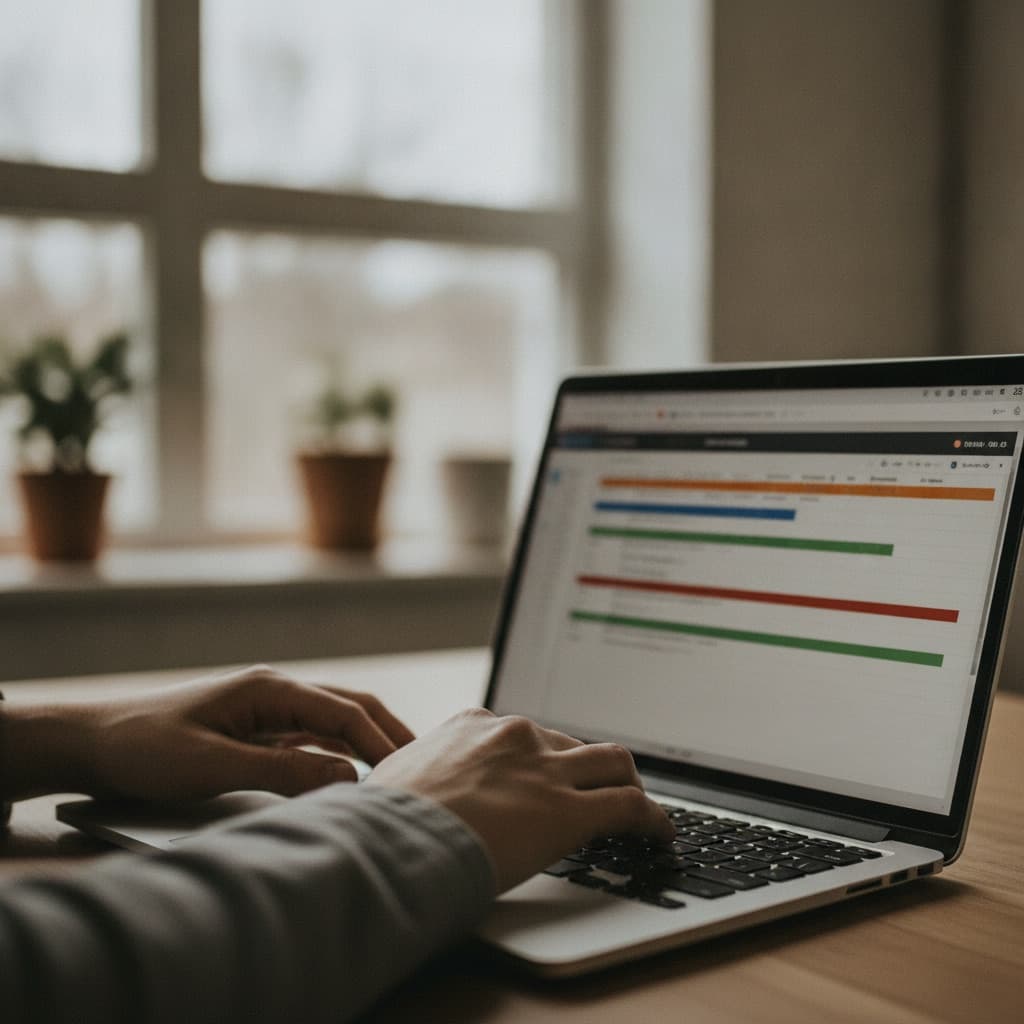
This guide explains how 24/7 FAST channel scheduling works in practice: the concepts, the strategies, and the mechanics of keeping a channel on air continuously.
Programming grid vs. playout schedule
These terms are often used interchangeably but they mean different things:
Programming grid: The human-readable schedule. "Monday 8pm: New Episode of X, 9pm: Repeat of Y". This is what you edit in your scheduling tool, what appears in your EPG, and what viewers see in the guide.
Playout schedule: The technical instruction set your playout engine reads: the exact sequence of content items, their start times, and their durations, compiled from the programming grid. The playout engine reads this and serves the correct HLS segment at every moment.
When you edit the programming grid (drag a show, delete a slot), the playout engine's schedule updates automatically. From your perspective as an operator, you work in the programming grid. The playout side is handled by the platform.
The gap problem
A FAST channel must play something at every second. There can be no dead air. This creates the "gap problem": what happens between your explicitly scheduled content?

Gaps occur because:
- You scheduled a 52-minute show in a 60-minute slot (8-minute gap at the end)
- A show ends early (live events, variable-length content)
- You simply haven't scheduled anything for overnight hours
How gaps are filled:
-
Filler content. Designate content as "filler". It loops and fills any gap that isn't covered by scheduled programming. Classic choices: themed music videos, ambient/nature video loops, "coming up next" interstitials.
-
Auto-scheduler. Good platforms offer auto-scheduling that automatically fills unscheduled slots based on your content library and configured rules (no back-to-back episodes, no repeating the same title within X hours).
-
Looping. The simplest option: loop the entire content library continuously. Works best for single-series channels where looping is expected (e.g. a channel of one TV show).
On Vidiyo, the auto-scheduler fills gaps automatically. You can lock time slots (a primetime premiere, a sports event) and let the scheduler handle the rest.
Scheduling strategies by channel type
Single-series channel
A channel dedicated to one show or catalog (e.g., "The Bob Ross Channel", "Classic Game Show Channel").
Strategy: Loop the entire library. Pin new episodes or highest-rated episodes to primetime. Set the scheduler to avoid playing the same episode twice in the same 24-hour window.
Minimum content needed: 8-12 hours before the loop gets repetitive. 24-48 hours for a comfortable viewing experience.
Themed/genre channel
A channel organized around a genre (cooking, horror, true crime) with multiple series or creators.
Strategy: Create "programming blocks": cooking in the morning, new episodes in primetime, repeats overnight. The genre theme holds the channel together even with mixed content.
Minimum content needed: 48-72 hours to avoid noticeable loops within a single day.
News channel
Continuous programming with time-sensitive content. Requires a different approach. You schedule specific segments and shows, and fill with loops of recent segments.
Consideration: News content ages quickly. Plan for high content turnover.
Sports channel
Live events are the product. Non-live hours can be filled with replays, highlights, and analysis shows.
Consideration: Live rights are separate from VOD rights. A 90-minute match might have 5-minute highlight VOD rights but not live broadcast rights. Check your rights carefully.
Primetime strategy
Even for a FAST channel, primetime programming strategy matters. Here's why:
- Ad CPMs peak 8-11 PM across all US TV. More advertisers compete for evening inventory.
- Viewer habit. Most TV viewing happens in the evening. Your best content in primetime gets watched most.
- EPG visibility. TV platform EPG guides show what's "on now." Having a compelling primetime slot increases discoverability.
Practical primetime scheduling:
- Lock your best/newest content to 8-10 PM weekdays and 7-11 PM weekends
- Premiere new episodes (if you have them) in primetime
- Use high-engagement content (sports, premieres, standout episodes) in the 8-10 PM window
- Fill 11 PM onward with repeats and filler. Viewership drops and CPMs follow
Managing episode premieres vs. repeats
A show becomes less valuable once it's aired. Viewers who catch a premiere don't need to watch it again immediately. For FAST scheduling:
- Premiere window: 8-48 hours where a new episode runs in primetime
- Repeat window: 2-7 days where it fills other slots
- Archive window: Pushed to overnight or weekend filler after initial repeat cycle
This rotation cycle makes the channel feel alive. There's always something "new" for someone tuning in for the first time.
Content runtime math
FAST channel scheduling requires careful math around content runtimes. Shows don't fit evenly into hour-long slots.
A 52-minute episode in a 60-minute slot leaves an 8-minute gap. That gap needs to be filled with something: a promo, an interstitial, filler content, or an ad bumper.
Practical tips:
- Keep a library of 30-second, 1-minute, 2-minute, and 5-minute filler clips (promos, bumpers, interstitials) for gap-filling
- Group short-form content into blocks (e.g., "5 cooking tips back-to-back" filling a 25-minute gap)
- Let your scheduler handle sub-minute gap filling automatically
- Avoid scheduling a 53-minute show in a 50-minute slot. Content gets cut off
What happens when a channel runs out of content
If your content library is exhausted and you haven't configured proper filler or looping, the playout engine's behavior depends on the platform:
- Some platforms loop the last available content
- Some show a static frame or silence
- Some show an error
None of these are good for viewers. The correct approach: always have at least a default filler loop that can run indefinitely, and configure your auto-scheduler to use it when nothing else is available.
On Vidiyo, if a gap isn't filled by your schedule or auto-scheduler, a default loop runs silently. You'll see these gaps in your analytics. They're a signal to add more content or adjust your scheduling rules.
Scheduling for timezone coverage
Your viewers are in multiple time zones. A "primetime" strategy targeted at US Eastern means:
- 8 PM ET = 5 PM PT (still afternoon)
- 8 PM ET = 1 AM GMT (middle of the night in UK)
For a primarily US audience: scheduling for US Eastern time captures the largest audience. Pacific viewers are slightly disadvantaged; it's the normal US broadcast convention.
For a global audience: consider running your "primetime" block twice, once for the US, once for Europe, by repeating it 6-8 hours later.
Operator takeaway
Treat this page as a working checklist, not a one-time read. Revisit it when you change schedule density, ad load, distribution targets, or source quality. Small weekly improvements compound faster than a single big relaunch. If you need a free place to run the channel while you learn, start creating on Vidiyo.
What's next
Ready to launch your TV channel?
Vidiyo handles streaming, ads in the stream, the TV guide, and apps on every screen so you can focus on programming.