Vidiyo
Upload what you already make. Vidiyo schedules it, streams it 24/7, and puts it on Roku, Fire TV, Apple TV, web, and mobile. You keep 60% to 90% of ad revenue.
Upload once. Post it to the Feed, use it in a live show, or schedule it on your channel. Vidiyo transcodes every upload for phones and TVs.
Post short vertical clips. Viewers find them in a personalized feed, then like, comment, follow, and remix them.
Upload video from Veo, Sora, Grok, InVideo, or your camera. Or generate vertical video from a prompt with partner Wavemaker, paid with Create Credits. AI content is labeled.
Stream from your phone or desktop with live chat, reactions, and gifts. Viewers watching on a TV can join the chat from their phone.
Put your library on a weekly schedule, or let auto-fill build it. The channel plays around the clock on Roku, Fire TV, Apple TV, and the web, with a TV guide.
Three steps in Studio, from your first upload to a channel viewers can tune into.
Post clips, go live, and program a 24/7 channel from Studio. Earn from ads, gifts, series, and shopping.
Scroll the Feed, join a live stream, or watch a 24/7 channel on your TV. Free with ads, no subscription.
Guides, SIGNAL analysis, and free planning tools for channel operators.
 GuideHow to Start a FAST Channel
How to start a FAST channel: pick a free platform, clear rights, upload content, schedule 24/7, and go live on Roku, Fire TV, Apple TV, and the web.
Read the guide → GuideFAST Channel Statistics 2026: Market Size, Viewership, and Growth
Verified FAST channel statistics for 2026: market revenue, Nielsen viewership share, channel counts, ad impressions, and cord-cutting data. Every figure is sourced.
Read the guide → CompareAmagi Alternatives: FAST Platforms by Budget
Compare Amagi alternatives by budget: free self-serve, mid-market, and enterprise FAST options when Amagi pricing is too high for your first channel.
Compare platforms →Yes. Watching, posting clips, going live, and running a 24/7 channel cost nothing. AI generation is the one paid option, and it uses prepaid Create Credits.
Both. Post vertical clips to the Feed, go live from your phone, and schedule your library as a 24/7 channel on the TV apps. One upload can serve all three.
Upload video you made in Veo, Sora, Grok, InVideo, or any other tool. Or generate vertical video from a prompt inside Studio through partner Wavemaker, paid with Create Credits. AI-generated content is labeled.
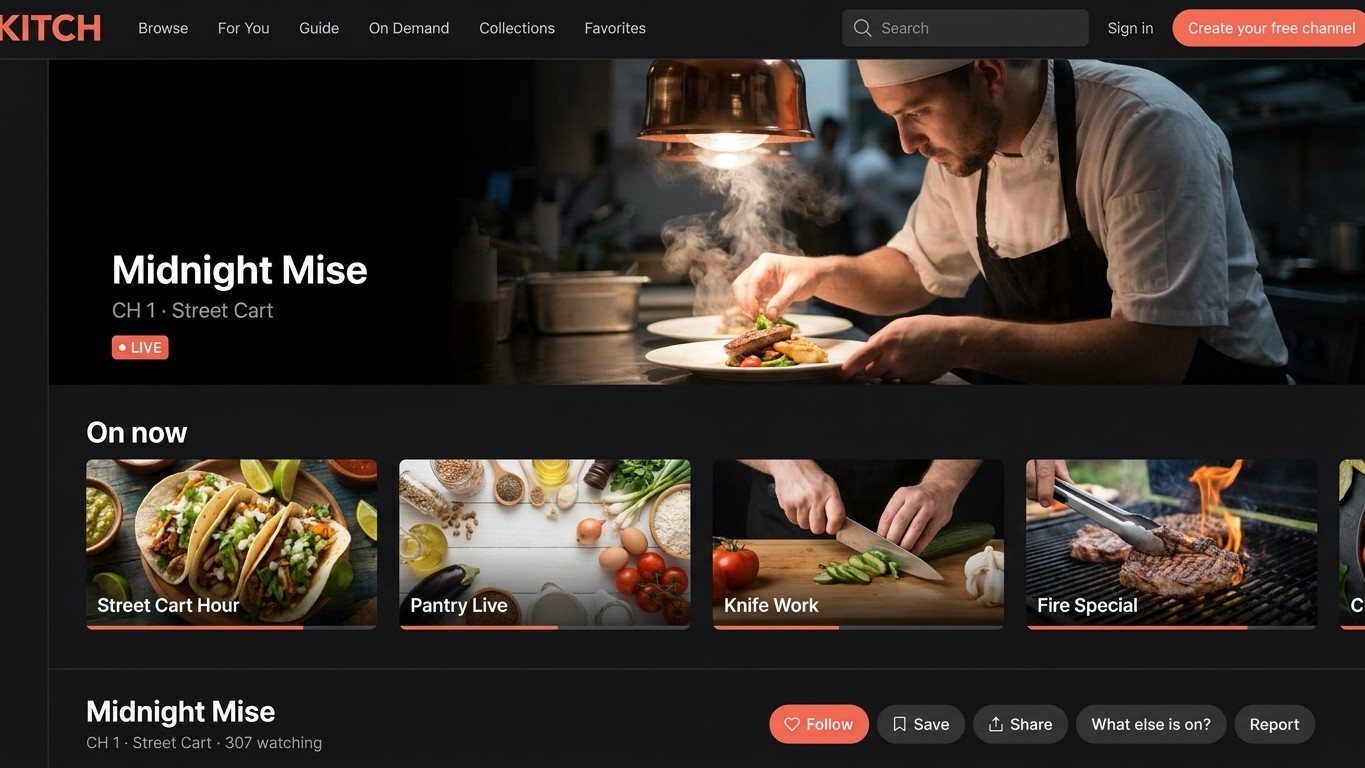
Every tile is a channel someone started for free. Take a spot in the grid: post a clip, go live, or program a week of TV.
Upload from your camera or any editing tool, import from YouTube, or generate clips with AI in Studio. Each upload is transcoded into every quality level for phones and TVs.
Post a clip to the Feed, go live from your phone, or place videos on a weekly channel schedule. The same video can do all three.
Viewers find you in the Feed and in the TV guide on every app. Turn on ad revenue, gifts, paid episodes, or shoppable tags from Studio.
Creators keep 60% to 90% of ad revenue by tier. Add tips, paid episodes, and product tags from Studio.
Ads run on your clips, live streams, and channel. You keep 60% to 90% of ad revenue by tier. Viewers watch free.
Viewers send tips and gifts during a live stream. Each one appears on screen and is added to your payout.
Group episodes into a series. Set a price per episode or sell a season pass.
Tag products on clips and live streams. Viewers open the link on their phone and check out.
Publish once in Studio. Your clips, live streams, and channel appear in the Vidiyo apps on every platform, with a TV guide and on demand. Distribution is free.
Put your logo, colors, and domain on a site that shows only your channels. Optional store apps follow. You keep producing in Vidiyo Studio.
Plan your channel with the same numbers operators use: projected ad revenue, ad break timing, and a launch checklist.
Yes. Live streams have chat, reactions, and gifts. Viewers watching on a TV can join the chat from their phone.
An ad revenue share of 60% to 90% by tier, tips and gifts on live streams, paid episode unlocks and season passes on series, and shoppable product tags. Turn each on from Studio.
In the Vidiyo Feed and in the Vidiyo apps for Roku, Fire TV, Apple TV, Android TV, iOS, and Android, plus vidiyo.com/watch. You publish once in Studio.
Yes. Your brand puts your logo, colors, and domain on a website that shows only your channels, with optional store apps. You keep producing in Studio. Ask support to turn it on.