# Vidiyo: full content
> Vidiyo is a free, open video platform that brings together a vertical short-form feed, AI-assisted creation, live streaming, and your own 24/7 TV channel. Anyone can post clips, go live, or run a channel. Free for creators and viewers, on Roku, Fire TV, Apple TV, web, iOS, and Android.
Vidiyo lets creators reach an audience however they make video: post vertical short-form clips to a personalized Feed, upload from any tool (or generate video in Studio with AI partners such as Wavemaker, paid with Create Credits), go live from a phone with real-time chat, reactions, and gifts, and program a 24/7 linear TV channel. The platform handles transcoding, HLS/LL-HLS playout, EPG generation, server-side ad insertion (SSAI), cross-platform distribution, and audience analytics. AI-generated content is labeled for transparency. Creators earn from ad revenue, tips and gifts, paid series/episode unlocks, and shoppable products, and can export their content and audience at any time.
Site: https://vidiyo.com
========================================================================
## Guides
========================================================================
# Free Christmas Movies Streaming: Where to Watch Holiday Films Legally
URL: https://vidiyo.com/learn/free-christmas-movies-streaming
Published: 2026-11-11
Updated: 2026-11-11
Where to watch Christmas movies free in 2026: Tubi, Pluto TV, The Roku Channel, Plex, and live holiday TV channels, plus what to expect from ad-supported holiday streaming.
You can watch Christmas movies free and legally on Tubi, Pluto TV, The Roku Channel, Samsung TV Plus, Plex, and several live holiday TV channels. All are ad-supported. None require a credit card on most devices. Holiday catalogs start filling in early November and peak from Thanksgiving through New Year's.

This guide maps where to find free holiday films, what the viewing experience feels like, and how live Christmas channels differ from on-demand browsing.
---
## Where can you stream Christmas movies free?
These services carry the deepest free holiday libraries in the US. Lineups rotate and vary by country, so search each app before you plan a movie night.
| Service | Holiday strength | Where it works |
| --- | --- | --- |
| Tubi | Large on-demand Christmas shelf, originals and classics | Web, mobile, most TV platforms |
| Pluto TV | 24/7 Christmas movie and music channels | Web, mobile, most TV platforms |
| The Roku Channel | Holiday hubs plus live Christmas channels | Roku devices, web, mobile |
| Samsung TV Plus | Live holiday channels on Samsung TVs | Samsung TVs, Galaxy devices, web |
| Plex | Rotating free holiday movies and live channels | Web, mobile, TV apps |
| Vidiyo | Independent creator-run channels, free in the browser | Web, plus Roku, Fire TV, Apple TV, iOS, Android |
Tubi, Pluto TV, and The Roku Channel are the three names to check first. They invest heavily in seasonal rows from mid-November onward. For how free live TV works across platforms, read [watch free live TV online](/learn/watch-free-live-tv-online).
You will not find every cable-network original on free services. Lifetime-style made-for-TV movies appear on some free shelves, but exclusives locked inside paid apps stay there. Free holiday streaming is built on licensed back catalog, syndicated TV movies, and platform originals.
---
## What is free Christmas streaming actually like?
**Ads, not subscriptions.** Expect a pre-roll and a few mid-roll breaks per hour. Free streaming TV typically runs lighter ad loads than cable. Market context with sourced numbers is in our [free TV statistics hub](/learn/fast-industry-statistics).

**No account on several apps.** Tubi and Pluto TV let you watch without signing in. An account adds watch history and resume.
**Quality is real.** Streams run in HD on most titles. Free does not mean low-resolution uploads.
**Rotation is constant.** A film available on November 15 may leave by January. If a specific title matters, search each service the week you plan to watch.
**Safety rule.** Services preinstalled on major TV brands or listed here are legal. Sites promising every holiday movie ever made with no ads are pirate sites.
---
## Live Christmas TV channels vs on-demand
On-demand is best when you know the title. Live holiday channels are best when you want TV to pick for you.
Pluto TV runs dedicated Christmas movie channels that loop seasonal films around the clock. The Roku Channel and Samsung TV Plus add pop-up holiday channels in November and December. The experience mirrors old cable marathons: you tune in, land mid-film, and stay.
Live channels also solve holiday decision fatigue. Browsing a 400-title grid kills the mood. A channel already playing snow and piano scores sets it. For background viewing during cooking or decorating, live holiday TV beats scrolling.
The broader shift toward free ad-supported television is explained in [what FAST TV is](/learn/what-is-fast-tv). For viewers, the practical takeaway is simple: an entire tier of holiday programming now costs nothing.
---
## When does the free holiday season start?
Catalogs begin expanding in early November. The biggest push lands the week of Thanksgiving, when families start steady evening viewing. Peak promotion runs through December 25, with New Year's themed rows often staying up through early January.
If you only check once, check the long Thanksgiving weekend. Every major free service promotes holiday hubs that week.
---
## Where Vidiyo fits
Vidiyo is a free platform for independent, creator-run TV channels. It does not license studio holiday movie catalogs like Tubi.
What it offers is different: creators running seasonal countdown shows, holiday craft and baking channels, vintage clip marathons, and whatever else independent programmers build for December. Everything plays free in your browser with no account. [Browse live channels](/watch) or check the [program guide](/guide) to see what is on.
---
## Quick answers
**Where can I watch Christmas movies free right now?**
Tubi has the deepest on-demand holiday shelf and needs no account. Pluto TV is fastest if you want a Christmas channel playing immediately. Both are free with ads.
**Is free Christmas movie streaming legal?**
Yes, on the named services. They license films and pay rights holders through ad revenue. Random sites streaming current theatrical releases free are pirating.
**Do I need a subscription anywhere?**
No. These are ad-supported free tiers. Legitimate services never ask for a credit card to watch free holiday movies.
**When is the best week to start?**
Thanksgiving week. Catalogs are fully stocked and every major service promotes holiday hubs.
---
## Start watching
Holiday movies are one corner of free TV. Keep going:
- [Browse free live channels on Vidiyo](/watch), no account needed
- [The best free streaming services, compared](/learn/best-free-streaming-services)
- [Watch free movies online legally](/learn/watch-free-movies-online-legally)
- [Free classic TV shows streaming](/learn/free-classic-tv-shows)
# YouTube share of TV viewing: what the Nielsen number means for creators
URL: https://vidiyo.com/learn/youtube-share-of-tv-viewing
Published: 2026-11-10
YouTube took 15.8% of US TV time in August 2026, per Nielsen's Gauge. What that share measures, how it grew, and what it changes for creators on TV.
YouTube's share of TV viewing reached 15.8% of all US TV watch time in August 2026, according to [Nielsen's August 2026 Gauge reports](https://www.nielsen.com/news-center/2026/tv-viewing-cools-off-in-nielsens-august-gauge-reports-as-sports-take-a-breather-and-school-resumes/). That share is larger than any other media company's, Disney included. For creators, it means a large part of their audience already watches YouTube videos on a living room TV.
## What is YouTube's share of TV viewing right now?
The latest reading is Nielsen's Media Distributor Gauge for August 2026, released October 22, 2026. It puts YouTube at 15.8% of US TV watch time. Nielsen ranks distributors in that report, and YouTube held first place.
The rest of the top six in the same August report:
| Rank | Media distributor | Share of US TV time, August 2026 |
|---|---|---|
| 1 | YouTube | 15.8% |
| 2 | Disney | 9.3% |
| 3 | Netflix | 7.7% |
| 4 | NBCU+Versant | just under 7.7% (0.03 points behind Netflix) |
| 5 | Paramount | 6.8% |
| 6 | FOX | 5.6% |
Nielsen's August report gives YouTube 15.8% and Disney 9.3%, so YouTube led the second-place company by 6.5 share points. Nielsen also put streaming as a whole at 49.6% of TV time that month.
August was a quiet month for TV overall. Nielsen reported a 4.4% drop in total TV usage after the FIFA World Cup 2026 ended in July and the school year started. Streaming and cable still gained share in that month, because their viewing fell less than the total did.
## What the Gauge counts, and what it leaves out
The Gauge is Nielsen's monthly report on how US audiences split their TV time between broadcast, cable, streaming and other sources. The Media Distributor Gauge, which Nielsen added in April 2024, groups the same viewing by the company behind it. YouTube's 15.8% comes from the distributor report. If you need the surrounding vocabulary (CTV, AVOD, linear), see our list of [streaming TV terms defined](https://vidiyo.com/learn/fast-tv-glossary).
Four details shape what the number means:
- It covers TV screens only. Nielsen describes The Gauge as [a snapshot of viewing through a television screen](https://www.nielsen.com/news-center/2025/the-gauge-streaming-peaks-again-drawing-from-successful-multiplatform-strategies/). YouTube watched on phones, tablets and laptops is outside it.
- It comes from panels. According to [Nielsen's Gauge methodology notes](https://www.nielsen.com/data-center/the-gauge/), streaming data comes from Streaming Meter-enabled homes inside Nielsen's National TV panel. Each month's linear viewing is Live+7, meaning live viewing plus up to seven days of delayed viewing.
- It counts all viewing, ads or not. Nielsen states in its [May 2026 Gauge release](https://www.nielsen.com/news-center/2026/streaming-embarks-on-annual-summer-ascent-in-nielsens-may-2026-gauge-reports/) that The Gauge and the Media Distributor Gauge include ad-supported and non-ad-supported viewing. Nielsen's currency ratings, used to sell advertising, are a separate product.
- It measures the YouTube platform. The share is YouTube videos played on TV sets. YouTube TV, Google's paid live TV subscription, is a different product.
The first point matters for creators: your TV audience is part of your audience, and every phone view sits outside this Nielsen figure.
## How YouTube's TV share has grown since 2025
Nielsen's monthly Gauge releases show YouTube's share climbing, with each report noting a new high. Our [FAST industry statistics hub](https://vidiyo.com/learn/fast-industry-statistics) collects these and other sourced viewing figures in one place.
| Month | YouTube share of US TV time | Streaming share of US TV time | Nielsen release |
|---|---|---|---|
| April 2025 | 12.4% (a platform high at the time) | 44.3% | [Nielsen, April 2025 Gauge](https://www.nielsen.com/news-center/2025/the-gauge-streaming-peaks-again-drawing-from-successful-multiplatform-strategies/) |
| May 2026 | 13.8% | 48.6% | [Nielsen, May 2026 Gauge](https://www.nielsen.com/news-center/2026/streaming-embarks-on-annual-summer-ascent-in-nielsens-may-2026-gauge-reports/) |
| August 2026 | 15.8% | 49.6% | [Nielsen, August 2026 Gauge](https://www.nielsen.com/news-center/2026/tv-viewing-cools-off-in-nielsens-august-gauge-reports-as-sports-take-a-breather-and-school-resumes/) |
From April 2025 to August 2026, YouTube's share rose by 3.4 points (15.8 minus 12.4). Streaming's share rose by 5.3 points over the same span (49.6 minus 44.3). In April 2025, Nielsen also noted that YouTube had added 2.8 points since April 2024.
Monthly readings move with the calendar. Big live events pull viewers to broadcast, and summer and school breaks shift streaming time. A single month is a snapshot; the trend across several months is more informative.
## Why the share keeps rising: viewing is moving to the TV set
Part of YouTube's growth on Nielsen's TV-only measure comes from people watching more of YouTube on the TV itself. Digital i, a UK analytics firm, released [The YouTube Era: 2025 in Review](https://digital-i.com/news-articles/press-release-youtube-overtakes-netflix-for-average-daily-viewing-time-while-netflix-channel-achieves-widest-reach-of-2025) on June 3, 2026. It covers 20 international markets. Digital i found TV's share of YouTube viewing time rose from 28% in January 2024 to 35% in December 2025. Over the same period, mobile's share fell from 35% to 31%.

This is Digital i's own measurement, a separate study from Nielsen with a different method and a global scope, so the two sets of figures should not be combined. Both point the same way, though: more YouTube watching now happens on the biggest screen in the house. Digital i also reported that average daily YouTube use per account rose from 87.2 minutes in 2024 to 99.1 minutes in 2025.
TV viewing is lean-back viewing. The set is often shared, the session runs longer, and the remote does less work than a thumb on a phone. Some of that time looks a lot like the [channels people leave on in the background](https://vidiyo.com/learn/background-tv-channels): something playing while the household cooks, works or talks.
## What the number means for creators
A 15.8% share of US TV time is a measure of audience, and creators should read it that way. The people who watch your videos increasingly do it from a sofa, at a distance, sometimes with family in the room. That changes a few practical choices:

- Picture and sound on a large screen. Captions, readable on-screen text and clean audio hold up at couch distance.
- Length and flow. A library of longer videos, or videos that play well back to back, suits viewers who keep one video running into the next.
- Format. Short vertical clips can play on TVs too, though they need framing choices. Our guide to [vertical video on TV screens](https://vidiyo.com/learn/vertical-video-on-tv) covers microdramas and how short clips get programmed for TV.
How your work reaches the TV viewer differs by format. On YouTube, the viewer picks each video. Traditional TV works the other way: a channel runs a schedule, and the viewer tunes in to whatever is on. If you want to understand that model, our explainer on [how linear TV scheduling works](https://vidiyo.com/learn/what-is-linear-tv) covers why scheduled channels outlasted cable. A continuous channel suits the kind of always-on, shared-screen viewing the Nielsen and Digital i numbers describe.
None of this replaces YouTube. A creator whose audience watches on TVs can treat a scheduled channel as a second place for the same library, aimed at viewers who want something playing without choosing each video.
## Can I turn my YouTube channel into a TV channel?
Yes. A creator can program an existing video library as a FAST channel, a free ad-supported streaming TV channel that plays 24/7 on a schedule. That is a different thing from a YouTube channel page, where viewers pick individual uploads on demand. Our explainer on [what a FAST channel is](https://vidiyo.com/learn/what-is-fast-tv) covers how the model works and who runs them.
Vidiyo is our product, and it is one way to do this. Vidiyo is a FAST channel platform: creators upload files or import from YouTube, then place videos on a weekly schedule grid or let auto-fill cover the gaps, and the channel plays 24/7 from that grid. Vidiyo handles transcoding, captions for every upload, playout, the apps and ad serving. There is no application to start a channel. Creating and running a channel is free, per [Vidiyo's pricing page](https://vidiyo.com/pricing), and creators earn an ad revenue share of 60% to 90% by tier, along with live gifts, paid episodes and shoppable tags. Creators own their content and audience data and can export both at any time.
Viewers watch Vidiyo channels in any browser and in the Vidiyo apps for iPhone, Android, Roku and Apple TV. [Vidiyo's apps page](https://vidiyo.com/apps) lists Fire TV, Android TV and Google TV, Samsung, LG and Vizio as coming soon. Our help page shows [where viewers watch on TV apps](https://vidiyo.com/help/watch-on-tv-apps) today.
A Vidiyo channel plays in Vidiyo's own apps. It is not a carriage deal with Samsung TV Plus, Pluto TV, Tubi, The Roku Channel or any other third-party free streaming service, each of which runs its own partner process. If you are still deciding whether a scheduled channel is worth running next to your uploads, our comparison of [running a FAST channel versus YouTube](https://vidiyo.com/learn/fast-channel-vs-youtube) sets out the trade-offs in audience, programming and revenue.
# Netflix with ads vs free streaming: cost, ads and catalog compared
URL: https://vidiyo.com/learn/netflix-with-ads-vs-free-streaming
Published: 2026-11-05
Netflix with ads costs $8.99 a month in the US, while Tubi, Pluto TV and The Roku Channel are free. Compare cost, ad load and catalog.
Netflix with ads vs free streaming is a trade between price and catalog. Netflix's ad plan costs [$8.99 a month](https://www.netflix.com/ads-plan) in the US and showed under 2.5 ad minutes per hour in August 2026, per [Ampere data reported by Business Insider](https://www.businessinsider.com/streaming-ad-loads-rise-streamer-price-increases-inflation-advertising-hollywood-2026-9). Tubi, Pluto TV and The Roku Channel cost nothing but lean on older libraries and scheduled channels.
Pay for Netflix originals. Free TV covers channel surfing and older shows.
## How we compared Netflix with ads and free services
We judged every option on the same four measures:
- Monthly cost
- Ad load
- Catalog
- Whether you need an account to watch
Netflix's price comes from [Variety's March 2026 price report](https://variety.com/2026/tv/news/netflix-raising-prices-second-time-in-a-year-1236700999/). Ad loads come from Ampere Analysis data published by Business Insider in September 2026. Library size comes from What's on Netflix's end-of-2025 count. Where a free service's figure isn't public, the table says to check the service.
Vidiyo is our product. We include it as a niche option for free creator-run channels. It is not ranked, and neither is anything else here. This page lays out the trade-offs so you can match them to how you watch.
## Netflix with ads vs free streaming at a glance
Here is how the main options compare as of October 2026. For a fuller list of free services, see [our picks of free streaming services](https://vidiyo.com/learn/best-free-streaming-services).
| Option | Cost | Ads | Catalog type | Account needed |
|---|---|---|---|---|
| Netflix Standard with Ads | $8.99 a month (US, since March 26, 2026) | Under 2.5 minutes per hour (August 2026) | Netflix originals plus licensed films and series | Yes, paid subscription |
| Netflix Standard | $19.99 a month (US) | None | Same library, streams on up to two devices at once | Yes, paid subscription |
| Google TV Freeplay | Free | Unskippable ads on live channels | 200+ live channels, plus on-demand films and shows | Check the service |
| The Roku Channel | Free | Ad-supported | 500+ channels, plus on-demand films and series | Check the service |
| Tubi | Free | Ad-supported | On-demand films and shows, plus live channels | Check the service |
| Pluto TV | Free | Ad-supported | Live channels, plus on-demand titles | Check the service |
| Vidiyo | Free | Ad-supported | Independent creator channels, live shows with chat, on-demand series | Not to watch |
Netflix's price matters most in the long run. At $8.99 a month, the ad plan costs about $108 over 12 months. The free services cost $0; what they hold in their libraries is what decides it.
## What Netflix with ads costs, and what it leaves out
Netflix raised its US prices in March 2026, the second increase in a little over a year. Variety reported that Standard with Ads went from $7.99 to $8.99 a month. Standard (no ads, two streams at once) went from $17.99 to $19.99. Premium (four streams, Ultra HD and HDR) went from $24.99 to $26.99.
New members paid the new prices from March 26, 2026. Existing members moved over during the following weeks. Netflix said it would email them a month before the change, timed to each billing cycle.
The ad plan is still the cheapest way into Netflix. It is $11 a month less than Standard, or $132 a year. You give up ad-free viewing, and you may give up some titles. In Netflix viewer groups, people considering a switch say they've heard the ad tier's library isn't identical. Netflix doesn't publish a list of what's missing, so check the titles you care about before you downgrade.
## How many ads does Netflix show compared with free TV?
Netflix showed less than 2.5 minutes of ads per hour in August 2026, the fewest of any major streamer Ampere Analysis tracked. That figure comes from [Ampere's ad load data, reported by Business Insider](https://www.businessinsider.com/streaming-ad-loads-rise-streamer-price-increases-inflation-advertising-hollywood-2026-9).
For context, Ampere found the streamer average was just over five minutes per hour in August, per the same Business Insider report. Paramount+ showed the most, at 9 minutes per hour, about 15% of viewing time. Disney+ and Hulu showed 7.5 to 8.5 minutes per hour.
The trend is moving in one direction. Ampere found ad minutes per hour rose 18% on top US streamers from January to August 2026. Netflix had the largest increase over that period, even though it still showed the fewest ads. Ampere changed its tracking method at the start of 2026, so comparisons with earlier years are unreliable.
Netflix viewers describe a mixed experience. Some report ads of 10 to 59 seconds, with anywhere from one to five breaks per episode. Others say a sponsored film may only show ads at the start.
Free services work differently. Their live channels run on a schedule with ad breaks you can't skip, much like cable. Ampere's analysis covered the most-watched streaming services, and the free services don't publish comparable per-hour figures. In a Cord Cutters News reader thread, some viewers said Pluto TV's on-demand titles felt heavier on ads than its rivals. That is opinion, not measurement. If ad load is your deciding factor, Netflix's ad plan is the lighter option on current data. If you mostly leave TV running in the background, scheduled breaks bother you less. Our guide to [watching free live TV online](https://vidiyo.com/learn/watch-free-live-tv-online) covers how those channels work.
## Catalog: Netflix originals vs free libraries
Netflix US had more than 7,800 titles at the end of 2025. Netflix also released 597 new originals that year, according to [What's on Netflix's 2025 library count](https://www.whats-on-netflix.com/news/netflix-library-by-the-numbers-2025-597-new-originals-released-and-library-swells-to-almost-8000-titles/). The originals are the reason most people pay. You can't watch them free anywhere legally.
Free services build their libraries differently. They license older films and series, run themed live channels and carry news. Google TV Freeplay has news channels from ABC, CBS, Fox and NBC. It also carries more than 10 foreign-language channels, including Spanish, Hindi and Japanese, plus on-demand films from studios such as A24 and Lionsgate. The Roku Channel pairs its live lineup with on-demand movies and series.
Free libraries are strongest for older material: classic sitcoms, westerns, game shows and catalog movies. If that's what you watch, browse [where classic TV shows stream free](https://vidiyo.com/learn/free-classic-tv-shows) before you pay for anything. New releases and prestige series are where free libraries fall short.
## What the 250 million figure does and does not mean
Netflix said at its May 13, 2026 upfront presentation to advertisers that its ad tier reaches more than 250 million monthly active viewers worldwide. That was up from 190 million in November 2025. Netflix also said more than 80% of those members watch every week.
The number needs a caveat. [Variety's report on the upfront](https://variety.com/2026/tv/news/netflix-claims-ad-tier-reaches-250-million-viewers-1236746219/) explains how Netflix counts. A monthly active viewer is a member who watched at least one minute of ads in a month. That count is then multiplied by Netflix's own estimate of how many people live in each household. The figure comes from Netflix's own research, not a third-party measurement firm. Variety also noted that Netflix previously counted account profiles, not people per home. The new method accounts for part of the jump.
So the 250 million figure tells you the ad tier is popular with advertisers' target audience. It doesn't tell you whether the plan is good value for you. That depends on whether you watch enough Netflix originals to justify $8.99 a month.
## When free TV is enough
Free TV covers most viewing that isn't tied to a specific new show. You can also stack several free services at no cost, which a paid plan can't match. Free TV is likely enough if you:
- Channel surf or want something on in the background while you cook or work
- Mostly watch older movies, classic sitcoms or reruns
- Want live news from the major networks
- Watch documentaries and nature programs (our list of [free documentary sources](https://vidiyo.com/learn/free-documentary-streaming) is a good start)
- Own a smart TV that already has free channels built in (see [free TV built into smart TVs](https://vidiyo.com/learn/free-tv-on-smart-tvs))
Netflix with ads is the better pick if you:
- Watch Netflix originals and want them as they come out
- Want the lightest ad load of the major paid streamers
- Prefer on-demand viewing over scheduled channels
One warning applies to anyone going free. Stick to licensed services. In our view, sites that stream new releases for free without rights are piracy and not worth the risk. Our guide on [how to spot legal free services](https://vidiyo.com/learn/are-free-streaming-services-safe) shows what to look for.
## Where Vidiyo fits
Vidiyo is a free service for creator-run TV channels and live shows with chat. Viewers can watch in any browser at vidiyo.com without signing up. Apps are available for iPhone and iPad, Android, Roku and Apple TV, per [Vidiyo's apps page](https://vidiyo.com/apps). Fire TV, Android TV, Samsung, LG and Vizio apps are listed as coming soon.
Its strength is instant, free playback of independent channels, from retro sitcoms and indie film to live shows where you can chat with the host. Watching costs nothing, per [Vidiyo's pricing page](https://vidiyo.com/pricing). Its weakness matters for this comparison: Vidiyo is not a studio library and has nothing like Netflix originals. Treat it as one more free option alongside the others above, not a Netflix replacement.
Watching in a browser works well on a computer, as our guide to [free TV on a laptop browser](https://vidiyo.com/learn/watch-free-tv-on-laptop) explains. For device setup, see [how to start watching on Vidiyo](https://vidiyo.com/help/watch-free-tv). To try it now, [pick a live channel](https://vidiyo.com/watch) or [open the TV guide](https://vidiyo.com/guide).
# Multi-Platform FAST Distribution: Roku, Samsung, LG, Fire TV, Pluto, and Vidiyo
URL: https://vidiyo.com/learn/multi-platform-fast-distribution
Published: 2026-11-04
Updated: 2026-11-04
Distribute a FAST channel across Roku, Samsung, LG, Fire TV, Pluto TV, and Vidiyo: tiers, partner requirements, and a practical rollout order.
Multi-platform FAST distribution is not one submission form. It is a stack of relationships: device OEM free tiers, aggregator apps, and your own channel presence on each screen. Roku, Amazon Fire TV, Samsung TV Plus, LG Channels, Pluto TV, and a platform like Vidiyo each reach viewers differently, ask for different assets, and move at different speeds.
This guide maps a practical rollout order, what each tier requires, and how to avoid rebuilding your channel six times for six partners. For the full landscape overview, pair it with [FAST channel distribution platforms](/learn/fast-channel-distribution-platforms).
---
## What are the three distribution tiers?
Think in tiers, not a flat checklist:
| Tier | Examples | What you get | Typical path |
| --- | --- | --- | --- |
| Aggregator app | Vidiyo on Roku, Fire TV, Apple TV, mobile, web | Immediate presence inside an existing app | Launch on a self-serve FAST platform |
| OEM built-in FAST | Samsung TV Plus, LG Channels, Vizio WatchFree+ | Placement on the TV's free input | Partner with an approved aggregator or direct OEM deal |
| Destination aggregator | Pluto TV, Tubi linear, Plex | Standalone free app with curated grid | Content partnership application |
Most independent operators start at tier one, prove watch time, then pursue tier two and three with numbers in hand. Skipping tier one because Pluto is the goal is how channels stall in pitch decks for a year.
Macro reach continues to shift toward free ad-supported streaming. Platform share and viewing hours are tracked in our [FAST industry statistics hub](/learn/fast-industry-statistics). Your pitch to OEMs lands better when you can cite real retention on tier one.
---
## Where should you launch first?
**Vidiyo (and web).** Upload, schedule, and go live on web, iOS, Android, Roku, Fire TV, and Apple TV through the Vidiyo app without building your own client. Use this stage to fix playout stability, EPG accuracy, art that reads on a TV grid, and ad break behavior.

**Roku and Fire TV via aggregator.** These are the largest US CTV platforms. Distribution through Vidiyo covers both without separate certification for a branded channel. See [how to get on Fire TV channels](/learn/how-to-get-on-fire-tv-channels) for the viewer-side app picture on Amazon hardware.
**Samsung TV Plus and LG Channels.** Built-in on millions of TVs, but selective. OEMs want stable streams, clean metadata, category fit, and proof of audience. Working through a platform with existing OEM relationships is faster than cold-applying with a day-one channel. Samsung's path is outlined in [how to get on Samsung TV Plus](/learn/how-to-get-on-samsung-tv-plus). LG follows a similar partner model in [how to get on LG Channels](/learn/how-to-get-on-lg-channels).
**Pluto TV and similar destinations.** Pluto curates a finite grid. They want library depth, category clarity, and content that fits existing rows. Read [how to get on Pluto TV](/learn/how-to-get-on-pluto-tv) before you pitch. Tubi and Plex linear slots follow comparable review cycles.
Rollout order: prove on Vidiyo, stabilize metrics, then pursue OEM and destination deals with data, not slides.
---
## What assets do partners ask for repeatedly?
Rebuild once, reuse everywhere:
**Brand package.** Channel name, logline, category, poster art, and thumbnail variants that read at a distance on a 10-foot UI. Specs vary; our [channel art guide](/learn/fast-channel-channel-art-specs) covers safe zones.
**Technical feed.** Stable HLS URL, working SSAI, correct SCTE markers, and an XMLTV EPG that matches what actually plays. Partners test both.
**Content inventory.** Episode count, average runtime, rights summary, and language. OEMs reject channels that cannot describe their library clearly.
**Analytics snapshot.** Concurrent viewers, monthly hours, average session length, and retention trend. Destination aggregators weigh this heavily.
**Compliance.** Captions where required, content rating honesty, and music clearance documentation. See [FCC captions for FAST channels](/learn/fcc-captions-fast-channel) when US regulatory context applies.
Keep a single source of truth folder. Update it when the schedule or art changes, not when a partner email arrives.
---
## How do you keep one channel from becoming six jobs?
Multi-platform distribution fails when each partner gets a manually edited schedule.
**One playout origin.** One schedule drives every output. Platform-specific rows should differ in metadata and merchandising, not in what viewers watch at 8 PM Tuesday.
**One EPG pipeline.** Generate XMLTV from the same schedule database that drives playout. Drift between guide and stream is the fastest way to lose a OEM slot.
**One break policy.** Ad load and pod placement should be consistent unless a partner contract requires a specific cap. Marker errors multiply with every fork.
**Platform-specific packaging only where required.** Art crops, localized descriptions, and category tags differ. The video loop should not.
Vidiyo handles playout, SSAI, and EPG generation as one system so operators focus on programming and partnerships instead of manifest surgery.
---
## How do you prioritize when you cannot do everything at once?
Use a simple scorecard:
1. **Reach versus effort.** Aggregator on Roku and Fire is low effort, high reach. Direct OEM deals are high effort, high reach.
2. **Category fit.** News and sports face stricter review. Niche hobby channels may fit Pluto rows poorly but perform well on creator aggregators.
3. **Library depth.** Destination aggregators want hours of unique content. A two-hour loop may fly on tier one but fail Pluto review.
4. **Retention proof.** Strong session length unlocks conversations with platforms that ignore launch spikes.
Say no to platforms that want a custom fork you cannot maintain. One broken feed on Samsung hurts you on every other pitch.
---
## Quick answers
**Do I need separate apps on Roku, Fire TV, and Apple TV?**
Not if you launch through an aggregator like Vidiyo. Your channel lives inside the Vidiyo app on each platform. Branded standalone apps are optional later.
**Which platform should independent operators target first?**
Launch on a self-serve FAST platform with existing TV app distribution. Stabilize watch time, then apply to Samsung, LG, and Pluto with metrics.
**How long does OEM distribution take?**
Weeks to months, depending on partner queue and asset quality. Aggregator distribution can be same-day once your channel is live and stable.
**Where do I learn platform-specific submission steps?**
Use our guides for [Samsung TV Plus](/learn/how-to-get-on-samsung-tv-plus), [LG Channels](/learn/how-to-get-on-lg-channels), [Fire TV channels](/learn/how-to-get-on-fire-tv-channels), and [Pluto TV](/learn/how-to-get-on-pluto-tv), plus the [distribution platforms overview](/learn/fast-channel-distribution-platforms).
---
## What's next
- [Where can you distribute a FAST channel?](/learn/fast-channel-distribution-platforms)
- [How to get on Samsung TV Plus](/learn/how-to-get-on-samsung-tv-plus)
- [How to get on LG Channels](/learn/how-to-get-on-lg-channels)
- [How to get on Pluto TV](/learn/how-to-get-on-pluto-tv)
- [FAST channel launch checklist](/learn/fast-channel-launch-checklist)
# AI-generated TV channels: what works, the backlash, and how to launch one
URL: https://vidiyo.com/learn/ai-generated-tv-channels
Published: 2026-11-03
Fairground put an all-AI channel on The Roku Channel in August 2026 to rough reviews. What works on an AI-generated TV channel, labeling rules.
An AI-generated TV channel is a free, ad-supported 24/7 channel programmed mostly or entirely with AI-made video. Fairground AI Creator TV launched one in August 2026 on The Roku Channel with work from more than 100 AI creators, and critics panned it. Whether viewers stay depends on the programming and the curation, and on clear labeling.
## What an AI-generated TV channel is
An AI-generated TV channel is a FAST channel (free ad-supported streaming TV) whose schedule is filled with video made by generative AI tools. Viewers pay nothing, ads cover the cost, and the channel plays around the clock like cable. For background, see [free ad-supported streaming TV explained](https://vidiyo.com/learn/what-is-fast-tv).
The defining feature is the programming itself. Plenty of ordinary channels use AI for captions, for dubbing, or for thumbnails. Those are still human-made shows with AI help in post-production. An AI-generated channel goes further: the scenes and characters, and sometimes the voices, come out of a model. It still runs on a schedule, so the usual rules about [how linear TV schedules work](https://vidiyo.com/learn/what-is-linear-tv) apply. Viewers tune in to whatever is on now, and the channel has to keep them from changing it.
## Fairground AI Creator TV: the first big test
Fairground Entertainment announced Fairground AI Creator TV on July 30, 2026. It called the channel the industry's first FAST channel built only from AI content. The Guardian also described it as [the first free, all-AI streaming channel](https://www.theguardian.com/tv-and-radio/2026/aug/12/roku-ai-slop-fairground-creator-tv-channel), drawing on roughly 100 AI creators around the world.
The channel arrived on The Roku Channel's live guide in August, with Variety reporting it on more than five connected TV and FAST platforms. For scale, The Roku Channel offers [more than 500 live channels](https://www.engadget.com/2245485/roku-tv-channel-ai-slop-free-fairground/) spanning news, sports and food, plus reality shows, according to Engadget. Fairground is one guide slot among hundreds.
A few details matter for creators:
- Fairground says its programming comes from more than 100 AI filmmakers. Named contributors include AI visual artist Kelly Boesch and Kavan the Kid's Phantom X Studio, along with filmmaker Ryan Phillips and the studios Wonder and Massive.
- The lineup is programmed like a traditional schedule. Primetime blocks and specials are timed to events such as Halloween.
- The commercials between programs are also AI-generated.
- A launch competition asked for films in true crime and general AI filmmaking, as well as world-building. Engadget reported that winners were offered prize money and placement on the channel, plus [50 percent](https://www.engadget.com/2245485/roku-tv-channel-ai-slop-free-fairground/) of the revenue their films earned through distribution.
That last point is the closest thing to a public creator deal in this space so far. It shows one aggregator's model: the channel owner holds the guide slot and the ad sales, and the creator gets a revenue split.
## The backlash: why critics called it slop
Reviews were harsh. The Guardian's critic watched for a few hours and concluded the early reviews were right, and the paper's headline called the channel "nightmare fodder." The same piece rounded up the reactions: The Verge compared watching it to eating from a trough, and Futurism called it "bottom-of-the-barrel slop."

Boing Boing described a medieval drama with physics so laggy it seemed to take place on the Moon, dialogue paced like an old video game cutscene, and characters who never blink while they talk. Fairground, for its part, markets the output as premium television.
There is a fair counterpoint. The Guardian review conceded that the channel shows how far AI video has come, and said that a 2023 attempt would have been far worse. Engadget's coverage made a related point: its subheading notes that the "slop" often has a lot of human involvement behind it.
Engadget's closing line is the lesson for anyone planning a channel. Fairground made it into the TV guide, and now it has to give viewers a reason to stay. A guide slot buys discovery. Retention depends on whether the programming holds attention for more than a few minutes, and on linear TV, viewers who leave rarely come back to check.
## What works on an AI channel, and what doesn't
The Fairground launch is not a measured study, but its own setup and the reviews of it point to what to copy and what to avoid.
| Keep doing | Avoid |
|---|---|
| Program like TV: themed blocks, a primetime slot, seasonal specials | Random playlists with no rhythm from hour to hour |
| Recruit and credit named filmmakers, so the channel has authors | Anonymous output that viewers read as machine filler |
| Keep a human reviewing story, editing and selection | Publishing raw generations without review |
| Lean into stylized worlds and animation, and genres where unreal physics fit | Photorealistic people delivering long dialogue scenes |
| Label AI content clearly | Letting viewers discover it on their own and feel misled |
| Commission work in genres with a clear audience (true crime, world-building) | Building a channel around novelty alone |
The weak spots critics found were in realistic humans, in physics, and in dialogue. Formats that dodge those problems have an easier time: stylized animation, ambient visuals and short vertical stories, or narrated pieces where the voice carries the scene. A channel built on short pieces also has more chances to win back a viewer before they switch away.
Scheduling matters as much as the clips. A good grid turns a pile of videos into something a viewer can drop into at 9 p.m. The guide to [scheduling a channel for 24/7 playout](https://vidiyo.com/learn/channel-scheduling-247-playout) covers how to handle blocks, repeats and gaps. For tool choices and genre decisions, the companion piece on [creating and programming AI video](https://vidiyo.com/learn/ai-video-for-fast-channels) goes further.
## Labeling rules AI creators need to know
Labeling is now a platform rule in places and a legal duty in others. The headlines worth knowing as of October 2026:
YouTube has [labeled AI content since 2024](https://blog.youtube/news-and-events/improving-ai-labels-viewers-creators/) when creators disclose they used AI tools. It has moved the label for photorealistic or meaningfully altered content to a more prominent spot, and it began rolling out internal detection signals in May 2026. Some disclosures are permanent, including content made with YouTube's own AI tools.
California's AI Transparency Act [takes effect in two phases](https://fox40.com/inside-california-politics/new-california-law-will-require-ai-content-labels/): the first on August 1, 2026, the second on January 1, 2027, according to FOX40. It targets large AI providers serving more than 1 million users, so it mostly lands on the tool makers rather than individual creators. The second phase moves labels directly onto provider platforms.
In Europe, Article 50 of the EU AI Act has [applied since August 2, 2026](https://www.digitalapplied.com/blog/ai-content-labeling-rules-advertisers-2026-reference), Digital Applied reports. Providers must mark synthetic content in machine-readable form, and deployers must disclose deepfakes; artistic and satirical works get a lighter duty.
Political ads are a separate track. The FCC's 2024 notice would require on-air disclosure of AI content in TV and radio political ads, and the [Federal Register notice](https://www.federalregister.gov/documents/2024/08/05/2024-16977/disclosure-and-transparency-of-artificial-intelligence-generated-content-in-political-advertisements) frames it as a proposal. Treat it as proposed, not final.
Audience research cuts both ways. Trusting News, after surveying more than 6,000 news consumers, found that [AI disclosure generally lowered trust](https://trustingnews.org/engage-with-your-audience-before-during-and-after-you-use-ai/) in a specific story. Interviews with 60 news readers in the EU and Australia found people felt [more comfortable when AI disclosures were in place](https://generative-ai-newsroom.com/how-do-news-audiences-experience-and-react-to-generative-ai-in-journalism-62c57d18ad9c) and humans stayed involved. Both studies looked at news audiences, so how far they apply to entertainment channels is our judgment call. Our read: label anyway, and let the programming earn the trust back. The full discussion lives in our guide to [AI labeling and viewer trust on TV](https://vidiyo.com/learn/ai-generated-content-on-tv).
## Can you start your own AI-generated TV channel?
Yes. You can start an AI-generated TV channel without a carriage deal, either by pitching an existing AI channel or by running your own. The two paths aren't exclusive, and many creators will want both.

Pitching an aggregator like Fairground puts your work in a guide that already has viewers, in exchange for a revenue split and the programmer's taste deciding what airs. Competitions like Fairground's launch contest are the visible door in.
Running your own channel gives you the schedule and the brand, plus the data. That data is useful later: a channel with real watch time is a stronger pitch to any programmer than a folder of clips. Learn [which channel metrics to track](https://vidiyo.com/learn/fast-channel-analytics) before you launch so you have a baseline.
Vidiyo is our product, and it is one option among several. This is how it handles an AI channel, based on what the platform offers today:
- [Creating and running a channel is free](https://vidiyo.com/pricing), with no setup fee and no monthly bill. The only paid item is Create Credits, a prepaid balance for AI generation through partners like Wavemaker, now in early access.
- You can [upload video from Veo, Sora or InVideo](https://vidiyo.com), or your own camera, and AI content is labeled.
- Autopilot generates new videos, ingests them and schedules them on your channel from a brief, a cadence, and a credit cap. The steps are in the tutorial to [set up an AI channel with Autopilot](https://vidiyo.com/help/start-an-ai-channel).
- Creators keep a [60 to 90% ad revenue share](https://vidiyo.com/creators) by tier, plus tips, gifts and shoppable tags, and can export their content and audience data.
- Viewers watch in any browser and in the [Vidiyo watch apps for TV and mobile](https://vidiyo.com/apps). Fire TV, Google TV, and Samsung, LG and Vizio apps are listed as coming soon.
Vidiyo distributes to its own apps. It doesn't place channels on third-party FAST services such as The Roku Channel or Samsung TV Plus. More on formats and workflows is on the [Vidiyo for AI creators](https://vidiyo.com/for/ai-creators) page.
# How to get on The Roku Channel: the content partner path for FAST channels
URL: https://vidiyo.com/learn/how-to-get-on-the-roku-channel
Published: 2026-10-29
To get on The Roku Channel, you submit avails to Roku's content team or go through a Preferred Aggregator. See the specs.
How to get on The Roku Channel: send Roku's content team an avails template listing titles you hold the rights to, or apply through one of Roku's Preferred Aggregators if your library is small. Roku decides what it carries.
Under the [Roku Distribution Agreement updated August 28, 2026](https://docs.roku.com/published/developerdistribution/en/us), it sells the ads and pays partners 55% of net ad revenue on linear content and 50% on on-demand.
## The Roku Channel vs a Roku app: two different routes
There are two ways to put video in front of Roku viewers, and they lead to different places.
The Roku Channel is Roku's own free streaming service. It has live channels, on-demand movies and shows, and Roku Originals. Getting on it is a content deal: Roku licenses your titles or your linear feed, places them inside its service, and sells the ads. Roku's developer site lists [distributing content on The Roku Channel](https://developer.roku.com/dev/docs/video-on-demand) as a separate path for media companies.
A Roku app is your own app in the Roku Channel Store, the route covered in our guide on [how to start a Roku channel](/learn/how-to-start-a-roku-channel). You build it, pass Roku's certification checks and choose a monetization model in the developer dashboard. Ad-supported apps must publish an app-ads.txt file, according to [Roku's app publishing guide](https://developer.roku.com/dev/docs/channel-publishing-guide). One app vendor suggests planning about three weeks for store approval. Viewers have to find and install your app themselves.
A FAST channel (free ad-supported streaming TV) runs a linear schedule; our explainer on [what FAST TV is](/learn/what-is-fast-tv) covers the model. Both routes can carry one, but only the first puts it inside The Roku Channel's live guide.
An app in the Roku store is not carriage on The Roku Channel. Vidiyo, for example, has [a Roku app in the Channel Store](https://vidiyo.com/apps), and channels made on Vidiyo play inside that app. They do not appear in The Roku Channel.
## What The Roku Channel is and who watches it
The Roku Channel offers 500+ live channels plus free movies and TV shows, according to [Roku's support page on getting the service](https://support.roku.com/article/get-the-roku-channel). It runs on Roku devices, the web and mobile in the US, Canada and the UK, and only on Roku devices in Mexico. It can also be installed on compatible Samsung TVs and Amazon Fire TV devices.
The reach behind it is large. In Q1 2026, Roku began reporting ad revenue as its own line: $612.7 million, up 27% year over year, as [Deadline reported on Roku's Q1 2026 results](https://deadline.com/2026/04/roku-q1-2026-earnings-advertising-subscriptions-1236877338/).
Ownership is changing too. Deadline also reported in October 2026 that Fox shareholders approved Fox's $22 billion acquisition of Roku. Watch for changes to programming and partner terms once the deal closes.
## Who The Roku Channel carries
Roku says the channels in its lineup come from TV programmers, digital creators and well-known properties.
Local news has a real place on the platform. Roku promotes more than 100 free local channels and eight NBC local news stations inside The Roku Channel.
For a pitching operator, this means general entertainment, news and unscripted formats match how Roku's viewers already spend their time. A niche channel can still get in. Its pitch is stronger when it shows a library deep enough to fill a schedule and evidence that people watch it.
## How to submit content to The Roku Channel
This process comes from Roku's Video on Demand developer page, checked October 19, 2026. Roku changes partner processes, so confirm the details on that page before you send anything.
1. Confirm you own or control the rights to every title you plan to submit, for the territories and formats Roku would use.
2. Download the avails templates from Roku's Title Avails Specifications. Series and feature films go on separate templates.
3. Fill in the templates with your title metadata.
4. Email the completed templates to trc-avod-submissions@roku.com.
5. If you control the rights to only a small number of titles, Roku asks you to consider one of its Preferred Aggregators instead of submitting directly.
6. If Roku accepts your content, create a Roku customer account, enroll it in the Roku Developer Program, and enroll in the Roku Partner Payouts Program. Payouts flow only through that program.
Roku does not publish a response time or acceptance rate for direct submissions. Plan around the decision being Roku's, on Roku's schedule.
## What Roku asks for: delivery, captions and analytics
Roku's developer pages set technical and business requirements, summarized below.
| Requirement | What Roku says | Where it's specified |
|---|---|---|
| Rights | You must own or control the necessary rights to the titles you submit | Video on Demand page |
| Metadata | Avails templates, with series and movies on separate templates | Title Avails Specifications |
| Delivery | Either Roku-hosted ingest or a partner-hosted feed, each with its own spec | Ingest specs and live feed specs |
| Captions | Closed captions and audio descriptions where required by law, synced to audio for on-demand content | Roku certification criteria 4.8 |
| Payment | Enrollment in the Partner Payouts Program | Video on Demand page |
| Analytics | Web-based performance data per title in the Content Partner Portal | Content Partner Portal docs |
The captions rule comes from [Roku's certification criteria](https://developer.roku.com/dev/docs/certification), which require apps to follow the viewer's caption settings and to synchronize captions with audio on on-demand content. Plan for captions on every title from the start. Retrofitting them across a large library is slow.
## How Roku splits ad revenue with partners
Roku's Distribution Agreement sets the money terms. Roku represents 100% of the ad inventory in content it carries, and the split works in two stages.
First, Roku works out net advertising revenue. It starts from gross ad revenue and deducts a 15% fee. The fee is 20% for ad-supported content outside the US when the partner was invited and started on or after August 28, 2026. Roku also deducts the distribution fees charged by third-party platforms and sites that deliver its services.
Second, Roku pays the partner 55% of that net figure on linear content and 50% on on-demand. The [Roku Distribution Agreement](https://docs.roku.com/published/developerdistribution/en/us) adds that, at Roku's invitation and discretion, a partner may represent ad opportunities in that content, subject to Exhibit D (Partner Sold Inventory Program Terms).
Self-run platforms split differently. Vidiyo is our product, so weigh this accordingly. Vidiyo pays creators [60% to 90% of ad revenue by tier](https://vidiyo.com/pricing), with no setup fee or monthly bill. The two are not like for like. The Roku Channel brings an existing audience of tens of millions of households, while a self-run channel has to build its own viewers.
## What to run while you wait for a Roku decision
Roku chooses what goes on The Roku Channel. The most useful thing you can do while you wait is put your channel on air somewhere you control and collect proof that people watch it. A programming team takes a channel with watch-time history, schedule discipline and a captioned library more seriously than a list of titles.
There are several ways to do this. You can build and certify your own Roku app, work with a playout vendor, or launch on a FAST channel platform that handles the apps for you. Our guide to [multi-platform FAST distribution](/learn/multi-platform-fast-distribution) compares Roku with Samsung, LG, Fire TV and Pluto TV.
Vidiyo is one free option. You upload files, import from YouTube or connect an MRSS feed, then schedule a 24/7 channel on a weekly grid, and auto-fill covers the gaps. Captions are generated for every upload, and channels play in any browser and in [Vidiyo's apps for Roku, Apple TV, iPhone and Android](https://vidiyo.com/apps). There is no application to start, and you own your content and audience data and can export both. Those exports are the watch-time record you would bring to a pitch.
To be plain about it, a Vidiyo channel is not carriage on The Roku Channel. Running one does not submit your titles to Roku or improve your odds by any arrangement with Roku. It gives you a live channel, real viewers and your own numbers while Roku's team makes its call.
# Free Classic Movies Streaming: Where Old Hollywood, Noir, and Westerns Live Now
URL: https://vidiyo.com/learn/free-classic-movies-streaming
Published: 2026-10-28
Updated: 2026-10-28
Watch classic movies free: the legal apps and live TV channels streaming old Hollywood, film noir, westerns, and silent-era cinema, plus what ads cost you.
You can watch classic movies free and legally on more services than ever. Tubi, Pluto TV, The Roku Channel, Plex, Samsung TV Plus, and LG Channels all stream old Hollywood, noir, westerns, and public-domain cinema with ads covering the cost. They need no subscription or credit card, and none of them runs a trial that converts to a charge.
This guide covers where the free classics live, what the ad-supported experience feels like, and why live movie channels beat endless browsing for golden-age films.
---
## Where can you watch classic movies for free?
These services are legal and free with ads. Catalogs rotate as licenses change, so search each app before you settle in for the night.
| Service | Classic movie strength | Where it works |
| --- | --- | --- |
| Tubi | Deep back catalog: noir, westerns, cult classics, silent-era restorations | Web, mobile, most TV platforms |
| Pluto TV | Live movie channels by genre plus on-demand classics | Web, mobile, most TV platforms |
| The Roku Channel | Studio-licensed classics and genre live channels | Roku devices, web, mobile |
| Plex | Alternate classic picks and live movie channels | Web, mobile, TV apps |
| Samsung TV Plus | Classic film channels built into Samsung TVs | Samsung TVs, Galaxy devices, web |
| LG Channels | Retro cinema channels on LG TVs | LG TVs |
| YouTube | Public-domain uploads and official studio free rows | Everywhere |
| Vidiyo | Creator-run film channels, often public-domain curation | Web, plus Roku, Fire TV, Apple TV, iOS, Android |
Tubi leans into genres paid services ignore: noir marathons, B-westerns, and cult titles you forgot existed. Pluto TV's live movie channels let you pick a genre and stop deciding.
Free ad-supported viewing is no longer a niche. Pluto TV, The Roku Channel, and Tubi together took 5.7% of all US TV viewing in May 2025, per Nielsen. More context lives in our [free TV statistics hub](/learn/fast-industry-statistics).
---
## What does free classic movie streaming actually get you?
Free means ad-supported. You watch commercial breaks instead of paying a monthly fee. Free streaming channels typically run 4 to 8 minutes of ads per hour, against cable's 12 to 16.
Set expectations honestly:
- **No payment details.** Real free services never ask for a credit card.
- **Catalog depth, not new releases.** Free services carry back catalogs, not this month's theatrical hits. A film usually reaches free tiers months or years after paid windows.
- **Rotation.** A noir package on Tubi in October may move to Plex in January. Watchlists help, but do not treat any free catalog as permanent.
- **Quality varies by source.** HD is common on major services. Very old prints may show their age. That is the trade for zero dollars.
Two-thirds of US viewers say they would rather save money than avoid ads, per Hub Entertainment Research. Classic films on a second screen are an easy place to make that trade.
For a broader look at free film options beyond classics, see [watch free movies online legally](/learn/watch-free-movies-online-legally).
---
## Why do classic movies work so well as live TV channels?
Golden-age films were made for lean-back viewing. Genres like westerns and noir do not require continuity. A viewer can tune in mid-film and still enjoy the ride.
That is why free services run genre movie channels 24/7:
- **Single-genre loops.** All noir, all westerns, all monster movies.
- **Director or star marathons.** Channels built around one name recreate the cable era without the bill.
- **Holiday and seasonal blocks.** Horror in October, classics in December, without you building a playlist.
On-demand browsing causes decision fatigue. A live movie channel removes the scroll. You pick westerns and let it play. Our guide to [watching free live TV online](/learn/watch-free-live-tv-online) explains how these channels and their program guides work across services.
This whole free, ad-supported channel ecosystem has an industry name, covered in [what FAST TV is](/learn/what-is-fast-tv). Classic film is one of its deepest shelves because licenses cost less and repeat viewing is high.
---
## Where does Vidiyo fit?
Vidiyo does not license studio vaults of old Hollywood, and we will not pretend it does. What it offers is curator-run film channels: public-domain packages, themed blocks, and creator commentary wrapped around classic titles operators have verified and restored.
What that means for a viewer:
- **Real linear channels with real schedules.** Browse what is airing in the [program guide](/guide).
- **Free in your browser.** Open [the channel browser](/watch) and press play. No account and no credit card.
- **Restoration-minded curators.** Some channels invest in cleanup that makes public-domain prints watchable on a big screen.
- **Apps on your TV.** Roku, Fire TV, Apple TV, iOS, and Android alongside the browser.
The major free apps have the licensed studio catalogs. Vidiyo has the curators building channels around films the big apps skip.
---
Channels to try on Vidiyo: [Frontier Cinema](/watch/frontier-cinema) plays public domain westerns around the clock, [Midnight Case Files](/watch/midnight-case-files) plays public domain crime and noir, and [Silent Reel](/watch/silent-reel) plays silent film. The [movies category](/category/movies) lists the rest, and [On Demand](/on-demand) lets you start a title from the beginning.
## Watch on Vidiyo and elsewhere
- Browse [live channels on Vidiyo](/watch) in your browser, free.
- Check the [live TV guide](/guide) for what is on now.
- Tubi: [tubitv.com](https://tubitv.com/)
- Pluto TV: [pluto.tv](https://pluto.tv/)
## Quick answers
**Where can I watch classic movies free without signing up?**
Pluto TV and Tubi stream without an account. Vidiyo plays in the browser with no sign-up. The Roku Channel, Samsung TV Plus, and LG Channels are free on their devices.
**Are free classic movie services legal?**
Yes. Every service named here licenses its content or streams verified public-domain works and pays for delivery with advertising. Piracy sites are the ones to avoid.
**Why can I not find a specific classic film for free?**
Exclusive deals lock many marquee titles on paid services. Free apps win on depth across genres, not on every famous name at once. Search each service and check again as licenses rotate.
**Are live movie channels better than on-demand for classics?**
For many viewers, yes. Genre channels remove the choice paralysis of huge menus. If you know you want noir tonight, a noir channel is faster than forty minutes of scrolling.
---
## Start watching
Classic movies never left television. They just moved to the free tier:
- Browse [live channels on Vidiyo](/watch), free in your browser.
- Learn how live channels and guides work in [watch free live TV online](/learn/watch-free-live-tv-online).
- Compare the full field in [best free streaming services](/learn/best-free-streaming-services).
- More free-genre guides: [free classic TV shows](/learn/free-classic-tv-shows) and [free horror movies streaming](/learn/free-horror-movies-streaming).
# FAST channel metadata requirements: fields, IDs, artwork and EPG
URL: https://vidiyo.com/learn/fast-channel-metadata-guide
Published: 2026-10-27
FAST channel metadata requirements cover channel and program fields, IDs like Gracenote TMS, artwork and EPG schedules.
FAST channel metadata requirements are the channel, program and schedule data a platform needs to list and sell a stream: titles, descriptions, genres, ratings, artwork, third-party IDs such as Gracenote TMS IDs, and an EPG with start times. Each platform formats them differently, and in [Amagi's June 2026 AIRTIME survey](https://www.amagi.com/newsroom/amagi-releases-june-2026-airtime-report-fast-viewing-hours-grow-55-yoy-as-metadata-friction-escalates), 86% of respondents said poor metadata is costing them money.
## What FAST channel metadata is
A FAST channel (free ad-supported streaming TV) is a scheduled, linear stream that viewers watch free while ads pay the bills. Its metadata is the structured information that describes the channel, every program on it and when each one airs.
Operators usually sort it into three layers:
- Descriptive metadata (titles, synopses, genre and cast) helps programmers find what to schedule and helps viewers choose from the guide or on-demand catalog.
- Technical metadata (file format, resolution and duration) keeps the schedule accurate during ingest, transcoding and playout.
- Rights metadata (licensing terms and geo-restrictions) governs where a title is allowed to air.
Descriptive data drives search and recommendations. Technical data keeps the schedule accurate to the second. Rights data stops a title from airing where it isn't cleared. Ad systems also read genre and rating to place contextual ads and keep brands away from content they want to avoid. If you are still deciding on format and library, start with [how to start a FAST channel](https://vidiyo.com/learn/how-to-start-a-fast-channel) and come back to metadata once you know what you'll air.
## What metadata does a FAST channel need?
A FAST channel needs metadata at three levels: the channel, each program or episode, and each scheduled airing. Most distributors and platforms ask for the same core fields at each level, but the format, field names and limits differ from one to the next.
The table below draws on one distributor's EPG spec and one major platform's ingest spec, both checked in October 2026.
| Level | Typical fields | Notes |
|---|---|---|
| Channel | Name, logo, description, genre classification | Listed first in one distributor's EPG feed, ahead of programs and schedule |
| Program or episode | Title, synopsis, genre, rating, duration, closed-caption flag, artwork | Episodes need their parent series (and season, where used) fully populated |
| Schedule | Unique ID, start time in ISO 8601, duration in seconds, live-event flag | The ID maps each airing back to its program record |
| Optional | External IDs from a metadata provider, tags, cast | One major platform lists external IDs as optional but rejects invalid ones |
The episode rule catches people out. On one major platform's spec, an episode in the schedule must point to a series record (and season, when applicable) that has every required field, unless the series carries a valid TMS ID. A missing season record can break the listing for the whole show.
At minimum, every asset needs a title, description, duration, genre and rating before it goes on a schedule. Our guide to [content requirements for FAST channels](https://vidiyo.com/learn/fast-channel-content-requirements) covers the video and audio side of the same checklist.
## IDs: Gracenote TMS IDs and why platforms match to them
A TMS ID is Gracenote's identifier for a program, series or event. Platforms use these IDs to tie your title to one shared record across services, so the same show does not appear as three different entries in search.
One major platform's live linear spec, checked October 2026, shows how much weight the ID carries:
- A scheduled program needs only a title or a valid TMS ID. Anything that isn't a valid ID is rejected.
- The platform tries to match every partner title to a Gracenote record. Where it finds a match, the metadata and artwork shown to viewers come from Gracenote, not from the partner.
Gracenote says it holds schedule, program and source metadata for nearly 2,000 [FAST channels](https://gracenote.com/products/streaming-and-linear-availability/), plus more than 75,000 linear channels. That reach is why big platforms lean on it for guides and universal search.
For an independent operator, a valid ID is worth the effort. Your title matches more reliably, is less likely to get mislabeled, and is more likely to show up when someone searches by name. Original creator content often has no Gracenote record yet. In that case your own fields are what viewers see, so they have to be complete.
Platform submission rules change often. Check each platform's own partner documentation before you deliver, and note the date you checked it.
## Artwork and descriptions that survive every platform
Artwork and descriptions are the fields viewers actually see, and the fields platforms reformat most. A few habits keep them from breaking when a platform reformats them.
- Supply a clean channel logo and channel art first. One distributor's EPG feed fills a missing program thumbnail with art derived from the channel, so weak channel art spreads across your whole guide.
- Give every program its own thumbnail anyway. Fallback art makes a full day of the guide look identical.
- Leave optional fields empty rather than filling them with placeholders like "TBD" or "Description coming soon." A placeholder looks like a broken listing.
- Write a short and a long synopsis for each title. Short ones fit tight guide cells, and long ones serve detail pages and search.
- Use one genre taxonomy across the library, such as genre, sub-genre, series, season, episode, so similar programs group together.
- Publish a standard tag list covering theme, mood and whether something is live, and make everyone tagging content use it.
- Match ratings to the content, not to the series average. Ad systems and parental controls read them per episode.
Logo sizes and art specs differ by platform. The design choices behind them are covered in [naming, art and on-air identity](https://vidiyo.com/learn/fast-channel-branding), and the most common launch-week failures, missing art included, are in our list of [mistakes that sink new channels](https://vidiyo.com/learn/fast-channel-mistakes).
## EPG data: schedules, updates and live events
The EPG (electronic program guide) feed ties programs to time slots. Each airing carries a unique ID that points to a program record, along with a start time and a duration. The guide combines the two to show what is on now and next.
One distributor's EPG spec, checked October 2026, shows typical delivery rules. The feed covers seven days of data forward from yesterday, updates once a day at a time the platform chooses, and is offset for time zones by the distributor so the stream and guide always match. Delivering at least a week ahead and refreshing daily is a sensible baseline even where a platform asks for less.
Late changes are the hard part. A rain delay, a pre-emption or a blackout close to air time has to reach every guide quickly, or viewers tune in to the wrong show. Standards work is under way to handle these cases. A MovieLabs committee draft from June 2026 defines EPG data on top of SCTE 224, covering schedule changes, program changes and blackouts among other use cases.
Live events need extra lead time. One major platform asks partners to send event metadata as early as possible and prefers a Gracenote TMS ID for the event. If you run live shows, build that delivery into your production calendar and your [full channel launch checklist](https://vidiyo.com/learn/fast-channel-launch-checklist).
## Why metadata costs money: the format tax
Poor metadata costs operators money through lost ad revenue, weaker discovery and platforms deprioritizing their content. The bigger cost, though, is reformatting the same data for every platform.
Amagi's June 2026 AIRTIME Report, published July 1, 2026, includes a pulse survey of 28 senior practitioners. Amagi and FASTMaster ran it, and Amagi describes it as directional, not representative of the industry. Treat it as a vendor survey, not measurement. [TVNewsCheck's July 7 coverage](https://tvnewscheck.com/business/article/amagi-global-fast-viewing-hours-rise-55-year-over-year-poor-metadata-raises-costs/) summarizes the findings:
| Survey finding (June 2026) | Share of respondents |
|---|---|
| Reformatting metadata for each platform is their single biggest operational drag | 86% |
| Poor metadata is costing them money | 86% |
| Metadata from content owners is incomplete, and the problem is getting worse | 71% |
| Metadata costs too much for its value | 39% |
The gap between the first and last rows matters. In [Amagi's webinar write-up](https://www.amagi.com/blog/metadata-format-tax), FASTMaster's Gavin Bridge put it this way: "we're fine to create metadata, we're drowning in delivering the metadata." Amagi calls this the format tax, the ongoing cost of adapting fields and artwork to each platform's own character limits and requirements, because no universal standard exists. It says channel operators and aggregators absorb most of that cost, not content owners or platforms.
Thin metadata hits the ad side directly. Thin genre and rating data limits contextual targeting, and a listing nobody finds earns no impressions. For the broader revenue picture, see [FAST channel revenue models](https://vidiyo.com/learn/fast-channel-monetization), and for market-level figures, our [FAST channel statistics hub](https://vidiyo.com/learn/fast-industry-statistics).
## AI-generated metadata: where it helps
AI can already write usable synopses, tags and genre labels, and most practitioners in the same survey trust it to do so. In [FASTMaster's write-up of the survey](https://fastmaster.substack.com/p/the-metadata-reckoning-streamings), 57% said AI is reliable enough that human review only needs to be a spot-check. Amagi's release adds that 68% expect AI to handle most metadata generation with minimal oversight within three years, and the same share expect major platforms, not content owners, to set metadata standards in that time.
Bridge argues that discovery is moving toward software built to read metadata automatically, and that content described poorly for those systems risks being overlooked by the tools that do the recommending.
A practical split: let AI draft descriptions and genre or tag suggestions across a large library, then have a person check ratings, rights and anything involving real people. Those are the fields where a mistake creates legal or compliance trouble rather than a weak listing. Better metadata also feeds search and recommendations, which is the starting point for [growing retention and discovery](https://vidiyo.com/learn/how-to-grow-a-fast-channel).
## How Vidiyo handles channel metadata
Vidiyo is our product, a FAST channel platform. A creator can start a channel without an application or a curation desk. In Studio, each video gets a title, description, rating, tags and a thumbnail, and [Vidiyo generates captions](https://vidiyo.com/creators) for every upload. Channel art is available on request.
Videos come in through file upload, a YouTube import or a catalog feed, then go on a weekly schedule, with auto-fill covering gaps. A published channel gets a TV guide listing across the [Vidiyo apps](https://vidiyo.com/apps), available now on the web, iPhone and iPad, Android, Roku and Apple TV. Vidiyo distributes to its own apps only. It does not place channels on Samsung TV Plus, Pluto TV, Tubi or any other third-party FAST service, so their metadata specs still apply if you pursue carriage there separately.
Step-by-step instructions for editing video details, importing videos and creating a channel are in [Vidiyo Help tutorials](https://vidiyo.com/help). Once the channel is live, use the guide to [what to measure after launch](https://vidiyo.com/learn/fast-channel-analytics) to see whether your listings are bringing viewers in.
# How to watch local channels without cable
URL: https://vidiyo.com/learn/watch-local-channels-without-cable
Published: 2026-10-23
A $20 to $30 digital antenna gets ABC, CBS, NBC, FOX and PBS free. Compare antennas, free local news apps and paid network apps without cable.
To watch local channels without cable, start with a digital antenna, which usually costs $15 to $30, and pick up ABC, CBS, NBC and FOX free over the air, along with PBS. Add free local news apps next, and pay for a network app or live TV service only to fill in stations your antenna can't reach.
## Start with an antenna: free local channels over the air
Local TV stations still broadcast free over the air. Nearly every modern TV has a built-in digital tuner, so the only extra hardware is an antenna. Basic models are inexpensive: [Yahoo Tech's June 2026 antenna guide](https://tech.yahoo.com/home-entertainment/article/best-digital-tv-antenna-183744310.html) puts typical prices at around $20 to $30.
Setup takes a few minutes. Plug the antenna into the TV's antenna input, open the TV's settings, and run a channel scan. Depending on your market, you'll get the big four networks plus PBS and The CW, and a set of digital subchannels such as ION. Over-the-air TV costs nothing month to month, with no contract.
The picture is often better than people expect. Broadcast signals are less compressed than many cable feeds, and in Consumer Reports' indoor antenna testing (September 2026 update), some testers received dozens of channels, often with a sharper picture than their cable service gave them.
An antenna covers local stations only. For the rest of the switch, see our [full guide to dropping cable](https://vidiyo.com/learn/how-to-watch-tv-without-cable), which walks through cable networks and sports packages too.
## How to check which local channels you can get
Look up your address before you buy an antenna. A free map will show which stations reach your home and what kind of antenna they need.

1. Enter your address in the [FCC's DTV Reception Maps](https://www.fcc.gov/media/engineering/dtvmaps) or [AntennaWeb's signal prediction tool](https://www.antennaweb.org/). Both list the stations in range and how strong their signals are.
2. Check the band each station uses. [Channel Master's tower map](https://www.channelmaster.com/pages/tv-antenna-map) lists each station's RF channel, which tells you whether it broadcasts on UHF or VHF before you choose an antenna.
3. Note the distance and direction to the towers. If all your stations come from one direction, a directional antenna aimed that way will work better.
4. Choose an antenna type to match (next section), connect it, and run a channel scan.
5. Reposition the antenna and scan again if a station doesn't come in; even small moves can change the results.
6. Rescan whenever a channel disappears, since a fresh scan is the simplest way to pick it back up.
Keep expectations realistic. [AntennaWeb's predictions](https://www.antennaweb.org/) assume an antenna installed 30 feet or more above ground level, so an indoor antenna may pull in fewer channels than the map predicts.
## Indoor, attic or outdoor antenna: which one you need
Distance to the towers and the band your stations use decide the antenna.
A flat indoor antenna stuck to a window or wall is fine if you live fairly close to the towers and your stations broadcast on UHF. Flat panels are weak on VHF, though. A [March 2026 indoor antenna roundup](https://www.youtube.com/watch?v=gmp2FW2XC1A) points out that some local channels broadcast on VHF, including certain FOX and PBS affiliates, and flat designs miss them entirely. If your map shows VHF stations, choose an antenna with rabbit-ear elements, or a hybrid that combines a flat UHF element with adjustable ears.
An attic or rooftop antenna makes sense when the towers are far away. It also helps when buildings or trees block the signal, since height improves reception that an indoor antenna can't match.
To record shows, add an over-the-air DVR. Some models record antenna channels without any subscription, which replaces the cable box DVR most people miss after cutting cable.
## Free local news streams and station apps
Many local stations stream their newscasts free in their own apps, so you can watch local news without an antenna. These streams carry news and weather, not a station's full schedule, so primetime shows and live sports still need an antenna or a paid service.
Station groups run most of these apps. Hearst's [Very Local app on Google Play](https://play.google.com/store/apps/details?id=com.hearst.android.tv) streams local news and weather from Hearst stations in the cities it serves, alongside original series. It's free and ad-supported. Search your app store for your own station's call letters to see what it offers, since many stations run a similar free, ad-supported news app. Station news channels also run on streaming sticks, and our roundup of [free channel apps for Fire TV](https://vidiyo.com/learn/best-free-channels-on-fire-tv) covers that platform.
Free streaming services add some local coverage too. Pluto TV and Tubi, along with other ad-supported services, carry local news stations in select markets. Availability changes by city, so treat them as a backup for a phone or a second screen rather than a replacement for an antenna.
If you're curious about the other side of these streams, here's [how local newsrooms run streaming channels](https://vidiyo.com/learn/fast-channel-for-local-news).
## Paid network apps and live TV services for missing stations
When the antenna can't reach a station, pay for that one network instead of a full bundle. Network apps are usually cheaper than a live TV service.
As of fall 2025, a [Michael Saves breakdown of local streaming options](https://www.youtube.com/watch?v=Qpgt0kGARfU) listed three standalone apps that stream your local station 24/7: Fox One for FOX, Paramount+ Premium for CBS, and Peacock Premium Plus for NBC. ABC had only a partial option, through ESPN's new Unlimited plan. Plan names and prices for these apps change often, so check each network's site before you subscribe.
Skinny bundles come next. [Sling TV's local channels page](https://www.sling.com/programming/local-channels) covers FOX, NBC and ABC only in designated markets, starting at $24.99 a month. Consumer Reports notes Sling doesn't offer CBS local channels, so it can't cover all your locals by itself.
Full live TV services are the closest thing to cable and carry the most local stations: YouTube TV, Hulu + Live TV, DirecTV and Fubo all fall in this group. Consumer Reports' September 2026 review puts them at roughly $45 to $95 or more per month. Philo costs $33 a month but has no local stations, so it only makes sense alongside an antenna. Local channel availability varies by market on every service.
Before you pay, enter your ZIP code in each service's channel lookup and confirm it carries your stations. If you're setting up a Google streamer, our list of [free apps on Google TV](https://vidiyo.com/learn/free-channels-on-google-tv) helps you install the free options first.
## Local channel options compared
Prices come from the sources linked above. A dash means no single price applies.
| Option | What you get | Cost | Devices | Account needed |
|---|---|---|---|---|
| Digital antenna | ABC, CBS, NBC, FOX, PBS and subchannels in range | About $20 to $30 once | Any TV with a tuner | No |
| OTA DVR | Recordings of antenna channels | Hardware cost; some need no subscription | TV plus DVR box | Depends on model |
| Station news apps (Very Local, single-station apps) | Live newscasts and weather from participating stations | Free with ads | Phones, streaming devices, smart TVs | Usually no |
| Pluto TV and Tubi local news | Local news stations in select markets | Free with ads | Phones, web, streaming devices | No |
| Network apps (Fox One, Paramount+ Premium, Peacock Premium Plus) | One local network station, live | Monthly fee per app | Phones, web, streaming devices | Yes |
| Sling TV | FOX, NBC, ABC in designated markets; no CBS | From $24.99/mo | Phones, web, streaming devices | Yes |
| Full live TV services (YouTube TV, Hulu + Live TV, DirecTV, Fubo) | Most local stations plus cable networks | About $45 to $95+/mo | Phones, web, streaming devices | Yes |
For most homes the cheapest complete setup is an antenna plus one network app for the station it can't reach.
## Free live TV beyond your local stations
Once your locals are covered, plenty of free streaming fills the rest of the evening. Free ad-supported streaming TV ([FAST](https://vidiyo.com/learn/what-is-fast-tv)) services such as Pluto TV, Tubi, The Roku Channel and Samsung TV Plus each run their own guide of live channels and need no subscription. Our guide to [watch free live TV online](https://vidiyo.com/learn/watch-free-live-tv-online) compares them, and if you stream on an Apple box, see the [free channels worth adding on Apple TV](https://vidiyo.com/learn/best-free-channels-on-apple-tv).
Vidiyo is another option, and it's our product. Vidiyo carries independent creator channels and live shows with chat, run by the people who make them. It doesn't carry any broadcast network's local station, so it won't replace your antenna. It offers [free live TV with no sign-up](https://vidiyo.com/) in any web browser, plus apps for watching on your phone and on supported TV platforms. Viewers pay nothing, and [Vidiyo's pricing page](https://vidiyo.com/pricing) confirms watching stays free.
You can [start watching free in your browser](https://vidiyo.com/help/watch-free-tv) or [set up the Vidiyo TV apps](https://vidiyo.com/help/watch-on-tv-apps) on a supported device. To see what's on right now, open [Vidiyo's live channels](https://vidiyo.com/watch) or browse the [Vidiyo TV guide](https://vidiyo.com/guide).
# Measuring FAST Channel Retention: Metrics That Predict Revenue
URL: https://vidiyo.com/learn/measuring-fast-channel-retention
Published: 2026-10-21
Updated: 2026-10-21
How to measure FAST channel retention for operators: session length, return viewers, schedule dropout, and the link between watch time and ad revenue.
Retention is the metric that separates FAST channels that grow from channels that spike and fade. Concurrent viewers tell you who is watching right now. Retention tells you who comes back, how long they stay, and where the schedule loses them. Ad revenue follows watch time: fewer minutes means fewer impressions, no matter how high your CPM looks on paper.
This guide focuses on retention measurement for operators: what to track, how to read it, and how to connect viewing patterns to scheduling and ad load decisions. For the full analytics picture, start with [FAST channel analytics](/learn/fast-channel-analytics).
---
## Why does retention matter more than peak concurrent viewers?
A launch spike can fill a dashboard without building a business. Peak concurrent counts everyone who tried the channel once. Retention counts everyone who stayed.
Watch time drives FAST economics:
```
Ad impressions ≈ concurrent viewers × ad breaks per hour × hours watched
```
Cut average session length by half and you cut impression supply by half, even if CPM stays flat. Improving retention is often a higher-return move than chasing another tenth of a dollar on CPM, especially for newer channels.
Industry viewing continues to shift toward ad-supported streaming. The macro numbers live in our [FAST industry statistics hub](/learn/fast-industry-statistics). Your retention curve is where that macro trend meets your specific schedule.
---
## What retention metrics should you track weekly?
### Average session length
How long a typical viewer watches before leaving. FAST viewing should aim for TV-like sessions: 20 to 45 minutes for general entertainment, longer for movies or sports blocks.

Sudden drops after a schedule change usually mean a programming problem, not an audience problem.
### Return viewer rate
What percentage of viewers who watched in the last seven days watched again within the next seven. This separates curiosity from habit.
New channels often show high first-time viewership and low returns. Fix listing clarity and weak follow-on blocks before buying promotion.
### Dropout by schedule position
Where viewers leave relative to the EPG. If audience collapses after Show A ends, Show B is a weak link. If they leave mid-show at the same timestamp every day, suspect ad load or a technical splice issue.
Map dropout to [ad break design](/learn/designing-ad-breaks-for-fast-channels). Mid-content exits that align with cue-out markers are an ad policy signal, not a content signal.
### Daypart retention curves
Compare session length at 8 PM versus 2 AM. Overnight viewers may be background watchers who stay hours. Primetime viewers may tolerate shorter sessions with higher ad load. One break policy rarely fits all dayparts.
### New versus returning share
Rising new viewers with flat returns means discovery works but the channel does not stick. Flat new viewers with strong returns means a loyal core but a marketing problem.
---
## How do you connect retention to programming decisions?
Retention analytics only pay off when they change the schedule.
**Protect tent poles.** Put your strongest titles in primetime and follow them with your second-strongest, not filler. Dropout after a tent pole is expected. Dropout during it is a crisis.
**Test block length.** Two strong 30-minute blocks may retain better than one hour of mixed quality. Measure session length when you change block boundaries.
**Lighten load on fragile blocks.** If a new show loses half its audience at the first break, try fewer pods in that window before blaming the content.
**Refresh stale loops.** When unique viewers fall but returns stay flat, your core is bored. Swap loop order or inject new episodes before you chase new audience.
Programming strategy and retention are the same conversation. See [FAST channel programming strategy](/learn/fast-channel-programming-strategy) for daypart framing.
---
## How does retention interact with ad fill?
Heavy ad load can raise short-term impression count while destroying session length. Effective revenue uses eCPM against real watch time, not theoretical break slots.
Watch these pairs together:
| Signal | Possible cause | First lever |
| --- | --- | --- |
| High fill, falling session length | Too many pods or bad placement | Reduce pods or move breaks to boundaries |
| Low fill, stable sessions | Demand issue, not retention | [Ad fill optimization](/learn/ad-fill-optimization), floor prices, category targeting |
| Dropout at fixed timestamps | Marker or SSAI splice issue | Manifest review, break alignment |
| Dropout only on one platform | Device-specific player bug | Platform QA, bitrate ladder |
Retention-first operators treat unfilled pods as preferable to filled pods that end the session.
---
## What should a weekly retention review look like?
Block thirty minutes once a week:
1. **Session length trend.** Up, flat, or down versus the prior four weeks?
2. **Top dropout points.** Any new cliff in the schedule?
3. **Return rate.** Are seven-day returns improving with catalog depth?
4. **Ad correlation.** Did any break policy change precede a retention shift?
5. **One experiment.** Single variable: follow-on show swap, one pod removed, one daypart relabeled in the guide.
Write down the hypothesis before you change the grid. Change one thing. Measure for a full week before stacking edits.
Vidiyo surfaces watch time and session patterns alongside ad reporting so operators can tie programming moves to revenue outcomes in one place. The habit matters more than the vendor: review retention on a calendar, not when someone asks why revenue dipped.
---
## Quick answers
**What is a good average session length for a FAST channel?**
Twenty to forty-five minutes for general entertainment is a healthy target. Shorter than fifteen minutes usually signals scheduling, technical, or ad placement problems.
**How is retention different from engagement?**
Engagement can mean clicks, reactions, or social shares. Retention here means minutes watched and repeat tune-in. FAST revenue follows minutes.
**Can high ad load ever improve retention?**
Rarely. More ads mean more revenue only if sessions stay long enough to serve them. Test load changes against session length, not just fill rate.
**Where do I learn the full analytics stack?**
Start with [FAST channel analytics](/learn/fast-channel-analytics) for concurrent viewers, impressions, eCPM, and programming metrics alongside retention.
---
## What's next
- [FAST channel analytics: what to measure](/learn/fast-channel-analytics)
- [Designing ad breaks for FAST channels](/learn/designing-ad-breaks-for-fast-channels)
- [Ad fill optimization](/learn/ad-fill-optimization)
- [FAST channel programming strategy](/learn/fast-channel-programming-strategy)
- [How much do FAST channels make?](/learn/how-much-do-fast-channels-make)
# Free Channels on Apple TV: The Apps Worth Installing in 2026
URL: https://vidiyo.com/learn/best-free-channels-on-apple-tv
Published: 2026-10-14
Updated: 2026-10-14
The best free channels on Apple TV: the Apple TV app, Tubi, Pluto TV, Plex, and Vidiyo, plus how tvOS differs from Roku and Fire TV for free live TV.
Free channels on Apple TV come from the App Store, not from a single built-in grid like Samsung TV Plus. Install a handful of free apps and you get hundreds of live TV channels, deep on-demand libraries, and scheduled guides that cost $0 a month. They need no subscription, credit card, or Apple One plan.
Apple TV's interface is cleaner than most rivals, but discovery still takes a minute. Here is what to install, how the Apple TV app fits in, and where Vidiyo lands on tvOS.
---
## What free TV is built into Apple TV?
Apple TV hardware does not ship with a proprietary free channel bundle the way Samsung or LG TVs do. What you get instead is the **Apple TV app**, a front door that aggregates free episodes, free movie rows, and channels from apps you install. Think of it as a search layer, not a full cable replacement on its own.
The **Apple TV app** surfaces:
- Free episodes and movies from participating apps
- Live news and sports shortcuts when supported apps are installed
- Continue Watching across services tied to your Apple ID
For actual channel-surfing, you still install dedicated free apps. The Apple TV app helps you find them; it does not replace them.
Free ad-supported TV is now a major slice of US viewing. Streaming reached record share in late 2025, per Nielsen, and free services drove much of the growth. The numbers live in our [free TV statistics hub](/learn/fast-industry-statistics).
---
## Which free apps should I install on Apple TV?
Search these by name in the App Store on your Apple TV or iPhone. Each installs in under a minute.
**Tubi.** The deepest free on-demand movie and TV library of the group. Start here for film nights and bingeable series.
**Pluto TV.** Hundreds of live channels in a cable-style grid, including single-show channels that loop one series around the clock. The best pure channel-surfing app on tvOS.
**The Roku Channel.** Works on Apple TV even without a Roku device. Live channels plus on-demand titles in one app.
**Plex.** Free movies, shows, and live channels, plus a media server if you host your own files.
**Vidiyo.** Live TV channels run by independent creators rather than studio catalogs, with a real program guide and live streams with chat. You can [preview Vidiyo in your browser](/watch) before installing anything, no account or credit card needed.
**YouTube.** On a TV it becomes lean-back viewing. Many creators and networks post full episodes free with ads.
For what each service does best on every platform, see our roundup of the [best free streaming services](/learn/best-free-streaming-services).
---
## How is Apple TV different from Roku or Fire TV?
Three differences matter for free TV:
**Cleaner home screen, less ad clutter.** tvOS does not plaster the launcher with sponsored rows the way Fire TV does. You still see promoted content inside individual apps, but reaching Tubi or Pluto is usually faster.
**No sideloading culture.** Apple TV expects App Store apps. That is good news for safety: the legitimate free catalog is enormous, and you do not need risky workarounds to fill a week of viewing. Our guide on [whether free streaming services are safe](/learn/are-free-streaming-services-safe) applies the same legitimacy checks here.
**AirPlay from iPhone and iPad.** Anything playing free on your phone can land on the TV instantly. Useful when an app works better on mobile than on tvOS.
Channel lineups themselves overlap heavily across platforms. Pluto on Apple TV is still Pluto. The difference is how you reach it, not what you watch once you are in.
---
## What should you expect from ads on Apple TV free apps?
Once a channel is playing, ad breaks typically run 4 to 8 minutes per hour, lighter than cable's 12 to 16. That is an industry norm across free streaming, not a guarantee per app.
Inside the apps, breaks land at scheduled points on live channels and at scene changes on many on-demand titles. Live news and sports carry more frequent pods. Movies run fewer, longer breaks.
Two-thirds of US viewers say they would rather save money than avoid ads, per Hub Entertainment Research. On Apple TV, you are mostly trading subscription fees for those breaks, not trading quality for piracy.
This whole free, ad-supported channel ecosystem has an industry name, covered in [what FAST TV is](/learn/what-is-fast-tv). Apple TV is one more screen where those channels live.
---
## Watch on Vidiyo and elsewhere
- Browse [live channels on Vidiyo](/watch) in your browser, free.
- See the full [channel directory](/channels).
- Check the [live TV guide](/guide) for what is on now.
- Tubi on Apple TV: [tubitv.com](https://tubitv.com/)
- Pluto TV: [pluto.tv](https://pluto.tv/)
## Quick answers
**What is actually free on Apple TV?**
The Apple TV app surfaces free rows, but the real catalog lives in free apps: Tubi, Pluto TV, The Roku Channel, Plex, Vidiyo, and others. Only the hardware and optional Apple One cost money.
**Do I need an Apple TV subscription?**
No. A free Apple ID runs the device and installs apps. Apple TV+ is separate and not required for any free app above.
**Can I watch local channels on Apple TV?**
Free apps cover national news and weather. True local stations still come from an antenna or a local-news app tied to your market, part of the standard playbook for [watching TV without cable](/learn/how-to-watch-tv-without-cable).
**Is Apple TV better than Roku for free channels?**
The apps overlap. Apple TV wins on interface cleanliness. Roku wins on built-in free rows through The Roku Channel. See [best free channels on Roku](/learn/best-free-channels-on-roku) for the side-by-side habit.
---
## Start watching
Install the apps above and your Apple TV becomes a $0-a-month live TV machine. Or test the experience in a browser before touching the remote.
- [Watch free live channels on Vidiyo](/watch), then grab the Apple TV app if it clicks
- [Scan the program guide](/guide) to see what is on right now
- Compare every option in [best free streaming services](/learn/best-free-streaming-services)
- Going fully cable-free? Work through the [cord cutting guide](/learn/cord-cutting-guide)
# Launch a FAST Channel With No Library: Live, AI, Public Domain, and YouTube Paths
URL: https://vidiyo.com/learn/launch-a-fast-channel-with-no-library
Published: 2026-10-07
Updated: 2026-10-07
Launch a FAST channel with no library: live programming, AI-assisted production, public domain content, and YouTube conversion paths for operators.
You do not need a warehouse of finished episodes to launch a FAST channel. Operators start every week with live streams, small original batches, public domain catalogs, and libraries converted from existing YouTube channels. The constraint is rights, not volume on day one. A channel that goes live with two hours of clean content and a honest schedule beats a channel that never launches because the library is not "big enough yet."
This guide maps four practical paths when you are starting from zero or close to it. For the full launch playbook, pair it with [how to start a FAST channel](/learn/how-to-start-a-fast-channel).
---
## Can you launch with live programming only?
Yes, and many successful channels do. Live fills airtime with programming you already make: talk shows, gameplay, news commentary, worship services, sports talk, or event coverage.
What live-first requires:
- **A repeatable show cadence.** Weekly or daily beats random "going live when I feel like it."
- **Rights you own.** You must control what appears on camera, including music, guest content, and screen shares.
- **A fallback loop.** Live cannot cover 24/7 on day one. Record each live session and replay it between broadcasts until the catalog grows.
Vidiyo supports live streams with chat and can slot recorded live sessions into a linear schedule. You are building a TV station schedule, not a one-off stream.
Start with a realistic grid: one or two live blocks in primetime, replays overnight, and a short filler loop for gaps. Expand as recordings accumulate.
---
## How can AI help without replacing judgment?
AI tools can accelerate production when you already know what the channel is. They do not replace rights clearance or editorial taste.
Useful applications:
- **Metadata and EPG copy.** Draft episode descriptions and guide entries from your outlines, then edit for accuracy.
- **Rough cuts and B-roll assembly.** Speed up editing on commentary channels where the value is the host, not cinematic polish.
- **Thumbnail and promo variants.** Test listing art faster across platforms.
- **Translation and captions.** Reach broader audiences when your source audio is clean.
Risky applications:
- **Generating "new" episodes from copyrighted sources.** If you do not own the underlying work, AI does not magically clear it.
- **Voice cloning without consent.** Platform partners and viewers both reject it.
- **Fully automated schedules with no human review.** Errors scale just as fast as output.
Treat AI as a production assistant on work you already have the rights to ship. Legal review still applies. Our [content requirements guide](/learn/fast-channel-content-requirements) lists what platforms expect in file quality and metadata regardless of how the video was made.
### The Vidiyo version: Autopilot
Autopilot is the no-library path built into a Vidiyo channel. You write one brief: what each video should cover, an optional tone, an optional source page or feed to read for stories. Then you set a cadence (how often it runs and at what UTC hour), how many videos per run, a video length, and a Create Credit cap per run. Runs that would cost more than the cap are skipped. Publishing can be automatic, or every clip can wait for your approval. Each run is logged, which is the "human review" step from the list above made into a setting instead of a promise.
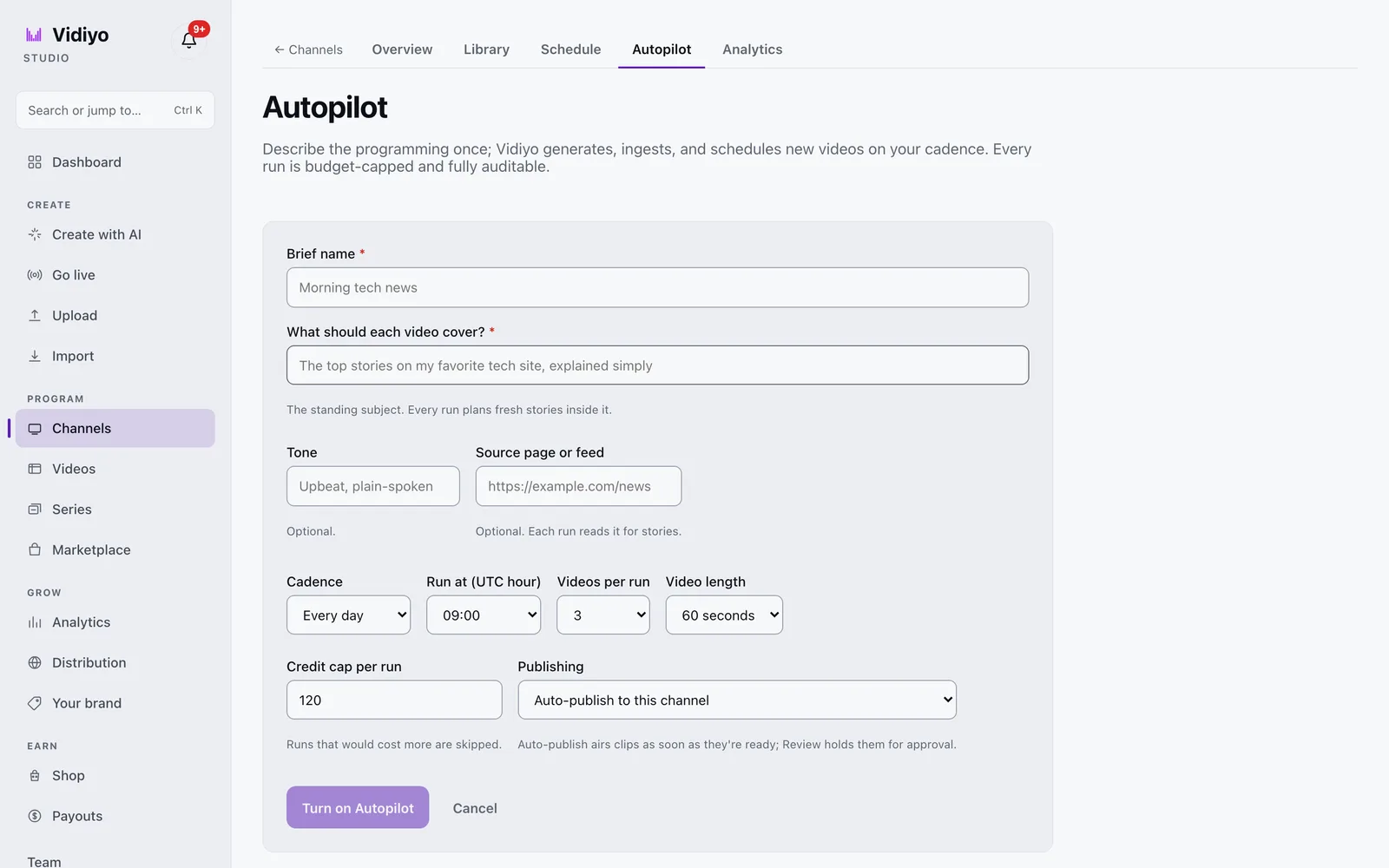
Setup is in [Start an AI channel](/help/start-an-ai-channel).
---
## What can public domain content contribute?
[Public domain content](/learn/public-domain-content-for-fast-channels) can fill hours at zero licensing cost when verified carefully. In the US, works published in 1930 or earlier are generally clear, plus US federal government works and carefully documented pre-1964 non-renewals.
Public domain is not "free old stuff from the internet." Verification is the job:
1. Confirm the exact version you hold, not just the title.
2. Trace music, foreign origin, and restoration layers separately.
3. Document the search before scheduling.
The quality bar matters on TV. A scratchy dupe next to polished channels in the guide loses viewers fast. Budget time for cleanup: stabilization, audio leveling, and consistent transcoding. A public domain film channel competes on presentation, not on access alone, since everyone can reach the same underlying titles.
Use public domain as filler and genre texture, not as the entire brand, unless you commit to restoration as your product.
---
## Can you convert a YouTube library into a FAST channel?
Often yes, if you own the YouTube catalog and your agreements allow linear broadcast. Many creators hold full rights to videos they uploaded themselves. The [YouTube to linear channel guide](/learn/converting-youtube-to-linear-channel) walks through the conversion workflow.
The checklist before you schedule anything:
- **Confirm linear rights.** YouTube's upload terms are not identical to FAST distribution terms. Read your platform agreement and any music licenses attached to each video.
- **Fix aspect ratio and loudness.** Phone vertical clips may need padding or reframing for TV guides. Audio should meet broadcast-ish targets.
- **Strip platform burn-in when required.** Some partners reject obvious watermarks from other platforms.
- **Reorder for TV pacing.** A playlist sorted by upload date is rarely a good broadcast schedule.
Conversion works best when YouTube was already your production hub. You are repackaging a library you control, not scraping someone else's channel.
---
## What does a minimum viable launch look like?
A credible day-one FAST channel needs:
| Element | Minimum viable | Better |
| --- | --- | --- |
| Unique content | 2 to 4 hours that loops cleanly | 8 to 12 hours before heavy repetition shows |
| Schedule | Fixed grid with named blocks | Daypart programming with primetime anchors |
| Break policy | Light ad load, schedule-driven pods | Tested SCTE markers and SSAI fill |
| Listing assets | Clear title, category, art that reads on a TV grid | A/B tested thumbnails per platform |
| Legal file | Rights notes per title, even if PD | Full diligence trail per acquisition |
You do not need Roku certification on hour one if your platform already distributes through an aggregator app. You do need a stream that stays up, an EPG that matches what plays, and content you can defend if asked.
Vidiyo is built for this path: upload, schedule, go live on web and TV apps without an enterprise contract. Prove the format, grow the library, then pursue wider [distribution partnerships](/learn/fast-channel-distribution-platforms) when the numbers support it.
---
## Quick answers
**How many hours of content do I need to launch?**
Two to four hours of rights-clear content can loop on day one if the schedule is honest about repetition. Aim for eight or more hours before pitching major platforms. See [how many hours of content for a FAST channel](/learn/how-many-hours-of-content-for-a-fast-channel) for planning detail.
**Is public domain content enough for a whole channel?**
Legally it can be, commercially it rarely is. PD-only channels struggle unless restoration and curation are the product. Mix PD filler with live or original tent poles.
**Can I use other people's YouTube videos?**
Not without their rights. Conversion applies to libraries you own or have licensed for linear use.
**Do I need my own Roku app?**
No. Aggregator apps like Vidiyo distribute your channel on Roku, Fire TV, and Apple TV without custom app development.
---
## What's next
- [Vidiyo for AI creators](/for/ai-creators) and [Vidiyo for live streamers](/for/live-streamers): product pitches for AI-first and live-first launches
- [AI video for FAST channels: create, label, program](/learn/ai-video-for-fast-channels)
- [How to start a FAST channel](/learn/how-to-start-a-fast-channel)
- [Converting a YouTube library to a linear channel](/learn/converting-youtube-to-linear-channel)
- [Public domain content for FAST channels](/learn/public-domain-content-for-fast-channels)
- [FAST channel launch checklist](/learn/fast-channel-launch-checklist)
- [FAST channel costs: what to budget](/learn/fast-channel-costs)
# Free Cooking Show Streaming: Where to Watch Food TV, Recipes, and Kitchen Competition
URL: https://vidiyo.com/learn/free-cooking-shows-streaming
Published: 2026-09-30
Updated: 2026-09-30
Free cooking show streaming guide: the legal apps and live TV channels airing food competitions, recipe blocks, and travel kitchen shows, plus what ads cost.
You can stream cooking shows free and legally on every major TV platform. Tubi, Pluto TV, The Roku Channel, Samsung TV Plus, and LG Channels all run recipe marathons, kitchen competition reruns, and travel food blocks around the clock. Ads cover the cost. They need no subscription or credit card, and none of them runs a trial that converts to a charge.
This guide covers where the free food TV is, what the ad-supported experience feels like, and why the live channel format fits cooking better than scrolling a menu.
---
## Where can you watch cooking shows for free?
These services are legal and free with ads. Libraries rotate monthly, so search each app rather than assuming a specific series is there.
| Service | Cooking TV strength | Where it works |
| --- | --- | --- |
| Tubi | On-demand cooking competitions, travel food, and how-to series | Web, mobile, most TV platforms |
| Pluto TV | 24/7 food channels: baking, BBQ, travel kitchens, competition reruns | Web, mobile, most TV platforms |
| The Roku Channel | Live food channels plus on-demand titles | Roku devices, web, mobile |
| Samsung TV Plus | Food and lifestyle channels built into Samsung TVs | Samsung TVs, Galaxy devices, web |
| LG Channels | Cooking and food travel channels on LG TVs | LG TVs |
| Plex | Food films, competition shows, and live channels | Web, mobile, TV apps |
| YouTube | Full episodes and clips posted by networks and creators | Everywhere |
| Vidiyo | Independent creator-run food and cooking channels | Web, plus Roku, Fire TV, Apple TV, iOS, Android |
YouTube matters for food TV in a way it does not for every genre. Many creators and smaller networks post full episodes free, keeping ad revenue and building an audience directly. If you follow a specific chef, check their channel before checking any app.
Free ad-supported TV is now a major slice of viewing. Streaming hit a record share of US TV viewing in late 2025, per Nielsen, and free services drove a healthy part of it. The numbers live in our [free TV statistics hub](/learn/fast-industry-statistics).
---
## What does free cooking streaming actually get you?
Free means ads. The trade is straightforward: commercial breaks instead of a subscription, at a lighter load than cable. Free streaming channels typically run 4 to 8 minutes of ads per hour against cable's 12 to 16.
Set expectations honestly:
- **Current Food Network primetime stays paid.** Tonight's premiere usually sits behind a subscription for months. Free services win on deep back catalogs and reruns.
- **No sign-up on several services.** Pluto TV and Tubi play without an account. Vidiyo plays in the browser with no registration.
- **Ad breaks can land mid-recipe.** Live food channels insert breaks on a schedule, which occasionally cuts a step in half. On-demand apps place breaks more cleanly.
- **Rotation works in your favor.** Food libraries refresh constantly. A baking marathon on Pluto this month may appear on Tubi next quarter.
Two-thirds of US viewers tell Hub Entertainment Research they would rather save money than avoid ads. Cooking is an easy place to make that trade while something simmers on the actual stove.
---
## Why do cooking channels work so well on free live TV?
Cooking content is modular. A competition episode stands alone. A travel food segment needs no prior context. A how-to block rewards casual drop-in viewing.
That structure is why free TV services run so many 24/7 food channels:
- **Single-show loops.** One beloved competition series running all day recreates cable food marathons.
- **Genre blocks.** Baking mornings, BBQ afternoons, travel kitchens at night.
- **Background-friendly viewing.** Recipe TV plays well while you cook, which is the whole point.
The lean-back format removes the decision fatigue of picking one episode from five hundred. You tune in, something is already playing, and the schedule keeps rolling. Our guide to [watching free live TV online](/learn/watch-free-live-tv-online) explains how these channels and their program guides work across services.
This whole free, ad-supported channel ecosystem has an industry name, covered in [what FAST TV is](/learn/what-is-fast-tv). Food is one of its most-programmed genres because it repeats well and fills dayparts naturally.
---
## Creator food TV on Vidiyo
Vidiyo comes at food TV from the creator side. It does not license major network cooking competitions, and we will not pretend it does. Independent chefs and food creators run their own 24/7 channels: recipe blocks, kitchen live streams, regional cuisine tours, and formats the big catalogs have not picked up.
What that means for a viewer:
- **Real linear channels with real schedules.** Browse what is airing in the [program guide](/guide).
- **Free in your browser.** Open [the channel browser](/watch) and press play. No account and no credit card.
- **Live cooking with a crowd.** Vidiyo supports live streams with real-time chat, so a live kitchen demo has an audience in the room.
- **Apps on your TV.** Roku, Fire TV, Apple TV, iOS, and Android alongside the browser.
The big free services have the licensed catalogs. Vidiyo has the chefs the catalogs have not signed yet.
---
## Watch on Vidiyo and elsewhere
- Browse [live channels on Vidiyo](/watch) in your browser, free.
- Check the [live TV guide](/guide) for what is on now.
- Tubi food: [tubitv.com](https://tubitv.com/)
- Pluto TV: [pluto.tv](https://pluto.tv/)
## Quick answers
**Where can I watch cooking competitions free legally?**
Tubi and Pluto TV carry licensed competition reruns free with ads. YouTube hosts full episodes from many creators and smaller networks. Libraries rotate, so search by show name.
**Is free cooking streaming legal?**
Yes. Every service named here licenses its content and pays for it with advertising. Piracy sites are the ones to avoid. See [whether free streaming services are safe](/learn/are-free-streaming-services-safe) for the full checklist.
**Can I leave a food channel on while I cook?**
That is what the format is for. Live food channels on Pluto TV, Samsung TV Plus, and Vidiyo run scheduled blocks you can treat like background TV. Our [background TV channels](/learn/background-tv-channels) guide covers the best genres for that habit.
**Why can I not find a specific chef's show for free?**
Exclusive deals lock current seasons on paid services. Free apps carry older seasons and syndicated reruns. Search each service and check again as licenses rotate.
---
## Start watching
Food TV never left the dial. It just moved to the free tier:
- Browse [live channels on Vidiyo](/watch), free in your browser.
- Learn how live channels and guides work in [watch free live TV online](/learn/watch-free-live-tv-online).
- Compare the full field in [best free streaming services](/learn/best-free-streaming-services).
- Operators building in this genre: [FAST channel for food and cooking](/learn/fast-channel-for-food-cooking).
# Designing Ad Breaks for FAST Channels: SCTE-35, Ad Load, and Viewer Retention
URL: https://vidiyo.com/learn/designing-ad-breaks-for-fast-channels
Published: 2026-09-23
Updated: 2026-09-23
How to design ad breaks for a FAST channel: SCTE-35 cues, ad load targets, pod structure, SSAI handoff, and retention trade-offs for operators.
Ad break design is where FAST channel revenue and viewer experience meet. Get the markers wrong and SSAI fills the wrong window. Set the ad load too high and viewers leave. Set it too low and you leave money on the table. The craft sits in three layers: where breaks land in the schedule, what [SCTE-35](/learn/what-is-scte-35) markers tell downstream systems, and how [server-side ad insertion](/learn/what-is-ssai) fills each pod.
This guide is for operators who want break planning that holds up in production, not a vague "four breaks per hour" rule copied from a blog post.
---
## What should your ad load target be?
Most FAST channels aim for 4 to 8 minutes of ads per hour. Cable historically ran 12 to 16. That gap is the selling point for viewers, and it is also the ceiling for operators who want retention.
Start with a hourly budget, then divide it into pods:
| Ad load level | Minutes per hour | Typical pod count | Best for |
| --- | --- | --- | --- |
| Light | 4 to 5 | 3 to 4 pods | New channels proving the format, retention-sensitive genres |
| Standard | 6 to 7 | 4 to 5 pods | Mature channels with stable audience |
| Heavy | 8+ | 5 to 6 pods | Channels with strong tent-pole content and proven fill |
Pod length matters as much as pod count. A 120-second break with two 60-second slots fills differently than four 30-second slots in the same window. Shorter slots often improve fill rate because more buyers can afford a :15 or :30. Longer pods can carry higher CPMs when demand is strong.
Model your structure before you go live. The free [ad pod calculator](/tools/ad-pod-calculator) turns hourly targets into concrete pod schedules.
---
## Where should breaks land in the schedule?
Break placement is an editorial decision encoded in data. Bad placement shows up in retention before it shows up in revenue.

**Natural boundaries beat arbitrary timers.** Place breaks at scene changes, between episodes, or at chapter points in long-form content. Mid-sentence splices train viewers to leave.
**Protect tent poles.** If a specific show drives tune-in, do not stack extra pods inside it on day one. Run standard load on weak filler and lighter load on the titles that hold the audience.
**Daypart awareness.** Primetime viewers tolerate slightly heavier loads than overnight viewers. A channel running the same break map at 2 AM and 8 PM is ignoring how people actually watch.
**Genre rules of thumb.** News and sports expect frequent short breaks. Movies expect fewer, longer pods at act breaks. Kids content demands the lightest load on the platform. Cooking and lifestyle sit in the middle.
Your playout system should emit breaks from the schedule, not from a player-side timer. Schedule-driven breaks stay consistent across platforms and match what your EPG promises.
---
## How do SCTE-35 markers carry break decisions?
[SCTE-35](/learn/what-is-scte-35) is the standard for signaling splice points inside a stream. For FAST operators, the important facts are simple:
- **Cue-out** marks the start of an ad break, usually with a planned duration in seconds.
- **Cue-in** marks the return to program content.
- **Event IDs** let systems match cue-out to cue-in and avoid acting twice.
In HLS, the packager translates binary cues into manifest tags such as EXT-X-CUE-OUT at segment boundaries. If a marker lands mid-segment or declares a duration that does not match the actual break window, every downstream system inherits the error.
Discipline checklist:
1. Markers land on segment boundaries, never mid-GOP.
2. Declared duration matches the scheduled pod length.
3. Every cue-out has a matching cue-in.
4. Break IDs are unique within a session so SSAI does not double-fill.
Our [HLS manifest guide](/learn/hls-manifest-explained) shows what correct tags look like in a real playlist.
---
## How does SSAI turn markers into revenue?
[Server-side ad insertion](/learn/what-is-ssai) watches the manifest, detects cue-out, requests ads via VAST, and stitches them into the stream per viewer. The marker duration is the contract: SSAI fills exactly that window or reports unfilled time.
The chain on Vidiyo runs end to end: playout inserts markers, SSAI fills pods, and analytics report impressions against the declared breaks. You schedule content and set break policy. The platform handles cue generation and stitching.
When fill underperforms, break design is often the first lever before you chase CPM. Fewer pods with honest durations can raise effective revenue by improving fill rate. See [ad fill optimization](/learn/ad-fill-optimization) for the full waterfall and floor-price discussion.
---
## How do you test breaks before launch?
Treat break validation like a launch gate, not a post-launch surprise.
1. **Manifest review.** Pull a live HLS playlist during a scheduled break and confirm cue tags, durations, and segment alignment.
2. **SSAI dry run.** Watch a test session on each target platform. Confirm ads start on content boundaries and return cleanly.
3. **Retention spot check.** Compare average session length before and after a break policy change. A revenue bump that cuts session length in half is not a win.
4. **Fill reporting.** Track fill rate by daypart and pod length. Empty pods point to duration mismatch or exhausted demand, not random bad luck.
Platform partners often reject channels with marker drift or black frames at splice points. Fixing breaks after distribution is slower than proving them in staging.
---
## Quick answers
**How many ad breaks should a FAST channel run per hour?**
Most operators target 4 to 8 minutes of ads per hour across 3 to 6 pods. Start lighter on a new channel and add pods only when retention stays stable.
**What is the difference between ad load and pod count?**
Ad load is total ad minutes per hour. Pod count is how you divide that time. Sixty seconds in one pod fills differently than sixty seconds split across four :15 slots.
**Do I need to write SCTE-35 cues by hand?**
No on a managed platform. You set break policy in the schedule. Playout emits the markers. You still need to understand what the cues say when debugging fill or retention issues.
**What happens if cue duration does not match the actual break?**
SSAI may truncate ads, leave dead air, or misreport impressions. Players may stutter at the splice. Fix the schedule and marker alignment before chasing ad network changes.
---
## What's next
- [What is SCTE-35? Ad break signaling in streams](/learn/what-is-scte-35)
- [What is SSAI? Server-side ad insertion](/learn/what-is-ssai)
- [Ad fill optimization for FAST channels](/learn/ad-fill-optimization)
- [FAST channel analytics: what to measure](/learn/fast-channel-analytics)
- [Ad pod calculator](/tools/ad-pod-calculator)
# Free Game Show Streaming: Where to Watch Trivia, Puzzles, and Classic Competition TV
URL: https://vidiyo.com/learn/free-game-shows-streaming
Published: 2026-09-16
Updated: 2026-09-16
Free game show streaming guide: the legal apps and live TV channels airing classic trivia, puzzles, and family competition shows, plus what ads cost you.
You can watch game shows free and legally on more apps than most people realize. Pluto TV, Tubi, The Roku Channel, Samsung TV Plus, and LG Channels all run trivia blocks, puzzle marathons, and vintage competition reruns around the clock. Ads cover the cost. They need no subscription or credit card, and none of them runs a trial that converts to a charge.
This guide covers where the free game shows live, what the ad-supported experience feels like, and why the live TV channel format fits the genre better than any menu ever did.
---
## Where can you watch game shows for free?
These services are legal, established, and free with ads. Specific shows rotate as licenses change, so search each app before you settle in.
| Service | Game show strength | Where it works |
| --- | --- | --- |
| Pluto TV | Dozens of themed channels: trivia, puzzles, classic competition reruns | Web, mobile, most TV platforms |
| Tubi | On-demand shelf of older game and competition series | Web, mobile, most TV platforms |
| The Roku Channel | Live game show channels plus on-demand titles | Roku devices, web, mobile |
| Samsung TV Plus | Game and trivia channels built into Samsung TVs | Samsung TVs, Galaxy devices, web |
| LG Channels | Competition and trivia channels on LG TVs | LG TVs |
| Plex | Live channels and on-demand competition shows | Web, mobile, TV apps |
| Vidiyo | Independent creator-run trivia and game-style channels | Web, plus Roku, Fire TV, Apple TV, iOS, Android |
Pluto TV built its reputation on single-show channels that loop one beloved series all day. Game shows fit that format perfectly. A trivia channel running back-to-back episodes feels like cable in 1998, except the bill is zero.
Free ad-supported TV is no longer a niche. Pluto TV, The Roku Channel, and Tubi together took 5.7% of all US TV viewing in May 2025, per Nielsen. The full picture lives in our [free TV statistics hub](/learn/fast-industry-statistics).
---
## What does free game show streaming actually get you?
Free means ad-supported. You watch commercial breaks instead of paying a monthly fee. Free streaming channels typically run 4 to 8 minutes of ads per hour, against cable's 12 to 16. Two-thirds of US viewers say they would rather save money than avoid ads, per Hub Entertainment Research.

Set expectations honestly:
- **No payment details.** Real free services never ask for a credit card.
- **Optional accounts.** Pluto TV and Tubi play without sign-in. Registering adds watch history and favorites.
- **Rotating libraries.** A puzzle show on Tubi this month may move to Pluto next month. Search around before assuming a title is gone.
- **Current primetime stays paid.** Tonight's network game show usually sits behind a subscription for months or years. Free services win on deep syndicated libraries, not fresh episodes.
The trade is simple. You give up same-night access to new episodes. You gain thousands of hours of older competition TV at zero cost.
---
## Why do game shows work so well as live TV channels?
Game shows were built for syndication. Every episode stands alone. Any entry point works. You do not need to know what happened last Tuesday to enjoy today's puzzle.
That structure makes the genre perfect for 24/7 channels:
- **Trivia marathons.** Channels that stack quiz formats back to back reward casual drop-in viewing.
- **Single-show loops.** One beloved series running around the clock recreates the cable rerun experience.
- **Family-friendly blocks.** Competition formats play well in shared living rooms without anyone choosing from a menu.
The lean-back format solves the real problem, which is deciding. Scrolling a menu for twenty minutes to pick a 22-minute episode is a bad ratio. A live game show channel removes the decision. You tune in, something is already playing, and the schedule keeps rolling. Our guide to [watching free live TV online](/learn/watch-free-live-tv-online) explains how these channels and their program guides work across services.
This whole free, ad-supported channel ecosystem has an industry name, covered in [what FAST TV is](/learn/what-is-fast-tv). Game shows are one of its most-programmed genres for a simple reason: they repeat well.
---
## Where does Vidiyo fit?
Vidiyo does not license vintage network game shows, and we will not pretend it does. What it offers is the format from the creator side: independent hosts running trivia nights, puzzle blocks, and game-style shows on real 24/7 schedules.
What that means for a viewer:
- **Real linear channels with real schedules.** Browse what is airing in the [program guide](/guide).
- **Free in your browser.** Open [the channel browser](/watch) and press play. No account and no credit card.
- **Live game nights with a crowd.** Vidiyo supports live streams with real-time chat, so hosted trivia feels like a room full of players.
- **Apps on your TV.** Roku, Fire TV, Apple TV, iOS, and Android alongside the browser.
The big free services have the licensed catalogs. Vidiyo has the hosts building new formats the catalogs have not signed yet.
---
## Watch on Vidiyo and elsewhere
- Browse [live channels on Vidiyo](/watch) in your browser, free.
- Check the [live TV guide](/guide) for what is on now.
- Pluto TV: [pluto.tv](https://pluto.tv/)
- Tubi: [tubitv.com](https://tubitv.com/)
## Quick answers
**Where can I watch classic game shows free without signing up?**
Pluto TV and Tubi stream without an account. Vidiyo channels play in the browser with no sign-up. The Roku Channel, Samsung TV Plus, and LG Channels are free on their devices.
**Are free game show streaming services legal?**
Yes. Every service named here licenses its content and pays for it with advertising. Piracy sites promising every show ever made are the ones to avoid. Our guide on [whether free streaming services are safe](/learn/are-free-streaming-services-safe) walks through the full checklist.
**Why can I not find a specific game show for free?**
The biggest titles often sit in exclusive paid deals. Free services carry deep syndicated libraries instead. Search each app, and check again in a few months as licenses rotate.
**Can I get the old channel-surfing feeling back?**
Yes. Pluto TV, The Roku Channel, Samsung TV Plus, and Vidiyo all run scheduled live channels with program guides. Pick a game show channel and let it play.
---
## Start watching
Game shows never left television. They just moved to the free tier:
- Browse [live channels on Vidiyo](/watch), free in your browser.
- Learn how live channels and guides work in [watch free live TV online](/learn/watch-free-live-tv-online).
- Compare the full field in [best free streaming services](/learn/best-free-streaming-services).
- More free-genre guides: [free classic TV shows](/learn/free-classic-tv-shows) and [background TV channels](/learn/background-tv-channels).
# Outdoors FAST Channel: Build a 24/7 Hunting, Fishing, and Nature Network
URL: https://vidiyo.com/learn/fast-channel-for-outdoors
Published: 2026-09-09
Updated: 2026-09-09
Operator playbook for outdoors FAST channels: daypart by season and species, clearances for wildlife footage and music, and monetization for field creators.
An outdoors FAST channel is a free, ad-supported linear TV network programming hunting, fishing, hiking, camping, and wildlife content on a 24/7 schedule. Field creators already shoot the footage. FAST turns that library into always-on television that gear brands, lodges, and regional tourism boards want to sit next to.
This playbook covers why outdoors content works on linear TV, seasonal dayparting, rights issues unique to field video, and how to monetize beyond generic programmatic ads.
---
## Why does outdoors content work on FAST?
Outdoors media was always appointment and ambient at once. A dawn hunt film at 6am. A trout stream loop at lunch. A campfire documentary at night. Viewers tune in by season and mood more than by title.
Three forces help operators:
- **Advertiser context.** Tackle, apparel, trucks, boats, travel, and conservation groups all buy adjacency to field content. Category demand supports fill. Benchmarks live in [FAST channel monetization](/learn/fast-channel-monetization).
- **Repeat-friendly library.** Many outdoors films and episodes stand alone. Smart repeats fill weeknights without feeling stale.
- **Seasonal programming is free structure.** Spring turkey, summer fishing, fall bow season, winter ice fishing. The calendar writes your grid.
Free ad-supported viewing keeps growing as a share of total TV time. Sourced numbers are in the [FAST industry statistics hub](/learn/fast-industry-statistics).
---
## What should an outdoors FAST channel look like?
Daypart by season and activity, not by upload date:
| Daypart | Block | Content |
| --- | --- | --- |
| 5am to 8am | Dawn Field | Hunts, sunrise hikes, early boats |
| 8am to 12pm | Woods and Water | Technique films, how-to, gear tests |
| 12pm to 3pm | Midday Escape | Scenic trails, national park tours |
| 3pm to 6pm | Afternoon Cast | Fishing, paddling, shore life |
| 6pm to 9pm | Prime Camp | Flagship adventure series, epics |
| 9pm to 12am | Night Run | Predator hunts, night fishing, docs |
| 12am to 5am | Ambient Wild | Loop scenic footage, campfire visuals |
Program named series: "Trout Tuesdays," "Public Land Thursdays." Random uploads do not build habit. About 10 unique hours is a solid launch floor because outdoors repeats gracefully. Grid mechanics are in [24/7 channel scheduling and playout](/learn/channel-scheduling-247-playout).
Crossover with pure nature docs is natural. Compare programming ideas in [free nature and science TV](/learn/free-nature-and-science-tv) for viewer-side expectations.
---
## What content and rights issues trip up field creators?
**Your field footage is the core asset.** Films you shot and edited are yours to schedule, assuming music and embedded clips are cleared.
**Licensed shows need linear rights.** A web series deal is not a broadcast deal. Confirm FAST redistribution in writing. See [FAST platform content licensing](/learn/fast-platform-content-licensing).
**Music in edits.** Trail cams and montages often use commercial tracks cleared for YouTube only. Re-score with library music licensed for TV distribution before air.
**Brand logos in frame.** Most incidental gear shots are fine. Do not imply sponsorship you do not have. Disclose paid integrations.
**Wildlife and location rules.** Some parks, tribes, and jurisdictions restrict commercial filming or require permits. Footage legality is separate from broadcast rights.
**Safety and ethics content.** Hunting content that violates platform policies or local law belongs off air. Set editorial standards before launch.
---
## How do outdoors FAST channels make money?
**Programmatic SSAI** is the base layer via revenue share. Outdoors skews male and regional, which can affect CPM by market. Fill levers are in [ad fill optimization](/learn/ad-fill-optimization).
**Direct sponsorships** often land faster than operators expect:
- **Gear and apparel** sponsoring named blocks or series
- **Lodges and guides** underwriting destination episodes
- **Tourism boards** funding regional takeovers
- **Conservation nonprofits** underwriting public land programming
Sales mechanics are in [how to sell sponsorships on a FAST channel](/learn/how-to-sell-sponsorships-on-a-fast-channel).
On Vidiyo, upload and schedule in the browser while transcoding, playout, and the program guide run on platform infrastructure. Launch steps are in [how to start a FAST channel](/learn/how-to-start-a-fast-channel).
---
## Your first 90 days
**Days 1 to 21: inventory and clean-up.** Audit episodes by season and species. Fix music. Organize into named series. Target 10 clean hours across at least three dayparts.
**Days 22 to 40: launch the grid.** Publish the EPG with seasonal labels. Promote one dawn block and one prime camp block to your existing audience at fixed times.
**Days 41 to 70: add sponsors and events.** Pitch one gear or lodge partner. Run a live stream from the field that feeds clips back into linear.
**Days 71 to 90: review analytics.** See which dayparts hold watch time. Plan the next seasonal takeover. Sports crossover ideas live in [FAST channel for sports](/learn/fast-channel-for-sports).
---
## Quick answers
**How much outdoors content do I need to launch?**
About 10 unique hours organized into series. Seasonal repeats and ambient loops carry overnight blocks.
**Can I run only hunting content?**
Yes, if your library supports it and your editorial policy matches platform rules. Mixed woods-and-water grids usually retain broader audiences.
**Do I need broadcast permits for a FAST channel?**
FAST is internet streaming, not over-the-air broadcast. You still need rights to every clip and compliance with filming rules where footage was captured.
**What makes outdoors different on Vidiyo?**
Operators control the full schedule and can combine linear playout with live field streams in one channel brand.
---
## What's next
- Launch in [how to start a FAST channel](/learn/how-to-start-a-fast-channel).
- Monetize in [FAST channel monetization](/learn/fast-channel-monetization).
- Sell direct deals in [how to sell sponsorships on a FAST channel](/learn/how-to-sell-sponsorships-on-a-fast-channel).
- Start free: [create your channel on Vidiyo](/sign-up).
# Watch Free TV on a Laptop: Browser, Apps, and What Works Best
URL: https://vidiyo.com/learn/watch-free-tv-on-laptop
Published: 2026-09-02
Updated: 2026-09-02
Watch free live TV on a laptop: Pluto TV and Tubi in the browser, Vidiyo with no account, HDMI to a TV, and tips for data use and ad blockers.
You can watch free live TV on a laptop in a browser without cable or a smart TV. Pluto TV, Tubi, Plex, and Vidiyo all play in Chrome, Safari, or Edge. Ads cover the cost. No subscription required.
This guide covers the best browser options, when to install a desktop app, how to send video to a bigger screen, and what to expect from ads and data use.
---
## What is the fastest way to watch free TV on a laptop?
**Pluto TV in the browser** is the quickest channel-surf experience. Open the site, pick a live channel, press play. No account on most regions.
**Tubi in the browser** is the best on-demand library. Search a film or show, or browse live channels if your region carries them.
**Vidiyo in the browser** plays creator-run live TV channels with a program guide. Open [live channels](/watch), press play, no sign-up required. Check the [guide](/guide) for what is on now.
**Plex** needs a free account but runs well in the browser for both on-demand and live channels.
**YouTube** behaves like a broadcast network on a laptop. News, sports highlights, and long-form creators all live here.
For the full service comparison, read [the best free streaming services](/learn/best-free-streaming-services). Market scale is in the [FAST industry statistics hub](/learn/fast-industry-statistics).
---
## Do I need to install an app on my laptop?
Usually no. Modern browsers handle live TV fine.

Install a desktop app when:
- **You want offline downloads.** Most free live TV services do not offer offline viewing anyway.
- **Your browser struggles with DRM.** Rare on major free services, more common on paid networks.
- **You prefer a dedicated window.** Some viewers like an app dock icon instead of a tab.
On Windows and macOS, browser playback is the default recommendation. Save disk space and update hassle.
---
## How do I put laptop free TV on a bigger screen?
**HDMI cable.** Plug the laptop into a TV. Set the display to mirror or extend. Full screen the player. This is the most reliable method.
**Cast or AirPlay.** Some services support casting from the browser or mobile companion. Quality varies by network congestion.
**Smart TV apps.** If the TV has Pluto TV or Tubi built in, the TV app may beat casting. The laptop remains the easiest place to start.
Travel and dorm setups often stop at HDMI plus browser. Our overview of [watching free live TV online](/learn/watch-free-live-tv-online) covers phones and TVs too.
---
## What should I expect from ads and data use?
**Ads fund the stream.** Free services insert breaks in exchange for no subscription. Loads are typically lighter than old cable bundles.
**Ad blockers may break playback.** SSAI and client-side ad SDKs sometimes refuse to start if they detect blockers. Whitelist the player if a channel spins forever on loading.
**Data use scales with quality.** An hour of HD streaming can consume one to three gigabytes depending on bitrate. On metered hotspots, drop quality in the player settings if available.
**Battery drain is real.** Full screen video at high brightness will shrink a laptop battery in a few hours. Plug in for long marathons.
**Headphones help in shared spaces.** Live news and sports are laptop-friendly because they do not demand a living room screen. Closed captions are available on most major free services if you need them.
Safety basics for free services are in [are free streaming services safe](/learn/are-free-streaming-services-safe).
---
## Why watch on a laptop instead of a TV?
**Portability.** Airports, hotels, and break rooms rarely expose a useful TV app lineup. A browser tab always works.
**Multitasking.** Chat, notes, and second-screen browsing sit naturally beside a player window.
**No remote required.** Search beats grid surfing when you know the title.
**Creator TV discovery.** Platforms like Vidiyo expose niche live channels you will not find preinstalled on a hotel TV.
The whole free live TV category has a name: [what FAST TV is](/learn/what-is-fast-tv).
---
## Free laptop TV compared
| Service | Browser strength | Account needed |
| --- | --- | --- |
| Pluto TV | Instant live channels | No |
| Tubi | Deep on-demand | No |
| Vidiyo | Creator live TV plus guide | No |
| Plex | Library plus live | Free account |
| YouTube | Live streams and clips | No for most viewing |
---
## Watch on Vidiyo and elsewhere
- Browse [live channels on Vidiyo](/watch) in your browser, free.
- Check the [live TV guide](/guide) for what is on now.
- Pluto TV: [pluto.tv](https://pluto.tv/)
- Tubi: [tubitv.com](https://tubitv.com/)
## Quick answers
**Can I watch live TV on a laptop without an account?**
Yes. Pluto TV, Tubi, and Vidiyo all play in the browser without sign-up in most regions.
**Will ad blockers stop free TV sites?**
Often yes. Disable blockers for the player domain if video never starts.
**Is browser TV legal?**
Yes on the named services. They license content and monetize with ads. Random sites offering premium cable free are not legal.
**How do I watch on a TV from a laptop?**
HDMI is the most reliable method. Casting works on some services but depends on your network.
---
## Start watching
Your laptop is one screen in a bigger free TV map:
- [Watch live TV on your phone](/learn/watch-live-tv-on-your-phone)
- [How to watch TV without cable](/learn/how-to-watch-tv-without-cable)
- [Watch free movies online legally](/learn/watch-free-movies-online-legally)
- [Browse free live channels on Vidiyo](/watch)
# Local News FAST Channel: Reach TV Viewers Without a Cable Deal
URL: https://vidiyo.com/learn/fast-channel-for-local-news
Published: 2026-08-26
Updated: 2026-08-26
Launch a hyperlocal FAST news channel: morning and evening cycles, wire footage rights, Samsung and Roku news rows, and monetization for city beat coverage.
A local news FAST channel is a free, ad-supported linear TV stream focused on one city, region, or beat. National outlets dominate cable news. Hyperlocal coverage is thin on free TV. That gap is the opportunity.
This guide covers realistic formats for small newsrooms, distribution paths on Roku and Samsung TV Plus, rights traps with wire footage, and why local advertisers pay for verified geography.
---
## Why launch local news on FAST?
Local TV news still matters. Weather, schools, transit, elections, and crime affect viewers where they live. Many local broadcasts sit behind pay-TV bundles or shrinking broadcast schedules. FAST puts city coverage back on the free tier.
Three advantages stack:
- **Advertiser demand.** Local auto, legal, medical, and home services buy geography. A verified local audience commands premium CPMs next to national averages in [FAST channel monetization](/learn/fast-channel-monetization).
- **Production fit.** You do not need a 200-person newsroom. Two recorded cycles per day plus field segments can fill a credible grid.
- **Platform discovery.** Roku, Fire TV, and Samsung TV Plus all surface news categories in their guides. Proper genre tagging matters. Broader platform map is in [FAST channel distribution platforms](/learn/fast-channel-distribution-platforms).
Market context and viewing trends are in the [FAST industry statistics hub](/learn/fast-industry-statistics).
---
## What formats work for small teams?
**Morning and evening cycle.** Record a 30 to 45 minute roundup at 6am and 6pm. Repeat overnight with clear timestamps in titles. Two production blocks per day is achievable for a lean staff.
**Continuous segments.** Publish 5 to 12 minute field pieces as they are ready. Schedule newest first, then loop earlier segments. The EPG shows what is on now.
**Beat shows.** Weekly housing, schools, sports, or business programs become appointment blocks. Fill between them with reruns and evergreen explainers.
**What to rotate out fast.** Present-tense breaking lines age badly on loop. "Votes are still being counted tonight" becomes wrong by Thursday. Flag time-sensitive segments and drop them from rotation quickly.
National news strategy overlaps in [FAST channels for news](/learn/fast-channel-for-news). This page focuses on city and regional execution.
---
## How do you program a 24/7 local grid?
| Daypart | Block | Content |
| --- | --- | --- |
| 5am to 9am | Morning Brief | Overnight news, weather, traffic |
| 9am to 12pm | City Desk | Interviews, council previews, business |
| 12pm to 2pm | Midday Update | Short recap plus community stories |
| 2pm to 5pm | Neighborhood | Schools, housing, human interest |
| 5pm to 7pm | Evening Report | Flagship recorded newscast |
| 7pm to 11pm | Sports and Culture | Local games, arts, weekend preview |
| 11pm to 5am | Replay and Weather | Loop evening show, ambient radar |
Name blocks after your city. "Denver Evening Report" beats "Evening News" in search and sponsor decks. Scheduling mechanics are in [24/7 channel scheduling and playout](/learn/channel-scheduling-247-playout).
---
## What rights issues block local news FAST?
**Your footage is yours** if your reporters shot it and your editors assembled it.
**Wire services need the right tier.** AP, Reuters, and others distinguish digital clips from linear broadcast rights. Confirm FAST redistribution with your account rep before air.
**Third-party clips are risky on broadcast.** Fair use on social does not automatically transfer to TV playout. Consult counsel if you regularly embed competitor footage.
**Archive and network material** usually needs a license even for news context.
**Music in packages** must be cleared for broadcast, not just web.
Upload turnaround matters. News goes stale fast. Plan for same-day publish from record to schedule. Launch steps are in [how to start a FAST channel](/learn/how-to-start-a-fast-channel).
---
## Where do you distribute a local news FAST channel?
**Aggregator apps first.** Channels inside Vidiyo, and similar aggregators, inherit Roku and Fire TV apps without building your own. Tag genre as News for directory placement.
**Samsung TV Plus and LG Channels** curate news rows. Acceptance is selective. Apply with a consistent EPG, brand-safe sample hour, and proof of regular updates. Process parallels [how to get on Samsung TV Plus](/learn/how-to-get-on-samsung-tv-plus).
**Your own site and OTT embed.** Embed the live stream on your news site. Promote the program guide like broadcasters promote "watch at 6."
**Social clips as tune-in.** Short field pieces should point to the linear channel at fixed times, not only to on-demand clips.
Direct sponsorships often beat programmatic early for local news. See [how to sell sponsorships on a FAST channel](/learn/how-to-sell-sponsorships-on-a-fast-channel).
---
## How do local news channels make money?
**Programmatic SSAI** fills ad breaks with regional and national demand. News categories tend to earn strong CPMs when US share is high.
**Direct local sponsors** buy blocks: weather, traffic, Friday sports. Package them explicitly.
**Election cycles** lift political spend in news adjacency in US markets.
**Grants and underwriting** from civic foundations can fund beats programmatic will never sponsor.
Fill optimization matters as much as rate. See [ad fill optimization](/learn/ad-fill-optimization).
---
## Quick answers
**Do I need a broadcast license for a local FAST channel?**
FAST streams over the internet, not over-the-air spectrum. You still need rights to all footage and music you air. Rules vary by country for labeling and elections coverage.
**How much news do I need to launch?**
A credible start is two flagship newscasts per day plus four to six hours of evergreen segments. Repeat smartly overnight.
**Can I reuse YouTube news clips?**
Only with cleared third-party material and linear rights. Web upload permission is not enough.
**What is the main local advantage?**
Geography. National apps rarely cover your school board. Local advertisers notice when you do.
---
## What's next
- National news angles in [FAST channels for news](/learn/fast-channel-for-news).
- Platform targets in [FAST channel distribution platforms](/learn/fast-channel-distribution-platforms).
- Launch checklist in [how to start a FAST channel](/learn/how-to-start-a-fast-channel).
- Start free: [create your channel on Vidiyo](/sign-up).
# Watch Reality TV Free: Where Competition and Lifestyle Shows Stream Legally
URL: https://vidiyo.com/learn/free-reality-tv-streaming
Published: 2026-08-19
Updated: 2026-08-19
Watch reality TV free: Pluto TV and Tubi live channels, on-demand competition shows, and creator-run TV channels for lifestyle and unscripted programming.
You can watch reality TV free on Pluto TV, Tubi, The Roku Channel, Plex, and Samsung TV Plus. All are ad-supported. None need a subscription. Reality is one of the most watched genres on free live TV because episodes stand alone, drama resets each season, and viewers love leaving a competition or house show on in the background.
This guide maps where to find competition series, lifestyle makeovers, and docu-style unscripted shows legally. It also covers what free gets you and where Vidiyo fits.
---
## Where can you watch reality TV free?
**Pluto TV** is the fastest start. It runs themed reality and lifestyle channels around the clock. Tune in mid-episode and keep watching.
**Tubi** has the deepest on-demand shelf. Search by subgenre: competition, dating, home renovation, survival, or celebrity docs. Libraries rotate as licenses change.
**The Roku Channel** mixes live reality channels with on-demand rows. Free account on the web, nothing on a Roku device.
**Plex** overlaps with Tubi but surfaces different titles. Run a second search when your first pick disappears.
**Samsung TV Plus** and **LG Channels** include unscripted rows in their built-in live guides on supported TVs.
**Free broadcast TV** still carries daytime and evening reality blocks on antenna subchannels in many markets.
For the full free TV map, read [watching free live TV online](/learn/watch-free-live-tv-online). Platform viewing share is tracked in the [FAST industry statistics hub](/learn/fast-industry-statistics).
---
## What does free reality streaming look like?
Free means ad-supported. You trade commercial breaks for no monthly bill. Breaks on free streaming channels typically run lighter than old cable bundles.
What to expect:
- **Back catalog strength.** Current-season flagship shows often sit on paid services first. Free platforms excel at older seasons, international formats, and cult favorites.
- **Rotating libraries.** A competition series may leave Tubi and appear on Plex next month. Check two services before giving up.
- **Mixed quality by design.** Free catalogs include breakout hits and obscure one-season wonders side by side. That is part of the fun.
- **No credit card.** Legitimate services never ask for payment details at playback.
Reality also rewards linear viewing. A live channel removes the paralysis of choosing among 400 episodes. Flip, land, commit. That is why free TV channels lean hard into unscripted blocks. The category name is [what FAST TV is](/learn/what-is-fast-tv).
---
## Which reality subgenres show up most on free TV?
**Competition and elimination.** Cooking, talent, survival, and skill contests repeat well because each episode has a clear arc.
**Home and makeover.** Renovation and design shows are background-friendly. Viewers half-watch while planning their own projects.
**Lifestyle and social experiment.** Roommate formats, travel swaps, and "day in the life" series fit afternoon and late-night dayparts.
**Celebrity and true-life docs.** Unscripted biographies and scandal retrospectives cluster in evening blocks.
If true crime crossover is your thing, see [free true crime streaming](/learn/free-true-crime-streaming) for adjacent channels.
**International formats.** British bake-offs, Australian survival series, and other global exports often land on free services years before US networks rerun them. Search by country if you want something off the beaten path.
**Clip shows and retrospectives.** Countdown shows and "best moments" compilations pad afternoon grids. They are easy background TV when you do not want a full season commitment.
---
## Free reality TV compared
| Service | Best for | Account needed |
| --- | --- | --- |
| Pluto TV | 24/7 reality channels | No |
| Tubi | Deep on-demand competition library | No |
| The Roku Channel | Live plus on-demand mix | Free account on web |
| Plex | Obscure and cult series | Free account |
| Samsung TV Plus | Built-in live rows | Varies by device |
| Vidiyo | Creator-run lifestyle and challenge channels | No on web |
---
## Where Vidiyo fits
Vidiyo hosts independent creator-run TV channels, not licensed network reality franchises. You will not find the famous cable competition shows that Tubi carries.
You will find creators programming their own unscripted blocks: challenge streams, lifestyle series, commentary marathons, and community competitions scheduled like real TV. Watch free in the browser at [live channels](/watch) or browse the [program guide](/guide). Apps cover Roku, Fire TV, Apple TV, iOS, and Android.
Compare Vidiyo to the major free apps in [the best free streaming services](/learn/best-free-streaming-services).
---
## Watch on Vidiyo and elsewhere
- Browse [live channels on Vidiyo](/watch) in your browser, free.
- Check the [live TV guide](/guide) for what is on now.
- Tubi: [tubitv.com](https://tubitv.com/)
- Pluto TV: [pluto.tv](https://pluto.tv/)
## Quick answers
**Where can I watch reality TV free right now?**
Pluto TV starts a live reality channel instantly with no account. Tubi has the biggest on-demand shelf. Both are free with ads.
**Are free reality streaming sites legal?**
Yes on the named services. They license shows and pay rights holders through advertising. Sites offering every current cable season free are pirate sites.
**Why is so much reality TV free?**
Older seasons and syndicated formats are affordable to license. Episodes also repeat well on 24/7 channels.
**Does Vidiyo have network reality shows?**
No studio catalog. Vidiyo carries creator-run unscripted and lifestyle channels instead.
---
## Start watching
Reality is one genre in a larger free TV world:
- [Browse free live channels on Vidiyo](/watch)
- [Free comedy streaming](/learn/free-comedy-streaming)
- [How to watch TV without cable](/learn/how-to-watch-tv-without-cable)
- [The best free streaming services, compared](/learn/best-free-streaming-services)
# How to Sell Sponsorships on a FAST Channel Beyond Programmatic Ads
URL: https://vidiyo.com/learn/how-to-sell-sponsorships-on-a-fast-channel
Published: 2026-08-12
Updated: 2026-08-12
Sell FAST channel sponsorships: package dayparts, write one-page media kits, price host-read blocks, and stack direct deals on top of SSAI ad revenue.
Programmatic ads pay your FAST channel by the impression. Sponsorships pay you by the relationship. Most operators leave that money on the table because they never package their audience, never publish a rate card, and never ask local brands for a yes.
This guide explains how to sell sponsorships on a FAST channel: what buyers want, how to price blocks, what to put in a media kit, and how direct deals fit beside server-side ad insertion.
---
## Why sell sponsorships if programmatic already runs?
SSAI fills breaks automatically. Sponsorships fill gaps programmatic cannot:
- **Category exclusivity.** A regional bank wants to be the only financial brand in your morning block. Programmatic cannot guarantee that. You can.
- **Creative control.** Host-read mentions, branded segments, and underwritten episodes feel native on linear TV. Pre-roll pods do not.
- **Local budgets.** A car dealer or clinic may never buy CTV programmatic. They will buy a named local channel with proof of reach.
- **Revenue stability.** A quarterly sponsor smooths the month when fill rates dip. Fill mechanics are in [ad fill optimization](/learn/ad-fill-optimization).
Programmatic remains the floor. Sponsorships are the ceiling you build with sales work. Base CPM ranges and share models are in [FAST channel monetization](/learn/fast-channel-monetization).
---
## What are you actually selling?
Buyers purchase **adjacency** and **naming**, not vague "exposure." Productize concrete units:

| Unit | What the sponsor gets | Best for |
| --- | --- | --- |
| Block sponsor | Name on a daypart: "Acme Auto Weekday Mornings" | Local retail, services |
| Series sponsor | Opening bill on one recurring show | B2B, regional brands |
| Segment underwrite | "This history block brought to you by…" | Museums, nonprofits |
| Branded interstitial | 15 to 30 second custom clip between programs | Consumer goods |
| Event takeover | One-night marathon or premiere | Product launches |
Tie every unit to schedule reality. "Prime time" on FAST usually means early evening in your target timezone, not broadcast network prime. Document hours in Eastern if you sell US national, or local time if you sell hyperlocal.
---
## What proof do sponsors ask for?
You do not need Nielsen numbers on day one. You do need consistent metrics:
- **Monthly hours viewed** on your channel
- **Average session length** (linear channels should skew longer than VOD)
- **Top dayparts** by concurrent viewers
- **Geography** if you have it (US share matters for US buyers)
- **Content category** and brand safety notes
Pull these from your platform analytics. If you are on Vidiyo, review watch time by daypart before you pitch. Deeper measurement concepts live in [FAST channel analytics](/learn/fast-channel-analytics).
Avoid inventing reach. Buyers repeat sponsors when your numbers match the deck.
---
## How do you price a sponsorship?
Start simple. Three tiers beat a blank page:
**Local anchor ($250 to $1,500 per month).** One daypart name, logo on the EPG description, one host-read per day in that block. Fits single-location businesses.
**Regional driver ($1,500 to $7,500 per month).** Series sponsorship, weekly branded segment, social clip rights, reporting call monthly.
**Category exclusive ($7,500+ per month).** Exclusive vertical in a daypart, custom interstitial, optional live event.
Price against outcomes the buyer already understands: radio morning shows, local TV billboards, event booths. FAST is cheaper than broadcast and more TV-like than social posts.
When programmatic earns $800 a month, one local sponsor at $1,200 transforms the P and L. Revenue scenarios are modeled in [how much FAST channels make](/learn/how-much-do-fast-channels-make).
---
## What goes in a one-page media kit?
Keep it one page until someone asks for more:
1. **Channel name and elevator pitch** (one sentence)
2. **Schedule snapshot** (what airs when)
3. **Audience description** (who stays, not who you wish stayed)
4. **Metrics table** (last 30 or 90 days)
5. **Sponsorship units and starting rates**
6. **Contact email**
Add a screenshot of your program guide. Linear TV buyers trust grids.
---
## How do you find sponsors?
**Start local.** Businesses already advertising on radio, youth sports, and city events understand sponsorship. Walk in with the one-pager.
**Mine your content.** A cooking channel sells kitchen stores. A news channel sells law firms and home services. Match adjacency literally.
**Use your own audience.** Email list, Discord, or comments. Listeners often work at companies with marketing budgets.
**Offer a pilot.** One month, one block, clear reporting. Renewals are easier after proof.
**Stay legal.** Disclose paid integrations clearly. Do not imply news endorsements you did not earn. Separate church and state on journalism channels. News-specific guidance is in [FAST channels for news](/learn/fast-channel-for-news).
---
## How do direct sponsors fit with SSAI?
Run direct creative in the breaks you control:
- **Platform-managed SSAI** handles programmatic pods. Your sponsor units may be separate branded segments you schedule as content.
- **Bring-your-own ads** routes your VAST tags through the ad server. Direct deals fill guaranteed impressions first. Programmatic backfills the rest.
Never double-sell the same break. Map inventory on paper: which minutes are programmatic, which are sponsor-owned.
Technical ad insertion basics are in [what SSAI is](/learn/what-is-ssai).
---
## Quick answers
**Can a small FAST channel sell sponsorships?**
Yes. Local businesses buy smaller audiences when the context is clear and the price matches radio-style budgets.
**Do I need a sales team?**
Not at first. One operator with a media kit and ten outbound emails per week is enough to land a pilot.
**Will sponsors hurt programmatic revenue?**
Only if you oversell the same breaks. Keep sponsor units distinct from programmatic pods.
**What is the fastest first sale?**
A block sponsor for a daypart you already own. Pick one recurring block and name it after a local buyer.
---
## What's next
- Model baseline ad revenue in [FAST channel monetization](/learn/fast-channel-monetization).
- Improve fill in [ad fill optimization](/learn/ad-fill-optimization).
- Launch the channel in [how to start a FAST channel](/learn/how-to-start-a-fast-channel).
- Start free: [create your channel on Vidiyo](/sign-up).
# Free Channels on Google TV and Android TV: Apps Worth Installing
URL: https://vidiyo.com/learn/free-channels-on-google-tv
Published: 2026-08-05
Updated: 2026-08-05
Free channels on Google TV and Android TV: Tubi, Pluto TV, Plex, Vidiyo, and built-in live rows, plus setup tips and sideload warnings worth skipping.
Free channels on Google TV and Android TV come from two places: live rows built into the Google TV home screen, and free apps from the Google Play Store. Tubi, Pluto TV, Plex, and Vidiyo all install in under a minute. Everything is ad-supported. Nothing requires a subscription or credit card.
This guide covers where free live TV hides on Google TV, which apps to install first, and how to avoid sideloading traps.
---
## Where do free channels live on Google TV?
**The Free tab and live rows.** Google TV surfaces free ad-supported channels on the home screen and inside the Live tab on many devices. The lineup mixes Google's own free offerings with channels from installed apps. Once you add Pluto TV or Tubi, their live guides often appear in the same grid.
**Installed apps.** This is where the depth lives. Pluto TV alone carries hundreds of live channels. Tubi adds a massive on-demand library plus linear channels. Treat the built-in rows as the front door, not the whole house.
**Chromecast with Google TV and TV sets.** "Google TV" is the interface layer on Chromecast devices and on Android TV sets from Sony, TCL, Hisense, and others. The app list is the same Play Store. Remote layouts differ, but the free catalog does not.
For how free live TV fits the wider market, see [watching free live TV online](/learn/watch-free-live-tv-online). Viewing trends and platform share are in the [FAST industry statistics hub](/learn/fast-industry-statistics).
---
## Which free apps should I install first?
Search by name in the Play Store on your device, or use voice search on the remote.
**Tubi.** Start here for movie nights and deep on-demand shelves. Strong genre sections and no account required.
**Pluto TV.** Best pure channel-surfing app. Hundreds of live channels, including single-show loops and themed blocks.
**The Roku Channel.** Available on Google TV through the Play Store even without a Roku box. Live channels plus on-demand, with a free account on the web.
**Plex.** Free movies and shows, live channels, and optional server features if you host your own files.
**Vidiyo.** Creator-run live TV channels with a real program guide. [Preview in your browser](/watch) before installing anything. No account needed on web.
**YouTube.** On a TV it behaves like a broadcast network. News, sports clips, and long-form creators all land here.
Our roundup of [the best free streaming services](/learn/best-free-streaming-services) compares what each one does best across platforms.
---
## What is the Google TV experience actually like?
**Ads on the home screen.** Google TV promotes content in rows, including sponsored placements. Pin your real apps to the top row so muscle memory beats scrolling.
**Ads inside the apps.** Once a channel is playing, breaks typically run lighter than old cable. Free streaming channels commonly land around 4 to 8 minutes of ads per hour.
**Accounts are optional on several apps.** Pluto TV and Tubi play without sign-in. Registering adds watch history and favorites.
**Libraries rotate.** A channel or film package may move between services. Search two apps before assuming a title is gone.
**Voice helps.** Saying "open Pluto TV" or "open Tubi" into the remote skips the home screen clutter.
If safety is your concern, read [whether free streaming services are safe](/learn/are-free-streaming-services-safe) before sideloading anything.
---
## Should I sideload "free TV" apps on Android TV?
Treat tutorials promising every premium channel free as the warning they are. Sideloaded apps that mimic paid cable bundles are piracy. They also commonly bundle malware, hijack DNS, or push fake payment screens.
You give up little by staying in the Play Store. Tubi, Pluto TV, Plex, Vidiyo, and dozens of niche free apps pass Google's review process. Sideloading is a legitimate developer tool. As a way to watch TV, it is how Android TV boxes end up compromised.
One rule keeps you out of trouble: if step one is disabling security settings, stop.
---
## Where Vidiyo fits on Google TV
Vidiyo is a free streaming platform where independent creators run 24/7 TV channels. It is not a studio catalog like Tubi. You tune into scheduled blocks the way traditional TV worked.
Install the Vidiyo app from the Play Store, or start on the web at [live channels](/watch). Check the [program guide](/guide) for what is on now. The whole free live TV category is explained in [what FAST TV is](/learn/what-is-fast-tv).
---
## Watch on Vidiyo and elsewhere
- Browse [live channels on Vidiyo](/watch) in your browser, free.
- Check the [live TV guide](/guide) for what is on now.
- Tubi: [tubitv.com](https://tubitv.com/)
- Pluto TV: [pluto.tv](https://pluto.tv/)
## Quick answers
**Does Google TV have free channels without installing apps?**
Many devices show free live rows on the home screen and Live tab. You still want Tubi and Pluto TV installed for the full catalogs.
**Is Google TV the same as Android TV?**
Google TV is the newer interface layer on top of Android TV on most current devices. The Play Store and apps are the same.
**Do I need a Google account to watch free channels?**
Not for most free apps inside their players. Device setup may ask for a Google account depending on manufacturer policy.
**Is sideloading free TV apps safe?**
No, not when the promise is unlimited premium channels. Stay with Play Store apps from known services.
---
## Start watching
Google TV is one device in a much bigger free TV map:
- [Best free channels on Fire TV](/learn/best-free-channels-on-fire-tv)
- [Best free channels on Roku](/learn/best-free-channels-on-roku)
- [Free TV on smart TVs](/learn/free-tv-on-smart-tvs)
- [Browse free live channels on Vidiyo](/watch)
# AI-Generated Content on TV: Labeling and Trust
URL: https://vidiyo.com/learn/ai-generated-content-on-tv
Published: 2026-08-03
Updated: 2026-08-03
AI-generated content on TV needs clear labels, rights discipline, and editorial standards so FAST channels keep viewer trust and partner-safe ads.
AI-generated content on TV succeeds only when labeling and trust come first. Viewers forgive experiments. They do not forgive fake authority or hidden synthetic news.
Living-room screens raise the stakes. A phone swipe past a weird clip is cheap. A channel that misleads in the guide wastes a household's attention and your brand equity. This guide sets disclosure rules, editorial standards, and partner expectations. For production workflow, see [AI video for FAST channels](/learn/ai-video-for-fast-channels). For tool hygiene, see [best practices for AI video tools](/learn/best-practices-ai-video-tools).
---
## Define the categories out loud
Use language your EPG and bumpers can share:
- **Filmed / performed:** Humans on camera or mic carry the show
- **AI-assisted:** Humans lead; models help with edit, captions, graphics, or packaging
- **AI-generated:** Models produce the primary picture, voice, or script
- **Hybrid:** Named segments differ; disclose which parts are synthetic
If your team argues about the label, the safer label is the more transparent one. Ambiguity belongs in an internal doc, not on screen.
---
## Why TV trust is stricter than social
Social platforms train people to expect filters, effects, and remix culture. TV still carries news, kids, and "official" vibes for many households. Even entertainment channels inherit that caution when they sit next to news tiles in a guide.
Trust breaks in predictable ways:
- Synthetic anchors presented as real reporters
- Cloned voices of public figures without consent
- Fake documentary footage sold as archive
- EPG titles that invent events that never occurred
- Health, finance, or legal claims without sources
You can still run creative AI channels. Be clear about the genre. A surreal animation block labeled as such is fine. A "live local briefing" that is neither live nor local is not.
---
## Labeling that works at a glance
### Guide (EPG)
First sentence of the description should carry the disclosure when the show is AI-generated or heavily hybrid. Example: "AI-generated explainer series with human editorial review."
### On-air
Use a short bumper or end card. One line is enough: "This program uses AI-generated visuals." Do not bury it in a 40-second legal scroll nobody can read from the couch.
### Channel identity
If most of the channel is synthetic, say so on the about page and in channel descriptions on every surface. [Brand work](/learn/building-a-creator-brand-on-ctv) includes honesty as a positioning choice, not only logos.
### Segment-level honesty
For hybrid shows, a lower third at the start of a synthetic segment keeps faith with viewers who tuned in for the human host.
---
## Editorial standards worth writing down
Publish an internal one-pager your editors can enforce:
1. No invented quotes attributed to real people
2. No real-person voice or face cloning without written consent
3. News-like formats require human fact checks and source links in show notes
4. Kids content gets extra review for scary or misleading imagery
5. Music and likeness rights checked before schedule, not after complaint
6. Every AI-generated episode has a named human approver
Standards fail when only the founder knows them. Put the approver name in your publish checklist.
---
## Rights are not optional because a model made it
AI output can still infringe. Training data disputes aside, your practical risk is often simpler:
- Prompting with copyrighted scripts or lyrics you do not own
- Generating images of trademarked characters
- Using celebrity likenesses as clickbait
- Mixing uncleared music under a generated voiceover
Keep a rights log. The [content requirements](/learn/fast-channel-content-requirements) mindset still applies: platforms and partners care about clean libraries. Converting older YouTube assets into AI remixes does not wash away music limits; see [YouTube to linear](/learn/converting-youtube-to-linear-channel).
---
## Programming AI content without burning goodwill
**Start in entertainment and explainers** before news-shaped formats.
**Cap daily uniqueness.** Ten near-duplicate synthetic episodes teach viewers to ignore your guide.
**Mix with human tentpoles.** Live, interviews, and host desks rebuild trust after experimental blocks. [Live best practices](/learn/live-streaming-best-practices-for-creators) help.
**Match dayparts to risk.** Overnight experimental loops are safer than morning "briefings" that imply currency.
**Watch completion, not only publish count.** If AI blocks lose people in sixty seconds, stop scaling them.
---
## Partner, advertiser, and platform expectations
SSAI buyers care about brand safety. Misleading AI news adjacent to ads creates complaints. Understand [SSAI](/learn/what-is-ssai) and [monetization](/learn/fast-channel-monetization) well enough to keep inventory clean.
Distribution partners may ask for disclosure policies. Have yours written before they ask. Creators on Vidiyo still own editorial choices; the platform provides free FAST distribution with feed, live, AI-assisted creation, and SSAI. Paths for [AI creators](/for/ai-creators) assume you will ship responsibly.
---
## Incident response when trust slips
If you mislabel or a model invents a harmful claim:
1. Pull or correct the episode in the schedule
2. Update the EPG description
3. Post a clear correction on owned channels
4. Document what failed in review
5. Tighten the checklist before new AI episodes publish
Silent deletion without explanation looks worse than a short correction.
---
## Practical launch path for an AI-forward channel
**Week 1:** Write labels and editorial standards. Produce three pilots with full disclosure.
**Week 2:** Schedule pilots with honest titles. Add human live or host segments if you can.
**Week 3:** Collect viewer questions about authenticity. Answer in public with the same language you use on air.
**Week 4:** Scale only formats that hold attention and pass QC.
[Sign up](/sign-up) when the standards doc is real, not when the model is merely prolific.
---
## Kids, education, and sensitive categories
Some categories need stricter defaults. Kids programming should avoid uncanny characters that frighten younger viewers, and should never imply a synthetic character is a real-world friend who can message them. Education and how-to shows must not invent dangerous instructions. Health and finance adjacent content needs sources and human review even when the visuals are stylized.
If your channel mixes entertainment AI with occasional "tips," separate those dayparts and label them. Viewers forgive surreal animation. They do not forgive fake medical certainty.
## Viewer education without a lecture
You can teach your audience how to read your labels in a short bumper: "When you see this mark, the segment is AI-generated and human reviewed." Repeat it enough that regulars recognize the mark. New viewers still need the EPG sentence.
Invite questions in chat and community posts. Answer with the same vocabulary you use on air. Inconsistent language ("synthetic," "AI," "generated," "virtual host") creates doubt even when you meant well.
## Documentation that protects the channel
Keep:
- Editorial standards one-pager
- Per-episode approver log
- Model and tool notes for heavily generated shows
- Correction archive
When a distributor or advertiser asks how you handle AI, send the one-pager. Speed and clarity here are brand assets. [Best practices for AI video tools](/learn/best-practices-ai-video-tools) helps your team keep the pipeline clean.
## Quick answers
**Do I have to say "AI" on every episode?**
Label when AI generates the primary picture, voice, or script, or when omission would mislead. Light assist on a human-led show needs lighter disclosure.
**Can AI news run on a FAST channel?**
Only with human fact checks, clear labeling, and no fake field reporting. Many operators keep AI out of news-shaped dayparts.
**Will viewers accept synthetic hosts?**
Some will if the genre is clear and quality is steady. Hidden synthetic hosts destroy trust when discovered.
**Does labeling hurt monetization?**
Misleading inventory hurts more. Honest labels protect long-term fill and partnerships.
---
## Cite this page
Vidiyo, "AI-Generated Content on TV: Labeling and Trust", vidiyo.com/learn/ai-generated-content-on-tv.
## What's next
- [AI video for FAST channels: create, label, program](/learn/ai-video-for-fast-channels)
- [Best practices for AI video tools in 2026](/learn/best-practices-ai-video-tools)
- [Vidiyo for AI creators](/for/ai-creators)
- [Launch a FAST channel with no library](/learn/launch-a-fast-channel-with-no-library)
- [What is SSAI](/learn/what-is-ssai)
- [Content creator best practices for CTV](/learn/content-creator-best-practices-ctv)
- [FAST channel monetization](/learn/fast-channel-monetization)
- [Sign up free](/sign-up)
# AI Video for FAST Channels: Create, Label, Program
URL: https://vidiyo.com/learn/ai-video-for-fast-channels
Published: 2026-08-03
Updated: 2026-08-03
AI video for FAST channels: create episodes with AI assist, label synthetic work clearly, and program a linear schedule viewers and partners can trust.
AI video for FAST channels works when you treat models as a production crew, not a rights department. Create faster, label honestly, and program only what you can defend on air.
This guide covers the full loop: generation and assembly, disclosure labels, and linear scheduling on a free FAST channel stack. Pair it with [launching with no library](/learn/launch-a-fast-channel-with-no-library) if you are starting near zero, and with [AI-generated content on TV](/learn/ai-generated-content-on-tv) for trust rules that go beyond metadata.
---
## What AI video can (and cannot) do on a FAST channel
FAST is linear TV with ads: a schedule, an EPG, and living-room sessions. Viewers arrive by channel, not by a single algorithmic clip. That changes how AI helps.
**Where AI helps most**
- **Drafting EPG and episode copy** from outlines you already approved
- **Rough assembly** of B-roll, lower thirds, and bumpers when you own the assets
- **Caption drafts** and translation passes you still proof for accuracy
- **Promo and art variants** sized for guide tiles and app store listings
- **Script and beat sheets** for hosts who still shoot or perform the show
**Where AI fails or creates liability**
- Clearing music, clips, or likenesses you do not own
- Filling 24/7 with synthetic episodes that all look the same
- Voice cloning guests or talent without written consent
- Shipping unreviewed schedules that invent titles, times, or claims
Vidiyo is a free FAST channel platform with feed, live, AI-assisted creation, and SSAI. The product can speed upload, scheduling, and ad insertion. It does not replace your judgment on rights or editorial taste. For ad plumbing context, see [what SSAI is](/learn/what-is-ssai).
---
## Create: a production workflow that stays shippable
Start with a channel promise one sentence long. Example: "Nightly indie game news with one live hour and replay blocks." AI output should serve that sentence, not invent a new genre every week.
### Step 1: Lock source rights before you generate
List every input: footage, stills, music beds, logos, guest audio, game captures. If a license is YouTube-only or personal-use, do not feed it into a commercial linear channel. The [YouTube to linear guide](/learn/converting-youtube-to-linear-channel) covers music traps that also apply when AI remixes your library.
### Step 2: Separate "assist" from "generate"
**Assist** means the human performance or primary footage still carries the show. AI helps with cuts, captions, or packaging.
**Generate** means the picture or voice is mostly synthetic. That path needs stricter labeling and usually shorter blocks until quality is proven.
Most durable channels mix both. A host on camera with AI-assisted graphics is easier to trust than a fully synthetic news desk that never names its sources.
### Step 3: Produce in episode-shaped units
Linear TV rewards clear starts and ends. Aim for 8 to 22 minute episodes, or 30 to 60 minute blocks with ad-safe chapters. Short clips can become interstitial packages. They rarely carry a primetime hour alone. See [short-form to linear TV](/learn/short-form-to-linear-tv) for packing rules.
### Step 4: Build a fallback loop
Live and AI both create spikes of volume. Record live shows. Archive approved AI packages. Schedule replays between originals so the grid never goes black. [How to go live and run a channel](/learn/how-to-go-live-and-run-a-channel) covers the live half of that loop.
---
## Label: disclosure that holds up on the big screen
Labels are not legal theater. They tell viewers and partners what kind of show they are watching. On CTV, the first thirty seconds set trust. If the picture looks synthetic and the EPG pretends it is a filmed documentary, people leave and may not return.
### What to disclose
- **AI-assisted:** Human-led show; tools used for edit, captions, graphics, or packaging
- **AI-generated:** Primary picture, voice, or script produced by models with limited human performance
- **Hybrid:** Name which segments are synthetic (openers, explainers, B-roll) versus filmed
Put the label in three places when the show is mostly generated:
1. EPG description (one clear sentence)
2. On-screen end card or bumper
3. Channel about page or help text
You do not need a flashing warning every minute. You do need honesty at the decision points: guide browse, start of show, and channel identity.
### What not to fake
Do not invent bylines, locations, or "exclusive interviews" that never happened. Do not clone a living person's voice or face without consent. Do not present AI news summaries as live field reporting. Trust debt compounds faster than content volume.
For a fuller trust checklist, use [AI-generated content on TV](/learn/ai-generated-content-on-tv). Tool hygiene lives in [best practices for AI video tools](/learn/best-practices-ai-video-tools).
---
## Program: put AI output on a real linear grid
Creation without programming is a hard drive of experiments. Programming without creation is empty hours. Connect them.
### Design dayparts, not dumps
Group AI packages by energy and topic:
- **Morning:** short explainers, headlines, fitness or learning blocks
- **Daytime:** longer evergreen packages and soft marathons
- **Primetime:** live, host-led, or highest-production originals
- **Overnight:** loops and catalog depth that tolerate repetition
AI can generate volume. Dayparts decide whether that volume feels like a channel or like a shuffle playlist.
### Cap repetition with honest EPG titles
If the same package plays four times a day, say so with clear titles ("Replay: Indie Desk, Ep. 12"). Fake uniqueness in the guide trains viewers to distrust every listing.
### Leave room for ads without wrecking flow
SSAI inserts ads server-side. Design natural pause points every 8 to 12 minutes in long blocks. Avoid cliffhangers that die mid-sentence when a pod starts. [FAST channel monetization](/learn/fast-channel-monetization) explains how watch hours and fill interact.
### Keep a human in the publish path
Require one editor to approve:
- Technical QC (audio levels, captions, black frames)
- Rights QC (music, clips, likeness)
- Editorial QC (claims, labels, EPG match)
Automating publish without that gate is how bad episodes scale.
---
## A 30-day plan for AI-assisted FAST launch
**Week 1:** Write the channel promise. Audit rights. Produce 3 to 5 pilot episodes with clear labels. Design two bumpers and one end card.
**Week 2:** Build an 8 to 12 hour starter grid with pilots, live (if any), and replays. Publish art and descriptions that match [branding basics](/learn/fast-channel-branding).
**Week 3:** Add captions, fix QC issues, and schedule one recurring live or "appointment" block. Invite your existing audience from YouTube, Discord, or email. See [how to build a FAST channel audience](/learn/how-to-build-a-fast-channel-audience).
**Week 4:** Measure completion on pilots, not vanity episode count. Cut formats that drop viewers in the first two minutes. Expand only the formats that hold.
Vidiyo for [AI creators](/for/ai-creators) is built for this path: free channel, feed plus live, AI-assisted creation, and SSAI without an enterprise contract. Start at [sign-up](/sign-up) when the pilots are ready to schedule.
---
## Common failure modes
**Volume without identity.** Ten genres of synthetic clips do not make a brand. One promise with weekly depth does.
**Unlabeled synthetic news.** Viewers treat news as a trust category. Mislabeling here is costly.
**Music from the wrong license.** AI tools often suggest beds you cannot broadcast. Clear audio first.
**Ignoring vertical and TV framing.** Phone-native crops leave empty pillars on living-room screens. Follow [vertical video on TV](/learn/vertical-video-on-tv) when short-form is part of the mix.
**Skipping the audience you already have.** AI does not create discovery by itself. Point existing fans at the linear schedule with clear dayparts.
---
## Quick answers
**Can AI alone run a 24/7 FAST channel?**
Technically you can loop synthetic packages. Commercially, channels that keep viewers mix human hosts, clear labels, and a schedule people can remember.
**Do I have to label AI-assisted edits?**
If the show is still human-led, a light disclosure is enough. If the primary picture or voice is synthetic, label it in the EPG and on air.
**Does Vidiyo generate episodes for me?**
Vidiyo offers AI-assisted creation inside a free FAST channel workflow with feed, live, and SSAI. You still own rights clearance, editorial choices, and what you schedule.
**How much AI content should I program at launch?**
Start with a few strong pilots and honest replays. Grow hours after QC and retention look solid, not before.
---
## Cite this page
Vidiyo, "AI Video for FAST Channels: Create, Label, Program", vidiyo.com/learn/ai-video-for-fast-channels.
## What's next
- [AI-generated content on TV: labeling and trust](/learn/ai-generated-content-on-tv)
- [Best practices for AI video tools in 2026](/learn/best-practices-ai-video-tools)
- [Launch a FAST channel with no library](/learn/launch-a-fast-channel-with-no-library)
- [Vidiyo for AI creators](/for/ai-creators)
- [What is SSAI](/learn/what-is-ssai)
- [How to start a FAST channel](/learn/how-to-start-a-fast-channel)
- [Short-form to linear TV](/learn/short-form-to-linear-tv)
- [Sign up free](/sign-up)
# Best Practices for AI Video Tools in 2026
URL: https://vidiyo.com/learn/best-practices-ai-video-tools
Published: 2026-08-03
Updated: 2026-08-03
Best practices for AI video tools in 2026: pick the right job, keep human QC, clear commercial rights, label outputs, and ship FAST-ready TV masters.
Best practices for AI video tools in 2026 start with naming the job before you open the app. Tools amplify a plan. They do not invent rights, taste, or a channel promise.
Model quality changes quickly. Workflow discipline does not. This guide is tool-agnostic on purpose. Pair it with [AI video for FAST channels](/learn/ai-video-for-fast-channels) for programming, and [AI-generated content on TV](/learn/ai-generated-content-on-tv) for trust and labels.
---
## Pick the job, then the tool class
Map tasks to classes of tools:
| Job | Tool class | Human still owns |
| --- | --- | --- |
| Captions and translations | Speech-to-text / MT | Accuracy, names, tone |
| Rough cuts and highlights | Multimodal editors | Story, pacing, rights |
| B-roll and plates | Image/video generators | Style match, IP risk |
| Voiceover | TTS / voice models | Consent, disclosure |
| Packaging art | Image generators + design tools | Tile readability |
| EPG and scripts | Text models | Facts, claims, brand voice |
If you cannot name the job in five words, you are browsing, not producing.
---
## Keep a human approval gate
Automating publish is how errors scale. Require a named person to approve:
1. Technical QC (sync, levels, artifacts)
2. Rights QC (music, faces, trademarks)
3. Editorial QC (claims, labels, EPG match)
Write the name in your tracker. "The team" is not an approver.
---
## Prompt and brief like a producer
Weak prompts create expensive rerolls.
**Include**
- Audience and channel promise
- Length and aspect ratio targets
- Must-include facts and must-avoid claims
- Brand color and typography notes
- Disclosure requirements
**Exclude**
- "Make it viral"
- "Like that famous movie scene" when you cannot clear the reference
- Celebrity lookalikes
Save winning briefs as templates. Consistency beats one-off genius prompts.
---
## Rights and data hygiene
- Do not upload libraries you cannot commercially reuse into third-party trainers without reading the terms
- Prefer tools with clear commercial licenses for outputs you will broadcast
- Keep originals of any human footage you mix with generations
- Log model, date, and seed or project ID when practical for internal audits
- Never clone a real person's voice or face without written consent
Music generators still need a license path that covers linear FAST. "AI made the bed" is not a defense if the output imitates a protected track too closely. When in doubt, use music you explicitly licensed for broadcast-style streaming.
---
## Quality bar for television
Phone-native AI artifacts fail harder on a couch.
Check on a real TV:
- Hands, text, and edges for generator tells that distract
- Audio that sounds like a speaker in a room, not a toy
- Captions that survive living-room distance
- Color that does not crush on consumer displays
- Temporal flicker across frames in generated clips
If a shot is only impressive as a still thumbnail, cut it from the linear episode.
For vertical outputs headed to TV templates, follow [vertical video on TV](/learn/vertical-video-on-tv). For living-room craft, see [creator best practices for CTV](/learn/content-creator-best-practices-ctv).
---
## Labeling and provenance habits
When primary media is generated, disclose in EPG and on-air. When tools only assist captions or cuts on a human show, lighter disclosure is usually enough. Details: [AI-generated content on TV](/learn/ai-generated-content-on-tv).
Keep show notes that say which segments used which class of tool. Future you will need that when a partner asks.
---
## Cost control without starving quality
AI invoices can surprise you.
- Batch generations; do not click endlessly in the UI
- Cap variants (three art options, not thirty)
- Reuse approved bumpers for months
- Spend human time on flagships; automate filler packaging carefully
- Measure retention on AI blocks before buying more GPU minutes
Hours that nobody watches are expensive even when the marginal token cost looks small.
---
## Security and account basics
- Use unique passwords and SSO where available
- Limit who can publish from AI connected accounts
- Do not paste private contracts or viewer PII into prompts
- Review sharing settings on cloud project folders
Treat AI vendors like any other SaaS in your production stack.
---
## A weekly AI production cadence for FAST
**Monday:** brief next flagship; generate packaging drafts
**Tuesday:** human shoot or live
**Wednesday:** AI-assisted rough cut and captions
**Thursday:** human QC, labels, schedule
**Friday:** feed clips from the master; promo next appointment
**Weekend:** lighter experimental block only if weekday QC stayed green
This cadence fits [repurposing across surfaces](/learn/how-to-repurpose-content-for-feed-live-tv) and [going live while running 24/7](/learn/how-to-go-live-and-run-a-channel).
---
## Team and vendor practices
**Small teams**
- One person owns prompts and exports; another owns QC when possible
- Shared brief templates in a common folder
- Weekly review of what AI blocks retained viewers
**Agencies and freelancers**
- Contract for commercial linear rights on deliverables
- Require disclosure of which segments are generated
- Reject "mystery model" pipelines you cannot audit later
**Vendors**
- Prefer clear commercial terms for broadcast-style use
- Ask what happens to your uploads (training opt-out when available)
- Keep a second tool path for captions so one outage does not stop publish
---
## What good looks like on a FAST channel
A healthy AI-assisted channel in 2026 usually has:
- A human-readable promise and stable dayparts
- Labels when primary media is generated
- Captions on everything
- A short list of approved tools and briefs
- Flagship human or live moments that rebuild trust
- Analytics that kill weak AI formats quickly
Vidiyo is a free FAST channel platform with feed, live, AI-assisted creation, and SSAI. Use AI inside that loop, not as a substitute for the loop. Start at [sign-up](/sign-up) or [Vidiyo for AI creators](/for/ai-creators).
---
## Mistakes that still show up in 2026
- Generating first, inventing the channel later
- Shipping unreviewed voice clones
- Using YouTube-only music under AI voiceovers
- Flooding the guide with near-duplicate episodes
- Ignoring couch QC because the laptop preview looked fine
- Treating disclosure as optional until a complaint arrives
Avoid those and the tools become useful crew members.
---
## Evaluation checklist before you adopt a new tool
Run a paid or trial pilot on one real episode, not a toy prompt:
1. Export a TV-sized master and watch it on a television
2. Confirm commercial terms cover linear FAST distribution
3. Time the human QC still required after automation claims
4. Check whether uploads are used for training and whether you can opt out
5. Measure whether the episode's hold rate matches your non-AI baseline
6. Write the disclosure language you would put in the EPG
If the tool fails step 1 or 2, stop. Marketing pages will not fix living-room artifacts or license gaps.
## Collaboration between editors and generators
Give editors permission to reject AI shots without debate theater. Generators produce options; editors protect the channel. Keep a shared "banned looks" board: melted hands, fake logos, uncanny hosts, over-sharpened upscales. Update it when a new failure mode appears.
Version control matters. Store the approved timeline and the generator project IDs so you can regenerate packaging without regenerating the whole show.
## Staying durable as models change
Expect better motion and audio each year. Do not expect ethics, rights, or couch QC to disappear. Anchor your process in briefs, labels, and approvers. Swap models behind that wall. Channels that chase every new demo without a checklist ship novelty and then spend months repairing trust.
For programming context, return to [AI video for FAST channels](/learn/ai-video-for-fast-channels). For disclosure rules, keep [AI-generated content on TV](/learn/ai-generated-content-on-tv) next to your keyboard.
## Quick answers
**Which AI video tool is best in 2026?**
The best tool is the one that fits a named job, offers terms you can broadcast under, and passes your TV QC. Rank workflows over brand names.
**Can I fully automate a FAST channel with AI?**
You can automate drafts. Keep humans on rights, claims, labels, and publish. Full autopilot still fails in public ways.
**Do I need different tools for social and TV?**
Often you share masters and change export templates. TV needs stricter QC and disclosure, not always a separate generator.
**How do I stay current as models change?**
Keep briefs and QC checklists stable. Swap models behind those checklists instead of rebuilding your whole process monthly.
---
## Cite this page
Vidiyo, "Best Practices for AI Video Tools in 2026", vidiyo.com/learn/best-practices-ai-video-tools.
## What's next
- [AI video for FAST channels: create, label, program](/learn/ai-video-for-fast-channels)
- [AI-generated content on TV: labeling and trust](/learn/ai-generated-content-on-tv)
- [Vidiyo for AI creators](/for/ai-creators)
- [Launch a FAST channel with no library](/learn/launch-a-fast-channel-with-no-library)
- [Content creator best practices for CTV](/learn/content-creator-best-practices-ctv)
- [What is SSAI](/learn/what-is-ssai)
- [How to start a FAST channel](/learn/how-to-start-a-fast-channel)
- [Sign up free](/sign-up)
# Building a Creator Brand on CTV
URL: https://vidiyo.com/learn/building-a-creator-brand-on-ctv
Published: 2026-08-03
Updated: 2026-08-03
Building a creator brand on CTV: channel naming, tile art, on-air identity, and trust signals that help you stand out in a crowded FAST guide.
Building a creator brand on CTV means winning a one-second guide glance, then proving the promise in the first thirty seconds on air. Personality still matters. Packaging decides whether anyone finds it.
On social, your face and algorithm do heavy lifting. On FAST, your channel is a tile among hundreds. This guide translates creator identity into linear brand systems. Deep packaging craft lives in [FAST channel branding](/learn/fast-channel-branding). Audience habits live in [how to build a FAST channel audience](/learn/how-to-build-a-fast-channel-audience).
---
## Start from a promise, not a logo
Write one sentence: "When you tune to [name], you get [experience] for [who]."
Examples:
- "Nightly indie patch notes for developers who missed the timeline"
- "Calm mobility workouts for people who hate screaming coaches"
- "True-crime story hours with sources on screen"
If the sentence needs three genres, split later. Confused promises create forgettable tiles.
---
## Name for search and speech
CTV viewers type genre words into search. Friends repeat names out loud.
Rules that help creators:
- Include a genre cue when your personal name is obscure
- Avoid spellings nobody can type after hearing them
- Check collisions in app stores and guide search
- Plan for a sibling show ("Desk" vs "Weekend Marathon") without a full rebrand
Personal-name channels can work if you already have fame. Niche-name channels work when you are still building. Many creators combine both: "Maya Patch Notes" beats "MayaVibes247".
---
## Visual identity that survives the tile
Design for 100-pixel-wide reality:
- Bold mark, few words
- One owned color
- Dark-background first
- Consistent crop across Roku, Fire TV, Apple TV, web, iOS, and Android
Episode art should feel like the same family as channel art. Random YouTube thumbnails with huge faces and arrows often look spammy in a TV row. Adapt rather than paste. Specs and safe areas are in [channel art guidance](/learn/fast-channel-channel-art-specs) and the branding guide.
---
## On-air identity: how creators become channels
Bumpers, lower thirds, music beds, and transition habits turn a pile of videos into a station.
**Minimum kit**
- Two bumpers (3 to 10 seconds)
- One end card with next air time
- A lower-third template for show title and guest names
- A music bed you actually cleared for linear
**Tone match**
If your YouTube persona is dry and technical, do not slap party EDM on the bumper because a template pack included it. Mismatch reads as fake.
**AI packaging**
AI can spit out bumper variants quickly. Keep human taste and disclosure rules. See [AI video for FAST channels](/learn/ai-video-for-fast-channels) and [AI-generated content on TV](/learn/ai-generated-content-on-tv).
---
## Trust as a brand asset
CTV brands are trust businesses even when they are comedy channels.
- Honest EPG titles
- Clear AI labels when relevant
- Stable schedule behavior
- Captions that work
- Corrections when you get something wrong
Creators who treat trust as optional learn the hard way when sponsorships and SSAI partners ask questions. [What is SSAI](/learn/what-is-ssai) and [creator monetization beyond YouTube](/learn/creator-monetization-beyond-youtube) connect brand safety to money.
---
## Carry your social brand without copying its UI
Bring:
- Voice, catchphrases, and values
- Recurring segments fans already know
- Community rituals (name the Discord segment on air)
Leave behind:
- "Like and subscribe" as the emotional climax
- Comment-dependent punchlines
- Thumbnail clickbait that the episode never pays off
[FAST vs YouTube](/learn/fast-channel-vs-youtube) explains the format split. [Repurposing across feed, live, and TV](/learn/how-to-repurpose-content-for-feed-live-tv) keeps production efficient while brands stay coherent.
---
## Brand systems for multi-show creators
As you grow:
- Keep a parent channel name if shows share an audience
- Use series titles inside the EPG for each show
- Align color accents per series without changing the master mark
- Publish a simple style note for editors and guests
When a second channel is justified, extend the naming system rather than inventing a pun that cannot scale. Growth timing tips sit in [how to grow a FAST channel](/learn/how-to-grow-a-fast-channel).
---
## Quarterly brand audit (30 minutes)
1. Open every surface where the channel appears
2. Check logo version and tile crop
3. Read five EPG titles out loud; cut jargon
4. Watch the first 30 seconds of two random airings
5. Confirm bumper music still licensed
6. Update the about blurb if the promise drifted
Small entropy compounds. Audits are cheaper than rebrands.
---
## Where Vidiyo fits
Vidiyo gives creators a free FAST channel with feed, live, AI-assisted creation, and SSAI so brand experiments do not require an enterprise carriage deal. Explore [YouTubers](/for/youtubers), [live streamers](/for/live-streamers), and [AI creators](/for/ai-creators), then [sign up](/sign-up) when the promise sentence is sharp.
---
## Voice and copy across the guide
Your EPG descriptions are brand copy. Write them in the same voice as your on-air open. Avoid empty adjectives. Prefer concrete promises: "Three patch notes, one interview, no scream intros." That sentence selects the right viewers and repels the wrong ones, which is useful.
Keep a swipe file of approved adjectives and banned ones. If your channel is calm, ban "insane" and "unhinged" in titles even when a single episode feels energetic.
## Talent and face time
Creator brands often are faces. On CTV, decide how often the face appears in bumpers versus programs. Overusing a talking-head bumper can fatigue; underusing it can make compilations feel anonymous. A simple rule: face on opens and end cards, product-first art on the channel tile if the genre cue matters more than recognition.
When multiple hosts rotate, keep lower-third styles identical so the channel still feels like one place.
## Partnerships and co-brands
Collabs should not hijack your tile art for a week. Guest lower thirds are fine. Temporary channel renames are rarely worth the habit reset. If you run a sponsored week, keep the channel name stable and disclose the sponsorship in the episode, not by turning the guide into an ad.
Brand safety partners will ask how you handle AI and sensitive topics. Point them at your standards. That readiness is part of looking professional.
## From social bio to channel about
Rewrite your social bio for the about blurb. Remove platform slang. Add when you go live and what a first-time viewer should expect in the first ten minutes. Update that blurb when the flagship changes. Stale about text is a quiet trust leak.
## Launch week brand checklist
Before you ask anyone to tune in:
1. Promise sentence approved
2. Channel name searched for collisions
3. Tile art tested at small size on a dark UI
4. Two bumpers and one end card exported
5. EPG sample titles written in brand voice
6. About blurb lists the flagship clock
7. Disclosure language ready if AI primary media ships
8. One TV proof watch of the first primetime hour
Skip any row and you will redo it under pressure later. Pressure produces inconsistent marks and rushed names that are hard to unwind.
## Quick answers
**Is a personal brand enough on CTV?**
It helps, but the channel still needs a clear programming promise and tile-readable art.
**How fast should I rebrand if growth is slow?**
Fix schedule and packaging first. Rebrand when the promise changed, not after one soft week.
**Do bumpers really matter?**
Yes. They claim content between shows and after ads. Without them, you feel like a raw playlist.
**Can AI build my whole brand kit?**
It can draft. You still choose the promise, clear the music, and keep trust rules.
---
## Cite this page
Vidiyo, "Building a Creator Brand on CTV", vidiyo.com/learn/building-a-creator-brand-on-ctv.
## What's next
- [FAST channel branding](/learn/fast-channel-branding)
- [How to build a FAST channel audience from zero](/learn/how-to-build-a-fast-channel-audience)
- [How to grow a FAST channel](/learn/how-to-grow-a-fast-channel)
- [Content creator best practices for CTV](/learn/content-creator-best-practices-ctv)
- [Creator monetization beyond YouTube](/learn/creator-monetization-beyond-youtube)
- [Vidiyo for YouTubers](/for/youtubers)
- [FAST channel vs YouTube](/learn/fast-channel-vs-youtube)
- [Sign up free](/sign-up)
# Content Creator Best Practices for CTV and FAST
URL: https://vidiyo.com/learn/content-creator-best-practices-ctv
Published: 2026-08-03
Updated: 2026-08-03
Content creator best practices CTV: living-room framing, clean audio, pacing, metadata, and linear habits that keep viewers through SSAI ad breaks.
Content creator best practices for CTV start with the living room: bigger distance, shared attention, and linear pacing. Phone habits that win on social often fail on the TV.
Connected TV and FAST channels put your work next to polished linear brands. You do not need a studio budget to look competent. You do need framing, audio, structure, and metadata that match how people watch from a couch. This guide is the craft checklist. For money and distribution, see [creator monetization beyond YouTube](/learn/creator-monetization-beyond-youtube) and [FAST channel monetization](/learn/fast-channel-monetization).
---
## Design for the couch, not the hand
CTV viewers sit farther away. They may talk during your open. They may hold a remote, not a thumb ready to swipe.
**Framing**
- Prefer medium and wide shots over extreme close-ups that feel aggressive on a 55-inch screen
- Keep critical text inside title-safe margins
- Avoid tiny lower thirds that disappear from the sofa
- If you use vertical sources, follow [vertical video on TV](/learn/vertical-video-on-tv) so pillars and crops look intentional
**Motion and cuts**
- Slow the edit slightly versus TikTok pacing
- Hold establishing shots long enough to read the room
- Use jump cuts for energy, not as a default every second
**Lighting**
- Even key light beats dramatic shadows that crush on cheap TVs
- Avoid heavy neon gels that clip on consumer displays
- Check a export on an actual television, not only a laptop
---
## Audio is half the show on CTV
Bad audio ends sessions faster than soft video. Living rooms have HVAC, kids, and soundbars with uneven EQ.
Practical rules:
- Record voice with a dedicated mic whenever possible
- Normalize dialogue; keep music under the host
- Avoid constant brickwall loudness that fatigues
- Caption every episode; many viewers watch with sound low
- Never put plot-critical info only in a whisper or a tiny on-screen note
If you convert YouTube masters, re-check loudness and music licenses before linear. The [YouTube conversion guide](/learn/converting-youtube-to-linear-channel) explains why Content ID beds often fail on FAST.
---
## Structure episodes for linear attention
On demand, people chose your title. On FAST, they landed on whatever was airing. Orient them.
### Cold open in 20 seconds
Say who you are, what the episode covers, and why it is worth the next block. Skip long animated logos at the top of every replay.
### Chapter the middle
Use clear segments with verbal or visual markers. Segments make ad breaks feel planned. They also help drop-ins understand the current topic.
### Land the plane
End with a recap and a next-episode tease that matches the real schedule. Do not promise "tomorrow" if the replay does not air tomorrow.
### Design for ads
Leave natural pause points. Do not climax into a mid-sentence cut. Understand [SSAI](/learn/what-is-ssai) well enough to place breaks where story energy can recover.
---
## Metadata and packaging are creator skills
Creators who treat EPG fields as afterthoughts lose discovery they already earned.
**Titles**
- Lead with the topic people would search
- Keep series names consistent across episodes
- Avoid all-caps and emoji spam that look spammy in guides
**Descriptions**
- First sentence must stand alone in a truncated guide
- State format (live, interview, recap) when it shapes expectations
- Disclose AI-generated primary media when relevant; see [AI-generated content on TV](/learn/ai-generated-content-on-tv)
**Art**
- Design channel and episode art for small tiles
- Use one strong color and a readable wordmark
- Match [branding](/learn/fast-channel-branding) and art specs so every surface shows the same mark
---
## Rights and reuse discipline
Best practice includes saying no.
- Confirm linear rights for music, clips, and guest appearances
- Strip platform-only CTAs from TV cuts
- Keep a simple rights log per asset (source, license, expiry)
- When repurposing short-form, rebuild audio and pacing; do not only stretch the canvas. [Short-form to linear](/learn/short-form-to-linear-tv) and [repurposing for feed, live, and TV](/learn/how-to-repurpose-content-for-feed-live-tv) cover the workflows
AI tools can speed captions and rough cuts. They do not clear copyright. [AI video for FAST channels](/learn/ai-video-for-fast-channels) and [AI tool practices](/learn/best-practices-ai-video-tools) map safe use.
---
## Cadence and community on a channel model
Creators used to upload calendars need schedule calendars.
**Publish to the grid, not only to the feed**
A great episode that never appears in a predictable daypart underperforms on linear. Schedule it, promote the clock, then archive the replay.
**Keep live human**
Live chat and appointment shows create loyalty that pure loops cannot. [Live streaming best practices](/learn/live-streaming-best-practices-for-creators) and [going live while running 24/7](/learn/how-to-go-live-and-run-a-channel) explain the ops side.
**Answer on the surfaces you own**
When viewers ask where to watch, reply with platform plus time. Train the habit in public.
**Protect brand voice**
CTV partners and advertisers notice shock pivots. If your brand is calm education, do not schedule a random scream-clip hour to chase minutes.
---
## QC checklist before you hit schedule
Run this on every new master:
1. Picture: no black frames, correct crop, safe titles
2. Audio: dialogue clear, music ducked, no clipping
3. Captions: synced, speaker labeled when needed
4. Rights: music and clips documented
5. Metadata: title, description, and art match the file
6. Ads: break points marked or natural pauses exist
7. Labels: AI or sensitive-content disclosures present when required
8. TV proof: watched two minutes on a real television
Skipping QC to "ship faster" creates churn that no promo can fix.
---
## How Vidiyo fits creator practice
Vidiyo is a free FAST channel platform with feed, live, AI-assisted creation, and SSAI. Creators can upload, schedule, go live, and monetize with server-side ads without building a custom Roku app. Use [creator paths for YouTubers](/for/youtubers), [live streamers](/for/live-streamers), or [AI creators](/for/ai-creators), then [sign up](/sign-up) when your QC checklist is green on the pilots.
---
## Accessibility and inclusion as craft
Captions are not optional polish. Many CTV sessions run with sound low or off. Speaker labels help interview shows. Avoid conveying plot only through color or tiny icons. If you serve multilingual audiences, prioritize accurate captions over auto-translate dump without review.
Inclusive framing also means considering who appears on screen and how often. A channel that claims community while showing only one kind of guest will feel narrow in the living room, where families watch together.
## Collaboration habits that raise quality
Bring an editor or trusted watcher into the loop before you scale hours. A second pair of eyes catches cold opens, rights issues, and brand drift. Guests should receive a one-page brief: topic, runtime, what not to say on a FAST stream, and how replays will be used. That brief prevents awkward mid-show negotiations.
When you work with editors, share the channel promise sentence and three reference episodes. "Make it pop" is not a brief. "Match episode 12 energy and keep text inside safe margins" is.
## Seasonal planning without chaos
Creators already think in seasons on YouTube. On FAST, seasons map to schedule themes: launch week, marathon weekends, holiday loops. Plan specials early enough to clear music and guests. Do not invent a themed night the afternoon before if rights are unclear.
Keep a simple content calendar with live blocks, new masters, and replay emphasis. The calendar is how you avoid three soft weeks followed by a panic upload binge that breaks habit.
## Quick answers
**What is the biggest CTV mistake creators make?**
Shipping phone-native edits with weak audio and no orientation for drop-in viewers. The couch is a different room.
**Do I need cinema cameras for FAST?**
No. Clean audio, stable framing, captions, and consistent packaging beat expensive cameras with chaotic sound.
**How long should CTV episodes be?**
Many creator formats work at 8 to 22 minutes, or longer blocks with clear segments. Match length to the promise, then test completion.
**Should I keep posting on YouTube if I launch FAST?**
Yes for most creators. The formats serve different jobs. See [FAST channel vs YouTube](/learn/fast-channel-vs-youtube).
---
## Cite this page
Vidiyo, "Content Creator Best Practices for CTV and FAST", vidiyo.com/learn/content-creator-best-practices-ctv.
## What's next
- [Building a creator brand on CTV](/learn/building-a-creator-brand-on-ctv)
- [How to build a FAST channel audience from zero](/learn/how-to-build-a-fast-channel-audience)
- [Live streaming best practices for creators](/learn/live-streaming-best-practices-for-creators)
- [How to repurpose content for feed, live, and TV](/learn/how-to-repurpose-content-for-feed-live-tv)
- [Creator monetization beyond YouTube](/learn/creator-monetization-beyond-youtube)
- [Vertical video on TV](/learn/vertical-video-on-tv)
- [Vidiyo for YouTubers](/for/youtubers)
- [Sign up free](/sign-up)
# Creator Monetization Beyond YouTube: CTV and FAST
URL: https://vidiyo.com/learn/creator-monetization-beyond-youtube
Published: 2026-08-03
Updated: 2026-08-03
Creator monetization beyond YouTube: use CTV and FAST channels to earn on catalog and live watch hours with SSAI beside your existing platform.
Creator monetization beyond YouTube often means adding a FAST channel that pays on watch hours, not only on algorithmic uploads. Keep YouTube. Add living-room inventory you control.
YouTube remains a discovery and on-demand engine for most creators. It is not the only ad stack available to you. This guide explains how CTV and FAST fit beside AdSense, memberships, and sponsorships. For platform comparison, see [FAST channel vs YouTube](/learn/fast-channel-vs-youtube). For operator mechanics, see [FAST channel monetization](/learn/fast-channel-monetization).
---
## The money jobs each surface does
**YouTube**
- Algorithmic discovery
- Per-video RPM that swings with niches and seasons
- Memberships, Super Chat, and shopping features
- Strong for search and personality-led uploads
**FAST / CTV linear**
- Schedule-based watch hours across a day
- SSAI pods inside a channel stream
- Catalog earnings while you sleep
- Living-room sessions that run longer than many mobile views
**Sponsorships and direct deals**
- Host reads on live or flagship shows
- Brand-safe dayparts you can sell with confidence
- Package deals across YouTube plus linear
None of these replace each other cleanly. Diversification means different checks with different volatility.
---
## How FAST revenue actually shows up
Most creator FAST income is advertising via server-side ad insertion. Ads are stitched into the stream. Fill rate, CPM, and hours watched drive outcomes. Learn the plumbing in [what is SSAI](/learn/what-is-ssai).
What you control:
- Hours of eligible programming
- Break placement that keeps viewers
- Brand safety and honest labeling
- Growth of sessions and return rate
What you do not fully control:
- Advertiser demand by genre and season
- Platform-wide CPM markets
- Household ad load policies
Model scenarios with the [FAST revenue calculator](/tools/fast-revenue-calculator). Use your hours and conservative CPMs. Do not paste someone else's viral screenshot into your plan.
---
## What libraries monetize well on linear
Evergreen catalogs shine: tutorials, recaps, commentary, faith services, fitness, education, and comedy bits that survive without comments. [Best content types for FAST](/learn/best-content-types-for-fast-channels) helps you sanity-check niches.
Live adds appointment premiums and sponsorship inventory. Recorded lives refill the grid. See [live streaming best practices](/learn/live-streaming-best-practices-for-creators).
Short-form can monetize after packing into episodes. Raw clip spam usually earns poorly because sessions die early. Use [short-form to linear TV](/learn/short-form-to-linear-tv).
AI-assisted volume can raise hours if quality and labels hold. Trust failures threaten ads. Read [AI-generated content on TV](/learn/ai-generated-content-on-tv).
---
## Rights: the monetization gate nobody likes
You cannot ethically or safely monetize what you cannot clear. Music is the common trap when moving off YouTube. Content ID tolerance is not a broadcast license. Walk [YouTube to linear](/learn/converting-youtube-to-linear-channel) before you schedule the money episode.
Also clear:
- Guest appearances for ads-supported TV
- Game and sports depictions per your risk tolerance
- Thumbnail faces and trademarked props when relevant
Clean libraries attract better long-term partnerships than slightly larger dirty ones.
---
## Stacking income without conflicting CTAs
**Simultaneous distribution** is normal when contracts allow. Premiere strategies (FAST first or YouTube first) are optional tactics, not moral rules.
**CTA hygiene**
- On TV, point to the next episode time and channel name
- On YouTube, you can still ask for likes and subs
- Do not promise "ad-free" on a FAST stream that runs SSAI
**Sponsorship stacking**
Sell a package: YouTube pre-roll mention plus linear host read in the Thursday flagship. Report delivery with air times and approximate impressions from your analytics, not invented reach.
---
## Costs and why "free platform" still needs a budget
Vidiyo offers a free FAST channel with feed, live, AI-assisted creation, and SSAI. You still may spend on:
- Better mics and lights
- Caption review time
- Music licenses
- Design for channel art
- A part-time editor
Compare that to building your own apps per store. Most creators should not start there. See [FAST channel costs](/learn/fast-channel-costs) and [how to start a FAST channel](/learn/how-to-start-a-fast-channel).
---
## Growth is a monetization strategy
Revenue follows hours that people actually watch. Audience and growth guides are money guides in disguise:
- [How to build a FAST channel audience](/learn/how-to-build-a-fast-channel-audience)
- [How to grow a FAST channel](/learn/how-to-grow-a-fast-channel)
- [Building a creator brand on CTV](/learn/building-a-creator-brand-on-ctv)
Chasing CPMs while ignoring retention is backwards. Raise hold and return first.
---
## A practical 30-day monetization setup
**Week 1:** Rights audit. Pick 20 to 50 hours of clean catalog. Confirm music.
**Week 2:** Schedule a grid with sensible ad break points. Ship captions.
**Week 3:** Launch one weekly live or flagship for sponsorships and habit.
**Week 4:** Read your own hours and fill. Adjust breaks. Promo the best daypart to your YouTube audience.
Paths: [Vidiyo for YouTubers](/for/youtubers), [live streamers](/for/live-streamers), [AI creators](/for/ai-creators). Begin at [sign-up](/sign-up).
---
## Brand safety is a revenue feature
Advertisers pay more reliably when your inventory is predictable and clean. That means:
- No surprise shock pivots in daytime
- Clear AI labels on synthetic primary media
- Accurate EPG so buyers know what adjacency looks like
- Captions and QC that reduce viewer complaints
A slightly smaller clean grid often beats a larger chaotic one when fill quality matters. Trust guides like [AI-generated content on TV](/learn/ai-generated-content-on-tv) are monetization docs in practice.
## Memberships, merch, and live gifts still matter
FAST ads are not your only check. Memberships on YouTube or Discord, merch drops timed to a live flagship, and ticketed events can sit beside SSAI. Use the linear channel as the always-on billboard for those offers without turning every ad break into a hard sell.
Be careful with offers that conflict with platform ad policies. If you are unsure, keep affiliate reads on the surfaces that allow them and keep the FAST stream focused on programming quality.
## Reporting for sponsors without fiction
When you sell a host read, report:
- Air date and time
- Approximate session metrics your platform provides
- A link or file of the segment
- Any make-good if the live failed
Do not invent household reach numbers. Sponsors who stay are the ones you did not exaggerate to in month one. Over time, a stable Thursday flagship becomes easier to price because history exists.
## Taxes, entities, and ops (high level)
Revenue diversification can change how you invoice and track income. Keep platform statements organized. Separate personal and business accounts when you can. This is not tax advice; it is a reminder that "another revenue line" still needs bookkeeping. Plan for that before the first meaningful payout lands.
## Realistic pacing for new FAST income
Expect a ramp. Week one hours are usually small. Sponsorship prices should stay humble until you can show delivery history. Use the calculator for planning, then replace assumptions with your measured watch hours as soon as they exist. Creators who treat FAST as a multi-month asset build steadier income than creators who judge the channel after one quiet weekend.
If YouTube is volatile this month, do not panic-pivot the linear promise to chase a trend. Volatility on one platform is a reason to keep the other stable.
## Quick answers
**Will a FAST channel replace my YouTube income?**
Usually no. It adds a different revenue line based on linear watch hours and ads.
**How much can creators make on FAST?**
It depends on hours watched, fill, and CPM. Model with your numbers; avoid treating any single case study as a guarantee.
**Do I need millions of YouTube subs first?**
No. A focused niche with a clean catalog and a real audience can launch. Scale still helps.
**Is SSAI the only monetization path?**
It is the core path on most free FAST channels. Sponsorships and memberships on other surfaces still stack on top.
---
## Cite this page
Vidiyo, "Creator Monetization Beyond YouTube: CTV and FAST", vidiyo.com/learn/creator-monetization-beyond-youtube.
## What's next
- [FAST channel monetization](/learn/fast-channel-monetization)
- [FAST channel vs YouTube](/learn/fast-channel-vs-youtube)
- [What is SSAI](/learn/what-is-ssai)
- [FAST revenue calculator](/tools/fast-revenue-calculator)
- [Vidiyo for YouTubers](/for/youtubers)
- [Converting YouTube to a linear channel](/learn/converting-youtube-to-linear-channel)
- [How to grow a FAST channel](/learn/how-to-grow-a-fast-channel)
- [Sign up free](/sign-up)
# How to Build a FAST Channel Audience From Zero
URL: https://vidiyo.com/learn/how-to-build-a-fast-channel-audience
Published: 2026-08-03
Updated: 2026-08-03
How to build a FAST channel audience from zero: appointment viewing, cross-promotion, retention loops, and honest schedule marketing that compounds.
How to build a FAST channel audience from zero starts with one memorable daypart, not a giant catalog. Earn return visits before you chase every platform tile.
Discovery on FAST is different from social feeds. People find you in a guide, sample whatever is on, then decide whether the channel is worth remembering. This guide is the audience half of launch. Pair it with [how to start a FAST channel](/learn/how-to-start-a-fast-channel) and [how to grow a FAST channel](/learn/how-to-grow-a-fast-channel) once the first regulars exist.
---
## Why "from zero" is a scheduling problem
On YouTube or TikTok, a single upload can find strangers overnight. On linear FAST, strangers usually arrive by browsing or by a link you already own. Your first job is not to invent a viral hit. It is to give the people who already trust you a reason to park on a channel.
Sources of early viewers that actually convert:
- Email lists and Discord servers that already get your show notes
- YouTube end cards and community posts pointing at a specific night
- Live audiences who will follow a stream into a channel home
- Niche communities (game guilds, faith groups, local sports) with a shared clock
If you have none of those, you can still launch. Expect a slower ramp. Program for retention first so early samplers become habit.
---
## Define the audience in one sentence
Write: "We serve [who] who want [outcome] every [cadence]." Example: "We serve indie developers who want nightly patch news every weeknight at 8pm ET."
That sentence drives naming, art, EPG titles, and promo copy. Vague audiences ("everyone who likes cool videos") produce vague brands that disappear in a 300-tile guide. [FAST channel branding](/learn/fast-channel-branding) covers naming and tile art that survive the scan.
### Pick a beachhead, not a continent
Launch for one persona and one daypart. Expand genres after that beachhead holds. A comedy-plus-news-plus-gaming mashup confuses the first week of sampling.
---
## Build appointment viewing before scale
Appointment viewing is a promise: "Be here at this time for this thing." Linear TV still rewards it.
**Choose one flagship**
- Weekly live show
- Nightly 20-minute desk
- Weekend marathon with a named theme
Promote the flagship harder than the filler. Filler keeps the lights on. The flagship creates word of mouth.
**Make the time sticky**
Use the same start minute for weeks. List it in the EPG with a plain title. Mention the time in every social post for the first month. People remember clocks better than "whenever we post."
**Give drop-ins a second chance**
If someone lands mid-episode, a short bumper or lower third should name the show and the next start. Drop-in viewers are most of linear traffic. Orient them fast.
---
## Cross-promote without sounding like a billboard
Your existing surfaces owe the channel clear instructions, not slogans.
### YouTube and short-form
- Pin a comment with day, time, and where to watch
- End long videos with a 10-second channel promo, not a generic "follow us"
- Cut 30 to 45 second linear teasers that work on phone and TV
- Avoid platform-only CTAs ("smash like") inside the TV cut; see [FAST vs YouTube](/learn/fast-channel-vs-youtube)
### Live and chat
Live chat is a recruitment room. Tell chatters the replay airs tonight. Link the channel home in the stream description. [Live streaming best practices](/learn/live-streaming-best-practices-for-creators) covers cadence and production that keep people through the hour.
### Email and community
Send one weekly schedule note: three shows, three times, one sentence each. Do not dump a 40-row grid. Busy fans skim.
### Partners and guests
Invite guests who bring their own audiences. Give them a clean share card with the air time. Co-marketing works when both sides name the same clock.
---
## Retention loops that turn samplers into regulars
Audience building is mostly retention math. A channel that keeps 40% of first-week samplers for a second week will outgrow a channel that chases cold installs and leaks them.
### Program for completion
Watch the first two minutes and the minute after ad breaks. Fix cold opens, abrupt music beds, and unexplained jargon. [Content creator best practices for CTV](/learn/content-creator-best-practices-ctv) lists living-room production rules that raise hold rates.
### Use series and marathons
Series titles teach the guide what comes next. Marathons teach weekends. Both create "I'll come back for episode 3" behavior that random shuffles never do.
### Keep the brand consistent on air
Same bumper music, same color, same lower-third style. Recognition is half of recall. Inconsistent packaging makes even good shows feel like strangers.
### Reply where people already talk
If chat, Discord, or comments ask for a show time, answer with the EPG title and clock. Treat questions as free promo briefs.
---
## Measurement that matters at small scale
Ignore vanity rankings until you have a stable sample. Track:
- Unique viewers per daypart (not just peak concurrent)
- Average minutes watched per session
- Return rate: viewers who tune in two different days in a week
- Completion on flagship episodes
- Sources of visits you can attribute (promo codes, unique URLs, campaign UTM if your stack supports it)
If flagship return rate is rising, keep investing there. If filler loops get samples but no returns, shorten them or improve packaging. Growth tactics after product-market fit live in [how to grow a FAST channel](/learn/how-to-grow-a-fast-channel).
Do not invent industry-wide CPM or audience figures for your deck. Use your own hours and the [FAST revenue calculator](/tools/fast-revenue-calculator) with assumptions you can defend.
---
## A 60-day audience plan from a cold start
**Days 1 to 14:** Launch with an honest grid and one flagship. Tell every owned channel the exact time. Collect the first week of retention numbers.
**Days 15 to 30:** Double down on the best-performing daypart. Cut or move weak blocks. Add one guest episode that expands reach without changing the promise.
**Days 31 to 45:** Ship better art and clearer EPG titles. Add a weekly email. Start a simple referral ask: "Bring one friend to Thursday."
**Days 46 to 60:** Test a second appointment (weekend marathon or second live). Only keep it if return rate holds. Begin light outreach to niche newsletters or Discord servers that match the promise.
Vidiyo gives you a free FAST channel with feed, live, AI-assisted creation, and SSAI so you can run this plan without a carriage deal. Paths for [YouTubers](/for/youtubers), [live streamers](/for/live-streamers), and [AI creators](/for/ai-creators) all start at [sign-up](/sign-up).
---
## Mistakes that keep audiences at zero
**Launching with no owned audience and no patience.** Cold guide traffic alone is slow. Budget months, not days.
**Changing the schedule every week.** Habit needs stability.
**Promoting "we're on FAST" without a time.** Time is the product.
**Copying YouTube thumbnails for TV tiles.** Design for the guide; see branding specs in the [channel art guide](/learn/fast-channel-channel-art-specs) when you need dimensions.
**Chasing every genre request in chat.** Listen, then filter against the one-sentence audience.
---
## Quick answers
**How do I get my first 100 FAST viewers?**
Point an existing list, live chat, or YouTube audience at one clear appointment time. Guide browsing alone is usually too slow for week one.
**Is social media enough to grow a FAST channel?**
Social helps awareness. Retention comes from schedule habit, packaging, and shows that hold after the first two minutes.
**Should I buy ads to grow a new channel?**
Paid can work after you know which daypart retains. Buying installs into a weak schedule wastes budget.
**How long until audience growth feels real?**
Many channels need 30 to 60 days of a stable flagship before return rates tell a clear story. Measure weekly, not hourly.
---
## Cite this page
Vidiyo, "How to Build a FAST Channel Audience From Zero", vidiyo.com/learn/how-to-build-a-fast-channel-audience.
## What's next
- [How to grow a FAST channel: retention and discovery](/learn/how-to-grow-a-fast-channel)
- [Building a creator brand on CTV](/learn/building-a-creator-brand-on-ctv)
- [Content creator best practices for CTV and FAST](/learn/content-creator-best-practices-ctv)
- [How to start a FAST channel](/learn/how-to-start-a-fast-channel)
- [FAST channel branding](/learn/fast-channel-branding)
- [Vidiyo for YouTubers](/for/youtubers)
- [FAST revenue calculator](/tools/fast-revenue-calculator)
- [Sign up free](/sign-up)
# How to Go Live and Run a 24/7 Channel
URL: https://vidiyo.com/learn/how-to-go-live-and-run-a-channel
Published: 2026-08-03
Updated: 2026-09-06
How to go live and run a channel: combine live flagships with replay loops, honest EPG titles, and ops checklists for a reliable 24/7 FAST schedule.
How to go live and run a channel is a two-layer job: ship appointment lives, then fill the other hours with honest replays. 24/7 does not mean 24 hours of unique live every day.
Creators often think they must stream around the clock. That path ends in burnout and black screens. A durable model is live tentpoles plus catalog playout. This guide covers the operating system. Craft detail sits in [live streaming best practices](/learn/live-streaming-best-practices-for-creators). Grid design deepens in [channel scheduling for 24/7](/learn/channel-scheduling-247-playout).
---
## The live-plus-loop architecture
**Layer 1: Live flagships**
Fixed nights, fixed length, recorded cleanly.
**Layer 2: Same-week replays**
Prime and fringe windows that re-air the flagship with clear "Replay" labeling when useful.
**Layer 3: Catalog filler**
Evergreen episodes, compilations, and public-domain or owned library packs that keep the stream alive overnight.
**Layer 4: Safety loop**
A short, rights-clean package that can play if something fails. Better a known loop than silence.
Vidiyo supports live with chat plus linear scheduling and SSAI on a free FAST channel, which is the stack this architecture assumes. See [Vidiyo for live streamers](/for/live-streamers).
---
## Studio go-live (web and phone)
Open **Go live** in studio or the app. Preview the camera first, pick the
destination (`CH {number}`), watch the loudness meter (LUFS on web, peak dBFS
on phone), then GO LIVE.
- **Now, no schedule:** viewers watch `/live/:id`. Your 24/7 channel keeps
looping VOD.
- **Scheduled on a 24/7 channel:** that slot takes over the channel for the
window. If the encoder is idle, viewers see slate until you connect or the
slot ends.
- **Someone else's channel:** only if they scheduled the slot and invited you.
You publish. You do not create the schedule.
OBS keys stay under External encoder.
## Before your first live on the channel
1. Channel name, art, and about blurb published
2. EPG entry for the live block created in advance
3. Encoder and backup path tested
4. Chat moderation ready
5. Music and on-screen rights cleared for linear
6. Recording destination confirmed
7. Promo posts scheduled with clock and platform
8. Fallback slide designed
If you are launching from near-zero library, read [launch with no library](/learn/launch-a-fast-channel-with-no-library) and [how to start a FAST channel](/learn/how-to-start-a-fast-channel).

---
## Running the live block like a station
**Pre-roll (5 to 10 minutes before)**
Branded slate with start time. Soft music you cleared. Chat opens if your stack allows.
**Open**
Identity, agenda, runtime, and replay plan in under a minute.
**Body**
Segmented rundown with planned stretch or ad breaks. Tell the room when a break is coming.
**Close**
Next live time, where replays land, thank guests, bumper out.
**Post**
Stop the encoder cleanly. Verify the recording. Do not leave a frozen last frame on the linear output if your architecture risks it. Hand control back to the playlist or next scheduled asset.
---
## Turning tonight into tomorrow's grid
Within 24 hours when you can:
1. Trim technical faults
2. Add captions
3. Write the EPG episode title
4. Schedule at least one primetime replay and one overnight window
5. Cut two vertical promos for feed pointing at the next live
[Repurpose for feed, live, and TV](/learn/how-to-repurpose-content-for-feed-live-tv) is the cutting room companion. AI can speed captions; keep QC human. [AI video for FAST channels](/learn/ai-video-for-fast-channels) applies.
---
## Building toward true 24/7
**Week 1:** One live, heavy replays, short safety loop
**Week 2:** Add a midweek desk or second short live
**Week 3:** Introduce evergreen catalog blocks so replays are not identical every hour
**Week 4:** Tune dayparts using hold and return metrics from [audience](/learn/how-to-build-a-fast-channel-audience) and [growth](/learn/how-to-grow-a-fast-channel) guides
Honesty beats fake variety. If overnight is a three-episode loop, the EPG can still be accurate and useful.
---
## Ops roles (even if one person wears all hats)
- **Producer / host:** show content
- **Director / switcher:** scenes and failsafes
- **Chat mod:** room temperature
- **Librarian:** scheduling and metadata
- **QC:** captions, audio, rights
Solo creators should timebox the librarian and QC hats the morning after each live. Skipping them is how 24/7 becomes 24/7 of known problems.
---
## Ad breaks and monetization while live
SSAI may insert pods around your live or VOD replay windows depending on platform behavior. Design segments with recovery points. Do not stack host reads on top of dense ad loads without a plan. Money context: [FAST channel monetization](/learn/fast-channel-monetization), [what is SSAI](/learn/what-is-ssai), and the [revenue calculator](/tools/fast-revenue-calculator).
Sponsorships work best on flagships with predictable audiences. Sell the clock you can deliver.
---
## Incident playbook
**Guest no-show:** run the backup segment or solo desk topic already outlined.
**Internet drop:** swap to safety loop; post status on social; resume if time remains.
**Rights mistake on screen:** cut the bit from replays; document; update checklist.
**Chat raid:** slow mode, mods, temporary follow-only if needed; do not debate raiders on the big screen.
**Wrong EPG:** fix immediately; say the correction on air if the live is still up.
---
## Common failure modes
- Daily live with no replay pipeline (no catalog growth)
- 24/7 unique content promises you cannot keep
- Live music that cannot legally hit the linear output
- No safety loop
- Promoting a time and then slipping weekly without notice
Discipline is the product.
---
## Staffing models that scale with you
**Solo:** Live weekly, edit next morning, schedule three replay windows, keep a two-hour safety loop. Protect one admin hour for EPG and art.
**Duo:** Host plus chat/mod/switcher. Split librarian duties so metadata does not wait a week.
**Small team:** Add a dedicated scheduler and a QC pass before any new master enters primetime. Use a shared rundown doc.
Write who covers vacation. Channels die when only one person knows how to take the stream out of a failed live.
## Holiday and special-event ops
Specials are good for growth and bad for sleep if unplanned. Two weeks ahead: lock topic, guests, rights, promo creative, and replay plan. Build a shorter backup show if the event can overrun. Update the EPG as soon as times firm up. Tell your owned audience once when the time is tentative and once when it is final.
After the special, do not leave the grid empty. Drop into normal replays with a bumper thanking viewers and pointing at the next regular flagship.
## What this looks like in Vidiyo Studio
The Go live page is one screen: pick a camera and microphone, pick a destination channel, watch the loudness meter, and press the button. External encoder keys for OBS or a hardware encoder appear after you start or schedule, so a phone stream and an RTMP stream use the same page.
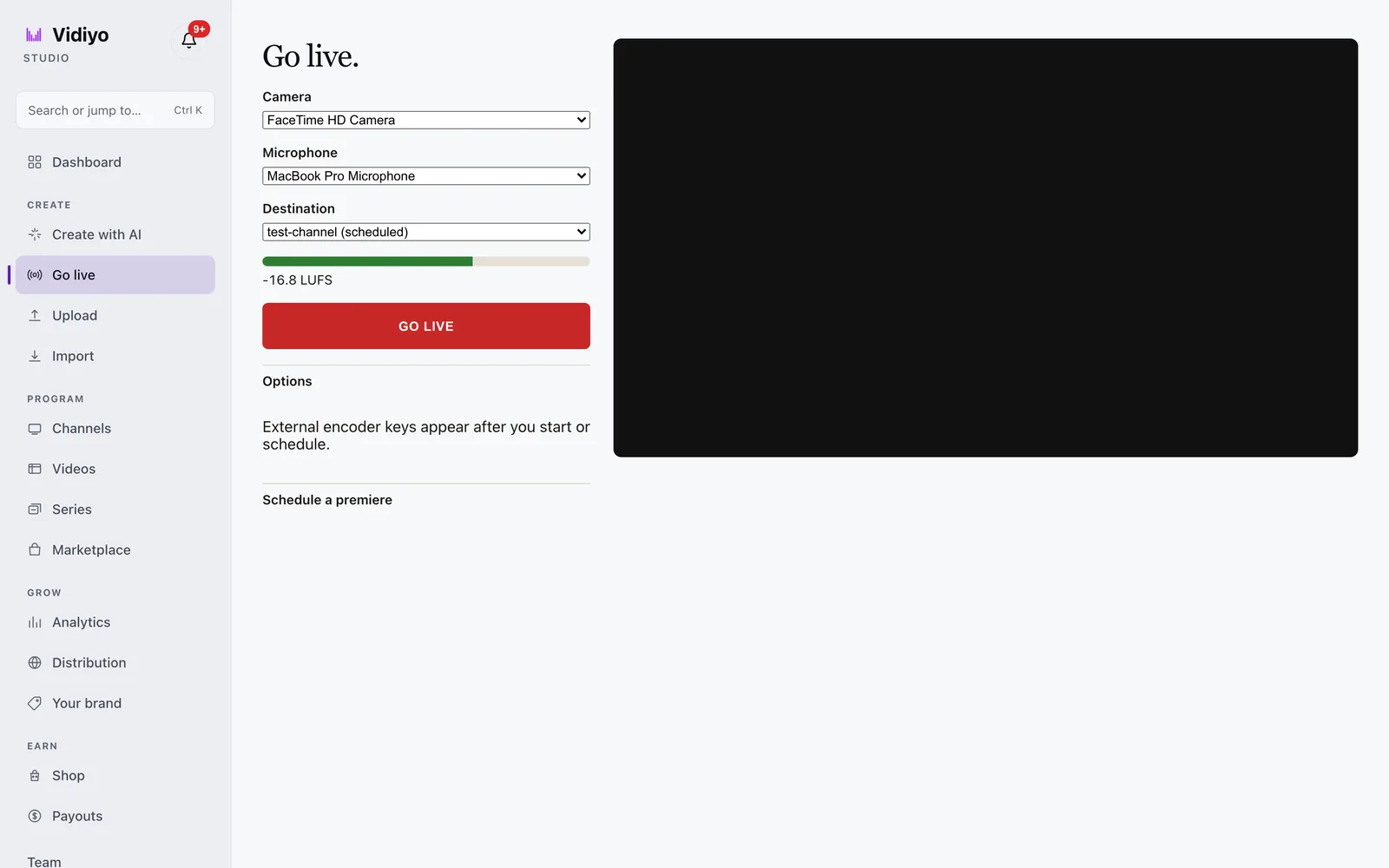
A live event that comes from a partner feed goes onto the channel grid instead. The Schedule live stream dialog takes an HTTPS HLS URL, a start time, a duration, and an ad setting. For that window the channel pulls the feed in place of the scheduled videos, and when the window ends the 24/7 schedule resumes on its own. That is the "safety package" above, built into the grid.
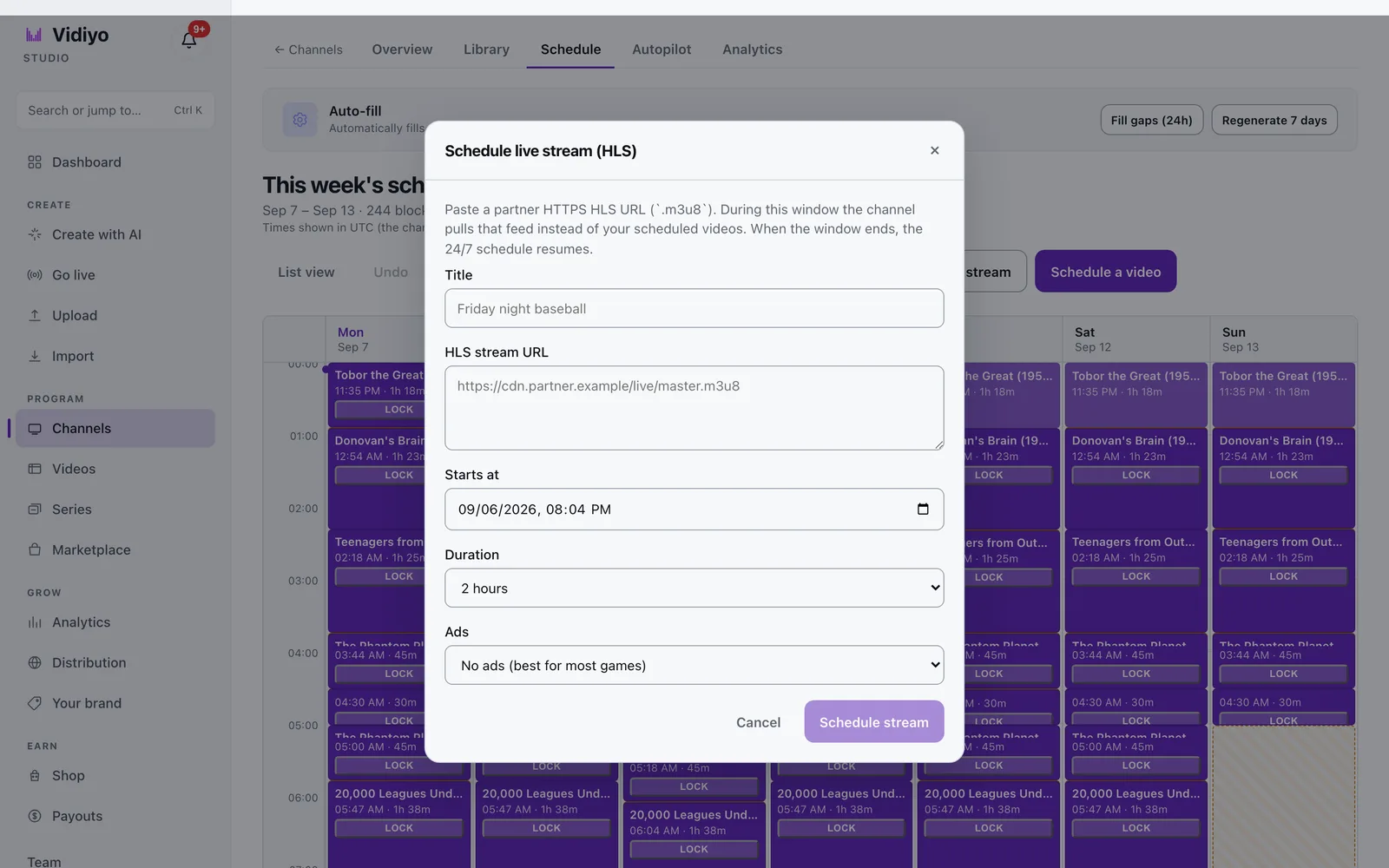
The step-by-step versions are [Go live](/help/go-live) and [Schedule a live stream](/help/schedule-a-live-stream).
## Monitoring while you are away
You cannot stare at the stream all night. Set alerts your platform supports for offline signals. Check the overnight loop after big changes. Keep a phone-accessible way to switch to the safety package. Document the steps in five lines so a friend can help in an emergency.
Audience trust depends on the stream being there more than on any single clever episode.
## Connecting live ops to growth
Every live should feed [audience](/learn/how-to-build-a-fast-channel-audience) and [growth](/learn/how-to-grow-a-fast-channel) loops: clear clock, clip promo, return rate check. Ops for its own sake is maintenance. Ops tied to habit is how 24/7 becomes a business, not a treadmill.
## Quick answers
**Do I need to be live 24/7?**
No. You need a 24/7 stream. Live can be a few high-quality blocks per week.
**How soon should replays air?**
Same day or next day for flagships, then rotate through the week.
**What if I have almost no catalog?**
Start live-first with a safety loop and grow the library from recordings. See [launch with no library](/learn/launch-a-fast-channel-with-no-library).
**Can I simulcast to YouTube?**
Often yes if rights allow. Keep CTAs appropriate per surface. See [FAST vs YouTube](/learn/fast-channel-vs-youtube).
---
## Cite this page
Vidiyo, "How to Go Live and Run a 24/7 Channel", vidiyo.com/learn/how-to-go-live-and-run-a-channel.
---
## Operator takeaway
Treat this page as a working checklist, not a one-time read. Revisit it when you change schedule density, ad load, distribution targets, or source quality. Small weekly improvements compound faster than a single big relaunch. If you need a free place to run the channel while you learn, [start creating on Vidiyo](/sign-up).
## What's next
- [Live streaming best practices for creators](/learn/live-streaming-best-practices-for-creators)
- [Vidiyo for live streamers](/for/live-streamers)
- [Channel scheduling for 24/7 playout](/learn/channel-scheduling-247-playout)
- [How to start a FAST channel](/learn/how-to-start-a-fast-channel)
- [Launch a FAST channel with no library](/learn/launch-a-fast-channel-with-no-library)
- [How to repurpose content for feed, live, and TV](/learn/how-to-repurpose-content-for-feed-live-tv)
- [What is SSAI](/learn/what-is-ssai)
- [Sign up free](/sign-up)
# How to Grow a FAST Channel: Retention and Discovery
URL: https://vidiyo.com/learn/how-to-grow-a-fast-channel
Published: 2026-08-03
Updated: 2026-08-03
How to grow a FAST channel with retention first: stable dayparts, stronger packaging, owned-channel promo, and discovery tactics that compound after launch.
How to grow a FAST channel is mostly retention math, then discovery. Keep the people who already sample you before you buy more chances to be ignored.
Launch gets you on the grid. Growth makes the grid worth visiting twice. This guide assumes you already have a running channel. If you do not, start with [how to start a FAST channel](/learn/how-to-start-a-fast-channel) and [building an audience from zero](/learn/how-to-build-a-fast-channel-audience).
---
## Growth equation for linear
Think in three rates:
1. **Sample rate:** how many new viewers land
2. **Hold rate:** how long they stay in a session
3. **Return rate:** how often they come back another day
Improving return rate by a little often beats doubling cold samples. Cold samples are expensive. Returners are compounding.
Track these weekly. Do not drown in vanity concurrent spikes from a single event unless that event also lifts return rate afterward.
---
## Retention levers that move numbers
### Stabilize the schedule
Growth stalls when the flagship moves every week. Lock dayparts for at least a month. Publish changes like a TV network would: advance notice, clear EPG updates, and a reason.
### Improve the first two minutes
Watch session starts. If people leave before minute two, fix opens, audio, and orientation before you spend on promo. [Creator best practices for CTV](/learn/content-creator-best-practices-ctv) lists the craft fixes.
### Win the post-ad minute
SSAI pods reset attention. Return with a bumper, a quick recap, or a visual change so the show feels alive. [What is SSAI](/learn/what-is-ssai) explains the insertion model.
### Series and marathons
Series teach "what is next." Marathons teach weekends. Both raise intentional tuning versus random flips. Name them plainly in the guide.
### Packaging consistency
Same mark, color, and bumper language across weeks. [FAST channel branding](/learn/fast-channel-branding) and [building a creator brand on CTV](/learn/building-a-creator-brand-on-ctv) cover identity work that supports recall.
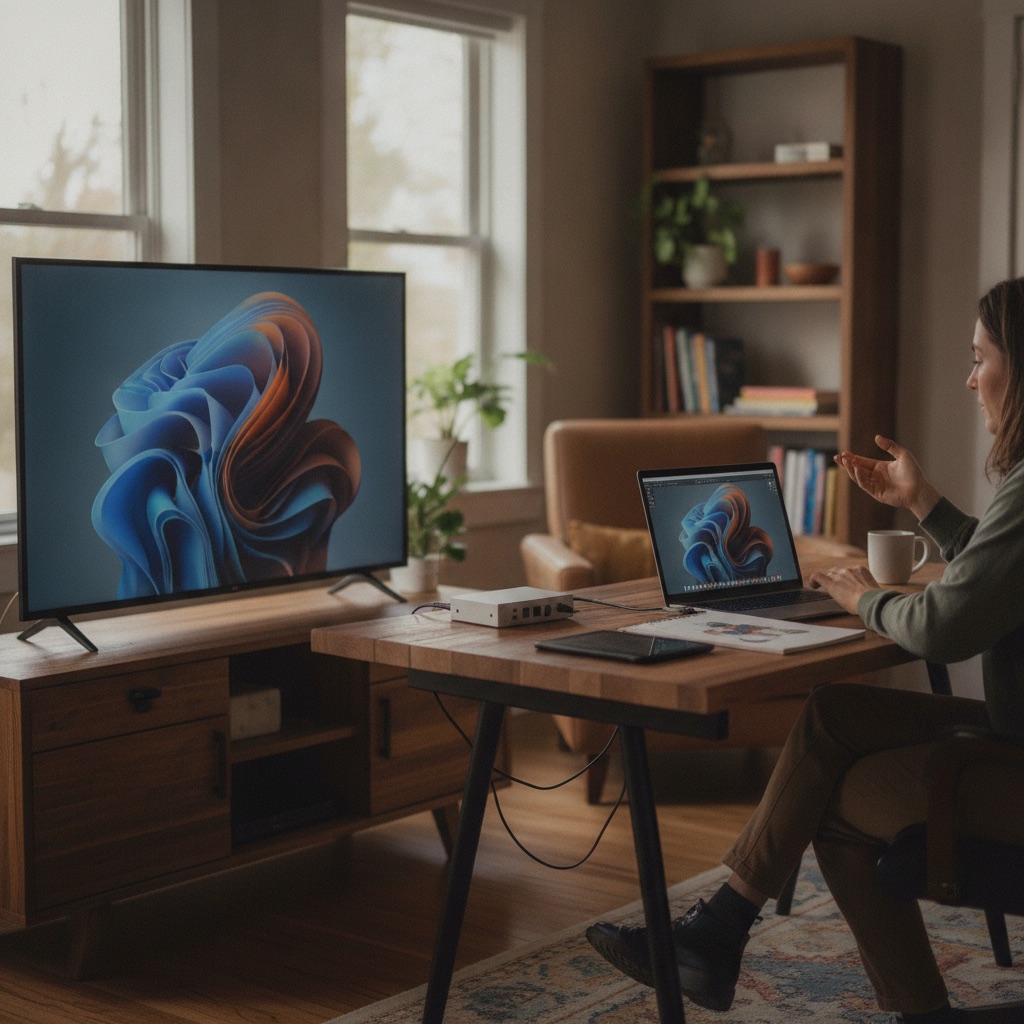
---
## Discovery levers that are honest about FAST
FAST discovery is a mix of guide presence, search, promos, and owned audiences. It is not a For You page.
### Guide and search hygiene
- Genre-true channel name and category
- Episode titles with searchable nouns
- Descriptions that survive truncation
- Art that reads at thumbnail size
### Owned-channel flywheels
YouTube, email, Discord, newsletters, and live chat remain the cheapest discovery for creator channels. Every surface should name a clock, not only a URL. [FAST vs YouTube](/learn/fast-channel-vs-youtube) helps you position both without cannibalizing the wrong CTAs.
### Guest and collab swaps
Trade appearances with adjacent creators. Share a single air time and a shared graphic. Measure whether guest episodes lift new and returning viewers.
### Platform features (when available)
Collections, featured rows, and editorial programs can help. Treat them as accelerants on a channel that already retains. They rarely save a confusing schedule.
### Paid only after fit
Run paid when you know which daypart converts samples into returners. Send paid traffic to that daypart. Buying generic installs into overnight loops wastes money.
---
## Content strategy for growth phases
**Phase A: deepen the promise**
Add more of what already holds. Do not add a second genre because growth feels slow.
**Phase B: expand formats inside the promise**
If you are a gaming news channel, add a weekend tournament block or a developer interview hour. Same audience, new reason to return.
**Phase C: sibling blocks or channels**
Only after Phase B returns stay healthy. Naming systems matter here; see branding guidance before you split identity.
AI can speed packaging and captions as you scale hours. Keep labels honest. [AI video for FAST channels](/learn/ai-video-for-fast-channels) and [AI-generated content on TV](/learn/ai-generated-content-on-tv) cover creation and trust.
---
## Operational growth: the weekly review
Run a 30-minute review every week:
1. Top three episodes by completion
2. Bottom three by early exits
3. Return rate versus last week
4. One packaging fix to ship
5. One promo experiment with a clear hypothesis
6. One thing to stop doing
Write decisions down. Growth is a habit of small cuts, not a single viral miracle.
Use analytics your platform provides. Vidiyo surfaces creator analytics for a free FAST channel with feed, live, AI-assisted creation, and SSAI. Pair numbers with the [revenue calculator](/tools/fast-revenue-calculator) when you model monetization impact of more hours.
---
## Distribution growth without losing control
Wider distribution can raise samples. It can also add ops load: more art specs, more metadata rules, more partner constraints.
Grow distribution when:
- Your stream is stable
- EPG matches reality
- Rights are documented
- Flagship return rate is trending up
Read [FAST distribution platforms](/learn/fast-channel-distribution-platforms) before you chase every store. Many creators start inside an aggregator like Vidiyo, prove the format, then expand.
---
## What not to do when growth stalls
- Relaunch under a new name every month
- Stuff unrelated viral clips that break the brand
- Dark patterns in the guide (misleading titles)
- Ignoring captions and QC while buying ads
- Comparing your month-two numbers to a legacy media channel without context
Stalls usually mean retention debt. Pay that first.
---
## 90-day growth outline
**Days 1 to 30:** Lock schedule. Fix opens and audio. Build the weekly review ritual.
**Days 31 to 60:** Double down on winning formats. Add one collab. Improve art and EPG copy.
**Days 61 to 90:** Test a second appointment. Consider light paid only toward the winning daypart. Evaluate whether distribution expansion is earned.
Ready to run that loop on a free stack? [Sign up](/sign-up), or start from the [YouTubers](/for/youtubers) and [live streamers](/for/live-streamers) paths if those match your library.
---
## Community loops that feed discovery
Growth is not only ads and guide tiles. Communities amplify appointment times when you give them something specific to share.
Practical loops:
- A weekly "bring a friend" ask tied to one episode, not a vague follow request
- Clip permissions for fans who want to share non-copyrighted moments
- Public office hours once a month where you explain the schedule
- Guest episodes that include a clear reciprocal promo commitment
Avoid contests that attract one-time prize hunters with no genre interest. Those inflate samples and crush return rate.
## Competitive awareness without copying
Watch adjacent channels for daypart ideas and packaging quality. Do not copy their names, art, or episode titles. Differentiation is how you become memorable in a crowded row. If three channels already own "generic true crime," narrow your promise until the tile says something only you can say.
Document three competitors and one sentence on how you differ. Revisit quarterly. Markets move; your promise can sharpen without a full rebrand.
## International and time-zone growth
If your audience spans regions, pick a primary clock and say which zone it is. Secondary replays can serve other zones without pretending every airing is live. EPG clarity prevents angry "you said 8pm" messages when viewers assumed a different zone.
Language expansion works when captions and hosts are ready. Auto-translate without review creates trust debt faster than it creates hours.
## Quick answers
**What grows a FAST channel faster: more hours or better retention?**
Better retention first. More hours help after people already stay and return.
**Can I grow without social media?**
Yes, but slower. Owned email, live, and guide search still matter. Social is optional fuel, not the engine.
**When should I redesign the channel?**
When the promise changed, not when a single week is soft. Redesigns reset habit.
**Does SSAI affect growth?**
Poorly placed ads hurt hold rate. Well-placed pods fund the channel without ending the session. Design breaks with care.
---
## Cite this page
Vidiyo, "How to Grow a FAST Channel: Retention and Discovery", vidiyo.com/learn/how-to-grow-a-fast-channel.
## What's next
- [How to build a FAST channel audience from zero](/learn/how-to-build-a-fast-channel-audience)
- [How to start a FAST channel](/learn/how-to-start-a-fast-channel)
- [FAST channel monetization](/learn/fast-channel-monetization)
- [Building a creator brand on CTV](/learn/building-a-creator-brand-on-ctv)
- [FAST channel branding](/learn/fast-channel-branding)
- [FAST revenue calculator](/tools/fast-revenue-calculator)
- [Vidiyo for YouTubers](/for/youtubers)
- [Sign up free](/sign-up)
# How to Repurpose Content for Feed, Live, and TV
URL: https://vidiyo.com/learn/how-to-repurpose-content-for-feed-live-tv
Published: 2026-08-03
Updated: 2026-08-03
Repurpose content for feed, live, and TV with one master workflow: shoot once, cut per surface, and schedule FAST without fighting your social posts.
Repurpose content for feed, live, and TV by shooting a master that can be cut three ways. One story, three shapes, one rights log.
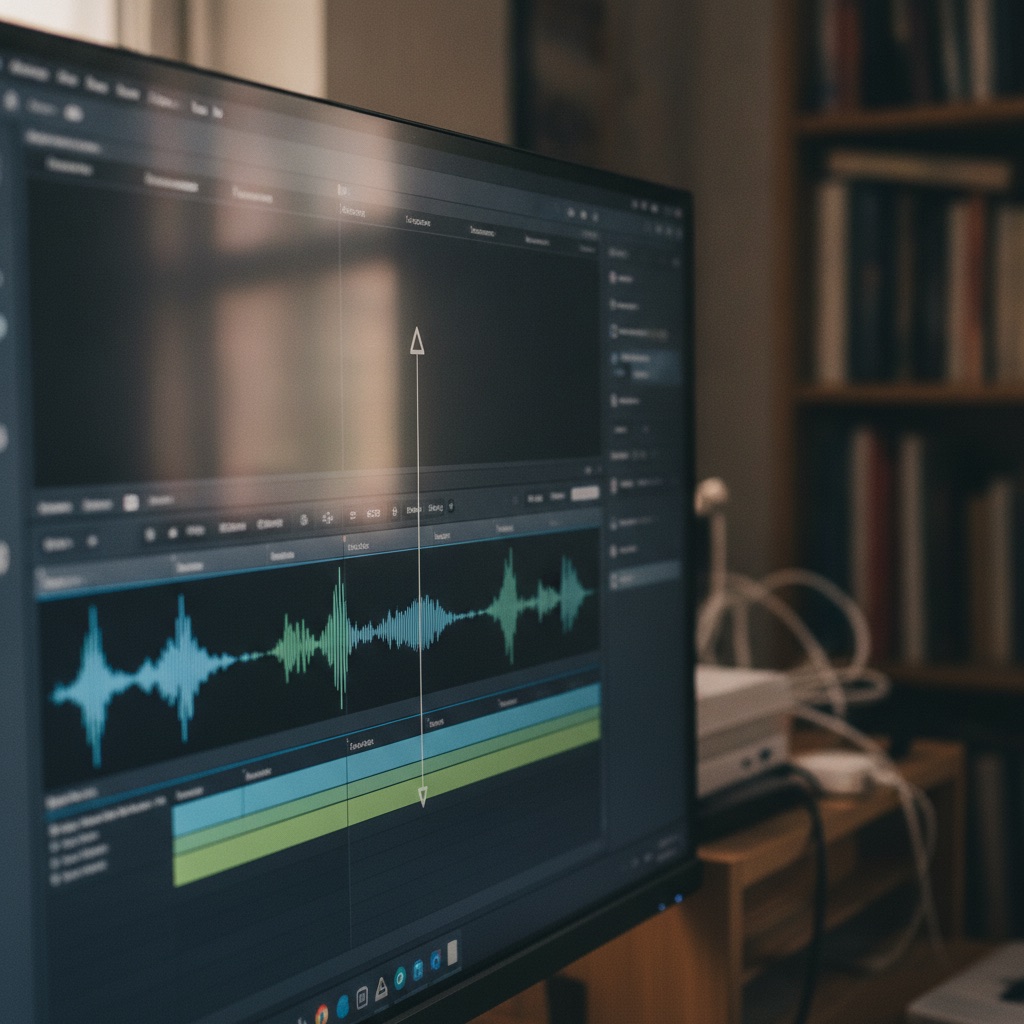
Creators waste weeks filming separate versions for every app. A better system starts with a clean master, then branches. This guide gives you that system for social feeds, live shows, and linear FAST. Pair it with [short-form to linear TV](/learn/short-form-to-linear-tv) and [YouTube to linear](/learn/converting-youtube-to-linear-channel).
---
## The master-first mindset
Capture the highest quality version you can edit down from:
- 16:9 master when TV and YouTube long-form matter
- Separate vertical A-cam or reframes for shorts when needed
- Clean audio always, even if picture is run-and-gun
- Timecode or clear slate notes for guests and segments
Do not publish the social compress first and then try to recover a TV master from it. Archive the project files.
---
## Surface requirements at a glance
**Feed (Shorts, TikTok, Reels, clips)**
- 9:16 or tight square crops
- Hook in the first second
- Captions burned or native
- Platform CTAs allowed
**Live**
- Real-time energy and chat
- Rundown with segment breaks
- Recording for later cuts
- Rights for anything on screen during the stream
**TV / FAST linear**
- 16:9 presentation (or intentional vertical templates)
- Slower pacing and clearer orientation
- EPG titles and descriptions
- SSAI-friendly pause points
- No false "part 2 in comments" mechanics
[Creator best practices for CTV](/learn/content-creator-best-practices-ctv) and [vertical video on TV](/learn/vertical-video-on-tv) detail living-room rules.

---
## Workflow A: long interview or desk show
1. Record the live or studio session to a clean program feed
2. Publish the long cut to YouTube (optional same-week or delay)
3. Cut 3 to 8 vertical highlights for feed promo
4. Caption and QC the long cut for FAST
5. Schedule the long cut in dayparts; use highlights as interstitial packs
6. Promo the next live time across all surfaces
This is the default for talk, news, faith, and education creators. [Live best practices](/learn/live-streaming-best-practices-for-creators) improve the source recording.
---
## Workflow B: short-form native creators going linear
1. Export clean clip masters without watermarks when possible
2. Sort by theme and rights
3. Build magazine or compilation episodes with VO bridges
4. Design TV-safe templates for vertical sources
5. Keep a slice of clips for feed continuity so social does not go dark
6. Point feed audiences to one weekly linear appointment
Details live in [short-form to linear TV](/learn/short-form-to-linear-tv).
---
## Workflow C: AI-assisted packaging
Use models to:
- Draft captions and translations you still proof
- Suggest highlight timestamps
- Generate bumper variants and side-panel art
- Draft EPG copy from your outline
Do not use models to launder someone else's IP into "new" TV episodes. Label synthetic primary media. Follow [AI video for FAST channels](/learn/ai-video-for-fast-channels) and [AI-generated content on TV](/learn/ai-generated-content-on-tv).
---
## Metadata once, adapt per surface
Keep a spreadsheet or doc with:
- Master title
- Short social title
- TV EPG title
- Description variants
- Tags / topics
- Rights status
- Publish dates per surface
- AI disclosure flag
Consistency builds brand. Exact strings can differ by character limits. [Building a creator brand on CTV](/learn/building-a-creator-brand-on-ctv) explains why the TV string still needs the same promise.
---
## Scheduling the triangle without burnout
A sustainable weekly pattern for many creators:
- **1 live** (flagship)
- **1 long replay** block family on the channel
- **5 to 10 feed clips** cut from the same masters
- **1 compilation** if you have short-form backlog
You do not need daily linear originals. You need a predictable grid. [How to go live and run a channel](/learn/how-to-go-live-and-run-a-channel) and [24/7 scheduling](/learn/channel-scheduling-247-playout) help fill hours with replays ethically.
---
## Monetization notes across surfaces
- Feed: platform RPMs, gifts, spark ads (per platform)
- Live: Super Chat-like features where they exist, plus sponsorship reads
- FAST: SSAI on watch hours; see [creator monetization beyond YouTube](/learn/creator-monetization-beyond-youtube)
Do not promise the same CPM across surfaces. Track each stack separately. The [FAST revenue calculator](/tools/fast-revenue-calculator) is for the linear side.
---
## QC gates before each publish
**Feed:** hook, captions, rights for audio
**Live:** checklist from the live guide, recording armed
**TV:** couch proof, captions, EPG match, ad pause points, disclosure
Skipping the TV gate to "save time" creates the most expensive rework: pulling episodes after they air.
---
## Tooling on Vidiyo
Vidiyo is a free FAST channel platform with feed, live, AI-assisted creation, and SSAI. Use it as the TV and live home while your social feeds remain on the apps your audience already opens. Start via [sign-up](/sign-up), [YouTubers](/for/youtubers), [live streamers](/for/live-streamers), or [AI creators](/for/ai-creators).
---
## File naming and archive rules
Chaos in the drive becomes missed air dates. Use a boring convention:
`YYYYMMDD_show_segment_master.mp4`
Store:
- Master program
- Social vertical exports
- Caption files
- Graphics project
- Rights notes
Delete nothing that might be needed for a sponsor make-good. Cold storage is cheaper than reshooting.
## When surfaces conflict
Sometimes a sponsor wants YouTube exclusivity for 48 hours. Sometimes a live chat moment should never be clipped. Decide conflicts with a simple priority order written down: rights first, then audience promise, then monetization opportunism. If a clip hurts trust on TV, it does not ship to TV even if it would perform on feed.
Document exceptions so editors are not guessing under deadline.
## Batch days versus daily scrambling
Many creators do better with two batch days: one for live or studio capture, one for cutting and scheduling. Daily scrambling produces weak TV masters and missed EPG updates. Protect the QC gate even when social wants more posts. [Creator best practices for CTV](/learn/content-creator-best-practices-ctv) lists what that gate should catch.
If you use AI for highlight detection, still watch the candidates. Algorithms optimize for motion and faces, not for brand or rights.
## Measuring the triangle
Track per surface without forcing one KPI:
- Feed: completion and outbound clicks to the channel appointment
- Live: concurrent stability and chat questions answered
- TV: session length and return rate
If feed spikes but TV returns are flat, your CTAs are weak or the linear episode does not match the tease. Fix the handoff before you scale spend.
## Template week you can copy
**Sunday:** plan topics and rights notes for the week
**Monday:** film or go live for the flagship master
**Tuesday:** long cut QC and captions; schedule TV windows
**Wednesday:** vertical feed cuts and promo posts with the clock
**Thursday:** light live desk or community Q&A if energy allows
**Friday:** compilation or interstitial pack from leftovers
**Saturday:** review metrics; adjust next week's brief
Adjust to your life. The point is a repeating shape so repurposing becomes muscle memory instead of a crisis.
## Quick answers
**Should every piece of content go to all three surfaces?**
No. Some bits are feed-only. Some live moments stay live. Put your strongest evergreen masters on TV.
**What do I film first if I am starting from zero?**
A weekly live or desk show you can cut for feed and replay on FAST. One master, many outputs.
**How do I avoid cannibalizing YouTube?**
Different CTAs and optional timing windows. Many creators run both without exclusivity. See [FAST vs YouTube](/learn/fast-channel-vs-youtube).
**Can AI do the repurposing automatically?**
It can draft cuts and captions. Humans still approve rights, pacing, and labels.
---
## Cite this page
Vidiyo, "How to Repurpose Content for Feed, Live, and TV", vidiyo.com/learn/how-to-repurpose-content-for-feed-live-tv.
## What's next
- [Short-form to linear TV](/learn/short-form-to-linear-tv)
- [Converting a YouTube library to a linear channel](/learn/converting-youtube-to-linear-channel)
- [Live streaming best practices for creators](/learn/live-streaming-best-practices-for-creators)
- [How to go live and run a 24/7 channel](/learn/how-to-go-live-and-run-a-channel)
- [Creator monetization beyond YouTube](/learn/creator-monetization-beyond-youtube)
- [Vidiyo for YouTubers](/for/youtubers)
- [Vertical video on TV](/learn/vertical-video-on-tv)
- [Sign up free](/sign-up)
# Live Streaming Best Practices for Creators
URL: https://vidiyo.com/learn/live-streaming-best-practices-for-creators
Published: 2026-08-03
Updated: 2026-08-03
Live streaming best practices for creators: set a cadence, run clean production and chat, clear rights, and turn live shows into a FAST schedule.
Live streaming best practices for creators are cadence, clear audio, and a plan for the hour after you end. A strong live show becomes catalog; a weak one becomes a forgotten VODs folder.
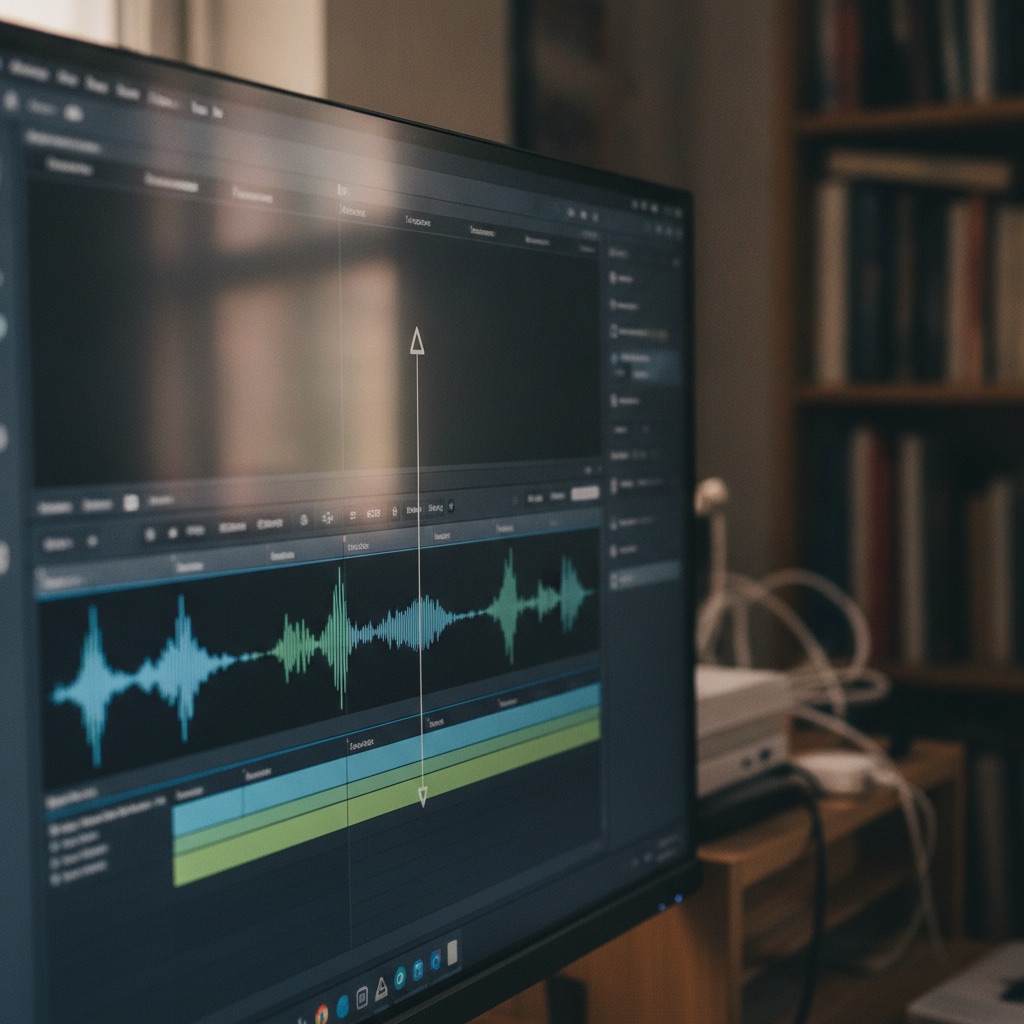
Live is still one of the fastest ways to fill a FAST channel with original programming you control. This guide covers preparation, on-air craft, chat, rights, and how to fold live into linear. Pair it with [how to go live and run a channel](/learn/how-to-go-live-and-run-a-channel) for the 24/7 ops view, and with [Vidiyo for live streamers](/for/live-streamers) for the product path.
---
## Decide what the live show is for
Not every live needs to be a three-hour hang. Pick a job:
- **Appointment flagship:** weekly show people set a reminder for
- **Event coverage:** launches, matches, services, conferences
- **Co-watch and reaction:** shared viewing with commentary you have rights to deliver
- **Production day:** build catalog by recording structured segments live
Write the job in one sentence before you go live. Everything else (length, guests, overlays) follows from that sentence.
---
## Cadence beats marathons
Creators often burn out on daily four-hour streams, then disappear for a month. Linear audiences need reliability more than heroic length.
**Sustainable patterns**
- One 60 to 90 minute flagship per week, plus shorter midweek desk
- Two 45-minute shows on fixed nights
- Event specials with a published calendar
Promote the clock for four weeks before you change it. Habit is fragile. See [how to build a FAST channel audience](/learn/how-to-build-a-fast-channel-audience) for appointment mechanics.
---
## Pre-show checklist that prevents dead air
Thirty minutes before go-live:
1. Mic check and headphone mix
2. Camera framing and lighting on a TV preview if possible
3. Lower thirds and guest names spelled correctly
4. Music beds cleared for linear, not only for Twitch or YouTube
5. Chat moderation rules and a second moderator when possible
6. Fallback slide if the guest fails to join
7. Recording armed for replay into the channel schedule
8. EPG title and description already matching what you will say on air
Rights deserve their own minute. Game captures, sports clips, and commercial music have different rules on a FAST channel than on a social live. When unsure, keep music original or licensed for broadcast.

---
## On-air craft for living rooms
Live on CTV is shared attention. Speak for the room, not only for superfans in chat.
**Open strong**
In the first minute: who you are, what tonight covers, how long you will be on, and when the replay airs. Drop-ins need orientation.
**Segment the hour**
Use a simple rundown: cold open, topic A, break, topic B, guest, close. Segments create natural ad and stretch points. They also make editing replays easier.
**Manage energy**
Alternate dense talk with visual beats: polls, short clips you own, screen shares that stay readable at 10 feet. Avoid reading chat silently for long stretches while the picture stalls.
**Close clean**
Summarize, thank guests, state the next live time, and end on a branded bumper. Soft fades into silence feel broken on a linear channel.
---
## Chat without letting chat drive the show
Chat is a retention tool and a derailment risk.
- Pin the topic and the next segment time
- Read names aloud when you take a question; it rewards participation
- Park off-topic threads for the end
- Use slow mode when spam spikes
- Never put private data from chat on the big screen
If you run chat on Vidiyo live rooms, treat moderators as part of production, not an afterthought. Toxic rooms lower session length even when the host is skilled.
---
## Technical baselines that matter more than gear lust
**Bitrate and stability**
A stable 1080p stream beats an unstable 4K stream. Wired ethernet when you can. Cap overlays that crush the encoder.
**Audio first**
Buy the mic before the light kit. Watchers forgive soft picture. They leave muddy voice.
**Redundancy**
Second internet path for important shows when budget allows. At minimum, a phone hotspot plan and a simpler backup scene.
**Latency expectations**
Explain that chat lag exists. Do not run fast-paced trivia that depends on perfect sync unless your stack supports it.
---
## Turn live into linear catalog
The live hour is expensive. Reuse it.
1. Record the clean program feed
2. Trim dead air and technical glitches
3. Add captions
4. Write an EPG title that names the episode topic
5. Schedule primetime original, then daytime and overnight replays
6. Cut vertical clips for social promo that point back to the next live
[How to repurpose content for feed, live, and TV](/learn/how-to-repurpose-content-for-feed-live-tv) walks the multi-surface cut. [Channel scheduling for 24/7](/learn/channel-scheduling-247-playout) covers grid design around live blocks.
AI can help with caption drafts and highlight detection. Keep a human on rights and editorial claims. See [AI video for FAST channels](/learn/ai-video-for-fast-channels).
---
## Monetization without wrecking the room
Live on a FAST channel can carry SSAI pods when your platform supports it. Design breaks at segment boundaries. Tell the audience a short break is coming. Surprise mid-sentence ads feel hostile.
Other live-adjacent revenue:
- Sponsorship reads with clear host-read labels
- Merch mentions that fit the show tone
- Driving viewers to the always-on channel between lives
Model hours with the [FAST revenue calculator](/tools/fast-revenue-calculator). Do not promise CPMs you have not measured. Broader money context: [creator monetization beyond YouTube](/learn/creator-monetization-beyond-youtube).
---
## A four-week improvement plan
**Week 1:** Fix audio and the open. Record and watch your own first ten minutes on a TV.
**Week 2:** Publish a stable rundown template. Add a moderator.
**Week 3:** Ship captions on replays. Schedule at least three replay windows.
**Week 4:** Invite one guest with an audience. Measure return rate for that episode versus solo shows.
Vidiyo supports live with chat plus linear scheduling and SSAI on a free FAST channel. Start at [sign-up](/sign-up) when your rundown is ready.
---
## Guest and co-host playbook
Guests raise discovery when they promote the air time to their own lists. They also raise failure modes: late arrivals, unclear topics, and rights surprises.
Send a short brief 48 hours ahead: start time, runtime, topics in and out, what appears on screen, and how the replay will be scheduled. Offer a five-minute tech check. Keep a solo backup segment ready. Introduce guests with names on a lower third so drop-ins are not lost.
If a guest brings clips, confirm linear rights before the show, not in chat during the cold open. The same rule applies to music beds they want under their segment.
## After-action review in fifteen minutes
While the stream is fresh, jot:
- What held attention
- Where energy dipped
- Chat questions you should answer on air next time
- Technical faults to fix before replay
- One promo clip timestamp
This tiny review compounds quality faster than buying new gear. Pair it with the weekly audience metrics from [how to grow a FAST channel](/learn/how-to-grow-a-fast-channel) so craft and growth stay connected.
## Accessibility on live
Enable live captions when your stack supports them. Repeat key URLs and times out loud. Describe important visuals briefly for audio-focused viewers. Avoid flashing strobe patterns in sudden overlays. These habits travel into your replay masters and raise the quality of the whole channel.
## Quick answers
**How often should creators go live?**
As often as you can keep quality and a fixed clock. Weekly excellence beats daily exhaustion.
**Should I stream to YouTube and a FAST channel at once?**
Often yes if rights allow. Keep CTAs appropriate to each surface. See [FAST vs YouTube](/learn/fast-channel-vs-youtube).
**What length works best?**
Sixty to ninety minutes is a durable flagship length for many talk and gameplay formats. Shorter desks work midweek.
**Do I need a producer?**
A second person for chat and cues helps as soon as the show has guests or sponsorships. Solo is fine for a simple desk.
---
## Cite this page
Vidiyo, "Live Streaming Best Practices for Creators", vidiyo.com/learn/live-streaming-best-practices-for-creators.
## What's next
- [How to go live and run a 24/7 channel](/learn/how-to-go-live-and-run-a-channel)
- [Vidiyo for live streamers](/for/live-streamers)
- [How to build a FAST channel audience from zero](/learn/how-to-build-a-fast-channel-audience)
- [Converting a YouTube library to a linear channel](/learn/converting-youtube-to-linear-channel)
- [Content creator best practices for CTV](/learn/content-creator-best-practices-ctv)
- [What is SSAI](/learn/what-is-ssai)
- [How to start a FAST channel](/learn/how-to-start-a-fast-channel)
- [Sign up free](/sign-up)
# Short-Form to Linear TV: Repurpose Clips into a Channel
URL: https://vidiyo.com/learn/short-form-to-linear-tv
Published: 2026-08-03
Updated: 2026-08-03
Short form to linear TV: pack clips into themed episodes, fix framing and audio, clear music rights, and schedule a FAST channel that feels intentional.
Short form to linear TV works when you rebuild clips into episodes with TV pacing, not when you shuffle verticals for eight hours. Pack with intent, then schedule with honest titles.
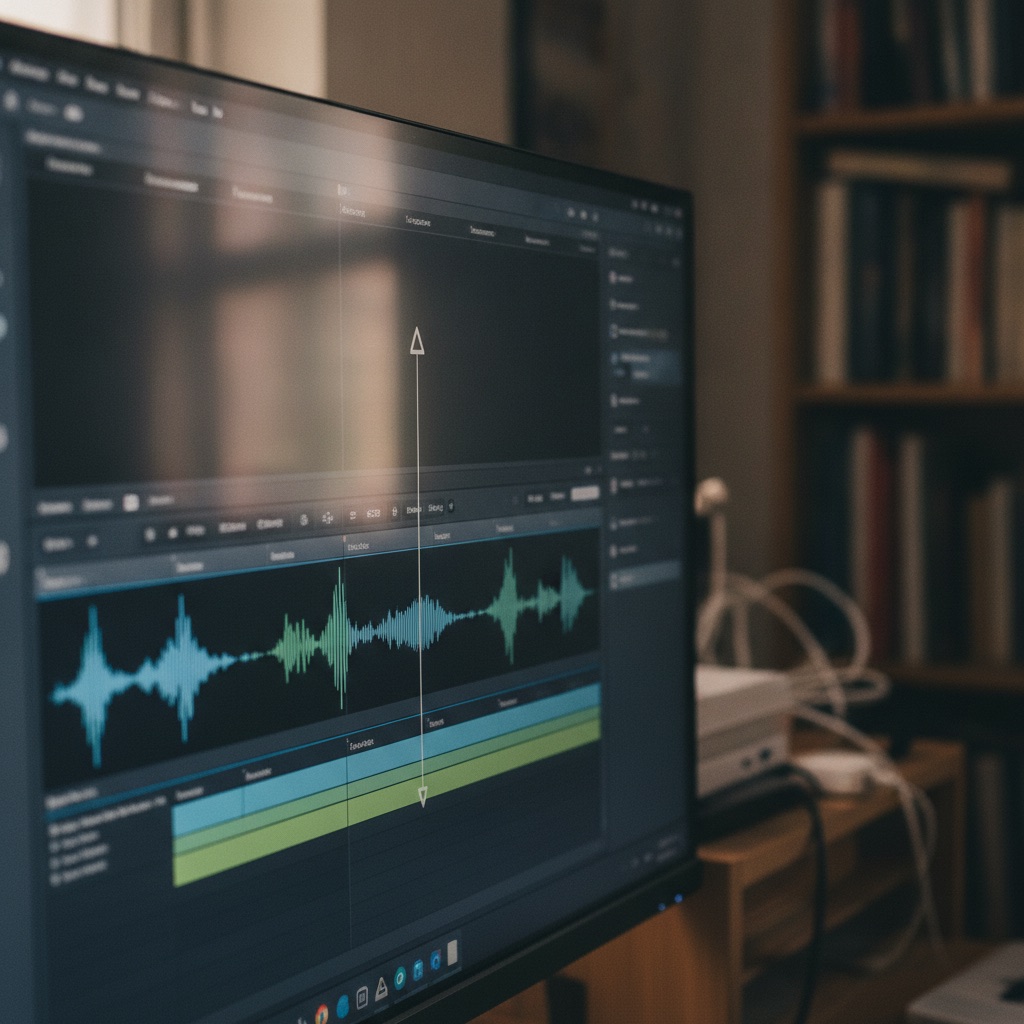
TikTok, Reels, Shorts, and vertical lives can seed a FAST channel. They rarely are a channel by themselves. This guide covers selection, packaging, rights, and grid design. Pair it with [converting YouTube to linear](/learn/converting-youtube-to-linear-channel) and [repurposing for feed, live, and TV](/learn/how-to-repurpose-content-for-feed-live-tv).
---
## Why a raw clip dump fails on FAST
Linear viewers expect a program. A random stack of 30-second jokes feels like a broken playlist. Problems show up fast:
- No orientation for drop-ins
- Whiplash topics that kill brand memory
- Vertical framing that looks unfinished on a wide TV
- Platform CTAs ("follow for part 2") that make no sense on CTV
- Music licenses that never covered broadcast
Your job is to turn clips into shows: themed blocks, host glue, and episode arcs.
---
## Select clips like a programmer
**Keep**
- Evergreen explainers and tutorials you own
- Comedy bits that still play without comments
- Game highlights you have rights to show
- Behind-the-scenes that deepen a known series
**Cut or rebuild**
- Trend audio you do not license
- Duets that depend on someone else's IP
- Parts 1 to 12 cliffhangers without a compiled cut
- Ultra-inside jokes that need the comment section
Sort survivors into buckets: education, comedy, recap, interview bites, B-roll. Buckets become episode themes.
---
## Packing patterns that feel like TV
### The magazine hour
Open with a host cold open (new or reused). Play 8 to 12 clips with short bridges. Close with a next-week tease. Works for news, gaming, and lifestyle.
### The compilation episode
One theme, 15 to 22 minutes, consistent energy. Example: "Worst Boss Fights, Vol. 3." Title the volume in the EPG so marathons make sense.
### The story rebuild
Take a multipart short series and edit it into a single linear episode with recap cards. Remove "part 4?" hooks that assume swiping.
### The interstitial pack
Keep some clips as 1 to 3 minute junctions between longer shows. Useful filler when labeled honestly ("Quick Tip").
AI can help draft bridges and captions. Keep human taste on joke timing and rights. See [AI video for FAST channels](/learn/ai-video-for-fast-channels).

---
## Fix the picture for living rooms
Follow [vertical video on TV](/learn/vertical-video-on-tv) when sources are 9:16.
Options that look intentional:
- Center vertical with branded side panels (not black emptiness)
- Reframe key moments to 16:9 when faces and action allow
- Mix vertical packages inside a wider show with a consistent template
Avoid zooming until faces pixelate. Softness on a 55-inch screen reads as amateur faster than on a phone.
Text burned into shorts is often too small. Rebuild titles at TV-safe sizes. Move critical words into captions and host VO.
---
## Fix audio and remove platform residue
- Replace trend music you cannot clear
- Duck beds under new VO bridges
- Remove end cards that point only to TikTok
- Strip watermarks when your license and platform rules allow; prefer exporting clean masters from your editor of record
- Normalize loudness across clips so the hour does not pump
Creators who keep original project files win here. Re-downloading compressed social encodes stacks artifacts.
---
## Rights checklist before schedule
1. Do you own or license each clip for linear FAST?
2. Is music cleared for broadcast-style streaming?
3. Are guests and collaborators cleared for TV distribution?
4. Do games, sports, or films on screen fall under fair use claims you would defend?
5. Are AI-upscales or AI rewrites of others' clips out of the library?
When the answer is fuzzy, leave the clip out. Growth from clean hours beats takedown risk. Broader conversion traps are in the [YouTube library guide](/learn/converting-youtube-to-linear-channel).
---
## Schedule short-form derived shows
**Primetime:** best magazine hours and compilations
**Daytime:** softer evergreen packs
**Overnight:** longer loops of proven compilations
**Live adjacency:** run a live desk, then a clip magazine built from the same week. [Live best practices](/learn/live-streaming-best-practices-for-creators) and [go live plus 24/7](/learn/how-to-go-live-and-run-a-channel) cover the live spine.
Promote appointment times even when the content came from shorts. Audience building still needs a clock; see [how to build a FAST channel audience](/learn/how-to-build-a-fast-channel-audience).
---
## Metrics that tell you packing worked
- Completion on compilation episodes versus raw clip loops
- Early exits in the first minute (bad open or bad first clip)
- Return rate on themed nights
- Chat or social replies that name the episode title (proof of recall)
If raw loops lose to packed magazines, stop scheduling raw loops in primetime.
---
## A two-week conversion sprint
**Days 1 to 3:** Export clean masters. Rights sort into yes / no / rebuild.
**Days 4 to 7:** Build three magazine or compilation pilots with bridges and captions.
**Days 8 to 10:** Design side panels or 16:9 reframes. Create bumpers.
**Days 11 to 14:** Schedule a week of honest EPG titles. Promo one primetime pack to your existing short-form audience.
Vidiyo is a free FAST channel platform with feed, live, AI-assisted creation, and SSAI. [YouTubers](/for/youtubers) and [AI creators](/for/ai-creators) both use short-form libraries as inputs. [Sign up](/sign-up) when pilots pass a TV proof watch.
---
## Host glue: the missing ingredient
Many short-form libraries fail on TV because nobody is steering. A host open of 20 to 40 seconds changes the feel of a compilation. You can film that open weekly in front of a simple backdrop. Say the theme, name two clips coming up, and welcome drop-ins. Close with the next appointment time.
If you dislike hosting, use a consistent voiceover and bumper system. Silence between clips still reads as a broken playlist. Bridges can be short: one sentence plus a visual sting.
## Captions and on-screen text rebuilds
Shorts often burn huge captions that cover half the frame. On TV those captions can look crude or collide with SSAI related UI. Prefer clean captions timed in a proper track. Rebuild any instructional text at larger sizes. Remove "link in bio" cards entirely.
When a joke depends on a comment screenshot, either license and frame it carefully or cut the joke. Comment culture does not travel intact to linear.
## Promo flywheel back to short-form
Linear does not mean abandoning shorts. Cut new vertical promos from the packed episode. Tease Thursday's magazine on Monday. Point to the channel clock, not only a profile link. Audience building still needs specificity; see [how to build a FAST channel audience](/learn/how-to-build-a-fast-channel-audience).
Creators who treat short-form as the top of funnel and FAST as the living-room home usually get more durable sessions than creators who try to make the TV stream behave like a phone feed.
## Quick answers
**Can I run a channel of only TikToks?**
You can loop them. Viewers usually treat that as low-quality TV unless you add structure, bridging, and clear themes.
**How many shorts make one episode?**
Often 8 to 15 clips plus bridges for a 15 to 22 minute compilation, depending on length and pacing.
**Should I keep watermarks?**
Prefer clean masters. Watermarks remind people they are watching a phone export on a television.
**Is vertical okay on FAST?**
Yes if presentation is intentional. Read [vertical video on TV](/learn/vertical-video-on-tv) and stay consistent.
---
## Cite this page
Vidiyo, "Short-Form to Linear TV: Repurpose Clips into a Channel", vidiyo.com/learn/short-form-to-linear-tv.
## What's next
- [How to repurpose content for feed, live, and TV](/learn/how-to-repurpose-content-for-feed-live-tv)
- [Converting a YouTube library to a linear channel](/learn/converting-youtube-to-linear-channel)
- [Vertical video on TV](/learn/vertical-video-on-tv)
- [FAST channel vs YouTube](/learn/fast-channel-vs-youtube)
- [Vidiyo for YouTubers](/for/youtubers)
- [How to start a FAST channel](/learn/how-to-start-a-fast-channel)
- [Content creator best practices for CTV](/learn/content-creator-best-practices-ctv)
- [Sign up free](/sign-up)
# SSAI Ad Prefetch for CTV Streams Explained
URL: https://vidiyo.com/learn/ssai-ad-prefetch
Published: 2026-08-03
Updated: 2026-08-03
SSAI ad prefetch fetches and prepares ads before a CTV break fires. Learn how pre-fetching cuts stitch latency, and how Vidiyo's playout warms pods.
SSAI ad prefetch means the ad insertion system starts fetching and preparing commercials before the break hits the viewer's stream. The stack does not wait until cue-out to start a cold [VAST](/learn/what-is-vast) call, transcode, and stitch. It warms creatives, and when possible a ready pod, a short time ahead. On CTV, that lead time keeps [server-side ad insertion](/learn/what-is-ssai) from stalling at the splice.
Prefetch is an engineering pattern, not a separate ad format. It sits beside break signaling, VAST decisioning, and HLS stitching. This guide explains why CTV needs it, how a two-phase approach works, and what Vidiyo's playout engine actually does. It does not invent multi-cloud or vendor marketing claims you will not find in the product.
---
## Why does CTV SSAI need prefetch?
A mid-roll on a living-room stream has a hard deadline. When the break window opens, ad segments need to be ready in the personalized [HLS manifest](/learn/hls-manifest-explained). Several steps take real time:
1. **VAST round trips.** Wrapper chains hop across ad servers. Each hop can add tens or hundreds of milliseconds, and timeouts are common.
2. **Creative conditioning.** Many ads arrive as MP4 mezzanines. SSAI must transcode or select renditions that match the content ladder before stitch.
3. **Pod assembly.** A 120-second break may need several creatives that fit the remaining duration without overrun.
4. **Manifest rewrite.** The inserter swaps content segments for ad segments for that session.
If all of that starts only at cue-out, the player can hit an empty or late window: black frames, truncated ads, or an unfilled break. Prefetch moves the expensive work earlier so the warm path is a cache hit when the break fires.
---
## How does a two-phase prefetch work?
A practical pattern (used in managed SSAI systems, including Vidiyo's playout prefetcher) splits work into conditioning and final fill.
**Phase 1: creative conditioning.** Before the scheduled break, often one to two minutes out, the system calls VAST early. It discovers creatives and starts transcoding new MP4s. Those early auction results are often discarded for serving, because demand changes quickly. The goal is warm media, not a stale pod.
**Phase 2: pod fill.** Closer to the break, often tens of seconds out, the system makes a final VAST request. It builds the pod that will actually play and stores it for the imminent cue. When the break fires, SSAI prefers that warm pod. If the cache misses or expires, it falls back to a live (cold) request.
Vidiyo's playout engine follows that model: conditioning look-ahead around two minutes, pod-fill look-ahead around thirty seconds, then consume-on-break with a cold-path fallback. Exact timings can change. The idea stays stable: prepare media early, decide the served pod late, and avoid blocking the linear schedule on a cold transcode.
Viewer context matters on the final fill. A pod that will be served and beaconed should carry real session signals (IP, user agent, and related macros) so measurement stays honest. If a channel has no recent viewer, there is nobody to represent and nothing useful to warm for delivery. The cold path still covers a viewer who joins later. That is a deliberate accuracy choice, not a missing feature checkbox.
---
## What prefetch is not
Clear the marketing fog:
- **Not a guarantee of 100% fill.** Prefetch helps readiness and latency. It does not create demand. Empty VAST responses still mean unfilled slots.
- **Not client-side buffering of ads.** In SSAI, the server prepares the stream. The CTV player still sees one HLS session.
- **Not the same as VMAP.** [VMAP](/learn/what-is-vmap) schedules breaks. Prefetch accelerates how SSAI fills a break that the schedule or cues already defined.
- **Not multi-region magic by default.** Some vendors sell multi-cloud edge stories. Vidiyo's honest claim is in-playout prefetch tied to upcoming schedule breaks and recent viewer context, not a separate CDN product pitch.
---
## How operators should think about it
On a managed platform you rarely toggle "prefetch on." You still feel the effects when debugging:
- **Break durations must be honest.** Prefetch fills the window the schedule declared. Wrong durations waste conditioned creatives or leave gaps. See [designing ad breaks](/learn/designing-ad-breaks-for-fast-channels).
- **New creatives need lead time.** The first time a novel MP4 appears, conditioning matters. Repeat creatives hit cache faster.
- **Validate the stitch, not the slogan.** Pull a live playlist around a break and confirm cue tags and ad segments. Use the [HLS manifest validator](/tools/hls-manifest-validator) when you want a structured check.
- **Measure fill and completion separately.** Prefetch failures show up as late stitches or cold-path latency. Demand failures show up as empty pods. Do not conflate them in weekly reviews.
Warm path vs cold path symptoms worth knowing:
| Symptom near a break | Likely layer |
| --- | --- |
| Ads start late or stutter at cue-out | Prefetch miss, slow VAST, or creative not ready |
| Break window empty but cues look correct | Demand / fill, not prefetch |
| Wrong duration vs scheduled pod | Schedule or SCTE-35 contract error |
| Manifest has cues but no ad segments | Stitch path failed after decisioning |
Logs that say "warm cache hit" versus a live VAST fetch at break time are the ground truth. Marketing pages that only say "prefetch" without a cold-path story are incomplete.
If you are launching a channel and want the handoff path without assembling your own SSAI stack, [start creating on Vidiyo](/sign-up).
---
## Quick answers
**What is SSAI ad prefetch?** It is fetching and preparing ads before a break fires so SSAI can stitch without a cold start at cue-out.
**Does prefetch replace VAST?** No. Prefetch times when VAST runs and when creatives are conditioned. VAST still carries the ad decision.
**Does Vidiyo prefetch ads?** Yes. Playout warms creatives ahead of scheduled breaks and tries to serve a ready pod at cue-out. If the warm cache misses, it falls back to a live request.
**How do I verify breaks are stitching cleanly?** Inspect the HLS playlist around cue-out and cue-in, watch a test session on target devices, and run suspect URLs through the [HLS manifest validator](/tools/hls-manifest-validator).
---
## Cite this page
Vidiyo, "SSAI Ad Prefetch for CTV Streams Explained", vidiyo.com/learn/ssai-ad-prefetch.
---
## What's next
- [What is SSAI? Server-side ad insertion](/learn/what-is-ssai)
- [What is a VAST tag?](/learn/what-is-vast)
- [HLS manifests explained](/learn/hls-manifest-explained)
- [What is VMAP?](/learn/what-is-vmap)
- [HLS manifest validator](/tools/hls-manifest-validator)
# What Is Ad Podding? FAST Ad Pods Explained
URL: https://vidiyo.com/learn/what-is-ad-podding
Published: 2026-08-03
Updated: 2026-08-03
Ad podding packs multiple ads into one FAST channel break. Learn how pods work with SSAI, why slot length changes fill, and how operators set load.
Ad podding is the practice of grouping several commercials into a single break inside a FAST channel stream. Instead of one lone spot between programs, a pod might hold four 30-second ads in a 120-second window. [Server-side ad insertion](/learn/what-is-ssai) stitches that whole block into the HLS stream so the viewer stays in one continuous playback session.
If you operate a FAST channel, pod design is a revenue lever and a retention lever at the same time. Slot length, pod count, and hourly ad load decide how much inventory you offer and how often viewers sit through a break. Get those wrong and you either leave money unfilled or train people to change the channel.
---
## What is an ad pod in FAST?
An ad pod is one break opportunity filled with one or more creatives, played back to back. The schedule (or the ad server) declares how long the window lasts. The ad stack then tries to fill that window with sold inventory.
In linear FAST, a typical hour might look like this:
| Hourly ad load | Pods per hour | Example pod length |
| --- | --- | --- |
| 4 to 5 minutes | 3 to 4 | 60 to 90 seconds |
| 6 to 7 minutes | 4 to 5 | 90 to 120 seconds |
| 8 minutes | 5 to 6 | 90 to 120 seconds |
These ranges match common FAST practice of roughly 4 to 8 minutes of ads per hour, lighter than cable's historical 12 to 16. Treat them as operator planning bands, not audited industry rules. Channel genre, fill rate, and retention all shift what "works."
Pod structure is not only total minutes. A 120-second pod can be two :60s, four :30s, or a mix with :15s. Shorter slots often clear more demand because more buyers can afford a short unit. Longer creatives can clear higher CPMs when demand is strong. Model both with the free [ad pod calculator](/tools/ad-pod-calculator).
---
## How does SSAI fill a pod?
When a break fires, SSAI does not invent ads. It asks an ad server for decisions, usually over [VAST](/learn/what-is-vast), then stitches the winning creatives into the stream for that viewer session.
The loop in plain terms:
1. **Playout marks the break.** Your schedule defines where the pod starts and how long it runs. Markers such as [SCTE-35](/learn/what-is-scte-35) cues carry that contract into the stream.
2. **SSAI requests fill.** The inserter calls your demand stack for ads that fit the remaining window.
3. **Creatives are selected.** Responses may include wrappers, multiple media files, and tracking URLs. SSAI follows the chain until it has playable ads or gives up on a slot.
4. **The pod is stitched.** Ad segments replace the break window in the personalized HLS manifest. Beacons fire as playback crosses start and quartile points.
Unfilled time inside a pod is a fill-rate problem, not a mystery. Demand may be thin, floors too high, creatives not ready, or the declared duration mismatched to what buyers can sell. See [ad fill optimization](/learn/ad-fill-optimization) for the waterfall levers.
---
## Why pod design changes revenue and retention
Podding sits between editorial taste and ad ops math.
**Too many pods.** Viewers learn the rhythm and leave before the next break. Session length drops, and you serve fewer total impressions even if fill looks fine on paper.
**Too few pods, oversized windows.** A four-minute mid-roll can feel like a commercial block from cable. Completion rates suffer when the break feels endless.
**Slot length vs demand.** New channels with thin demand often do better with more :15 and :30 slots than with scarce :60 inventory. Mature channels with strong direct or PMP demand can sell longer units.
**Competitive separation.** Buyers care whether two rivals sit in the same pod. Platforms and ad servers enforce category rules; operators still feel the effect when fill drops because a rule blocked a bidder.
For the broader buying path (programmatic vs direct, measurement, household targeting), read [CTV advertising explained](/learn/ctv-advertising-explained). For placement craft (where breaks land in the schedule, marker discipline, retention checks), use [designing ad breaks for FAST channels](/learn/designing-ad-breaks-for-fast-channels).
---
## How should you measure whether a pod plan works?
Do not judge a break map by CPM alone. Track a small set of paired metrics for two weeks after any change:
| Metric | What it tells you |
| --- | --- |
| Fill rate by pod length | Whether demand can clear :15/:30/:60 slots you offer |
| Completion rate | Whether viewers stay through the block |
| Average session length | Whether heavier load is costing tune-away |
| Impressions per viewer-hour | Combined effect of load, fill, and session length |
A higher ad load that tanks session length can reduce total impressions. A lighter load with higher fill can earn more. Vendor CPM decks that ignore fill and retention are incomplete. Published FAST CPM bands in seller materials often sit around $15 to $25 programmatic. Treat those as benchmarks, not your measured yield.
When a pod underperforms, change one variable at a time: slot mix, pod count, or daypart load. Parallel changes make the cause impossible to read.
---
## What do FAST operators control on a managed platform?
On Vidiyo you set break policy and schedule content. Playout emits cues, SSAI fills pods, and analytics report impressions against those breaks. You do not hand-edit VAST XML for every viewer.
What still rewards operator attention:
- Hourly ad load and pods per hour
- Pod duration honesty (declared length must match the real window)
- Genre and metadata accuracy so demand can target the inventory
- Retention checks after any load change
If you are still choosing a launch path, start with [how to start a FAST channel](/learn/how-to-start-a-fast-channel) or [create a channel](/sign-up).
---
## Quick answers
**What is ad podding?** It is packing multiple ads into one break window so SSAI can stitch a continuous commercial block into the FAST stream.
**What is the difference between ad load and a pod?** Ad load is total ad minutes per hour. A pod is one break that holds some of those minutes as one or more creatives.
**How long should a FAST ad pod be?** Many operators run 60 to 120 second pods inside a 4 to 8 minute hourly load. Start light on a new channel and add only when retention holds.
**Do I need to build podding myself?** No on a managed SSAI platform. You set break policy; the playout and ad stack construct and fill the pods.
---
## Cite this page
Vidiyo, "What Is Ad Podding? FAST Ad Pods Explained", vidiyo.com/learn/what-is-ad-podding.
---
## What's next
- [Designing ad breaks for FAST channels](/learn/designing-ad-breaks-for-fast-channels)
- [What is SSAI? Server-side ad insertion](/learn/what-is-ssai)
- [What is a VAST tag?](/learn/what-is-vast)
- [CTV advertising explained](/learn/ctv-advertising-explained)
- [Ad pod calculator](/tools/ad-pod-calculator)
# What Is VMAP? Video Multiple Ad Playlist
URL: https://vidiyo.com/learn/what-is-vmap
Published: 2026-08-03
Updated: 2026-08-03
VMAP schedules when ad breaks run in a video session. VAST fills each break with creatives. Learn how VMAP differs from SCTE-35 cues in live FAST.
VMAP (Video Multiple Ad Playlist) is an IAB Tech Lab XML standard that schedules ad breaks for a video session. It answers when breaks should occur, how long they should run, and which ad tags to call for each break. It does not carry the creatives themselves. Those still arrive through [VAST](/learn/what-is-vast) responses that fill each scheduled slot.
In VOD or session-based streaming, VMAP is how an ad server hands a player or SSAI service a full break plan up front. Live FAST channels usually cue breaks differently, with [SCTE-35](/learn/what-is-scte-35) markers in the stream. Knowing which layer does which job keeps debugging honest when fill or timing fails.
---
## What problem does VMAP solve?
Without a break schedule, every player or inserter has to invent timing rules: mid-roll at minute 10, pre-roll on start, and so on. That creates inconsistent load across apps and weak measurement.
VMAP centralizes the plan:
1. **Break timing.** Offsets or position types (pre-roll, mid-roll, post-roll) define when each break starts.
2. **Break length.** Each break declares how much ad time to fill.
3. **Ad source pointers.** Each break points at a VAST tag (or a chain) that will supply creatives when the break fires.
4. **Tracking hooks.** The playlist can carry break-level tracking so systems know when a planned break was attempted.
The player or SSAI engine reads the VMAP once (or refreshes it), then executes the plan as playback progresses.
Conceptually, a VMAP document is a list of ad breaks. Each break has a timing rule, an optional duration, and one or more ad sources (usually VAST URLs). Extensions can add vendor-specific rules, but the core contract stays the same: schedule first, creatives second.
---
## VMAP vs VAST vs SCTE-35: who does what?
These three names get mixed together. They sit on different layers.
| Spec | Job | Typical surface |
| --- | --- | --- |
| VMAP | Schedules breaks for a session | VOD, session SSAI, some AVOD apps |
| VAST | Describes creatives, media files, and beacons for a fill | Every break that needs an ad decision |
| SCTE-35 | Signals splice points inside a live or linear stream | Live FAST, broadcast-style playout |
In one sentence: **VMAP plans the breaks, VAST fills them, SCTE-35 cues live linear opportunities.**
A VOD title might ship with a VMAP that says "pre-roll, then a mid-roll at 00:12:00 for 90 seconds." When each break arrives, the inserter calls VAST. It stitches the ads via [SSAI](/learn/what-is-ssai).
A live FAST channel usually does not depend on a per-viewer VMAP for break timing. The playout schedule decides pods. SCTE-35 cue-out and cue-in markers carry those decisions into the HLS manifest. SSAI still uses VAST to fill each pod. For how pods are structured once a break exists, see [what is ad podding](/learn/what-is-ad-podding).
---
## When do FAST operators actually see VMAP?
Many independent FAST operators never open a VMAP file. The platform owns break policy, cue insertion, and ad calls. You still meet the concept when:
- You integrate a third-party ad server that returns VMAP for on-demand or catch-up sessions
- A buyer or ad-ops partner asks whether your stack "supports VMAP"
- You debug a hybrid product that mixes linear FAST with VOD episodes
On Vidiyo, linear monetization is schedule-driven SSAI: playout inserts markers, SSAI fills pods with VAST, beacons report delivery. You configure break policy in channel settings rather than authoring VMAP by hand. If you also ship VOD, session ad plans may still use VMAP-style scheduling on the demand side. The important product truth is the split of duties above, not a claim that every FAST view starts with a VMAP document.
If a partner questionnaire asks "Do you support VMAP?", answer with the product surface you actually run. Linear FAST with SCTE-35 cueing and VAST fill is a complete monetization path. Session VMAP support is a separate integration question for VOD or hybrid apps. Collapsing those answers into a single yes often creates false expectations in ad-ops reviews.
---
## What breaks when the layers are confused?
Common failure modes:
- **Treating VMAP as the creative.** Empty breaks when the VAST tags inside the playlist fail or time out.
- **Ignoring duration contracts.** A VMAP break of 120 seconds filled with 45 seconds of ads leaves dead air unless the inserter backfills or shortens the window.
- **Expecting VMAP to cue live linear.** If your live stream has no SCTE-35 (or equivalent) markers, a VOD-style playlist cannot magically invent splice points in the HLS timeline.
- **Long wrapper chains under each break.** Each VAST hop adds latency. Prefetch helps when the stack supports it; see [SSAI ad prefetch](/learn/ssai-ad-prefetch).
When fill looks wrong, ask which layer failed: schedule, cue, VAST decision, or stitch. That triage is faster than blaming "SSAI" as a single black box.
A short debug order that works in practice:
1. Confirm the break was planned (VMAP offset or linear schedule / SCTE-35 cue).
2. Confirm the VAST tag returned playable media within the break duration.
3. Confirm the HLS playlist shows ad segments between cue-out and cue-in.
4. Confirm beacons fired for the creatives that actually played.
Skip step 1 and you will "fix" VAST when the schedule never asked for a break. Skip step 3 and you will blame demand when the stitch never landed.
---
## Quick answers
**What is VMAP?** It is an IAB XML playlist that schedules ad breaks for a video session and points each break at a VAST tag for fill.
**Does VMAP replace VAST?** No. VMAP schedules breaks. VAST still describes the ads that fill those breaks.
**Do live FAST channels use VMAP for cueing?** Usually no. Live linear breaks are typically signaled with SCTE-35 (or similar) markers from playout. VAST still fills the pod.
**Do I need to write VMAP myself on Vidiyo?** Not for linear FAST. You set break policy; the platform handles cues and VAST fill. VMAP matters more when you integrate session-based or VOD ad plans with an external ad server.
---
## Official references
- IAB Tech Lab VMAP: [iabtechlab.com](https://iabtechlab.com/standards/vmap/)
- Launch on Vidiyo instead of applying platform-by-platform: [start creating](/sign-up)
## Cite this page
Vidiyo, "What Is VMAP? Video Multiple Ad Playlist", vidiyo.com/learn/what-is-vmap.
## What's next
- [What is SSAI? Server-side ad insertion](/learn/what-is-ssai)
- [What is a VAST tag?](/learn/what-is-vast)
- [What is ad podding?](/learn/what-is-ad-podding)
- [What is SCTE-35? Ad break signaling](/learn/what-is-scte-35)
- [Designing ad breaks for FAST channels](/learn/designing-ad-breaks-for-fast-channels)
# FAST Channel CPM Benchmarks 2026
URL: https://vidiyo.com/learn/fast-cpm-benchmarks-2026
Published: 2026-08-02
Updated: 2026-08-03
FAST channel CPM benchmarks for 2026: typical CTV ranges, what moves rates, and how independents model ad revenue without treating vendor decks as measurement.
FAST channel CPMs in 2026 usually sit in a wide band. Independents often model **$8 to $25** for mid-roll CTV inventory in ordinary markets, with premium sports and news slots clearing higher when demand is strong. Vendor and platform decks publish their own ranges. Treat those as benchmarks, not your measured yield.
This page is the CPM-focused companion to [how much FAST channels make](/learn/how-much-do-fast-channels-make) and the [FAST industry statistics](/learn/fast-industry-statistics) hub. For market size and viewership, cite the stats hub. For planning your own channel, use the [FAST revenue calculator](/tools/fast-revenue-calculator).
---
## Quick answers
**What CPM should a new FAST channel assume?**
Start near the low-to-mid band for your genre, then raise the model only after you see real fill and buyer demand.
**Do FAST CPMs beat YouTube?**
Often yes on a per-impression basis for living-room CTV, but total volume and fill matter more than the headline CPM. Compare apples to apples in the [FAST vs YouTube](/learn/fast-channel-vs-youtube) guide.
**Are these Vidiyo marketplace averages?**
No. They are 2026 planning benchmarks for operator models, not audited Vidiyo yield.
**Where should I go next?**
[Start a FAST channel](/learn/how-to-start-a-fast-channel), check [free FAST platform options](/compare/free-fast-channel-platform), or open the [revenue calculator](/tools/fast-revenue-calculator).
---
## What is a FAST channel CPM?
CPM means cost per thousand ad impressions. On a FAST channel, the viewer watches a linear stream. Ads insert as pods (often via SSAI). Buyers pay for completed impressions that meet their brand and brand-safety rules.
A $15 CPM means $15 per 1,000 impressions. Ten thousand impressions at that rate is $150 of gross ad revenue before platform share, fill gaps, and invalid traffic filters.
Related terms operators mix up:
- **Gross CPM:** Sticker rate before fill and share.
- **eCPM:** Effective rate after fill and blended demand. See the formula in [FAST channel analytics](/learn/fast-channel-analytics).
- **Floor:** Minimum bid you are willing to accept when your stack allows it.
---
## 2026 benchmark ranges (labeled as benchmarks)
These are planning bands operators use when building models. They are **not** Vidiyo-measured marketplace averages for every niche.
| Inventory type | Typical CPM band | Notes |
|---|---|---|
| General entertainment mid-roll | $8–$18 | Broadest independent inventory |
| Niche lifestyle / hobby | $10–$22 | Smaller reach, stronger audience fit |
| News and live talk | $12–$28 | Higher when live and brand-safe |
| Sports and live events | $20–$40+ | Rights and seasonality dominate |
| Soft fill / remnant | $2–$8 | When primary demand is thin |
Q4 often lifts the upper end of these bands. Summer sports and election cycles move news and sports more than evergreen lifestyle loops.
For industry-level ad impression growth and viewership share, see the dated figures on [FAST channel statistics](/learn/fast-industry-statistics).
---
## What moves your CPM?
1. **Genre and brand safety.** Advertisers pay more for environments they can buy against without manual review friction.
2. **Completion and viewability.** Broken pods, black frames, and audio mismatches kill both fill and rate.
3. **Geo and device mix.** US CTV living-room inventory usually clears higher than mobile-only or sparse geos.
4. **Direct vs open exchange.** Direct sponsorships and private deals often beat remnant open-auction fill. See [how to sell sponsorships on a FAST channel](/learn/how-to-sell-sponsorships-on-a-fast-channel).
5. **Pod design.** Overstuffed breaks hurt completion. Use the [ad pod calculator](/tools/ad-pod-calculator) when you plan break length.
---
## How to model revenue without fooling yourself
Use a simple stack:
1. Estimate daily hours watched (or concurrent viewers × session length).
2. Estimate ad minutes per hour and impressions per break.
3. Apply a **conservative** CPM from the band above for your genre.
4. Multiply by expected fill rate (often well below 100% early on).
5. Apply your platform revenue share.
Worked examples live in [how much do FAST channels make](/learn/how-much-do-fast-channels-make). The [revenue calculator](/tools/fast-revenue-calculator) runs the same math interactively.
### A conservative modeling habit
Build three rows every quarter:
| Scenario | CPM assumption | Fill assumption | Purpose |
|---|---|---|---|
| Downside | Low end of genre band | Low early-channel fill | Cash planning |
| Base | Mid band | Observed fill if available | Default forecast |
| Upside | Upper band only with proof | High fill with direct deals | Stretch case |
Never publish the upside row as a promise. Use it to decide whether OEM fees or sales labor are worth chasing.
---
## Seasonality and daypart notes (still benchmarks)
Operators commonly observe (and should still validate on their own channel):
- **Q4:** More brand budgets; upper bands are more reachable for brand-safe CTV.
- **Q1:** Softer demand after holiday; plan with mid-to-low assumptions.
- **Primetime living-room:** Usually stronger than overnight mobile.
- **Live and event adjacency:** Sports and news can spike, then normalize.
These patterns explain why a single annual CPM number is a poor model input. Prefer monthly or quarterly bands tied to your genre.
---
## CPM vs fill: which problem do you have?
High CPM with low fill can earn less than moderate CPM with high fill. Diagnose before you renegotiate rates:
- **Fill problem:** Check tags, SSAI, brand-safety blocks, geo coverage. Guide: [ad fill optimization](/learn/ad-fill-optimization).
- **Rate problem:** Check genre packaging, sponsorship outreach, and whether remnant is dominating.
- **Volume problem:** Hours watched are too low for the rate discussion to matter. Fix programming and promotion first.
Analytics that separate these cases: [FAST channel analytics](/learn/fast-channel-analytics).
---
## Cite this page
If you quote these bands, say they are **2026 planning benchmarks**, not a single audited marketplace average. Prefer linking here or to the [stats hub](/learn/fast-industry-statistics) for sourced industry figures. Press contact: the author byline on this page.
Do not invent platform-specific averages you cannot source. If a vendor deck cites a number, attribute the vendor and the date.
---
## Related reading
- [How much do FAST channels make](/learn/how-much-do-fast-channels-make)
- [FAST industry statistics](/learn/fast-industry-statistics)
- [FAST channel monetization](/learn/fast-channel-monetization)
- [CTV advertising explained](/learn/ctv-advertising-explained)
- [Free FAST channel platforms](/compare/free-fast-channel-platform)
---
## Honest limits of public CPM ranges
Public benchmark pages (including this one) cannot see your demand mix, geo split, or brand-safety blocks. Two channels in the same genre can clear very different rates in the same month.
Use these bands to:
- Set conservative forecasts before launch
- Stress-test whether a paid distribution fee is affordable
- Compare scenarios in the [revenue calculator](/tools/fast-revenue-calculator)
Do not use them to claim a guaranteed yield, and do not present them as Vidiyo-measured marketplace averages.
# Education FAST Channel: Launch a 24/7 Learning TV Network
URL: https://vidiyo.com/learn/fast-channel-for-education
Published: 2026-07-29
Updated: 2026-07-29
Operator playbook for education and edutainment FAST channels: daypart by age and subject, rights for classroom clips, and monetization on free linear TV.
An education FAST channel is a free, ad-supported linear TV network that programs lessons, explainers, and edutainment on a fixed 24/7 schedule. Schools, tutors, museums, and YouTube educators already produce the footage. FAST turns that library into appointment television that families and lifelong learners can tune into without choosing from a thousand uploads.
This playbook covers why education works on linear TV, how to structure dayparts, the rights traps that stop launches, and how to monetize without charging viewers.
---
## Why does education work on a FAST channel?
Education content was always television-shaped. Sesame Street, NOVA, and classroom broadcast blocks assumed a viewer tuned in at a set time and stayed for a block. On-demand menus fight that habit. A schedule brings it back.
Three forces make education FAST viable right now:
- **Parents want safe, lean-back screens.** A named "Elementary Science Hour" at 4pm beats an open algorithm for after-school viewing.
- **Adults return to learning in short bursts.** Language drills, history explainers, and skill tutorials fit commute-length sessions when they are programmed, not buried in search.
- **Advertisers pay for context.** Education adjacency attracts family brands, publishers, test prep, and local institutions. Category CPMs and fill patterns are covered in [FAST channel monetization](/learn/fast-channel-monetization).
Free ad-supported TV keeps growing as a share of viewing. Sourced market numbers live in the [FAST industry statistics hub](/learn/fast-industry-statistics).
---
## What should an education FAST channel look like?
Daypart by audience and energy, not by random uploads:

| Daypart | Block | Content |
| --- | --- | --- |
| 6am to 9am | Morning Boost | Short literacy and math warm-ups, calm hosts |
| 9am to 12pm | Classroom Block | Grade-band series: elementary, middle, or high |
| 12pm to 2pm | Lunch Lab | Hands-on science, art, and maker projects |
| 2pm to 5pm | After School | Lighter edutainment, history stories, nature |
| 5pm to 8pm | Family Hour | Co-viewing documentaries and themed mini-series |
| 8pm to 11pm | Adult Learning | Languages, career skills, finance basics |
| 11pm to 6am | Overnight Archive | Gentle reruns, ambient lecture loops |
Program named series, not loose clips. "World History Tuesdays at 7pm" builds habit. A shuffled folder does not. Around 10 unique hours is a workable launch floor for education because explainers repeat gracefully. Grid mechanics are in [24/7 channel scheduling and playout](/learn/channel-scheduling-247-playout).
Seasonality helps for free programming. Back-to-school weeks, exam seasons, and summer "camp" blocks give you themed takeovers without new production.
---
## Where does the content come from?
**Your own lessons are the foundation.** Original footage you recorded is yours to broadcast on a FAST channel, subject to any music or third-party clip clearance inside the edit.
**Licensed curriculum needs linear rights.** A YouTube upload license is not a broadcast license. If you bought course material or partnered with a publisher, confirm FAST and linear redistribution in writing. The norms are in [FAST platform content licensing](/learn/fast-platform-content-licensing).
**Stock footage and slides need clearance too.** Maps, news clips, and textbook scans inside a lesson can block distribution if rights are web-only.
**Music is the silent killer.** Classroom videos often carry background tracks cleared for social, not for TV. Re-score with library music licensed for audiovisual distribution before you schedule an episode.
**Child privacy rules apply.** If minors appear on camera, follow your jurisdiction's consent and privacy requirements. Treat identifiable student footage as sensitive data in metadata and marketing.
---
## How do education FAST channels make money?
The base layer is server-side ad insertion with a revenue share. Education skews family-safe, which helps brand adjacency even when CPMs are mid-tier. Ad load on FAST typically runs lighter than cable. Fill levers are in [ad fill optimization](/learn/ad-fill-optimization).
Direct revenue often beats programmatic early:
- **Institutional sponsorships.** A local museum, library, or college pays to underwrite a named block.
- **Course and book funnels.** The linear channel stays free. Premium cohorts, worksheets, and certifications sell elsewhere.
- **Grants and underwriting.** Nonprofits already write grants for broadcast distribution. FAST counts if you document reach.
On Vidiyo, operators upload and schedule in the browser while transcoding, playout, and the program guide run on the platform. The launch path is in [how to start a FAST channel](/learn/how-to-start-a-fast-channel).
---
## Your first 90 days
**Days 1 to 21: inventory and rights.** Audit your library. Flag uncleared music and third-party clips. Organize videos into grade bands and subject series. Target 10 clean hours.
**Days 22 to 40: launch the grid.** Build the daypart schedule and publish the EPG. Promote one after-school block and one adult evening block to your existing audience at fixed times.
**Days 41 to 70: add appointments.** Run a weekly "live lesson" or AMA that feeds clips back into the linear loop. Post short teasers socially with the channel as the destination.
**Days 71 to 90: monetize beyond ads.** Pitch one local sponsor, tag one digital product, and review analytics by daypart. Compare vertical playbooks in [FAST channel for documentaries](/learn/fast-channel-for-documentaries) if your library leans long-form.
---
## Quick answers
**Do I need a teaching credential to run an education FAST channel?**
No. You need content you have rights to broadcast and a schedule viewers can trust. Credentials help marketing, but they are not a platform requirement.
**How much content do I need to launch?**
About 10 unique hours organized into named series. Dayparting and smart repeats carry the rest of the week.
**Can I reuse YouTube uploads as-is?**
Only if you cleared music and any third-party material for linear TV, and your platform agreement allows it. When in doubt, re-export a clean master.
**What makes education different from general entertainment FAST?**
Daypart discipline and rights hygiene matter more. Parents and schools remember if a 9am block goes off-brand or uses uncleared clips.
---
## What's next
- Walk the launch path in [how to start a FAST channel](/learn/how-to-start-a-fast-channel).
- Build the revenue stack in [FAST channel monetization](/learn/fast-channel-monetization).
- Design the grid with [24/7 scheduling and playout](/learn/channel-scheduling-247-playout).
- Start free: [create your channel on Vidiyo](/sign-up).
# Watch Westerns Free: Where Classic Cowboy Films and TV Live Online
URL: https://vidiyo.com/learn/free-westerns-streaming
Published: 2026-07-22
Updated: 2026-07-22
Where to watch westerns free: Tubi and Pluto TV catalogs, retro western TV channels on Roku, and creator channels. Legal, ad-supported, no subscription needed.
You can watch westerns free and legally on Tubi, Pluto TV, The Roku Channel, Plex, and Samsung TV Plus. All are ad-supported. None require a subscription or credit card. Westerns are one of the strongest genres on free live TV because the back catalog is deep, episodes stand alone, and viewers love channel-surfing through dusty trails and six-shooters.

This guide maps where to find classic cowboy films, TV westerns, and modern takes on the genre. It also explains what free actually gets you and where Vidiyo fits.
---
## Where can you watch westerns free?
**Tubi** is the best starting point for on-demand westerns. The library runs from golden-age studio films to spaghetti westerns, TV series, and low-budget frontier pictures. Search "western" and sort by year if you want the classics first.
**Pluto TV** is the channel-surfing option. It runs themed western channels that loop films and TV episodes around the clock. Tune in mid-shootout and keep watching. That is how these shows were built to be watched.
**The Roku Channel** mixes live western channels with an on-demand shelf. You need a free account on the web, but nothing on a Roku device.
**Plex** carries overlapping titles with Tubi but surfaces different obscurities. Worth a second search when your first pick is gone.
**Samsung TV Plus** and **LG Channels** include retro TV rows on their built-in guides. Western channels appear in the live lineup on supported TVs.
**Free broadcast TV** still matters here. US antenna subchannels run classic western series on a loop. A cheap antenna plus Pluto TV covers most of what cable used to call "the western block."
For a broader map of the free TV landscape, see our guide to [watching free live TV online](/learn/watch-free-live-tv-online).
---
## What does free western streaming actually look like?
Free means ad-supported, the same trade broadcast TV made for decades. You watch commercial breaks instead of paying a monthly fee. Free streaming channels typically run lighter ad loads than cable did.

What to expect:
- **Depth over marquee titles.** The biggest modern western hits often sit on paid services first. Free platforms win on volume: classic films, syndicated TV, and cult picks you forgot existed.
- **Rotating libraries.** A film package may leave Tubi and show up on Plex next month. Search two or three services before assuming a title is gone.
- **Mixed quality, on purpose.** Free western catalogs include genuine classics and genuine junk side by side. Sort by decade or let a live channel curate for you.
- **No payment details.** Legitimate free services never ask for a credit card. That is the fastest way to spot a scam site.
Two-thirds of US viewers say they would rather save money than avoid ads, per Hub Entertainment Research. For a genre built on reruns, that math is easy. Market scale and viewing trends are tracked in our [FAST industry statistics hub](/learn/fast-industry-statistics).
---
## Why do westerns work so well as live TV channels?
Westerns were syndication television. Episodes end cleanly. Characters reset. A viewer can drop in anywhere and follow the story. That makes the genre perfect for 24/7 channels that loop one series or one era all day.
The format also fits background viewing. A procedural western playing while you cook dinner feels natural in a way a three-hour epic rarely does on a menu. Pluto TV and The Roku Channel lean hard into single-show and single-genre channels for exactly that reason.
If you grew up flipping past reruns on cable, the same experience now lives inside free apps. The whole category has a name: [what FAST TV is](/learn/what-is-fast-tv). The short version is free live TV returned, and westerns never left.
---
## Free western streaming compared
| Service | Best for | Account needed |
| --- | --- | --- |
| Tubi | Biggest on-demand western library | No |
| Pluto TV | 24/7 western channels | No |
| The Roku Channel | Live channels plus on-demand | Free account on web |
| Plex | Cult and obscure picks | Free account |
| Samsung TV Plus | Built-in live western rows | Varies by device |
| Vidiyo | Creator-run western and frontier channels | No on web |
---
## Where Vidiyo fits
Vidiyo is a free platform for independent, creator-run TV channels. It does not license studio western catalogs. You will not find the famous network cowboy franchises that Tubi carries.
What you will find is the indie side of the genre: filmmakers, hosts, and creators programming their own 24/7 western channels. Public-domain frontier films, original short-form series, and commentary blocks scheduled like old UHF stations. Everything plays free in your browser with no account. Browse [live channels](/watch) or check the [program guide](/guide) to see what is on.
Apps on Roku, Fire TV, Apple TV, iOS, and Android cover the living room. For how Vidiyo compares to the big free apps, read [the best free streaming services](/learn/best-free-streaming-services).
---
## Watch on Vidiyo and elsewhere
- Browse [live channels on Vidiyo](/watch) in your browser, free.
- Check the [live TV guide](/guide) for what is on now.
- Tubi: [tubitv.com](https://tubitv.com/)
- Pluto TV: [pluto.tv](https://pluto.tv/)
## Quick answers
**Where can I watch westerns free right now?**
Tubi has the deepest on-demand western shelf and needs no account. Pluto TV is fastest if you want a western channel playing immediately. Both are free with ads.
**Are free western streaming sites legal?**
Yes, on the services named here. Tubi, Pluto TV, The Roku Channel, and Plex license their libraries and pay rights holders through advertising. Sites promising every new theatrical release free are pirate sites.
**Why are so many westerns free?**
Older western films and TV episodes are cheaper to license than new hits. The genre also repeats well, which makes it cheap to program on live channels.
**Does Vidiyo have classic cowboy movies?**
No studio catalog. Vidiyo hosts creator-run western channels with independent films, public-domain titles, and original programming instead.
---
## Start watching
Westerns are one slice of a much larger free TV world. Keep going:
- [Browse free live channels on Vidiyo](/watch), no account needed
- [Watch classic TV shows free](/learn/free-classic-tv-shows)
- [How to watch free live TV online](/learn/watch-free-live-tv-online)
- [The best free streaming services, compared](/learn/best-free-streaming-services)
# Are Free Streaming Services Safe and Legal? How to Tell the Real Ones From Piracy
URL: https://vidiyo.com/learn/are-free-streaming-services-safe
Published: 2026-07-17
Updated: 2026-07-17
Are free streaming services safe and legal? Yes, the legitimate ad-supported ones are. Here is how to spot piracy sites and what data free apps collect.
Yes, legitimate free streaming services are safe and legal. Services like Tubi, Pluto TV, The Roku Channel, and Vidiyo are licensed, ad-supported businesses, the same model broadcast TV has used for decades. Advertisers pay, so you do not have to. The unsafe part of "free streaming" is a different category entirely: piracy sites streaming content they have no rights to. Those sites often carry malware, scam pop-ups, and credit card phishing.
The good news is that the two categories are easy to tell apart once you know the signs. Here is how legitimate free TV works, how to spot the fakes, and what the real services know about you.
---
## Why do legal free streaming services exist?
Because ads pay the bills, exactly as they did for over-the-air television. A free streaming service licenses content or hosts creator-run channels, sells the ad slots, and shares that revenue with the people who made the shows. You are not the product of some hidden scheme. You are the audience, and audiences have funded TV since the 1940s.
The model is now mainstream, not marginal. Pluto TV, The Roku Channel, and Tubi together drew 5.7% of all US TV viewing in May 2025, per Nielsen. That is more than any single broadcast network. Tubi alone reports more than 100 million monthly active users. Industry watchers call this category [FAST](/learn/what-is-fast-tv), and you can find more of the numbers behind it in our [statistics hub](/learn/fast-industry-statistics).
Viewers took the deal willingly. Two-thirds of US viewers say they would rather save money than avoid ads, per Hub Entertainment Research (2025). The full landscape of legitimate options is in our roundup of the [best free streaming services](/learn/best-free-streaming-services).
---
## How can I tell a legit service from a piracy site?
Legitimate services share a clear pattern, and so do piracy sites. Run any unfamiliar "free movies" site against this checklist.

**Signs a service is legitimate:**
- It has official apps in the Roku, Fire TV, Apple, or Google app stores. Store review processes screen out piracy apps.
- It shows normal, skippable-feeling ad breaks from recognizable brands.
- It never asks for payment. No "free trial" that wants a credit card, no unlock fees.
- It is covered by mainstream press and has a real company behind it.
**Red flags for piracy:**
- Brand-new movies still in theaters, or every premium show from every network, all in one place for free. Nobody can license that legally.
- Demands to disable your antivirus, install a special "codec," or sideload an app from outside official stores.
- Aggressive pop-ups, fake "your device is infected" warnings, or redirects to sketchy payment pages.
- Requests for a credit card on a supposedly free site. Legitimate free services do not need one. Vidiyo, for instance, plays in your browser with no account or card at all.
- No company name, no terms of service, no privacy policy, and a domain that changes every few months.
One red flag is enough. Close the tab. There is more free, legal TV than you could watch in a lifetime, so the risk buys you nothing.
If you have already used a sketchy site, do three things now. Run a malware scan on the device you used. Change any password you typed anywhere near that site, since fake login pages are a common trick. And if you ever entered a card number, watch the statement and consider asking your bank for a replacement card. None of that is fun, which is the strongest argument for sticking to services with names you can verify.
---
## What data do free streaming services collect?
Legitimate free services make money from advertising, and advertising runs on measurement. It is fair to want specifics, so here they are.
A typical free streaming service can see:
- **What you watch and for how long.** This powers recommendations and tells advertisers what ran.
- **Device and app info.** Device type, operating system, app version, and rough performance data.
- **Approximate location.** Usually city-level from your IP address, used for regional ads and licensing rules.
- **An advertising ID.** A resettable identifier your phone or TV provides for ad measurement.
What reputable services do not have: your bank details (no card on file), the contents of other apps, or your microphone unless you grant it. Practical steps if you want tighter control:
1. Read the privacy policy's "what we collect" section. Legitimate services publish one; piracy sites do not.
2. Reset or limit your advertising ID in your TV or phone settings.
3. Turn off ACR (automatic content recognition) in smart TV settings if screen-level tracking bothers you.
4. Use services that work without an account when possible. Watching without signing in shares less by default.
The trade is straightforward: some viewing data in exchange for $0 bills. Compared with a cable company that has your name, address, payment history, and viewing records, ad-supported streaming is not obviously the bigger exposure. The ads themselves also come through vetted ad networks on legitimate services, which is why you see normal commercials from real brands instead of pop-ups. When an "ad" tries to leave the player and take over your screen, you are not on a legitimate service.
---
## Watch on Vidiyo and elsewhere
- Browse [live channels on Vidiyo](/watch) in your browser, free.
- Check the [live TV guide](/guide) for what is on now.
- FTC consumer advice on streaming: [consumer.ftc.gov](https://consumer.ftc.gov/articles/how-watch-tv)
- Pluto TV: [pluto.tv](https://pluto.tv/)
## Quick answers
**Can I get in trouble for using Tubi, Pluto TV, or Vidiyo?** No. These are licensed, legal services. Watching them is no different legally from watching broadcast TV.
**Why do some free services ask me to sign in?** Optional accounts power watchlists and cross-device resume. On legitimate services an account is free and never asks for payment details.
**Are free streaming apps safe on my smart TV?** Yes, if you install from the TV's official app store. The store review process is your safety filter. Avoid sideloading unknown apps, a topic we cover in our [Fire TV guide](/learn/best-free-channels-on-fire-tv).
**If it is really free, what is the catch?** Ads, plainly. Expect roughly 4 to 8 minutes per hour on free streaming channels, versus 12 to 16 on cable. That is the entire catch.
---
## Start watching
The safest way to answer "is this safe" is to stick to services you can name and verify. Every service linked below is legitimate, licensed, and actually free.
- [Watch free live channels on Vidiyo](/watch) in your browser, with no account or credit card
- [See the live program guide](/guide) before you commit a single minute
- Compare the [best free streaming services](/learn/best-free-streaming-services) worth your time
- Learn every legal way to [watch free live TV online](/learn/watch-free-live-tv-online)
---
## Operator takeaway
Treat this page as a working checklist, not a one-time read. Revisit it when you change schedule density, ad load, distribution targets, or source quality. Small weekly improvements compound faster than a single big relaunch. If you need a free place to run the channel while you learn, [start creating on Vidiyo](/sign-up).
Document what you changed and when. Future you will need that history when fill, retention, or guide metadata drifts.
# Background TV Channels: Free Fireplace, Aquarium and Lo-Fi
URL: https://vidiyo.com/learn/background-tv-channels
Published: 2026-07-17
Updated: 2026-10-26
Free fireplace, scenic, aquarium and lo-fi channels you can leave on for hours, and where to find them: Pluto TV, Samsung TV Plus, YouTube and Vidiyo.
The best background TV channels are free. Pluto TV, The Roku Channel, Samsung TV Plus, and LG Channels all carry 24/7 ambient channels. Fireplaces, aquariums, ocean waves, aerial landscapes, slow scenic journeys. YouTube runs the lo-fi and city-walk side around the clock. None of it costs anything, and most of it needs no account. Background TV is its own genre now, and the free live-channel format happens to be the perfect delivery system for it.
This guide covers the best places to find ambient channels and what makes a background channel actually good. It also explains why a scheduled channel beats a playlist for this exact job.
---
## Where can you find good background TV channels?
Every service below is free and legal. Ambient lineups change less than movie libraries do, but they still rotate, so rescan your guide occasionally.
| Service | Ambient strength | Where it works |
| --- | --- | --- |
| Pluto TV | Scenic, nature, and mood channels in the live guide | Web, mobile, most TV platforms |
| The Roku Channel | Fireplace, holiday, and scenic loop channels | Roku devices, web, mobile |
| Samsung TV Plus | 4K scenic and ambient channels built into Samsung TVs | Samsung TVs, Galaxy devices, web |
| LG Channels | Nature and ambience channels built into LG TVs | LG TVs |
| Plex | Ambient and nature live channels | Web, mobile, TV apps |
| Xumo Play | Scenic and relaxation channels | Web, mobile, TV apps |
| YouTube | Lo-fi radio, city walks, train rides, rain streams, 24/7 | Everywhere |
| Vidiyo | Creator-run ambient channels, free in the browser | Web, plus Roku, Fire TV, Apple TV, iOS, Android |
The classics of the genre, and where they live:
- **Fireplaces.** Seasonal fireplace channels appear across The Roku Channel, Pluto TV, and the built-in TV services, usually with a crackle audio track.
- **Aquariums and reefs.** Slow fish tanks and coral cams are a staple of scenic channel lineups.
- **Aerial and landscape loops.** Coastlines, mountains, and drone flyovers, often in 4K on Samsung TV Plus.
- **Slow TV.** The Norwegian invention: full train journeys and long voyages in real time, which surface periodically on free services and YouTube.
- **Lo-fi and study streams.** YouTube owns this category with endless 24/7 music-and-scene streams.
---
## What makes a background channel actually good?
Not every channel works as ambience. The genre has real craft to it. A good background channel has:
- **No plot debt.** You can look away for an hour and owe the screen nothing. Scenery, aquariums, and instrumental music pass; serialized drama fails.
- **Gentle audio.** Sound matters more than picture for background use. Rain, crackle, surf, and lo-fi beats work. Sudden loudness ruins the mode.
- **Long, unhurried cuts.** Fast editing pulls the eye. The best ambient channels hold shots for minutes.
- **Predictable ad behavior.** On free channels, breaks are the one interruption. Free streaming channels typically carry 4 to 8 minutes of ads per hour, roughly half of cable's load. Ambient channels often sit at the light end.
- **Loopability without shame.** A great fireplace loop is a great fireplace loop. Repetition is a feature in this genre, not a flaw.
Half-attention viewing is quietly enormous. Streaming took a record 47.5% of US TV viewing in December 2025, per Nielsen. A meaningful slice of any TV time has always been the TV as company rather than the TV as event. Our [free TV statistics hub](/learn/fast-industry-statistics) tracks how the free tier keeps growing.
---
## Why do live channels beat playlists for background TV?
This is the interesting part. For active viewing, on-demand won. For background viewing, the old linear format is simply better, for reasons that have nothing to do with nostalgia:
- **Playlists end. Channels do not.** An autoplaying playlist eventually stops, asks "are you still watching," or veers somewhere strange. A scheduled channel just continues.
- **Zero decisions.** The entire point of background TV is not managing it. A channel removes the choosing, the queueing, and the next-up anxiety.
- **No algorithm drift.** A recommendation engine chasing your attention will escalate. A programmed channel stays exactly what it is: the fireplace remains a fireplace at hour six.
- **Shared time.** A channel is the same for everyone at the same moment. That is why a live channel feels like a place and a playlist feels like a chore.
The free streaming industry rebuilt linear TV around exactly this insight. The format has an industry name, explained in [what FAST TV is](/learn/what-is-fast-tv). Our guide to [watching free live TV online](/learn/watch-free-live-tv-online) shows how the channel guides work across services. For the calmer corners of the genre, see our companion guide to [free nature and science TV](/learn/free-nature-and-science-tv), and for sonic wallpaper, [free music TV channels](/learn/free-music-tv-channels).
---
## Ambient channels on Vidiyo
Vidiyo is a free streaming platform where independent creators run real 24/7 channels, and ambience is a natural fit. A creator with hours of scenic footage, aquarium video, synth mixes, or slow field recordings can schedule it as an always-on channel. The big services program theirs the same way. Vidiyo does not license studio catalogs, so its ambient shelf is whatever its creators build. That is the appeal: it is the weird, personal end of the genre.
For a viewer, the mechanics are as low-friction as the genre demands:
- **Plays free in the browser.** Open [the channel browser](/watch), press play, and leave the tab on. No account and no credit card.
- **A real program guide.** See what every channel is running in the [program guide](/guide).
- **On your TV too.** Apps for Roku, Fire TV, Apple TV, iOS, and Android.
Background TV is also the easiest genre to make. If you have ever wanted to run the fireplace channel instead of just watching one, the [creators page](/creators) explains how channel-building works.
---
## Watch on Vidiyo and elsewhere
- Browse [live channels on Vidiyo](/watch) in your browser, free.
- Jump to the [lifestyle category](/category/lifestyle) for channels in this genre.
- Check the [live TV guide](/guide) for what is on now.
- Pluto TV: [pluto.tv](https://pluto.tv/)
- Samsung TV Plus: [www.samsung.com](https://www.samsung.com/us/tvs/smart-tv/tv-plus/)
## Quick answers
**What are the best free background TV channels?**
Start with the scenic and nature rows on Pluto TV, The Roku Channel, Samsung TV Plus, or LG Channels, plus YouTube's 24/7 lo-fi streams. All free.
**Is there a free fireplace channel?**
Yes. Fireplace channels appear on The Roku Channel, Pluto TV, and the built-in services on Samsung and LG TVs, especially through winter. YouTube has year-round fireplace loops.
**Why use a live channel instead of a YouTube playlist?**
A channel never ends, never asks if you are still watching, and never drifts off-topic via autoplay. For something you want to ignore gracefully, that matters.
**Do background channels use a lot of data?**
They stream like any video, so hours add up. Most apps and browsers let you pick a lower quality, which suits ambience fine on a metered connection.
---
## Start watching
Put something on and get back to your life:
- Browse [live channels on Vidiyo](/watch), free in your browser with nothing to install.
- Learn how free live channels work in [watch free live TV online](/learn/watch-free-live-tv-online).
- Compare every major free service in [best free streaming services](/learn/best-free-streaming-services).
- For calmer screens, see [free nature and science TV](/learn/free-nature-and-science-tv).
---
## Operator takeaway
Treat this page as a working checklist, not a one-time read. Revisit it when you change schedule density, ad load, distribution targets, or source quality. Small weekly improvements compound faster than a single big relaunch. If you need a free place to run the channel while you learn, [start creating on Vidiyo](/sign-up).
# Best Content for FAST Channels: What Retains Linear Viewers
URL: https://vidiyo.com/learn/best-content-types-for-fast-channels
Published: 2026-07-17
Updated: 2026-07-17
The best content for FAST channels is episodic, consistent in format, and background-friendly. What retains linear viewers, what fails, and why.
The best content for FAST channels is episodic, consistent in format, and comfortable as background viewing. Linear channels are not video-on-demand. Nobody chose your specific title, they chose your channel, and they stay only if the next thing that plays keeps its promise. Series with stable runtimes and self-contained episodes retain viewers. Context-dependent one-offs, wildly variable runtimes, and content that demands full attention from minute one tend to fail.
This guide breaks down the traits that predict linear retention, the content types that reliably work, and the ones that reliably fail. It also covers how runtimes and the marathon effect shape what you should acquire.
---
## What makes content work on a linear channel?
Four traits predict linear retention better than genre, budget, or production year.
**1. Episodic and self-contained.** A viewer who lands mid-episode must be able to orient in under a minute. Procedurals, docuseries, stand-up, cooking shows, and countdown formats all pass this test. Serialized drama with season-long arcs fails it: the drop-in viewer is lost, and drop-ins are most of your traffic.
**2. Consistent format.** Same structure, same rhythm, same runtime, episode after episode. Consistency is a promise, and linear viewing is entirely built on kept promises. A viewer who liked one episode of a consistent show knows they will like the next one, so they stay through the ad break.
**3. Background-friendly.** Most FAST viewing shares the room with cooking, chores, phones, and conversation. Content that survives partial attention, comedy, ambient nature footage, talk formats, reality competition, keeps sessions alive. Content that punishes a glance away, subtitle-heavy or plot-dense material, gets switched off the first time a viewer loses the thread.
**4. Repeatable.** A linear channel cycles its library. Content people happily rewatch, or never noticed the first time, sustains a schedule. Content that spoils on first viewing, twist-driven mysteries, topical commentary, burns out fast.
Score any acquisition against these four traits before you look at price. The market rewards it: streaming reached a record 47.5% of US TV viewing in December 2025 (Nielsen). The roughly 197,000 unique programs across FAST globally (Gracenote) skew heavily toward exactly these formats. More numbers are in the [FAST industry statistics hub](/learn/fast-industry-statistics).
---
## Content types that reliably retain viewers
- **True crime and documentary series.** Self-contained episodes, strong session momentum, and libraries that age slowly. See our sibling guide to running a [documentary FAST channel](/learn/fast-channel-for-documentaries).
- **Stand-up and sketch comedy.** Modular, background-friendly, and highly rewatchable. The clip-to-linear model is covered in our [comedy FAST channel](/learn/fast-channel-for-comedy) guide.
- **Procedural and format television.** Case-of-the-week structures, competition shows, home and cooking formats. Every episode resets, so every episode is an entry point.
- **Genre film blocks.** Horror, westerns, martial arts: films curated into a themed lane with consistent tone. The channel promise carries viewers across unfamiliar titles.
- **Ambient and utility content.** Nature footage, scenic rail journeys, aquarium and fireplace loops, weather. Small production cost, surprisingly durable sessions, ideal overnight filler.
- **Creator episodic series.** YouTube-native shows with recurring hosts and consistent formats translate directly. The conversion path is in [converting a YouTube library to a linear channel](/learn/converting-youtube-to-linear-channel).
---
## What content fails on FAST?
Knowing what to refuse saves more money than knowing what to buy.
**Context-dependent one-offs.** A single brilliant documentary with no siblings, a one-off event recording, an awards ceremony: each may be excellent, but none builds a habit. One-offs create EPG entries nobody recognizes and sessions that end when the credits roll.
**Heavily serialized drama.** Season arcs assume the viewer starts at episode one. Linear guarantees they will not. Unless you can marathon a full season in order and attract appointment viewers, serialization is a retention tax.
**Topical and dated commentary.** Content pegged to last year's news reads as stale immediately and makes the whole channel feel neglected.
**Wildly inconsistent runtimes.** A library of 7, 23, 41, and 88 minute pieces fights your schedule grid. Padding and trimming around odd runtimes creates dead air or awkward joins, and the EPG becomes fiction.
**Attention-demanding prestige work.** Slow cinema and dense narrative may be great art, but they lose the half-attentive viewer that FAST economics depend on.
None of this means such content is worthless, only that it belongs on demand, not on a linear grid.
---
## The marathon effect
The single most reliable behavior in FAST is the marathon: a viewer arrives for one episode and stays for four. Marathons work because linear removes the choice point between episodes. On demand, every episode ends with a decision; on linear, the next episode simply starts, and inertia does the retention work.
You can only harvest this effect with deep, consistent series. A show with 60 available episodes supports weekend marathon stunts, weekday stripping, and overnight runs. A show with 6 episodes is a rounding error. When comparing acquisitions, weigh episode depth heavily. One series with 100 half-hours usually beats five series with 10 each, because depth is what marathons, and therefore sessions, are made of.
This is also why consistent ad-break placement matters. FAST ad loads typically run 4 to 8 minutes per hour, and a marathon session multiplies pods served per viewer. Long sessions are the revenue model; content depth is what makes them possible.
---
## What runtimes work best?
The linear grid favors broadcast-shaped durations:
| Runtime | Grid fit | Notes |
|---|---|---|
| 20 to 26 min | Excellent | The workhorse. Pads cleanly to half-hour slots with promos and ad pods. |
| 40 to 50 min | Excellent | Fills hour slots. Standard for docs and procedurals. |
| 5 to 12 min | Good, if bundled | Assemble into titled half-hour compilation episodes. Never schedule as loose clips. |
| 60 to 90 min | Workable | Specials and features. Anchor them in defined slots rather than scattering. |
| 90 min and up | Hard | Movie-block channels only. Odd end times ripple through the whole day. |
The practical rule: build the spine of your schedule from 22 and 44 minute content, then place longer pieces deliberately. Full grid mechanics are in [FAST channel programming strategy](/learn/fast-channel-programming-strategy), and the technical specs your files must meet are in [FAST channel content requirements](/learn/fast-channel-content-requirements).
---
## Applying this to a real channel
Before acquiring anything, write your channel promise in one sentence: "turn this on and you get X, all day." Then test every candidate library against the four traits and the runtime table. On an open platform like Vidiyo you can validate cheaply. Upload a starting library, schedule it into a 24/7 channel, and read real retention data within weeks. The platform handles transcoding, playout, ad insertion, and EPG generation, and viewers watch free in a browser with no account. The launch process is in [how to start a FAST channel](/learn/how-to-start-a-fast-channel).
---
## Quick answers
**What is the best content for a FAST channel?**
Deep, episodic series with consistent formats and runtimes that tolerate background viewing: docuseries, procedurals, comedy, format TV, and curated genre film blocks.
**What content should I avoid acquiring?**
One-off titles with no siblings, heavily serialized drama, topical material that dates, and libraries with chaotic runtimes. Each undermines either the drop-in viewer or the schedule grid.
**How many hours do I need?**
Plan 50 hours minimum at launch, growing toward 100 or more. Depth in a few series beats breadth across many.
**Does content quality matter less on FAST?**
Production polish matters less than consistency and fit. A modest show with a stable format retains better than a prestige piece that demands full attention.
---
## What's next
- [How to start a FAST channel](/learn/how-to-start-a-fast-channel): from library to live channel.
- [FAST channel programming strategy](/learn/fast-channel-programming-strategy): turning a library into a schedule that retains.
- [FAST channel content requirements](/learn/fast-channel-content-requirements): the technical bar your files must clear.
- [Documentary FAST channel](/learn/fast-channel-for-documentaries): the genre where libraries age slowest.
- [Comedy FAST channel](/learn/fast-channel-for-comedy): the clip-to-linear playbook.
# Free Channels on Fire TV and Firestick: The Apps Worth Installing in 2026
URL: https://vidiyo.com/learn/best-free-channels-on-fire-tv
Published: 2026-07-17
Updated: 2026-07-17
The best free channels on Fire TV and Firestick: Fire TV Channels, Tubi, Pluto TV, Vidiyo, and Plex, plus the home screen reality and a sideloading warning.
Free channels on Fire TV come from two places. The first is Amazon's built-in Fire TV Channels service. The second is free apps from the Amazon Appstore, led by Tubi, Pluto TV, Vidiyo, and Plex. All of it is ad-supported and costs $0 a month, with no subscription and no credit card. A $25 to $50 Firestick plus these apps replaces channel-surfing for most households.
Fire TV has quirks worth knowing before you dig in: a home screen crowded with ads, and a sideloading culture that carries real risk. Here is the full picture.
---
## Fire TV Channels: the free service built into your Firestick
Fire TV Channels is Amazon's own free, ad-supported service, woven directly into the Fire TV interface. There is nothing to install. You will see its rows on the home screen and inside the Live tab. The lineup runs to hundreds of free channels spanning news, sports highlights, movies, food, travel, and background-friendly loops.
Amazon has folded much of its free-with-ads catalog into this experience, so the lineup is broader than most owners expect. The Live tab also assembles a cable-style guide that mixes Fire TV Channels with live channels from apps you install, like Pluto TV and Tubi. One grid, many sources, zero dollars.
Free ad-supported TV is now a major slice of viewing, not a fallback. Streaming hit a record 47.5% of US TV viewing in December 2025, per Nielsen, and free services drove a healthy share of it. The numbers are collected in our [statistics hub](/learn/fast-industry-statistics).
---
## Which free apps should I install on Fire TV?
Search these by name in the Appstore, or say them to Alexa. Each installs in under a minute.
**Tubi.** The deepest free on-demand movie and TV library of the group, with more than 100 million monthly active users. Start here for movie nights.
**Pluto TV.** Hundreds of live channels in a cable-style grid, including single-show channels that run one series around the clock. The best pure channel-surfing app on the platform.
**Vidiyo.** Live channels run by independent creators rather than studio catalogs, with a real program guide, a vertical short-form feed, and live streams with chat. You can [preview Vidiyo in your browser](/watch) before installing anything, no account or credit card needed.
**Plex.** A solid second library of free movies and shows, plus live channels, and a media server if you have your own files.
**YouTube.** Obvious, but on a TV it becomes a different product. TVs are YouTube's number one device in the US.
For what each service does best across every platform, see our roundup of the [best free streaming services](/learn/best-free-streaming-services).
---
## The home screen reality: expect ads before you press play
Honesty helps here. Fire TV's interface is the most ad-heavy of the major streaming platforms. The home screen leads with a large rotating banner that is often a paid promotion. Sponsored rows sit among your apps, and autoplaying previews are common. You will sometimes scroll past several promoted rows to reach the app you actually wanted.
Three ways to tame it:
1. **Pin your apps.** Long-press the home button, open Apps, and move your five real apps to the front row so muscle memory skips the clutter.
2. **Use voice.** Saying "open Tubi" or "open Pluto TV" into the remote bypasses the home screen entirely.
3. **Settle your expectations.** The device is cheap partly because the interface sells ads. That trade is fine, as long as you know you made it.
None of this affects what happens inside the apps. Once a channel is playing, ad breaks typically run 4 to 8 minutes per hour, lighter than cable's 12 to 16. Judge the platform by the channels, not the lobby. On that measure the Firestick remains one of the cheapest ways into free TV ever sold.
---
## Is sideloading free TV apps on a Firestick safe?
Fire TV famously allows sideloading: installing apps from outside the Amazon Appstore. Tutorials promise "every channel free" through sideloaded apps. Treat those promises as the warning sign they are.
The blunt version: apps offering every premium channel or in-theater movie for free are piracy, and the risk lands on you, not the tutorial author. Sideloaded piracy apps commonly bundle malware, hijack your network traffic, or push fake payment and "unlock" screens designed to harvest card numbers. They also break constantly, because their sources get shut down.
You give up almost nothing by staying official. The legitimate free catalog on Fire TV is already more than you can watch. Fire TV Channels, Tubi, Pluto TV, Vidiyo, Plex, and dozens of smaller apps are all screened by the Appstore review process. Sideloading itself is a neutral tool with real uses for developers. As a way to get "free TV," it is how Firesticks end up with malware.
One rule keeps you out of trouble. If a tutorial's first step is turning off a security setting, its last step will not be worth it. Our guide on [whether free streaming services are safe](/learn/are-free-streaming-services-safe) lays out the full checklist for telling legitimate services from scams. Every check on it takes less time than reinstalling a compromised stick.
---
## Watch on Vidiyo and elsewhere
- Browse [live channels on Vidiyo](/watch) in your browser, free.
- See the full [channel directory](/channels).
- Check the [live TV guide](/guide) for what is on now.
- Amazon Freevee / Fire TV Channels: [www.amazon.com](https://www.amazon.com/gp/video/storefront)
- Tubi on Fire TV: [tubitv.com](https://tubitv.com/)
## Quick answers
**What is actually free on a Fire TV Stick?** Fire TV Channels is built in, and free apps like Tubi, Pluto TV, Vidiyo, and Plex add hundreds more live channels and big on-demand libraries. Only the hardware costs money.
**Do I need a Prime subscription?** No. A free Amazon account runs the device. Prime adds Prime Video but is not required for any of the free apps above.
**Can I watch local channels on Fire TV?** Free apps cover national news and weather. True local stations still come from an antenna on the TV, part of the standard playbook for [watching TV without cable](/learn/how-to-watch-tv-without-cable).
**Why does my Firestick feel slow?** Older sticks age quickly, and the ad-heavy interface does not help. Clearing unused apps helps; eventually a newer stick is the fix.
---
## Start watching
Install the four apps above tonight and your Firestick becomes a $0-a-month TV machine. Or test the free-TV experience in a browser before touching the remote.
- [Watch free live channels on Vidiyo](/watch), then grab the Fire TV app if it clicks
- [Scan the program guide](/guide) to see what is on right now
- Compare every option in [best free streaming services](/learn/best-free-streaming-services)
- Going fully cable-free? Work through the [cord cutting guide](/learn/cord-cutting-guide)
---
## Operator takeaway
Treat this page as a working checklist, not a one-time read. Revisit it when you change schedule density, ad load, distribution targets, or source quality. Small weekly improvements compound faster than a single big relaunch. If you need a free place to run the channel while you learn, [start creating on Vidiyo](/sign-up).
Document what you changed and when. Future you will need that history when fill, retention, or guide metadata drifts.
# Best Free Channels on Roku: What to Add First and How the Live TV Guide Works
URL: https://vidiyo.com/learn/best-free-channels-on-roku
Published: 2026-07-17
Updated: 2026-07-17
The best free channels on Roku: The Roku Channel, Tubi, Pluto TV, Vidiyo, and Plex, plus how the Live TV guide works and the activation scam to avoid.
The best free channels on Roku are The Roku Channel, Tubi, Pluto TV, Vidiyo, and Plex. All five cost nothing, require no subscription, and install in under a minute from the Roku Channel Store. Between them you get hundreds of live channels, big on-demand movie libraries, and creator-run channels you will not find anywhere on cable.
Roku also folds much of this into one built-in Live TV guide, so you can channel-surf free TV the way you used to surf cable. Here is what to add first, how the guide works, and the one "activation fee" scam every new Roku owner should know about.
---
## The Roku Channel: start here
The Roku Channel is Roku's own free service, and it comes with the device. No install needed. It carries a large rotating library of free movies and shows. It also runs hundreds of free live channels covering news, classic TV, sports talk, and niche interests.
Because Roku runs it, The Roku Channel gets prime placement and the deepest integration with the home screen. It is the fastest answer to "I want to watch something free right now." The catalog rotates monthly, so a browse pass every few weeks turns up new titles.
Free streaming at this scale is not a novelty anymore. Pluto TV, The Roku Channel, and Tubi together accounted for 5.7% of all US TV viewing in May 2025, per Nielsen. That beats any single broadcast network. More numbers live in our [statistics hub](/learn/fast-industry-statistics).
---
## Which free apps are worth adding on Roku?
After The Roku Channel, add these four. Each earns its home-screen slot for a different reason.
**Tubi.** The biggest free on-demand library of the group, with more than 100 million monthly active users. Strongest for movies, including a deep back catalog across every genre. Also carries live news channels.
**Pluto TV.** The channel-surfing champion. Pluto is built around a cable-style grid of hundreds of live channels, many dedicated to a single show or franchise. Best when you want TV on in the background without choosing anything.
**Vidiyo.** Free live channels run by independent creators, not studio catalogs. Channels run 24/7 with a real program guide, and there is a vertical short-form feed plus live streams with chat. You can [browse Vidiyo's channels in a web browser](/watch) before you ever install the Roku app, no account or credit card required.
**Plex.** Free movies, shows, and live channels alongside its media-server roots. Useful as a second on-demand library when Tubi does not have the title.
For a broader comparison beyond Roku, see our guide to the [best free streaming services](/learn/best-free-streaming-services).
---
## How does the Roku Live TV guide work?
Roku aggregates free live channels into one grid so you do not have to hop between apps. Look for the **Live TV** tile on the home screen. Opening it drops you into a familiar channel guide. Channel numbers run down the left, programs and times run across the top, and what is on now is highlighted.
Three things worth knowing:
1. **It is powered by The Roku Channel.** The guide mostly lists The Roku Channel's live lineup, several hundred channels deep. Other apps like Pluto TV keep their own separate guides inside their apps.
2. **You can favorite and hide channels.** Press the star or options button on a channel row to build a shorter, personal lineup. Ten favorites beat scrolling 300 rows.
3. **An antenna can join the guide.** On Roku TVs (the televisions, not the sticks), plugging in an antenna adds your local broadcast stations to the same grid. That combination covers locals plus streaming in one guide, a key piece of [watching TV without cable](/learn/how-to-watch-tv-without-cable).
If you have not used a program guide since cable, it changes how free streaming feels. Surfing a grid is a different habit from browsing thumbnails, and for background viewing it is the better one. You can preview the same idea with Vidiyo's own [program guide](/guide) on the web.
---
## The Roku activation fee scam: never pay to activate
This one matters. **Roku activation is free.** Setting up a Roku device costs nothing beyond the hardware you already bought.
The scam works like this. You search "Roku activation" during setup, and an ad or lookalike site offers to activate your device for a fee, often $50 to $200. Some versions pose as Roku support on the phone. It is not Roku. No legitimate step in Roku setup asks for payment, and Roku's real support does not charge activation or registration fees.
Protect yourself with two habits. Type Roku's official site address directly instead of clicking search ads during setup. And treat any activation or setup fee request as a full stop, hang-up-the-phone signal. A Roku account itself is free too. Adding a payment method is optional and only used if you later buy subscriptions through Roku.
The same skepticism serves you well across free TV generally. Our guide on [whether free streaming services are safe](/learn/are-free-streaming-services-safe) covers the wider set of red flags.
---
## Watch on Vidiyo and elsewhere
- Browse [live channels on Vidiyo](/watch) in your browser, free.
- See the full [channel directory](/channels).
- Check the [live TV guide](/guide) for what is on now.
- The Roku Channel: [therokuchannel.roku.com](https://therokuchannel.roku.com/)
- Roku Channel Store: [channelstore.roku.com](https://channelstore.roku.com/)
## Quick answers
**Are free Roku channels actually free?** Yes. The Roku Channel, Tubi, Pluto TV, Vidiyo, and Plex are ad-supported. You watch ads, typically 4 to 8 minutes per hour, and pay nothing.
**Do I need a Roku account?** Yes, one free account per household to use the device. You do not need to attach a credit card to watch free channels.
**Can I get local channels on Roku?** On Roku TVs, yes, by plugging in an antenna. On sticks and boxes, free apps cover national news, while true local stations still come via antenna on the TV itself.
**Why is a "free" app asking me to pay?** Some apps mix free and premium tiers. If a supposedly free app demands payment or a card up front, back out and check its store listing and reviews.
---
## Start watching
Add the five apps above and your Roku becomes a full replacement for channel-surfing, at $0 a month. Or skip installs entirely and test the free-TV experience in a browser first.
- [Watch free live channels on Vidiyo](/watch), then add the Roku app if you like it
- [Open the program guide](/guide) to see what is live right now
- Compare all the [best free streaming services](/learn/best-free-streaming-services), on Roku and beyond
- New to streaming without a subscription? Start with [watch free live TV online](/learn/watch-free-live-tv-online)
- Setting up a whole cable-free household? Follow the [cord cutting guide](/learn/cord-cutting-guide)
---
## Operator takeaway
Treat this page as a working checklist, not a one-time read. Revisit it when you change schedule density, ad load, distribution targets, or source quality. Small weekly improvements compound faster than a single big relaunch. If you need a free place to run the channel while you learn, [start creating on Vidiyo](/sign-up).
Document what you changed and when. Future you will need that history when fill, retention, or guide metadata drifts.
# The 7 Best Free Streaming Services in 2026 (Actually Free)
URL: https://vidiyo.com/learn/best-free-streaming-services
Published: 2026-07-17
Updated: 2026-08-03
The best free streaming services in 2026 compared: Tubi, Pluto TV, The Roku Channel, Samsung TV Plus, Freevee's replacement, Plex, and Vidiyo. What each is best at.
Every service on this list is fully free: no trial that converts, no credit card at signup, no "free tier" missing the point of the service. They are paid for by ads, and most do not even require an account.
They are not interchangeable, though. Each one is best at something different. Here is the honest breakdown.
---
## Quick answers
**Which free streaming service has the biggest movie library?**
Tubi. It has the deepest free on-demand catalog in the US, plus live channels.
**Which is best for channel surfing?**
Pluto TV. It pioneered FAST and still centers a cable-like guide of 250+ live channels.
**Do these services require an account or credit card?**
Most do not require an account or a credit card. Plex needs a free account; Fire TV Channels uses an Amazon account.
**Where do creator-run channels live?**
On Vidiyo: 24/7 channels from independent creators, plus live shows with chat, free in the browser with no account.
---
## The quick comparison
| Service | Best for | Live channels | On-demand library | Account required |
|---|---|---|---|---|
| Tubi | Biggest free movie library | Yes | Massive | No |
| Pluto TV | Channel-surfing like cable | 250+ | Yes | No |
| The Roku Channel | Roku owners, originals | 350+ | Yes | No |
| Samsung TV Plus | Samsung TV owners | Hundreds | Yes | No |
| Plex | Power users, one app for everything | Yes | Yes | Yes (free) |
| Fire TV Channels | Fire TV owners | Yes | Yes | Amazon account |
| Vidiyo | Creator channels, live + chat | 24/7 creator channels | Yes | No |
## 1. Tubi: the biggest free library
Fox's Tubi has the deepest free on-demand catalog in the US: tens of thousands of movies and shows, including a surprising number of recognizable titles, plus live channels. It passed 100 million monthly active users in 2025 and even streamed the Super Bowl free. If you only install one free app for movie nights, this is it.
**Weak spot:** discovery. The catalog is so large that browsing can feel like digging through a very big bargain bin.
## 2. Pluto TV: the cable-guide experience
Paramount's Pluto TV pioneered FAST in 2014, and it still nails the "just give me channels" experience: turn it on and you are watching TV in seconds, with a familiar grid guide of 250+ channels. Strong for ambient viewing: news feeds, single-show channels, movie channels by genre.
**Weak spot:** on-demand is thinner than Tubi's, and the ad breaks repeat sponsors more often.
## 3. The Roku Channel: strongest on Roku hardware
Roku's own service reached 3% of all US TV viewing in early 2026 (Nielsen), which makes it one of the most-watched things on television, period. 350+ live channels, a growing originals slate, and deep integration if you own a Roku device. It also works in a browser and on other platforms.
**Weak spot:** clearly built to be best on Roku's own hardware.
## 4. Samsung TV Plus: already on your Samsung TV
If you own a Samsung TV, you already have this: 100 million+ people use it monthly. Hundreds of channels, zero setup, remote-button access. Samsung keeps adding channels and an on-demand layer.
**Weak spot:** Samsung hardware only (plus Galaxy devices). Not an option for everyone else.
## 5. Plex: the tinkerer's choice
Plex started as personal media-server software and grew a full free streaming service around it: live channels plus on-demand, alongside whatever media you host yourself. One app for your own files and free streaming is a genuinely unique pitch.
**Weak spot:** requires an account, and the interface juggles many jobs at once.
## 6. Fire TV Channels: fine if you are in Amazon's world
Amazon's free ad-supported channels are woven through the Fire TV interface rather than living in one clean app. The content is there (news, sports highlights, movies); the experience depends on how much you tolerate Fire TV's ad-heavy home screen.
**Weak spot:** organization. It is a feature of Fire TV more than a destination.
## 7. Vidiyo: where the creator channels are
The services above carry licensed studio and network content. Vidiyo carries the other thing: channels run by individual creators and independent operators, streaming 24/7, plus live shows with real-time chat, on web, mobile, Roku, Fire TV, and Apple TV. It is the difference between flipping through cable and flipping through a city's worth of independent stations. Everything plays free in the browser with no account.
**Weak spot:** you will not find last decade's network sitcoms here. It is for discovering channels you have never seen, not rewatching ones you have.
## Which one should you actually use?
- **Movie night with zero budget:** Tubi.
- **Background TV while doing something else:** Pluto TV or Samsung TV Plus.
- **You own a Roku:** The Roku Channel.
- **You want something nobody else is watching:** [browse Vidiyo's live channels](/), free in your browser.
- **Realistically:** two or three of these. They are free; the only cost of stacking them is a row of app icons.
All of these services are part of FAST (Free Ad-Supported Streaming TV), the fastest-growing corner of television. Curious how it all works and why everything is suddenly free? Start with [What is FAST TV?](/learn/what-is-fast-tv)
Shopping by device or genre instead? See the best free channels [on Roku](/learn/best-free-channels-on-roku), [on Fire TV](/learn/best-free-channels-on-fire-tv), and [on Samsung and LG smart TVs](/learn/free-tv-on-smart-tvs), or jump straight to free [movies](/learn/watch-free-movies-online-legally), [news](/learn/watch-news-online-free), and [true crime](/learn/free-true-crime-streaming).
## Watch on Vidiyo and elsewhere
- Browse [live channels on Vidiyo](/watch) in your browser, free.
- Or start from the [full genre directory](/categories).
- Check the [live TV guide](/guide) for what is on now.
- Tubi: [tubitv.com](https://tubitv.com/)
- Pluto TV: [pluto.tv](https://pluto.tv/)
- The Roku Channel: [therokuchannel.roku.com](https://therokuchannel.roku.com/)
# Cord Cutting Guide 2026: Drop Cable in Four Steps Without Losing What You Watch
URL: https://vidiyo.com/learn/cord-cutting-guide
Published: 2026-07-17
Updated: 2026-07-17
A practical cord cutting guide for 2026: audit what you watch, match every show to a free or cheap source, pick your gear, and run a one-month plan.
Cord cutting in 2026 comes down to four steps. Audit what you actually watch for two weeks. Match each show or channel to a free or cheap replacement. Decide whether your current TV needs any new gear, which is usually a $25 streaming stick or nothing at all. Then run one overlap month before you cancel cable. Done in that order, most households lose nothing they care about and save more than $100 a month.
You are not early to this. Only 36% of US adults still subscribe to cable or satellite, per Pew Research (2025). Among adults aged 18 to 29, it is 16%. Here is the plan.
---
## Step 1: What do you actually watch?
Do not start by shopping for services. Start with evidence. For two weeks, keep a running note on your phone every time someone in the house turns on the TV. Log the show, the channel, and who watched.
Most people discover two uncomfortable truths. First, the household watches 8 to 12 things regularly, not the 150 channels the cable bill covers. Second, a big share of viewing is background TV: news, reruns, and whatever is on. Background viewing is the easiest thing to replace for free.
Sort your list into four buckets:
- **Local:** local news, weather, and broadcast network shows
- **Sports:** specific teams and leagues, with the months they play
- **Appointment shows:** the series you follow on purpose
- **Background:** everything you half-watch
This list is your shopping list. Everything that is not on it does not need replacing.
---
## Step 2: Match every need to a source
Now go bucket by bucket, cheapest option first.
**Background viewing: free streaming.** Free, ad-supported services replace channel-surfing outright. Vidiyo, Tubi, Pluto TV, and The Roku Channel all offer live channels in a grid guide plus on-demand libraries, at $0 with no account hurdles. Our comparison of the [best free streaming services](/learn/best-free-streaming-services) breaks down what each does best. You can also [watch free live TV online](/learn/watch-free-live-tv-online) in a browser to test the experience today.
**Local channels: an antenna.** A one-time purchase of roughly $20 to $50 brings in ABC, CBS, NBC, FOX, and PBS live, free, forever. Check a signal map for your address first.
**Appointment shows: one subscription at a time.** Find which service carries each show, then rotate. Subscribe for a month, watch the season, cancel, move to the next. Rotating one $8 to $18 service beats stacking four.
**Sports: the only hard case.** If your team airs on a regional sports network, you may need a paid live TV app like YouTube TV or Sling during the season. Treat it as seasonal, not permanent. The full trade-offs are in our guide to [watching TV without cable](/learn/how-to-watch-tv-without-cable).
---
## Step 3: Do I need new gear to cut the cord?
Probably less than you think. Run down this checklist:
- **Smart TV from the last 6 or 7 years?** You likely need nothing. Free apps install straight from the TV's app store, and [built-in free TV on smart TVs](/learn/free-tv-on-smart-tvs) is better than most owners realize.
- **Older TV, or a slow smart TV?** A streaming stick from Roku, Amazon, or Google costs about $25 to $50 and plugs into any HDMI port. Sticks also get app updates for years after TV makers stop updating their built-in software.
- **Phones, tablets, laptops?** Nothing to buy. Apps are free, and some services skip the app entirely. Vidiyo, for example, plays in a plain web browser with no account or credit card.
- **Antenna, if you chose one in Step 2.** Mount it near a window facing your local towers, scan for channels, and you are set.
Total gear budget for a typical two-TV household: $0 to $100, once. Compare that with renting two cable boxes at $10 to $25 a month combined, every month, forever.
---
## Step 4: Run a one-month overlap plan
Do not cancel cable on day one. Run both in parallel for one month and let the new setup prove itself.
**Week 1: install.** Add two or three free streaming apps to every TV. Set up the antenna and scan channels. Put the same apps on your phone.
**Week 2: switch by default.** Make the new inputs the default. When someone reaches for cable, note what pulled them back. That gap list is the only thing left to solve.
**Week 3: fill the gaps.** Match each gap to the cheapest source from Step 2. Most gaps turn out to be one show or one sports package, not a reason to keep a $147 bill.
**Week 4: cancel.** Call, say cancel, and decline the retention offers. Return every rented box and keep the receipt. Watch your first cable-free week feel exactly like the last one, minus the bill.
If a free channel guide helps the household adjust, bookmark the [program guide](/guide). A familiar grid makes the switch feel like TV, not like homework.
One warning about the cancellation call: expect a retention offer that undercuts your first year of savings on paper. It will be a promotional rate that expires, attached to the same equipment fees and the same annual increases that built your current bill. You did the audit. Trust it over a 12-month discount.
---
## Watch on Vidiyo and elsewhere
- Browse [live channels on Vidiyo](/watch) in your browser, free.
- Check the [live TV guide](/guide) for what is on now.
- Pew Research Center (media & news): [pewresearch.org](https://www.pewresearch.org/topic/news-media/)
- Tubi: [tubitv.com](https://tubitv.com/)
## Quick answers
**How much does cord cutting save?** Cable averages around $147 a month in recent industry reporting. A household replacing it with free streaming plus one rotating subscription typically spends $0 to $18 a month. That is roughly $1,500 or more back per year.
**Do I need fast internet?** Not especially. One HD stream uses about 5 Mbps. A basic 25 Mbps plan covers several screens at once.
**Is free streaming legit?** Yes, the recognized ad-supported services are legal businesses funded by advertising. Our guide on [whether free streaming services are safe](/learn/are-free-streaming-services-safe) shows how to tell the real ones from piracy sites.
**What is the biggest cord cutting mistake?** Replacing one big bill with five subscriptions. Start free, add paid services one at a time, and rotate instead of stacking.
---
## Start watching
The audit takes two weeks, but the taste test takes two minutes. Open a free service, find a live channel you like, and picture your evenings without the bill.
- [Browse free live channels on Vidiyo](/watch), straight from your browser
- [Check the program guide](/guide) to see what is on right now
- Compare the [best free streaming services](/learn/best-free-streaming-services) before you install
- See every path in [how to watch TV without cable](/learn/how-to-watch-tv-without-cable)
- Taking the TV mobile? Here is how to [watch live TV on your phone](/learn/watch-live-tv-on-your-phone)
---
## Operator takeaway
Treat this page as a working checklist, not a one-time read. Revisit it when you change schedule density, ad load, distribution targets, or source quality. Small weekly improvements compound faster than a single big relaunch. If you need a free place to run the channel while you learn, [start creating on Vidiyo](/sign-up).
Document what you changed and when. Future you will need that history when fill, retention, or guide metadata drifts.
# CTV Advertising Explained: How Ads Reach FAST Channel Streams
URL: https://vidiyo.com/learn/ctv-advertising-explained
Published: 2026-07-17
Updated: 2026-07-17
CTV advertising explained for FAST channel operators and advertisers: how ads reach TV streams, programmatic vs direct, targeting, and measurement basics.
CTV advertising is the buying and serving of video ads on connected televisions. That means smart TVs, streaming sticks, and game consoles running apps instead of cable boxes. When a viewer watches a FAST channel, an ad server decides in real time which commercials fill each break. Server-side technology then stitches them into the stream like broadcast TV. The market is large and growing. US CTV ad spend reached $33.35 billion in 2025 and is projected to grow roughly 14% in 2026, per eMarketer.
If you operate a FAST channel, CTV advertising is your revenue engine, so understanding the pipeline is worth an hour. If you buy ads, this is what actually happens between your budget and a living-room screen.
---
## How does an ad actually reach a TV stream?
Follow one ad break on a FAST channel, start to finish:
1. **The schedule defines the break.** The channel's playout system marks where ad breaks occur in the linear stream, typically as cue points between or within programs.
2. **The break triggers an ad request.** As a viewer's stream approaches the break, the ad server is asked to fill it: a 120-second break might request four 30-second slots.
3. **Demand sources respond.** The ad server queries its demand: direct-sold campaigns first, then programmatic exchanges where advertisers bid in real time for that impression.
4. **SSAI stitches the winners in.** [Server-side ad insertion](/learn/what-is-ssai) splices the winning ads into the video stream itself, on the server, before it reaches the device. To the viewer it looks like TV: no buffering spinner, no separate player, and far less exposure to ad blockers.
5. **Beacons report what happened.** As the ad plays, the player and server fire tracking events: start, quartiles, complete. Those beacons are how impressions get counted and advertisers get billed.
The grouping of ads within one break is called an ad pod. Pod construction is its own craft: order, length, and competitive separation all affect completion rates. You can model pod structures with the free [ad pod calculator](/tools/ad-pod-calculator).
---
## Programmatic vs direct: who is buying?
CTV inventory sells through two channels, and mature operations use both.

**Direct deals.** An advertiser or agency negotiates with a channel or platform: fixed pricing, guaranteed volume, agreed flight dates. Direct brings premium rates and predictability, but it requires a sales relationship and enough audience to interest a buyer.
**Programmatic.** Software buys each impression in real time through exchanges and demand-side platforms. Sellers set floors and rules; buyers set audience and price targets; auctions clear in milliseconds. Programmatic is how most FAST inventory fills, because it aggregates thousands of small channels into audiences worth buying.
Between the two sit programmatic guaranteed and private marketplace deals: automated pipes, negotiated terms. For a channel operator the practical takeaway is this: your platform's demand relationships decide your fill rate. Fill rate means the share of ad slots that actually get sold. Unfilled slots earn nothing, which is why [ad fill optimization](/learn/ad-fill-optimization) matters as much as CPM.
On pricing: programmatic FAST CPM benchmarks from ad-tech vendors cluster around $15 to $25 per thousand impressions. Treat those as vendor benchmarks rather than audited measurement, and expect wide variance by content category, season, and audience data.
---
## How does targeting work on a TV?
There are no third-party cookies on a television. CTV targeting is built from different signals:
- **Household-level identity.** The IP address and device identifiers group viewing to a household rather than an individual. Geography, and often broad demographic modeling, hang off that.
- **Contextual signals.** The channel's genre and content metadata tell buyers what the ad will run against. A cooking channel is a context, and context is a clean, privacy-friendly signal buyers increasingly prefer.
- **Platform audience data.** Streaming platforms with logged-in users can build viewing-based segments and match advertiser data against them, within privacy rules.
- **Frequency management.** Because the household is addressable, buyers can cap how often one home sees the same creative, a real advantage over broadcast's spray-and-pray.
For operators, the actionable part is metadata. Accurate genre, program titles, and content descriptors make your inventory targetable, and targetable inventory clears at better rates. Sloppy metadata literally costs money at auction.
---
## What do advertisers measure on CTV?
TV streams do not have clicks, so CTV measurement centers on delivery and outcomes:
- **Impressions.** An ad counted as served and viewed, verified through the beacon events fired during playback.
- **Completion rate.** The share of ads watched to the end. CTV completion rates run high because ads are stitched into full-screen, lean-back viewing.
- **Reach and frequency.** How many households saw the campaign, and how often. This is the language TV buyers have always spoken.
- **Outcome measurement.** Matching exposed households to visits, site traffic, or purchases through panels and data partnerships. This is where CTV competes with performance channels, not just with broadcast budgets.
Operators see the mirror image of this in their own dashboards: watch time, fill rate, and impression volume per daypart. Reading those numbers weekly is how you find which programming actually earns; the operator side is covered in [FAST channel analytics](/learn/fast-channel-analytics).
---
## Where does FAST inventory fit in the CTV market?
FAST channels are the fastest-growing supply pool inside CTV. The audience is already large: eMarketer projects 131.4 million US FAST viewers in 2026, about 54% of all connected-TV users. Supply is scaling with it. Amagi measured global FAST ad impressions up 27% year over year in Q4 2025, on a 21% rise in viewing hours.
For advertisers, FAST offers TV-quality context at scale with lighter ad loads. FAST channels typically run 4 to 8 minutes of ads per hour against cable's 12 to 16. Lighter loads mean less clutter per break, which supports the strong completion rates buyers see.
For independent operators, the pipeline used to be the barrier. Ad server contracts, SSAI infrastructure, and demand relationships were enterprise purchases. Self-serve platforms changed that. On Vidiyo, SSAI and ad demand come with the platform. You upload and schedule content, ads fill your breaks, and you earn a revenue share, free to start. The market numbers behind all of this are collected in the [FAST industry statistics hub](/learn/fast-industry-statistics).
---
## Quick answers
**What is CTV advertising in simple terms?**
Video ads delivered to televisions through streaming apps instead of cable. An ad server picks the ads in real time, and server-side insertion stitches them into the stream like normal TV commercials.
**What is the difference between CTV and OTT advertising?**
OTT covers streaming video ads on any device, including phones and laptops. CTV is the subset delivered on television screens. In practice buyers use CTV to mean the living-room TV experience.
**How much do CTV ads cost?**
Vendor benchmarks for programmatic FAST inventory cluster around $15 to $25 CPM, with direct-sold premium inventory above that. Rates vary widely by content category, data, and season.
**How do FAST channels make money from CTV advertising?**
Their ad breaks are filled by direct and programmatic demand, and operators earn per impression served. Revenue scales with watch hours, fill rate, and CPM.
---
## What's next
- Understand the stitching layer in [what is SSAI](/learn/what-is-ssai)
- Raise your sell-through with [ad fill optimization](/learn/ad-fill-optimization)
- Structure better breaks with the [ad pod calculator](/tools/ad-pod-calculator)
- Get sourced market data in [FAST industry statistics](/learn/fast-industry-statistics)
- See the full operator income picture in [FAST channel monetization](/learn/fast-channel-monetization)
# FAST Channel Branding: Naming, Art, and On-Air Identity
URL: https://vidiyo.com/learn/fast-channel-branding
Published: 2026-07-17
Updated: 2026-07-17
FAST channel branding that works in a 300-channel guide: searchable channel naming, art and packaging specs, bumpers, and consistency rules.
FAST channel branding is decided in a grid of 300 tiles. Your channel is discovered as a name and a small piece of art in a crowded guide, judged in about a second. It is remembered, or not, by what plays in the first thirty seconds after the click. Good branding for a FAST channel therefore means three concrete things. You need a name that says what the channel is and survives search. You need art that reads at thumbnail size on every surface. And you need an on-air identity so consistent that viewers recognize the channel without the guide.
This guide covers each layer, plus the consistency discipline that ties them together across guide surfaces.
---
## Why does branding matter more on FAST than on demand?
On demand, a title sells itself: cover art, synopsis, trailer. On linear, the channel is the product. Nobody browses your back catalog; they see one tile, one name, and whatever is playing right now. With roughly 1,850 FAST channels competing globally, up 76% since 2023 (Gracenote), the guide is a shelf war, and branding is your shelf presence. Market context is in the [FAST industry statistics hub](/learn/fast-industry-statistics).
Branding also does retention work after the click. A channel with a clear identity sets expectations the programming then keeps, and kept expectations are what turn a sampler into a regular. A channel that looks generic gets treated as generic: sampled once, never recalled.
---
## How do you name a FAST channel?
The name is your highest-stakes branding decision because it is the one asset every surface displays and every search indexes.
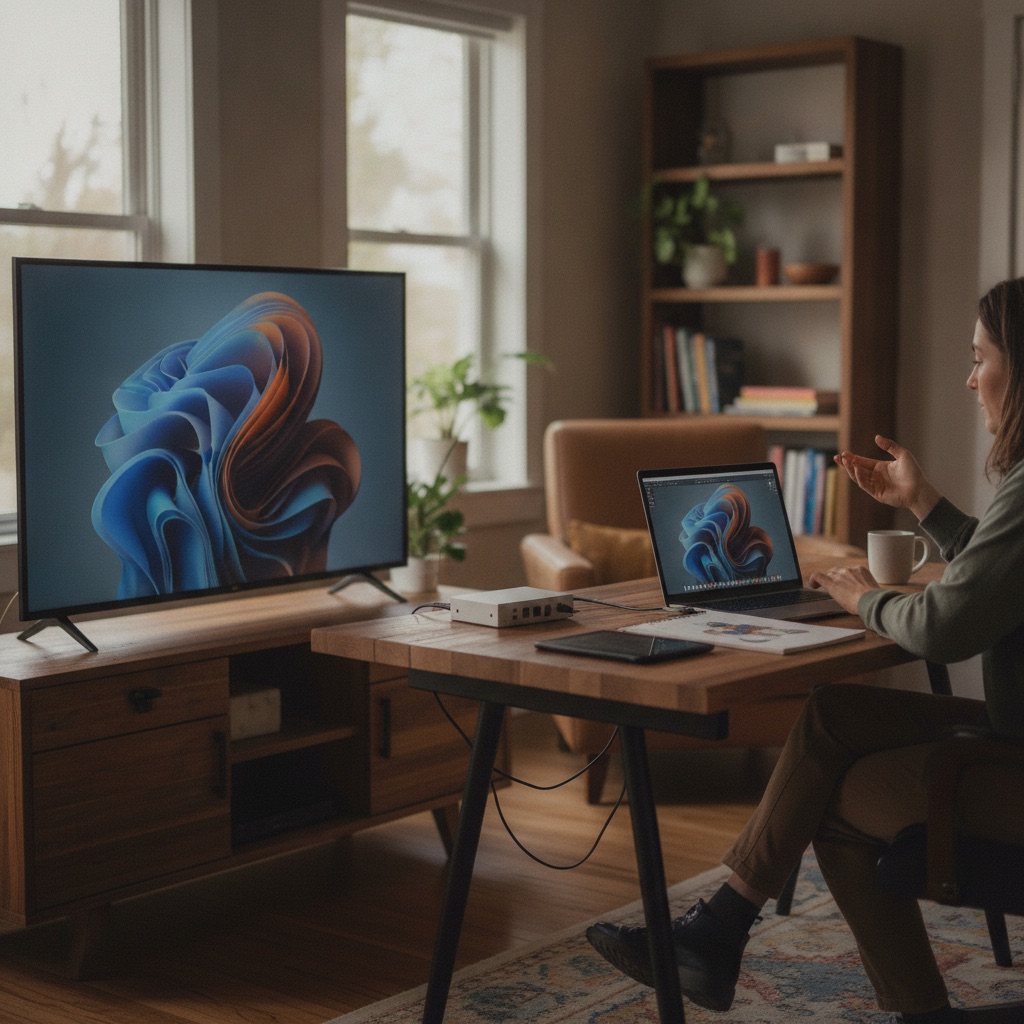
**Say what the channel is.** "Cold Case Network" beats "Meridian TV". Guide-scanners give you one second; descriptive names convert it, abstract names waste it. The strongest FAST channel names are essentially a genre promise in two or three words.
**Be searchable.** Viewers find channels by typing what they want: "horror", "stand-up", "true crime". A name containing your genre keyword surfaces in guide search; a clever name that omits it does not. Check the name against search on real guide surfaces before committing.
**Be sayable and spellable.** Word-of-mouth is typed into search boxes. Invented spellings and puns that only work visually lose those referrals.
**Check collisions.** Search app stores, guide directories, and trademark databases before you commit. Sharing a name with an existing channel means losing search to them forever, and a trademark conflict means rebranding after you have built equity.
**Plan for siblings.** If you might launch a second channel, pick a naming system that extends. "Cold Case Network" extends to "Cold Case Classics"; a one-off pun does not. Operators who succeed with one genre lane usually add a second within a year, and a naming system decided now saves a rebrand later.
---
## Art and packaging: designed for the tile, not the poster
Channel art is seen small, in rows, next to competitors. Design for that reality.
- **Logo legibility at thumbnail size.** Test your logo at the smallest size any guide renders it. Fine detail, thin strokes, and small text disappear. Bold, simple marks survive.
- **One recognizable color.** Owning a color block in the guide row is worth more than a sophisticated palette nobody can see at 100 pixels wide.
- **Consistent mark across every surface.** The same logo, same crop behavior, same background treatment on web, Roku, Fire TV, Apple TV, iOS, and Android. Each surface has its own dimensions and safe areas, so build a master mark that adapts rather than redrawing per platform.
- **Dark-background first.** Most TV guide interfaces are dark. Art designed on white often fails on the surfaces where it actually lives.
Exact dimensions, file formats, and safe-area rules for each surface are in [FAST channel art specs](/learn/fast-channel-channel-art-specs). Treat that spec sheet as a launch requirement, not a polish item. Missing or misfit art is the most common avoidable reason channels look amateur in guides.
---
## What is on-air identity and why do bumpers matter?
On-air identity is everything the channel does between and around programs: bumpers, transitions, lower thirds, and the visual grammar of the stream itself. It is how a viewer flipping past recognizes you in two seconds without reading anything.
**Bumpers.** Short branded interstitials, usually 3 to 10 seconds, played at junctions between programs and around ad breaks. Bumpers do three jobs. They claim the content as yours, smooth the seam between mismatched programs, and turn an ad-break return into a brand moment. Two or three rotating bumpers are enough; consistency beats variety.
**Lower thirds and overlays.** A subtle persistent bug or periodic lower third naming the current show orients drop-in viewers, who are most of your traffic. Keep it small, keep it in the safe area, and never cover captions.
**Promos.** Slots promoting your own upcoming blocks are free advertising inventory. A 15-second "Marathons all Saturday" promo inside Tuesday programming moves real viewers, and it reinforces identity even when it does not.
**Tone as identity.** Music beds, typography, and pacing of your interstitials should match your programming promise. A true-crime channel's bumpers should not sound like a party; viewers register the mismatch even if they cannot name it.
Produce these once, cheaply, and reuse them for a year. A channel with modest programming and disciplined packaging reads as more professional than a better library presented raw.
---
## Consistency across guide surfaces
Your brand appears on your own channel page, in program guides, in platform search results, and inside apps on six surfaces. Entropy creeps in per surface: an outdated logo here, a differently cropped tile there, EPG titles written in three styles. Each inconsistency is small; together they erode the recognition you are paying to build.
Run a quarterly brand audit. Open every surface where the channel appears and check name spelling, art version, tile crop, and EPG title style against your standard. Keep a single source-of-truth folder with current art files, name and description copy, and metadata conventions, so every update propagates from one place.
EPG metadata is part of branding, not just data hygiene. Series naming style, block titles, and description voice are brand touchpoints a viewer sees daily. The craft is covered in our sibling guide to [FAST channel programming strategy](/learn/fast-channel-programming-strategy).
---
## Branding on Vidiyo
On Vidiyo the branding surface is yours from day one. You control the name, the art, and the schedule metadata that feeds EPG generation on web, Roku, Fire TV, Apple TV, iOS, and Android. Because viewers can watch free in the browser with no account, your channel link works as a marketing asset anywhere you can post a URL. Upload bumpers and promos as ordinary scheduled content to build the on-air layer. Setup steps are in [how to start a FAST channel](/learn/how-to-start-a-fast-channel), and the [channel launch checklist](/tools/channel-launch-checklist) includes the branding items operators most often forget.
---
## Quick answers
**What makes a good FAST channel name?**
A short, descriptive name containing the genre keyword viewers actually search: clear over clever, sayable, spellable, and free of trademark collisions.
**What channel art do I need?**
A bold logo legible at thumbnail size, designed dark-background first, exported to each surface's dimensions and safe areas. Specs are in the [channel art guide](/learn/fast-channel-channel-art-specs).
**Do bumpers really matter for a small channel?**
Yes. Junction bumpers are the cheapest professionalism available: a day of production covers a year of use and visibly separates a channel from a playlist.
**How often should branding change?**
Rarely. Audit quarterly for consistency, refresh art when guide specs change, and rebrand only if the name itself blocks growth.
---
## What's next
- [Vidiyo for media brands](/for/media-brands): branded FAST channel platform pitch, plus the [Your brand](/your-brand) white-label path.
- [How to start a FAST channel](/learn/how-to-start-a-fast-channel): launch the channel your brand will carry.
- [FAST channel art specs](/learn/fast-channel-channel-art-specs): dimensions and formats per surface.
- [FAST channel programming strategy](/learn/fast-channel-programming-strategy): EPG title craft and the grid as storefront.
- [Channel launch checklist](/tools/channel-launch-checklist): branding items in the pre-launch sweep.
- [Best content types for FAST channels](/learn/best-content-types-for-fast-channels): the programming promise your brand must match.
# How Much Does It Cost to Start a FAST Channel in 2026?
URL: https://vidiyo.com/learn/fast-channel-costs
Published: 2026-07-17
Updated: 2026-07-17
How much does it cost to start a FAST channel? Free platforms vs enterprise pricing of $2,000 to $50,000 a month vs DIY, plus the hidden costs to budget.
Starting a FAST channel costs anywhere from $0 to more than $50,000 per month, depending on the route you take. Free self-serve platforms like Vidiyo charge nothing upfront and take a share of ad revenue instead. Enterprise platforms like Amagi and Wurl typically quote between $2,000 and $50,000 per month depending on scale and services. Building your own infrastructure looks cheap in software and gets expensive in engineering time.
The platform bill is only part of the story. Most first-time operators underestimate the hidden work: content preparation, captions, channel art, and metadata. This guide breaks down every cost so you can budget honestly before you launch.
---
## What are you actually paying for?
A 24/7 linear channel needs six things running behind the scenes, whoever provides them:
1. **Transcoding.** Your source files get converted into an adaptive bitrate ladder for streaming.
2. **Playout.** A scheduler assembles those files into a continuous linear stream that never stops.
3. **Delivery.** A CDN carries the HLS stream to every viewer, billed by the hour watched.
4. **Ad insertion.** [Server-side ad insertion](/learn/what-is-ssai) stitches ads into the stream so they play like TV commercials.
5. **EPG.** A program guide feed tells apps and platforms what is airing and when.
6. **Ad sales.** Someone has to fill your ad breaks with paying campaigns.
Every pricing model below is a different way of packaging those same six functions. When you compare quotes, map each line item back to this list.
---
## How much does each route cost?
| Route | Upfront | Ongoing | Best for |
|---|---|---|---|
| Free self-serve (Vidiyo) | $0 | $0 platform fee; revenue share on ads | Creators and independents proving a concept |
| Enterprise platform (Amagi, Wurl, Frequency, OTTera) | Setup fees are common | Roughly $2,000 to $50,000 per month | Funded media companies with distribution deals |
| DIY infrastructure | Engineering time | Cloud transcoding, storage, and CDN bills that scale with usage | Teams with streaming engineers on staff |

**Free self-serve.** Vidiyo charges no platform fee. You upload videos, schedule them, and the platform handles transcoding, playout, SSAI, and EPG generation. Revenue comes from an ad revenue share, so the platform earns only when you do. Channels play in a web browser with no viewer account required, plus apps on Roku, Fire TV, Apple TV, iOS, and Android.
**Enterprise platforms.** Amagi, Wurl, and similar vendors run channel infrastructure for major media brands. Pricing is quote-based and commonly lands between $2,000 and $50,000 per month once playout, distribution, and support are bundled. The trade is real: you get managed distribution relationships and white-glove operations, and you pay for them whether or not the channel earns. See the full comparison in [Vidiyo vs Amagi](/compare/vidiyo-vs-amagi) and [Vidiyo vs Wurl](/compare/vidiyo-vs-wurl).
**DIY.** Open-source playout, cloud transcoding, and a CDN contract can technically assemble a channel. The software bills stay modest at small scale. The engineering does not. You will build and maintain scheduling logic, ad stitching, beaconing, EPG feeds, and failover, then carry the on-call burden forever. Unless streaming infrastructure is your core business, DIY usually costs more than the enterprise quote it was meant to avoid.
---
## The hidden costs nobody budgets for
The platform fee is the visible number. These are the ones that surprise people:
**Content preparation.** Linear channels need clean, consistent files: matching resolution, loudness-normalized audio, and sensible episode breaks. If your library came from social platforms, expect editing time. You will remove burned-in captions, dead air, and calls to action that make no sense on TV.
**Captions.** Major distribution platforms expect closed captions, and US TV-style caption rules are strict. Outsourced captioning is billed per program minute, and rates vary by vendor and turnaround. A 50-hour library is 3,000 minutes of material, so get quotes before you commit. Our guide to [caption requirements for FAST channels](/learn/fcc-captions-fast-channel) covers the standards.
**Channel art and metadata.** Every platform wants logos, posters, and episode descriptions in specific sizes and formats. Budget design hours for the [channel art spec sheet](/learn/fast-channel-channel-art-specs), and writing hours for synopses. Thin metadata is one of the most common reasons channels underperform in guides.
**Music and licensing.** Confirm you hold linear streaming rights for every asset, including background music. Replacing an unlicensed track across 40 hours of video is slow, tedious work. Start with the basics in [content licensing for FAST platforms](/learn/fast-platform-content-licensing).
**Your time.** Scheduling, analytics review, and programming refreshes take a few hours a week at minimum. That labor is free on paper and real in practice.
---
## Can you really start a FAST channel for free?
Yes, with an honest asterisk about what free covers. On Vidiyo, the infrastructure is genuinely $0: transcoding, playout, SSAI, EPG, and apps across Roku, Fire TV, Apple TV, iOS, Android, and the browser. The platform takes a revenue share on ads, so your cost is a percentage of money you would not otherwise have.
What free does not cover is your side of the work. Content preparation, captions, art, and programming time are yours regardless of platform. A realistic "free" launch still costs dozens of hours of labor, and possibly caption vendor fees if you outsource.
The strategic case for starting free is proof. Ad revenue in this space is earned slowly; typical [FAST channel earnings](/learn/how-much-do-fast-channels-make) start small and compound with watch time. Spending $5,000 a month on infrastructure before you know your channel holds an audience is how operators burn out. Launch free, read the data, then decide whether enterprise distribution is worth paying for.
---
## How the revenue side changes the math
Cost only matters relative to income. FAST channels earn through ad-filled breaks, and the useful mental model is simple: revenue follows watch hours, fill rate, and CPM.
Programmatic CPM benchmarks from ad-tech vendors cluster around $15 to $25, though these are vendor figures rather than audited measurement. Fill rates are rarely 100%, and [ad fill optimization](/learn/ad-fill-optimization) is its own discipline. The market itself is growing: US CTV ad spend reached $33.35 billion in 2025 and is projected to grow roughly 14% in 2026, per eMarketer. More sourced market numbers live in our [FAST industry statistics hub](/learn/fast-industry-statistics).
Run your own scenario before you sign anything. The free [FAST revenue calculator](/tools/fast-revenue-calculator) lets you model watch hours, fill, and CPM against a monthly platform cost. If the enterprise quote exceeds your realistic year-one revenue, that is your answer.
---
## Quick answers
**How much does it cost to start a FAST channel?**
Between $0 and $50,000+ per month. Free self-serve platforms like Vidiyo charge a revenue share instead of fees. Enterprise vendors typically quote $2,000 to $50,000 per month. DIY saves on software and spends heavily on engineering.
**What is the cheapest way to launch a FAST channel?**
A free self-serve platform. You trade a share of ad revenue for zero fixed costs, which removes almost all financial risk while you prove the concept.
**What hidden costs should I budget for?**
Content editing, closed captions, channel art, metadata writing, and licensing checks. For most independent launches, these outweigh the platform bill.
**Do FAST channels make enough to cover enterprise fees?**
Some do, most do not in year one. Model it with the [revenue calculator](/tools/fast-revenue-calculator) before committing to fixed monthly costs.
---
## What's next
- Estimate your earnings side with [how much do FAST channels make](/learn/how-much-do-fast-channels-make)
- Model your own numbers in the [FAST revenue calculator](/tools/fast-revenue-calculator)
- Compare vendors in [best FAST channel platforms 2026](/compare/best-fast-channel-platforms-2026)
- Check your launch readiness with the [channel launch checklist](/tools/channel-launch-checklist)
- Ready to test the free route? [Start a channel on Vidiyo](/creators) or see [Vidiyo for podcasters](/for/podcasters) if you have an episode library
# Anime FAST Channel: A Realistic Guide for Independent Operators
URL: https://vidiyo.com/learn/fast-channel-for-anime
Published: 2026-07-17
Updated: 2026-07-17
What an anime FAST channel really takes: why anime licensing is expensive and exclusive, the pitfalls of AMV-style content, and realistic paths.
An anime FAST channel is a great idea with a hard licensing problem. Anime audiences are large, loyal, and marathon-friendly, which is exactly the profile linear channels want. But mainstream anime rights are expensive, exclusive, and concentrated with a few licensors. The catalog most fans picture is out of reach for an independent operator. A realistic anime-adjacent channel is built instead from indie animation, directly licensed niche titles, and original or creator-made animated content.
This guide is honest about what you cannot get and specific about what you can. It is also clear about the copyright traps, especially AMV-style clip content, that sink careless channels.
---
## Why anime looks perfect for FAST
On paper, anime is an ideal linear genre. Episodes run a consistent 22 to 24 minutes, series are long, and fans binge by the season. Anime viewers also rewatch heavily, which suits a channel that cycles a finite library. The broader market context is strong too: streaming reached a record 47.5% of US TV viewing in December 2025 (Nielsen). FAST channel count is up 76% since 2023, to roughly 1,850 channels globally (Gracenote). Several of those channels are anime-branded and among the most watched in their categories, which proves the demand. Sources are collected in our [FAST industry statistics hub](/learn/fast-industry-statistics).
The problem is not demand. It is supply.
---
## Why is anime licensing so hard for independents?
Three structural facts make mainstream anime effectively unavailable to a small operator.

**Rights are concentrated and exclusive.** A handful of licensors control most Japanese anime distribution outside Japan, and their streaming strategy is built on exclusivity. Popular series are locked to owned services or sold in packages priced for large platforms. Non-exclusive FAST rights to recognizable titles rarely reach the open market.
**Japanese rights chains are complex.** A single series can involve a production committee of five or more companies, each with approval rights. Even willing sellers move slowly, and deals often exclude the streaming-with-ads use case you need or carve out key territories.
**Minimum guarantees, not revenue share.** Where catalog anime is licensable at all, licensors typically want upfront minimum guarantees. The revenue-share structures that let documentary or horror operators start with no capital are uncommon for desirable anime.
Take this seriously before you invest in branding. If your channel concept requires titles a fan would recognize from a top-ten list, the concept does not work at independent scale. What does work is narrower and more interesting.
---
## What can an independent operator realistically program?
**1. Independent and festival animation.** A large body of independent animated shorts and series exists outside the Japanese licensing system. Think student films, festival shorts, and indie series from creators worldwide, including anime-influenced work made outside Japan. These rights holders are reachable directly and often open to non-exclusive revenue-share deals.
**2. Directly licensed niche and older titles.** Some smaller Japanese studios, and rights holders of older or less commercial catalogs, will deal directly. Expect slow negotiations and be ready to specify ad-supported linear streaming rights, territories, and subtitle rights precisely. This path is real but measured in months, not weeks.
**3. Creator-made animation and commentary.** Animation-adjacent creator content can fill a linear schedule legally when you license it from the creators themselves. That includes original web animation, animatics, drawing and production shows, and anime commentary or review programming. If you make this content, [converting a YouTube library to a linear channel](/learn/converting-youtube-to-linear-channel) covers the pipeline.
**4. Your own originals.** Even a modest original series or a hosted block format gives the channel an identity that a pure acquisition channel cannot buy.
Whatever you program, get the paperwork right: written non-exclusive linear streaming rights, ad-supported use named explicitly, music cleared, and subtitle or dub rights confirmed. The framework is in [FAST platform content licensing](/learn/fast-platform-content-licensing).
---
## The AMV and clip-content trap
This deserves its own section because it ends channels.
Anime music videos, edited fight compilations, "best moments" clips, and reaction formats built on unlicensed footage are copyright infringement in a linear broadcast context. Full stop. Arguments that feel plausible on social platforms do not transfer:
- **Fair use is not a programming strategy.** Fair use is a defense argued case by case in court, not a license. A channel monetizing ads against unlicensed clips is a straightforward infringement target.
- **Tolerance on YouTube means nothing here.** Rights holders tolerate some fan edits on social platforms for marketing reasons. A 24/7 ad-supported channel is a different commercial context and gets treated like one.
- **Music doubles the exposure.** AMVs infringe both the footage and the song. Music rights holders are aggressive and well-automated.
The same caution applies to unlicensed subtitled versions of any series. If you did not license the underlying footage in writing, it does not go on the channel. Platforms enforce this, and so does Vidiyo.
---
## Programming an animation channel that retains viewers
Once the library is legal, program it like a genre channel, not a playlist.
- **Block by tone, not just title.** Action blocks, slice-of-life and calm blocks for late night, all-ages blocks for daytime. Tone consistency keeps a session going even across unfamiliar titles.
- **Strip series in fixed slots.** Same show, same time, Monday through Friday. Unfamiliar indie titles especially benefit from a predictable slot where viewers can build a habit.
- **Marathon on weekends.** Complete-series runs of short indie series work well and make honest EPG promises.
- **Mind runtimes.** Indie shorts of 3 to 12 minutes need bundling into titled half-hour blocks so the EPG stays readable.
The general playbook, including refresh cadence and EPG title craft, is in our sibling guide to [FAST channel programming strategy](/learn/fast-channel-programming-strategy). Our guide to the [best content types for FAST channels](/learn/best-content-types-for-fast-channels) covers what retains linear viewers across genres.
---
## Launching without waiting on a distributor
The economics reward patience over splash. FAST ad loads typically run 4 to 8 minutes per hour, and programmatic FAST CPMs cluster around 15 to 25 dollars in vendor benchmarks. A niche animation channel with strong session length earns steadily while its library grows. A library licensed on revenue share also keeps your fixed costs near zero. Model scenarios with the [FAST revenue calculator](/tools/fast-revenue-calculator) before committing to any minimum guarantee.
An animation channel built from directly licensed indie work can launch immediately on an open platform. On Vidiyo you upload your library, schedule the 24/7 grid, and the platform handles transcoding, playout, server-side ad insertion, and EPG generation. Viewers watch free in the browser without an account, and through apps on Roku, Fire TV, Apple TV, iOS, and Android. You earn a share of ad revenue, and the retention data you build becomes evidence for the slower direct-licensing conversations with rights holders. Start with [how to start a FAST channel](/learn/how-to-start-a-fast-channel).
---
## Quick answers
**Can I license popular anime for a FAST channel?**
Realistically, no. Recognizable titles are locked in exclusive deals or priced with upfront minimum guarantees aimed at major platforms. Independent channels are built from indie animation and directly licensed niche catalogs instead.
**Can I run AMVs or edited anime clips if I credit the source?**
No. Credit is not a license. AMV-style content infringes both footage and music rights, and an ad-supported linear channel is an easy enforcement target.
**Is there public-domain anime?**
Very little of practical use. A few early works have lapsed, but availability of usable prints is poor. Do not plan a channel around it.
**What is the realistic first step?**
License 30 to 50 hours of independent animation on non-exclusive revenue-share terms, then launch on an open platform. Prove retention before attempting direct deals for bigger catalogs.
---
## What's next
- [How to start a FAST channel](/learn/how-to-start-a-fast-channel): the launch process end to end.
- [FAST platform content licensing](/learn/fast-platform-content-licensing): rights, territories, and deal structures.
- [Best content types for FAST channels](/learn/best-content-types-for-fast-channels): what holds linear audiences.
- [FAST channel branding](/learn/fast-channel-branding): naming and packaging a genre channel credibly.
- [Converting a YouTube library to a linear channel](/learn/converting-youtube-to-linear-channel): for creators with existing animation catalogs.
# Comedy FAST Channel: Stand-Up, Sketch, and Clip-to-Linear Strategy
URL: https://vidiyo.com/learn/fast-channel-for-comedy
Published: 2026-07-17
Updated: 2026-07-17
How to run a comedy FAST channel: programming stand-up, sketch, and sitcom-style creator content, plus building a clip-to-linear pipeline that scales.
A comedy FAST channel works because comedy is the most background-friendly genre on television. Viewers put comedy on while cooking, working, or winding down, and linear playback matches that intent perfectly: no browsing, no decisions, just the next laugh. For an independent operator, the realistic build is stand-up specials and sets, sketch content, and sitcom-style creator series. A clip-to-linear pipeline turns that short material into schedulable half-hour blocks.
This guide covers which comedy formats hold linear audiences and where the licensable supply actually is. It also covers the pipeline that keeps a comedy channel fresh without a studio library.
---
## Why does comedy work so well on linear?
**It tolerates partial attention.** Comedy does not punish a viewer for looking away. That makes it the default choice for ambient viewing, and ambient viewing produces the long sessions FAST monetizes. A viewer half-watching stand-up for 90 minutes sees far more ad pods than one intensely watching a single 20-minute drama episode.
**It is modular.** A stand-up set, a sketch, a crowd-work clip: each unit is self-contained. Viewers can join at any moment without context, which is exactly what channel-surfing behavior requires. Genres that depend on plot continuity lose the drop-in viewer; comedy never does.
**It repeats well.** People rewatch comedy deliberately. A rotation that would feel stale for a news channel feels comfortable for comedy, which lowers your refresh burden.
The audience context is favorable across FAST: streaming hit a record 47.5% of US TV viewing in December 2025 (Nielsen). eMarketer counts 131.4 million US FAST users in 2026, 54% of connected-TV users. Sources live in our [FAST industry statistics hub](/learn/fast-industry-statistics).
---
## What comedy formats should you program?
**Stand-up.** The anchor format. Full specials fill prime-time slots, while individual sets and crowd-work segments bundle into themed half-hours. Thousands of working comedians own or can grant rights to their own recorded sets, and many will license for revenue share to reach TV audiences. Comedy clubs that record shows are another direct source, if the club secured performer releases.

**Sketch.** Sketch groups are the natural supply for an independent channel. Most sketch teams own their material outright, produce in consistent formats, and have back catalogs deep enough to strip across a week. Sketch bundles cleanly into 22-minute blocks.
**Sitcom-style creator series.** A wave of creators now produces narrative comedy in episodic form: recurring characters, consistent runtimes, season structures. This is the closest an independent channel gets to sitcom programming without studio licensing, and it strips and marathons like a sitcom does.
**Panel, podcast, and commentary comedy.** Comedy podcasts with video, panel shows, and commentary formats fill daytime hours cheaply and hold background viewers well. Treat them as connective tissue around your anchor formats.
**What to skip.** Unlicensed clips of famous comedians, TV show excerpts, and meme compilations built on footage you do not control. Ad-supported linear broadcast of unlicensed material is infringement, and credit is not a license. Build on rights you hold in writing. Deal structures are covered in [FAST platform content licensing](/learn/fast-platform-content-licensing).
---
## How do you build a clip-to-linear pipeline?
Most comedy supply arrives short: a 4-minute set, a 90-second sketch, a 6-minute crowd-work clip. Linear needs schedulable blocks with clean EPG entries. The pipeline that converts one into the other is the core operating system of a comedy channel.
1. **Ingest and tag.** As clips arrive from your licensed creators, tag them by comedian, format, tone, and cleanliness rating. This metadata drives everything downstream.
2. **Bundle into titled episodes.** Assemble clips into 22 or 44 minute compilation episodes with a consistent naming scheme: "Late Set: Crowd Work Vol. 12" beats "Clips 47". The EPG shows titles, and titles are your storefront.
3. **Sequence for rhythm.** Order clips inside a block like a comedy show runs: strong open, varied middle, strongest close. Do not stack three similar bits in a row.
4. **Place ad breaks at natural seams.** Clip boundaries are clean break points, which comedy makes easier than any scripted genre. Well-placed pods hold viewers through the break.
5. **Quality-check the joins.** Normalize audio levels across clips, trim dead air at boundaries, and confirm captions carry through each assembly. A compilation that jumps in volume between bits feels amateur in a way viewers punish immediately.
6. **Version and refresh.** Because episodes are assemblies, you can re-cut fresh volumes from the same licensed pool. Your library compounds instead of expiring, and a strong bit can appear in several differently themed volumes without feeling like a repeat.
Starting from your own YouTube catalog? The full conversion process, including reformatting and rights hygiene, is in [converting a YouTube library to a linear channel](/learn/converting-youtube-to-linear-channel).
---
## Scheduling a comedy channel
Comedy dayparts cleanly:
| Daypart | Programming |
|---|---|
| Morning and daytime | Clean sets, panel and podcast formats, lighter sketch |
| Early evening | Sitcom-style creator series, stripped daily |
| Prime time | Full stand-up specials and strongest compilations |
| Late night | Edgier sets and adult-leaning material |
Strip your series content in fixed weekday slots so habits form. Use weekend marathons for a single comedian, sketch group, or theme. Keep cleanliness consistent by daypart: a viewer who trusts your daytime block with the family must not get ambushed at 2 p.m. by late-night material. The general mechanics of stripping, tentpoles, and refresh cadence are in our sibling guide to [FAST channel programming strategy](/learn/fast-channel-programming-strategy). Our guide to the [best content types for FAST channels](/learn/best-content-types-for-fast-channels) explains why consistent-format episodic content wins in every genre.
---
## The economics
Comedy channels earn on session length and frequency. FAST ad loads typically run 4 to 8 minutes per hour, and programmatic FAST CPMs cluster around 15 to 25 dollars in vendor benchmarks. Because compilation episodes are cheap to assemble from revenue-share licensed clips, content cost per broadcast hour is among the lowest of any genre. The bet is operational: the channel that keeps its pipeline running wins. Model your numbers with the [FAST revenue calculator](/tools/fast-revenue-calculator).
For the comedians and sketch groups supplying you, the pitch is simple: TV-screen reach and a revenue share. Their social channels stay untouched, since FAST deals should be non-exclusive.
---
## Launching
You can run this entire model without a distribution gatekeeper. On Vidiyo you upload your compiled episodes and specials, schedule the 24/7 grid, and the platform handles transcoding, playout, server-side ad insertion, and EPG generation. Viewers watch free in the browser with no account, plus apps on Roku, Fire TV, Apple TV, iOS, and Android. Creators keep a share of ad revenue, and live shows with real-time chat and tips can supplement the linear channel. The step-by-step launch is in [how to start a FAST channel](/learn/how-to-start-a-fast-channel).
---
## Quick answers
**What comedy content can an independent FAST channel legally use?**
Content you license directly: comedians' own recorded sets, sketch groups' catalogs, creator-made series, and material you produce. Unlicensed clips of famous acts are infringement, regardless of credit.
**How much content do I need to launch a comedy channel?**
Roughly 40 to 60 hours of assembled programming is a credible start. Comedy's rewatch tolerance means a well-sequenced smaller library outperforms a large but shapeless one.
**Do compilation episodes really work on an EPG?**
Yes, if you title them like shows: consistent series names, numbered volumes, clear descriptions. The guide listing is your storefront, so write it like one.
**Should stand-up and sketch be separate channels?**
Not at first. One channel with clear dayparts builds audience faster. Split only when data shows two distinct audiences worth separating.
---
## What's next
- [How to start a FAST channel](/learn/how-to-start-a-fast-channel): the full launch process.
- [Converting a YouTube library to a linear channel](/learn/converting-youtube-to-linear-channel): the clip-to-linear pipeline in detail.
- [FAST channel programming strategy](/learn/fast-channel-programming-strategy): dayparting, stripping, and marathons.
- [FAST platform content licensing](/learn/fast-platform-content-licensing): non-exclusive revenue-share deal structures.
- [FAST revenue calculator](/tools/fast-revenue-calculator): model your channel's economics.
# Documentary FAST Channel: Strategy, Licensing, and Programming
URL: https://vidiyo.com/learn/fast-channel-for-documentaries
Published: 2026-07-17
Updated: 2026-07-17
How to run a documentary FAST channel: why doc libraries age well on linear TV, how to license older catalogs, and how to program true stories.
A documentary FAST channel is one of the most durable plays in free streaming. Documentaries age slower than almost any other genre, older catalogs license at reasonable rates, and true-story content holds viewers through long linear sessions. Secure a library of 100 or more hours and program it in consistent themed blocks. A documentary channel built that way can run for years without the refresh pressure that scripted and news channels face.
This guide covers why documentaries fit linear so well, where independent operators find licensable libraries, and how to schedule the content once you have it.
---
## Why do documentaries perform so well on FAST?
Three reasons: shelf life, session length, and audience intent.
**Shelf life.** A 2012 documentary about deep-sea exploration is still a documentary about deep-sea exploration. Compare that with a 2012 sitcom, where fashion, phones, and jokes date the material fast. Nature, history, science, crime, and biography content stays watchable for decades. That means the catalog you license today keeps earning ad revenue years from now.
**Session length.** Documentary viewers settle in. A viewer who lands on a well-programmed true-crime block will often stay through two or three episodes. Linear removes the decision point between titles, and documentaries reward that: the next episode starts, the viewer keeps watching. Long sessions mean more ad pods served per viewer, which is the whole economic engine of FAST.
**Audience intent.** True-story appetite is broad and persistent. Crime, disaster, survival, war history, and biography draw viewers across every demographic. You do not need a hit title. You need a believable channel promise: turn this on and you will get real stories, all day.
The market backs this up. There are roughly 1,850 FAST channels globally as of August 2025, up 76% since 2023 (Gracenote). Documentary and true-crime channels are consistently among the most numerous genre lanes. The demand side is there too: streaming hit a record 47.5% of US TV viewing in December 2025 (Nielsen). More context is in our [FAST industry statistics hub](/learn/fast-industry-statistics).
---
## The aging advantage: why older doc catalogs are a bargain
Most premium buyers chase recency. Broadcasters and SVOD services want this year's festival winners and current-events docs. That leaves an enormous middle tier of documentary content from the 1990s through the 2010s that has finished its first-window life and now sits underused.
For a FAST operator, that middle tier is the opportunity:
- **The content still works.** A well-made history or nature series from 2008 plays fine on a linear channel in 2026.
- **Rights holders are motivated.** A library earning nothing is a library its owner wants monetized. Revenue-share deals, where you pay a percentage of ad revenue instead of an upfront fee, are common and realistic for older catalogs.
- **Volume is achievable.** A single distributor deal can bring 50 to 300 hours at once, which is enough to launch a genuine channel rather than a loop.
The trade-off is technical condition. Older masters may be standard definition, interlaced, or missing captions. Budget time for quality checks and caption generation before you promise a launch date. Our guide to [FAST channel content requirements](/learn/fast-channel-content-requirements) covers the specs that matter.
---
## Where do you license documentary content?
Independent operators have five realistic sources:
1. **Independent doc producers and filmmakers.** Thousands of feature docs and short-run series never found lasting distribution. Approach filmmakers directly with a revenue-share offer. Film-festival alumni lists and documentary guilds are good hunting grounds.
2. **Small distributors and catalog aggregators.** Companies that hold regional or educational documentary libraries will often license non-exclusive FAST rights cheaply, because FAST is incremental revenue for them.
3. **Public-domain and government-produced material.** NASA footage, national archive films, and many mid-century educational and wartime documentaries are free to use. Verify status per title; do not assume.
4. **Creator-made documentary content.** YouTube-native documentarians produce long-form video essays and investigation series that translate directly to linear. Many will license for revenue share to reach TV audiences.
5. **Your own production.** Even a modest original interview series gives the channel an identity that pure catalog channels lack.
Whatever the source, get the rights question in writing: linear streaming rights, ad-supported, worldwide or specified territories, with music clearances confirmed. The full licensing landscape, including what non-exclusive FAST deals typically look like, is covered in [FAST platform content licensing](/learn/fast-platform-content-licensing).
---
## How to program a documentary channel
Documentary programming rewards structure. Random playback wastes the genre's biggest strength, which is thematic momentum.
**Build themed blocks.** Group content into two-to-four-hour blocks: true crime in late evening, nature and science in daytime, history in prime time. Viewers who like one episode in a block are likely to stay for the next.
**Strip series across weekdays.** Run the same series in the same slot Monday through Friday. Habitual viewers learn where to find it, and your EPG stays legible.
**Use weekend marathons.** A Saturday marathon of a single series or theme is the classic FAST move. Docs marathon exceptionally well because each episode stands alone.
**Respect runtimes.** Feature docs at 75 to 100 minutes are harder to schedule than 22 or 44 minute series episodes. Anchor your grid with series content and place features in defined movie-style slots.
**Rotate deliberately.** With a durable catalog you do not need weekly turnover. A monthly refresh where you re-theme blocks and rotate 10 to 20% of titles keeps the channel feeling alive without constant acquisition. Our sibling guide to [FAST channel programming strategy](/learn/fast-channel-programming-strategy) goes deeper on dayparting and refresh cadence.
---
## The economics of a documentary channel
Documentary channels tend to win on efficiency rather than peak audience. The content is cheap to acquire relative to scripted entertainment, it does not expire, and session lengths are strong. FAST ad loads typically run 4 to 8 minutes per hour, and programmatic FAST CPMs cluster around 15 to 25 dollars in vendor benchmarks. A channel that holds viewers for 40-minute sessions serves meaningfully more pods than one with 12-minute sessions.
Model your own numbers with the [FAST revenue calculator](/tools/fast-revenue-calculator) before you sign any licensing deal. Knowing your realistic monthly revenue tells you what revenue-share split you can afford to offer.
---
## Launching the channel
You do not need a distribution deal with Samsung or Roku to start. On Vidiyo you upload your library, schedule it into a 24/7 linear channel, and go live in the browser with no account required for viewers. The platform handles transcoding, playout, server-side ad insertion, and EPG generation, and creators keep a share of ad revenue. Apps on Roku, Fire TV, Apple TV, iOS, and Android carry the same channel.
Starting on an open platform gives you the proof that bigger distribution conversations require: real hours watched, session length, and retention by title. The step-by-step process is in [how to start a FAST channel](/learn/how-to-start-a-fast-channel).
---
## Quick answers
**How many hours of content does a documentary FAST channel need?**
Plan for at least 50 hours at launch and 100 or more within the first months. Documentaries tolerate repetition better than most genres, but a thin loop still shows in your retention numbers.
**Are documentaries cheap to license?**
Older and independent catalogs, yes, especially on revenue-share terms. Recent festival hits and current-events docs are priced for premium buyers and rarely make sense for an independent FAST operator.
**Do documentary channels need new content every week?**
No. A monthly rotation of themes and a steady trickle of additions is enough. This low refresh pressure is the genre's core operating advantage.
**What sub-genres work best?**
True crime, nature, history, science, and biography are the proven lanes. Pick one or two and program them deeply rather than spreading across everything.
---
## What's next
- [How to start a FAST channel](/learn/how-to-start-a-fast-channel): the full launch process, from library to live.
- [FAST platform content licensing](/learn/fast-platform-content-licensing): rights, terms, and deal structures.
- [Best content types for FAST channels](/learn/best-content-types-for-fast-channels): what retains linear viewers across genres.
- [FAST channel programming strategy](/learn/fast-channel-programming-strategy): dayparting, stripping, and marathons in detail.
- [FAST revenue calculator](/tools/fast-revenue-calculator): model your channel's ad economics.
# Faith-Based FAST Channel: A Launch Playbook for Ministries and Creators
URL: https://vidiyo.com/learn/fast-channel-for-faith-content
Published: 2026-07-17
Updated: 2026-07-17
How to launch a faith-based FAST channel: sermons, worship services, and study programs on a 24/7 schedule, plus worship-music rights and revenue.
A faith-based FAST channel is a free, ad-supported linear TV channel that programs sermons, worship services, teaching series, and devotional content on a fixed 24/7 schedule. Faith is one of the proven genres in free streaming: religious broadcasters were among the earliest adopters of the format, and faith channels hold stable slots on every major free TV service. A ministry or faith creator with a sermon archive already owns most of what a channel needs. Platforms like Vidiyo let you launch one free, from a browser, and share in the ad revenue.
The vertical has one large rights trap, worship music, and one strategic question, whether ads belong on your content at all. This playbook addresses both directly.
---
## Why faith content works on linear TV
Faith audiences are appointment audiences. Congregations already organize their week around fixed service times, so a channel with a Sunday morning service block and a nightly devotional is not teaching new behavior. It is meeting an existing habit on a new screen.
The audience also skews toward the living-room TV rather than the phone, and toward viewers comfortable with a program guide. Religious broadcasting sustained decades of cable and satellite channels on exactly this behavior. Free streaming extends it without the carriage fees. Streaming passed broadcast and cable combined for the first time in May 2025 per Nielsen, and free ad-supported channels are a growing share of that time; the [sourced statistics hub](/learn/fast-industry-statistics) has the details.
There is also a supply advantage. A church that records services produces one to three hours of new content weekly, every week, indefinitely. Few verticals generate fresh programming that reliably at zero marginal cost.
---
## What does a faith-based FAST channel look like?
Anchor the week on the service, then daypart the rest by mood and moment:
| Daypart | Block | Content |
|---|---|---|
| 5am to 8am | Morning Devotional | Short devotionals, prayer, scripture readings |
| 8am to 12pm | Teaching | Sermon series, verse-by-verse studies |
| 12pm to 3pm | Midday Worship | Worship sets, music-led services |
| 3pm to 6pm | Conversations | Interviews, testimony, Q&A programs |
| 6pm to 9pm | Prime Service | Full services, flagship sermon series |
| 9pm to 5am | Overnight Peace | Calm worship, scripture with ambient visuals |
Sunday gets its own template: air the full service live or same-day, then rerun it at two or three fixed times through the week for people who missed it. Repetition is expected in this vertical; a strong sermon series can anchor a daypart for a month. The scheduling mechanics are covered in [24/7 channel scheduling and playout](/learn/channel-scheduling-247-playout).
If your archive is deep, resist the urge to shuffle it. Curated series with named blocks retain viewers; a random sermon jukebox does not.
One production note: caption everything. Faith audiences skew older, and hearing-accessible services are both a ministry value and an emerging platform expectation. The compliance landscape is summarized in [captions for FAST channels](/learn/fcc-captions-fast-channel). Sermon transcripts you already produce make captioning cheap, and captioned teaching content also performs better in muted public settings.
---
## Content sources and the worship-music trap
**Sermons and teaching are the easy part.** If your ministry recorded them, you control them. Confirm that guest speakers agreed to distribution and that any clips or images inside the sermon slides were cleared.
**Worship music is the hard part, and most operators underestimate it.** A recorded worship set involves the same two rights layers as any music: the composition and the recording. Most congregational worship songs are commercially published works. The licenses churches commonly hold cover specific uses, and rebroadcasting recorded services on a linear TV channel is its own use. Do not assume a congregational performance license, or even a streaming license for live services, extends to 24/7 scheduled rebroadcast on a third-party platform. Contact your licensing provider, such as CCLI or the song publishers, and get the scope in writing before you schedule music-heavy services.
Three practical paths, in order of safety. Program original worship written by your own team, where you control both layers. License explicitly for linear rebroadcast. Or edit services so teaching airs on the channel while the music portions stay on surfaces where they are cleared. The same two-layer logic applies across music content; the [musician channel playbook](/learn/fast-channel-for-musicians) explains it in depth, and [FAST platform content licensing](/learn/fast-platform-content-licensing) covers the platform side.
**Licensed and partner content** can fill the grid: other ministries' teaching programs, independent faith films, and study series are often licensable for revenue share. Get linear audiovisual rights, territory, and term in writing.
---
## Should a faith channel run ads?
This is a genuine strategic choice, not just a settings toggle. Three workable positions:
**Full ad support.** Standard server-side ad insertion, typically 4 to 8 minutes per hour on FAST channels versus cable's heavier loads. Revenue share funds the ministry. Most faith broadcasters historically accepted advertising or sponsorship, so audiences are not surprised by it.
**Ads plus direct support.** On Vidiyo you can pair ad revenue with tips and gifts on live streams. A live prayer night or live-streamed service with real-time chat gives your community a direct way to give, alongside passive ad revenue on the linear channel.
**Reach first, revenue later.** Some ministries treat the channel purely as outreach and measure it in people, not dollars. That is legitimate; the channel still costs nothing to run on a free platform.
Whichever you choose, understand the mechanics in [FAST channel monetization](/learn/fast-channel-monetization) and model scenarios with the [FAST revenue calculator](/tools/fast-revenue-calculator). Be thoughtful about ad adjacency: contextual ads on faith content are usually mainstream brands, but decide in advance what you are comfortable airing against a sermon.
---
## Your first 90 days
**Days 1 to 14: audit the archive.** Inventory recorded services, teaching series, and events. Separate teaching-only content, which is likely clear, from music-heavy content, which needs license review. Target 10 or more cleared hours.
**Days 15 to 30: launch.** Build the channel and the weekly grid, anchored on your service schedule. The step-by-step is in [how to start a FAST channel](/learn/how-to-start-a-fast-channel). Vidiyo handles transcoding, playout, and the program guide free, so the work is curation, not infrastructure.
**Days 31 to 60: move the congregation.** Announce the channel from the pulpit and in the bulletin for four straight weeks. Promote one fixed appointment, such as the nightly devotional. Homebound members and distant family are your first loyal audience.
**Days 61 to 90: expand beyond your walls.** Add one licensed partner program, launch a monthly live event with chat, and review analytics to see which blocks hold viewers. Family programming pairs naturally here; the [kids channel playbook](/learn/fast-channel-for-kids-content) covers the compliance side if you add children's blocks.
---
## Quick answers
**Is faith content really a proven FAST genre?** Yes. Faith channels have run on free ad-supported TV services since the format's early years, continuing a decades-long religious broadcasting tradition.
**Can I rebroadcast our recorded services?** The sermon, yes, if you recorded it. The worship music needs license review; congregational and live-stream licenses do not automatically cover linear rebroadcast.
**How much content do I need to start?** Around 10 hours of cleared content. A weekly service plus one teaching series usually reaches that within a few months of recording.
**Does it cost anything to run?** On Vidiyo, no. Uploading, scheduling, playout, and the program guide are free, and the channel plays in a browser with no viewer account.
---
## What's next
- Walk the full setup in [how to start a FAST channel](/learn/how-to-start-a-fast-channel).
- Decide your revenue posture with [FAST channel monetization](/learn/fast-channel-monetization).
- Build the weekly grid with [24/7 scheduling and playout](/learn/channel-scheduling-247-playout).
- Clear the music layer using the [musician channel playbook](/learn/fast-channel-for-musicians).
- Start free: [create your channel on Vidiyo](/sign-up).
# Fitness FAST Channel: Program Workouts Like a 24/7 TV Network
URL: https://vidiyo.com/learn/fast-channel-for-fitness
Published: 2026-07-17
Updated: 2026-07-17
How to launch a fitness FAST channel: daypart workouts by energy, from morning yoga to evening strength, clear music rights, and earn ad revenue free.
A fitness FAST channel is a free, ad-supported linear TV channel that programs workout content on a fixed 24/7 schedule, matched to the energy of the day: yoga at sunrise, strength in the evening, stretching before bed. Fitness is a natural fit for linear TV because people exercise at habitual times and follow along on the biggest screen in the house. A trainer or fitness creator with a workout library can launch one free on a platform like Vidiyo and earn a share of the ad revenue.
The vertical's main trap is music licensing inside workout videos, and its main advantage is dayparting: no vertical maps to the clock more cleanly. This playbook covers both.
---
## Why fitness works on linear TV
Workouts are appointment behavior. People train at the same time most days, in front of a TV, following an instructor. That is linear television's exact use case, which is why fitness programming has run on morning TV for half a century.
Linear also solves fitness content's decision problem. On an on-demand platform, the workout begins with ten minutes of scrolling. On a channel, the 7am slot is simply today's morning session; you turn it on and start moving. Removing the choice is the feature. Meanwhile the audience has moved to streaming screens: streaming hit a record 47.5% of US TV viewing in December 2025 per Nielsen, and only 36% of US adults still subscribe to cable or satellite per Pew Research. The full sourced set is in the [FAST industry statistics hub](/learn/fast-industry-statistics).
For creators, linear repackages the archive. A library of 60 workout videos, stale as uploads, becomes a living schedule where every video has a right time of day.
---
## How do you daypart a fitness channel?
By energy. This is the cleanest dayparting logic in any vertical:
| Daypart | Block | Content |
|---|---|---|
| 5am to 8am | Sunrise | Yoga, mobility, breathwork, gentle wake-up flows |
| 8am to 11am | Morning Burn | HIIT, cardio, full-body circuits |
| 11am to 2pm | Midday Reset | Desk stretches, 15-minute express sessions |
| 2pm to 5pm | Skills | Technique breakdowns, form tutorials, education |
| 5pm to 8pm | Evening Strength | Lifting, resistance, longer structured programs |
| 8pm to 11pm | Wind Down | Deep stretch, restorative yoga, recovery |
| 11pm to 5am | Overnight Calm | Meditation, sleep flows, slow ambient movement |
Two refinements. First, program in series: an eight-week strength progression airing Monday, Wednesday, Friday at 6pm gives viewers a reason to return on a schedule, exactly like a TV season. Second, respect duration boundaries; start sessions on the hour or half hour so viewers can plan around them. The scheduling mechanics live in [24/7 channel scheduling and playout](/learn/channel-scheduling-247-playout).
Weekends deserve their own template. Saturday mornings support longer sessions, 45 to 60 minutes, because viewers have the time. Sunday evening is a natural slot for a weekly recovery special and a preview of the coming week's program. Also separate equipment-free and equipment-based blocks clearly in your titles, so a viewer in a hotel room knows instantly whether the 7am slot works for them.
Around 10 unique hours is a workable launch floor. Fitness tolerates repetition well; a viewer happily repeats a favorite session weekly.
---
## Content sources and rights pitfalls
**Your own workouts are the core.** If you filmed yourself or your trainers, you control the footage. Two clearances still matter: signed releases from anyone on camera, including class participants, and written agreements with any trainer you hire, covering linear distribution.
**Music is the pitfall that catches most fitness creators.** Workout videos are usually cut to music, and commercial tracks in your old videos were almost never cleared for TV broadcast. A linear channel needs synchronization rights for every song in every video. The safe paths: royalty-free library music licensed for audiovisual broadcast, commissioned original beds, or instructor-only audio with a music-free mix. If your back catalog is full of uncleared tracks, re-scoring the audio is cheaper than the alternative. The same composition-plus-recording logic is unpacked in the [musician channel playbook](/learn/fast-channel-for-musicians).
**Licensed partner content** can widen the grid: yoga teachers, physiotherapists, and niche coaches will often license classes for revenue share. Get linear rights, territory, and term in writing; the landscape is described in [FAST platform content licensing](/learn/fast-platform-content-licensing).
**Safety framing is part of the product.** Include clear disclaimers and progression guidance in the programming itself. It protects viewers, and it reads as professionalism to advertisers.
---
## How does a fitness channel make money?
The base is server-side ad insertion with a revenue share. FAST ad loads typically run 4 to 8 minutes per hour, roughly half the cable norm, and fitness inventory attracts an obvious advertiser set: apparel, nutrition, wellness apps, equipment. Endemic sponsors are also a realistic direct sale once you have retention data: a supplement brand presenting your Morning Burn block is a classic TV structure that translates cleanly. Vendor benchmarks cluster programmatic FAST CPMs around 15 to 25 dollars; treat them as seller benchmarks, not audited numbers. The full model is in [FAST channel monetization](/learn/fast-channel-monetization), and the [FAST revenue calculator](/tools/fast-revenue-calculator) turns your audience assumptions into revenue scenarios.
Fitness stacks direct revenue unusually well on Vidiyo. Shoppable product tags fit the vertical perfectly: tag the resistance bands, mat, or supplements used in a session on the content where they appear. Paid episode unlocks suit premium structured programs, such as a complete six-week plan, while the linear channel stays free. And weekly live classes with chat, reactions, and gifts convert your most committed followers into direct supporters. Ads monetize the casual viewer; programs and live classes monetize the committed one.
---
## Your first 90 days
**Days 1 to 21: audit and re-score.** Inventory your library, flag every video with uncleared music, and rebuild audio where needed. Film releases and trainer agreements go in a folder you can produce on request. Target 10 clean hours.
**Days 22 to 40: launch.** Create the channel and build the energy-based grid above. The step-by-step is in [how to start a FAST channel](/learn/how-to-start-a-fast-channel). Vidiyo handles transcoding, playout, and the program guide free, so launch effort is curation, not infrastructure.
**Days 41 to 70: build the habit.** Promote exactly two fixed appointments, one morning and one evening, to your existing audience. Consistency beats variety at this stage; do not reshuffle the grid weekly.
**Days 71 to 90: add the commerce layer.** Start one weekly live class, tag products on your five best-performing sessions, and review analytics to see which dayparts hold viewers. Wellness pairs naturally with adjacent verticals; the [food and cooking playbook](/learn/fast-channel-for-food-cooking) shows how a sibling vertical runs the same commerce motion.
---
## Quick answers
**Do people really work out to a linear channel?** Yes. Fixed time slots remove the browsing step, and habitual exercisers value a schedule that matches their routine.
**Can I use popular music in workout videos?** Not without sync licenses, which are impractical for most independents. Use broadcast-licensed library music or original beds instead.
**How much content do I need?** About 10 unique hours. Series-based repeats and daypart rotation stretch that into a full week comfortably.
**What does it cost to run?** On Vidiyo, nothing. Upload, scheduling, transcoding, playout, and the program guide are free, and the channel plays in any browser.
---
## What's next
- Follow the full setup in [how to start a FAST channel](/learn/how-to-start-a-fast-channel).
- Build your revenue stack with [FAST channel monetization](/learn/fast-channel-monetization).
- Master the grid in [24/7 scheduling and playout](/learn/channel-scheduling-247-playout).
- See the commerce motion in the [cooking channel playbook](/learn/fast-channel-for-food-cooking).
- Start free: [create your channel on Vidiyo](/sign-up).
# Cooking FAST Channel: Build a 24/7 Food TV Network From Your Recipes
URL: https://vidiyo.com/learn/fast-channel-for-food-cooking
Published: 2026-07-17
Updated: 2026-07-17
How to launch a cooking FAST channel: daypart recipe shows around mealtimes, avoid format and music rights traps, and add shoppable revenue on Vidiyo.
A cooking FAST channel is a free, ad-supported linear TV channel that programs recipe shows, technique tutorials, and food entertainment on a fixed 24/7 schedule built around mealtimes. Food is one of television's most durable genres: cooking shows invented lean-back instructional TV, and the format transfers to free streaming almost unchanged. A food creator with a recipe-video library can launch a channel free on a platform like Vidiyo, earn a share of the ad revenue, and tag the actual products used on screen.
The vertical's advantages are obvious advertiser demand and a natural commerce layer. Its traps are quieter: music beds, licensed competition formats, and brand clearances. This playbook covers the full build.
---
## Why food works on linear TV
Cooking is the genre viewers least want to choose and most want to watch. Nobody plans to watch four episodes of a cooking show; they leave the channel on while cooking, eating, or half-working, and the format holds them. Food TV networks built decades of programming on exactly that ambient loyalty, and free streaming channels inherited it directly.
Food also syncs to the clock better than almost any genre. Breakfast content at breakfast, quick dinners at 5pm, indulgent baking late at night. A linear schedule turns that alignment into habit. And the audience is already on free streaming: streaming reached a record 47.5% of US TV viewing in December 2025 per Nielsen, with free ad-supported services taking a growing share. The sourced numbers live in the [FAST industry statistics hub](/learn/fast-industry-statistics).
For advertisers, food inventory is premium context. Grocery brands, kitchenware, appliances, and meal services all want adjacency to cooking content, which supports fill and rates.
---
## What does a cooking FAST channel look like?
Daypart around meals, then around moods between them:
| Daypart | Block | Content |
|---|---|---|
| 6am to 9am | Breakfast Club | Morning recipes, coffee, quick breakfasts |
| 9am to 12pm | Technique School | Knife skills, fundamentals, pantry basics |
| 12pm to 2pm | Lunch Rush | 20-minute meals, sandwiches, meal prep |
| 2pm to 5pm | World Kitchen | Cuisine-focused series, ingredient spotlights |
| 5pm to 8pm | Dinner Prime | Flagship recipe shows, weeknight dinners |
| 8pm to 11pm | Sweet Hour | Baking, desserts, competition-style episodes |
| 11pm to 6am | Overnight Comfort | Slow cooking, ambient kitchen, marathon reruns |
Program in named series, not loose videos. "Weeknight Dinners, Tuesdays at 6pm" builds appointment behavior; a shuffled recipe pile does not. Competition-style episodes make strong tentpoles: a monthly bake-off among community members, judged on camera, gives the schedule an event. Around 10 unique hours is a workable launch floor, since food repeats gracefully. The grid mechanics are in [24/7 channel scheduling and playout](/learn/channel-scheduling-247-playout).
Seasonality is the vertical's free programming calendar. Holiday baking in December, grilling in July, comfort food in the first cold week: viewers search for these on cue, and a linear channel that themes its blocks to the season feels current without producing anything new. Plan four seasonal takeovers a year and rerun last year's seasonal library inside them.
---
## Content sources and rights pitfalls
**Your own recipe videos are the foundation.** Ingredient lists are not copyrightable. Your videos, scripts, and photography are fully yours. That means you can also freely cook dishes popularized elsewhere; what you cannot do is use someone else's footage or written expression.
**Competition formats are protected business assets.** You can run a cooking competition. You cannot clone a famous show's name, logo, distinctive set pieces, or signature structure closely enough to cause confusion. Format owners license and litigate their franchises. Invent your own format, name it yourself, and document that it is original.
**Music beds trip up food creators constantly.** Most cooking videos carry background music, and commercial tracks in old uploads were not cleared for TV broadcast. Use library music licensed for audiovisual distribution or commissioned beds. The underlying rights logic is explained in the [musician channel playbook](/learn/fast-channel-for-musicians).
**Brands on camera are mostly fine, with two cautions.** Incidental product appearances in honest use are normal. But do not imply endorsement that does not exist, and disclose paid placements clearly wherever a brand pays for presence. If you license other creators' cooking series to fill the grid, get linear rights in writing; the norms are covered in [FAST platform content licensing](/learn/fast-platform-content-licensing).
---
## How do cooking channels make money?
The base layer is server-side ad insertion with a revenue share, and food context attracts strong endemic advertisers. FAST ad loads typically run 4 to 8 minutes per hour, about half of cable's, and vendor benchmarks cluster programmatic FAST CPMs around 15 to 25 dollars, seller figures rather than audited measurement. Because demand for food adjacency is broad, fill rates tend to be a smaller problem here than in narrower niches; the levers are covered in [ad fill optimization](/learn/ad-fill-optimization). The mechanics are laid out in [FAST channel monetization](/learn/fast-channel-monetization), and the [FAST revenue calculator](/tools/fast-revenue-calculator) models your scenarios.
The shoppable layer is where cooking outperforms most verticals on Vidiyo. Every episode is full of products in honest use: the knife, the pan, the sauce, your own cookbook or spice line. Shoppable product tags attach those items to the content where they appear, so the viewer watching you use a tool can buy it in the moment. Stack the rest of the toolkit around that: live cook-alongs with chat, reactions, and tips; paid unlocks for premium masterclass series while the linear channel stays free. Ads monetize the ambient audience; tags and live events monetize intent.
---
## Your first 90 days
**Days 1 to 21: inventory and clean-up.** Audit your library, flag uncleared music, and re-score where needed. Organize videos into named series and target 10 clean hours across at least three dayparts.
**Days 22 to 40: launch.** Create the channel and build the mealtime grid. The end-to-end setup is in [how to start a FAST channel](/learn/how-to-start-a-fast-channel). On Vidiyo, upload and scheduling run in the browser, and transcoding, playout, and the program guide are handled free.
**Days 41 to 70: build two appointments.** Promote one dinner-hour flagship and one weekend block to your existing audience at fixed times. Post recipe clips socially with the channel as the destination.
**Days 71 to 90: turn on commerce.** Tag products across your ten best-performing episodes, run your first live cook-along, and review analytics by daypart. Then plan one competition tentpole for the next quarter. The commerce motion mirrors the [fitness channel playbook](/learn/fast-channel-for-fitness), and food-travel crossover episodes pair well with the [travel channel playbook](/learn/fast-channel-for-travel).
---
## Quick answers
**Are recipes copyrighted?** Bare ingredient lists are not, so cooking any dish is fine. Videos, written instructions with creative expression, and photography are protected; never reuse someone else's.
**Can I run a cooking competition show?** Yes, with your own original format and name. Do not imitate a famous franchise's branding or signature structure.
**How much content do I need?** Around 10 unique hours organized into series. Mealtime dayparting and graceful repetition carry the rest of the week.
**What makes cooking different on Vidiyo?** Shoppable product tags. Cooking shows are full of purchasable items in honest use, which makes tagging genuinely useful rather than forced.
---
## What's next
- Walk the launch path in [how to start a FAST channel](/learn/how-to-start-a-fast-channel).
- Build the revenue stack in [FAST channel monetization](/learn/fast-channel-monetization).
- Design the grid with [24/7 scheduling and playout](/learn/channel-scheduling-247-playout).
- Compare vertical motions in the [fitness channel playbook](/learn/fast-channel-for-fitness).
- Start free: [create your channel on Vidiyo](/sign-up).
# Gaming FAST Channel: How to Turn Gameplay Into a 24/7 TV Channel
URL: https://vidiyo.com/learn/fast-channel-for-gaming
Published: 2026-07-17
Updated: 2026-07-17
How to launch a gaming FAST channel: schedule let's-plays, speedruns, and reviews, navigate publisher policies and esports rights, and earn ad revenue.
A gaming FAST channel is a free, ad-supported linear TV channel that programs gameplay content, let's-plays, speedruns, reviews, and commentary, on a fixed 24/7 schedule. Gaming video is one of the largest content categories on the internet, and most of it is built for lean-back viewing, which is exactly what linear TV rewards. A creator with a YouTube or Twitch back catalog already has the library. Platforms like Vidiyo let you turn it into a scheduled channel free, with a share of the ad revenue.
The rights picture is unusual: your footage contains someone else's game. Most publishers allow monetized creator content under written policies, but esports broadcasts and in-game music follow different rules. This playbook covers the format, the policies, and the traps.
---
## Why gaming works on linear TV
Gaming content already behaves like television. Long-form let's-plays run in episodes. Speedrun marathons run like telethons. Esports runs like live sports. Viewers routinely leave multi-hour gaming VODs playing in the background, which is lean-back linear behavior happening on lean-forward platforms.
A linear channel packages that behavior properly. Instead of a subscriber choosing one video from a wall of thumbnails, a viewer tunes into a channel where something curated is always on. That lowers the decision cost to zero and lengthens sessions. TVs are already where video consumption is heading: YouTube alone reached 12.5% of all US TV viewing in May 2025 per Nielsen, its best-ever share, with the living-room TV as its top US device. The broader numbers live in the [FAST industry statistics hub](/learn/fast-industry-statistics).
For creators, the channel is also a second life for the archive. A 200-video back catalog that long ago fell out of the algorithm becomes hundreds of hours of schedulable programming.
---
## What does a gaming FAST channel look like?
Daypart by attention level, not by game title:
| Daypart | Block | Content |
|---|---|---|
| 6am to 10am | Morning Chill | Cozy games, farming sims, low-intensity runs |
| 10am to 2pm | The Grind | Long-form let's-play episodes in series order |
| 2pm to 6pm | After School | High-energy titles, highlight compilations |
| 6pm to 9pm | Prime Time | Flagship series, premieres, review shows |
| 9pm to 12am | Late Night | Horror games, challenge runs, unfiltered commentary |
| 12am to 6am | Speedrun Overnight | Marathon-style runs, longplays, ambient gameplay |
Three format rules. First, air series in order at fixed times; episodic let's-plays are your sitcom reruns, and continuity builds appointment viewing. Second, build weekly tentpoles: a premiere night, a review show, a community spotlight. Third, keep 10 or more unique hours at launch, then let scheduled repeats do the rest. The mechanics are in [24/7 channel scheduling and playout](/learn/channel-scheduling-247-playout).
If your library lives on YouTube, the conversion path, reformatting episodic uploads into a broadcast day, is covered in [converting a YouTube library into a linear channel](/learn/converting-youtube-to-linear-channel).
---
## Rights: publisher policies, esports, and in-game music
Gameplay footage is a derivative of the game, so the publisher's position matters. The good news is that most publishers want creator content to exist.
**Read the publisher's content policy, per game.** Most major publishers post written creator or video policies stating that monetized gameplay content is permitted, usually with conditions: your own commentary or editorial contribution, no spoiler embargoes broken, no access-key resale, correct attribution. Policies differ by company and change over time, so keep a simple spreadsheet of the games you program and the policy each relies on. Where a policy is silent on linear or TV distribution, ask; a channel on a TV platform is a more formal surface than a YouTube upload.
**Esports replays are not creator content.** Tournament broadcasts are owned productions. The league, organizer, or publisher owns the broadcast, the casters' audio, and often the in-game spectator feed. Rebroadcasting tournament VODs on your channel without a license is straightforward infringement, no matter how common clips look on social. If you want esports programming, make your own: recap shows, analysis desks with your commentary over stills and short licensed clips, or community tournaments you organize and own outright.
**Speedruns are usually the runner's recording of permitted gameplay.** Program your own runs freely, subject to the game's policy. Featuring other runners' content requires their permission, and marathon footage from community events belongs to the event unless stated otherwise.
**In-game licensed music is the silent trap.** Many games include commercially licensed tracks that the publisher cleared for the game, not for your broadcast. Use in-game music-off settings where offered, or replace audio beds. The two-layer logic of music rights is the same one facing [musician channels](/learn/fast-channel-for-musicians). General platform expectations are outlined in [FAST channel content requirements](/learn/fast-channel-content-requirements).
---
## How do gaming channels make money?
The base layer is server-side ad insertion on the linear stream, with the operator taking a revenue share. FAST ad loads typically run 4 to 8 minutes per hour, about half of cable's norm. Vendor benchmarks put programmatic FAST CPMs around 15 to 25 dollars, though treat those as seller figures rather than audited measurement. The full model is in [FAST channel monetization](/learn/fast-channel-monetization), and the [FAST revenue calculator](/tools/fast-revenue-calculator) lets you model audience scenarios.
Gaming adds strong direct-support layers. On Vidiyo, live streams carry real-time chat, reactions, and gifts, so a weekly live show inside your linear schedule earns directly from your community while feeding tomorrow's VOD programming. Paid episode unlocks can gate premium series such as a documentary-length retrospective. Shoppable product tags fit peripherals and merch. Ads monetize the passive audience; the live layer monetizes the fans.
---
## Your first 90 days
**Days 1 to 21: audit the catalog and the policies.** Inventory your existing videos by game. Check each game's creator policy and flag anything with licensed music or embargo terms. Target 10 or more cleared hours across at least two content formats.
**Days 22 to 40: launch.** Build the channel and the daypart grid, seeding series in episode order. The full setup path is in [how to start a FAST channel](/learn/how-to-start-a-fast-channel). On Vidiyo, upload and scheduling run from the browser and the platform handles transcoding, playout, and the program guide, free.
**Days 41 to 70: create the appointment.** Pick one weekly live show, stream it with chat and gifts, then schedule the VOD into prime time. Tell your existing YouTube and Twitch audience the fixed time, every week, without fail.
**Days 71 to 90: tune with data.** Review which blocks and games hold viewers. Cut the weakest daypart, double down on the strongest, and add one new recurring format. Retention data beats instinct here.
---
## Quick answers
**Can I legally broadcast gameplay on a FAST channel?** Generally yes, for games whose publishers permit monetized creator content, provided you follow each policy's conditions. Verify per game; policies are not uniform.
**Can I air esports tournament replays?** Not without a license from the rights holder. Tournament broadcasts are owned productions. Make original recap and analysis programming instead.
**How much content do I need to launch?** About 10 unique hours. Episodic series plus scheduled repeats turn that into a credible 24/7 week quickly.
**Do I have to leave YouTube or Twitch?** No. The channel is an additional surface. Most operators keep uploading as usual and program the same library linearly.
---
## What's next
- Follow the launch path in [how to start a FAST channel](/learn/how-to-start-a-fast-channel).
- Understand the revenue stack in [FAST channel monetization](/learn/fast-channel-monetization).
- Build your broadcast day with [24/7 scheduling and playout](/learn/channel-scheduling-247-playout).
- Repurpose your archive with [converting YouTube to a linear channel](/learn/converting-youtube-to-linear-channel).
- Launch free: [create your channel on Vidiyo](/sign-up).
# Horror FAST Channel: Strategy, Rights, and Seasonal Programming
URL: https://vidiyo.com/learn/fast-channel-for-horror
Published: 2026-07-17
Updated: 2026-07-17
How to run a horror FAST channel: why horror thrives on free linear TV, licensing indie and public-domain films, and programming for October.
A horror FAST channel is one of the most proven genre plays in free streaming. Horror fans are loyal, they watch in volume, and they treat an always-on scary-movie channel as ambient late-night company rather than a one-time destination. Horror also has something almost no other genre offers an independent operator: a deep pool of licensable indie films and genuinely public-domain classics.
This guide covers why horror works so well on linear and how to build a rights-safe library without studio money. It also covers programming the calendar, including the October surge that defines the genre's year.
---
## Why is horror such a strong FAST genre?
Horror succeeds on FAST for reasons that are structural, not trendy.
**Fan loyalty.** Horror audiences are collectors and completists. They will watch a 1970s slasher they have seen four times, a zero-budget indie they have never heard of, and a documentary about either. That tolerance for depth means a channel can program a large, uneven library and still hold its audience.
**Ambient late-night viewing.** A lot of horror consumption is background viewing after midnight. Linear fits this perfectly: the viewer wants something on, in genre, without browsing. A channel that reliably delivers creature features at 1 a.m. becomes a habit, and habits are what FAST monetizes.
**Marathon behavior.** Horror invites binges by theme: zombie night, folk-horror Sunday, a franchise-style run of one subgenre. Each film stands alone, so marathons never punish a viewer for arriving mid-stream.
**Forgiving quality bar.** Horror is the one genre where low budgets can be a feature. A rough 1980s video-store aesthetic reads as charm, not failure. That widens your licensable pool enormously.
The macro trend helps every genre channel: streaming reached a record 47.5% of US TV viewing in December 2025 (Nielsen). There are roughly 1,850 FAST channels globally, up 76% since 2023 (Gracenote). Sources for these and more live in our [FAST industry statistics hub](/learn/fast-industry-statistics).
---
## Where do you get horror content you can legally run?
This is where horror is uniquely kind to independent operators. Three pools matter.

**1. Indie horror filmmakers.** More independent horror gets made than any other genre, and most of it never finds lasting distribution. Festival circuits, genre film markets, and filmmaker communities are full of rights holders who will sign non-exclusive, revenue-share FAST deals. You pay a percentage of ad revenue, they reach an audience, nobody writes a large check. Confirm music clearances in writing; indie films are where unlicensed needle-drops hide.
**2. Public-domain horror.** A meaningful number of classic horror films have lapsed into the US public domain. That includes well-known titles from the 1920s through the 1960s whose copyrights were not renewed. Verify status per title and per territory, using the specific print you plan to run, because restored versions can carry new claims. Never assume a "public domain" listing on a hosting site is accurate. Done carefully, this pool gives you recognizable titles for zero licensing cost.
**3. Creator-made horror content.** Analog-horror series, narrated true-scary-story channels, and horror commentary shows built audiences on YouTube and translate well to linear blocks. Many creators will license for revenue share to get on TV screens. If you are one of those creators yourself, see [converting a YouTube library to a linear channel](/learn/converting-youtube-to-linear-channel).
What to avoid: recognizable studio franchises. Halloween, Friday the 13th, and their peers are locked in exclusive deals priced far beyond an independent budget. Build your identity on depth and curation instead. Deal structures and rights checklists are covered in [FAST platform content licensing](/learn/fast-platform-content-licensing).
---
## How do you program a horror channel across the year?
Horror has a real calendar, and operators who program to it outperform those who shuffle.
**The October tentpole.** October is to horror what December is to holiday movies. Plan it in August: a "31 nights" stunt with a themed film every evening, escalating toward Halloween week. Expect your best audience numbers of the year and make sure your library's strongest titles are scheduled, captioned, and quality-checked before October 1.
**Dayparting the rest of the year.** Horror skews late. A workable weekday grid:
| Daypart | Programming |
|---|---|
| Daytime | Lighter fare: horror comedy, classic monster movies, genre documentaries |
| Early evening | Series content, anthology episodes, creator shows |
| Prime time | Your strongest features |
| Late night | Slashers, extreme and cult titles, ambient creature features |
**Weekly rhythm.** Strip anthology or series content in fixed weekday slots so the EPG stays legible. Reserve weekends for subgenre marathons: zombies, found footage, folk horror, vampires. Rotate the marathon theme weekly.
**Counter-programming moments.** Friday the 13th dates, the summer-camp season, and Valentine's Day all support obvious stunts. Cheap to plan, easy to promote in your channel art and titles. A yearly stunt calendar drafted once in January covers most of this planning work in a single afternoon.
Deeper mechanics on stripping, tentpoles, and refresh cadence are in our sibling guide to [FAST channel programming strategy](/learn/fast-channel-programming-strategy).
---
## Content standards and ratings
Horror carries an operational duty other genres mostly skip: intensity management. The genre's range runs from gothic atmosphere a grandparent could watch to material that tests every platform policy. Your schedule has to hold that range responsibly. Decide your channel's ceiling and hold it consistently. A channel that plays gothic classics at noon and extreme gore at 12:30 breaks viewer trust and invites platform trouble. Schedule your most intense titles late, label content accurately in your EPG metadata, and keep anything that violates platform content policies off the channel entirely. Captions are not optional either; plan caption generation into your intake pipeline.
---
## The economics
Horror channels monetize on session length and loyalty rather than broad reach. FAST ad loads typically run 4 to 8 minutes per hour, and programmatic FAST CPMs cluster around 15 to 25 dollars in vendor benchmarks. A late-night horror session that runs two films is six-plus ad pods from a single viewer. With a library acquired on revenue share and public-domain titles, your content cost stays near zero. That is what makes the model work at independent scale. Run your own scenario in the [FAST revenue calculator](/tools/fast-revenue-calculator).
---
## Launching without a distribution deal
You can start tonight rather than after a year of platform pitching. On Vidiyo you upload your films, build the 24/7 schedule, and the platform handles transcoding, playout, server-side ad insertion, and EPG generation. Viewers watch free in the browser with no account, and on Roku, Fire TV, Apple TV, iOS, and Android apps. You keep a share of ad revenue from day one, and the audience data you accumulate becomes your pitch for wider distribution later. The full process is in [how to start a FAST channel](/learn/how-to-start-a-fast-channel).
---
## Quick answers
**Is horror a good genre for an independent FAST channel?**
Yes, arguably the best. Fan loyalty, late-night ambient viewing, marathon behavior, and a deep pool of affordable indie and public-domain titles all favor small operators.
**Can I legally use public-domain horror movies?**
Often, but verify per title, per print, and per territory. Copyright status depends on renewal history, and restored or re-scored versions can carry new rights. Never trust an aggregator's public-domain label without checking.
**How important is October?**
Very. Halloween season is the genre's tentpole and will likely be your peak month for hours watched. Plan the October schedule at least six weeks ahead.
**How much content do I need to launch?**
Around 40 to 60 features or the equivalent in series hours is a credible start. Horror tolerates repetition, but a visible two-day loop will still hurt retention.
---
## What's next
- [How to start a FAST channel](/learn/how-to-start-a-fast-channel): the launch process end to end.
- [FAST platform content licensing](/learn/fast-platform-content-licensing): revenue-share deals and rights verification.
- [FAST channel programming strategy](/learn/fast-channel-programming-strategy): dayparting, marathons, and tentpole planning.
- [Best content types for FAST channels](/learn/best-content-types-for-fast-channels): what retains linear viewers.
- [FAST revenue calculator](/tools/fast-revenue-calculator): model your ad economics.
# Kids FAST Channel: How to Launch One and Stay Compliant
URL: https://vidiyo.com/learn/fast-channel-for-kids-content
Published: 2026-07-17
Updated: 2026-07-17
How to launch a kids FAST channel: programming blocks, content sources, COPPA and kids-advertising rules explained honestly, and how family content earns.
A kids FAST channel is a free, ad-supported linear TV channel programmed for children or families, running on a fixed 24/7 schedule. Kids content is one of the strongest performers in free streaming because children rewatch heavily and parents value a bounded, predictable channel over an open algorithm. It is also the most regulated vertical in the space. COPPA governs data practices around child-directed content, and advertising to children carries restrictions that directly reduce CPMs.
This playbook covers both sides: why the vertical works, and what compliance genuinely requires. If you are not prepared to treat the rules as a design constraint from day one, pick a different vertical.
---
## Why kids content works on linear TV
Children are the original linear audience. They watch the same episodes repeatedly, they do not channel-surf the way adults do, and they build strong habits around fixed viewing times. A schedule that repeats is a bug for adult programming and a feature for kids programming.
Parents drive the second half of the equation. An open recommendation feed can surface anything. A curated linear channel shows only what the operator scheduled, in an order a parent can check in the program guide. That bounded quality is the core pitch, and it is why kids channels are a fixture on every major free streaming service. Free ad-supported viewing overall keeps climbing: streaming reached a record 47.5% of US TV time in December 2025 per Nielsen, and the [sourced statistics hub](/learn/fast-industry-statistics) tracks where free channels sit inside that.
The trade-off is monetization. Kids inventory earns less per impression than general entertainment because the highest-paying ad techniques are prohibited for child audiences. Plan for that from the start rather than discovering it at your first payout.
---
## What does a kids FAST channel look like?
Daypart around the rhythm of a child's day, then around the parent's day at the edges:

| Daypart | Block | Content |
|---|---|---|
| 6am to 9am | Wake Up | Short songs, gentle episodes, morning routines |
| 9am to 12pm | Preschool Block | Slower pacing, learning segments, younger skew |
| 12pm to 3pm | Lunch and Quiet | Calm stories, drawing-along, low stimulation |
| 3pm to 6pm | After School | Higher energy, older-kid series, crafts, science |
| 6pm to 8pm | Family Block | Co-viewing content parents tolerate or enjoy |
| 8pm to 6am | Wind Down Loop | Lullabies, bedtime stories, slow ambient repeats |
Two structural notes. First, repetition is your friend: a preschooler happily watches the same block daily, so 10 to 15 unique hours goes further here than in any adult vertical. Second, keep age bands separate. A channel that jumps from toddler songs to tween content loses both audiences. If you serve multiple ages, give each a fixed, predictable block. The mechanics of building and maintaining the grid are in [24/7 channel scheduling and playout](/learn/channel-scheduling-247-playout).
Captions matter here more than operators expect, both for accessibility and for early readers. See [captions requirements for FAST channels](/learn/fcc-captions-fast-channel) for what compliance looks like.
---
## Content sources and rights pitfalls
The only clean path is content you made or content you licensed in writing. Kids content has specific traps beyond the usual copyright basics.
**Original content.** Puppet shows, animation, songs you wrote, craft tutorials, read-alouds of your own stories. This is the strongest position: you control everything and can prove it.
**Licensed independent content.** Many small animation studios and children's musicians will license catalogs to a channel operator, especially for a revenue share. Get audiovisual linear rights in writing, including territory and term. The general landscape is covered in [FAST platform content licensing](/learn/fast-platform-content-licensing).
**The traps.** Nursery rhymes and classic fairy tales are mostly public domain as works, but specific recordings, arrangements, illustrations, and translations are not. A public-domain story does not make someone else's animation of it usable. Character costumes and toy unboxings involving trademarked characters invite takedowns. Music in kids videos needs the same sync clearance as any other vertical. And never scrape "free kids videos" from the open web; provenance you cannot prove is a liability you cannot manage.
---
## What does COPPA actually require?
COPPA is the US Children's Online Privacy Protection Act. It restricts collecting personal information from children under 13 through online services directed to them, without verifiable parental consent. For a channel operator, the practical consequences are these.
**Child-directed content changes how ads work.** Behavioral ad targeting depends on persistent identifiers, which count as personal information under COPPA. So advertising against child-directed content is contextual: matched to the content, not to a tracked viewer profile. Contextual kids inventory clears at lower rates than behaviorally targeted adult inventory. That is the single biggest financial fact about this vertical.
**Designation is not optional.** If your content is directed to children, it is child-directed regardless of what label you put on it. Regulators look at subject matter, visuals, language, and audience evidence. Label your channel and content honestly on whatever platform carries it, and follow that platform's kids-content designation process.
**Data features stay off.** Interactive features that collect information, including chat, are the operator's responsibility to keep away from child-directed programming. On Vidiyo, treat live chat, gifts, and any interactive layer as off-limits for a kids channel and program plain scheduled video instead.
**Advertising content itself is restricted.** Beyond data rules, children's advertising follows long-standing standards: clear separation between content and commercials, and no host-selling, meaning your characters should not pitch products inside or adjacent to the programming. Broadcast TV caps ad minutes in children's programming by rule, and reputable streaming advertisers apply similar self-regulatory standards through bodies like CARU. Selling ads directly? Hold yourself to the same line.
None of this is legal advice, and enforcement details change. Budget for a consultation with a lawyer who knows children's media before launch. It is the cheapest insurance in this vertical.
---
## How does a kids channel earn?
Contextual ads still pay; they simply pay less per thousand than the vendor benchmarks you may have seen for general FAST inventory. The compensating factors are volume and loyalty. Kids channels generate long daily sessions, and habit-driven viewing compounds. The full revenue model is explained in [FAST channel monetization](/learn/fast-channel-monetization), and you can stress-test assumptions with the [FAST revenue calculator](/tools/fast-revenue-calculator).
Two additional angles work when aimed at parents, not children. Licensed merchandise or your own products can be promoted in parent-facing places like your website and channel page rather than inside child-directed programming. And family co-viewing blocks in the evening carry general-audience advertising at normal rates, which is a legitimate reason to program them.
---
## Your first 90 days
**Days 1 to 21: compliance design.** Define your age bands, write a one-page content policy, and get a legal review of your COPPA posture. Inventory your cleared content; target 10 or more unique hours.
**Days 22 to 40: launch.** Build the channel and the daypart grid above. The end-to-end setup is in [how to start a FAST channel](/learn/how-to-start-a-fast-channel). On Vidiyo, upload and scheduling run from the browser and the platform handles transcoding, playout, and the program guide, free.
**Days 41 to 70: earn parents' trust.** Publish your schedule where parents can see it. Keep it stable; predictability is the product. Promote one fixed daily block to parenting communities you already belong to.
**Days 71 to 90: measure and expand.** Review which blocks hold attention, add licensed content to fill weak dayparts, and start one recurring family-block series for co-viewing. A [faith and family channel](/learn/fast-channel-for-faith-content) faces similar trust dynamics and makes a natural study.
---
## Quick answers
**Does COPPA apply to my channel?** If your content is directed to children under 13, yes, its rules shape how data and advertising work around that content. Honest designation is the starting point.
**Can I run ads on kids content?** Yes, contextual ads. Behavioral targeting against child-directed content is off the table, which is why kids CPMs run lower.
**How much content do I need?** About 10 to 15 unique hours. Kids tolerate, and often prefer, heavy repetition inside a stable schedule.
**Can I use classic fairy tales and nursery rhymes?** The underlying works are largely public domain. Specific recordings, animations, arrangements, and illustrations usually are not. Clear the version, not the story.
---
## What's next
- Follow the full launch path in [how to start a FAST channel](/learn/how-to-start-a-fast-channel).
- Set revenue expectations with [FAST channel monetization](/learn/fast-channel-monetization).
- Build a stable grid with [24/7 scheduling and playout](/learn/channel-scheduling-247-playout).
- Check accessibility duties in [captions for FAST channels](/learn/fcc-captions-fast-channel).
- Launch free: [create your channel on Vidiyo](/sign-up).
# FAST Channel for Musicians: Turn Your Catalog Into a 24/7 TV Channel
URL: https://vidiyo.com/learn/fast-channel-for-musicians
Published: 2026-07-17
Updated: 2026-07-17
How to launch a FAST channel for musicians: program music videos, sessions, and tour footage, clear the music rights, and earn ad revenue on TV.
A FAST channel for musicians is a free, ad-supported linear TV channel that plays your music videos, live sessions, and tour footage around the clock. If you own both your recordings and your compositions, you can program them on a channel viewers watch in the living room. You earn a share of the ad revenue every time someone tunes in. Platforms like Vidiyo let you launch one free, from a browser, without a label deal or a distributor.
The catch is rights. Music has more rights layers than any other content vertical, and a linear channel touches all of them. This playbook covers what works, what to schedule, and where independent artists get burned.
---
## Why music works on linear TV
Music television built the format. MTV proved decades ago that people will leave a music channel on for hours, and that lean-back behavior is exactly what linear streaming rewards. Viewers do not browse a music channel the way they browse a library. They tune in, leave it on, and let the channel carry the room.
That behavior matters commercially. Linear channels earn on watch time, and music delivers long sessions with low production cost per minute. A three-minute music video you already made can air hundreds of times a year. Streaming now accounts for a record 47.5% of US TV viewing per Nielsen, and free ad-supported channels are a growing slice of it. See [the sourced numbers](/learn/fast-industry-statistics) for the full picture.
For an artist, a channel also solves a discovery problem. Algorithmic audio platforms bury you in a playlist. A TV channel puts your name in an electronic program guide next to established channels, on the biggest screen in the house.
---
## What does a musician's FAST channel look like?
A music channel is not a shuffled playlist. It is a schedule with named blocks, and the blocks are what make it feel like television. A workable starting grid:
| Daypart | Block | Content |
|---|---|---|
| 6am to 10am | Morning Rotation | Upbeat videos, acoustic morning sessions |
| 10am to 2pm | Deep Cuts | Album tracks, older videos, lyric videos |
| 2pm to 6pm | Sessions | Live studio takes, stripped performances |
| 6pm to 9pm | Prime | Best videos, new releases, premieres |
| 9pm to 12am | On the Road | Tour documentaries, backstage footage |
| 12am to 6am | Overnight Loop | Ambient cuts, visualizers, slow tracks |
Three programming rules make this work. First, repeat on purpose: a weekly premiere that reruns at fixed times trains viewers to return. Second, daypart by energy, not by release date. Third, keep at least 8 to 10 hours of unique content before launch so a casual viewer does not get the same video twice in one sitting. The mechanics of building a grid like this are covered in [24/7 channel scheduling and playout](/learn/channel-scheduling-247-playout).
You do not need a huge catalog. Sessions, alternate takes, rehearsal footage, interviews, and visualizers stretch a modest discography into a real broadcast day.
---
## Music rights, honestly
This is the section that decides whether your channel is viable. Every piece of recorded music carries two copyrights: the master recording and the underlying composition. A linear TV channel needs rights to both, synced to picture, for every track it airs.
**If you wrote, recorded, and self-released your music, you are in the best position.** You control the master and the publishing, so you can grant yourself the sync. Confirm three things first. Check that no co-writer or producer holds an uncleared share. Check that your distributor agreement does not restrict audiovisual use. And ask your performing rights organization how channel airplay is reported, so you do not leave performance royalties uncollected.
**If you are signed, your label likely controls the masters.** You will need written permission to program label-owned recordings on your own channel. Many artists only control certain eras of their catalog. Program what you control and negotiate for the rest.
**Covers are not casually usable.** A cover on a linear channel needs a sync license from the song's publisher, negotiated directly. The compulsory mechanical license that covers audio releases does not extend to video. Live footage of you covering another writer's song carries the same problem.
**Other people's music is off the table without licenses.** Do not program other artists' videos, DJ mixes built on commercial tracks, or festival footage where uncleared songs play in the background. Platform-level licensing norms are covered in [how FAST platforms handle content licensing](/learn/fast-platform-content-licensing), and the baseline technical specs live in [FAST channel content requirements](/learn/fast-channel-content-requirements).
The honest summary: an own-music channel is straightforward. A licensed-music channel is a business negotiation before it is a programming exercise.
---
## How do musician channels make money?
The core model is server-side ad insertion. Ads are stitched into your stream, and you take a revenue share on the impressions. FAST ad loads typically run 4 to 8 minutes per hour, roughly half of cable's norm, so the viewer experience stays watchable. Vendor benchmarks put programmatic FAST CPMs around 15 to 25 dollars, though those are seller figures, not audited measurement. The full model, and what realistic revenue looks like at different audience sizes, is in [FAST channel monetization](/learn/fast-channel-monetization).
Music adds layers most verticals lack. On Vidiyo you can run live streams with tips and gifts, so an album listening party or backstage stream earns directly from fans. Shoppable product tags let you pin merch and vinyl to the content where it appears. Paid episode unlocks fit premium items like a full concert film. Ads pay for reach; fans pay for connection. Run both.
Model your own numbers with the [FAST revenue calculator](/tools/fast-revenue-calculator) before you set expectations.
---
## Your first 90 days
**Days 1 to 14: inventory and clearance.** List every video asset you have: videos, sessions, interviews, tour footage. Mark each one cleared, clearable, or blocked. Aim for 8 or more cleared hours.
**Days 15 to 30: launch.** Create the channel, upload, and build your first weekly grid with named blocks. The step-by-step process is in [how to start a FAST channel](/learn/how-to-start-a-fast-channel). On Vidiyo the platform handles transcoding, playout, and the program guide, so this is days of work, not months.
**Days 31 to 60: build the habit.** Pick one weekly appointment, a premiere or a live session, and promote it to your existing audience at the same time every week. Post clips to social with the channel link. Watch which blocks hold viewers and cut the ones that do not.
**Days 61 to 90: deepen and monetize.** Add a second content format, such as a monthly live show with chat and gifts. Tag merch on your top performers. Review analytics, then rebuild the grid around what the numbers say rather than what you assumed.
Gaming and podcast creators follow a nearly identical arc; the [gaming FAST channel playbook](/learn/fast-channel-for-gaming) shows how another creator vertical handles the same 90 days.
---
## Quick answers
**Can I put my own music on a FAST channel?** Yes, if you control both the recordings and the compositions. Self-released artists who own their masters and publishing can program their catalog freely.
**Can I play other artists' music?** Not without sync licenses for each composition and permission from each master owner. There is no blanket license that covers a linear channel by default.
**How much content do I need?** Around 8 to 10 unique hours is a practical floor. Scheduling blocks and deliberate repeats stretch that into a full 24/7 week.
**Does a channel replace Spotify or YouTube?** No. It is an additional surface with its own audience behavior: longer sessions, living-room screens, and ad revenue you share in.
---
## What's next
- Walk through the full launch process in [how to start a FAST channel](/learn/how-to-start-a-fast-channel).
- Understand the revenue model in [FAST channel monetization](/learn/fast-channel-monetization).
- Build your broadcast day with [24/7 scheduling and playout](/learn/channel-scheduling-247-playout).
- Run the [channel launch checklist](/tools/channel-launch-checklist) before you go live.
- Ready now? [Create your channel free on Vidiyo](/sign-up).
# Travel FAST Channel: Turn Destination Footage Into a 24/7 TV Channel
URL: https://vidiyo.com/learn/fast-channel-for-travel
Published: 2026-07-17
Updated: 2026-07-17
How to launch a travel FAST channel: schedule destination series and ambient scenic content, clear footage rights, and win tourism-board partnerships.
A travel FAST channel is a free, ad-supported linear TV channel that programs destination series, ambient scenic footage, and travel guides on a fixed 24/7 schedule. Travel is built for the living-room screen: landscapes reward the big display, and scenic content works as ambient television that viewers leave running for hours. A travel filmmaker or vlogger with a destination archive can launch a channel free on a platform like Vidiyo, earn a share of the ad revenue, and pitch tourism boards a screen they cannot reach alone.

The vertical splits into two products, active travel shows and passive scenic ambience, and the strongest channels program both. This playbook covers the grid, the rights, and the partnership angle.
---
## Why travel works on linear TV
Travel content has two audiences in one. The first watches actively: people planning trips, researching destinations, following a host. The second watches passively: people who put mountain drone footage or a slow train ride on the TV as living-room atmosphere. Ambient scenic viewing is a quietly huge behavior, and it is pure linear; nobody browses for their third hour of coastline.
Both behaviors favor a channel over a library. Active viewers get a curated tour instead of a search box. Passive viewers get an endless view with zero decisions. And the screen is already there: streaming reached a record 47.5% of US TV viewing in December 2025 per Nielsen, with free ad-supported channels a growing slice. The sourced set lives in the [FAST industry statistics hub](/learn/fast-industry-statistics).
The commercial context is strong too. Travel adjacency draws airlines, booking platforms, luggage, and destination marketing, and tourism boards actively fund the content itself, which few verticals can say.
---
## What does a travel FAST channel look like?
Program active shows by day, ambience by night, with destination identity throughout:
| Daypart | Block | Content |
|---|---|---|
| 6am to 9am | Sunrise Somewhere | Ambient dawn footage, slow scenic openers |
| 9am to 12pm | Destination Deep | Multi-episode city and country series |
| 12pm to 3pm | Field Notes | Food-and-street segments, market walks, culture |
| 3pm to 6pm | The Practical Hour | Guides: budgets, packing, itineraries, tips |
| 6pm to 9pm | Prime Journeys | Flagship series, premieres, big landscapes |
| 9pm to 12am | Night Trains | Slow TV: rail journeys, drives, harbor nights |
| 12am to 6am | Ambient Earth | Long-form scenic loops, aerial coastlines, nature |
Three programming rules. First, theme by geography in blocks: a "Japan Week" in Destination Deep outperforms scattered one-offs and gives you a promotable event. Second, treat ambience as a first-class product, not filler; long continuous cuts with natural sound retain overnight and background viewers for hours. Third, keep 10 or more unique hours at launch, weighted toward your longest ambient pieces, since they carry the most schedule time per asset. Grid mechanics are in [24/7 channel scheduling and playout](/learn/channel-scheduling-247-playout).
---
## Content sources and rights pitfalls
**Your own footage is the foundation,** and travel creators usually have more than they think: b-roll, drone reels, and unused long takes convert directly into ambient programming.
**Music beds are the most common trap.** Scenic footage almost always ships with music, and commercial tracks from old edits were not cleared for TV broadcast. Use library music licensed for audiovisual distribution, commissioned scores, or natural sound, which suits slow TV best anyway. The rights logic behind this is unpacked in the [musician channel playbook](/learn/fast-channel-for-musicians).
**Location and people clearances matter more abroad.** Drone rules differ sharply by country, and footage shot illegally is footage you cannot comfortably monetize. Some sites, museums, and events restrict commercial filming; keep your permits and permissions filed. Identifiable people in close-up, especially in commercial contexts, are safer with releases.
**Stock and partner footage fill gaps, on paper.** Stock licenses must cover linear ad-supported broadcast, not just web use; read the tier. Other filmmakers will often license destination films for revenue share, and licensing norms are covered in [FAST platform content licensing](/learn/fast-platform-content-licensing). Baseline delivery specs live in [FAST channel content requirements](/learn/fast-channel-content-requirements).
---
## The tourism-board partnership angle
Destination marketing organizations, from national boards to city tourism offices, spend real budgets making people want to visit. A linear travel channel offers them something specific: sustained presence on living-room TVs, not a single pre-roll. Three workable structures, from lightest to deepest.
**Licensed footage.** Many boards maintain footage libraries they want distributed. Licensing their material, clearly credited, fills your grid at no cost and starts the relationship.
**Sponsored series.** The board funds a destination series you produce and program, disclosed as sponsored. You keep editorial control in writing; audiences and platforms both punish undisclosed promotion.
**Destination takeovers.** A themed week across multiple blocks, promoted jointly. This is the format boards understand, because it mirrors the campaigns they already buy.
Pitch with numbers, not adjectives: your schedule, your analytics, and a concrete slot. Even a small, engaged channel offers a board something measurable.
---
## How does a travel channel make money?
The base is server-side ad insertion with a revenue share, at typical FAST ad loads of 4 to 8 minutes per hour. Vendor benchmarks put programmatic FAST CPMs around 15 to 25 dollars; treat those as seller benchmarks. Travel adds the sponsorship layer above, which can outearn programmatic for a niche channel. The complete model is in [FAST channel monetization](/learn/fast-channel-monetization), and the [FAST revenue calculator](/tools/fast-revenue-calculator) turns assumptions into scenarios.
On Vidiyo, add the direct layer: live travel Q&As with chat and tips, paid unlocks for premium feature-length films while the channel stays free, and shoppable tags on gear you genuinely use. The [cooking channel playbook](/learn/fast-channel-for-food-cooking) runs the same commerce motion, and food-travel crossover episodes serve both grids.
---
## Your first 90 days
**Days 1 to 21: mine the archive.** Inventory finished films, then cut unused b-roll into long ambient pieces. Flag uncleared music for re-scoring. Target 10 clean hours, at least a third of it ambience.
**Days 22 to 40: launch.** Build the channel and the grid above. The step-by-step is in [how to start a FAST channel](/learn/how-to-start-a-fast-channel). Vidiyo handles transcoding, playout, and the program guide free, and the channel plays in any browser with no viewer account.
**Days 41 to 70: build the habit and the pitch.** Promote one weekly prime-time premiere and one nightly ambient block. Assemble a one-page channel kit: schedule, audience data, slot pricing.
**Days 71 to 90: land the first partner.** Pitch three tourism boards or travel brands a themed week. Review analytics by daypart, expand what holds viewers, and plan next quarter's destination calendar.
---
## Quick answers
**Does ambient scenic content really hold viewers?** Yes. Slow TV and scenery loops are background television; sessions run long precisely because nobody is actively watching for an ending.
**Can I use footage shot in other countries?** Your own footage, yes, provided it was shot legally: drone rules, site permissions, and commercial filming restrictions vary by country.
**How do tourism-board deals start?** Usually with licensed footage or one sponsored series. Boards respond to concrete slots and audience data, not general enthusiasm.
**How much content do I need?** About 10 unique hours. Long ambient cuts stretch schedule coverage further than any other content type.
---
## What's next
- Follow the launch path in [how to start a FAST channel](/learn/how-to-start-a-fast-channel).
- Price the opportunity with [FAST channel monetization](/learn/fast-channel-monetization).
- Build the grid in [24/7 scheduling and playout](/learn/channel-scheduling-247-playout).
- Borrow the commerce motion from the [cooking channel playbook](/learn/fast-channel-for-food-cooking).
- Start free: [create your channel on Vidiyo](/sign-up).
# 10 FAST Channel Mistakes That Kill New Channels (And the Fixes)
URL: https://vidiyo.com/learn/fast-channel-mistakes
Published: 2026-07-17
Updated: 2026-07-17
The most common FAST channel mistakes: launching too thin, ignoring EPG metadata, cable-style ad loads, no captions, and more. Each with a concrete fix.
Most FAST channel failures trace back to the same ten mistakes. The big ones: launching with too little content, ignoring EPG metadata, copying cable's heavy ad loads, and skipping captions. The rest: mixing formats, dumping playlists instead of programming, ignoring analytics, and quitting before the audience compounds. None of them are exotic. Each has a known fix, and most cost more in attention than money.
This is the list we see repeated across new channels, with the fix for each. Read it before launch; reread it at month three.
---
## Programming mistakes
### 1. Launching with too little content
A channel with 6 hours of video loops four times a day. Viewers notice by their second session, and the channel reads as a screensaver, not a network. Thin libraries also cap you later: distribution partners want depth before they carry a channel.
**The fix:** launch with at least 20 to 30 hours of unique programming, more for narrative content. The full math on repeat rates is in [how many hours of content a FAST channel needs](/learn/how-many-hours-of-content-for-a-fast-channel). The spec side is in [FAST channel content requirements](/learn/fast-channel-content-requirements).
### 2. Treating linear like a playlist dump
Uploading 40 videos and letting them loop in upload order is not a channel. There are no dayparts, no appointment slots, no reason to return at a specific time. Linear works because structure creates habit; a shuffled dump creates neither.
**The fix:** program like a broadcaster. Anchor your best series at consistent times, match content energy to time of day, and reshuffle rotations between cycles. The techniques are in [24/7 channel scheduling and playout](/learn/channel-scheduling-247-playout).
### 3. Orientation and format inconsistency
A schedule that jumps from crisp 1080p landscape to phone-shot vertical to 4:3 uploads with burned-in captions feels broken on a TV screen. Viewers read visual inconsistency as low quality and flip away before judging the content itself.
**The fix:** pick one orientation and quality floor for the channel and hold it. Normalize resolution and loudness before upload. If you have strong vertical content, program it separately rather than mixing aspect ratios in one stream. See [vertical video on TV](/learn/vertical-video-on-tv) for how that works.
---
## Metadata and compliance mistakes
### 4. Ignoring EPG metadata
The program guide is your storefront. Channels that ship "Episode 12" without a synopsis, series structure, or artwork are invisible in the guide grid. That grid is where linear viewers make their tune-in decision.

**The fix:** write real titles and synopses for every program, structure episodes into series, and keep guide data accurate to the schedule. How guide feeds work is covered in [EPG generation for FAST channels](/learn/epg-generation-fast-channels). On Vidiyo the EPG is generated from your schedule automatically, but the descriptions are only as good as what you write.
### 5. Skipping captions
Operators treat captions as a compliance chore and skip them to launch faster. Then a distribution opportunity appears, and the entire library needs captioning under deadline pressure. Captions also matter for viewers: a large share of TV streaming happens with subtitles on.
**The fix:** caption as you ingest, not after. Budget it per program minute from day one. The standards and expectations are laid out in [caption requirements for FAST channels](/learn/fcc-captions-fast-channel).
### 6. Weak channel art
A blurry logo or a poster that ignores platform specs gets rejected by distributors and skipped by viewers. Art is the one asset every surface displays before a single frame of video plays.
**The fix:** produce the full art set at spec: logo variants, posters, and banners in the required dimensions. The complete sheet is in [FAST channel art specs](/learn/fast-channel-channel-art-specs).
---
## Monetization mistakes
### 7. Cable-style ad loads
Some operators maximize break length on day one, reasoning that more slots mean more money. Viewers came to streaming partly to escape that. Cable runs roughly 12 to 16 minutes of ads per hour; FAST channels typically run 4 to 8. Loading 14 minutes into a FAST hour drives sessions short, and short sessions cut the very impressions you were chasing.
**The fix:** stay inside the 4 to 8 minute norm and optimize fill before load. An unfilled break earns nothing, so getting more of your existing slots sold beats adding slots. Start with [ad fill optimization](/learn/ad-fill-optimization) and structure breaks with the [ad pod calculator](/tools/ad-pod-calculator).
### 8. Ignoring analytics
Many operators schedule once, then never look at the numbers. They keep airing titles that empty the room and bury titles that hold it, because nothing in their workflow surfaces the difference.
**The fix:** review watch data on a fixed cadence, weekly at first. Watch session length by daypart, tune-out points within programs, and which series retain. Promote what holds, retire what repels, and treat the schedule as a living document. What to measure is covered in [FAST channel analytics](/learn/fast-channel-analytics).
---
## Strategy mistakes
### 9. Chasing big distribution before you have proof
Pitching major platforms with a two-week-old channel and 15 hours of content wastes the one first impression you get with a distribution team.
**The fix:** build proof first on a self-serve platform. Launch free, accumulate months of watch data and a deeper library, then approach distributors with numbers. The landscape and sequencing are in [FAST channel distribution platforms](/learn/fast-channel-distribution-platforms).
### 10. Quitting before month six
This is the quiet killer. Linear audiences compound through habit, and habit takes months to form. Operators who expect YouTube-style spikes see a slow first eight weeks and conclude the model failed. Meanwhile the market they are quitting keeps growing; the sourced numbers are in the [FAST industry statistics hub](/learn/fast-industry-statistics).
**The fix:** commit to a six-month test before you start, with monthly checkpoints instead of daily dashboard anxiety. Judge month five against month one, not against a viral video. Set revenue expectations from real math in [how much do FAST channels make](/learn/how-much-do-fast-channels-make), so slow-and-compounding reads as normal rather than as failure.
---
## Quick answers
**What is the most common FAST channel mistake?**
Launching with too little content and looping it. Under 10 hours of library, a channel feels like a playlist within one viewing session, and viewers rarely return.
**How many ads should a FAST channel run per hour?**
Stay in the typical FAST range of 4 to 8 minutes per hour. Cable-style loads of 12 to 16 minutes shorten sessions and reduce total impressions.
**Why do FAST channels fail in the first year?**
Usually a stack of these mistakes: thin libraries, no metadata, no analytics review, and quitting before habit-driven viewing compounds around month six.
**Do I really need captions and channel art at launch?**
Yes. Both are required or expected by serious distribution platforms. Both are far cheaper to produce as you go than to retrofit across a whole library.
---
---
## Operator takeaway
Treat this page as a working checklist, not a one-time read. Revisit it when you change schedule density, ad load, distribution targets, or source quality. Small weekly improvements compound faster than a single big relaunch. If you need a free place to run the channel while you learn, [start creating on Vidiyo](/sign-up).
## What's next
- Verify every launch item with the [channel launch checklist](/tools/channel-launch-checklist)
- Get the library math right in [how many hours of content you need](/learn/how-many-hours-of-content-for-a-fast-channel)
- Build a schedule that creates habit with [24/7 scheduling and playout](/learn/channel-scheduling-247-playout)
- Learn what to measure in [FAST channel analytics](/learn/fast-channel-analytics)
- Start clean on a free platform: [launch on Vidiyo](/creators)
# FAST Channel Programming Strategy: Dayparting, Stripping, Marathons
URL: https://vidiyo.com/learn/fast-channel-programming-strategy
Published: 2026-07-17
Updated: 2026-07-17
A FAST channel programming strategy that retains viewers: dayparting, stripping, marathons, lead-ins, tentpoles, refresh cadence, and EPG titles.
A FAST channel programming strategy is the difference between a channel and a playlist. The techniques are not new: dayparting, stripping, marathons, lead-ins, and tentpoles were refined over decades of broadcast television. They work on FAST because viewer behavior on a linear stream is broadcast behavior. Your job is to place the right content at the right hour and keep the grid predictable enough to build habits. Then refresh it on a cadence that reads as alive without exhausting your library.
This guide walks through each technique, then covers the two operational details that quietly decide performance: refresh cadence and EPG title craft.
---
## Why does scheduling matter if content plays 24/7?
Because a linear viewer chooses a channel, not a title, and stays only while the channel keeps matching their moment. The same library scheduled well and scheduled randomly produces very different session lengths, and session length is the revenue model. FAST ad loads typically run 4 to 8 minutes per hour. A viewer retained for three episodes instead of one therefore sees roughly three times the ad pods.
Scheduling is also your discovery surface. On every guide screen, your EPG entries compete with hundreds of channels; there are roughly 1,850 FAST channels globally, up 76% since 2023 (Gracenote). A legible grid with recognizable patterns wins clicks that a wall of vague titles loses. Market context is in the [FAST industry statistics hub](/learn/fast-industry-statistics).
---
## Dayparting: match content to the clock
Dayparting divides the day into blocks matched to who is watching and how.

| Daypart | Viewer mode | Program |
|---|---|---|
| Morning (6-10) | Getting ready, background | Short-format, talk, news-adjacent, upbeat |
| Daytime (10-17) | Ambient, second-screen | Format TV, lighter series, family-safe material |
| Early fringe (17-20) | Winding down, lead-in hours | Your stripped daily series |
| Prime (20-23) | Most available attention | Your strongest content, premieres, specials |
| Late night (23-2) | Ambient, adult | Edgier material, cult titles, mood content |
| Overnight (2-6) | Very ambient | Marathons, repeats, durable filler |
Two rules make dayparting work. First, tone consistency inside each part: a family-safe daytime block must be reliably family-safe, every day. Second, place your best content in prime time even though the stream runs constantly; that is when your largest simultaneous audience is watching.
---
## Stripping: same show, same slot, every day
Stripping schedules a series in the same slot Monday through Friday. It is the oldest habit-building tool in television and the cheapest one you have. A viewer who catches your 6 p.m. show on Tuesday knows exactly what 6 p.m. means on Wednesday. Habits compound: stripped slots grow audiences for weeks with zero additional spend.
Stripping needs episode depth. A 100-episode series strips for 20 weeks before repeating; a 10-episode series repeats every two weeks, which viewers notice. Weigh depth heavily when acquiring, a point covered in our sibling guide to the [best content types for FAST channels](/learn/best-content-types-for-fast-channels).
---
## Marathons: the strongest weekend move
A marathon runs one series or theme for an extended block, typically 4 to 12 hours on a weekend. Marathons exploit linear's core advantage: no decision point between episodes. Viewers arrive for one episode and stay for four because leaving requires an action and staying requires none.
Practical rules:
- **Theme it and title it.** "Cold Case Saturday: Season 2 all day" is an EPG promise. Ten identical untitled entries are not.
- **Run in order.** Sequential episodes reward the viewer who stays; shuffled ones do not.
- **Repeat the winners.** A marathon that performed is a franchise. Make it monthly.
- **Use overnights to extend.** Let the marathon roll into overnight hours rather than cutting to filler at midnight.
---
## Lead-ins and flow: engineering the next hour
A lead-in is the audience your current show hands to the next one. Broadcasters obsessed over it because adjacency is destiny: the strongest predictor of a show's audience is what preceded it.
On a FAST channel, apply it three ways. Schedule your strongest program directly before the show you want to grow. Match tone across junctions, since a jarring shift at the top of the hour is where sessions die. And mind the seams. Autoplay transitions, a short branded bumper, and an ad pod placed after the new show hooks the viewer, not before, all reduce junction losses.
---
## Tentpoles: give the calendar a shape
A tentpole is a scheduled event the rest of the month organizes around. Think an October horror stunt, a season-finale marathon, a themed week, or a premiere night for new acquisitions. Tentpoles do three jobs. They give returning viewers a reason to check the guide and concentrate promotion into a date you can talk about. They also create internal deadlines that keep your operation honest.
One tentpole a month is enough for an independent channel. Plan it four to six weeks out so art, EPG metadata, and content QC are ready. Genre calendars help: seasonal peaks are the backbone of, for example, a [horror FAST channel](/learn/fast-channel-for-horror) built around October.
---
## What refresh cadence keeps a channel feeling alive?
Refresh is where independent operators most often overcorrect in both directions. Too static, and regulars see the same grid for months and drift away. Too frantic, and you burn acquisition budget while destroying the predictability that stripping built.
A sustainable cadence for a library-based channel:
- **Weekly:** rotate marathon themes and swap featured prime-time titles.
- **Monthly:** re-theme one or two blocks, introduce one new series or collection, retire the weakest performer.
- **Quarterly:** review the whole grid against retention data; restructure dayparts that consistently leak sessions.
The principle: keep the skeleton stable and rotate the flesh. Slots and patterns persist; titles within them rotate. Judge every change against session data, using tools covered in [FAST channel analytics](/learn/fast-channel-analytics).
---
## EPG title craft: your grid is your storefront
Every discovery surface shows the same thing: your channel name, the current title, and a short description. Most operators treat this metadata as an afterthought; it is actually your primary marketing.
- **Front-load meaning.** Guides truncate. "Cold Case Files: The Harbor Murders" survives truncation; "Episode 214" says nothing.
- **Name blocks, not just episodes.** "True Crime Prime" as a recurring block title teaches the guide-scanner what your channel is in two words.
- **Write descriptions for the undecided.** One concrete sentence about this episode beats a generic series blurb.
- **Keep series naming consistent.** Identical series titles, numbered volumes, stable formats. Guide algorithms and humans both reward consistency.
Your schedule feeds the EPG automatically, so title hygiene at ingest pays forever. The technical side is covered in [EPG generation for FAST channels](/learn/epg-generation-fast-channels), and the playout mechanics behind the grid are in [24/7 channel scheduling and playout](/learn/channel-scheduling-247-playout).
---
## Running this on Vidiyo
On Vidiyo, the programming layer is the product. Upload your library, build the weekly grid, and the platform handles transcoding, 24/7 playout, server-side ad insertion, and EPG generation. Viewers watch free in the browser with no account, plus apps on Roku, Fire TV, Apple TV, iOS, and Android. That means every technique above, stripping, marathons, tentpoles, is a scheduling decision you can make today and measure this week. Start with [how to start a FAST channel](/learn/how-to-start-a-fast-channel).
---
## Quick answers
**What is dayparting on a FAST channel?**
Dividing the broadcast day into blocks matched to audience mode: light material in daytime, strongest content in prime, ambient and edgier material late. It aligns your library with how attention changes across the day.
**How often should I change my schedule?**
Rotate within a stable skeleton: weekly marathon themes, monthly block updates, quarterly structural reviews. Wholesale weekly rebuilds destroy the habits stripping creates.
**Do marathons actually work?**
Yes, they are the most reliable session-length lever in FAST. Linear removes the between-episode decision, so inertia keeps viewers through multiple episodes.
**What makes a good EPG title?**
Front-loaded meaning, consistent series naming, and block titles that describe the channel's promise. Assume truncation and write for the viewer scanning 200 channels.
---
## What's next
- [How to start a FAST channel](/learn/how-to-start-a-fast-channel): launch the channel this strategy will run on.
- [24/7 channel scheduling and playout](/learn/channel-scheduling-247-playout): the mechanics under the grid.
- [EPG generation for FAST channels](/learn/epg-generation-fast-channels): how schedules become guide data.
- [Best content types for FAST channels](/learn/best-content-types-for-fast-channels): acquiring content that schedules well.
- [FAST channel branding](/learn/fast-channel-branding): the identity layer around your grid.
# FAST Channel vs YouTube: Which One Should Creators Run?
URL: https://vidiyo.com/learn/fast-channel-vs-youtube
Published: 2026-07-17
Updated: 2026-07-17
FAST channel vs YouTube channel compared: algorithm vs schedule, ad monetization, audience ownership, and why most creators should run both, not choose.
A FAST channel and a YouTube channel are not competitors for the same job. YouTube is an on-demand library ranked by an algorithm; a FAST channel is a scheduled 24/7 linear stream that lives in TV guides. YouTube pays per-video ad revenue driven by clicks and recommendations. A FAST channel earns from ads inserted into continuous watch sessions on the living room TV. The strongest creator strategy in 2026 is usually both: keep publishing on YouTube, and run the same library as a linear channel.
This guide compares the two models on discovery, monetization, and audience ownership, then shows how they fit together.
---
## What is the actual difference between a FAST channel and YouTube?
**YouTube is a demand engine.** Viewers arrive through search, subscriptions, and the recommendation feed. Every video competes individually for clicks, and the thumbnail-title game decides reach. Watch happens on the viewer's terms: they choose, they skip, they leave.
**A FAST channel is a lean-back stream.** Your content plays on a schedule, 24 hours a day, whether anyone tunes in or not. Viewers find it in a program guide, land in the middle of something, and stay or flip. There is no thumbnail contest inside the stream; the programming order does the work. If the concept is new to you, start with [what is FAST TV](/learn/what-is-fast-tv).
The viewing context differs too. YouTube spans phones, desktops, and TVs. FAST is overwhelmingly a television format, watched in longer sessions with the remote, not the mouse. Ironically, YouTube itself proves the living room shift. Nielsen measured YouTube at 12.5% of all US TV viewing in May 2025, a record for any single streamer. YouTube says TVs are now its number one device in the US. Audiences are on the TV screen either way. The question is which format of yours they meet there.
---
## How does monetization compare?
| Dimension | YouTube | FAST channel |
|---|---|---|
| Revenue source | Pre-roll and mid-roll ads per video, plus memberships | Ads stitched into the linear stream during breaks |
| What drives income | Clicks, retention, RPM by niche | Watch hours, ad fill rate, CPM |
| Payout model | Revenue share via the Partner Program | Revenue share with the platform (on Vidiyo, free to operate) |
| Access barrier | Monetization thresholds before earning | On Vidiyo, monetized from launch via ad revenue share |
| Extra streams | Superchats, memberships, brand deals | On Vidiyo: tips and gifts on live, paid episode unlocks, shoppable product tags |

The structural difference matters more than the rates. YouTube income is spiky: one video overperforms, ten do not, and the algorithm resets the game weekly. Linear income is a slower curve tied to accumulated watch hours across the whole schedule. Every hour in your rotation earns, including the back catalog that YouTube's feed stopped recommending years ago.
For context on the linear side, ad-tech vendor benchmarks put programmatic FAST CPMs around $15 to $25. Those are vendor figures rather than audited measurement. Realistic earnings expectations, with math, are laid out in [how much do FAST channels make](/learn/how-much-do-fast-channels-make) and the broader [FAST channel monetization guide](/learn/fast-channel-monetization).
---
## Who owns the audience?
This is the sharpest difference, and it favors linear more than most creators expect.
On YouTube, the algorithm owns distribution. Subscribers are a weak signal; most views come from recommendations you do not control. A policy change, a demonetization sweep, or a feed shift can cut reach overnight, and there is no appeal to a schedule you set yourself.
A FAST channel inverts that. You decide what airs and when. Your channel occupies a stable slot in a program guide. A viewer who likes 9 PM on your channel comes back to 9 PM on your channel. Habit replaces the algorithm as the retention mechanism. On Vidiyo, the channel also plays in a plain web browser with no account needed. You can send any audience you already have straight to a link you control.
Neither model gives you full ownership; platforms sit in the middle of both. But schedule-based viewing builds a habit loop attached to your brand, while feed-based viewing builds a habit attached to the feed.
---
## The both strategy: how creators run YouTube and FAST together
Treating this as either/or wastes the asset you already built. The libraries are the same files. The workflow looks like this:
1. **Keep YouTube as your discovery engine.** Nothing matches its top-of-funnel reach. Publish there exactly as you do now.
2. **Program your back catalog as a linear channel.** Videos the algorithm forgot become airtime. A 100-video catalog is often 25+ hours of schedulable content on day one.
3. **Edit for the living room.** Strip end-screen calls to action, verbal "click the link below" moments, and burned-in subscribe buttons. The full prep list is in [converting a YouTube channel to a linear channel](/learn/converting-youtube-to-linear-channel).
4. **Feed both from one production pipeline.** Each new video goes to YouTube on release day and into the linear rotation after. One production effort, two revenue streams.
5. **Cross-promote deliberately.** Mention the 24/7 channel in videos; use the channel to surface series that deserve a second life.
The upfront cost of the second surface can be zero. Vidiyo handles transcoding, playout, ad insertion, and EPG generation, and takes a revenue share instead of fees. The incremental work is editing and scheduling, not infrastructure.
---
## When should you pick only one?
The both strategy fails in a few honest cases.
**Stay YouTube-only if** your content depends on immediacy and interaction: commentary tied to this week's news cycle, community posts, premieres with live chat. Timely content ages out of a linear rotation before it earns its slot. It also fails if your library is under roughly 10 hours; build the catalog first.
**Go FAST-first if** your content is evergreen and session-friendly but performs poorly in the thumbnail economy. Ambient content, long documentaries, niche sports, and archival material often hold linear viewers for an hour while dying in a recommendation feed. The audience for lean-back streaming is large and growing: eMarketer projects 131.4 million US FAST viewers in 2026, about 54% of connected-TV users. More market context lives in the [FAST industry statistics hub](/learn/fast-industry-statistics).
For everyone in between, which is most creators with an established catalog, run both and let the analytics decide where to invest next.
---
## Quick answers
**Is a FAST channel better than YouTube?**
Neither is better; they do different jobs. YouTube wins discovery and on-demand reach. A FAST channel wins living-room sessions, schedule control, and revenue from your back catalog. Most creators benefit from both.
**Can I put my YouTube videos on a FAST channel?**
Yes, if you own the rights, including the music. Light re-editing helps: remove platform-specific calls to action so the videos feel native on TV.
**Does a FAST channel pay more than YouTube?**
It pays differently. YouTube pays per-video based on algorithmic reach. Linear pays on total watch hours across a 24/7 schedule, so deep catalogs often earn more per asset over time.
**Do I need new content for a linear channel?**
No. Around 20 to 50 hours of existing evergreen content is enough to launch, then add new material on your normal publishing cadence.
---
## What's next
- Follow the conversion playbook in [turning a YouTube library into a linear channel](/learn/converting-youtube-to-linear-channel)
- Stack income with [creator monetization beyond YouTube](/learn/creator-monetization-beyond-youtube)
- Set revenue expectations with [how much do FAST channels make](/learn/how-much-do-fast-channels-make)
- Learn the full income stack in [FAST channel monetization](/learn/fast-channel-monetization)
- Start from zero with [how to start a FAST channel](/learn/how-to-start-a-fast-channel)
- Ready to program your catalog? [Vidiyo for YouTubers](/for/youtubers) or the [creators overview](/creators)
# FAST Channel Statistics 2026: Market Size, Viewership, and Growth
URL: https://vidiyo.com/learn/fast-industry-statistics
Published: 2026-07-17
Updated: 2026-08-03
Verified FAST channel statistics for 2026: market revenue, Nielsen viewership share, channel counts, ad impressions, and cord-cutting data. Every figure is sourced.
This page collects the most-cited statistics on FAST (Free Ad-Supported Streaming TV) in one place. Every number is attributed to its original source with the measurement period. We update it as new data publishes.
**Last refreshed August 2026.** Sourced Nielsen, platform, and analyst figures below are unchanged from the prior review; we did not invent new Gauge numbers without a primary source.
Journalists, analysts, and researchers: you are welcome to cite any figure here. Link to this page or to the original source listed next to each stat.
---
## Quick answers
**What share of US TV viewing is streaming?**
Streaming reached 47.5% of all US TV viewing in December 2025 (Nielsen, The Gauge).
**How many FAST channels exist?**
Roughly 1,850 active FAST channels globally as of Gracenote's Q3 2025 Data Hub, up 76% since 2023.
**How large is the US FAST audience?**
eMarketer counts 131.4 million US FAST users in 2026, or 54% of all connected-TV users.
**Can I cite these numbers?**
Yes. Link to this page or the original source listed next to each stat. A suggested citation sits in Cite this page near the end.
---
## Key FAST statistics
The ten numbers that define the industry right now:
1. Streaming reached a record **47.5% of all US TV viewing in December 2025** (Nielsen, The Gauge).
2. In May 2025, streaming (44.8%) **surpassed broadcast and cable combined** (44.2%) for the first time (Nielsen).
3. Pluto TV, The Roku Channel, and Tubi together captured **5.7% of all US TV viewing** in May 2025. That is more than any single broadcast network (Nielsen).
4. There were roughly **1,850 active FAST channels globally** as of Gracenote's Q3 2025 Data Hub, up 76% since 2023.
5. Tubi passed **100 million monthly active users** and 1 billion hours viewed in a single month (Tubi/Fox, May 2025 data, announced June 2025).
6. Samsung TV Plus entered 2026 with **more than 100 million monthly active users**, with streaming hours up 25% year over year (Samsung, January 2026).
7. eMarketer counts **131.4 million US FAST users in 2026**, or 54% of all connected-TV users.
8. Omdia projects global FAST revenue climbing from roughly **$6 billion in 2025 toward $11 billion by 2030**. Other analysts who define the category more broadly put the market two to three times higher.
9. YouTube alone took **12.5% of all US TV viewing** in May 2025 on Nielsen's The Gauge, then **13.5%** in March 2026 on Nielsen's Media Distributor Gauge.
10. Global FAST ad impressions grew **27% year over year** in Q4 2025, on a 21% rise in hours viewed (Amagi).
Details, context, and source links for each figure are below.
---
## How big is the FAST market?
Analyst forecasts for FAST revenue vary widely because firms define the category differently. Some count only pure FAST services. Others fold in ad-supported tiers of subscription services. The honest way to read the market is as a range:

| Forecast | Near-term estimate | Outer-year projection | Source |
|---|---|---|---|
| Conservative | ~$6B global (2025) | ~$11B by 2030 | Omdia (Dec 2025) |
| Mid-range | $12.26B (2025) → $14.33B (2026) | $31.29B by 2031 | Mordor Intelligence |
| Aggressive | $12.28B (2025) → $14.88B (2026) | $31.82B by 2030 | The Business Research Company / Research and Markets |
Three things are true across every forecast:
- The market grows at a double-digit rate through the decade. Estimated CAGRs run from roughly 13% (Omdia's implied rate) to about 21% (The Business Research Company).
- The US remains the largest FAST market, but Europe is catching up. Omdia found that 35% of online adults in Spain watch FAST monthly, ahead of the UK (26%), Germany (25%), and France (17%).
- FAST growth sits inside a larger shift of TV money to streaming. US connected-TV ad spend reached $33.35 billion in 2025 and is widely forecast near $38 billion in 2026, about 14% growth (eMarketer, as reported in industry roundups).
Sources: [Omdia press release, December 2025](https://omdia.tech.informa.com/pr/2025/dec/spain-leads-europe-in-fast-viewing-as-global-revenues-climb-toward-11bn-dollar-by-2030) · [Mordor Intelligence FAST market report](https://www.mordorintelligence.com/industry-reports/free-ad-supported-streaming-tv-market) · [GlobeNewswire / Research and Markets, July 2026](https://www.globenewswire.com/news-release/2026/07/02/3321181/28124/en/Cost-Free-Entertainment-Platforms-Propel-Growth-in-the-Ad-Supported-Streaming-TV-Sector.html) · [eMarketer on CTV display ad spending](https://www.emarketer.com/content/one-of-largest-sources-of-new-video-ad-inventory-spending-ctv)
---
## How many people watch FAST?
### Streaming's share of TV time
Nielsen's The Gauge measures what share of total US TV time goes to each distribution type. The streaming milestones came fast:
- **May 2025:** streaming hit 44.8% of TV viewing and passed broadcast (20.1%) plus cable (24.1%) combined for the first time.
- **December 2025:** streaming set an all-time record at 47.5% of TV viewing. In that month The Roku Channel alone reached **3.0%** of all US TV viewing.
- **January 2026:** streaming held at **47.0%**. The Roku Channel remained at **3.0%**; Tubi registered **2.1%**.
Source: [Nielsen, May 2025](https://www.nielsen.com/news-center/2025/streaming-reaches-historic-tv-milestone-eclipses-combined-broadcast-and-cable-viewing-for-first-time/) · [Nielsen, December 2025](https://www.nielsen.com/news-center/2026/streaming-shatters-multiple-records-in-december-2025-with-47-5-of-tv-viewing-according-to-nielsens-the-gauge/) · [Nielsen, January 2026](https://www.nielsen.com/news-center/2026/tv-viewing-hits-12-month-high-in-nielsens-january-report-of-the-gauge/)
### FAST services in The Gauge and Media Distributor Gauge
- Pluto TV, The Roku Channel, and Tubi combined: **5.7% of all US TV viewing** (May 2025, The Gauge). For scale, that beats any individual broadcast network.
- Tubi also reported an all-time high of **2.2%** of total TV viewing minutes in May 2025.
- In March 2026, Nielsen's Media Distributor Gauge (as reported by TheWrap) put The Roku Channel at **3%** and Tubi at **2.2%** of TV viewing, with YouTube at **13.5%**.
Source: [Nielsen, May 2025](https://www.nielsen.com/news-center/2025/streaming-reaches-historic-tv-milestone-eclipses-combined-broadcast-and-cable-viewing-for-first-time/) · [Tubi corporate, June 2025](https://corporate.tubitv.com/press/tubi-achieves-record-audience-scale-and-engagement/) · [TheWrap on Nielsen Media Distributor Gauge, March 2026](https://www.thewrap.com/media-platforms/streaming/nielsen-media-distributor-gauge-march-2026/)
### Audience scale by service
| Service | Scale | As of | Source |
|---|---|---|---|
| Tubi | 100M+ monthly active users; 1B+ hours viewed in May 2025; eMarketer forecasts 92.5M US viewers in 2026 | 2025–2026 | [Tubi/Fox corporate](https://corporate.tubitv.com/press/tubi-achieves-record-audience-scale-and-engagement/) · [eMarketer FAST FAQ](https://www.emarketer.com/content/faq-on-fast--how-free-streaming-tv-reshaping-ad-market-2026) |
| The Roku Channel | eMarketer forecasts 97.3M US viewers in 2026; Roku platform surpassed 100M streaming households worldwide | 2026 | [eMarketer FAST FAQ](https://www.emarketer.com/content/faq-on-fast--how-free-streaming-tv-reshaping-ad-market-2026) · [Roku newsroom, April 2026](https://newsroom.roku.com/news/2026/04/roku-surpasses-100-million-streaming-households-a-historic-milestone/cbdb6hs7-1776191291) |
| Samsung TV Plus | 100M+ monthly active users; hours up 25% YoY | January 2026 | [Samsung Newsroom](https://news.samsung.com/uk/samsung-tv-plus-kicks-off-2026-with-more-than-100-million-monthly-active-users) |
| Pluto TV | eMarketer forecasts 68.6M US viewers in 2026 (earlier public MAU figures are stale) | 2026 | [eMarketer FAST FAQ](https://www.emarketer.com/content/faq-on-fast--how-free-streaming-tv-reshaping-ad-market-2026) |
### The US FAST audience
- eMarketer counts **131.4 million US FAST users in 2026**, up 5.8% from 2025. That is **54% of all US connected-TV users** (about 38.7% of the US population).
- Industry estimates put CTV device presence near **90% of US households** in 2025. Treat that as a penetration figure, not a monthly-use claim.
- A Samsung Ads report (June 2026) found **85% of US households watch ad-supported streaming content**, and that FAST viewership grew **34% between 2022 and 2026**, against 10% for subscription streaming.
Source: [eMarketer FAST FAQ, 2026](https://www.emarketer.com/content/faq-on-fast--how-free-streaming-tv-reshaping-ad-market-2026) · Samsung Ads free-streaming report, as [reported by The Desk](https://thedesk.net/2026/06/samsung-ads-free-streaming-report-reach/)
---
## How many FAST channels are there?
Gracenote (Nielsen's content-data unit) maintains the most-cited census of FAST channels:
- **Nearly 1,850 active FAST channels globally** in Gracenote's Q3 2025 Data Hub (announced August 2025).
- Channel count grew **nearly 14% from Q1 2025** and is up **76% since 2023**.
- Those channels carried more than **197,000 unique programs** (shows, movies, and sports).
- In Gracenote's earlier March 2025 FAST report (when the census stood above 1,610 channels), **nearly three-fourths of available FAST channels were in the US**.
Genre composition from the Q3 2025 Data Hub: documentary was the largest programming concentration at **16.1%**, followed by drama (**10.6%**) and news (**9.9%**). News led genre growth (+37% programming), with horror next (+30%).
For platform lineups: Pluto TV markets "250+ channels", and Roku's own guide lists **350+ free live channels** on The Roku Channel.
Source: [Gracenote newsroom, August 2025](https://gracenote.com/newsroom/fast-momentum-continues-with-global-channel-count-growing-nearly-14-year-to-date/) · [Gracenote, March 2025](https://gracenote.com/newsroom/fast-now-transcends-back-catalog-content/) · [Roku live TV channel guide](https://www.roku.com/blog/live-tv-channel-guide)
---
## FAST advertising statistics
- **Ad impressions on FAST channels grew 27% year over year globally in Q4 2025**, on a 21% rise in hours of viewing. In the US and Canada the split was +22% impressions on +17% viewing. The data covers roughly 4,200 FAST channel deliveries measured on Amagi's ad-insertion platform.
- US connected-TV ad spend reached **$33.35 billion in 2025** and is forecast near **$38 billion in 2026** (eMarketer).
- Industry CPM benchmarks for FAST and broad ad-supported inventory cluster around **$15 to $25** for programmatic buys, with premium direct-sold inventory higher. Treat these as vendor benchmarks, not audited measurement: no measurement firm publishes official FAST CPMs.
- Self-serve connected-TV campaigns start as low as **$7 CPM** on Paramount's ads manager, a useful floor for the market.
Source: [Amagi, March 2026](https://www.amagi.com/newsroom/amagi-report-finds-applied-ai-moving-into-core-media-workflows-fast-viewing-rises-21) · [eMarketer on CTV ad spending](https://www.emarketer.com/content/one-of-largest-sources-of-new-video-ad-inventory-spending-ctv) · [Paramount Ads Manager](https://adsmanager.paramount.com/insights/ctv-advertising-cost)
For how these numbers translate into channel-level revenue, see our guide to [FAST channel monetization](/learn/fast-channel-monetization) or run your own numbers in the [FAST revenue calculator](/tools/fast-revenue-calculator).
---
## Cord-cutting and the shift to free TV
FAST's growth is the direct consequence of pay-TV's decline:
- Pew Research found only **36% of US adults** still subscribe to cable or satellite TV (survey April 14–20, 2025; published July 2025). Among adults 18 to 29, it is **16%**. Separately, **83% of US adults** use streaming services.
- Major US pay-TV providers lost about **5 million subscribers in 2023**, a record year, per Leichtman Research Group.
- Comcast alone lost about **1.15 million video subscribers in 2025** (company results, as reported by Cord Cutters News).
- Two-thirds of US viewers say they would **rather save money than avoid ads** (Hub Entertainment Research, December 2025 wave).
- About **55% of TV viewers** have used at least one FAST service, and **46% of regular FAST users** call those services a "must-have" (Hub Entertainment Research, as reported by TV Tech).
Source: [Pew Research Center, July 2025](https://www.pewresearch.org/short-reads/2025/07/01/83-of-us-adults-use-streaming-services-far-fewer-subscribe-to-cable-or-satellite-tv/) · [Leichtman Research Group, March 2024](https://leichtmanresearch.com/wp-content/uploads/2024/03/LRG-Press-Release-3-08-2024.pdf) · [Cord Cutters News on Comcast 2025 losses](https://cordcuttersnews.com/comcast-lost-1-155-million-tv-customers-710000-internet-customers-in-2025-as-cord-cutting-2-0-grows/) · Hub Entertainment Research, as [reported by Streaming Media](https://www.streamingmedia.com/Articles/News/Online-Video-News/New-TV-Advertising-Research-from-Hub-The-ad-experience-is-getting-better-and-viewers-are-more-receptive-to-ads-172967.aspx) and [TV Tech](https://www.tvtechnology.com/platform/streaming/study-free-streaming-emerges-as-tvs-new-normal)
---
## Creators are moving to the TV screen
The line between the creator economy and television is dissolving, and FAST is where they meet:
- YouTube captured **12.5% of all US TV viewing in May 2025** on The Gauge, the largest share Nielsen had recorded for a single streamer at that point. By March 2026, Nielsen's Media Distributor Gauge put YouTube at **13.5%**, ahead of every traditional media company.
- TVs are now YouTube's primary device in the US, ahead of mobile and desktop. YouTube has said viewers stream **over 1 billion hours daily from TV screens** globally (living-room / TV viewing; 2024–2025 company disclosures).
- IAB projects US creator-economy ad spend of **$37 billion in 2025**, with spend expected near **$44 billion in 2026**.
- Distribution platforms are responding: Roku is building a dedicated creator hub on The Roku Channel, and Tubi hired TikTok's former global head of creator marketing to run creator partnerships.
Source: [Nielsen, May 2025](https://www.nielsen.com/news-center/2025/streaming-reaches-historic-tv-milestone-eclipses-combined-broadcast-and-cable-viewing-for-first-time/) · [TheWrap on March 2026 Media Distributor Gauge](https://www.thewrap.com/media-platforms/streaming/nielsen-media-distributor-gauge-march-2026/) · [TheWrap on YouTube TV viewing hours](https://www.thewrap.com/youtube-living-room-viewership-1-billion-hours-daily-tv-2024/) · [IAB Creator Economy Ad Spend report](https://www.iab.com/insights/2025-creator-economy-ad-spend-strategy-report/) · [IAB news release, $37B in 2025](https://www.iab.com/news/creator-economy-ad-spend-to-reach-37-billion-in-2025-growing-4x-faster-than-total-media-industry-according-to-iab/) · [StreamTV Insider on Roku creator hub](https://www.streamtvinsider.com/content/roku-builds-dedicated-creator-content-hub-expands-fast-channels)
If you are a creator weighing a channel of your own, start with [converting a YouTube library to a linear channel](/learn/converting-youtube-to-linear-channel) or the full guide to [how to start a FAST channel](/learn/how-to-start-a-fast-channel).
---
## Methodology and sourcing notes
- Every statistic on this page is attributed to a named organization with its measurement period. Where a figure reached us through trade press rather than the primary source, the citation says so.
- Forecast figures from different analyst firms are not comparable with each other. Category definitions differ. We present them as a range instead of picking one.
- CPM, fill-rate, and ad-load figures are vendor benchmarks. No independent measurement body audits them. We label them accordingly.
- Dated figures keep their vintage. We do not present a 2023 MAU as if it were current when a fresher public forecast exists.
- Nielsen's The Gauge (share of total TV time by source) and Media Distributor Gauge (share by media company) are related but not identical products. We name which one we cite.
- This page was last reviewed on August 2, 2026, against the primary sources linked above. Existing sourced figures were retained; no new Nielsen Gauge numbers were added without verification.
## Cite this page
Vidiyo, "FAST Channel Statistics 2026: Market Size, Viewership, and Growth", vidiyo.com/learn/fast-industry-statistics.
Questions about the data, or a stat we should add? Email press@vidiyo.com.
# FAST Channel Glossary: 40 Streaming TV Terms Defined
URL: https://vidiyo.com/learn/fast-tv-glossary
Published: 2026-07-17
Updated: 2026-07-17
Plain definitions for every term you will meet running a FAST channel: SSAI, SCTE-35, EPG, CPM, fill rate, HLS, ad pods, VAST, playout, and more.
The FAST industry inherited jargon from broadcast TV, digital advertising, and streaming engineering all at once. This glossary defines the terms in plain language, grouped by topic. Each definition stands alone, so you can link to any of them.
---
## The business models
**FAST (Free Ad-Supported Streaming TV).** Linear TV channels delivered over the internet, free to viewers, funded by advertising. The defining traits: a fixed schedule, a program guide, and no subscription. Full explainer: [What is FAST TV?](/learn/what-is-fast-tv)
**AVOD (Advertising-based Video On Demand).** Free, ad-supported viewing where the viewer picks titles from a library. On-demand rather than linear. YouTube is the largest example. Full explainer: [What is AVOD?](/learn/what-is-avod)
**SVOD (Subscription Video On Demand).** A paid subscription for an on-demand library. Netflix is the archetype.
**TVOD (Transactional Video On Demand).** Pay-per-title rental or purchase, like Apple TV movie rentals.
**CTV (Connected TV).** Any television connected to the internet, whether through a smart TV OS or a plug-in device like a Roku stick. In advertising, "CTV" names the whole category of ads shown on those screens. Full explainer: [What is CTV?](/learn/what-is-ctv)
**OTT (Over-The-Top).** Video delivered over the open internet, bypassing cable and satellite. Older, broader term than CTV: OTT includes phones and laptops; CTV means the TV screen. The distinction in depth: [OTT vs. CTV](/learn/ott-vs-ctv)
**Linear.** Programming that follows a fixed schedule the viewer tunes into, as opposed to on-demand. A FAST channel is linear; a library is not. Full explainer: [What is linear TV?](/learn/what-is-linear-tv)
**Lean-back viewing.** Watching without actively choosing each title: turning on a channel and letting it play. The viewing mode linear TV is built for.
## Channels and programming
**EPG (Electronic Program Guide).** The on-screen TV guide: a grid of channels and time slots showing what is on now and next. FAST platforms generate EPG data feeds (commonly in XMLTV format) so distributors can show your schedule. See [EPG generation for FAST channels](/learn/epg-generation-fast-channels).
**XMLTV.** The de facto XML file format for exchanging program-schedule data between channel operators and distribution platforms.
**Playout.** The system that turns a schedule plus a content library into a continuous video stream: the software equivalent of a broadcast master control room. See [24/7 playout](/learn/channel-scheduling-247-playout).
**Schedule block.** One scheduled item on a channel: a program occupying a start time and duration in the playout schedule.
**Dayparting.** Programming different content for different times of day (morning news, prime-time features, overnight reruns), inherited from broadcast practice.
**Marathon.** Back-to-back scheduling of one series for hours. A staple of FAST programming because it retains channel-surfing viewers.
**Branded channel.** A channel distributed as its own named tile or guide entry on a platform (for example, your channel appearing directly in Samsung TV Plus), rather than inside an aggregator app. Requires a direct deal with each platform.
**Aggregator.** An app or service that carries many channels from different operators under one roof. Pluto TV, Plex, and Vidiyo are aggregators; getting carried by one is the fastest route to distribution.
**Syndication.** Licensing your channel or content for carriage on platforms you do not operate.
**Linear rights.** The legal right to include content in a scheduled channel. Distinct from on-demand rights: a license that covers YouTube uploads does not automatically cover linear playout. See [content licensing for FAST](/learn/fast-platform-content-licensing).
## Streaming technology
**HLS (HTTP Live Streaming).** The dominant protocol for delivering FAST streams: video is cut into small segments listed in a manifest file the player fetches continuously. See [HLS manifests explained](/learn/hls-manifest-explained).
**Manifest (playlist).** The `.m3u8` index file in HLS that tells a player which video segments to fetch, at which quality levels.
**ABR (Adaptive Bitrate).** Encoding a stream at multiple quality levels (a "ladder") so players can switch based on the viewer's bandwidth.
**Transcoding.** Converting uploaded video into the formats and bitrates needed for streaming. Every FAST platform transcodes your masters into an ABR ladder.
**Bitrate ladder.** The set of quality renditions (for example 1080p, 720p, 480p) a stream is encoded into for ABR delivery.
**Origin.** The server (or storage) that holds stream segments before a CDN distributes them.
**CDN (Content Delivery Network).** The distributed network that caches video segments close to viewers. All large-scale streaming rides on CDNs.
**Latency.** The delay between the live playout moment and what the viewer sees. FAST channels typically run tens of seconds behind; this only matters for live events.
**DRM (Digital Rights Management).** Encryption controlling who can decode content. Most FAST channels skip DRM; premium licensed content sometimes requires it. See [DRM for FAST channels](/learn/drm-for-fast-channels).
**Closed captions.** Timed-text subtitles. US channels distributing through major platforms are generally expected to provide them, and FCC rules apply to content that aired on US broadcast TV. See [FCC caption requirements](/learn/fcc-captions-fast-channel).
## Advertising
**SSAI (Server-Side Ad Insertion).** Stitching ads into the video stream on the server, so ads arrive as part of the same stream as content. This is how FAST channels serve ads; it defeats ad blockers and plays without a visible handoff on every device. See [What is SSAI?](/learn/what-is-ssai)
**CSAI (Client-Side Ad Insertion).** The older alternative: the player app pauses content and fetches ads itself. Simpler, but blockable and clunkier on TV devices.
**Ad pod.** A group of ads played back-to-back in one commercial break, like a traditional TV break. Pods have a total duration and a number of slots.
**Ad break.** The scheduled interruption in programming where an ad pod plays.
**SCTE-35.** The broadcast-standard signal embedded in a stream that marks where ad breaks begin and end. SSAI systems read SCTE-35 markers to know where to stitch ads. Full explainer: [What is SCTE-35?](/learn/what-is-scte-35)
**VAST (Video Ad Serving Template).** The XML standard ad servers use to hand a video ad (media file, tracking URLs, duration) to the system that will play it. Full explainer: [What is a VAST tag?](/learn/what-is-vast)
**CPM (Cost Per Mille).** The price an advertiser pays per 1,000 ad impressions. The core pricing unit of FAST monetization.
**Fill rate.** The percentage of available ad slots that actually get sold and filled with a paying ad. Unfilled slots earn nothing, which is why fill rate matters as much as CPM. See [ad fill optimization](/learn/ad-fill-optimization).
**Ad load.** How many minutes of ads run per hour of programming. FAST services typically run lighter ad loads than cable.
**Impression.** One ad actually rendered to one viewer. The unit CPM pricing counts.
**Beacon (tracking pixel).** The HTTP request fired when an ad starts, reaches a quartile, or completes, so all parties can count impressions consistently.
**Programmatic.** Buying and selling ad inventory through automated auctions rather than direct sales deals.
**Revenue share.** The split of ad revenue between the platform and the channel operator: the standard commercial arrangement on FAST aggregators. See [FAST channel monetization](/learn/fast-channel-monetization).
## Measurement
**MAU (Monthly Active Users).** Unique users of a service in a month: the scale metric FAST services publicize.
**HOV (Hours of Viewing).** Total watch time, the engagement metric large FAST reports track year over year.
**AVOD/FAST share of TV.** Nielsen's The Gauge reports each service's share of total US TV time; FAST services are measured alongside broadcast and cable. Current figures: [FAST channel statistics](/learn/fast-industry-statistics).
**Concurrent viewers.** How many people are watching a channel at the same moment: the live-TV scale metric.
**Completion rate.** The share of started ad (or content) plays that finish. High completion is a selling point of lean-back linear viewing.
---
Missing a term you had to look up elsewhere? Tell us at support@vidiyo.com and we will add it.
# FAST vs. AVOD vs. SVOD: Streaming Business Models Compared
URL: https://vidiyo.com/learn/fast-vs-avod-vs-svod
Published: 2026-07-17
Updated: 2026-07-17
The difference between FAST, AVOD, SVOD, TVOD, and hybrid streaming models: how each makes money, who uses which, and what the distinction means for viewers and channel operators.
Streaming has five business models, and the industry shorthand for them confuses almost everyone at first contact. Here is each acronym, what it means, and how to tell them apart.
**The one-line version:** SVOD you pay for, AVOD is free on-demand with ads, FAST is free linear channels with ads, TVOD is pay-per-title, and most big services now blend several models at once.
---
## The five models
| Model | Stands for | Viewer pays? | Format | Examples |
|---|---|---|---|---|
| SVOD | Subscription Video On Demand | Monthly fee | On-demand library | Netflix, Disney+, Max |
| AVOD | Advertising-based Video On Demand | Free (ads) | On-demand library | Tubi's library, YouTube |
| FAST | Free Ad-Supported Streaming TV | Free (ads) | Linear channels | Pluto TV, Samsung TV Plus channels |
| TVOD | Transactional Video On Demand | Per title | Rent or buy | Apple TV rentals, Amazon purchases |
| Hybrid | Combination of the above | Varies | Both | Peacock, Paramount+, Prime Video |
## SVOD: the subscription library
SVOD is the model Netflix made dominant: a monthly fee for unlimited access to an on-demand library. Revenue is predictable, which funds original content. The weakness is churn. Every price increase sends subscribers to the cancel button, and the average US household now rotates through services rather than keeping them all.

That churn pressure is why nearly every major SVOD service added an ad-supported tier between 2022 and 2024. Netflix, Disney+, and Max all now sell cheaper subscriptions with ads: technically a hybrid of SVOD and AVOD economics.
## AVOD: free on-demand, paid by ads
AVOD services offer an on-demand library, like Netflix, but free, with ad breaks. The viewer picks a title; ads run before and during it. YouTube is the largest AVOD service in the world. Tubi's on-demand library is the classic dedicated-app example.
The trade for viewers is obvious: time (watching ads) instead of money. Two-thirds of US viewers say they would rather save money than avoid ads (Hub Entertainment Research, 2025), which is why AVOD keeps growing.
## FAST: free linear channels
FAST is AVOD's linear sibling. Instead of picking titles from a library, you flip through scheduled channels in a program guide, exactly like cable, except free and delivered over the internet.
The distinction from AVOD matters more than it looks:
- **Programming is curated by the channel, not chosen by the viewer.** That produces lean-back viewing sessions and different (often longer) watch patterns.
- **Ad inventory is sold like TV.** Advertisers buy placement in a channel and daypart, closer to how television was always bought.
- **Discovery works differently.** A FAST channel occupies a slot in an electronic program guide. Viewers channel-surf into content they would never have searched for.
FAST is the fastest-growing of the free models: Gracenote counted ~1,850 FAST channels globally in August 2025, up 76% since 2023. Full numbers: [FAST channel statistics](/learn/fast-industry-statistics).
## TVOD: pay per title
TVOD is the digital video store: rent a movie for 48 hours or buy it outright. Apple TV, Amazon, and YouTube all run TVOD storefronts. It monetizes new releases and film libraries at higher per-view revenue than any other model, but it depends on hit-driven, intentional purchases. TVOD is a complement to the other models, not a competitor.
## Hybrid: where everything is heading
The clean categories are dissolving:
- **Tubi** = AVOD library + FAST channels.
- **Peacock** = SVOD subscription + heavy ad tier + live sports.
- **Prime Video** = SVOD (bundled) + ads by default + TVOD store + FAST channels.
- **YouTube** = AVOD + SVOD (Premium) + TVOD + creator revenue share.
For viewers, the label matters less than the question "what do I pay, and what do I sit through?" For operators, the models remain distinct because each has different economics.
## What the models mean if you run content
If you own a content library, each model is a different distribution strategy:
- **SVOD licensing** pays a flat fee for exclusivity. Predictable, but you give up upside and audience data.
- **AVOD/YouTube** pays a revenue share on views. Low friction, algorithm-dependent.
- **FAST** pays an ad revenue share on a channel you program. You trade the algorithm for a schedule you control and a persistent slot in a TV guide.
- **TVOD** works for premium, release-driven titles.
They stack. A typical independent path in 2026: build on YouTube (AVOD), launch a FAST channel from the same library, and license select titles to SVOD. The guide to [FAST channel monetization](/learn/fast-channel-monetization) covers the FAST leg in detail, and [converting a YouTube library to a linear channel](/learn/converting-youtube-to-linear-channel) covers the transition most creators start with.
## Quick answers
**Is YouTube AVOD or FAST?** YouTube's core product is AVOD (free, on-demand, ad-supported). It is not FAST because there is no linear schedule.
**Is Tubi FAST or AVOD?** Both. Its on-demand library is AVOD; its live channel guide is FAST.
**Is FAST the same as free streaming?** FAST is one kind of free streaming: specifically linear channels. Free on-demand viewing is AVOD.
**Why do advertisers care about the difference?** Linear FAST inventory is bought like TV (channel, daypart, adjacency), while AVOD inventory is bought like digital video (audience targeting across a library). CPMs and buying workflows differ.
## Picking a model for your own channel
Most independent operators should think in FAST terms first: free for viewers, ads in the stream, linear schedule. AVOD catalog pages can coexist later for on-demand hits. SVOD only makes sense when you already have a paying fan base and exclusive rights. If you are unsure, start free and linear, then add unlocks or series paywalls after demand shows up.
## Viewer expectations by model
FAST viewers expect a live-feeling guide and ad breaks that resemble TV. AVOD viewers expect a catalog and optional resume. SVOD viewers expect fewer ads and clearer exclusives. Mixing signals confuses people: a "free channel" that suddenly asks for a subscription on episode three will churn. Label the product clearly in the app store and on your site. If you run FAST plus optional paid unlocks, keep the linear channel free and put paid value in series or extras, not in the basic stream.
Regulators and platforms also treat these models differently for ads, kids content, and disclosures. Keep your content ratings honest, label AI-assisted material when required, and do not hide paid unlocks inside a free guide listing. Clear product labels protect trust and keep distribution partners from yanking the channel later.
Keep notes in the same doc you use for schedule changes so finance and programming stay aligned.
Review the model with a second person who did not write the forecast. Fresh eyes catch optimistic fill assumptions.
For creators, the practical sequence is usually: launch FAST for reach, keep a short-form feed for discovery, add live for peaks, then consider AVOD shelves or paid unlocks after you see which titles people finish. Skipping straight to SVOD without an audience is how channels stall with a paywall and no traffic. Read [FAST channel monetization](/learn/fast-channel-monetization) next if revenue design is the open question, and [how to start a FAST channel](/learn/how-to-start-a-fast-channel) if you still need the launch path.
Advertising also behaves differently. FAST leans on pods inside a linear stream. AVOD often uses pre-roll and mid-roll inside on-demand sessions. SVOD may run limited or no ads depending on the tier. Your creative and trafficking process should match the model you actually operate, not a hybrid that only exists in a pitch deck.
# Free Anime Streaming: Where to Watch Legally in 2026
URL: https://vidiyo.com/learn/free-anime-streaming
Published: 2026-07-17
Updated: 2026-07-17
The best free anime streaming options in 2026: Tubi, RetroCrush, Midnight Pulp, Pluto TV, and legal YouTube channels, with honest notes on ads and catalogs.
Free anime streaming is real and legal, with more options than most fans realize. Tubi carries a large anime section with both subbed and dubbed series. RetroCrush specializes in classic anime from the 70s through the 2000s. Midnight Pulp covers cult and genre titles. Pluto TV and Samsung TV Plus run 24/7 anime channels you can flip to like cable. All of them are free with ads, and none require a credit card.

The honest caveat up front: the newest simulcast seasons live behind paid subscriptions on Crunchyroll and HIDIVE. Free services are strongest on back catalog, classics, and dubs. Here is how to get the most out of them.
---
## Where can you stream anime free and legally?
**Tubi** is the best single starting point. Its anime section spans well-known series and films alongside deep-cut titles, with a healthy share of English dubs. Tubi passed 100 million monthly active users in 2025, per Fox, and anime is one of its stated growth genres. No account needed.
**RetroCrush** is a free service built entirely around classic anime. If you want the shows that defined the 80s and 90s, this is the specialist. It runs as an app, a website, and as live channels inside Tubi, Pluto TV, and other free platforms.
**Midnight Pulp** comes from the same company as RetroCrush and leans cult: genre anime, Asian action cinema, and the weird stuff. Free with ads, worth a browse when the mainstream catalogs feel picked over.
**Pluto TV** runs dedicated anime channels around the clock, including channels built around a single long-running series at various times. The lineup rotates, so check the guide rather than expecting a fixed list.
**Samsung TV Plus** and **The Roku Channel** both carry anime live channels and a modest on-demand selection. If you own the hardware, they are already installed.
**YouTube** hosts legitimate free anime through official publisher channels. Some publishers stream full episodes free in specific regions, so availability depends on where you live. Stick to verified official channels; unofficial uploads are piracy with extra malware risk.
---
## Free anime services compared
| Service | Ads | Account needed | Strength | Weakness |
|---|---|---|---|---|
| Tubi | Yes | No | Broad catalog, strong dub selection | Titles rotate out |
| RetroCrush | Yes | Optional | Classic anime, deep archive | Little modern anime |
| Midnight Pulp | Yes | Optional | Cult and genre titles | Small catalog |
| Pluto TV | Yes | No | 24/7 anime channels | Limited on-demand control |
| Samsung TV Plus | Yes | Varies by device | Preinstalled live channels | Shallow on-demand |
| YouTube (official channels) | Yes | No | Free full episodes in some regions | Region locks, scattered catalog |

For comparison, Crunchyroll and HIDIVE are subscription services. They hold the current simulcast seasons and the deepest libraries, and that is what the monthly fee buys. Free services are the back-catalog play, not a replacement.
---
## What is the free anime experience actually like?
**Ads are moderate.** Free streaming typically runs 4 to 8 minutes of ads per hour, an industry norm that beats cable's 12 to 16. On a 24-minute episode that means two or three short breaks. Sourced numbers on the free TV market live in our [industry statistics hub](/learn/fast-industry-statistics).
**Catalogs rotate.** Licensing deals expire and renew constantly. A series on Tubi this season may move elsewhere next season. If you are mid-series, finish it rather than assuming it will wait for you.
**Dubs outnumber subs on some services.** Free platforms often license dubbed versions because they play better to casual channel-flippers. Sub purists will find more on Tubi and the official YouTube channels than on live linear channels.
**Discovery beats search.** The live anime channels on Pluto TV and Samsung TV Plus work like late-night cable blocks. You drop in, something is already playing, and you find shows you would never have searched for. Our [free live TV guide](/learn/watch-free-live-tv-online) explains how these channels work across every genre.
---
## Anime channels you can flip to
Linear anime channels are the closest thing to the Toonami-era experience: programmed blocks, no decisions, always on. Pluto TV's anime lineup is the biggest. RetroCrush's live channel runs inside several free apps. Samsung TV Plus and The Roku Channel round out the list.
The appeal is real but specific. You trade control for zero effort. If you want episode 7 of a specific series, use on-demand. If you want anime on in the background while you draw or cook, a live channel wins.
---
## Where Vidiyo fits
Vidiyo is a free platform for independent, creator-run TV channels, and it is honest about what that means here. It does not license anime catalogs, and you will not find studio series on it.
What you can find: channels built by independent animators, AMV editors, and anime-adjacent creators running 24/7 blocks of their own work and commentary. These channels do not appear in the big services' guides because their creators run them directly. Everything plays free in the browser with no account. [Browse the lineup](/watch) and see what independent creators are doing with the format.
---
See every channel in the [animation category](/category/animation).
## Watch on Vidiyo and elsewhere
- Browse [live channels on Vidiyo](/watch) in your browser, free.
- Or start from the [full genre directory](/categories).
- Check the [live TV guide](/guide) for what is on now.
- Tubi anime: [tubitv.com](https://tubitv.com/category/anime)
- Pluto TV: [pluto.tv](https://pluto.tv/)
## Quick answers
**Is free anime streaming legal?**
Yes, on the services above. Tubi, RetroCrush, Midnight Pulp, Pluto TV, and official publisher channels on YouTube all license their content and pay rights holders from ad revenue. Fan-upload sites and mirror sites do not.
**Can I watch new anime seasons free?**
Mostly no. Current simulcasts are the core product of paid services like Crunchyroll. Free services pick up series later, sometimes a season behind, sometimes years behind. Classics and back catalog are where free wins.
**Do I need an account for free anime?**
Tubi and Pluto TV play with no sign-in. RetroCrush and Midnight Pulp offer optional free accounts for watchlists. A library that remembers your episode progress is the main reason to bother.
**Are the free services safe compared to pirate sites?**
Yes, and that is half the point. Licensed free services have real apps, real companies behind them, and no popup-redirect roulette. Piracy sites cost you in malware exposure what they save you in subscriptions.
---
## Start watching
Anime is one genre in a much wider free streaming world. Keep exploring:
- [Browse free live channels on Vidiyo](/watch), no account needed
- [How to watch free live TV online](/learn/watch-free-live-tv-online)
- [The best free streaming services, compared](/learn/best-free-streaming-services)
- [Watch free movies online legally](/learn/watch-free-movies-online-legally)
# Watch Classic TV Shows Free: Where Old Sitcoms, Westerns, and Game Shows Live Now
URL: https://vidiyo.com/learn/free-classic-tv-shows
Published: 2026-07-17
Updated: 2026-07-17
Watch classic TV shows free: the legal services streaming old sitcoms, westerns, and game shows, what the free experience is like, and live channels.
You can watch classic TV shows free, legally, on more services than ever. Pluto TV, Tubi, The Roku Channel, Plex, Samsung TV Plus, and LG Channels all stream vintage sitcoms, westerns, game shows, and dramas free. Ads cover the cost. Classic television is the backbone of free streaming: older shows are affordable to license, endlessly rewatchable, and perfect for channels that run all day. If you grew up flipping past reruns on cable, the same experience now exists online for nothing.
Here is where to find the classics and what free actually gets you. We also cover why the live-channel format suits old TV better than any menu ever did.
---
## Where can you watch classic TV shows for free?
These services are legal, established, and free with ads. Specific shows rotate as licenses change, so check each service's search before settling in.
| Service | Classic TV strength | Where it works |
| --- | --- | --- |
| Pluto TV | Dozens of themed retro channels: sitcoms, westerns, game shows | Web, mobile, most TV platforms |
| Tubi | Large on-demand shelf of older series and movies | Web, mobile, most TV platforms |
| The Roku Channel | Live retro channels plus on-demand classics | Roku devices, web, mobile |
| Plex | On-demand classics and live nostalgia channels | Web, mobile, TV apps |
| Samsung TV Plus | Retro channels built into Samsung TVs | Samsung TVs, Galaxy devices, web |
| LG Channels | Classic TV channels built into LG TVs | LG TVs |
| Free antenna TV | Broadcast nostalgia networks over the air | Any TV with an antenna |
| Vidiyo | Independent creator-run channels, free in the browser | Web, plus Roku, Fire TV, Apple TV, iOS, Android |
Two notes on that table. First, the antenna row is broadcast, not streaming. It still belongs in the table. US broadcast subchannels dedicated to classic TV still reach any television with a cheap antenna. Second, none of these services carries everything. The most famous sitcoms often sit behind paid services that outbid everyone for them. Free services win on breadth of older, syndicated material rather than marquee exclusives.
The free tier is not a niche anymore. Pluto TV, The Roku Channel, and Tubi together took 5.7% of all US TV viewing in May 2025, per Nielsen. That beat every single broadcast network. Our [free TV statistics hub](/learn/fast-industry-statistics) tracks the numbers.
---
## What does "free" actually mean here?
Free means ad-supported, the same trade broadcast TV made for seventy years. You watch commercial breaks instead of paying a monthly fee. The load is lighter than cable ever was. Free streaming channels typically run 4 to 8 minutes of ads per hour, against cable's 12 to 16.
What you should expect from the legitimate free services:
- **No payment details.** Real free services never ask for a credit card. That is the fastest way to spot a scam site.
- **Optional accounts.** Pluto TV and Tubi play without sign-in. Registering adds watch history and favorites.
- **Honest quality.** Older shows stream at the best quality their masters allow, usually solid SD or HD.
- **Rotating libraries.** A western package may leave one service and appear on another next month. Search around before assuming a show is gone.
Two-thirds of US viewers say they would rather save money than avoid ads, per Hub Entertainment Research. For reruns you have seen five times, that math is easy.
---
## Why do classic shows work so well as live channels?
Nostalgia TV is the genre where live channels beat on-demand menus. A menu asks you to choose one episode from 200. A channel just plays, the way these shows were built to be watched. Half-hour sitcoms, procedural westerns, and game shows were written for syndication: every episode stands alone, and any entry point works.
That is why the retro channel format exploded on free TV:
- **Single-show channels.** Pluto TV pioneered channels that loop one beloved series around the clock. You tune in mid-episode and it feels right.
- **Era and genre channels.** Whole channels devoted to westerns, mid-century sitcoms, or vintage game shows recreate the feel of flipping past cable in 1998.
- **A real program guide.** These channels run on schedules you can browse, so "what's on" is a question again, in a good way.
If that sounds like the TV you actually miss, start with our overview of [watching free live TV online](/learn/watch-free-live-tv-online). It covers how the guides, channels, and apps fit together.
---
## Where Vidiyo fits
Vidiyo is a free streaming platform built around a simple idea: anyone can run a real 24/7 TV channel. Its channels are made by independent creators, not licensed from studio vaults. You will not find vintage network sitcoms there, and we will not pretend you will.
What you will find is the spirit of classic TV, run by people who love the format:
- **Linear channels with real schedules.** Creators program blocks the way old station managers did. Check the [program guide](/guide) to see what airs when.
- **Free in the browser.** Open [the channel browser](/watch) and press play. No account, no credit card, no app required.
- **Retro-minded creators.** Public-domain film channels, vintage-style variety programming, and nostalgia commentary all fit naturally on creator-run TV.
- **Apps on the devices you own.** Roku, Fire TV, Apple TV, iOS, and Android.
This whole category of free, ad-supported channels has a name, explained in [what FAST TV is](/learn/what-is-fast-tv). The short version: television went free again, and the classics led the way.
---
Channels to try on Vidiyo: [Slapstick Classics](/watch/slapstick-classics) and [Toon Time](/watch/toon-time). The [full channel list](/channels) has the rest.
## Watch on Vidiyo and elsewhere
- Browse [live channels on Vidiyo](/watch) in your browser, free.
- Check the [live TV guide](/guide) for what is on now.
- Tubi: [tubitv.com](https://tubitv.com/)
- Pluto TV: [pluto.tv](https://pluto.tv/)
## Quick answers
**Where can I watch classic TV shows free without signing up?**
Pluto TV and Tubi stream without an account, and Vidiyo channels play in the browser with no sign-up. The Roku Channel, Samsung TV Plus, and LG Channels are free on their devices.
**Are these free classic TV services legal?**
Yes. Every service named here licenses its content and pays for it with advertising. Piracy sites promising every classic show ever made are the ones to avoid.
**Why can't I find a specific classic sitcom for free?**
The biggest titles are usually locked into exclusive paid deals. Free services carry deep syndicated libraries instead. Search each service, and check again in a few months as licenses rotate.
**Can I get the old cable channel-surfing feeling back?**
Yes. Pluto TV, The Roku Channel, Samsung TV Plus, and Vidiyo all run scheduled live channels with program guides. Pick a retro channel and let it play.
---
## Start watching
Classic TV never left. It just moved to the free tier:
- Browse [live channels on Vidiyo](/watch), free in your browser.
- Learn how live channels and guides work in [watch free live TV online](/learn/watch-free-live-tv-online).
- Compare the full field in [best free streaming services](/learn/best-free-streaming-services).
- More free-genre guides: [free true crime streaming](/learn/free-true-crime-streaming) and [free comedy streaming](/learn/free-comedy-streaming).
---
## Operator takeaway
Treat this page as a working checklist, not a one-time read. Revisit it when you change schedule density, ad load, distribution targets, or source quality. Small weekly improvements compound faster than a single big relaunch. If you need a free place to run the channel while you learn, [start creating on Vidiyo](/sign-up).
Document what you changed and when. Future you will need that history when fill, retention, or guide metadata drifts.
# Free Comedy Streaming: Where to Watch Stand-Up and Sitcoms for Free
URL: https://vidiyo.com/learn/free-comedy-streaming
Published: 2026-07-17
Updated: 2026-07-17
Free comedy streaming guide: where to legally watch stand-up specials, sitcom channels, and sketch for free, plus creator-run comedy channels.
You can stream a lot of comedy free and legally. Tubi and Pluto TV carry stand-up specials and 24/7 comedy channels. The Roku Channel and Plex stream sitcoms and comedy films, and Samsung and LG TVs have comedy channels built in. YouTube hosts thousands of full stand-up sets that comedians post themselves. All of it is ad-supported, and none of it needs a credit card. The genre's biggest names still live behind paid services, but the free shelf is far deeper than most people think.
This guide covers where the free comedy is, what to expect from the ad-supported experience, and where creator-run comedy channels fit in.
---
## Where can you stream comedy for free?
The legitimate free services below all carry comedy. Libraries rotate monthly, so search each one rather than assuming a specific special is there.
| Service | Comedy strength | Where it works |
| --- | --- | --- |
| Tubi | Stand-up specials, sitcoms, comedy films on demand | Web, mobile, most TV platforms |
| Pluto TV | 24/7 comedy channels: stand-up, sitcoms, sketch, fails | Web, mobile, most TV platforms |
| The Roku Channel | Live comedy channels plus on-demand titles | Roku devices, web, mobile |
| Plex | Comedy films and live channels | Web, mobile, TV apps |
| Samsung TV Plus | Comedy channels built into Samsung TVs | Samsung TVs, Galaxy devices, web |
| LG Channels | Comedy channels built into LG TVs | LG TVs |
| YouTube | Full sets and specials posted by comedians themselves | Everywhere |
| Vidiyo | Independent creator-run comedy channels, free in the browser | Web, plus Roku, Fire TV, Apple TV, iOS, Android |
YouTube changed the stand-up economy. Many working comedians now release full specials there free, keeping the ad revenue and building their tour audience directly. Some of the most-watched specials of recent years were free uploads, not paid exclusives. If you follow a specific comedian, check their channel before checking any service.
The scale of free viewing overall is easy to underestimate. Tubi reports more than 100 million monthly active users. Pluto TV, The Roku Channel, and Tubi together took 5.7% of all US TV viewing in May 2025, per Nielsen. The numbers live in our [free TV statistics hub](/learn/fast-industry-statistics).
---
## What does free comedy streaming actually get you?
Free means ads. The trade is straightforward: commercial breaks instead of a subscription, at a lighter load than cable. Free streaming channels typically run 4 to 8 minutes of ads per hour against cable's 12 to 16. Two-thirds of US viewers tell Hub Entertainment Research they would rather save money than avoid ads. Comedy is an easy place to make that trade.
Set expectations honestly:
- **The A-list exclusives stay paid.** The specials a big streamer paid millions for will not appear on free services during that deal. Older specials from the same comedians often do.
- **No sign-up required on several services.** Pluto TV and Tubi play without an account. Vidiyo plays in the browser with no registration.
- **Ad breaks can land mid-bit.** Live comedy channels insert breaks on a schedule, which occasionally clips a punchline. On-demand apps place breaks more cleanly.
- **Rotation works in your favor.** Comedy libraries refresh constantly, so the shelf you see today is not the shelf you will see in three months.
---
## Why do comedy channels work so well on free live TV?
Comedy is built for the always-on channel format. Sitcom episodes are self-contained, stand-up works in any order, and sketch is modular by nature. That is why free TV services run so many 24/7 comedy channels. Sitcom marathons, all-day stand-up, fail compilations, sketch blocks, and single-series channels looping one beloved show.
The lean-back format solves comedy's real problem, which is choosing. Scrolling a menu for twenty minutes to pick a 22-minute episode is a bad ratio. A live comedy channel removes the decision entirely. You tune in, something funny is already playing, and the schedule keeps rolling. Our guide to [watching free live TV online](/learn/watch-free-live-tv-online) explains how these channels and their program guides work across services.
This whole free, ad-supported channel ecosystem has an industry name, covered in [what FAST TV is](/learn/what-is-fast-tv). Comedy is one of its most-programmed genres for a simple reason: it repeats well.
---
## Creator comedy on Vidiyo
Vidiyo comes at comedy from the creator side. It does not license studio sitcoms or big-name specials, and we will not pretend it does. Instead, independent comedians and comedy creators run their own 24/7 channels: sketch blocks, stand-up from working comics, podcast-style shows, and whatever formats the creators invent.
What that means for a viewer:
- **Real linear channels, real schedules.** Creators program their channels like small TV stations. Browse what is airing in the [program guide](/guide).
- **Free in your browser.** Open [the channel browser](/watch) and press play. No account and no credit card.
- **Live comedy with a crowd.** Vidiyo supports live streams with real-time chat and reactions, so live sets and premieres have an audience in the room.
- **Apps on your TV.** Roku, Fire TV, Apple TV, iOS, and Android alongside the browser.
The honest pitch: the big free services have the licensed catalogs, and Vidiyo has the comics the catalogs have not signed yet.
---
## Watch on Vidiyo and elsewhere
- Browse [live channels on Vidiyo](/watch) in your browser, free.
- Jump to the [comedy category](/category/comedy) for channels in this genre.
- Check the [live TV guide](/guide) for what is on now.
- Tubi comedy: [tubitv.com](https://tubitv.com/category/comedy)
- Pluto TV: [pluto.tv](https://pluto.tv/)
## Quick answers
**Where can I watch stand-up specials for free legally?**
Tubi and Pluto TV carry licensed specials free with ads, and many comedians release full specials free on their own YouTube channels. Rotation is constant, so search by comedian.
**Is free comedy streaming legal?**
Yes, on the services named here. They license their libraries and pay with ad revenue. Unknown sites offering current paid exclusives free are piracy.
**Do I need an account for free comedy channels?**
Usually not. Pluto TV and Tubi stream without sign-in, and Vidiyo channels play in the browser with no registration.
**Are there 24/7 comedy channels like cable used to have?**
Yes, more than cable ever ran. Pluto TV, The Roku Channel, Samsung TV Plus, and LG Channels all carry scheduled comedy channels, and Vidiyo adds creator-run ones.
---
## Start watching
The free comedy shelf is deep, and it restocks itself monthly:
- Browse [live channels on Vidiyo](/watch), free in your browser with no sign-up.
- Learn how free live channels work in [watch free live TV online](/learn/watch-free-live-tv-online).
- Compare all the major free services in [best free streaming services](/learn/best-free-streaming-services).
- More genre guides: [free classic TV shows](/learn/free-classic-tv-shows) and [free true crime streaming](/learn/free-true-crime-streaming).
---
## Operator takeaway
Treat this page as a working checklist, not a one-time read. Revisit it when you change schedule density, ad load, distribution targets, or source quality. Small weekly improvements compound faster than a single big relaunch. If you need a free place to run the channel while you learn, [start creating on Vidiyo](/sign-up).
Document what you changed and when. Future you will need that history when fill, retention, or guide metadata drifts.
# Free Documentaries Streaming: The Best Legal Sources in 2026
URL: https://vidiyo.com/learn/free-documentary-streaming
Published: 2026-07-17
Updated: 2026-07-17
Where to find free documentaries streaming in 2026: Tubi, Pluto TV, The Roku Channel, PBS, and YouTube's official documentary channels, all legal and free.
Documentaries are one of the deepest genres in free streaming. Tubi, Pluto TV, The Roku Channel, and Samsung TV Plus all carry large documentary sections and 24/7 documentary channels, free with ads. PBS streams much of its nonfiction catalog free, including full Frontline episodes on YouTube. And YouTube itself hosts serious, licensed documentary channels such as DW Documentary, Real Stories, and Free Documentary, publishing full films legally at no cost.
If your viewing leans nonfiction, you may need a paid service less than any other kind of viewer. Here is the full map.
---
## Where can you stream documentaries free?
**Tubi** carries thousands of documentaries across true crime, history, science, music, and sports. Like the rest of Tubi, the catalog mixes prestige titles with filler, and the search-by-subgenre approach pays off. Tubi passed 100 million monthly active users in 2025, per Fox.
**Pluto TV** takes the channel approach, with 24/7 documentary and nonfiction channels spanning true crime, nature, history, and science. Drop in and something factual is already playing.
**The Roku Channel** and **Samsung TV Plus** both carry documentary sections on demand plus nonfiction live channels. If the hardware is in your house, the catalog is already there.
**PBS** is the institutional heavyweight. A large share of its documentary programming streams free in the PBS app and on station sites, with member-supported extras on top. Frontline, the flagship investigative series, posts full episodes free on its official YouTube channel.
**YouTube's official documentary channels** are the underrated giant. DW Documentary publishes the German public broadcaster's films in English. Real Stories and Timeline license full documentaries and publish them ad-supported. Free Documentary does the same across science, nature, and engineering. These are licensed channels run by real companies, not gray-area uploads. YouTube reached 12.5% of all US TV viewing in May 2025, the record for any single streamer, per Nielsen.
**Kanopy and Hoopla**, free with a public library card, stream award-winning documentaries with no ads. Borrow limits apply; quality per title is the highest on this list.
---
## Free documentary streaming compared
| Source | Ads | Account needed | Strength |
|---|---|---|---|
| Tubi | Yes | No | Volume across every subgenre |
| Pluto TV | Yes | No | 24/7 documentary channels |
| The Roku Channel | Yes | Free account on web | Mixed on-demand and live |
| Samsung TV Plus | Yes | Varies by device | Preinstalled nonfiction channels |
| PBS app + station sites | Minimal | Optional | Prestige, investigative, science |
| Frontline on YouTube | Yes | No | Full investigative episodes |
| DW Documentary / Real Stories / Free Documentary | Yes | No | Licensed full films, global topics |
| Kanopy / Hoopla | No | Library card | Festival-grade films, ad-free |

---
## Why are documentaries so deep on free services?
Documentaries age well, license affordably, and attract advertisers comfortably. A nature film from 2015 holds its value in a way a 2015 drama pilot does not. Free platforms can build enormous nonfiction shelves cheaply. Public broadcasters add a second engine: PBS and DW exist to distribute this material widely, so free streaming is their mission rather than a compromise.
The result mirrors what happened with horror: the genre's center of gravity moved to free. Streaming overall hit a record 47.5% of US TV viewing in December 2025, per Nielsen, and free ad-supported services are a growing slice of it. Sourced numbers live in our [industry statistics hub](/learn/fast-industry-statistics).
---
## What is the free documentary experience like?
**Ads are the toll.** Expect roughly 4 to 8 minutes per hour on the ad-supported services, versus cable's 12 to 16, an industry norm. Kanopy and most PBS streams skip ads entirely, which matters for a 90-minute film you want to sink into.
**Quality is a spectrum.** Free catalogs hold Oscar-nominated films next to cheap filler with stock footage and a synthesized narrator. Channel brands help: PBS, DW, and Real Stories vet what they publish. On Tubi, check the year, the director, and the runtime before committing.
**True crime dominates the front pages.** It is the genre's commercial engine, and free services promote it hard. The science, history, and arts shelves are deeper than the home screens suggest; search rather than scroll.
**Live documentary channels are ideal background-to-foreground TV.** A nature or history channel on Pluto TV runs all day and occasionally grabs your full attention. Our [free live TV guide](/learn/watch-free-live-tv-online) covers how the live lineups work.
---
## Where Vidiyo fits
Vidiyo is a free platform for independent, creator-run TV channels. It does not license studio or broadcaster documentary catalogs, so PBS and DW have no equivalent there.
What it offers documentary viewers is the independent layer: filmmakers, video essayists, and subject-obsessed creators running their own 24/7 channels of original nonfiction work. These channels sit outside the big apps' guides because their creators operate them directly, scheduling their own programming. Everything plays free in the browser with no account. [Browse the lineup](/watch) or scan the [program guide](/guide) to see what independent nonfiction looks like as live TV.
---
## Watch on Vidiyo and elsewhere
- Browse [live channels on Vidiyo](/watch) in your browser, free.
- Jump to the [education category](/category/education) for channels in this genre.
- Check the [live TV guide](/guide) for what is on now.
- Tubi documentaries: [tubitv.com](https://tubitv.com/category/documentaries)
- Pluto TV: [pluto.tv](https://pluto.tv/)
## Quick answers
**Where can I stream documentaries free right now?**
Tubi for the biggest catalog, Pluto TV for always-on documentary channels, and DW Documentary or Real Stories on YouTube for licensed full films. None require an account or card.
**Are the free documentary channels on YouTube legal?**
The official ones are. DW Documentary is run by Germany's public broadcaster; Real Stories, Timeline, and Free Documentary are licensed publishers; Frontline's channel is PBS itself. Random re-uploads of Netflix documentaries are not legal; the branded channels are.
**Can I watch PBS documentaries without donating?**
Yes. A large share of PBS nonfiction streams free in the PBS app and on station sites. Member benefits like PBS Passport add a deeper on-demand archive, but free covers a lot, including full Frontline episodes on YouTube.
**What is the best ad-free option?**
Kanopy, through a participating public library. It streams festival-grade documentaries with zero ads, limited only by your library's monthly borrow allowance.
---
## Start watching
Nonfiction is the genre where free streaming needs the fewest apologies. Round out the rest of your setup:
- [Browse free live channels on Vidiyo](/watch), no account needed
- [How to watch free live TV online](/learn/watch-free-live-tv-online)
- [The best free streaming services, compared](/learn/best-free-streaming-services)
- [Watch news online free](/learn/watch-news-online-free)
- [Watch free movies online legally](/learn/watch-free-movies-online-legally)
# Watch Horror Movies Free: The Best Legal Streaming Options
URL: https://vidiyo.com/learn/free-horror-movies-streaming
Published: 2026-07-17
Updated: 2026-07-17
Where to watch horror movies free in 2026: Tubi, Pluto TV, The Roku Channel, Plex, and YouTube, plus live horror channels you can flip to all October.
Horror is the strongest genre in free streaming. You can watch horror movies free and legally on Tubi, Pluto TV, The Roku Channel, Samsung TV Plus, Plex, and official YouTube channels. All are ad-supported, and none require a credit card. Tubi in particular treats horror as a flagship genre, with a catalog that runs from studio classics to bottom-shelf slashers to its own originals.
Why is horror so deep on free services? Horror fans are omnivores, horror libraries are cheap to license relative to their pull, and the genre thrives on discovery. That combination made free platforms the genre's real home. Here is where to look.
---
## Where can you watch horror movies free?
**Tubi** is the first stop and arguably the best horror library at any price. It carries recognizable franchises alongside hundreds of indie, foreign, and cult titles that paid services never touch, plus original horror films made for the platform. Tubi passed 100 million monthly active users in 2025, per Fox, and horror is a big reason.
**Pluto TV** takes the linear approach: 24/7 horror channels running slashers, paranormal fare, and classic creature features. The channel lineup rotates, and it expands noticeably every October.
**The Roku Channel** carries a rotating horror section on demand plus live horror channels. Free account on the web, nothing on a Roku device.
**Samsung TV Plus** ships preinstalled on Samsung hardware with horror channels in its live lineup and a modest on-demand shelf.
**Plex** has a free horror section that overlaps with Tubi but surfaces different obscurities. Worth a second pass when Tubi runs dry.
**YouTube** hosts legitimate free horror through official channels that license and upload full films, ad-supported. Kings of Horror is the best-known example. Check that the channel actually holds the rights; official channels say so and run clean uploads.
**Kanopy**, through a public library card, streams horror with no ads at all, including restored classics and acclaimed arthouse horror. Borrow limits apply, quality per title is high.
For contrast: Shudder and Screambox are the paid horror specialists. They get exclusives and new releases first. Free services get depth and volume.
---
## Free horror streaming compared
| Service | Ads | Account needed | Horror strength |
|---|---|---|---|
| Tubi | Yes | No | Biggest free horror catalog, originals |
| Pluto TV | Yes | No | 24/7 horror channels |
| The Roku Channel | Yes | Free account on web | Rotating catalog plus live channels |
| Samsung TV Plus | Yes | Varies by device | Preinstalled live horror channels |
| Plex | Yes | Free account | Obscure and cult picks |
| YouTube (official channels) | Yes | No | Indie and licensed full films |
| Kanopy | No | Library card | Classics and arthouse, ad-free |
---
## What is the free horror experience like?
**The ads are survivable.** Free streaming typically runs 4 to 8 minutes of ads per hour versus cable's 12 to 16, an industry norm. An ad break mid-jump-scare is a real mood killer, but breaks mostly land between scenes. Market numbers with sources are in our [industry statistics hub](/learn/fast-industry-statistics).
**Depth over recency.** The newest theatrical horror hits paid services first. Free catalogs are built on back catalog, and in horror that is a feature. The genre's history is enormous, and the fun of free horror is the trawl. The 1978 slasher you never heard of, the Korean ghost film, the regional oddity.
**Curation is on you.** Free horror catalogs include genuine classics and genuine junk side by side. That is part of the culture. Sort by year, follow one subgenre at a time, or let a live channel program for you.
**October changes everything.** Every free service leans hard into Halloween. Seasonal hubs, pop-up horror channels, and front-page horror rows appear across Tubi, Pluto TV, and The Roku Channel from late September through October 31. If you only check free horror once a year, check it then.
---
## Horror channels you can flip to
A live horror channel at midnight is a specific pleasure: no browsing, no trailers, something already lurching across the screen. Pluto TV runs the widest horror channel lineup. The Roku Channel and Samsung TV Plus both carry horror and thriller channels year-round, with more in October.
Live channels also solve the horror browsing problem, which is that scrolling a 2,000-title catalog kills the mood. Flip, land, commit. Our guide to [free live TV online](/learn/watch-free-live-tv-online) maps the whole live-channel landscape.
---
## Where Vidiyo fits
Vidiyo is a free platform for independent, creator-run TV channels. It does not license studio horror catalogs, and no channel on it carries the franchises you know from Tubi.
The draw is the other end of the genre: independent horror filmmakers, anthology creators, and horror hosts running their own 24/7 channels. They work in the tradition of late-night horror hosting. These channels do not show up in the big apps' guides because their creators run them directly. Everything plays free in your browser, no account, no download. [Browse the live lineup](/watch) or check the [program guide](/guide) to see what is on.
---
Start with [After Dark](/watch/after-dark), or see every channel in the [horror category](/category/horror).
## Watch on Vidiyo and elsewhere
- Browse [live channels on Vidiyo](/watch) in your browser, free.
- Check the [live TV guide](/guide) for what is on now.
- Tubi horror: [tubitv.com](https://tubitv.com/category/horror)
- Pluto TV: [pluto.tv](https://pluto.tv/)
## Quick answers
**Where can I watch horror movies free right now?**
Tubi has the biggest free horror catalog and needs no account. Pluto TV is fastest if you just want a horror channel on immediately. Both are free with ads and take under a minute to start.
**Is free horror streaming legal?**
Yes, on the named services. Tubi, Pluto TV, The Roku Channel, Plex, and official YouTube channels license their films and pay rights holders through ad revenue. Sites streaming current theatrical horror free are pirate sites.
**Do free services have good horror or just junk?**
Both, deliberately. Tubi and Kanopy carry certified classics and acclaimed recent indies alongside the schlock. The junk is also the point for a lot of horror fans.
**When is the best time for free horror streaming?**
October, by a wide margin. Every major free service adds seasonal horror channels and promotes its catalog for Halloween. The rest of the year the catalogs are still deep, just less promoted.
---
## Start watching
Horror is the flagship genre of free streaming, but it is one of many. Keep going:
- [Browse free live channels on Vidiyo](/watch), no account needed
- [How to watch free live TV online](/learn/watch-free-live-tv-online)
- [The best free streaming services, compared](/learn/best-free-streaming-services)
- [Watch free movies online legally](/learn/watch-free-movies-online-legally)
# Free Kids Shows Streaming: Safe, Legal Options for Parents
URL: https://vidiyo.com/learn/free-kids-shows-streaming
Published: 2026-07-17
Updated: 2026-07-17
The best free kids shows streaming options: PBS Kids, Tubi Kids, The Roku Channel, and Pluto TV, plus what parents should know about ads and screen safety.
Free kids shows streaming is genuinely good in 2026, and one option stands above the rest. PBS Kids streams its full lineup free, with no commercial advertising, on its app, its website, and a 24/7 live channel. Around it sit the kids sections of the free apps: Tubi Kids, The Roku Channel, Pluto TV, and Samsung TV Plus, all free with ads. Kidoodle.TV adds a free service built specifically around child-safe viewing.
The real questions for parents are not about cost. They are about ads aimed at children, autoplay, and what a kid can wander into. This guide covers the options and those questions honestly.
---
## Where can kids watch shows free and legally?
**PBS Kids** is the gold standard. Every show streams free because public broadcasting funds it, so there is no advertising between episodes, only underwriting messages. The app includes a live channel mirroring the broadcast schedule and a games section, and it is designed for a preschooler to operate. If you pick one option, pick this.
**Tubi Kids** is a walled-off section inside Tubi with a large catalog of children's series and films. Tubi restricts what appears there and what ads run there. The catalog rotates like the rest of Tubi.
**The Roku Channel** has a kids and family section with its own interface, combining on-demand shows and kid-focused live channels.
**Pluto TV** carries a block of kids channels: around-the-clock feeds of specific shows and general children's programming. The linear format is handy for limiting choice battles; what is on is what is on.
**Samsung TV Plus** ships kids channels preinstalled on Samsung TVs, similar in shape to Pluto's lineup.
**Kidoodle.TV** is a free ad-supported service built entirely for kids, with human-reviewed content and advertising vetted for child audiences. Smaller catalog, tighter control.
**YouTube Kids** is free and huge, with parental controls, timers, and approved-content modes. It needs the most supervision of anything here: it is an algorithmic feed with uneven quality, not a programmed channel. Used with its strictest settings, it is workable. Left open, it is a slot machine.
---
## Free kids streaming compared
| Service | Ads | Kid-safe design | Best for |
|---|---|---|---|
| PBS Kids | None (underwriting only) | Excellent | Preschool, ad-free viewing |
| Tubi Kids | Yes, restricted | Good | Big catalog, older kids |
| The Roku Channel | Yes, restricted | Good | Mixed on-demand and live |
| Pluto TV kids channels | Yes | Moderate | Always-on linear channels |
| Samsung TV Plus | Yes | Moderate | Samsung TV households |
| Kidoodle.TV | Yes, vetted | Excellent | Controlled environment |
| YouTube Kids | Yes | Depends on settings | Variety, with supervision |

---
## What should parents know about ads and safety?
**Ads to children are regulated, not absent.** US law under COPPA limits behavioral tracking and targeted advertising to children under 13, so kids sections run contextual ads rather than profile-based ones. Reputable services also apply their own vetting to what runs against kids content. Ads still exist everywhere except PBS Kids; the question is whether they are appropriate, and on the named services they generally are.
**Walled sections matter.** Tubi Kids and Roku's kids section exist so a child browsing cannot land on adult content one row away. Test the walls yourself: try to navigate out as a kid would.
**Linear channels reduce friction.** A 24/7 kids channel on Pluto TV or PBS Kids removes the endless-choice problem and the autoplay rabbit hole at once. Many parents find a scheduled channel calmer than an on-demand menu. Our [free live TV guide](/learn/watch-free-live-tv-online) explains how these live channels work.
**Free means ads or public funding.** Two-thirds of US viewers say they would rather save money than avoid ads, per Hub Entertainment Research in 2025. Family budgets are a big part of that. More sourced numbers live in our [industry statistics hub](/learn/fast-industry-statistics). PBS Kids is the one place the trade-off does not apply.
---
## Which free option fits which age?
For toddlers and preschoolers, PBS Kids first, Kidoodle.TV second. Both are built so the youngest viewers cannot stumble anywhere harmful, and PBS removes ads from the equation entirely.
For elementary ages, Tubi Kids and The Roku Channel widen the catalog with familiar series and movies, still inside walled sections. Pluto TV's kids channels work well here too.
For tweens, the walls get harder to maintain, and supervision shifts from technical controls to conversation. YouTube Kids in approved-content mode, or the main services with a shared family screen, are the realistic tools.
---
## Where Vidiyo fits
Vidiyo is a free platform for independent, creator-run TV channels, and parents deserve a straight answer about it. It is not a children's service and does not have a dedicated, walled kids mode. It carries no licensed children's catalogs.
Independent creators can and do run family-friendly channels, from educators to animators, playing free in the browser. As with YouTube proper, a parent should preview a channel before handing over the screen. For adults in the household, [the channel lineup](/watch) is a browse of independent TV the big apps do not list.
---
## Watch on Vidiyo and elsewhere
- Browse [live channels on Vidiyo](/watch) in your browser, free.
- Jump to the [family category](/category/family) for channels in this genre.
- Check the [live TV guide](/guide) for what is on now.
- Tubi kids: [tubitv.com](https://tubitv.com/category/kids)
- Pluto TV: [pluto.tv](https://pluto.tv/)
## Quick answers
**What is the best free streaming for kids shows?**
PBS Kids. It is completely free, has no commercial ads, and its catalog is built around child development rather than engagement. Tubi Kids and The Roku Channel add bigger catalogs when you need variety.
**Are free kids apps really ad-free?**
Only PBS Kids is ad-free. Tubi, Pluto TV, Roku, Samsung TV Plus, and Kidoodle.TV show ads, with restrictions on what can run against children's content. Expect roughly a few short breaks per hour.
**Is YouTube Kids safe to leave on?**
Safer with its approved-content-only mode and timers turned on, but it remains an algorithmic feed. Programmed services like PBS Kids or a Pluto kids channel are more predictable for unsupervised time.
**Do I need accounts or cards for any of these?**
No credit card anywhere. PBS Kids, Tubi, and Pluto TV work without accounts. Kidoodle.TV and YouTube Kids use free accounts to power parental controls, which is a reason to create one, not a barrier.
---
## Start watching
A good free kids setup usually means PBS Kids plus one big-catalog app. For the grown-ups' side of the screen:
- [Browse free live channels on Vidiyo](/watch), no account needed
- [How to watch free live TV online](/learn/watch-free-live-tv-online)
- [The best free streaming services, compared](/learn/best-free-streaming-services)
- [Watch free movies online legally](/learn/watch-free-movies-online-legally)
---
## Operator takeaway
Treat this page as a working checklist, not a one-time read. Revisit it when you change schedule density, ad load, distribution targets, or source quality. Small weekly improvements compound faster than a single big relaunch. If you need a free place to run the channel while you learn, [start creating on Vidiyo](/sign-up).
Document what you changed and when. Future you will need that history when fill, retention, or guide metadata drifts.
# Free Music Channels on TV: Vevo, Pluto TV, Samsung and More
URL: https://vidiyo.com/learn/free-music-tv-channels
Published: 2026-07-17
Updated: 2026-10-26
Where to watch free music video channels on TV: Vevo's decade and genre channels on Samsung TV Plus, Pluto TV and The Roku Channel, plus indie channels.
Free music channels on TV are back, even though MTV never went back to playing videos. Vevo runs more than 130 free live channels worldwide, each programmed by decade, genre or theme, and its partners include Pluto TV, The Roku Channel, Samsung TV Plus and Vizio. In the US, Samsung TV Plus carries 12 of them, from Vevo '70s to Vevo Pop. YouTube is still the biggest music video library. All of it is legal, ad-supported and free.
Here is where the music channels live now and what the free experience is like. We also explain why a scheduled channel still beats your own playlist more often than you would expect.
---
## Where can you watch free music TV channels?
The services below carry music channels for free, with ads. Two things decide which one you open: the screen you're watching on, and whether you want to sign up for anything. Lineups vary by country; these are the US lineups.
| Service | Music channels | Account needed? | Where it runs |
| --- | --- | --- | --- |
| Samsung TV Plus | 12 Vevo channels (Vevo '70s, '80s, '90s, 2K, 2010s, Rock, Latino, Hip-Hop, R&B, Country, Country Rewind, Pop), plus XITE and Stingray music channels | Built into Samsung devices | Samsung TVs, Galaxy phones and tablets, Smart Monitor and Family Hub only. Not on the web |
| Pluto TV | Vevo channels | No. A free profile only syncs favorites and your watch list | Web browser, iPhone, Android, Roku, Fire TV, LG, Apple TV and more |
| The Roku Channel | Vevo channels | | Roku devices |
| YouTube | Nearly every official music video, plus 24/7 live streams | No | Everywhere; TVs are its top US device |
| Vidiyo | Channels run by independent musicians, DJs and curators. No major-label catalog | No account in the browser | Web, Roku, Fire TV, Apple TV, iOS, Android, Android TV, Samsung, LG and Vizio |
Which one to open first depends on the screen in front of you. On a Samsung TV, the Vevo channels are already in the Samsung TV Plus guide. On a Roku device, open The Roku Channel. On anything else, Pluto TV is the quickest way in: open pluto.tv in a browser and press play, no sign-up.
Vevo shows up in most of these guides because it programs the channels once and hands them to each service, so the same Vevo '90s channel can appear on more than one. Vidiyo sits at the other end, with no major-label catalog. Its music channels are run by the musicians, DJs and curators themselves, some with live sets and chat, and they play in a browser tab without an account.
Vevo programs its channels by decade, genre or theme and hands them to free TV services. On a Samsung TV in the US, that's 12 channels in Samsung TV Plus.
YouTube deserves its own line. It reached 12.5% of all US TV viewing in May 2025, per Nielsen, the record for any single streamer. TVs are now its number one US device. For on-demand videos it is unbeatable. For lean-back channel viewing, the services above do it better.
---
## Why doesn't MTV play music videos anymore, and what replaced it?
MTV drifted to reality programming decades ago because reruns of shows out-earned videos on cable. The music-channel format did not die, though. It moved to free streaming, where running a channel costs a fraction of a cable network and niche audiences are enough.
That economic shift is the whole story of [FAST TV](/learn/what-is-fast-tv): channels are now cheap enough to launch that genres cable abandoned came back. Around 1,850 free streaming channels existed globally as of August 2025, up 76% since 2023, per Gracenote. Music is one of the genres that benefited most, because music channels are inexpensive to program and perfect to leave on.
The result is arguably better than 1995: instead of one MTV, you get separate channels for pop, hip-hop, country, rock, dance, and specific decades. Nobody interrupts the videos for a dating show.
---
## What is the free experience actually like?
Free music TV runs on ads, the same as every free service. Expect short breaks between blocks of videos, lighter than cable ever was. Free streaming channels average 4 to 8 minutes of ads per hour versus cable's 12 to 16. More numbers live in our [free TV statistics hub](/learn/fast-industry-statistics).
Practical expectations:
- **No account needed on several services.** Pluto TV streams without sign-in, and Vidiyo plays in the browser with no account.
- **No credit card, ever.** A legitimate free music channel will never ask for payment details.
- **Lean-back by design.** These are scheduled channels with program guides, not playlists you manage.
- **Lineups rotate.** A channel in your guide today may be swapped out next quarter. Rescan the guide occasionally.
---
## Music channels on Vidiyo
Vidiyo approaches music TV from the creator side. It does not license major-label video catalogs, so you will not find official chart-hit video channels there, and we will not claim otherwise. What Vidiyo has instead is independent music television: channels run by the musicians, DJs, and curators themselves, programming their own work.
Why that is worth your time:
- **Independent artists run real 24/7 channels.** Sets, sessions, mixes, and video blocks on an actual schedule, browsable in the [program guide](/guide).
- **Live shows with a crowd.** Vidiyo supports live streaming with real-time chat and reactions, so premieres and live sets feel like events.
- **Free in the browser.** Open [the channel browser](/watch) and press play. No sign-up and no credit card.
- **Apps everywhere else.** Roku, Fire TV, Apple TV, iOS, and Android.
If the big services are the new MTV networks, Vidiyo is the new college radio: smaller, stranger, and run by the people making the music.
---
## Watch on Vidiyo and elsewhere
- Browse [live channels on Vidiyo](/watch) in your browser, free.
- Jump to the [music category](/category/music) for channels in this genre.
- Check the [live TV guide](/guide) for what is on now.
- Pluto TV: [pluto.tv](https://pluto.tv/)
- The Roku Channel: [therokuchannel.roku.com](https://therokuchannel.roku.com/)
## Quick answers
**Are there still TV channels that just play music videos?**
Yes. Vevo runs more than 130 free live channels worldwide, and in the US you'll find them on Samsung TV Plus, Pluto TV and The Roku Channel, among others. Samsung TV Plus also carries XITE and Stingray music channels. All free with ads.
**Do free music channels cost anything or need an account?**
No payment ever. Several services also skip the account: Pluto TV streams without sign-in and Vidiyo plays in the browser with no registration.
**What's the best free service for music channels?**
It depends on your TV. On a Samsung TV, start with Samsung TV Plus, which has 12 Vevo channels in the US. On a Roku device, try The Roku Channel. On anything else, Pluto TV runs in a browser and on most TV platforms with no sign-up.
**Is Samsung TV Plus available on the web?**
No. Samsung says the service runs only on Samsung devices: its TVs, Galaxy phones and tablets, Smart Monitor and Family Hub.
**Why use a music channel instead of a playlist?**
Zero effort. A channel programs itself, surfaces songs you would not pick, and never asks what is next. Playlists are work; channels are company.
---
## Start watching
Music television is free again, and there is more of it than cable ever carried:
- Browse [live channels on Vidiyo](/watch), including independent music channels, free in your browser.
- See how free live channels and guides work in [watch free live TV online](/learn/watch-free-live-tv-online).
- Compare every major free platform in [best free streaming services](/learn/best-free-streaming-services).
- Want more lean-back viewing? See [best background TV channels](/learn/background-tv-channels).
# Free Nature Documentaries and Science TV: Where to Watch for Free
URL: https://vidiyo.com/learn/free-nature-and-science-tv
Published: 2026-07-17
Updated: 2026-07-17
Free nature documentaries and science TV: the legal services streaming wildlife, space, and science shows free, plus ambient nature channels.
You can watch free nature documentaries and science TV legally on more services than most people realize. NASA+ streams space coverage free with no ads and no account. PBS offers science programming free in its app and on its site. Tubi, Pluto TV, The Roku Channel, Plex, Samsung TV Plus, and LG Channels all carry wildlife documentaries, science series, and 24/7 nature channels. Ads pay for it instead of subscriptions. The genre that once justified a cable bill now has a deep free tier.

This guide maps where the free nature and science content lives and what the experience is like. It also covers why ambient nature channels became some of the most-watched screens in the house.
---
## Where can you watch nature and science TV for free?
Every service below is legitimate and free. Libraries rotate and lineups vary by country, so treat specific titles as moving targets.
| Service | Nature and science strength | Where it works |
| --- | --- | --- |
| NASA+ | Live launches, mission coverage, space documentaries, no ads | Web, mobile, TV apps |
| PBS | Science and nature programming free in the PBS app | Web, mobile, TV apps |
| Tubi | Wildlife and science documentaries on demand | Web, mobile, most TV platforms |
| Pluto TV | 24/7 nature and science channels | Web, mobile, most TV platforms |
| The Roku Channel | Live nature channels plus on-demand docs | Roku devices, web, mobile |
| Plex | Documentary library and live channels | Web, mobile, TV apps |
| Samsung TV Plus | Nature and 4K scenic channels built into Samsung TVs | Samsung TVs, Galaxy devices, web |
| LG Channels | Nature and science channels built into LG TVs | LG TVs |
| YouTube | Enormous free science education and nature ecosystem | Everywhere |
| Vidiyo | Independent creator-run channels, free in the browser | Web, plus Roku, Fire TV, Apple TV, iOS, Android |
Two standouts deserve emphasis. NASA+ is genuinely free with no ads and no account, which makes it the best deal in streaming, full stop. And YouTube quietly became the largest science educator on the planet: space channels, physics explainers, wildlife filmmakers, and field biologists publishing directly. Nielsen measured YouTube at 12.5% of all US TV viewing in May 2025, the record for any single streamer.
The honest limits: the most famous landmark documentary series usually sit behind paid services. Free platforms carry deep libraries of everything else, and the gap narrows every year as licenses rotate.
---
## What is the free experience actually like?
Aside from NASA+ and PBS, free means ad-supported. You will see commercial breaks, typically 4 to 8 minutes per hour on free streaming channels versus cable's 12 to 16. For documentaries, breaks land between segments more gracefully than they do mid-drama.
What to expect:
- **No credit card anywhere.** Legitimate free services never ask for payment details.
- **Accounts optional on several services.** Pluto TV and Tubi stream without sign-in. Vidiyo plays in the browser with no registration.
- **Real picture quality.** Nature content is where free services show off; many scenic channels stream in 4K on supported TVs.
- **Rotation is normal.** A documentary package may move between services month to month. Search a few before giving up on a title.
Free viewing at this scale is now mainstream. Streaming took a record 47.5% of US TV viewing in December 2025, per Nielsen, and free ad-supported services drove much of that growth. Our [free TV statistics hub](/learn/fast-industry-statistics) has the full picture.
---
## Why are ambient nature channels so popular?
Nature invented background TV before background TV had a name. A reef camera, a savannah feed, or an aerial landscape loop asks nothing of you. It turns the TV into a window. That is why free services run so many 24/7 scenic and wildlife channels: they are inexpensive to program and people leave them on for hours.
The format works because nature content is nonlinear by nature:
- **No plot to lose.** Look away for an hour and you have missed nothing.
- **Sound design does half the work.** Ocean, rain, and birdsong carry the room even unattended.
- **It scales from focus to wallpaper.** The same channel works as dinner-party ambience and as something you actually sit and watch.
Narrated science series sit at the other end: space documentaries, engineering breakdowns, and physics explainers reward attention. The free services carry both modes, and live channels let you drift between them. Our guide to [watching free live TV online](/learn/watch-free-live-tv-online) covers how these channels and their program guides work. If ambience is your main goal, we wrote a dedicated guide to [background TV channels](/learn/background-tv-channels).
---
## Where Vidiyo fits
Vidiyo is a free streaming platform where independent creators run their own 24/7 TV channels. It does not license the big studio nature catalogs, and we will not claim it does. What it offers is the creator-made side of the genre, which is where much of the best new science and nature content already comes from.
The kind of thing creator-run channels do well:
- **Field footage and citizen science.** Creators who film wildlife, storms, aquariums, or night skies can program that footage as a real scheduled channel.
- **Science explainers as television.** Educational creators can run their catalog as a linear channel instead of a menu of uploads.
- **Ambient channels.** A creator with hours of scenic footage can schedule a 24/7 loop the same way big platforms do.
- **Free in the browser.** Open [the channel browser](/watch), press play, and browse schedules in the [program guide](/guide). No account and no credit card.
Apps for Roku, Fire TV, Apple TV, iOS, and Android cover the living room.
---
## Watch on Vidiyo and elsewhere
- Browse [live channels on Vidiyo](/watch) in your browser, free.
- Jump to the [education category](/category/education) for channels in this genre.
- Check the [live TV guide](/guide) for what is on now.
- Tubi: [tubitv.com](https://tubitv.com/)
- Pluto TV: [pluto.tv](https://pluto.tv/)
## Quick answers
**Where can I watch nature documentaries free without a subscription?**
Tubi, Pluto TV, The Roku Channel, and Plex all carry wildlife and science documentaries free with ads. PBS and NASA+ are free too, and NASA+ has no ads at all.
**Is there a free channel that just shows nature scenery?**
Yes, several. Pluto TV, Samsung TV Plus, LG Channels, and The Roku Channel all run 24/7 scenic and wildlife channels, some in 4K on supported TVs.
**Is free nature and science streaming legal?**
Yes, on every service named here. They license their content and cover costs with ads, or with public funding in PBS and NASA's case.
**Do I need an account to watch?**
Mostly no. NASA+ needs no account, Pluto TV and Tubi stream without sign-in, and Vidiyo plays in the browser with no registration.
---
## Start watching
The genre that sold the most cable subscriptions is now one of the best-served corners of free TV:
- Browse [live channels on Vidiyo](/watch), free in your browser with no sign-up.
- See how free live channels and guides work in [watch free live TV online](/learn/watch-free-live-tv-online).
- Compare every major free service in [best free streaming services](/learn/best-free-streaming-services).
- Want pure ambience? Read [best background TV channels](/learn/background-tv-channels).
---
## Operator takeaway
Treat this page as a working checklist, not a one-time read. Revisit it when you change schedule density, ad load, distribution targets, or source quality. Small weekly improvements compound faster than a single big relaunch. If you need a free place to run the channel while you learn, [start creating on Vidiyo](/sign-up).
# Free Sports Streaming That Is Actually Legal: What You Can Really Watch
URL: https://vidiyo.com/learn/free-sports-streaming
Published: 2026-07-17
Updated: 2026-07-17
Free sports streaming, legal options only: what is genuinely free on Tubi, Pluto TV, FIFA+, and YouTube, and what still requires paying. An honest guide.
Legal free sports streaming exists, but you should know its real shape before you cut anything. Live games from the major leagues are mostly locked behind paid TV and streaming deals. What is genuinely free: 24/7 sports talk and news channels, classic game replays, league-run channels on the free apps, and niche and international sports. Add the occasional headline event, including Fox streaming Super Bowl LIX free on Tubi in February 2025.
This guide is honest about the line between the two. Here is what free sports streaming actually delivers, where to find it, and when it is enough.
---
## What sports can you actually watch free?
**Sports talk and news, all day.** CBS Sports HQ streams free 24/7 with scores, highlights, and analysis. Fox Sports programming runs on free platforms, and every major free TV app carries a sports news channel or three. If your sports habit is mostly staying current, free covers you completely.
**League channels on free apps.** The NFL, MLB, NHL, and other leagues run free ad-supported channels on Pluto TV, Tubi, The Roku Channel, and Samsung TV Plus. Expect classic games, documentaries, draft coverage, and shoulder programming rather than live regular-season action.
**Replays and archives.** FIFA+ streams match replays and archive footage free, plus live matches from smaller competitions. League YouTube channels post full classic games and extended highlights, officially and free.
**Niche and international sports.** Red Bull TV streams live action sports events free. Smaller leagues in volleyball, lacrosse, darts, and dozens of other sports stream live on YouTube because reach matters more to them than rights fees.
**Occasional big events.** The exceptions prove the rule. Fox put Super Bowl LIX on Tubi free in 2025, the biggest free sports stream ever. The Roku Channel has carried live game packages in recent seasons, including weekly MLB games. These deals come and go; treat them as bonuses, not a plan.
---
## Free sports streaming compared
| Option | Cost | Live games? | Best for |
|---|---|---|---|
| CBS Sports HQ | Free | No | 24/7 scores, news, analysis |
| Tubi sports section | Free | Rare marquee events | Fox Sports content, replays |
| Pluto TV sports channels | Free | Rarely | League channels, sports talk |
| The Roku Channel | Free | Occasional packages | Rotating live deals, highlights |
| Samsung TV Plus | Free | Rarely | Preinstalled sports channels |
| FIFA+ | Free | Some smaller competitions | Soccer replays and archives |
| Red Bull TV | Free | Yes, action sports | Extreme and adventure sports |
| League YouTube channels | Free | Occasionally | Classic games, highlights |
---
## Why are most live games still paid?
Because live sports rights are the most expensive content on television, and leagues sell them to whoever pays most. That has meant cable networks and, increasingly, subscription streamers. A free ad-supported stream rarely outbids them for premium inventory.
The economics are shifting at the edges. US connected-TV ad spend hit $33.35 billion in 2025, per eMarketer. The Super Bowl on Tubi proved a free stream can carry the biggest event in American sports. Free platforms now bid for real games, mostly secondary packages. The direction is more free live sports over time, from a small base. Sourced market numbers live in our [industry statistics hub](/learn/fast-industry-statistics).
Meanwhile the paid side keeps fragmenting across regional networks and multiple streamers, which is exactly why the free layer matters. It is the stable, no-subscription baseline underneath.
---
## What is the free sports experience like?
**As a companion, excellent.** Pregame, postgame, news, classic games, and documentaries fill most of a fan's non-game hours, and free covers all of it. Expect roughly 4 to 8 minutes of ads per hour, the free TV norm, versus cable's 12 to 16.
**As a live-game replacement, partial.** You will catch occasional live events and niche leagues, not your team's full season. Anyone selling "every game free and legal" is describing piracy, with the malware and dead streams that come with it.
**The flip factor is real.** Sports channels on Pluto TV or Samsung TV Plus behave like a cable sports tier. Open the guide, flip to a game replay or a talk show, done. Our [free live TV guide](/learn/watch-free-live-tv-online) covers how these lineups work.
---
## Where Vidiyo fits
Vidiyo is a free platform for independent, creator-run TV channels. It carries no league rights and no licensed game broadcasts, and this guide will not pretend otherwise.
Its sports lane is the independent one: analysts, superfans, and niche-sport communities running their own 24/7 channels. Add live shows with real-time chat during big sports moments. Grassroots leagues and event organizers can broadcast their own competitions on their own channel, which is content no rights market covers. It all plays free in the browser, no account. [Browse the lineup](/watch) to see what is on.
---
## Watch on Vidiyo and elsewhere
- Browse [live channels on Vidiyo](/watch) in your browser, free.
- Jump to the [sports category](/category/sports) for channels in this genre.
- Check the [live TV guide](/guide) for what is on now.
- Tubi sports: [tubitv.com](https://tubitv.com/category/sports)
- Pluto TV: [pluto.tv](https://pluto.tv/)
## Quick answers
**Is there any legal way to stream live sports free?**
Yes, within limits: occasional marquee events on free platforms, plus live niche and international sports on FIFA+, Red Bull TV, and YouTube. Apps like The Roku Channel add rotating game packages. Full seasons of major leagues remain paid.
**Was the Super Bowl really free on Tubi?**
Yes. Fox streamed Super Bowl LIX free on Tubi in February 2025, no account required. It was a landmark for free sports streaming, and networks watched the results closely.
**What is the best free app for sports?**
For an all-in-one guide of sports channels, Pluto TV and Samsung TV Plus. For replays and occasional big events, Tubi and The Roku Channel. For soccer specifically, FIFA+.
**Are the free sports sites I find on Google legal?**
The named services here are legal. Random sites streaming live NFL or Premier League games free are not, and they monetize you through ads, popups, and malware. If a stream seems too good to be legal, it is.
---
## Start watching
Free sports streaming works best as part of a wider free TV setup. Keep building it:
- [Browse free live channels on Vidiyo](/watch), no account needed
- [How to watch free live TV online](/learn/watch-free-live-tv-online)
- [The best free streaming services, compared](/learn/best-free-streaming-services)
- [Watch news online free](/learn/watch-news-online-free)
# Free True Crime Streaming: Where to Watch True Crime for Free
URL: https://vidiyo.com/learn/free-true-crime-streaming
Published: 2026-07-17
Updated: 2026-07-17
Free true crime streaming, explained: the real services that carry it legally, what the ad-supported experience is like, and 24/7 crime channels.
You can stream true crime free and legally right now. Tubi, Pluto TV, The Roku Channel, Plex, Samsung TV Plus, and LG Channels all carry true crime documentaries, docuseries, and 24/7 crime channels, free. You watch with ads instead of a subscription, and on most of these services you do not even need an account. True crime is one of the strongest genres on free TV, so the free shelves run deep.

This guide covers where to watch, what the free experience actually feels like, and why live crime channels have become a genre of their own.
---
## Where can you stream true crime for free?
These are the real, legal places to watch true crime without paying. Lineups change often and vary by country, so treat this as a map, not a promise of specific titles.
| Service | True crime strength | Where it works |
| --- | --- | --- |
| Tubi | Deep on-demand library of crime docs and docuseries | Web, mobile, most TV platforms |
| Pluto TV | 24/7 crime channels, including single-series channels | Web, mobile, most TV platforms |
| The Roku Channel | Live crime channels plus on-demand docs | Roku devices, web, mobile |
| Plex | On-demand crime docs and live channels | Web, mobile, TV apps |
| Samsung TV Plus | Live crime channels built into Samsung TVs | Samsung TVs, Galaxy devices, web |
| LG Channels | Live crime channels built into LG TVs | LG TVs |
| Vidiyo | Independent creator-run channels, free in the browser | Web, plus Roku, Fire TV, Apple TV, iOS, Android |
Tubi alone reports more than 100 million monthly active users, and true crime is a large part of what they watch. Pluto TV, The Roku Channel, and Tubi combined for 5.7% of all US TV viewing in May 2025, per Nielsen. That is more than any single broadcast network. More context lives in our [free TV statistics hub](/learn/fast-industry-statistics).
One thing none of these services will give you: the specific licensed series locked inside Netflix, Max, or Hulu originals. Free services carry their own licensed libraries, which rotate. If a specific show matters to you, search each service directly.
---
## What is free true crime streaming actually like?
Free means ad-supported. You will see commercial breaks, usually a pre-roll and a few mid-rolls per hour. On free streaming TV the ad load typically runs 4 to 8 minutes per hour, compared with cable's 12 to 16. That gap is why two-thirds of US viewers tell Hub Entertainment Research they would rather save money than avoid ads.
A few practical notes on the free tier:
- **No credit card.** Legitimate free services never ask for payment details. If a "free true crime" site asks for a card, close the tab.
- **Accounts are optional on several services.** Tubi and Pluto TV let you watch without signing in. An account adds watch history and resume.
- **Quality is real.** Streams generally run in HD. Free does not mean grainy uploads.
- **Rotation is constant.** Licensed docs come and go monthly. A series available today may leave next quarter.
The safest rule: if a service is on this list or preinstalled on a major TV brand, it is legal. Sketchy aggregator sites that promise every documentary ever made are pirating, and they pay for it with malware and pop-ups.
---
## Why 24/7 true crime channels work so well
True crime invented one of the best formats on free live TV: the single-series channel. Pluto TV has run channels dedicated entirely to one long-running investigation series, looping episodes around the clock. Viewers tune in the way people once left a marathon running on cable. You do not pick an episode. The channel picks for you, and the format is comforting precisely because every episode stands alone.
Crime content fits linear TV unusually well:
- **Episodes are self-contained.** Missing the first ten minutes rarely ruins a case file.
- **It is background-friendly.** Narration carries the story even when you look away.
- **The supply is enormous.** Decades of syndicated crime programming keep channels stocked.
If the channel-surfing side appeals to you, read [watching free live TV online](/learn/watch-free-live-tv-online). It explains how these live channels work and where to find full program guides.
---
## Where Vidiyo fits
Vidiyo takes a different approach from the big licensed libraries. It is a free streaming platform where independent creators run their own 24/7 TV channels. Instead of studio catalogs, you get channels built by individual creators. Case breakdown shows, cold-case commentary, courtroom analysis, and whatever else creators in the genre decide to program.
We will be straight with you about the tradeoff. Vidiyo does not carry licensed studio true crime series, and we will never pretend otherwise. What it offers instead:
- **Plays free in your web browser.** No account and no credit card required. Open [the channel browser](/watch) and press play.
- **A live program guide.** Channels run on real schedules, like TV, viewable in the [program guide](/guide).
- **Independent voices.** Creator-run channels cover cases and angles the big libraries skip.
- **Apps where you want them.** Roku, Fire TV, Apple TV, iOS, and Android, alongside the browser.
The whole model is part of a bigger shift toward free ad-supported television, explained in [what FAST TV is](/learn/what-is-fast-tv). For viewers the takeaway is simple: an entire tier of television now costs nothing and asks nothing.
---
## Watch on Vidiyo and elsewhere
- Browse [live channels on Vidiyo](/watch) in your browser, free.
- Check the [live TV guide](/guide) for what is on now.
- Tubi true crime: [tubitv.com](https://tubitv.com/category/true_crime)
- Pluto TV: [pluto.tv](https://pluto.tv/)
## Quick answers
**Is free true crime streaming legal?**
Yes, on the services named here. Tubi, Pluto TV, The Roku Channel, Plex, Samsung TV Plus, LG Channels, and Vidiyo are all legitimate, ad-supported, and free. Avoid unknown sites that stream paywalled series for free; those are piracy.
**Do I need an account to watch?**
Often no. Pluto TV and Tubi stream without sign-in, and Vidiyo channels play in the browser with no account. Accounts mainly add resume and watchlists.
**Why do shows keep disappearing from free services?**
Licensing. Free services rent content in windows, so libraries rotate monthly. If a series vanishes from one service, it often resurfaces on another.
**Can I watch true crime channels live, like cable?**
Yes. Pluto TV, The Roku Channel, Samsung TV Plus, and LG Channels all run scheduled 24/7 crime channels with program guides. Vidiyo runs creator-programmed live channels the same way.
---
## Start watching
True crime is arguably the best-served genre in free streaming. Start with the big libraries, then explore the live side:
- Browse [live channels on Vidiyo](/watch), free in your browser with no sign-up.
- See how live streaming channels work in [watch free live TV online](/learn/watch-free-live-tv-online).
- Compare every major free service in [best free streaming services](/learn/best-free-streaming-services).
- Into other genres too? See our guides to [free classic TV shows](/learn/free-classic-tv-shows) and [free comedy streaming](/learn/free-comedy-streaming).
---
## Operator takeaway
Treat this page as a working checklist, not a one-time read. Revisit it when you change schedule density, ad load, distribution targets, or source quality. Small weekly improvements compound faster than a single big relaunch. If you need a free place to run the channel while you learn, [start creating on Vidiyo](/sign-up).
Document what you changed and when. Future you will need that history when fill, retention, or guide metadata drifts.
# Free TV on Samsung and LG Smart TVs: What's Already Built In and What to Add
URL: https://vidiyo.com/learn/free-tv-on-smart-tvs
Published: 2026-07-17
Updated: 2026-07-17
Free TV on Samsung and LG smart TVs is built in: Samsung TV Plus and LG Channels are preinstalled. What they carry, what to add, and when a stick wins.
If you own a Samsung or LG smart TV, free live TV is already installed. Samsung TVs ship with Samsung TV Plus and LG TVs ship with LG Channels, each carrying hundreds of free, ad-supported live channels plus on-demand titles. No download, no subscription, no credit card. Press home, find the built-in TV app, and you are channel-surfing in seconds.
Most owners never open these apps, which is a shame, because they have quietly become some of the biggest free TV services in the world. The remote you already hold is the whole setup. Here is what they carry, what to add next, and the honest cases where a $25 streaming stick beats the TV's own software.
---
## What is already on your TV: Samsung TV Plus and LG Channels
**Samsung TV Plus** comes preinstalled on Samsung smart TVs (and Galaxy phones). It offers hundreds of free live channels spanning news, movies, classic TV series, game shows, kids' programming, music, and niche genres. A growing free on-demand library sits alongside the channels. It is genuinely popular, too. Samsung reports more than 100 million monthly active users entering 2026, with watch hours up 25% year over year.
**LG Channels** is the LG equivalent on webOS TVs. It brings its own lineup of hundreds of free live channels across the same broad categories. Everything sits in a familiar grid guide, so surfing feels like the cable habit you may have kept.
Both work the same way: advertising pays for the programming, so you watch free with ad breaks. Expect roughly 4 to 8 minutes of ads per hour on free streaming channels, versus cable's 12 to 16. Both also live one input away, with nothing to buy and no setup before you start surfing.
Other TV brands have their own versions of the same idea. Vizio sets ship with WatchFree+, and Roku TVs and Fire TV sets build The Roku Channel and Fire TV Channels into the interface. Whatever brand sits in your living room, the pattern holds: the manufacturer preloads a free, ad-supported channel lineup and hopes you find it. Finding it is the whole trick.
One caveat to keep expectations honest: lineups rotate. Channels come and go as licensing deals change, so your favorite channel today may be renumbered or gone next quarter. The category numbers are tracked in our [statistics hub](/learn/fast-industry-statistics).
---
## What should I add beyond the built-in channels?
The built-in services are a floor, not a ceiling. Both Samsung and LG TVs have app stores, and the best free apps are all there.
- **Tubi** for the deepest free on-demand movie library, with more than 100 million monthly active users.
- **Pluto TV** for another few hundred live channels in a cable-style grid.
- **Plex** for a second free movie library, plus media-server duty.
- **YouTube** for the biggest video catalog on Earth, which plays very differently on a 65-inch screen.
There is a fourth path most people forget: **the TV's web browser.** Both Samsung and LG TVs ship one, and some free services play directly in it. Vidiyo, for example, streams its creator-run live channels in a plain browser with no account or credit card. That means you can [watch in the browser](/watch) without installing anything. The same trick works on any laptop plugged into an HDMI port.
For a service-by-service comparison, see the [best free streaming services](/learn/best-free-streaming-services), and for the full no-subscription playbook, start with [watch free live TV online](/learn/watch-free-live-tv-online).
---
## When does a streaming stick beat the built-in smart TV?
Sometimes the TV's own software is the weak link. A Roku, Fire TV, or Google TV stick costs about $25 to $50 and takes over one HDMI input. Here is when that purchase makes sense:
1. **Your TV is slow.** TV makers put modest chips in most sets. If menus stutter and apps take ten seconds to open, a stick with current hardware feels like a new TV for $30.
2. **Your TV stopped getting updates.** Smart TV platforms typically see a few years of software support, while the panel lasts a decade. When apps start disappearing or refusing to update, a stick restores the full catalog.
3. **An app you want is missing.** App stores differ by TV brand and model year. Sticks from Roku and Amazon carry the widest selections, including [free Roku channel apps](/learn/best-free-channels-on-roku) and [free Fire TV apps](/learn/best-free-channels-on-fire-tv).
4. **You want one interface everywhere.** A household with mixed TV brands can put the same stick on every set, so every remote and menu works identically.
When should you skip the stick? If your TV is recent, feels responsive, and has the apps you use, the built-in platform is fine. Do not buy hardware to solve a problem you do not have.
A middle path exists too. Keep the built-in platform for its preinstalled free service, and add a stick only to the TV that frustrates you most. Households rarely need to standardize everything on day one, and the stick can always move between TVs later since it travels in a pocket.
---
## Watch on Vidiyo and elsewhere
- Browse [live channels on Vidiyo](/watch) in your browser, free.
- See the full [channel directory](/channels).
- Check the [live TV guide](/guide) for what is on now.
- Samsung TV Plus: [www.samsung.com](https://www.samsung.com/us/tvs/smart-tv/tv-plus/)
- LG Channels: [www.lg.com](https://www.lg.com/us/lg-channels)
## Quick answers
**Is Samsung TV Plus really free?** Yes. It is ad-supported and preinstalled, without any subscription, trial, or payment step. The same is true of LG Channels.
**Why did a channel I liked disappear?** Licensing. Free-TV lineups rotate as deals change, on every service, not only Samsung and LG.
**Can I get local broadcast stations on a smart TV?** Not from the built-in streaming apps. Plug an antenna into the TV's tuner for live locals, the standard move in [watching TV without cable](/learn/how-to-watch-tv-without-cable).
**Do these apps track what I watch?** Free services measure viewing to run ads, and smart TVs add ACR tracking you can switch off in settings. The details, and how to limit them, are in [are free streaming services safe](/learn/are-free-streaming-services-safe).
---
## Start watching
Tonight's homework takes ninety seconds: press home on your remote, open Samsung TV Plus or LG Channels, and surf. Then decide what to add.
- [Watch Vidiyo's free live channels](/watch) in your TV or laptop browser, no install needed
- [Open the program guide](/guide) to see what is live right now
- Compare the [best free streaming services](/learn/best-free-streaming-services) before filling your app row
- Ready to drop the cable bill entirely? Follow the [cord cutting guide](/learn/cord-cutting-guide)
# HLS vs DASH: Which Streaming Protocol Should You Use?
URL: https://vidiyo.com/learn/hls-vs-dash
Published: 2026-07-17
Updated: 2026-07-17
HLS vs DASH: both stream video in small chunks over HTTP. Compare device support, latency, and DRM, and see why FAST platforms ship HLS first in practice.
HLS and DASH are the two dominant protocols for streaming video over the internet. Both work the same way: video is split into small segments, listed in a manifest file, and fetched over plain HTTP, with the player switching quality levels as bandwidth changes. HLS (HTTP Live Streaming) was created by Apple in 2009 and uses .m3u8 text manifests. DASH (Dynamic Adaptive Streaming over HTTP, often MPEG-DASH) is the ISO open standard from 2012 and uses .mpd XML manifests. The practical difference is device support: Apple devices require HLS, which is why most FAST and CTV services ship HLS first.
The choice matters less than it used to, because the CMAF format lets both protocols share the same video segments. This guide compares them fairly, explains the device reality, and shows where the industry landed.
---
## How are HLS and DASH the same?
Start with the overlap, because it is most of the picture. Both protocols are adaptive bitrate streaming over HTTP:
- The encoder produces a ladder of renditions, from low to high quality.
- Each rendition is chopped into segments of a few seconds.
- A manifest lists the renditions and segments; the player reads it, picks a rendition, and fetches segments in order.
- When bandwidth drops, the player steps down the ladder without stopping playback.
Because everything is standard HTTP, both protocols ride ordinary CDNs and web servers. No special streaming servers, no persistent connections. Either protocol can carry a live 24/7 channel or on-demand titles, and both support ad insertion via [SSAI](/learn/what-is-ssai) and break signaling via [SCTE-35](/learn/what-is-scte-35).
---
## HLS vs DASH: the differences that matter
| | HLS | DASH |
| --- | --- | --- |
| Origin | Apple, 2009 | MPEG/ISO open standard, 2012 |
| Manifest | .m3u8, plain text playlist | .mpd, XML |
| Segment formats | MPEG-TS or fMP4 (CMAF) | fMP4 (CMAF) |
| Apple device support | Native and required | Not supported in Safari or Apple TV natively |
| Other device support | Universal via native players or hls.js | Broad on Android, smart TVs, and browsers via MSE |
| Codec flexibility | Historically constrained by Apple's spec | Codec-agnostic by design |
| DRM | FairPlay (plus others via CMAF) | Widevine and PlayReady |
| Low latency | LL-HLS extension | LL-DASH / CMAF chunked transfer |

DASH is the more flexible spec on paper: codec-agnostic, fully standardized, and expressive XML. HLS wins on deployment reality: it is the only protocol Apple devices accept, and every other device class plays it too. In browsers, Safari plays HLS natively while Chrome and Firefox play it through the hls.js library, which is how Vidiyo channels play in a web browser with no app install.
---
## Why do FAST platforms ship HLS?
Because a FAST channel lives or dies on device reach, and one protocol covers everything. A channel must play on Roku, Fire TV, Apple TV, iOS, Android, smart TVs, and the web. HLS plays on all of them. DASH plays on most, but not on Apple's platforms, so a DASH-only service abandons iPhone, iPad, Apple TV, and Safari viewers.
Running both protocols is possible and common at large scale, but it doubles packaging paths, manifest logic, and testing surface. For an independent operator, single-protocol HLS is the pragmatic choice, and it is what Vidiyo streams end to end: channels play in the browser and in apps on Roku, Fire TV, Apple TV, iOS, and Android from one HLS pipeline. If you want to see what the playlists actually look like, read [HLS manifests explained](/learn/hls-manifest-explained), and run any live playlist through the free [HLS manifest validator](/tools/hls-manifest-validator).
DASH earns its keep in specific situations: Android-heavy audiences, DRM stacks built on Widevine and PlayReady, and broadcaster ecosystems in Europe where DASH is entrenched. Studio-grade [DRM requirements](/learn/drm-for-fast-channels) are the most common reason a service runs DASH beside HLS.
---
## What is CMAF, and does it end the debate?
CMAF (Common Media Application Format) is the convergence point. It standardizes the segment format, fragmented MP4, so one set of encoded segments can serve both protocols. The origin stores the video once; HLS and DASH become two thin manifest layers over identical files. That roughly halves storage and CDN cache footprint for dual-protocol services, and it carries a common encryption scheme so one segment set can serve multiple DRM systems.
CMAF did not merge the manifests, so HLS and DASH remain distinct protocols. But it turned "HLS vs DASH" from an infrastructure fork into a packaging detail, which is why the debate has cooled. New services mostly ship CMAF segments with HLS manifests first and add DASH when a device or DRM requirement forces it. Terms like CMAF, manifest, and rendition are all defined in the [FAST TV glossary](/learn/fast-tv-glossary).
---
## Quick answers
**Is HLS better than DASH?** Neither is better outright. DASH is the more flexible open standard; HLS has universal device support because Apple requires it. For maximum reach with one protocol, HLS wins.
**Does DASH work on Apple devices?** Not natively. Safari, iOS, and Apple TV require HLS, which is the single biggest reason services ship HLS first.
**Can one video serve both HLS and DASH?** Yes, with CMAF. Both protocols can reference the same fragmented MP4 segments, so you store the media once and generate two manifests.
**Which protocol do FAST channels use?** Overwhelmingly HLS, because it reaches every major device class from one pipeline. Large operators sometimes add DASH for Android-centric or DRM-heavy distribution.
---
## What's next
- [HLS manifests, explained line by line](/learn/hls-manifest-explained)
- [HLS manifest validator (free tool)](/tools/hls-manifest-validator)
- [What is SSAI? Server-side ad insertion](/learn/what-is-ssai)
- [DRM for FAST channels](/learn/drm-for-fast-channels)
- [FAST TV glossary](/learn/fast-tv-glossary)
# How Many Hours of Content Do You Need for a FAST Channel?
URL: https://vidiyo.com/learn/how-many-hours-of-content-for-a-fast-channel
Published: 2026-07-17
Updated: 2026-07-17
How many hours of content do I need for a FAST channel? Most launch with 20 to 50 hours. Here is the repeat math, scheduling tactics, and growth plan.
Most FAST channels launch with 20 to 50 hours of unique programming, not the 168 hours a week of airtime they fill. Linear TV has always repeated content on a rotation, and streaming viewers accept the same pattern. With 30 hours of library, a sensible schedule repeats each title roughly five to six times a week, which sits comfortably inside what audiences tolerate.
The honest answer has two parts: the minimum you need to launch, and the growth rate you need to keep viewers coming back. This guide covers the math for both.
---
## Why 24/7 does not mean 168 hours of content
A week of continuous airtime is 168 hours. Nobody launches with 168 hours of unique programming, and no major FAST channel schedules that way either. Cable networks have repeated daytime blocks, marathons, and overnight reruns for decades. Viewers experience a linear channel in sessions, not as a complete week. Someone who watches 45 minutes on Tuesday evening has no idea what aired Tuesday morning.
That session behavior is what makes small libraries workable. Your real design constraint is not total airtime. It is the odds that one viewer's sessions collide with the same episode too often. Repetition only becomes a problem when the same person keeps landing on content they just saw.
So the planning question becomes: how many hours of unique content keep those collisions rare for your audience's viewing pattern?
---
## What is the minimum viable library?
Practical tiers, based on how operators and platforms actually think about it:
| Library size | Weekly repeat rate | Verdict |
|---|---|---|
| Under 10 hours | 17+ plays per title per week | Too thin. Feels like a looping playlist, not a channel |
| 20 to 30 hours | 6 to 8 plays per title per week | Minimum viable launch for a niche channel |
| 40 to 50 hours | 3 to 4 plays per title per week | Comfortable launch. Room for real dayparts |
| 100+ hours | 1 to 2 plays per title per week | What distribution platforms like to see when reviewing channels |
Twenty hours is a defensible floor for a focused niche where viewers dip in and out. Fishing shows, ambient content, and news-adjacent programming tolerate heavy rotation. Narrative content with a beginning, middle, and end wears out faster, so story-driven channels should aim nearer 50 hours.
There is a hard truth in the last row too. Major third-party distribution platforms often expect a deep library before they will carry a channel. That is one reason [content requirements for FAST channels](/learn/fast-channel-content-requirements) matter beyond your own schedule. Launching self-serve first on Vidiyo lets you build hours and proof at the same time.
---
## How often can you repeat content before viewers leave?
There is no universal number, but the tolerance pattern is consistent across linear TV:
- **Same episode, same timeslot, daily:** works well. This is classic strip scheduling, and regular viewers treat it as a feature.
- **Same episode several times in one day:** acceptable if the airings are spread across dayparts. A morning viewer and a late-night viewer are usually different people.
- **Same episode twice in one viewing session:** this is the failure mode. If a viewer watches for two hours and sees a repeat, the channel feels small.
The working rule: keep any single title from airing more than once in a 4 to 6 hour window. With a 25-hour library you can satisfy that rule easily, because a full cycle of your content already lasts longer than a day.
Repeat tolerance also depends on genre. Music, scenery, and background-friendly programming can cycle aggressively. Documentaries and scripted series need longer gaps between airings. Watch your analytics: if average session length drops while repeats rise, you have found your audience's ceiling.
---
## Scheduling tactics that stretch a small library
Good scheduling makes 30 hours feel like 60. The techniques come straight from broadcast programming:
1. **Shuffle the order between cycles.** Never let the library loop in the same sequence. A reshuffled rotation prevents viewers from learning the loop.
2. **Build dayparts.** Put calm content in mornings, flagship content in the evening block, and deep cuts overnight. Structure reads as intentional even when hours are limited.
3. **Strip schedule your best series.** Air one episode of your strongest show at the same time daily. It creates an appointment habit and anchors the guide.
4. **Theme your weekends.** Marathons and themed blocks repackage existing content as an event instead of a rerun.
5. **Hold content back.** Launching with 40 hours? Schedule 30 and bank 10. Fresh titles added weekly do more for retention than a bigger day-one library.
The mechanics of building these rotations are covered in [24/7 channel scheduling and playout](/learn/channel-scheduling-247-playout). On Vidiyo, you upload once and arrange the schedule in the browser; transcoding, playout, and [EPG generation](/learn/epg-generation-fast-channels) are handled for you.
---
## How fast should your library grow?
Launch size gets attention, but growth rate decides whether month three looks better than month one. Reasonable targets for an independent channel:
- **Months 1 to 3:** add 2 to 4 hours of content per month. Enough to refresh the schedule weekly and give returning viewers something new.
- **Months 4 to 6:** push toward 60 to 80 total hours. Repeat pressure drops, dayparts get real variety, and the channel starts looking credible to distribution partners.
- **Beyond month 6:** grow toward 100+ hours while retiring your weakest titles. A library is a rotation, not an archive; cutting low performers raises average quality.
If you already publish on YouTube, your back catalog is a head start. Many creators assemble their launch library from existing videos, then keep the channel fed with each new upload. The workflow is covered in [converting a YouTube library into a linear channel](/learn/converting-youtube-to-linear-channel).
Consider the market you are entering. Gracenote counted roughly 1,850 FAST channels globally in August 2025, with about 197,000 unique programs among them. Libraries deepen every year, so a growth plan matters more than a launch number.
---
## Quick answers
**How many hours of content do I need for a FAST channel?**
Plan on 20 to 50 hours to launch. Twenty works for niche, dip-in content; 50 suits narrative programming. More is better, but growth rate matters more than launch size.
**Can I run a 24/7 channel with 20 hours of video?**
Yes. Twenty hours cycles roughly eight times a week. Viewers accept that if you shuffle the order, build dayparts, and avoid repeating a title within a single session.
**Do streaming platforms require a minimum number of hours?**
Third-party distributors often want a deep library, frequently 100 hours or more, before carrying a channel. Self-serve platforms like Vidiyo let you start much smaller and build up.
**How quickly should I add new content?**
A few hours a month is enough at the start. Consistent weekly additions beat a large but static library for retention.
---
## What's next
- Check the full spec list in [FAST channel content requirements](/learn/fast-channel-content-requirements)
- Learn rotation design in [24/7 channel scheduling and playout](/learn/channel-scheduling-247-playout)
- Turn an existing library into airtime with [converting YouTube content to a linear channel](/learn/converting-youtube-to-linear-channel)
- Walk the full launch path in [how to start a FAST channel](/learn/how-to-start-a-fast-channel)
- Ready to schedule your first 20 hours? [Create a free channel on Vidiyo](/creators)
# How Much Do FAST Channels Make? Revenue Math, With Real Ranges
URL: https://vidiyo.com/learn/how-much-do-fast-channels-make
Published: 2026-07-17
Updated: 2026-07-17
What a FAST channel earns: the CPM x impressions x fill rate math, realistic revenue ranges by audience size, what changes the numbers, and a worked example.
A FAST channel's revenue comes down to four numbers: watch hours, ad load, fill rate, and CPM. Multiply them and you have the business. This guide walks the math with realistic ranges, then shows where each number can move.
The short version: a niche channel with a real audience can earn anywhere from beer money to a full media business. The spread is wide because two of the four numbers (fill rate and CPM) vary several-fold between a new channel and an established one.
---
## The revenue formula
```
Monthly revenue =
watch hours
x ad minutes per hour / average ad length
x fill rate
x (CPM / 1000)
x your revenue share
```
Each input, with honest ranges:
| Input | Typical range | What it means |
|---|---|---|
| Watch hours | Yours to build | Total hours viewers watch per month |
| Ad load | 4 to 10 min/hour | Minutes of ads per hour of viewing. FAST runs lighter than cable's 12 to 16 |
| Average ad length | 15 to 30 seconds | Determines how many impressions fit in the load |
| Fill rate | 40% to 85% | Share of ad slots that actually sell. Industry benchmarks put early-stage channels around 40 to 60% and mature operations above 80% |
| CPM | $7 to $25+ | Price per 1,000 impressions. Vendor benchmarks cluster around $15 to $25 for programmatic FAST inventory; direct-sold premium runs higher |
| Revenue share | 50% to 100% | Your cut after the platform's share |
These CPM and fill figures are industry benchmarks, not audited measurement; no ratings body publishes official FAST CPMs. Treat them as planning ranges.
## A worked example
Take a focused channel (say, a horror channel) with a modest but real audience:

- **100,000 watch hours per month** (for example, about 4,500 people averaging 45 minutes a day... or 22,000 casual viewers at an hour a week)
- **6 minutes of ads per hour**, 30-second spots = 12 impressions per watch hour
- 100,000 hours x 12 = **1,200,000 potential impressions**
- **60% fill** = 720,000 sold impressions
- **$18 CPM** = $12,960 gross ad revenue
- **60% revenue share** = **$7,776/month** to the operator
Run your own numbers with the [FAST revenue calculator](/tools/fast-revenue-calculator). It applies the same formula with your inputs.
## The same channel, three maturity stages
| | Launch (months 1-6) | Growing (year 1-2) | Established |
|---|---|---|---|
| Watch hours/month | 20,000 | 100,000 | 500,000 |
| Fill rate | 45% | 60% | 80% |
| CPM | $12 | $18 | $22 |
| Impressions/hour | 12 | 12 | 12 |
| Gross revenue | $1,296 | $12,960 | $105,600 |
The revenue difference between launch and established is 80x, while watch hours grew only 25x. That is the compounding effect of fill rate and CPM improving alongside audience. It is also why the first six months of a FAST channel usually look discouraging on a spreadsheet.
## What actually moves each number
**Watch hours** move with distribution, not just content. A channel carried on three platforms triples its shelf space. Distribution options and trade-offs: [FAST channel distribution platforms](/learn/fast-channel-distribution-platforms).
**Fill rate** moves with demand sources. A new channel relying on one programmatic exchange fills whatever that exchange happens to buy. Mature operators stack multiple demand partners and add direct-sold campaigns. The mechanics: [ad fill optimization](/learn/ad-fill-optimization).
**CPM** moves with three things: content category (news and sports outprice generic entertainment), audience data quality (age/geo signals raise bids), and seasonality (Q4 CPMs routinely run 30 to 50% above Q1 on the same inventory).
**Ad load** is a lever you mostly should not pull. Raising ad minutes lifts short-term revenue and quietly raises churn. The large FAST services run 4 to 8 minutes per hour for a reason.
## Other revenue on top of ads
Ad revenue is the base layer. Channels with engaged audiences add:
- **Tips and gifts** during live programming
- **Paid unlocks** for premium episodes or early access
- **Shoppable placements** for channels with commerce-friendly content
- **Sponsorship** sold directly: a named show or block on your channel, at rates decoupled from CPM math
On Vidiyo, ad revenue share plus tips, unlocks, and product tags are all available from day one; see [FAST channel monetization](/learn/fast-channel-monetization) for how each works.
## Industry context for your projections
When you model a channel, anchor against the market: US connected-TV ad spend reached $33.35 billion in 2025 (eMarketer), global FAST ad impressions grew 27% year over year in Q4 2025 (Amagi), and the channel count keeps climbing. Sources for all of these, with links: [FAST channel statistics](/learn/fast-industry-statistics).
The honest read: the demand side of FAST is growing faster than the supply of quality niche channels. The operators who lose money are overwhelmingly the ones who never solved distribution or programmed a channel nobody sought out. The formula above tells you exactly which number is your bottleneck.
## Quick answers
**Can a small channel really make money?** Yes, if it is niche and distributed. 20,000 watch hours a month at launch-stage economics is roughly $1,300/month gross. The same hours on an established setup are worth about 3x that.
**Do I need my own ad sales team?** No. Platforms fill inventory programmatically and take a revenue share. Direct sales become worth it once your audience is large enough to pitch (rule of thumb: millions of monthly impressions).
**How long until a channel is profitable?** On a free platform like Vidiyo, your marginal cost is content and time, so "profit" starts with your first filled impression. On enterprise platforms charging thousands per month, operators typically need six-figure monthly watch hours to clear fees.
**What is a realistic CPM to model?** Model $10 to $15 conservatively for programmatic fill in year one. Anything above $20 sustained means you have either premium content adjacency or direct-sold campaigns.
## How to use the revenue ranges
Treat every CPM and fill figure as a planning band, not a promise. Run your own hours through the [FAST revenue calculator](/tools/fast-revenue-calculator), then stress-test fill at 40%, 60%, and 80%. If sponsorships are part of the plan, keep those deals off the programmatic model so you do not double-count inventory. For CPM context see [FAST CPM benchmarks 2026](/learn/fast-cpm-benchmarks-2026).
## Inventory math that does not lie
Write down four numbers before you forecast revenue: monthly viewing hours, average pod minutes per hour, expected fill rate, and net CPM after platform share. Multiply hours by (pod minutes / 60) to get ad hours. Multiply ad hours by fill, then by net CPM. That is the only model that stays honest when someone asks "what will we make." If any input is a guess, label it as a guess in the spreadsheet. Re-run the model monthly with real hours from analytics instead of hoping the first forecast was right.
Sponsorship inventory is separate. Cap sponsorship minutes so you do not starve programmatic fill, and never count the same minute twice. When you outgrow napkin math, keep using the [revenue calculator](/tools/fast-revenue-calculator) as a public sanity check for partners who want a simple story.
Seasonality matters more than people admit. Holiday weeks can spike hours; summer can flatten them. Build a twelve-month curve with at least one low month and one high month so cash planning does not assume January forever. Share the curve with anyone selling sponsorships so rate cards match reality. Revisit after you have ninety days of real viewing hours, not after one lucky weekend.
Keep notes in the same doc you use for schedule changes so finance and programming stay aligned.
Spanish: [cuánto gana un canal FAST](/learn/cuanto-gana-un-canal-fast).
# How to Get on Amazon Fire TV Channels: The FAST Channel Operator's Guide
URL: https://vidiyo.com/learn/how-to-get-on-fire-tv-channels
Published: 2026-07-17
Updated: 2026-08-02
How to get on Amazon Fire TV Channels: who Amazon accepts, the onboarding path, technical requirements, timelines, and a faster way to launch.
To get on Amazon Fire TV Channels, you need an Amazon business relationship: onboarding runs through an Amazon partner contact, not a public application. Established brands and FAST networks work with Amazon's content team directly, and independent operators typically arrive through a distribution partner or aggregator that already supplies the service. Fire TV Channels is an aggregator of existing FAST channels, so Amazon expects a channel that is already built, streaming reliably, and delivering catalog metadata to Amazon's specs.
This guide covers what Fire TV Channels is, who Amazon accepts, the technical shape of onboarding, the distributor route, timeline expectations, and the launch-first alternative that gets you a working channel before you pitch.
**Last verified:** August 2, 2026. Onboarding details below follow Amazon's publicly described partner model; confirm current specs with Amazon or your distributor. Related guides: [Samsung TV Plus](/learn/how-to-get-on-samsung-tv-plus), [LG Channels](/learn/how-to-get-on-lg-channels), [Vizio WatchFree+](/learn/how-to-get-on-vizio-watchfree), [Pluto TV](/learn/how-to-get-on-pluto-tv), [Tubi](/learn/how-to-get-on-tubi).
---
## What is Fire TV Channels?
Fire TV Channels is Amazon's free ad-supported streaming app on Fire TV devices, launched in 2023 with content from over 400 providers at launch, per Amazon's announcement coverage. Rather than commissioning channels, it aggregates FAST channels that already exist: news from major networks, sports, entertainment, and independent streams, surfaced through the app and through rows across the Fire TV interface. Amazon has kept expanding it through partnerships, including a 2026 deal bringing dozens of Roku-programmed channels into the app.
That aggregator design is the strategic fact for operators. Amazon is not asking "will you build a channel for us?" It is asking "is your existing channel worth surfacing to Fire TV households?" Which means you need a channel before you need Amazon; the overall landscape is mapped in [FAST channel distribution platforms](/learn/fast-channel-distribution-platforms).
---
## Who does Amazon accept on Fire TV Channels?
Amazon publishes no acceptance criteria, but the launch lineup and later additions show the pattern:

- **Major networks and rights holders**, including ABC, CBS, NBC, FOX, Bloomberg, Reuters, and MLB.
- **Established FAST networks** whose channels already run on other platforms and arrive with performance data.
- **Aggregated slates.** Providers such as VideoElephant have announced bringing packages of channels to Fire TV Channels, and platform-level deals like the Roku partnership add channels in bulk.
The consistent thread: Amazon works with parties that bring proven channels, proper rights, and metadata operations. A concept without a running feed has nothing Fire TV Channels can carry, and a running feed without data has little to argue with. The same proof-first logic governs [Samsung TV Plus](/learn/how-to-get-on-samsung-tv-plus) and [LG Channels](/learn/how-to-get-on-lg-channels), so work done for one pitch compounds across all of them.
---
## What are the technical requirements?
Amazon documents Fire TV integration more publicly than most platforms, though specifics apply to onboarded partners and change over time. The documented shape, per Amazon's developer materials:
| Area | Expectation |
| --- | --- |
| Business contact | Onboarding is initiated through your Amazon business contact |
| Feed | A reliable 24/7 linear HLS stream at broadcast quality |
| Catalog metadata | Program metadata structured to Amazon's Catalog Data Format schema |
| Delivery | Catalog files delivered via an Amazon-provided AWS S3 bucket |
| Ad breaks | SCTE-35 markers so [SSAI](/learn/what-is-ssai) monetization works |
| Captions | Closed captions for US carriage under FCC rules |
The metadata rows are the distinctive part. Fire TV Channels surfaces programs, not just channels, in rows across the interface, so Amazon leans hard on structured, program-level catalog data. If your EPG pipeline is shaky, fix it before pitching; our guides to [EPG generation](/learn/epg-generation-fast-channels) and [FAST channel content requirements](/learn/fast-channel-content-requirements) cover the full bar. Confirm current specs with Amazon or your distributor; the details above can change.
---
## How do you actually get onboarded?
1. **Have a running channel.** Fire TV Channels aggregates live channels. Feed, schedule, captions, and ad markers must already work.
2. **Find the Amazon door.** If you have an Amazon business contact from other dealings, start there; Amazon's own guidance says onboarding runs through that contact. Without one, Amazon's developer site for Fire TV device and content partners is the public starting point, and replies to cold inquiries are not guaranteed.
3. **Or sign a distribution partner.** Amagi, Wurl, Frequency, OTTera, and aggregators like VideoElephant already deliver channels into Fire TV Channels and can add yours to their slate for a revenue share. For most independents this is the realistic path.
4. **Complete catalog integration.** Once onboarded, you structure metadata to Amazon's catalog schema and deliver it through the provided S3 bucket, then keep it current as your schedule changes.
5. **Pass QA and go live.** Amazon validates the feed and metadata before surfacing the channel in the app and interface rows.
On timelines: Amazon publishes no end-to-end figures. Third-party integration guides describe initial catalog setup in weeks once onboarding starts, but the wait for a business contact or distributor pitch to land is the long pole. Plan in months, not weeks.
Two preparation moves pay off disproportionately here. First, get your program-level metadata genuinely clean before anyone asks: consistent titles, accurate durations, correct genres, and artwork at spec. Amazon's discovery rows run on that data, and partners with sloppy catalogs create the onboarding delays everyone remembers. Second, keep a simple performance one-pager current: monthly watch time, average session length, and uptime. Whoever eventually carries your pitch, distributor or Amazon contact, will need exactly that page.
---
## The launch-first route
Notice the circularity: Fire TV Channels carries channels that already exist, already stream reliably, and already have data behind them. The way in is to become that channel, and you do not need anyone's permission to start.
On Vidiyo you can [start a FAST channel](/learn/how-to-start-a-fast-channel) free and self-serve. Upload your library, schedule a 24/7 wheel, and the platform handles transcoding, playout, SSAI, and EPG generation. Your channel plays in any web browser with no account required, and in Vidiyo's apps on Roku, Fire TV, Apple TV, iOS, and Android, so you are on Fire TV screens from day one while you pursue the native Fire TV Channels slot. Ads pay a revenue share from launch.
Months of uptime and watch-time data convert directly into the pitch Amazon's model rewards. Stage the build with the [channel launch checklist](/tools/channel-launch-checklist) and validate your stream with the [HLS manifest validator](/tools/hls-manifest-validator).
There is also a compounding effect worth planning for. The assets Fire TV Channels demands, a stable feed, SCTE-35 markers, captions, and program-level metadata, are the same assets every other platform pitch requires. Build them once on your own channel and each subsequent door, from Samsung to [Vizio WatchFree+](/learn/how-to-get-on-vizio-watchfree) to Pluto, gets cheaper to open.
---
## Official references
- Amazon Fire TV: [amazon.com](https://www.amazon.com/gp/browse.html?node=8521791011)
- Launch on Vidiyo instead of applying platform-by-platform: [start creating](/sign-up)
- Related: [FAST distribution platforms](/learn/fast-channel-distribution-platforms)
## Quick answers
**Is there an application form for Fire TV Channels?** No public one. Amazon's guidance routes onboarding through an Amazon business contact, and most independent channels arrive through distribution partners or aggregators.
**Is Fire TV Channels the same as Prime Video?** No. Prime Video is Amazon's subscription and transactional service. Fire TV Channels is the free, ad-supported linear app on Fire TV devices.
**How many channels are on Fire TV Channels?** Amazon cited content from over 400 providers at the 2023 launch and has kept adding through partnerships. Current totals shift and Amazon does not publish a running count.
**Does Amazon charge to be on Fire TV Channels?** We could not verify any listing fee. FAST carriage deals are typically ad revenue shares, with terms negotiated per partner and not public.
---
## What's next
- Map all the doors in [FAST channel distribution platforms](/learn/fast-channel-distribution-platforms).
- Meet the bar with [FAST channel content requirements](/learn/fast-channel-content-requirements).
- Compare the curated models at [Pluto TV](/learn/how-to-get-on-pluto-tv) and [Tubi](/learn/how-to-get-on-tubi).
- Get a channel running this week: [start a FAST channel](/learn/how-to-start-a-fast-channel).
# How to Get on LG Channels: A Realistic Guide for FAST Channel Operators
URL: https://vidiyo.com/learn/how-to-get-on-lg-channels
Published: 2026-07-17
Updated: 2026-08-02
How to get on LG Channels: what LG looks for, the distributor route, technical and content requirements, timelines, and a faster way to launch first.
To get on LG Channels, you pitch LG's content partnerships team directly if you are an established media brand, or you work through a distribution partner such as Amagi, Wurl, or Frequency that already delivers channels to LG. There is no public submission form. LG curates its lineup, evaluates channels on brand strength, content depth, rights, and ad revenue potential, and onboards new partners on its own schedule.
Below: what LG Channels is, who gets accepted, the technical bar, the distributor route in steps, honest timeline expectations, and the launch-first alternative that builds the proof LG wants to see.
**Last verified:** August 2, 2026. Partner process details below follow publicly described models; confirm current requirements with LG or your distributor. Related guides: [Samsung TV Plus](/learn/how-to-get-on-samsung-tv-plus), [Vizio WatchFree+](/learn/how-to-get-on-vizio-watchfree), [Pluto TV](/learn/how-to-get-on-pluto-tv), [Tubi](/learn/how-to-get-on-tubi), [Fire TV Channels](/learn/how-to-get-on-fire-tv-channels).
---
## What is LG Channels?
LG Channels is the free ad-supported streaming service built into LG smart TVs, integrated directly into the TV's channel guide alongside broadcast channels. That guide placement matters: viewers flip into LG Channels the same way they flip past cable channels, which drives lean-back linear viewing.
The scale is global. LG announced in 2025 that LG Channels had passed 5,000 channels worldwide across 37 countries, with regionally curated lineups in North America, Europe, Latin America, the Middle East, and Asia. Note that the 5,000 figure is a global total across all regions. Any single country's lineup is far smaller, typically a few hundred channels, so slots in your target market are still scarce and contested. The wider market context lives in our [FAST industry statistics](/learn/fast-industry-statistics) hub.
---
## Who does LG accept as a content partner?
LG publishes no acceptance criteria. Announced partnerships still show a consistent pattern. Accepted partners tend to be:
- **Recognized media brands** with licensed catalogs: studios, broadcasters, news networks, sports rights holders.
- **Proven FAST operators** whose channels already perform on other platforms and who arrive with viewership data.
- **Selected originals partners.** LG has commissioned exclusive programming, such as its multi-year original content deal with Majordomo Media. Like Samsung's creator deals, these are initiated by LG, not applied for.
LG also uses viewing data to decide which genres to add next, standing up channels where its audience shows demand. That cuts both ways for you: a strong channel in an underserved genre has a real angle, while another generalist entertainment channel does not.
Independent operators without a track record rarely land a direct deal. The practical path is the same one that serves [Samsung TV Plus](/learn/how-to-get-on-samsung-tv-plus) and [Vizio WatchFree+](/learn/how-to-get-on-vizio-watchfree): a distribution partner who pitches on your behalf. If what you hold is a deep catalog rather than a channel, the licensing models at [Pluto TV](/learn/how-to-get-on-pluto-tv) and [Tubi](/learn/how-to-get-on-tubi) may suit you better than OEM carriage.
---
## What are the technical and content requirements?
LG does not post a public spec sheet, and requirements change by region and deal. The durable expectations mirror the rest of the FAST ecosystem:
| Area | Typical expectation |
| --- | --- |
| Library depth | Enough hours to program 24/7 without obvious repeat fatigue |
| Rights | FAST rights cleared per territory where the channel launches |
| Stream | Reliable 1080p HLS feed with 24/7 uptime |
| Ad markers | SCTE-35 cue points for [SSAI](/learn/what-is-ssai) |
| Captions | Closed captions; US carriage triggers FCC caption obligations |
| EPG data | Accurate schedule metadata, since LG surfaces channels in the TV guide |
The EPG row deserves emphasis. Because LG Channels lives inside the native channel guide, bad schedule metadata is immediately visible to viewers. Get comfortable with [EPG generation](/learn/epg-generation-fast-channels) before you pitch, and check the full [content requirements guide](/learn/fast-channel-content-requirements) for the rest. Confirm current specs with LG or your distributor; published details are thin and they change.
---
## The distributor route, step by step
1. **Build the package.** Channel concept, programming wheel, rights summary by territory, and any performance data from platforms where you already run.
2. **Choose a distribution partner.** Amagi, Wurl, Frequency, OTTera, and peers maintain delivery pipelines and relationships with LG's content team. They charge a revenue share; terms are negotiated per deal and we cannot verify standard figures.
3. **The partner pitches LG.** Your channel is presented as part of the distributor's slate, usually timed to LG's regional lineup reviews.
4. **LG evaluates fit.** Genre gaps in the local lineup, projected ad performance, brand recognition, and rights coverage all weigh in. LG's data-driven genre planning means fit matters as much as quality.
5. **Onboard technically.** Deliver the feed to spec, pass QA, supply artwork and EPG data, and go live in the guide.
One distributor relationship typically covers multiple OEM platforms at once, which is the main argument for going this route despite the revenue share.
---
## How long does it take to get on LG Channels?
LG publishes no timelines, so treat any specific number you hear as an estimate. The realistic frame: a month or more to sign a distributor, an unpredictable wait for LG's next lineup review in your region, then weeks to a few months of technical onboarding after approval. Six months end to end is a fair planning assumption, and silence is the most common form of rejection.
Use the wait. A channel that spends those months accumulating real watch-time data walks into the next review cycle stronger than it left the last one.
Two practical moves improve your odds while the clock runs. First, study the current LG Channels lineup in your target country and name the gap you fill; a pitch that says "you carry no channel like this, and here is the audience for it" reads better than a generic reel. Second, keep your rights paperwork current and organized. Deals stall in legal review more often than in content review, and a clean chain of title is the cheapest acceleration available.
---
## The launch-first alternative
The hardest part of every OEM pitch is proof, and you cannot generate proof while waiting for permission. So generate it somewhere with no gate.
On Vidiyo, anyone can [start a FAST channel](/learn/how-to-start-a-fast-channel) free, self-serve, in hours. Upload episodes, schedule your week, and the platform handles transcoding, 24/7 playout, SSAI, and EPG. Viewers watch in the browser with no account or credit card, and apps cover Roku, Fire TV, Apple TV, iOS, and Android. Ads pay a revenue share from the first stream, with tips and paid unlocks on top.
Then pitch LG, through a distributor, with a channel that already works: real watch time, real returning viewers, a feed that has run for months without falling over. Distribution partners prefer that pitch too, because their share of a proven channel is worth more than their share of a concept. Run the numbers with the [FAST revenue calculator](/tools/fast-revenue-calculator) and stage your setup with the [channel launch checklist](/tools/channel-launch-checklist).
---
## Official references
- LG Channels: [lg.com](https://www.lg.com/us/lg-channels)
- Launch on Vidiyo instead of applying platform-by-platform: [start creating](/sign-up)
- Related: [FAST distribution platforms](/learn/fast-channel-distribution-platforms)
## Quick answers
**Is there an application form for LG Channels?** No public one. Channels arrive through LG's content partnerships team or through distribution partners with existing LG relationships.
**How many channels does LG Channels have?** LG reported passing 5,000 channels globally across 37 countries in 2025. Individual country lineups are much smaller and curated per region.
**Does it cost money to get on LG Channels?** LG's model is revenue-based rather than fee-based in the typical FAST deal, but distributor shares and delivery costs are real. We cannot verify specific figures; terms vary by deal.
**Can a small creator get on LG Channels?** Directly, almost never. Through a distributor with strong performance data, sometimes. Building an audience on an open platform first is the highest-percentage route.
---
## What's next
- Map every major outlet in [FAST channel distribution platforms](/learn/fast-channel-distribution-platforms).
- Meet the spec bar with [FAST channel content requirements](/learn/fast-channel-content-requirements).
- Compare the OEM doors: [Samsung TV Plus](/learn/how-to-get-on-samsung-tv-plus), [Vizio WatchFree+](/learn/how-to-get-on-vizio-watchfree), and [Fire TV Channels](/learn/how-to-get-on-fire-tv-channels).
- Build your proof now: [start a FAST channel](/learn/how-to-start-a-fast-channel).
# How to Get a Channel on Pluto TV: Inside the Curated Partner Model
URL: https://vidiyo.com/learn/how-to-get-on-pluto-tv
Published: 2026-07-17
Updated: 2026-08-02
How to get a channel on Pluto TV: how Pluto's curated partner model works, what they accept, requirements, timelines, and a faster way to start.
To get a channel on Pluto TV, you pitch Pluto's content partnerships team through the partners page at pluto.tv/partners, or you arrive through a distribution company that already supplies Pluto with channels. Pluto TV runs a fully curated partner model: its team licenses content from media companies and programs the channels itself. There is no self-serve upload, and independent operators without licensed catalogs or performance data rarely land direct deals.
Here is how the curated model works, who Pluto accepts, what the requirements look like, what timelines to expect, and the open-platform alternative for building the proof Pluto's team responds to.
**Last verified:** August 2, 2026. Partner process details below follow publicly described models; confirm current requirements with Pluto or your distributor. Related OEM and AVOD guides: [Samsung TV Plus](/learn/how-to-get-on-samsung-tv-plus), [LG Channels](/learn/how-to-get-on-lg-channels), [Tubi](/learn/how-to-get-on-tubi), [Fire TV Channels](/learn/how-to-get-on-fire-tv-channels), [Vizio WatchFree+](/learn/how-to-get-on-vizio-watchfree).
---
## What is Pluto TV and how is it different?
Pluto TV, owned by Paramount, is one of the original FAST services and remains one of the biggest. It matters commercially: Nielsen measured Pluto TV, The Roku Channel, and Tubi at a combined 5.7% of all US TV viewing in May 2025, more than any single broadcast network. More context lives in our [FAST industry statistics](/learn/fast-industry-statistics) hub.
The structural difference from a TV maker's service is control. Samsung and LG largely carry channels that partners program. Pluto licenses content and then curates it into channels on its own lineup, sometimes building a channel around a single library or franchise. Pluto says it works with hundreds of content partners worldwide; because it is app-based rather than tied to one TV brand, a Pluto slot reaches viewers on nearly every device.
The consequence for you: pitching Pluto is closer to a content licensing conversation than a channel carriage conversation. You are selling a library and a brand, and Pluto decides how, where, and whether it becomes a channel on its lineup.
---
## Who does Pluto TV accept as a partner?
Pluto's partner page describes distribution, content, and advertising partnerships, and its announced deals show who gets through:
- **Studios and networks** licensing catalogs, including major franchise libraries turned into single-brand channels.
- **International media companies** supplying genre and language-specific content for Pluto's many regional lineups.
- **Established independent libraries** with deep, rights-cleared catalogs in genres Pluto wants: movies, crime, sci-fi, kids, lifestyle, sports.
What Pluto is not: an open platform for creators. There is no upload button and no self-serve path. A creator with 40 strong videos has nothing Pluto's model can use; a rights holder with 500 hours of a genre library does. If your strength is audience rather than catalog, note the model difference before you spend months pitching, and read how the OEM route compares at [Samsung TV Plus](/learn/how-to-get-on-samsung-tv-plus), [LG Channels](/learn/how-to-get-on-lg-channels), and [Vizio WatchFree+](/learn/how-to-get-on-vizio-watchfree).
---
## What does Pluto TV require from content partners?
Pluto does not publish a partner requirements sheet, so treat this as the durable shape rather than a verified checklist:
- **Catalog depth.** Enough hours to sustain a channel or meaningfully fill existing ones. Thin libraries do not fit the model.
- **Clean rights.** FAST and AVOD rights per territory, with clear chain of title. Pluto's legal review is a real gate.
- **Professional masters.** Broadcast-quality video, proper audio, and closed captions for US carriage.
- **Ad-break readiness.** Content that segments naturally for [SSAI](/learn/what-is-ssai) ad pods.
- **Metadata.** Complete episode-level metadata for programming and the EPG.
The general version of this list, with specs, lives in [FAST channel content requirements](/learn/fast-channel-content-requirements). For how licensing deals themselves tend to be structured, see [FAST platform content licensing](/learn/fast-platform-content-licensing). Requirements and appetites change, so confirm current details with Pluto or your distributor.
---
## How do you actually pitch Pluto TV?
1. **Start at pluto.tv/partners.** This is Pluto's stated front door for partnership inquiries. Expect a contact flow, not an application with published criteria.
2. **Or go through a distributor.** Companies such as Amagi, Wurl, Frequency, OTTera, and specialist content distributors already supply Pluto and can carry your library in their next pitch. Announced examples include distributors packaging independent film and genre libraries for Pluto carriage.
3. **Pitch the library, not just the channel.** Lead with hours, genres, rights territories, notable titles, and any performance data from other platforms.
4. **Expect curation.** If Pluto engages, its team decides whether your content becomes a new channel, joins an existing one, or feeds on-demand rows.
5. **Negotiate the license.** Deals are typically revenue-share or license-fee arrangements. Specific terms are confidential and we cannot verify standard figures.
On timelines: Pluto publishes none, and we could not verify typical durations from a named source. Licensing review, legal, and programming decisions each add weeks to months. Plan in quarters and keep other distribution moving in parallel.
A few things strengthen a Pluto pitch specifically. Lead with genre clarity, because Pluto programs by theme and needs to see instantly which lane your library feeds. Show territory flexibility, since Pluto runs distinct lineups across dozens of countries and a library cleared for multiple regions is worth more than a US-only one. And bring performance evidence from anywhere you can get it: platform analytics, an owned channel's watch time, even strong AVOD numbers elsewhere. Pluto's team is choosing among hundreds of libraries, and evidence is the tiebreaker.
Be equally clear about what not to do. Do not send raw footage links with no rights summary, and do not pitch a channel concept you cannot fill. Both mark the pitch as unready and are hard to recover from with the same team later.
---
## The open-platform alternative
If you do not have a 500-hour catalog, the way to become interesting to Pluto later is to build audience proof now, on a platform with no gate.
On Vidiyo you can [start a FAST channel](/learn/how-to-start-a-fast-channel) free and self-serve: upload videos, schedule a 24/7 lineup, and the platform handles transcoding, playout, SSAI, and [EPG generation](/learn/epg-generation-fast-channels). Viewers watch in the browser instantly, no account needed, and on Roku, Fire TV, Apple TV, iOS, and Android apps. You earn an ad revenue share from launch, plus tips and paid unlocks.
That flips the pitch. Instead of asking Pluto to bet on a library, you show a channel with watch-time data and a growing catalog. Plenty of operators run an owned channel permanently and treat curated platforms as incremental reach rather than the whole plan. Model the economics with the [FAST revenue calculator](/tools/fast-revenue-calculator).
The ownership difference is worth stating plainly. On Pluto, the platform controls programming, branding, and the viewer relationship, and your economics live inside a confidential license. On an owned channel, you keep the schedule, the brand, and the audience data, and every improvement compounds into whatever pitch you make next.
---
## Official references
- Pluto TV: [pluto.tv](https://pluto.tv/)
- Launch on Vidiyo instead of applying platform-by-platform: [start creating](/sign-up)
- Related: [FAST distribution platforms](/learn/fast-channel-distribution-platforms)
## Quick answers
**Can I upload my videos to Pluto TV?** No. Pluto has no self-serve upload. All content arrives through licensing deals with Pluto's partnerships team or its distributors.
**How many partners does Pluto TV have?** Pluto describes partnerships with hundreds of media companies globally across its regional lineups. Exact counts shift as deals come and go.
**Does Pluto TV pay content partners?** Yes, through negotiated deals, typically ad revenue shares or license fees. Terms are confidential and vary by partner; no standard public rate exists.
**How long does a Pluto TV deal take?** Pluto publishes no timelines. Licensing, legal review, and programming decisions realistically take months, so plan in quarters and pursue other distribution in parallel.
---
## What's next
- Compare every door in [FAST channel distribution platforms](/learn/fast-channel-distribution-platforms).
- Understand licensing structures in [FAST platform content licensing](/learn/fast-platform-content-licensing).
- See the AVOD-library variant of this model at [Tubi](/learn/how-to-get-on-tubi), and the aggregator model at [Fire TV Channels](/learn/how-to-get-on-fire-tv-channels).
- Build proof on your own channel first: [start a FAST channel](/learn/how-to-start-a-fast-channel).
# How to Get a Channel on Samsung TV Plus: The Realistic Playbook
URL: https://vidiyo.com/learn/how-to-get-on-samsung-tv-plus
Published: 2026-07-17
Updated: 2026-08-02
How to get a channel on Samsung TV Plus: who they accept, the distributor route, technical requirements, realistic timelines, and a faster path to launch.
Samsung TV Plus does not take open submissions. To get a channel on Samsung TV Plus, you have two paths. Established brands pitch Samsung's content team directly. Everyone else goes through a distribution partner such as Amagi, Wurl, or Frequency, firms that already hold carriage relationships with Samsung. Either way, Samsung judges the pitch on proof: a recognizable brand, existing viewership data, deep content rights, and a clean technical package.
This guide covers who Samsung accepts, what the technical bar looks like, how the distributor route works, what timeline to expect, and the build-audience-first alternative for operators who are not ready to pitch yet.
**Last verified:** August 2, 2026. Requirements and timelines below are industry-shaped; confirm current specs with Samsung or your distributor. Related guides: [LG Channels](/learn/how-to-get-on-lg-channels), [Vizio WatchFree+](/learn/how-to-get-on-vizio-watchfree), [Pluto TV](/learn/how-to-get-on-pluto-tv), [Tubi](/learn/how-to-get-on-tubi), [Fire TV Channels](/learn/how-to-get-on-fire-tv-channels).
---
## What is Samsung TV Plus?
Samsung TV Plus is the free, ad-supported streaming service built into Samsung smart TVs and Galaxy devices. It ships preinstalled, so every Samsung TV sold is a potential viewer with zero downloads required. Samsung reported 100M+ monthly active users entering 2026, with viewing hours up 25% year over year. That installed base is why carriage on Samsung TV Plus is one of the most sought-after slots in [FAST distribution](/learn/fast-channel-distribution-platforms).
The catch follows directly from the scale. Samsung curates a limited lineup per region, usually a few hundred channels per country. Every slot Samsung grants has to earn ad revenue against the slots it declined. That math shapes everything below.
---
## Who does Samsung TV Plus accept?
Samsung TV Plus is a curated storefront, not an open marketplace. Based on how deals get announced, accepted partners cluster into three groups:
1. **Major media brands.** Studios, broadcasters, and sports leagues with licensed catalogs and household names.
2. **Established FAST networks.** Operators who already run proven channels on other platforms and bring viewership data with them.
3. **Breakout digital creators.** Samsung has struck creator deals, including an originals partnership with Dhar Mann. These are exceptions Samsung pursues, not a lane you apply into.
If you are an independent operator without a recognizable brand, a cold pitch to Samsung rarely gets a reply. That is not a rejection of your content. It is a bandwidth reality: Samsung's content team fields far more pitches than it can carry, so intermediaries do the filtering. And if your asset is a film catalog rather than a running channel, the licensing model at [Tubi](/learn/how-to-get-on-tubi) may fit better than carriage pitches entirely.
---
## What are the requirements for a Samsung TV Plus channel?
Samsung does not publish a public requirements checklist, and specifics change by region and deal. The durable shape, consistent across FAST platforms, looks like this:
| Area | Typical expectation |
| --- | --- |
| Content depth | Hundreds of hours, enough to program 24/7 without heavy repeats |
| Rights | FAST and AVOD rights cleared for each launch territory |
| Stream | Broadcast-grade HLS feed, 1080p, stable 24/7 playout |
| Ad breaks | SCTE-35 markers for [server-side ad insertion](/learn/what-is-ssai) |
| Captions | Closed captions, required for US carriage under FCC rules |
| Metadata | EPG schedule feed plus channel and program artwork |
Our [content requirements guide](/learn/fast-channel-content-requirements) breaks each row down in detail, and the [caption rules](/learn/fcc-captions-fast-channel) matter more than most first-time operators expect. Requirements shift, so confirm current specs with Samsung or your distributor before you build anything to them.
---
## The distributor route, step by step
Since direct submission is rare, most channels reach Samsung TV Plus through a distribution or playout partner. The process generally runs like this:
1. **Package the channel.** A themed concept, a programming plan, a rights summary per territory, and any performance data you have.
2. **Sign with a distributor.** Amagi, Wurl, Frequency, OTTera, and similar firms provide playout infrastructure and hold platform relationships. They take a revenue share, commonly a double-digit percentage, and terms vary by deal.
3. **The distributor pitches Samsung.** Your channel goes into their slate presented to Samsung's content team. The distributor's track record carries weight your name alone would not.
4. **Samsung evaluates.** Genre fit against lineup gaps, projected ad revenue, brand strength, and territory rights all factor in.
5. **Technical onboarding.** If accepted, you deliver the feed to spec, pass QA, and get an EPG slot. One delivery vendor, Molten Cloud, reports onboarding commonly runs nine to 13 weeks after approval. Treat that as a vendor estimate, not a Samsung commitment.
The same distributor-led shape applies on [LG Channels](/learn/how-to-get-on-lg-channels) and [Vizio WatchFree+](/learn/how-to-get-on-vizio-watchfree), so one distributor relationship can open several doors.
---
## Realistic timeline expectations
Plan in quarters, not weeks. Finding and signing a distributor can take a month or more. Pitch cycles depend on when Samsung reviews new channels for your region, which you do not control. Technical onboarding adds two to three months once approved. End to end, six months from first outreach to launch is a reasonable case, and longer is common. Rejections often come silently, as a pitch that simply never advances.
Budget matters too. Distributors need confidence the channel will earn its keep, since their revenue share only pays out if the channel performs. A channel with zero audience history is a hard sell for them as much as for Samsung.
While you wait, keep improving the asset. Tighten the programming wheel, close rights gaps in additional territories, and clean up your metadata pipeline. Every one of those items shortens onboarding later and strengthens the next pitch. Operators who treat the waiting period as build time consistently come out ahead of those who simply wait.
A note on what strengthens a pitch. Distributors and platform teams respond to three things above all: a clear genre promise a viewer can grasp in one line, a library deep enough to sustain that promise for months, and data showing people already watch. If you can only invest in one, invest in the data.
---
## The build-audience-first alternative
There is a faster way to become the kind of channel Samsung says yes to: launch now on an open platform, then pitch with data instead of promises.
On Vidiyo you can [start a FAST channel](/learn/how-to-start-a-fast-channel) free and self-serve. Upload your library, schedule it, and the platform handles transcoding, 24/7 playout, SSAI, and EPG generation. Channels play in any web browser with no account required, plus apps on Roku, Fire TV, Apple TV, iOS, and Android. You keep a revenue share on ads from day one.
Six months of real numbers changes your position entirely. "Here is our watch time, our completion rate, and our returning-viewer curve" is a pitch distributors and platforms respond to. The [channel launch checklist](/tools/channel-launch-checklist) walks the setup, and the [revenue calculator](/tools/fast-revenue-calculator) helps set expectations while you grow.
This is not either-or. Running an owned channel while you court Samsung means audience and income during the wait, and a stronger pitch at the end of it.
---
## Official references
- Samsung TV Plus partner info: [samsung.com](https://www.samsung.com/us/tvs/smart-tv/tv-plus/)
- Launch on Vidiyo instead of applying platform-by-platform: [start creating](/sign-up)
- Related: [FAST distribution platforms](/learn/fast-channel-distribution-platforms)
## Quick answers
**Can anyone submit a channel to Samsung TV Plus?** No. There is no public submission form. Channels arrive through direct deals with Samsung's content team or through distribution partners with existing carriage relationships.
**How much does it cost to get on Samsung TV Plus?** Samsung does not charge a listing fee in the typical model. Real costs are your distributor's revenue share plus playout and delivery. We cannot verify specific fee figures, and terms vary by deal.
**How long does it take to get a channel on Samsung TV Plus?** Expect months. Pitching alone can take a quarter, and vendor-reported onboarding runs roughly nine to 13 weeks after approval. Timelines vary and Samsung publishes none.
**Do I need a distributor to get on Samsung TV Plus?** A distributor is not required. In practice almost all independent channels arrive through one. Direct deals go to established brands Samsung already wants.
---
## What's next
- Compare every major platform's door in [FAST channel distribution platforms](/learn/fast-channel-distribution-platforms).
- Get spec-ready with [FAST channel content requirements](/learn/fast-channel-content-requirements).
- See how the curated model differs at [Pluto TV](/learn/how-to-get-on-pluto-tv) and [Amazon Fire TV Channels](/learn/how-to-get-on-fire-tv-channels).
- Ready to build proof first? [Start a FAST channel](/learn/how-to-start-a-fast-channel) today.
# How to Get Content on Tubi: Licensing, Linear, and the Creator Path
URL: https://vidiyo.com/learn/how-to-get-on-tubi
Published: 2026-07-17
Updated: 2026-08-02
How to get content on Tubi: licensing pitches, the Content Partner Portal, what Tubi accepts, linear channels, and a faster route for creators.
To get content on Tubi, you license it to Tubi's content team, either directly or through a distributor or aggregator that already supplies the platform. Tubi is primarily an on-demand AVOD library, not a channel store, so most deals are library licensing deals: movies and series added to Tubi's catalog under a revenue-share or license-fee arrangement. Tubi also runs live and linear channels and has creator programs, but there is no general self-serve upload for the main catalog.
This guide explains Tubi's model, the pitch paths that exist, what Tubi accepts, requirements and timelines, and the open-platform route for creators whose strength is audience rather than a film catalog.
**Last verified:** August 2, 2026. Licensing paths below follow publicly described programs; confirm current requirements with Tubi or your aggregator. Related guides: [Pluto TV](/learn/how-to-get-on-pluto-tv), [Samsung TV Plus](/learn/how-to-get-on-samsung-tv-plus), [LG Channels](/learn/how-to-get-on-lg-channels), [Fire TV Channels](/learn/how-to-get-on-fire-tv-channels), [Vizio WatchFree+](/learn/how-to-get-on-vizio-watchfree).
---
## What is Tubi and why is it different from a FAST channel store?
Tubi, owned by Fox, is one of the largest free streaming services: 100M+ monthly active users and over 1B hours viewed in May 2025, per Tubi and Fox. Nielsen's May 2025 Gauge put Tubi, Pluto TV, and The Roku Channel at a combined 5.7% of all US TV viewing, ahead of any single broadcast network. More numbers live in our [FAST industry statistics](/learn/fast-industry-statistics) hub.
The key structural fact: Tubi's core is an on-demand library. Viewers browse tens of thousands of movies and episodes and press play. Linear channels exist on Tubi, news and themed streams among them, but they are a complement, not the main event. So where conversations with [Samsung TV Plus](/learn/how-to-get-on-samsung-tv-plus), [LG Channels](/learn/how-to-get-on-lg-channels), or [Fire TV Channels](/learn/how-to-get-on-fire-tv-channels) are about channel carriage, Tubi conversations are about content licensing. Our [AVOD versus FAST explainer](/learn/fast-vs-avod-vs-svod) covers the distinction in depth.
---
## What are the ways onto Tubi?
Tubi has more named entry points than most platforms, each with a different audience:

1. **Direct library licensing.** Rights holders pitch Tubi's content acquisition team, typically via distributors, sales agents, or existing relationships. This is the main road for films and series.
2. **The Content Partner Portal.** Tubi operates a partner portal (partner.tubitv.com) where approved partners register and manage delivery. Registration is subject to Tubi's approval; it is a partner tool, not an open upload service.
3. **Aggregators and distributors.** Independent filmmakers commonly reach Tubi through film aggregators and distributors that hold Tubi output relationships. Tubi has also partnered with Kickstarter to bring selected independent films to the platform.
4. **Tubi for Creators.** Launched in 2025, this program brings selected digital creators' episodic, long-form, high-production shows to Tubi. It is invitation-and-selection, not open enrollment.
5. **Stubios.** Tubi's fan-driven studio arm surfaces emerging talent and develops original projects. Creatives can put themselves on its radar through the Stubios site.
6. **Viewer suggestions.** Tubi's help center offers a form for suggesting titles, useful for viewers, not a licensing path.
Notice what is absent: a general upload button. Every path runs through selection by Tubi or by an intermediary Tubi trusts.
---
## What does Tubi accept, and what does it require?
Announced deals and program descriptions point to consistent criteria:
- **Professional, feature-length or episodic content.** Movies, documentaries, and series with real production value. Tubi for Creators explicitly targets long-form work of catalog-equal quality.
- **Clean rights.** AVOD rights for Tubi's territories with clear chain of title, music clearances included. Rights problems kill more indie deals than quality does.
- **Broadcast-grade delivery.** Quality masters, proper audio, closed captions for US compliance, and full metadata. The general spec shape is covered in [FAST channel content requirements](/learn/fast-channel-content-requirements).
- **Audience logic.** Content Tubi's recommendation system can match to a real viewing segment: genre clarity helps, and niche depth beats generic breadth.
Short-form social clips, vlogs, and thin libraries do not fit the main catalog model. That is a model boundary, not a quality judgment.
Genre appetite matters as much as format. Tubi's catalog strategy leans into depth within clear lanes: horror, thrillers, Black cinema, faith-based titles, anime, and documentary among them. A finished film that fits a lane Tubi is actively deepening has a materially better shot than a stronger film in a lane it already saturates. Study what Tubi is adding, not just what it carries, before you decide how to position your pitch.
We could not verify Tubi's current internal specs or minimum-hour thresholds from a named source; confirm details with Tubi or your aggregator, and expect them to change.
---
## How long does getting on Tubi take?
Tubi publishes no timelines and we cannot verify typical durations. The realistic frame: finding an aggregator or distributor takes weeks, their pitch cycles run on their schedule, and Tubi's review, legal, and delivery QA add more weeks to months. Independent filmmakers commonly report the end-to-end path taking a quarter or more, though experiences vary widely. Aggregators may charge upfront fees, revenue shares, or both; compare terms carefully because they vary by company and we cannot verify standard rates.
When you evaluate an aggregator, ask four questions before signing. Which platforms have they actually placed titles on in the last year? What do they charge, upfront and ongoing, and what does that buy? Who handles delivery QA and caption compliance? And what happens to your files and metadata if you part ways? Good aggregators answer all four plainly. Vague answers on any of them are the signal to keep shopping, because a bad aggregator deal costs both money and years of encumbered rights.
---
## The creator route: build the channel Tubi cannot offer you
If you are a creator with an audience and a growing library rather than a finished film catalog, Tubi's doors are mostly not built for you. The Creators program is selective, and the main catalog wants long-form masters. The practical move is to run your own linear channel now and let the results open licensed doors later.
On Vidiyo, anyone can [start a FAST channel](/learn/how-to-start-a-fast-channel) free and self-serve. Upload your videos, schedule a 24/7 lineup, and the platform handles transcoding, playout, [SSAI](/learn/what-is-ssai), and EPG. Viewers watch in any browser with no account, plus Roku, Fire TV, Apple TV, iOS, and Android apps. You earn an ad revenue share from launch, with tips, gifts, and paid episode unlocks on top. Converting an existing library into a schedule is covered in [turning a YouTube catalog into a linear channel](/learn/converting-youtube-to-linear-channel).
Months of watch-time data does two things: it earns real revenue now, and it turns a future Tubi or distributor pitch from a hope into a case. It also protects your downside. If every licensed door stays closed, you still own a channel, an audience, and an income stream that nobody can decline you out of. That optionality is worth more than any single platform deal.
---
## Official references
- Tubi: [tubitv.com](https://tubitv.com/)
- Launch on Vidiyo instead of applying platform-by-platform: [start creating](/sign-up)
- Related: [FAST distribution platforms](/learn/fast-channel-distribution-platforms)
## Quick answers
**Can I upload my movie to Tubi myself?** No. Tubi has no open upload. Films arrive through licensing deals, aggregators, or distributors approved by Tubi's content team.
**Does Tubi pay for content?** Yes, through negotiated deals, commonly revenue shares based on viewing or flat license fees. Terms are confidential and vary; no public rate card exists.
**Does Tubi have linear channels?** Yes, including news and themed streams alongside its on-demand library. On-demand licensing remains the primary model; linear slots are a smaller, curated layer.
**What is Tubi for Creators?** A selective program, launched in 2025, that brings episodic, long-form shows from chosen digital creators to Tubi. It is not open enrollment.
---
## What's next
- Compare every platform's entry path in [FAST channel distribution platforms](/learn/fast-channel-distribution-platforms).
- Understand deal structures in [FAST platform content licensing](/learn/fast-platform-content-licensing).
- See the curated-channel variant at [Pluto TV](/learn/how-to-get-on-pluto-tv) and the OEM route at [Vizio WatchFree+](/learn/how-to-get-on-vizio-watchfree).
- Launch your own channel today: [start a FAST channel](/learn/how-to-start-a-fast-channel).
# How to Get a Channel on Vizio WatchFree+: What It Actually Takes
URL: https://vidiyo.com/learn/how-to-get-on-vizio-watchfree
Published: 2026-07-17
Updated: 2026-08-02
How to get a channel on Vizio WatchFree+: who Vizio partners with, the distributor route, content requirements, timelines, and a faster first step.
To get a channel on Vizio WatchFree+, you need a deal with Vizio's content team, and in practice most channels arrive through a distribution partner such as Amagi, Wurl, or Frequency rather than a direct pitch. Vizio publishes no submission form and no open application. WatchFree+ is a curated lineup built from partnerships with studios, networks, and proven FAST operators, so the pitch that wins is a recognizable brand or a channel with performance data behind it.
This guide covers what WatchFree+ is, who Vizio partners with, the technical shape of the requirements, the distributor route step by step, timeline reality, and the build-first alternative for operators without a track record yet.
**Last verified:** August 2, 2026. Requirements below are industry-shaped because Vizio publishes little about its partner process; confirm current specs with Vizio or your distributor. Related guides: [Samsung TV Plus](/learn/how-to-get-on-samsung-tv-plus), [LG Channels](/learn/how-to-get-on-lg-channels), [Fire TV Channels](/learn/how-to-get-on-fire-tv-channels), [Pluto TV](/learn/how-to-get-on-pluto-tv), [Tubi](/learn/how-to-get-on-tubi).
---
## What is Vizio WatchFree+?
WatchFree+ is the free, ad-supported streaming service built into Vizio smart TVs. It presents hundreds of linear channels in a cable-style program guide plus an on-demand library, with no subscription, sign-up, or extra hardware. Because it ships preinstalled and sits one button away on the remote, it captures the lean-back audience that made [FAST](/learn/what-is-fast-tv) a major slice of US viewing.
Vizio has filled the lineup through partnerships with major content owners, including deals reported with Warner Bros. Discovery, Lionsgate, and Sony, alongside local news channels and independent FAST networks. Vizio has also worked with Whip Media to automate ad revenue payments to WatchFree+ content partners, a signal of how central the rev-share model is to the service.
One honest caveat up front: Vizio publishes less about its partner process than almost any other major FAST platform we cover. Where this guide generalizes from industry norms, it says so.
---
## Who does Vizio partner with?
Announced WatchFree+ additions follow the same pattern as the other TV makers' services:

- **Studios and networks** bringing licensed catalogs and branded channels.
- **Established FAST networks** that already run on Samsung TV Plus, LG Channels, or The Roku Channel and can show the numbers.
- **Local broadcasters.** Vizio has added dedicated local news categories, expanding with 20-channel batches of station partners.
What you do not see announced: unknown independent channels landing direct deals. For an operator without a household name, the realistic path runs through a distribution partner whose slate Vizio already carries. That is the same dynamic covered in our guides to [Samsung TV Plus](/learn/how-to-get-on-samsung-tv-plus) and [LG Channels](/learn/how-to-get-on-lg-channels), and it is why one good distributor relationship is worth three cold pitches.
---
## What are the requirements for a WatchFree+ channel?
Vizio does not publish a technical spec publicly, so this table describes the durable FAST-wide shape rather than a verified Vizio checklist. Confirm current specs with Vizio or your distributor before building to them.
| Area | Typical expectation |
| --- | --- |
| Library depth | Enough hours for a 24/7 wheel without heavy repeats |
| Rights | FAST and AVOD rights cleared for the US (Vizio's core market) |
| Stream | Stable 1080p HLS linear feed, around the clock |
| Ad breaks | SCTE-35 markers so [SSAI](/learn/what-is-ssai) can fill pods |
| Captions | Closed captions per FCC rules for US carriage |
| Guide data | Clean EPG feed and artwork for the WatchFree+ guide |
If any row is unfamiliar, start with [FAST channel content requirements](/learn/fast-channel-content-requirements), which explains each item and how operators commonly meet it. Caption compliance in particular is covered in our [FCC captions guide](/learn/fcc-captions-fast-channel).
---
## The distributor route, step by step
1. **Package the channel.** Concept, target audience, programming plan, rights summary, and any viewership data from platforms where you already run.
2. **Sign a distribution partner.** Amagi, Wurl, Frequency, OTTera, and similar firms operate playout and delivery pipelines into the major OEM services and pitch slates of channels to them. They take a negotiated revenue share; we cannot verify standard rates.
3. **The distributor pitches Vizio.** Your channel is presented against gaps in the WatchFree+ lineup: genres Vizio wants, audiences it under-serves, ad inventory it can sell.
4. **Vizio evaluates.** Brand strength, projected ad revenue, rights coverage, and lineup fit. Expect little visibility into the process while it runs.
5. **Technical onboarding.** On acceptance, you deliver the feed to spec, pass QA, land in the guide, and start earning your share of ad revenue.
---
## How long does getting on WatchFree+ take?
Vizio publishes no timelines, and we could not verify onboarding durations from a named source. The honest planning frame is the one that holds across OEM platforms: weeks to sign a distributor, months waiting on pitch and review cycles you do not control, then more weeks of technical onboarding. Plan in quarters. Silence is the most common rejection, so set your own decision date rather than waiting indefinitely.
Two things measurably improve your odds during that window. First, know the WatchFree+ lineup before you pitch. Vizio publishes its channel guide, so you can name the exact genre gap your channel fills and the audience it serves. Second, arrive with your technical house in order: a feed that has run for months without incident, captions in place, and clean schedule metadata. Onboarding delays are often the partner's fault, not the platform's, and distributors know which operators cause them.
One more planning note: a WatchFree+ slot reaches Vizio TVs only. Treat it as one line in a wider distribution plan alongside aggregators like [Fire TV Channels](/learn/how-to-get-on-fire-tv-channels), other OEM services, and channels you fully own, rather than a single bet that has to pay off.
---
## The build-first alternative
Every step above goes better with proof, and the fastest way to get proof is to launch where there is no gate.
Vidiyo is an open FAST platform: free, self-serve, live in hours. You upload your library, schedule a 24/7 wheel, and the platform handles transcoding, playout, SSAI, and EPG generation. Channels play in any web browser with no account or credit card, plus apps on Roku, Fire TV, Apple TV, iOS, and Android. You earn an ad revenue share from day one, with tips, gifts, and paid unlocks available on top.
Run that channel for two quarters and your Vizio pitch changes from a concept to a case study: watch time, session length, returning viewers, proven uptime. Distributors take that meeting faster too. Start with the [how-to guide](/learn/how-to-start-a-fast-channel), work through the [channel launch checklist](/tools/channel-launch-checklist), and sanity-check earnings with the [FAST revenue calculator](/tools/fast-revenue-calculator).
You also keep earning while you wait. An owned channel pays its ad revenue share regardless of how any OEM review cycle goes, which turns the long Vizio timeline from dead time into runway.
---
## Official references
- Vizio WatchFree+: [vizio.com](https://www.vizio.com/en/watchfreeplus)
- Launch on Vidiyo instead of applying platform-by-platform: [start creating](/sign-up)
- Related: [FAST distribution platforms](/learn/fast-channel-distribution-platforms)
## Quick answers
**Does Vizio have a submission form for WatchFree+?** Not publicly. Channels come through Vizio's content team deals or through distribution partners with existing carriage. We could not find any open application path.
**Is WatchFree+ free for viewers?** Yes. It is built into Vizio TVs with no subscription or sign-up, funded by ads inserted into the streams.
**How much does WatchFree+ pay channels?** Vizio does not publish partner terms. FAST deals are typically ad revenue shares, and Vizio uses Whip Media to automate partner payments, but specific splits are negotiated per deal.
**Can an independent creator get on WatchFree+?** Rarely by direct pitch. The workable route is a distributor armed with your performance data, which argues for building an audience on an open platform first.
---
## What's next
- Survey every major outlet in [FAST channel distribution platforms](/learn/fast-channel-distribution-platforms).
- Get spec-ready with [FAST channel content requirements](/learn/fast-channel-content-requirements).
- Compare curated models at [Pluto TV](/learn/how-to-get-on-pluto-tv) and [Tubi](/learn/how-to-get-on-tubi).
- Build your proof now: [start a FAST channel](/learn/how-to-start-a-fast-channel).
# How to Watch TV Without Cable: Free Streaming, Antennas, and When to Pay
URL: https://vidiyo.com/learn/how-to-watch-tv-without-cable
Published: 2026-07-17
Updated: 2026-07-17
How to watch TV without cable: pair free streaming services with a one-time antenna, and add a paid live TV app only if live sports demand it.
You can watch TV without cable by combining three things. Free streaming services cover live channels, movies, and shows at no monthly cost. A one-time antenna purchase pulls in your local broadcast stations. A paid live TV app fills the last gap, usually live sports, and only if you actually need it. Most households can cover most of their viewing for $0 a month.
That order matters. Start free, add the antenna if you want locals, and pay only for the one thing free options cannot deliver. Here is the full decision tree, with real costs.
---
## Start with free streaming services
Free, ad-supported streaming now covers far more than most people expect. Services like Vidiyo, Tubi, Pluto TV, and The Roku Channel offer live channels and on-demand libraries with no subscription, no contract, and no credit card. You watch, you see some ads, and that is the whole deal.
Two-thirds of US viewers say they would rather save money than avoid ads, according to Hub Entertainment Research (2025). The ad trade is lighter than cable's, too. Free streaming channels typically run 4 to 8 minutes of ads per hour, versus 12 to 16 on cable.
What you get for free:
- **Live channels.** Around-the-clock channels for news, movies, and niche interests, arranged in a familiar grid guide.
- **On-demand libraries.** Tubi alone reports more than 100 million monthly active users watching its catalog.
- **Creator-run channels.** Platforms like [Vidiyo](/watch) carry independent channels you will not find on cable at all.
For a full rundown of what each service does best, see our guide to the [best free streaming services](/learn/best-free-streaming-services). If you want the quickest possible start, you can [watch free live TV online](/learn/watch-free-live-tv-online) in a browser right now, no account needed.
---
## Do I still need an antenna?
Only if you want your local broadcast stations live: ABC, CBS, NBC, FOX, and PBS affiliates in your market. That means local news, local weather, and the broadcast games shown in your area.
A basic indoor antenna costs roughly $20 to $50 one time, and everything it receives is free forever. Broadcast signals are uncompressed compared with cable, so picture quality is often better than the cable version of the same channel.
Before buying, check a signal-prediction site with your address to see which stations you can realistically receive. If you live far from broadcast towers, you may need an amplified or outdoor antenna. If locals are not part of your routine, skip the antenna entirely. Many free streaming services carry national news and weather channels that cover the same ground.
---
## When is a paid live TV app actually worth it?
For most people, one reason: live sports. Regional sports networks and some national games sit behind paid services, and no free app changes that.
The main options in 2026:
- **YouTube TV** and **Hulu + Live TV** run $82.99 a month. They are the closest thing to a full cable replacement.
- **Sling TV** starts around $46 a month for a slimmer channel bundle without most locals.
The honest advice: treat these as seasonal. Subscribe for the months your team plays, cancel when the season ends. There is no contract, so cancellation takes two minutes. If you watch sports year-round across several leagues, a paid app earns its keep. If you watch one sport casually, a sports bar and a friend's couch are cheaper.
Everything else a paid bundle offers, general entertainment, news, and movies, free services already cover.
---
## What does watching TV without cable cost?
Here is the honest comparison. Cable averaged over $147 a month in recent Cord Cutters News reporting, and fees push many bills higher.
| Option | Upfront cost | Monthly cost | What you get |
|---|---|---|---|
| Free streaming (Vidiyo, Tubi, Pluto TV, The Roku Channel) | $0 | $0 | Live channels plus large on-demand libraries, with ads |
| Indoor antenna | $20 to $50 | $0 | Local ABC, CBS, NBC, FOX, PBS, live and free |
| Sling TV | $0 | About $46 | Slim paid bundle, limited locals |
| YouTube TV or Hulu + Live TV | $0 | $82.99 | Full cable-style bundle with locals and sports |
| Cable TV | Varies | About $147 average | Traditional bundle, contracts, equipment fees |
The math is stark. A household that drops a $147 cable bill for free streaming plus a $40 antenna saves more than $1,700 in the first year. Even adding YouTube TV for a four-month sports season keeps the annual total under $400.
---
## A simple decision tree
Work through these four questions in order:
1. **Do you mostly watch shows, movies, and background TV?** Free streaming covers this completely. Start there and you may be done.
2. **Do you watch local news or local broadcast programming?** Add a one-time antenna. No subscription follows.
3. **Do you need specific live sports?** Check where your team actually airs. Subscribe to the one paid app that carries it, and only during the season.
4. **Is anything still missing?** Name the specific show or channel. Then pay for the single cheapest service that has it, not a bundle of 100 channels you ignore.
Most people who run this exercise land on free streaming plus an antenna. Only 36% of US adults still pay for cable or satellite, per Pew Research (2025), and among adults under 30 it is 16%. More numbers live in our [industry statistics hub](/learn/fast-industry-statistics).
If you want a step-by-step version of this transition, month by month, our [cord cutting guide](/learn/cord-cutting-guide) walks through it.
---
## Watch on Vidiyo and elsewhere
- Browse [live channels on Vidiyo](/watch) in your browser, free.
- Check the [live TV guide](/guide) for what is on now.
- AntennaWeb (OTA lookup): [www.antennaweb.org](https://www.antennaweb.org/)
- Tubi: [tubitv.com](https://tubitv.com/)
## Quick answers
**Can I really watch TV without paying anything?** Yes. Free, ad-supported services are legitimate businesses funded by ads, like broadcast TV always was. Live channels, movies, and shows cost $0. Our guide on [whether free streaming services are safe](/learn/are-free-streaming-services-safe) explains how to spot the legitimate ones.
**How do I watch local channels without cable?** An antenna is the reliable answer, and it is a one-time purchase. Paid apps like YouTube TV also carry locals, but at $82.99 a month.
**What internet speed do I need?** About 5 Mbps per HD stream is plenty. A 25 Mbps connection handles multiple TVs at once.
**Do I need a smart TV?** No. Any TV with an HDMI port works with a $25 to $50 streaming stick. Phones, tablets, and laptops need nothing extra. Some services, including Vidiyo, play in a plain web browser.
---
## Start watching
You do not need to plan for weeks. Open a free service tonight, watch for an hour, and see how much of your viewing it already covers.
- [Browse free live channels on Vidiyo](/watch) right in your browser, no account required
- [See what's on now](/guide) in the program guide
- Compare the [best free streaming services](/learn/best-free-streaming-services) side by side
- Learn all the ways to [watch free live TV online](/learn/watch-free-live-tv-online)
- Follow the full [cord cutting guide](/learn/cord-cutting-guide) when you are ready to drop the bill
---
## Operator takeaway
Treat this page as a working checklist, not a one-time read. Revisit it when you change schedule density, ad load, distribution targets, or source quality. Small weekly improvements compound faster than a single big relaunch. If you need a free place to run the channel while you learn, [start creating on Vidiyo](/sign-up).
# OTT vs CTV: The Difference, and When Each Term Is Correct
URL: https://vidiyo.com/learn/ott-vs-ctv
Published: 2026-07-17
Updated: 2026-07-17
OTT vs CTV explained: OTT is video delivered over the internet, CTV is the TV it plays on. Learn the difference and when each term is the right one to use.
OTT and CTV describe two different dimensions of the same shift in television. OTT (over-the-top) is a delivery method: video sent over the open internet instead of through cable, satellite, or broadcast, viewable on any device. CTV (connected TV) is a device category: a television screen playing that internet-delivered video. In short, OTT is how the video travels, and CTV is where it lands.

The two overlap constantly, which is why they get confused. A streaming app on a Roku is both OTT and CTV at once. The same app on a phone is OTT only. This article covers just that distinction: what each term includes, where they overlap, and which one to use in a given sentence.
---
## What does OTT actually cover?
OTT means the video goes "over the top" of traditional distribution. No cable box, no satellite dish, no antenna. If the video arrives through an internet connection and an app or browser, it is OTT. That includes:
- Subscription streamers such as Netflix and Disney+
- Free ad-supported apps such as Tubi and Pluto TV
- [FAST](/learn/what-is-fast-tv) linear channels, which stream free 24/7 schedules over the internet
- YouTube, Twitch, and other open video platforms
- Live sports and news streams delivered through apps
The device does not matter for the OTT label. Phone, tablet, laptop, smart TV, streaming stick: all of it is OTT viewing if the internet carries the stream.
---
## What does CTV actually cover?
CTV describes the screen, not the pipe. A connected TV is any television playing internet-delivered video: a smart TV with built-in apps, or any TV paired with a Roku, Fire TV, Apple TV, Google TV device, or game console. We define the device category fully in [what is CTV](/learn/what-is-ctv).
The strict reading matters to advertisers. When a media buyer says "CTV inventory," they mean ad impressions served on television screens only. Phone and laptop impressions are excluded, even when the same app served them. The screen defines the buy because attention, co-viewing, and completion rates differ on a TV.
---
## OTT vs CTV, side by side
| Question | OTT | CTV |
| --- | --- | --- |
| What does it name? | A delivery method | A device category |
| Core test | Did the video travel over the open internet? | Is it playing on a TV screen via the internet? |
| Devices included | Phones, tablets, laptops, TVs | TV screens only |
| Is Netflix on a phone included? | Yes | No |
| Is Netflix on a Roku included? | Yes | Yes |
| Is cable TV included? | No | No |
| Typical use of the term | Product and industry discussions | Advertising and measurement |
The overlap is the living room. Most OTT viewing hours now happen on TV screens, which is why the terms drift together in casual use. Streaming reached a record 47.5 percent of all US TV viewing in December 2025 (Nielsen, The Gauge), and that Nielsen figure measures television sets: OTT delivery landing on CTV screens. More sourced numbers live in our [FAST industry statistics](/learn/fast-industry-statistics) hub.
---
## When should you say OTT, and when CTV?
Use a simple rule: talk about the pipe, say OTT; talk about the screen, say CTV.
Say **OTT** when the point is distribution or product scope. "We distribute OTT" means your content travels over the internet to every device class. An "OTT app" ships on phones, tablets, web, and TVs alike.
Say **CTV** when the point is the television screen, which usually means advertising. "CTV campaign," "CTV inventory," and "CTV measurement" all promise TV-screen delivery. US advertisers spent $33.35 billion on CTV in 2025, with roughly 14 percent growth projected for 2026 (eMarketer), and none of that budget counts a phone impression.
Two common mistakes to avoid. First, "OTT advertising" is vague: it could mean any device, so buyers who want TV screens should say CTV. Second, CTV is not a synonym for smart TV. A ten-year-old panel with a Fire TV stick is CTV. Keep the [FAST TV glossary](/learn/fast-tv-glossary) nearby when these terms stack up.
---
## Why the distinction matters for channel operators
If you run or plan a [FAST channel](/learn/how-to-start-a-fast-channel), the two terms map to two practical questions. OTT is your distribution question: which apps and devices can play your stream. CTV is your revenue question: how much of your viewing happens on TV screens, where ad rates run highest.
A channel on Vidiyo is OTT by definition: it streams over the internet to a web browser with no account needed, plus apps on Roku, Fire TV, Apple TV, iOS, and Android. The Roku, Fire TV, and Apple TV viewing is your CTV audience. The same stream, one delivery method, two useful labels.
---
## Quick answers
**Is OTT the same as CTV?** No. OTT is internet-delivered video on any device. CTV is specifically a TV screen playing internet-delivered video. All CTV viewing is OTT, but not all OTT viewing is CTV.
**Is a phone streaming video OTT or CTV?** OTT only. CTV requires a television screen. The same stream becomes CTV the moment it plays on a Roku, Fire TV, or smart TV.
**Which term should advertisers use?** CTV, when they mean TV screens. "OTT advertising" can include phones and laptops, so campaigns that promise the living-room screen are CTV campaigns.
**Is FAST a type of OTT?** Yes. FAST channels are free, ad-supported linear channels delivered over the internet, so they are OTT by delivery and mostly watched on CTV screens.
---
## What's next
- [What is CTV? Connected TV, explained](/learn/what-is-ctv)
- [What is FAST TV?](/learn/what-is-fast-tv)
- [FAST vs AVOD vs SVOD](/learn/fast-vs-avod-vs-svod)
- [FAST industry statistics, with sources](/learn/fast-industry-statistics)
- [FAST TV glossary](/learn/fast-tv-glossary)
# Public Domain Content for FAST Channels: What You Can Legally Use
URL: https://vidiyo.com/learn/public-domain-content-for-fast-channels
Published: 2026-07-17
Updated: 2026-07-17
Public domain content for FAST channels: what is genuinely public domain in the US, how to verify it, restoration work, and why PD-only channels struggle.
Public domain content can legally fill a FAST channel's schedule at zero licensing cost, but only if it is genuinely public domain. In the US, that generally means works published in 1930 or earlier and works never renewed under the old system. US federal government works qualify too. The catch is verification: "old" is not the same as "public domain." A single wrong assumption can turn a free library into a takedown notice.
This article explains what qualifies, how careful operators verify it, and why channels built entirely on public domain footage usually underperform. One thing first: this is general information about a legal topic, not legal advice. For any real programming decision, talk to a lawyer who handles copyright.
---
## What is genuinely public domain in the US?
Several categories, each with different confidence levels:
**Works published in 1930 or earlier.** As of 2026, US copyright has expired on works published in 1930 and before. Each January 1, another year's works enter the public domain. This is the safest category, with a big caveat covered below: a film entering the public domain does not automatically free every element inside it.
**Pre-1964 works whose copyright was not renewed.** Under the old US system, works published between 1930 and 1963 needed a renewal filing to keep protection. Many films, shorts, and TV episodes were never renewed. This category built the classic late-night movie ecosystem, but it demands real records research per title.
**Works published without proper copyright notice.** Before 1989, US law required notice formalities. Some works fell into the public domain by failing them. Proving a negative here is hard, so treat this category with extra skepticism.
**US federal government works.** Works produced by federal employees as part of their duties, such as NASA footage and many military films, carry no US copyright. Note the limits: contractor-produced works and state government works can still be protected.
**Dedicated works.** Some creators deliberately release work to the public domain or under permissive licenses. Read the actual dedication or license text, not the summary on a stock site.
---
## Where do old works turn out not to be free?
The traps sit inside works that look clear:
- **Music.** A 1930s film in the public domain may contain a musical composition or recording under separate, still-active rights. A later re-release may also carry a protected re-scored soundtrack. Sound recording rights in the US follow their own timeline.
- **Foreign works.** US law restored copyright in many foreign works that had fallen into the US public domain for technical reasons. A European film from the 1940s is not safe just because a US copy circulated freely for decades.
- **Restorations and new elements.** A restored print can contain protected new material: a new score, new titles, added narration, or colorization. The underlying film may be free while a specific transfer is not.
- **Characters and trademarks.** A work entering the public domain frees that work. It does not always free the character for new uses, and trademark claims can survive copyright expiration.
- **Later versions.** Sequels, remakes, and later episodes of a series can remain protected even when the original is free. Public domain status attaches to specific works, never to franchises.
The general rules that govern all channel programming, licensed or free, are covered in [content licensing for FAST platforms](/learn/fast-platform-content-licensing).
---
## How do you verify public domain status?
Serious operators build a per-title paper trail before scheduling anything:
1. **Identify the exact work and version.** Title, year, country of first publication, and which specific print or transfer you hold. Verification attaches to a version, not a title.
2. **Check publication date and origin.** Published in 1930 or earlier in the US is the strong case. Foreign origin sends you into restoration-rule territory; get help there.
3. **Search renewal records for 1930 to 1963 works.** The US Copyright Office records and the scanned renewal catalogs are the primary sources. Absence of a renewal is the evidence you are looking for; document the search itself.
4. **Trace the elements.** Confirm the status of the music, the script's source material, and any inserted footage separately from the film as a whole.
5. **Document everything.** Keep a rights file per title: what you found, where, and when. If a claim ever arrives, a diligence trail is the difference between a conversation and a crisis.
6. **When in doubt, drop the title.** A schedule slot is never worth a copyright dispute. There is always another public domain title with a cleaner record.
This is exactly the kind of research where a copyright attorney earns their fee, especially for foreign works and pre-1964 renewals. Treat legal review as part of the acquisition cost of "free" content.
---
## The quality problem: restoration is the real work
Most public domain material survives in rough shape: soft duped prints, scratches, unstable audio, and low-resolution transfers made decades ago. On a living-room TV, that roughness is brutal, and it sits right next to polished channels in the guide.
Budget real effort for cleanup: sourcing the best available print, stabilizing and de-noising, and correcting audio levels. The output should be consistent files that meet [FAST channel content requirements](/learn/fast-channel-content-requirements). You will also write your own metadata, because 90-year-old films do not come with guide-ready synopses. The restoration and packaging work is where public domain channels actually compete, since everyone has access to the same underlying titles.
---
## Why do public-domain-only channels struggle?
The economics look perfect on paper: zero licensing cost, infinite library. In practice, PD-only channels face three structural problems.
**No differentiation.** Every operator can run the same titles, and many do. When a dozen channels air the same public domain westerns, none of them owns the audience, and the guide listing becomes interchangeable.
**Advertiser perception.** Ad buyers pay for context. A channel that reads as a grab bag of old prints attracts lower demand than a curated brand, whatever the content's historical merit.
**No habit hook.** Audiences form habits around ongoing series, hosts, and fresh additions. A static archive gives viewers nothing to come back for on a schedule, which is the entire mechanism linear channels run on.
The channels that make public domain work treat it as raw material, not as the product. They add curation, framing, hosted introductions, themed blocks, and original interstitials. The brand is the wrapper, and the wrapper is protectable even when the films are not.
---
## The hybrid model: public domain plus original
The practical playbook for independent operators mixes free and owned content:
- **Use public domain to build schedule depth.** Verified PD titles extend a thin library to a credible 24/7 rotation without licensing spend.
- **Use original content to build identity.** Your own videos, commentary, and interstitials are what viewers remember and what competitors cannot copy.
- **Curate around a theme.** A focused channel built on aviation history or classic mystery films beats a generic "old movies" dump, in both retention and ad appeal.
- **Refresh on a cadence.** Add newly verified titles and new original segments monthly, so the guide always shows something recent.
On Vidiyo this costs nothing to test. Upload your verified titles and original segments, schedule the mix, and the platform handles transcoding, playout, ad insertion, and the program guide. The broader launch sequence is in [how to start a FAST channel](/learn/how-to-start-a-fast-channel), and the failure patterns to avoid are in [FAST channel mistakes](/learn/fast-channel-mistakes).
---
## Quick answers
**Is public domain content free to use on a FAST channel?**
Yes, if the specific version you hold is genuinely public domain in the US and every element inside it, including music, is clear. Verification per title is the real cost.
**How do I know if a film is public domain?**
Check the publication year. As of 2026, 1930 or earlier is the strong case. Then search renewal records for 1930 to 1963 works, and verify the music and the specific print. Document the search, and use a copyright attorney for close calls.
**Can I monetize public domain content with ads?**
Generally yes; public domain status does not restrict commercial use. Platform content policies still apply, and your ad revenue depends on the channel quality you build around the material.
**Why do public domain channels fail?**
Everyone has the same titles, so pure PD channels lack differentiation, advertiser appeal, and a reason for repeat visits. Mixing verified PD with original, curated programming fixes all three.
---
## What's next
- Understand the full rights landscape in [content licensing for FAST platforms](/learn/fast-platform-content-licensing)
- Prepare your files to spec with [FAST channel content requirements](/learn/fast-channel-content-requirements)
- Avoid the classic failure patterns in [FAST channel mistakes](/learn/fast-channel-mistakes)
- Follow the launch path in [how to start a FAST channel](/learn/how-to-start-a-fast-channel)
- Ready to program a hybrid library? [Start free on Vidiyo](/creators)
# Vertical Video on TV: Microdramas and the FAST Channel Opportunity
URL: https://vidiyo.com/learn/vertical-video-on-tv
Published: 2026-07-17
Updated: 2026-07-17
Vertical video on TV is here: the microdrama wave, how TV interfaces are adapting, and how FAST channel operators can program vertical content today.
Vertical video is arriving on television, and microdramas are the reason. These are serialized stories shot in portrait orientation and cut into episodes of one to three minutes. They are built for phones and now migrating to bigger screens. Through 2025 and 2026, apps like ReelShort and DramaBox pushed the format into the mainstream. TV platforms began experimenting with feed-style interfaces and short-form rows on the home screen. For FAST channel operators, this raises a practical question: how do you program phone-native content for the living room?
The answer is not to stretch a 9:16 video across a 16:9 screen. It is to treat vertical as its own surface with its own grammar, then connect it to your linear channel deliberately. Here is how the wave happened and what to do with it.
---
## What are microdramas, and why did they take off?
A microdrama compresses a full melodrama arc into dozens of tiny episodes: cliffhangers every 90 seconds, plots built for gasps, production turned around in weeks. The format matured in China's short-drama industry, then crossed into Western markets through translated and locally produced catalogs on dedicated apps.
The mechanics explain the growth. Episodes fit any spare moment, the cliffhanger cadence drives compulsive next-episode taps, and per-episode unlocks or subscriptions monetize the hook directly. Production costs sit far below television norms, so studios can test dozens of series and scale only the winners. For creators, the barrier to entry is a phone and a script, not a soundstage.
The audience behavior underneath is bigger than any single app: viewers trained on TikTok, Reels, and Shorts now default to vertical, fast-cut storytelling. That habit does not switch off when they pick up the TV remote, which is exactly why the format is climbing onto televisions.
---
## Why are TV interfaces adapting to vertical content?
Television is where the viewing hours are. Streaming took a record 47.5% of US TV viewing in December 2025, per Nielsen's The Gauge. YouTube reports that TVs are its number one device in the US. Short-form platforms and studios follow the hours, so the living room became the next front for vertical content.

The interface problem is real: a portrait video occupies roughly a third of a landscape screen. TV apps are converging on a few answers:
- **Feed rows on the home screen.** Short-form rails that autoplay previews, borrowed from mobile feed design.
- **Pillarboxed playback with designed side panels.** The vertical video centered, with generated or branded fill on the sides instead of dead black bars.
- **Multi-item layouts.** Some interfaces show metadata, comments, or an up-next queue beside the vertical frame, turning the leftover space into utility.
- **Remote-first swiping.** The flick-to-next gesture remapped to the directional pad, keeping the feed's rhythm on a ten-foot interface.
None of these is yet standard. What matters for operators is the direction. TV platforms are building surfaces where vertical content is native rather than an afterthought. Content that is ready for those surfaces gets there first.
---
## How do you program vertical content on a linear channel?
A 24/7 channel can absolutely carry short-form and microdrama content, but linear imposes its own rules. What works:
1. **Block episodes into watchable chunks.** Single 90-second episodes vanish inside a linear schedule. Package a season's arc into 15 to 30 minute compilation blocks, so a channel viewer gets a complete sitting.
2. **Solve the frame deliberately.** Pillarbox with intentional side graphics, or produce a landscape master for TV while keeping the vertical cut for feeds. Never stretch or blind-crop; framing errors read as broken on a big screen. Consistency rules here are the same as for any channel; see [FAST channel content requirements](/learn/fast-channel-content-requirements).
3. **Respect the cliffhanger cadence in scheduling.** Microdrama pacing is the retention engine. Schedule blocks so arcs resolve within a daypart, and use the guide to label them as binge blocks.
4. **Keep formats coherent.** Mixing vertical compilations, landscape documentaries, and 4:3 archive footage in one rotation feels chaotic. Format inconsistency is one of the classic [FAST channel mistakes](/learn/fast-channel-mistakes); give vertical content its own channel or its own clearly framed blocks.
5. **Use linear as the discovery layer.** A scheduled channel surfaces serialized content to lean-back viewers who would never find it in an app store. The programming craft is the same as any [24/7 schedule](/learn/channel-scheduling-247-playout): dayparts, appointment slots, rotation.
If your background is short-form social content, the adaptation path is close to the one YouTube creators follow. It is covered in [converting a YouTube library into a linear channel](/learn/converting-youtube-to-linear-channel).
---
## The Vidiyo workflow: one library, feed and channel together
Most platforms force a choice: build for the feed or build for the channel. Vidiyo runs both surfaces, which turns vertical-plus-linear into a single workflow instead of two products.
Here is how operators use the combination:
- **Publish vertical episodes to the feed.** Vidiyo's vertical short-form feed is the native home for portrait episodes: swipe-through discovery, one episode at a time, phone-first.
- **Program the same stories on a linear channel.** Compile arcs into scheduled blocks on a 24/7 channel, with transcoding, playout, ad insertion, and program-guide generation handled by the platform. The channel plays in a web browser with no account required, plus apps on Roku, Fire TV, Apple TV, iOS, and Android.
- **Let each surface do its job.** The feed is discovery and habit on the phone; the channel is long-session viewing on the TV. A viewer hooked by three feed episodes has a place to watch the whole arc lean-back.
- **Monetize on both.** Channel ad breaks earn a revenue share. Vidiyo adds the levers native to serialized short-form: tips and gifts on live streams, paid episode unlocks, and shoppable product tags.
- **Go live around the story.** Live streaming with real-time chat, reactions, and gifts gives serialized creators an event layer: premieres, cast Q&As, and reveal episodes.
The whole stack is free to start, with revenue share instead of platform fees, so testing a vertical-to-TV strategy costs production time and nothing else. If linear programming is new to you, the primer is [what is FAST TV](/learn/what-is-fast-tv).
---
## Quick answers
**Can you watch vertical video on a TV?**
Yes. TV apps increasingly support it through feed rows, pillarboxed playback with designed side panels, and remote-friendly swiping. Expect the interfaces to keep evolving; there is no single standard yet.
**What is a microdrama?**
A serialized drama told in episodes of one to three minutes, shot vertically for phones, with a cliffhanger ending nearly every episode. The format grew out of China's short-drama industry and went global through 2025 and 2026.
**Should vertical video be stretched to fit a TV screen?**
No. Stretching distorts the image and cropping destroys framing. Use intentional pillarboxing with designed side graphics, or produce a separate landscape master for TV playback.
**Can a FAST channel run short-form vertical content?**
Yes, if you package it for linear. Compile episodes into 15 to 30 minute blocks, keep framing consistent, and schedule arcs so they resolve within a viewing session.
---
## What's next
- [Vidiyo for live streamers](/for/live-streamers): phone live plus a 24/7 channel pitch
- Learn linear programming craft in [24/7 channel scheduling and playout](/learn/channel-scheduling-247-playout)
- Prep your files for TV with [FAST channel content requirements](/learn/fast-channel-content-requirements)
- Adapt a short-form catalog using [converting a YouTube library to a linear channel](/learn/converting-youtube-to-linear-channel)
- Avoid format pitfalls in [FAST channel mistakes](/learn/fast-channel-mistakes)
- Run the feed-plus-channel combo yourself: [start free on Vidiyo](/creators)
# How to Watch Free Live TV Online (No Cable, No Sign-Up)
URL: https://vidiyo.com/learn/watch-free-live-tv-online
Published: 2026-07-17
Updated: 2026-08-03
Every legit way to watch free live TV online in 2026: free streaming services, what channels you get, what hardware you need, and what the catch is. Spoiler: ads.
You can watch live TV channels free, legally, right now, in a browser or on any smart TV. No cable subscription, no credit card, and in most cases no account. The trade is simple: you watch ads, like TV always worked.
Here is how it works, what you get, and where to start.
---
## Quick answers
**Can I watch live TV online for free without cable?**
Yes. FAST services carry linear channels funded by ads. No cable subscription is required, and most do not need an account.
**Is free live TV legal?**
Yes. These services license content and fund it with ads, the same basic model as broadcast television.
**Do I need a smart TV?**
No. A web browser works. Phones, tablets, smart TVs, and streaming sticks all work too.
**What is the catch?**
Ads: typically 4 to 8 minutes per hour on free streaming services. You cannot skip them.
---
## The short answer
Free live TV online comes from FAST services (Free Ad-Supported Streaming TV). These are apps and websites that carry linear channels, meaning real scheduled channels you flip through, funded by commercial breaks. The major ones are Tubi, Pluto TV, The Roku Channel, Samsung TV Plus, and independent platforms like Vidiyo. Between them they carry thousands of channels: news, movies, sports, anime, true crime, and channels from independent creators.
You need exactly one thing: an internet connection. Every service below works in a web browser, and most have apps on Roku, Fire TV, Apple TV, iOS, and Android.
To see this in practice, open the [full channel list](/channels) or browse by [category](/categories).
## Is it actually legal and free?
Yes. These services license their content and pay for it with ad revenue, the same model as broadcast television. You are not pirating anything. That is the entire idea of FAST: television's original deal (free shows, some ads) rebuilt for the internet.
More than a third of US TV viewing already happens this way or close to it. Free ad-supported services Pluto TV, Tubi, and The Roku Channel together account for more US TV viewing than any single broadcast network (Nielsen, 2025).
## Where to watch: the main free live TV services
| Service | Owner | Live channels | Account needed? |
|---|---|---|---|
| Pluto TV | Paramount | 250+ | No |
| Tubi | Fox | Live channels + huge on-demand library | No (optional) |
| The Roku Channel | Roku | 350+ | No |
| Samsung TV Plus | Samsung | Hundreds (preinstalled on Samsung TVs) | No |
| Vidiyo | Independent | Creator-run and independent channels, live 24/7 | No |
| Plex, Xumo Play, Sling Freestream | Various | Varies | Varies |
**What is the difference?** The big services carry mainstream licensed channels: network news feeds, studio movie channels, single-series channels. Independent platforms like Vidiyo carry channels the big guides do not: channels programmed by individual creators and niche operators, plus live streams with chat. Different shelf, different stuff.
## What about live sports and news?
**News is the easy one.** ABC News Live, CBS News, NBC News NOW, and most local station groups run free streaming feeds carried across FAST services.
**Sports is partial.** Free services carry sports talk, replays, niche leagues, and an increasing number of live games (Tubi streamed the Super Bowl free in 2025). Full league coverage still mostly lives on paid services. If your goal is every NFL game, free streaming alone will not get you there yet.
## Do I need a smart TV?
No. Ways to watch, in order of effort:
1. **A web browser.** Every service above streams on its website. [Vidiyo's channels](/) play in the browser with nothing installed.
2. **Your phone or tablet.** All the major services have free iOS/Android apps.
3. **A smart TV or streaming stick.** Roku, Fire TV, and Apple TV carry all the big FAST apps. Samsung and LG TVs come with their own preinstalled.
4. **A cheap streaming stick** ($20 to $30) turns any TV with an HDMI port into a smart TV.
## What is the catch?
Ads: typically 4 to 8 minutes per hour on free streaming services, which is around half of what cable runs. You cannot skip them. There is no other catch. Surveys keep finding that most viewers take this deal happily: two-thirds of US viewers say they would rather save money than avoid ads (Hub Entertainment Research, 2025).
## Why free TV is having a moment
Cable's median bill passed $100 a month while only 36% of US adults still pay for it (Pew Research, 2025). Meanwhile streaming subscriptions multiplied until "cancel one, rotate another" became normal. Free linear TV picks up both groups: it costs nothing, and it brings back the one thing on-demand never had, which is the ability to just turn on the TV and watch whatever is on.
## Watch on Vidiyo and elsewhere
- Browse [live channels on Vidiyo](/watch) in your browser, free.
- Or start from the [full genre directory](/categories).
- Check the [live TV guide](/guide) for what is on now.
- Tubi: [tubitv.com](https://tubitv.com/)
- Pluto TV: [pluto.tv](https://pluto.tv/)
- The Roku Channel: [therokuchannel.roku.com](https://therokuchannel.roku.com/)
- Nielsen The Gauge: [www.nielsen.com](https://www.nielsen.com/data-center/the-gauge/)
## Find something to watch
Looking for a specific kind of TV? We keep genre-by-genre guides to what is free and where: [movies](/learn/watch-free-movies-online-legally), [news](/learn/watch-news-online-free), [sports](/learn/free-sports-streaming), [true crime](/learn/free-true-crime-streaming), [classic shows](/learn/free-classic-tv-shows), [anime](/learn/free-anime-streaming), [horror](/learn/free-horror-movies-streaming), [documentaries](/learn/free-documentary-streaming), [kids shows](/learn/free-kids-shows-streaming), and [background channels](/learn/background-tv-channels). Cutting the cord entirely? Start with [how to watch TV without cable](/learn/how-to-watch-tv-without-cable).
## Start here
Vidiyo streams free live channels in your browser right now: no app, no account, no card. [Browse what is live](/) or see [what makes these channels different](/learn/what-is-fast-tv).
## Browser vs app vs smart TV
Watching free live TV in a browser is the fastest path when you are on a laptop. Smart TV apps and Roku or Fire TV channels are better for living-room sessions. Start where you already sit, then add a second device once you know which genres you actually watch. Vidiyo channels play in the browser and on major TV apps when you want creator-run linear streams.
# Watch Free Movies Online Legally: Every Real Option in 2026
URL: https://vidiyo.com/learn/watch-free-movies-online-legally
Published: 2026-07-17
Updated: 2026-07-17
Where to watch free movies online legally in 2026: Tubi, Pluto TV, The Roku Channel, YouTube, and library apps, plus what the free experience is like.
You can legally watch thousands of movies online for free. Tubi, Pluto TV, The Roku Channel, Samsung TV Plus, and YouTube all run licensed, ad-supported movie libraries that cost nothing. No subscription, no credit card, no trial that quietly converts to a charge. Public library apps like Kanopy and Hoopla add a second route: free movies with no ads at all, using a library card.

These services are free because advertisers pay instead of you. The industry calls the model [FAST](/learn/what-is-fast-tv), but you do not need the jargon to use it. This guide covers where to watch, what each service does best, and what the free experience is actually like.
---
## Where can you watch free movies legally?
Seven options cover almost everything worth knowing.
**Tubi** has the deepest free movie library in the US. It leans into genre depth: horror, thrillers, action, Black cinema, and cult films that paid services skip. Tubi passed 100 million monthly active users in 2025, per Fox. No account is required to press play.
**Pluto TV** splits its catalog between on-demand movies and live movie channels. The on-demand side is solid; the live side is where Pluto shines, with channels dedicated to single genres running around the clock.
**The Roku Channel** works on Roku devices, mobile, and the web. It mixes studio-licensed films with free live channels. You do not need to own a Roku device to use it.
**Samsung TV Plus** comes preloaded on Samsung TVs and Galaxy phones, with a web player too. Samsung reported 100 million-plus monthly active users entering 2026. Its movie selection rotates monthly.
**YouTube** has a free-with-ads movies section stocked by the studios themselves. It is easy to miss and worth checking. Skip the pirated uploads; the official section is labeled.
**Plex** offers free ad-supported movies and live channels alongside its media-server roots. The catalog overlaps heavily with Tubi and Pluto but surfaces different picks.
**Kanopy and Hoopla** are the quiet winners. Both connect to your public library card and stream films with zero ads, including festival and criterion-quality titles. The catch is a monthly borrow limit set by your library.
One service you can drop from your list: Amazon shut down Freevee in 2025 and folded its catalog into Prime Video's ad-supported tier.
---
## Free movie services compared
| Service | Ads | Account needed | Plays in a browser | Best for |
|---|---|---|---|---|
| Tubi | Yes | No | Yes | Genre depth, horror, cult films |
| Pluto TV | Yes | No | Yes | Live movie channels |
| The Roku Channel | Yes | Free account on web | Yes | Studio films plus live TV |
| Samsung TV Plus | Yes | Varies by device | Yes | Samsung TV owners |
| YouTube (official movies) | Yes | No | Yes | One-off studio titles |
| Plex | Yes | Free account | Yes | Alternate catalog picks |
| Kanopy / Hoopla | No | Library card | Yes | Ad-free, arthouse, documentaries |
---
## What is the free movie experience actually like?
Expect ads, older titles, and a rotating catalog. None of those are dealbreakers once you know the shape of the trade.
**Ads.** Free streaming typically runs 4 to 8 minutes of ads per hour, versus cable's 12 to 16. That is an industry norm, not a guarantee, and movie ad breaks land at natural scene changes more often than they used to. Two-thirds of US viewers say they would rather save money than avoid ads, per Hub Entertainment Research in 2025. More context lives in our [industry statistics hub](/learn/fast-industry-statistics).
**Catalog depth versus paid.** Free services carry deep back catalogs, not this month's theatrical releases. A movie usually hits paid rental first, then a subscription service, then free streaming. If you want a film that came out eight weeks ago, free services will frustrate you. If you want ten thousand older films across every genre, they will not.
**Rotation.** Licenses expire. A movie on Tubi in July may be gone in September, sometimes reappearing on Pluto or Plex. Watchlists help, but do not treat any free catalog as permanent.
**Quality.** HD is standard. 4K is rare on free tiers. For most movies on most screens, you will not notice.
---
## Movie channels you can flip to
On-demand browsing causes decision fatigue. The free services solved this with live, linear movie channels: pick one and let it play.
Pluto TV runs dozens of them, from action to westerns to holiday films, each looping a genre 24/7. The Roku Channel and Samsung TV Plus carry similar lineups of single-genre movie channels. Flipping through them feels like cable without the bill, and it is often the fastest way to find something watchable.
Our guide to [free live TV online](/learn/watch-free-live-tv-online) covers the full live-channel landscape, and Vidiyo's own [program guide](/guide) shows what is airing right now.
---
## Where Vidiyo fits
Vidiyo is a free streaming platform for independent, creator-run TV channels. It does not carry Hollywood movie catalogs, and this guide will not pretend otherwise.
What it offers is different: 24/7 channels programmed by individual filmmakers, curators, and niche communities that the big free apps do not list. Independent film blocks, festival shorts, and creator-built genre channels play free in your web browser with no account and no download. If the licensed libraries all start to blur together, [browsing the channel lineup](/watch) is a different kind of discovery.
---
Channels to try on Vidiyo: [Frontier Cinema](/watch/frontier-cinema) and [Midnight Case Files](/watch/midnight-case-files). The [movies category](/category/movies) lists the rest, and [On Demand](/on-demand) lets you start a title from the beginning.
## Watch on Vidiyo and elsewhere
- Browse [live channels on Vidiyo](/watch) in your browser, free.
- Check the [live TV guide](/guide) for what is on now.
- Tubi: [tubitv.com](https://tubitv.com/)
- Pluto TV: [pluto.tv](https://pluto.tv/)
- The Roku Channel: [therokuchannel.roku.com](https://therokuchannel.roku.com/)
## Quick answers
**Is it actually legal to watch movies free on these services?**
Yes. Tubi, Pluto TV, The Roku Channel, Samsung TV Plus, Plex, and YouTube's official movie section license their films and pay rights holders from ad revenue. Library apps are funded by your library. If a site streams brand-new theatrical releases free, it is not one of these.
**Do I need an account to watch?**
Usually not. Tubi, Pluto TV, and YouTube play without sign-in. The Roku Channel's web player and Plex ask for a free account. Kanopy and Hoopla need a library card. Accounts add watchlists and resume, nothing more.
**Why can't I find new releases?**
Movies move through paid windows first: theaters, rental, subscription. Free streaming is the last stop, usually months to years after release. The trade for zero dollars is patience.
**Which service has the best free movie selection?**
Tubi, by most measures, especially for genre film. Pluto TV wins if you prefer live channels. Kanopy wins on quality-per-title if your library supports it. Checking two or three services takes minutes and costs nothing.
---
## Start watching
Free movies are one corner of a much bigger free TV picture. Keep going:
- [Browse free live channels on Vidiyo](/watch), no account needed
- [How to watch free live TV online](/learn/watch-free-live-tv-online)
- [The best free streaming services, compared](/learn/best-free-streaming-services)
- [Where to stream horror movies free](/learn/free-horror-movies-streaming)
- [Free documentary streaming, the full guide](/learn/free-documentary-streaming)
---
## Operator takeaway
Treat this page as a working checklist, not a one-time read. Revisit it when you change schedule density, ad load, distribution targets, or source quality. Small weekly improvements compound faster than a single big relaunch. If you need a free place to run the channel while you learn, [start creating on Vidiyo](/sign-up).
# How to Watch Live TV on Your Phone for Free: Apps, Data Use, and Browser Tricks
URL: https://vidiyo.com/learn/watch-live-tv-on-your-phone
Published: 2026-07-17
Updated: 2026-07-17
Watch live TV on your phone free with apps like Tubi, Pluto TV, and Vidiyo on iOS and Android, plus real data-use numbers and browser playback tips.
You can watch live TV on your phone for free with a handful of legitimate apps. Pluto TV, Tubi, Plex, and Vidiyo all offer free live channels on iOS and Android, funded by ads instead of subscriptions. Vidiyo goes one step further and plays in your phone's web browser, so you can watch without installing an app or creating an account.
The phone is a real TV now, not a compromise. Two things are worth planning around. The first is data use, since video adds up fast on a mobile plan. The second is how each app behaves when you switch apps or lock the screen. Here are the apps, the numbers, and the tricks.
---
## Which free apps show live TV on iOS and Android?
Every app below is free on both platforms, with no subscription and no credit card. Install from the App Store or Google Play only; the [safety rules for free streaming](/learn/are-free-streaming-services-safe) apply doubly on a device that holds your whole life.
**Pluto TV.** Hundreds of live channels in a scrollable grid, from news to single-series channels. The closest thing to carrying cable in your pocket.
**Tubi.** Primarily a giant free on-demand library, with more than 100 million monthly active users, plus live news channels. Best for watching movies on a commute.
**Plex.** Free live channels and a free movie library in one app, with solid playback controls.
**Vidiyo.** Live channels run by independent creators, a vertical short-form feed built for phones, and live streams with real-time chat, reactions, and gifts. The feed format matters on mobile: portrait video you can flick through fits a phone better than a shrunken TV grid does.
**YouTube.** The largest free video catalog anywhere, and it handles live streams well. It is not a channel guide.
For how these stack up on every screen, not only phones, see the [best free streaming services](/learn/best-free-streaming-services).
---
## How much data does watching live TV on a phone use?
Round figures commonly cited across carrier and industry guides:
| Quality | Data per hour | One hour a day for a month |
|---|---|---|
| Standard definition (480p) | About 0.7 to 1 GB | Roughly 21 to 30 GB |
| High definition (720p to 1080p) | About 1.5 to 3 GB | Roughly 45 to 90 GB |
| 4K | 7 GB or more | Not sensible on mobile data |
Three practical rules follow:
1. **Wi-Fi first.** On home or workplace Wi-Fi, quality does not matter. Watch whatever looks best.
2. **Cap quality on cellular.** Most apps and phones let you limit video quality on mobile data. On a phone screen, 480p to 720p looks far better than the same setting does on a TV, so the saving is nearly free.
3. **Know your plan's fine points.** "Unlimited" plans commonly slow video or reduce it to SD after a monthly threshold. An hour a day in HD can cross those thresholds by mid-month.
If you mostly watch at home and only sometimes on the go, you will likely never think about any of this. Daily commuters on limited plans should set the cellular quality cap on day one.
Audio-leaning content is the quiet exception worth knowing. News channels, talk shows, and podcast-style programming carry most of their value in the sound, so the lowest video setting loses almost nothing. An hour of low-quality video with clear audio can come in well under a gigabyte.
---
## Can I keep listening with the screen off?
Sometimes, and it depends on the app and the platform rather than on one universal switch. The behaviors you will meet:
- **Picture-in-picture.** On both iOS and Android, many video apps shrink to a floating window when you swipe home, so you can watch while texting. Look for the PiP option in the app or system settings if it does not happen automatically.
- **Background audio.** Some apps keep playing audio when the screen locks; many stop. Talk-heavy channels, news, and podcast-style shows are where this matters most. Test your favorite app for two minutes before relying on it for a long walk.
- **The browser loophole.** Playing video in a mobile browser often gives you picture-in-picture through the browser's own controls, even when an app version behaves differently.
That last point is one reason browser playback is underrated on phones. Vidiyo streams its live channels straight in the mobile browser, with no app and no account. You can [open a channel](/watch) from a link the way you would open an article. It also means zero storage used and nothing new on your home screen for a service you are still trying out.
Battery deserves a thought alongside data. Streaming video is among the heaviest things a phone does, and a two-hour session takes a real bite out of a charge. Lowering screen brightness during video, or leaning on audio-first channels, stretches the battery and the data cap at the same time.
One more mobile habit worth forming: check the guide before you press play. A quick scan of the [program guide](/guide) beats scrolling through channels on a small screen.
---
## Watch on Vidiyo and elsewhere
- Browse [live channels on Vidiyo](/watch) in your browser, free.
- Check the [live TV guide](/guide) for what is on now.
- Tubi: [tubitv.com](https://tubitv.com/)
- Pluto TV: [pluto.tv](https://pluto.tv/)
## Quick answers
**Is it legal to watch live TV free on my phone?** Yes, on legitimate ad-supported apps like Pluto TV, Tubi, Plex, and Vidiyo. Ads pay for the programming. The full picture is in [watch free live TV online](/learn/watch-free-live-tv-online).
**Do I need an account?** Usually no for basic watching. Vidiyo's browser playback needs no account or credit card at all; some apps offer optional free accounts for watchlists.
**Can I watch local news on my phone?** Many local stations stream newscasts free in their own apps, and national news channels run on every service above. Live local network programming beyond news usually still requires an antenna or a paid app, as covered in [how to watch TV without cable](/learn/how-to-watch-tv-without-cable).
**Why does my stream buffer on cellular?** Congested networks and aggressive quality settings. Drop the quality cap one notch; on a phone screen you will barely see the difference.
---
## Start watching
The fastest test costs nothing and installs nothing. Open your phone's browser, pick a live channel, and see how TV feels in your pocket.
- [Watch free live channels on Vidiyo](/watch), right in your mobile browser
- [Check the program guide](/guide) to find something before you press play
- Compare every option in [best free streaming services](/learn/best-free-streaming-services)
- Watching on the big screen too? See [free TV on smart TVs](/learn/free-tv-on-smart-tvs)
---
## Operator takeaway
Treat this page as a working checklist, not a one-time read. Revisit it when you change schedule density, ad load, distribution targets, or source quality. Small weekly improvements compound faster than a single big relaunch. If you need a free place to run the channel while you learn, [start creating on Vidiyo](/sign-up).
Document what you changed and when. Future you will need that history when fill, retention, or guide metadata drifts.
# Watch News Online Free: Live Streams That Cost Nothing
URL: https://vidiyo.com/learn/watch-news-online-free
Published: 2026-07-17
Updated: 2026-07-17
How to watch news online free: ABC News Live, CBS News 24/7, NBC News NOW, local station streams, and free live news channels on Pluto TV and Roku.
News is the one genre where free streaming beats cable outright. ABC News Live, CBS News 24/7, NBC News NOW, and LiveNOW from FOX all stream around the clock at no cost. No cable login, no account. The same streams appear inside Pluto TV, The Roku Channel, Samsung TV Plus, and Tubi, next to dozens of other free news channels. Local station streams and international networks on YouTube round it out.
The major broadcasters built these streaming channels specifically for people without cable. Only 36% of US adults still subscribe to cable or satellite, per Pew Research in 2025. If you want live news right now, you can have it in the next thirty seconds for zero dollars.
---
## Where can you watch news online free?
**The network streaming channels.** ABC News Live, CBS News 24/7, and NBC News NOW are full 24/7 news operations, streaming free on their own sites and apps. They are not clips or recaps; they are live anchored coverage with breaking-news cut-ins. LiveNOW from FOX takes a rawer approach, running live feeds with minimal commentary.
**The big free TV apps.** Pluto TV, The Roku Channel, Samsung TV Plus, and Tubi each carry a news section with dozens of channels. That includes the network streams above, plus cable-style offerings, weather channels, and business news. One app, every major free news stream, one guide.
**Local news streams.** Most local stations now stream their newscasts free. Apps like NewsON and Local Now aggregate hundreds of local stations by market. Many stations also run their own free streams on their sites and on YouTube. For weather, traffic, and local politics, this replaces the 6 o'clock broadcast entirely.
**YouTube.** Major international networks stream live free on YouTube, including Sky News, DW, France 24, and Al Jazeera English. US networks also post segments and run live streams during major events. YouTube reached 12.5% of all US TV viewing in May 2025, the record for any single streamer, per Nielsen. Live news is part of why.
---
## Free news streaming compared
| Option | Cost | Account needed | Best for |
|---|---|---|---|
| ABC News Live | Free | No | 24/7 anchored national coverage |
| CBS News 24/7 | Free | No | National plus strong local tie-ins |
| NBC News NOW | Free | No | Live coverage, streaming-first shows |
| LiveNOW from FOX | Free | No | Unfiltered live event feeds |
| Pluto TV / Roku / Samsung TV Plus | Free | Mostly no | All major streams in one guide |
| NewsON / Local Now | Free | No | Local station newscasts |
| YouTube (official networks) | Free | No | International news, live events |

---
## Why is news so strong on free streaming?
Because news works with the grain of the model. Advertisers want live, brand-safe audiences. Networks want reach beyond a shrinking cable bundle. Viewers want news the moment something happens, not on a subscription's schedule. Free ad-supported streaming delivers all three, which is why the networks put their full 24/7 operations there rather than behind paywalls.
The result is unusual: for live national news, the free experience is not a lesser version of a paid product. It is the product. Cable news channels like CNN, Fox News, and MSNBC still require pay TV for their main feeds. The broadcast networks' streaming channels compete directly with them, free.
Streaming as a whole hit a record 47.5% of US TV viewing in December 2025, per Nielsen. Sourced numbers live in our [industry statistics hub](/learn/fast-industry-statistics).
---
## What is the free news experience like?
**Ads run lighter than cable.** Expect roughly 4 to 8 minutes per hour on free streams versus cable's 12 to 16, an industry norm. Breaking coverage often runs long stretches without breaks.
**No login friction.** The network news streams deliberately skip account walls. Open the site or app and the stream is playing. This matters most during breaking news, when every paywalled competitor loses the race to a free stream.
**The guide is the superpower.** Inside Pluto TV or The Roku Channel, news behaves like a cable news tier. Flip between ABC, CBS, NBC, weather, and business channels in one interface. Our [free live TV guide](/learn/watch-free-live-tv-online) covers how these apps organize their channel lineups.
**Depth varies.** Streaming news channels repeat blocks during quiet hours and lean on live events during busy ones. For long-form investigative work you will still reach for other sources; for live coverage they are excellent.
---
## Where Vidiyo fits
Vidiyo is a free platform for independent, creator-run TV channels, and it plays a different role in news. It does not carry ABC, CBS, NBC, or any licensed news network, and it is not where you go for breaking national coverage.
What it hosts is independent voices: commentators, niche-beat journalists, and community broadcasters running their own 24/7 channels. They schedule their own programming and run live shows with real-time chat. That is coverage the big guides do not list, from perspectives the networks do not staff. It plays free in the browser with no account. [Browse the lineup](/watch) to see who is broadcasting.
---
## Watch on Vidiyo and elsewhere
- Browse [live channels on Vidiyo](/watch) in your browser, free.
- Jump to the [news category](/category/news) for channels in this genre.
- Check the [live TV guide](/guide) for what is on now.
- ABC News Live: [abcnews.go.com](https://abcnews.go.com/Live)
- CBS News: [www.cbsnews.com](https://www.cbsnews.com/live/)
## Quick answers
**How can I watch news online free right now?**
Open ABC News Live, CBS News 24/7, or NBC News NOW in any browser and press play. No account, no cable login. Or open Pluto TV and jump into its news section for every major stream in one place.
**Can I watch CNN or Fox News free online?**
Not their main cable feeds; those still require a pay TV or streaming subscription. Free alternatives are the broadcast networks' 24/7 streams and LiveNOW from FOX, plus each cable network's free clips and site coverage.
**How do I stream my local news free?**
Check your station's website and app first; most stream newscasts free. NewsON and Local Now aggregate local stations across the US in one app, also free.
**Is there a catch to free news streams?**
Ads, and that is it. The networks fund these channels through advertising because it earns more than a paywall would. You are the audience, not the customer, and for news that trade works well.
---
## Start watching
Free news is the easiest entry point into free streaming. Here is the rest of the map:
- [Browse free live channels on Vidiyo](/watch), no account needed
- [How to watch free live TV online](/learn/watch-free-live-tv-online)
- [The best free streaming services, compared](/learn/best-free-streaming-services)
- [Free sports streaming that is actually legal](/learn/free-sports-streaming)
# What Is an EPG? Electronic Program Guides, Explained
URL: https://vidiyo.com/learn/what-is-an-epg
Published: 2026-07-17
Updated: 2026-07-17
What is an EPG? An electronic program guide lists what airs on each channel and when. Learn how EPG data flows via XMLTV and why it drives discoverability.
An EPG (electronic program guide) is the on-screen schedule grid that shows what is airing on each channel now and next. Channels run down one axis, time runs across the other, and each cell holds a program title, description, and airtime. Every linear TV service has one, from cable boxes to FAST apps, and for a streaming channel the EPG is powered by a structured metadata feed the channel supplies.
For a FAST channel operator, the EPG is not decoration. It is the primary way viewers decide whether to tune in, and the feed behind it is a hard technical requirement on every distribution platform. This guide covers what the guide data contains, how it flows from your schedule to the viewer's screen, and why the metadata quality decides your discoverability.
---
## What data does an EPG contain?
An EPG entry is a small bundle of metadata per program airing. The core fields repeat across every platform:
| Field | What it holds | Why it matters |
| --- | --- | --- |
| Channel info | Channel name, ID, number, logo | How viewers find you in the grid |
| Start and stop times | Exact airtime per program, with timezone | The grid layout itself; errors break the guide |
| Title | Program name as displayed | The first thing a scanning viewer reads |
| Description | One to two sentences on the program | The tune-in pitch; often truncated, so front-load it |
| Genre or category | News, sports, comedy, and similar tags | Powers filtering, search, and recommendations |
| Artwork | Program and episode images | Grids increasingly show thumbnails, not just text |
| Episode metadata | Season, episode number, ratings | Series navigation and parental controls |
Two details cause most real-world guide bugs: timezones and durations. Guide times must align exactly with what the stream actually plays, or viewers click a title and land in a different show.
---
## How does EPG data flow from a channel to a TV screen?
Guide data travels as a feed, separate from the video stream, and both must stay in sync. The pipeline has four steps:
1. **The channel builds a schedule.** A playout system arranges programs on a timeline; see [24/7 scheduling and playout](/learn/channel-scheduling-247-playout).
2. **The schedule is exported as a feed.** The most common format is XMLTV, an XML document listing channels and programs with start and stop times. Platforms may instead require JSON schedules or Gracenote IDs, but the shape is the same.
3. **The platform ingests the feed.** Distributors pull the feed on a schedule, often every few hours, and validate it: no gaps, no overlaps, correct timezones, artwork present.
4. **Apps render the grid.** The TV app draws the guide from the ingested data and points each channel row at the live stream.
Because ingestion is periodic, most platforms want feeds covering at least 72 hours ahead. Last-minute schedule changes may not reach every guide, which is why operators lock schedules a few days out. The full pipeline, formats, and platform requirements are covered in [EPG generation for FAST channels](/learn/epg-generation-fast-channels).
---
## Why does EPG metadata decide your discoverability?
On a FAST platform, the guide is the storefront. Gracenote counted roughly 1,850 FAST channels globally in August 2025, up 76 percent since 2023. A viewer scrolling that wall of channels gives each row a second or two. Your title and description do the selling before your video gets a chance.
Metadata also feeds machines, not just eyes. Platform search, genre filters, and recommendation rows all run on your EPG fields. A channel with vague titles ("Episode 12") and empty genre tags is invisible to search and unpromotable by the platform. Specific titles, tight descriptions, and accurate categories are cheap wins that compound. Guide terminology and the rest of the FAST vocabulary live in the [FAST TV glossary](/learn/fast-tv-glossary).
There is a business reason to care too: the guide drives tune-ins, tune-ins drive ad impressions, and impressions are the revenue line. A better EPG is an [ad fill and revenue](/learn/ad-fill-optimization) input, not just cosmetics.
---
## Do you have to build EPG feeds yourself?
Only if you distribute directly to platforms, and even then most operators generate feeds from their playout system rather than by hand. On Vidiyo, the EPG is automatic: you upload videos and arrange the schedule, and the platform generates the program guide alongside transcoding, playout, and ad insertion. Viewers see your lineup in the [program guide](/guide) and can watch in a browser without an account.
---
## Quick answers
**What does EPG stand for?** Electronic program guide: the interactive on-screen schedule showing what airs on each channel now and later.
**What is XMLTV?** XMLTV is a widely used XML file format for program guide data. It lists channels and programs with start times, stop times, descriptions, and artwork, and many FAST platforms accept or produce it.
**How far ahead should an EPG feed go?** Most distribution platforms want at least 72 hours of forward schedule, and many prefer 7 to 14 days. Check each platform's ingestion rules.
**Why does my guide show the wrong program?** Almost always a sync issue: the feed's start times drifted from actual playout, or a timezone offset is wrong in the feed.
---
## What's next
- [EPG generation for FAST channels](/learn/epg-generation-fast-channels)
- [24/7 channel scheduling and playout](/learn/channel-scheduling-247-playout)
- [How to start a FAST channel](/learn/how-to-start-a-fast-channel)
- [FAST TV glossary](/learn/fast-tv-glossary)
# What Is AVOD? Ad-Supported Video on Demand, Explained
URL: https://vidiyo.com/learn/what-is-avod
Published: 2026-07-17
Updated: 2026-07-17
What is AVOD? Ad-supported video on demand lets viewers stream free in exchange for ads. Learn how AVOD works, how it differs from FAST, and the economics.
AVOD (ad-supported video on demand) is a streaming model where viewers watch video for free, or at a reduced price, and advertising pays for the content. The viewer picks a specific title and presses play; ads run before or during it. Tubi, the free tiers of major streamers, and YouTube are all AVOD services. AVOD sits opposite SVOD (subscription video on demand), where the viewer pays a monthly fee to avoid ads.

The model has moved from fallback to default. Two-thirds of US viewers say they would rather save money than avoid ads (Hub Entertainment Research, 2025), and the biggest free services now post subscription-scale audiences. This guide defines AVOD, separates it from FAST, and walks through the economics.
---
## How does AVOD work?
The mechanics are a three-way trade between viewer, service, and advertiser:
1. **The viewer chooses a title on demand.** A specific movie or episode, started on request. That on-demand choice is the "VOD" in AVOD.
2. **The service inserts ads.** A pre-roll before playback, plus mid-roll breaks inside longer titles. Most modern services stitch ads into the stream server-side, a technique called [SSAI](/learn/what-is-ssai).
3. **Advertisers pay per impression.** Revenue is quoted as CPM, the price per thousand ad views. The service keeps a share and funds content with the rest.
The viewer's cost is time, not money. FAST ad loads typically run 4 to 8 minutes per hour, versus roughly 12 to 16 on cable, and most AVOD services sit in a similar range.
---
## AVOD vs FAST: what's the difference?
The two get merged in headlines, but the split is simple: AVOD is on demand, [FAST](/learn/what-is-fast-tv) is linear. Both are free and ad-supported. The difference is who decides what plays next.

| | AVOD | FAST |
| --- | --- | --- |
| What plays | A title the viewer picks | A scheduled 24/7 channel |
| Who controls the order | The viewer | The channel programmer |
| Viewing mode | Lean-forward: browse, choose, play | Lean-back: tune in, it is already on |
| Guide | A content library or catalog | An electronic program guide (EPG) |
| Analogy | A free video store | Free cable channels |
Many services run both models in one app. Tubi's library is AVOD, and its live channels are FAST. Pluto TV leads with FAST channels and offers an on-demand section beside them. The full three-way comparison, including subscriptions, is in [FAST vs AVOD vs SVOD](/learn/fast-vs-avod-vs-svod).
---
## Who are the big AVOD players?
Scale is the clearest proof the model works. Tubi passed 100 million monthly active users and served over 1 billion viewing hours in May 2025 (Tubi/Fox). YouTube, the largest ad-supported video service of all, took a record 12.5 percent of all US TV viewing in May 2025 (Nielsen). Samsung TV Plus entered 2026 with more than 100 million monthly active users across its free channels and on-demand catalog (Samsung).
Subscription streamers joined rather than fought the trend. Netflix, Disney+, Max, and Peacock all sell cheaper ad-supported tiers, which are AVOD by mechanics even though a small fee remains. Sourced figures for the whole sector live in our [FAST industry statistics](/learn/fast-industry-statistics) hub.
---
## The economics: how does free video make money?
AVOD revenue is a function of three numbers: audience hours, ads per hour, and CPM. A service that serves 1 million ad impressions at a $20 CPM books $20,000. Programmatic CPM benchmarks for free streaming cluster around $15 to $25, though treat those as vendor benchmarks rather than audited measurement.
For content owners, AVOD pays through revenue share: the service sells the ads and passes a percentage to the rights holder. That is also how creator platforms work. On Vidiyo, creators stream free and earn an ad revenue share, plus tips and gifts on live streams, paid episode unlocks, and shoppable product tags. You can model channel-level numbers with the free [FAST revenue calculator](/tools/fast-revenue-calculator).
The advertiser side keeps growing too: US connected-TV ad spend hit $33.35 billion in 2025, with roughly 14 percent growth projected for 2026 (eMarketer). More jargon from this world is defined in the [FAST TV glossary](/learn/fast-tv-glossary).
---
## Quick answers
**Is AVOD free?** Usually. Pure AVOD services like Tubi cost nothing. Some streamers also sell reduced-price ad-supported tiers, which use the same ad-funded mechanics with a small fee on top.
**Is YouTube AVOD?** Yes. YouTube is the largest AVOD service: free on-demand video funded by ads, with an optional paid tier to remove them.
**What is the difference between AVOD and SVOD?** AVOD is funded by ads and free or cheap to watch. SVOD is funded by monthly subscriptions and typically ad-free. Many services now offer both tiers.
**Is AVOD the same as FAST?** No. Both are free and ad-supported, but AVOD is on-demand viewing you pick title by title, while FAST is scheduled linear channels you tune into.
---
## What's next
- [FAST vs AVOD vs SVOD, compared in full](/learn/fast-vs-avod-vs-svod)
- [What is FAST TV?](/learn/what-is-fast-tv)
- [How much do FAST channels make?](/learn/how-much-do-fast-channels-make)
- [FAST industry statistics, with sources](/learn/fast-industry-statistics)
- [FAST TV glossary](/learn/fast-tv-glossary)
# What Is CTV? Connected TV, Explained Simply
URL: https://vidiyo.com/learn/what-is-ctv
Published: 2026-07-17
Updated: 2026-07-17
What is CTV? Connected TV is any television that streams video over the internet. Learn how CTV differs from smart TV and OTT, and why advertisers use it.
CTV, short for connected TV, is any television that connects to the internet and plays streaming video through apps. The category includes smart TVs with built-in app stores and ordinary TVs paired with a streaming device such as a Roku player, Fire TV stick, Apple TV box, or game console. In advertising, CTV means video ads delivered on that living-room screen through streaming apps rather than through cable or broadcast.
The term matters because the money moved. US advertisers spent $33.35 billion on CTV ads in 2025, and eMarketer projects roughly 14 percent growth in 2026. This guide defines CTV precisely, separates it from smart TV and OTT, and shows where free streaming channels fit.
---
## What counts as a connected TV?
A television becomes a connected TV the moment it can run streaming apps on its screen. That happens in four common ways:
- **Smart TVs.** Sets from Samsung, LG, Vizio, Hisense, and TCL ship with an operating system and app store built in.
- **Streaming sticks and boxes.** Roku, Amazon Fire TV, Apple TV, and Google TV devices turn any HDMI-equipped set into a CTV.
- **Game consoles.** PlayStation and Xbox run the major streaming apps.
- **Hybrid set-top boxes.** Some cable and telco boxes now bundle streaming apps beside their channel lineup.
The screen is the defining trait. A phone streaming a show is not CTV. The same stream on a Roku-connected TV is. Measurement firms and ad buyers draw the line at the television because viewing behavior, ad formats, and prices all change there.
---
## CTV vs smart TV vs OTT: what's the difference?
People swap these three terms constantly, but they name different things. One names a device category, one names a hardware type, and one names a delivery method.
| Term | What it names | Scope |
| --- | --- | --- |
| CTV (connected TV) | A TV screen playing internet-delivered video | Device category: smart TVs, sticks, boxes, consoles |
| Smart TV | A television with an OS and apps built into the set | Hardware subset of CTV |
| OTT (over-the-top) | Video delivered over the open internet, on any screen | Delivery method: TVs, phones, tablets, laptops |
A smart TV is always a CTV. A CTV is not always a smart TV, because a basic panel with a Fire TV stick still qualifies. OTT is the broadest term: it describes how the video travels, not where it lands. A streaming app on your phone is OTT but not CTV. The same app on your Roku is both. For a full breakdown of that pair, read [OTT vs CTV](/learn/ott-vs-ctv).
---
## Why do advertisers say CTV?
Advertisers adopted the term because the TV screen changes what an ad is worth. Four things separate CTV inventory from mobile or desktop video:
1. **Full attention.** Ads run full screen with sound on, and most CTV ads cannot be skipped.
2. **Shared viewing.** A living-room TV often has more than one person in front of it, so one impression can reach a household.
3. **Digital targeting on a TV budget.** Buyers get programmatic delivery, frequency caps, and measurable outcomes that broadcast never offered.
4. **Lean-back context.** CTV ads run inside long-form shows and live channels, not between short clips in a feed.
So "CTV advertising" is shorthand for a specific promise: television-quality attention bought with internet-style precision. That combination is why budgets keep shifting from cable to streaming apps.
---
## How big is the CTV market?
Large, and still growing. Streaming took a record 47.5 percent of US TV viewing in December 2025, per Nielsen's The Gauge. Pay TV keeps shrinking underneath it: only 36 percent of US adults still subscribe to cable or satellite, and just 16 percent of adults under 30 do (Pew Research, 2025).
Free channels are a big share of the activity. eMarketer counts 131.4 million US viewers of free ad-supported streaming in 2026, which is 54 percent of all connected-TV users. Every market number above, with its source, lives in our [FAST industry statistics](/learn/fast-industry-statistics) hub.
---
## Where do FAST channels fit in?
FAST channels are free, ad-supported linear channels that live inside CTV apps. Learn the model in full at [what is FAST TV](/learn/what-is-fast-tv). Watching one feels like [linear TV](/learn/what-is-linear-tv): you pick a channel, it is already playing, and ads pay for it. Pluto TV, The Roku Channel, and Tubi together took 5.7 percent of all US TV viewing in May 2025, more than any single broadcast network (Nielsen).
The barrier to running one of these channels has collapsed. On Vidiyo, anyone can launch a 24/7 channel for free: upload videos, schedule them, and the platform handles transcoding, playout, ad insertion, and the program guide. Channels play in a web browser with no account required, plus apps on Roku, Fire TV, Apple TV, iOS, and Android. When the acronyms pile up, keep the [FAST TV glossary](/learn/fast-tv-glossary) open.
---
## Quick answers
**Is a smart TV the same as CTV?** Not exactly. A smart TV is one kind of connected TV. A regular TV with a Roku stick or a game console attached also counts as CTV.
**Is YouTube on a TV screen considered CTV?** Yes. TV sets are YouTube's number one device in the US, and YouTube took a record 12.5 percent of all US TV viewing in May 2025 (Nielsen).
**Does CTV include phones and laptops?** No. Streaming on a phone or laptop is OTT video, but CTV refers only to viewing on a television screen.
**Why do CTV ads cost more than mobile video ads?** The big screen delivers full attention, shared household reach, and high completion rates. Programmatic FAST CPM benchmarks cluster around $15 to $25, though those are vendor benchmarks rather than audited measurement.
---
## What's next
- [What is FAST TV?](/learn/what-is-fast-tv)
- [OTT vs CTV: when each term is correct](/learn/ott-vs-ctv)
- [FAST industry statistics, with sources](/learn/fast-industry-statistics)
- [How to start a FAST channel](/learn/how-to-start-a-fast-channel)
- [FAST TV glossary](/learn/fast-tv-glossary)
# What Is FAST TV? Free Ad-Supported Streaming TV, Explained
URL: https://vidiyo.com/learn/what-is-fast-tv
Published: 2026-07-17
Updated: 2026-08-03
FAST stands for Free Ad-Supported Streaming TV: linear channels streamed over the internet, free to watch, funded by ads. How it works, who runs it, and why it is growing.
FAST stands for **Free Ad-Supported Streaming TV**. A FAST channel is a linear TV channel, meaning it follows a fixed schedule you tune into, delivered over the internet instead of cable or antenna. It costs viewers nothing because advertising pays for it.
If you have flipped through live channels on a Roku, a Samsung TV, or Pluto TV, you have watched FAST.
---
## Quick answers
**What does FAST stand for?**
Free Ad-Supported Streaming TV: linear channels streamed over the internet, free to watch, funded by ads.
**How is FAST different from Netflix?**
FAST is linear (a fixed schedule you tune into). Netflix-style SVOD is on-demand (you pick each title).
**Where can I watch FAST channels?**
On services like Tubi, Pluto TV, The Roku Channel, Samsung TV Plus, and independent platforms like Vidiyo, plus many smart TV apps.
**How big is FAST?**
Pluto TV, The Roku Channel, and Tubi together took 5.7% of all US TV viewing in May 2025 (Nielsen). Analysts project global FAST revenue between about $11 billion and $31 billion by 2030, depending on category definition.
---
## The definition, unpacked
Each word in the acronym carries weight:
- **Free.** No subscription, no rental fee, usually no account required. This is the sharpest difference from Netflix-style services.
- **Ad-Supported.** Channels run commercial breaks, typically fewer minutes per hour than cable. Ads are stitched into the stream server-side, so they play like regular TV breaks.
- **Streaming.** Delivery is over the internet using the same technology (HLS) as any other streaming video. No cable box, satellite dish, or antenna.
- **TV.** The format is linear television: a schedule, an electronic program guide, and channels you flip between. You watch what is on, like broadcast TV always worked.
## FAST vs. cable, antenna, and Netflix
| | FAST | Cable TV | Broadcast (antenna) | Netflix-style (SVOD) |
|---|---|---|---|---|
| Price | Free | $50 to $100+/month | Free | $7 to $25/month |
| Delivery | Internet | Cable line | Over-the-air | Internet |
| Format | Linear channels | Linear channels | Linear channels | On-demand library |
| Ads | Yes | Yes | Yes | Depends on tier |
| Hardware needed | Any smart TV, phone, or browser | Cable box | Antenna | Any smart TV, phone, or browser |
The industry also uses **AVOD** (Advertising-based Video On Demand) for free on-demand libraries like the core of Tubi or YouTube. The distinction: AVOD is on-demand, FAST is linear. Many services offer both. For a full breakdown, see [FAST vs. AVOD vs. SVOD](/learn/fast-vs-avod-vs-svod).
## Where do you watch FAST channels?
The major FAST services in the US:
- **Tubi** (Fox): 100 million+ monthly active users as of mid-2025.
- **The Roku Channel** (Roku): reached 3.0% of all US TV viewing in December 2025 and held that share in January 2026, per Nielsen's The Gauge.
- **Pluto TV** (Paramount): the original FAST service, launched 2014.
- **Samsung TV Plus** (Samsung): 100 million+ monthly active users, preinstalled on Samsung TVs.
- **LG Channels**, **Vizio WatchFree+**, **Xumo Play**, **Plex**, **Sling Freestream**, and **Amazon's Fire TV Channels** round out the field.
Smaller platforms, including Vidiyo, host independent and creator-run channels alongside the big aggregators.
## How big is FAST?
Three numbers tell the story:
- Pluto TV, The Roku Channel, and Tubi together took **5.7% of all US TV viewing** in May 2025, more than any single broadcast network (Nielsen, The Gauge).
- There were roughly **1,850 FAST channels globally** as of August 2025, up 76% since 2023 (Gracenote).
- Analysts project global FAST revenue between **$11 billion and $31 billion** by 2030, depending on how the category is counted.
More data, with sources for every figure: [FAST channel statistics](/learn/fast-industry-statistics).
## Why FAST is growing
**Viewers are leaving pay TV.** Only 36% of US adults still pay for cable or satellite (Pew Research, 2025). Free streaming absorbs much of that viewing time.
**Subscription fatigue is real.** Two-thirds of US viewers say they would rather save money than avoid ads (Hub Entertainment Research, 2025). Stacking four or five subscriptions costs more than cable did.
**Smart TVs ship with FAST built in.** Samsung, LG, Vizio, and Roku preinstall their own FAST services on every TV they sell. The distribution is automatic.
**Lean-back viewing never died.** On-demand means deciding. A linear channel means turning something on and letting it play. A large share of TV time is people who do not want to choose.
## How FAST channels work technically
A FAST channel is a playlist on a schedule. The operator uploads a content library, arranges it into a 24/7 program schedule, and the platform generates a continuous HLS stream from it. Ad breaks are marked in the stream (with SCTE-35 markers) and filled at play time through [server-side ad insertion](/learn/what-is-ssai), which stitches each viewer's ads directly into their video stream.
The stream is distributed either inside an aggregator app (the channel appears in Pluto TV's or Vidiyo's guide) or as a "branded channel" placement negotiated directly with a platform like Samsung TV Plus.
## Who runs FAST channels?
Three groups, increasingly overlapping:
1. **Media companies** spinning existing libraries into channels: a studio's back catalog, a news network's live feed, a genre library.
2. **Digital-native brands and creators** moving from YouTube to the TV screen. TVs are now YouTube's primary viewing device in the US, and creators are following that audience onto linear channels.
3. **Niche operators** programming for a specific interest: horror, fishing, courtroom shows, local news, anime. Linear TV rewards focused channels because viewers know what they will get when they tune in.
## Start here
- Watching: browse [free live channels on Vidiyo](/) in any browser, no account needed.
- Launching a channel: the complete guide to [how to start a FAST channel](/learn/how-to-start-a-fast-channel) covers content rights, scheduling, and distribution.
- Spanish: [qué es FAST TV](/learn/que-es-fast-tv)
- The business side: [FAST channel monetization](/learn/fast-channel-monetization) explains where the money comes from and how it is split.
## Official references
- Nielsen The Gauge: [nielsen.com](https://www.nielsen.com/data-center/the-gauge/)
- Launch on Vidiyo instead of applying platform-by-platform: [start creating](/sign-up)
- Related: [FAST distribution platforms](/learn/fast-channel-distribution-platforms)
# What Is Linear TV? Definition, and Why It Outlived Cable
URL: https://vidiyo.com/learn/what-is-linear-tv
Published: 2026-07-17
Updated: 2026-07-17
What is linear TV? Linear TV is scheduled programming on channels you tune into. Learn how it differs from on demand and why FAST channels made linear grow.
Linear TV is television programmed on a fixed schedule: shows air on a channel at set times, and everyone watching that channel sees the same thing at the same moment. You tune in, and something is already playing. Broadcast networks, cable channels, and modern FAST streaming channels are all linear. The opposite model is on demand, where each viewer picks a title and starts it whenever they want.
The word "linear" describes the viewing path: one program follows another along a timeline the programmer chose. The model predates the internet by decades, yet it did not die with cable. It moved online, and free streaming channels are now one of the fastest-growing corners of TV. This guide explains the format, the contrast with on demand, and why linear survived.
---
## Linear vs on demand: what's the difference?
The split comes down to who controls the clock. In linear TV, the programmer does. In on-demand viewing, the viewer does.
| | Linear TV | On demand |
| --- | --- | --- |
| Start time | Fixed by a schedule | Chosen by the viewer |
| What everyone sees | The same program at the same time | Each viewer watches something different |
| Effort required | None: tune in and watch | Browse, evaluate, choose, press play |
| Navigation | Channel numbers and a program guide | Menus, rows, and search |
| Examples | NBC, ESPN, a 24/7 FAST channel | Netflix library, YouTube, Tubi's catalog |
Neither model is winning outright; they serve different moods. On demand rewards intent: you know what you want. Linear rewards the absence of intent: you want TV to just happen. Both now live inside the same streaming apps, which is why the distinction matters more than ever.
---
## Why did linear TV survive the streaming era?
Cable subscriptions collapsed. Only 36 percent of US adults still pay for cable or satellite, and just 16 percent of adults under 30 do (Pew Research, 2025). Yet the linear format itself kept growing, for three durable reasons.

**Choice fatigue is real.** Endless catalogs turn picking a show into work. A linear channel removes the decision: it is already playing, and you either stay or flip. That lean-back quality is the format's core product.
**Linear is how discovery happens.** An on-demand menu shows you posters; a channel shows you the actual content. Viewers sample things they would never have clicked on, which is valuable to programmers and audiences alike.
**Shared schedules create shared moments.** Live sports, news, and event programming only work linearly. Everyone sees it together, which no on-demand queue can replicate.
---
## FAST channels: linear TV, rebuilt on the internet
[FAST](/learn/what-is-fast-tv) (free ad-supported streaming TV) is the linear format delivered over the internet instead of cable. Channels run 24/7 schedules, appear in a program guide, and cost nothing to watch; ads fund them. The scale is no longer niche. Gracenote counted roughly 1,850 FAST channels globally in August 2025, up 76 percent since 2023, carrying about 197,000 unique programs.
Audience behavior followed. Pluto TV, The Roku Channel, and Tubi together took 5.7 percent of all US TV viewing in May 2025, more than any single broadcast network (Nielsen). Streaming overall hit a record 47.5 percent of US TV viewing in December 2025 (Nielsen, The Gauge). Every figure here, with sources, sits in the [FAST industry statistics](/learn/fast-industry-statistics) hub.
The biggest change is who can program a channel. Cable linear required carriage deals and transmission infrastructure. Internet linear requires software. On Vidiyo, anyone can run a 24/7 linear channel free: upload videos, arrange the schedule, and the platform handles transcoding, playout, ad insertion, and the program guide. The craft of filling a round-the-clock schedule is its own discipline; start with [24/7 channel scheduling and playout](/learn/channel-scheduling-247-playout).
---
## Is linear TV the same as live TV?
No, and the difference trips people up. Live TV means the content is happening now: a game, a newscast, a live stream. Linear TV means the content follows a schedule, whether it is live or pre-recorded. A sitcom rerun airing at 9 PM is linear but not live. A live game is both. Most FAST channel programming is scheduled pre-recorded content, so it is linear without being live. The [FAST TV glossary](/learn/fast-tv-glossary) covers these terms and the rest of the vocabulary.
---
## Quick answers
**What does linear mean in TV?** It means programming that airs on a fixed schedule, one show after another on a channel. Viewers tune in to whatever is playing rather than picking a title.
**Is linear TV dying?** Cable and broadcast distribution is shrinking, but the linear format is growing on the internet. Free streaming channels brought scheduled TV to streaming apps, and their viewing keeps rising.
**Is Netflix linear TV?** The core Netflix library is on demand, not linear. Some streamers now add scheduled channel-style feeds, which are linear features inside an on-demand service.
**Can anyone start a linear channel now?** Yes. Platforms like Vidiyo let you upload a video library, build a 24/7 schedule, and stream it as a free ad-supported channel; see [how to start a FAST channel](/learn/how-to-start-a-fast-channel).
---
## What's next
- [What is FAST TV?](/learn/what-is-fast-tv)
- [How to start a FAST channel](/learn/how-to-start-a-fast-channel)
- [24/7 channel scheduling and playout](/learn/channel-scheduling-247-playout)
- [What is CTV?](/learn/what-is-ctv)
- [FAST TV glossary](/learn/fast-tv-glossary)
# What Is SCTE-35? Ad Break Signaling in Streams, Explained
URL: https://vidiyo.com/learn/what-is-scte-35
Published: 2026-07-17
Updated: 2026-07-17
What is SCTE-35? SCTE-35 is the standard for signaling ad breaks inside a video stream. Learn how splice markers work and how SSAI uses them to insert ads.
SCTE-35 is the industry standard for signaling ad breaks and other splice points inside a video stream. It defines small data messages, called cues or markers, that ride along with the video and say "an ad break starts here, and it lasts this long." Downstream systems read those markers to insert ads, trigger blackouts, or mark program boundaries, all without a human touching the stream. The standard comes from SCTE, the Society of Cable Telecommunications Engineers, and it moved from cable into streaming almost unchanged.
For a FAST channel, SCTE-35 is the connective tissue of monetization. The playout system decides where breaks belong; the markers carry that decision; the ad insertion system acts on it. This guide explains what the markers say, where they live in a stream, and how server-side ad insertion uses them.
---
## What does an SCTE-35 marker actually say?
A marker is a compact binary message with a few key facts. Conceptually, each cue answers four questions:
- **What kind of event is this?** An ad break starting (cue-out), an ad break ending (cue-in), or a program boundary.
- **When exactly does it happen?** A precise timestamp tied to the video timeline, so the splice lands on the right frame.
- **How long is the break?** A planned duration, such as 120 seconds, so the inserter knows how much ad time to fill.
- **What identifies it?** An event ID, so systems can match a cue-out with its cue-in and avoid acting twice.
The standard defines two main command types. A splice_insert is the direct instruction: splice here. A time_signal is more descriptive: it carries segmentation descriptors that label what the moment is, such as "chapter end" or "provider ad start." Modern streaming workflows lean on time_signal because the richer labels support more automation.
---
## Where do SCTE-35 markers live in a stream?
The marker travels differently depending on the packaging, but the meaning stays identical.

| Layer | How SCTE-35 appears | Who reads it |
| --- | --- | --- |
| MPEG transport stream | Binary cue messages on their own PID inside the broadcast feed | Encoders, packagers, cable splicers |
| HLS manifest | Tags such as EXT-X-CUE-OUT, EXT-X-CUE-IN, or EXT-X-DATERANGE carrying the cue | SSAI services, players, validators |
| DASH manifest | Event streams embedded in the MPD with the cue payload | SSAI services, players |
In HLS, the packager translates the binary cue into manifest tags at the right segment boundary. If you open a FAST channel's playlist, you can often spot the break markers in plain text; our guide to [HLS manifests](/learn/hls-manifest-explained) walks through a real example. Placement discipline matters: markers must land on segment boundaries, and the signaled durations must be honest, or every downstream system inherits the error.
---
## How does SSAI use SCTE-35 markers?
[Server-side ad insertion](/learn/what-is-ssai) is the system that turns markers into revenue. The sequence runs like this:
1. **Playout emits the cue.** The channel's playout engine inserts an SCTE-35 cue-out at the scheduled break, with a duration, and a cue-in when content resumes.
2. **The SSAI service detects it.** Sitting between origin and viewer, the ad server watches the manifest for markers on every session.
3. **Ads are fetched and stitched.** The service requests ads (typically via VAST), transcodes or selects renditions that match the content, and replaces the break window with ad segments, per viewer.
4. **Playback stays in one stream.** The viewer's player sees one continuous video, which is why stream-stitched ads resist ad blockers and feel like TV.
Because the ads fill exactly the window the marker declared, break planning is an editorial and revenue decision encoded in data. How many breaks per hour, and how long each pod runs, is your ad load strategy; FAST ad loads typically run 4 to 8 minutes per hour versus cable's 12 to 16. You can model pod structures with the free [ad pod calculator](/tools/ad-pod-calculator).
On Vidiyo, this whole chain is handled for you: the platform's playout inserts the markers and runs SSAI, so uploading and scheduling a channel is enough to get monetized ad breaks. You never write a cue by hand, but knowing what the markers say makes ad reports and break placement far easier to reason about.
---
## Quick answers
**What does SCTE-35 stand for?** It is standard number 35 from SCTE, the Society of Cable Telecommunications Engineers. The document's formal title is "Digital Program Insertion Cueing Message."
**What is the difference between cue-out and cue-in?** Cue-out signals the start of an ad break, usually with a duration. Cue-in signals the return to program content. An SSAI service fills the window between them with ads.
**Do FAST channels need SCTE-35?** Effectively yes. Distribution platforms and SSAI vendors expect marker-driven breaks; without markers, ads either cannot be inserted or get forced in at arbitrary points.
**Is SCTE-35 only for ads?** No. Its segmentation descriptors also mark program starts and ends, chapters, and regional blackout windows. Ad insertion is simply the most common streaming use.
---
## What's next
- [What is SSAI? Server-side ad insertion](/learn/what-is-ssai)
- [HLS manifests, explained line by line](/learn/hls-manifest-explained)
- [Ad fill optimization for FAST channels](/learn/ad-fill-optimization)
- [Ad pod calculator](/tools/ad-pod-calculator)
- [FAST TV glossary](/learn/fast-tv-glossary)
# What Is a VAST Tag? Video Ad Serving Template, Explained
URL: https://vidiyo.com/learn/what-is-vast
Published: 2026-07-17
Updated: 2026-07-17
What is a VAST tag? VAST is the XML standard that tells video players which ad to play and how to track it. Learn the handshake, plus VAST vs VPAID vs SIMID.
VAST (Video Ad Serving Template) is the XML standard that lets an ad server tell a video player what ad to play, where the video file lives, how long it runs, and which tracking pixels to fire. A "VAST tag" is simply the URL a player or ad-insertion service calls to get that XML back. Published by the IAB Tech Lab, VAST is the common language of video advertising: nearly every video ad you see in a streaming app arrived through it.
If you run a FAST channel, VAST is the wire format behind your revenue. Your platform's ad system calls VAST tags at every break, and the responses become the ads stitched into your stream. This guide explains the handshake conceptually, what lives inside the XML, and how VAST relates to VPAID and SIMID.
---
## How does the VAST handshake work?
The exchange is a short request-and-response loop between whatever plays the video and whatever sells the ad.
1. **An ad break arrives.** The player, or a [server-side ad insertion](/learn/what-is-ssai) service acting for it, hits a break; in FAST streams the break is signaled by an [SCTE-35 marker](/learn/what-is-scte-35).
2. **The VAST tag is called.** The requester fetches the tag URL, filling in macros for context: content genre, device type, player size, privacy flags.
3. **The ad server responds with XML.** The document describes one or more ads: media files in several qualities, duration, click-through URL, and tracking event URLs.
4. **Sometimes the response redirects.** Instead of an ad, the XML can contain a wrapper pointing at another VAST tag. The requester follows the chain until a real ad appears, or gives up.
5. **The ad plays and beacons fire.** As playback crosses start, 25, 50, 75, and 100 percent, the player calls the matching tracking URLs. Those beacons are how advertisers verify delivery, and verified impressions are what you get paid for.
The whole loop typically completes in well under a second, per break, per viewer. When it fails, the result is an unfilled slot, which is why fill rate work starts with healthy VAST chains; see [ad fill optimization](/learn/ad-fill-optimization).
---
## What is actually inside a VAST response?
You rarely need to read the XML by hand, but knowing the main elements helps when debugging:

- **Ad and InLine or Wrapper.** The container: either a playable ad (InLine) or a redirect to another server (Wrapper).
- **MediaFiles.** The actual video creative, usually listed in several resolutions and bitrates so the requester can match the stream.
- **Duration.** The creative length, which SSAI systems use to fill the break window exactly.
- **Impression and TrackingEvents.** The pixel URLs fired at load and at playback quartiles.
- **ClickThrough.** Where a click lands, on devices that support clicking.
- **Extensions.** Vendor-specific additions, from verification scripts to identifiers.
Long wrapper chains are the classic failure mode: each hop adds latency and one more server that can time out or return empty.
---
## VAST vs VPAID vs SIMID: which is which?
Three IAB specs cover video ads, and they solve different problems.
| Spec | What it is | Status in FAST and CTV |
| --- | --- | --- |
| VAST | XML describing which ad to play and how to track it | The standard; required everywhere |
| VPAID | Executable ad code (originally Flash, then JavaScript) for interactive ads | Deprecated; incompatible with SSAI and most TV devices |
| SIMID | VAST 4.x companion for interactivity: creative runs in a sandboxed layer beside the video | The intended VPAID successor; adoption still growing |
The short history: advertisers wanted interactivity and measurement, so VPAID let the ad bring its own code. That broke in the living room, because TV apps and server-side stitching cannot safely run arbitrary ad scripts. VAST 4.x fixed the model by separating the media file from any interactive layer, with SIMID handling interactivity in a controlled way. For FAST channels the practical rule is simple: everything is VAST, media files are plain video, and VPAID demand is effectively unusable.
---
## Do FAST channel operators handle VAST directly?
Usually not. The platform's ad stack calls the tags, manages wrapper chains, and stitches the winners into the stream. On Vidiyo, ad serving and SSAI are built in: you upload content, schedule your channel, and earn a revenue share on the ads sold into your breaks. The terms you will meet along the way, from ad pod to fill rate, are defined in the [FAST TV glossary](/learn/fast-tv-glossary), and you can estimate break revenue with the [ad pod calculator](/tools/ad-pod-calculator).
---
## Official references
- IAB Tech Lab VAST: [iabtechlab.com](https://iabtechlab.com/standards/vast/)
- Launch on Vidiyo instead of applying platform-by-platform: [start creating](/sign-up)
- Related: [FAST distribution platforms](/learn/fast-channel-distribution-platforms)
## Quick answers
**What is a VAST tag URL?** It is the endpoint a player or SSAI service calls to request an ad. The response is a VAST XML document describing the creative and its tracking URLs.
**What is the difference between VAST and VPAID?** VAST is data: it describes an ad. VPAID was code: the ad executed its own logic in the player. VPAID is deprecated and does not work with server-side insertion.
**What is a VAST wrapper?** A response that points to another VAST tag instead of containing an ad. Wrappers chain ad servers together, and long chains cause timeouts and unfilled breaks.
**Which VAST version matters today?** VAST 4.x is current and preferred for CTV because it separates media from interactivity and improves server-side tracking. Plenty of demand still arrives as VAST 2 and 3.
---
## What's next
- [What is SSAI? Server-side ad insertion](/learn/what-is-ssai)
- [What is SCTE-35? Ad break signaling](/learn/what-is-scte-35)
- [Ad fill optimization for FAST channels](/learn/ad-fill-optimization)
- [FAST channel monetization](/learn/fast-channel-monetization)
- [FAST TV glossary](/learn/fast-tv-glossary)
# Ad Fill Rate Optimization for FAST Channels
URL: https://vidiyo.com/learn/ad-fill-optimization
Published: 2026-05-22
Updated: 2026-05-22
How to improve ad fill rates on your FAST channel: what determines fill, how ad waterfall works, the role of floor prices, and practical steps to increase revenue without degrading viewer experience.
Ad fill rate is the percentage of your ad break inventory that gets filled with paying advertisers. If your fill rate is 60%, 40% of your ad breaks are running house ads or showing nothing, and earning nothing.
Improving fill rate is often a higher-leverage activity than chasing CPMs. A 20-percentage-point fill rate improvement has the same effect as a 33% CPM increase. Fill improvements are often more achievable, especially for newer channels.
---
## What determines fill rate
Fill rate is fundamentally a supply and demand problem. Your channel creates supply (available ad impressions). Advertisers create demand (buyers willing to pay for those impressions). Fill rate is the percentage of supply that finds a buyer.
**Audience size.** More viewers = more impressions = more opportunities for demand to match. Small channels with 500 average concurrent viewers have less demand than large channels with 50,000.
**Demographics.** Advertisers buy against audiences. A channel with known, verified demographic data (US adults 25-54 with income $75K+) commands demand from more advertisers than an anonymous viewer set.
**Content category.** Contextual targeting matches ads to content. A cooking channel can fill with food, kitchen equipment, grocery, and lifestyle ads: a large buyer pool. A very niche content category (1990s Icelandic horror) has fewer contextual buyers.
**Geography.** US inventory fills better than any other market. A US-targeted channel has fill rates 3-5x higher than a comparable global channel, because US ad spending dominates programmatic.
**Daypart.** Primetime has more advertiser demand than overnight. Fill rates in the 8-11 PM ET window are typically 15-30% higher than the same channel at 2 AM.
**Ad unit structure.** A channel running 8 ad breaks per hour saturates demand faster than one running 3 breaks per hour. Overly aggressive ad break schedules reduce fill rates as demand is exhausted within a session.
---
## The ad decisioning waterfall
When your channel has an ad break, the SSAI system goes through a hierarchy of demand sources to fill it:

1. **Direct sold inventory.** If you have direct deals with advertisers (via your own Google Ad Manager instance), those impressions are served first at the highest CPMs.
2. **Preferred deals / private marketplace (PMP).** Invite-only programmatic auctions with pre-negotiated floor prices. Better CPMs than open auction.
3. **Open programmatic auction.** Real-time bidding (RTB) across DSPs. The largest demand pool but the most variable CPMs.
4. **Backfill / house ads.** If nothing from the above fills, your platform fills with network backfill or runs a house ad. Revenue from backfill varies by platform but is usually near zero.
5. **No fill / empty slate.** If the platform has no backfill configured, the break plays empty.
Improving fill rate means either:
- Moving more inventory up the waterfall (better direct deals, better PMP relationships)
- Improving your position in the open auction (better audience data, better targeting)
- Reducing floor prices (allowing the open auction to fill at lower prices)
---
## Floor prices and their effect on fill
Floor prices are minimums you set below which you won't accept an ad impression. If your floor is $8 CPM and the highest bid is $6, the impression goes unfilled.
Floor prices protect you from very low-CPM fills that degrade your inventory's perceived value. But floors that are too high create artificial scarcity. Your fill rate drops even when real demand exists at $7.
**Practical guidance:**
- New channels without established rates: keep floors low ($2-$4 CPM) to build fill and audience data
- Growing channels: experiment with floors. Raise them 25% and monitor fill rate impact
- Established channels: dynamic floors (your ad server sets them based on historical demand) are better than static floors
---
## Content metadata and ad targeting accuracy
Ad servers use signals from your content to decide which ads are appropriate. Better content metadata = more accurate targeting = higher-value ads.
What helps:
- **Genre/category tags.** "Cooking", "Travel", "Sports": accurate categorization enables category-targeted campaigns
- **Episode descriptions.** Keyword-rich descriptions help contextual targeting match relevant ads to specific episodes
- **Content ratings.** Properly tagged adult-appropriate vs. family-appropriate content opens more advertiser segments
What hurts:
- Generic metadata ("Episode 3", no description): no contextual targeting possible
- Wrong category (labeling a gaming channel as "Technology"): category mismatch reduces relevant demand
---
## Audience data and identity resolution
Programmatic advertising increasingly depends on identity signals for targeting. Viewers watching on connected TV are often cookieless: no cross-site tracking, no browser cookies.
The signals available for CTV targeting:
- **IP address.** Household-level targeting, geographic targeting
- **Device ID.** Platform-specific device advertising IDs (Roku Advertising Framework ID, Amazon Fire Advertising ID)
- **ACR data.** Automatic Content Recognition data from smart TVs that recognizes what you're watching
- **Publisher first-party data.** Any authenticated viewer data you have from sign-ins
For independent FAST channels, authenticated users (people who created accounts) are valuable for advertisers because you can provide verified demographic data. Encourage account creation.
On platforms like Vidiyo, authenticated viewer data flows through to ad serving to improve targeting and fill.
---
## Practical steps to improve fill rate
**1. Focus on US audience growth.** US inventory fills at 3-5x the rate of global inventory. If you're getting significant non-US traffic, consider whether your content and promotion strategy could be redirected toward US audiences.
**2. Reduce ad break frequency for new channels.** If you're running 4+ breaks per hour and fill is low, try reducing to 2-3 breaks. Less inventory with better fill beats more inventory with poor fill.
**3. Improve content metadata.** Audit your content library. Every piece of content should have accurate genre tags, a descriptive title, and a description. Fix the ones that don't.
**4. Build a consistent viewership pattern.** Advertisers value channels with predictable audiences. A channel that has 2,000 viewers every weekday evening is more valuable to direct buyers than one that spikes occasionally. Consistent programming creates consistent audiences.
**5. Analyze your fill by daypart.** Most ad serving platforms provide fill rate data by time of day. Identify your lowest-fill windows and consider reducing break frequency there.
**6. Backfill configuration.** Make sure your platform is configured with a fallback, either network backfill or house ads, so unfilled breaks don't just play dead air. Dead air is a viewer experience problem, not just a revenue problem.
---
## Fill rate benchmarks
| Channel stage | Typical US fill rate |
|---|---|
| New (under 3 months) | 20-40% |
| Growing (3-12 months, 10K+ monthly hours) | 40-65% |
| Established (12+ months, 50K+ monthly hours) | 60-80% |
| Large (200K+ monthly hours, strong demographics) | 75-90% |
These are rough ranges. Category, content quality, and audience demographics can push fill higher or lower than these benchmarks.
---
---
## Operator takeaway
Treat this page as a working checklist, not a one-time read. Revisit it when you change schedule density, ad load, distribution targets, or source quality. Small weekly improvements compound faster than a single big relaunch. If you need a free place to run the channel while you learn, [start creating on Vidiyo](/sign-up).
Document what you changed and when. Future you will need that history when fill, retention, or guide metadata drifts.
## What's next
- [FAST channel monetization](/learn/fast-channel-monetization)
- [What is SSAI](/learn/what-is-ssai)
- [How to start a FAST channel](/learn/how-to-start-a-fast-channel)
# Channel Scheduling for 24/7 Playout
URL: https://vidiyo.com/learn/channel-scheduling-247-playout
Published: 2026-05-22
Updated: 2026-05-22
How to build and maintain a 24/7 FAST channel schedule: the difference between a programming grid and a playout schedule, scheduling strategies, handling gaps, and what happens when content runs short.
Running a 24/7 streaming channel means your schedule has to work around the clock, every day, without gaps. This is fundamentally different from a YouTube channel where you upload when you have content and viewers come back when they feel like it.
This guide explains how 24/7 FAST channel scheduling works in practice: the concepts, the strategies, and the mechanics of keeping a channel on air continuously.
---
## Programming grid vs. playout schedule
These terms are often used interchangeably but they mean different things:
**Programming grid:** The human-readable schedule. "Monday 8pm: New Episode of X, 9pm: Repeat of Y". This is what you edit in your scheduling tool, what appears in your EPG, and what viewers see in the guide.
**Playout schedule:** The technical instruction set your playout engine reads: the exact sequence of content items, their start times, and their durations, compiled from the programming grid. The playout engine reads this and serves the correct HLS segment at every moment.
When you edit the programming grid (drag a show, delete a slot), the playout engine's schedule updates automatically. From your perspective as an operator, you work in the programming grid. The playout side is handled by the platform.
---
## The gap problem
A FAST channel must play something at every second. There can be no dead air. This creates the "gap problem": what happens between your explicitly scheduled content?
Gaps occur because:
- You scheduled a 52-minute show in a 60-minute slot (8-minute gap at the end)
- A show ends early (live events, variable-length content)
- You simply haven't scheduled anything for overnight hours
**How gaps are filled:**
1. **Filler content.** Designate content as "filler". It loops and fills any gap that isn't covered by scheduled programming. Classic choices: themed music videos, ambient/nature video loops, "coming up next" interstitials.
2. **Auto-scheduler.** Good platforms offer auto-scheduling that automatically fills unscheduled slots based on your content library and configured rules (no back-to-back episodes, no repeating the same title within X hours).
3. **Looping.** The simplest option: loop the entire content library continuously. Works best for single-series channels where looping is expected (e.g. a channel of one TV show).
On Vidiyo, the auto-scheduler fills gaps automatically. You can lock time slots (a primetime premiere, a sports event) and let the scheduler handle the rest.
---
## Scheduling strategies by channel type
### Single-series channel
A channel dedicated to one show or catalog (e.g., "The Bob Ross Channel", "Classic Game Show Channel").
**Strategy:** Loop the entire library. Pin new episodes or highest-rated episodes to primetime. Set the scheduler to avoid playing the same episode twice in the same 24-hour window.
**Minimum content needed:** 8-12 hours before the loop gets repetitive. 24-48 hours for a comfortable viewing experience.
### Themed/genre channel
A channel organized around a genre (cooking, horror, true crime) with multiple series or creators.
**Strategy:** Create "programming blocks": cooking in the morning, new episodes in primetime, repeats overnight. The genre theme holds the channel together even with mixed content.
**Minimum content needed:** 48-72 hours to avoid noticeable loops within a single day.
### News channel
Continuous programming with time-sensitive content. Requires a different approach. You schedule specific segments and shows, and fill with loops of recent segments.
**Consideration:** News content ages quickly. Plan for high content turnover.
### Sports channel
Live events are the product. Non-live hours can be filled with replays, highlights, and analysis shows.
**Consideration:** Live rights are separate from VOD rights. A 90-minute match might have 5-minute highlight VOD rights but not live broadcast rights. Check your rights carefully.
---
## Primetime strategy
Even for a FAST channel, primetime programming strategy matters. Here's why:
- **Ad CPMs peak 8-11 PM** across all US TV. More advertisers compete for evening inventory.
- **Viewer habit.** Most TV viewing happens in the evening. Your best content in primetime gets watched most.
- **EPG visibility.** TV platform EPG guides show what's "on now." Having a compelling primetime slot increases discoverability.
Practical primetime scheduling:
- Lock your best/newest content to 8-10 PM weekdays and 7-11 PM weekends
- Premiere new episodes (if you have them) in primetime
- Use high-engagement content (sports, premieres, standout episodes) in the 8-10 PM window
- Fill 11 PM onward with repeats and filler. Viewership drops and CPMs follow
---
## Managing episode premieres vs. repeats
A show becomes less valuable once it's aired. Viewers who catch a premiere don't need to watch it again immediately. For FAST scheduling:
- **Premiere window:** 8-48 hours where a new episode runs in primetime
- **Repeat window:** 2-7 days where it fills other slots
- **Archive window:** Pushed to overnight or weekend filler after initial repeat cycle
This rotation cycle makes the channel feel alive. There's always something "new" for someone tuning in for the first time.
---
## Content runtime math
FAST channel scheduling requires careful math around content runtimes. Shows don't fit evenly into hour-long slots.
A 52-minute episode in a 60-minute slot leaves an 8-minute gap. That gap needs to be filled with something: a promo, an interstitial, filler content, or an ad bumper.
**Practical tips:**
- Keep a library of 30-second, 1-minute, 2-minute, and 5-minute filler clips (promos, bumpers, interstitials) for gap-filling
- Group short-form content into blocks (e.g., "5 cooking tips back-to-back" filling a 25-minute gap)
- Let your scheduler handle sub-minute gap filling automatically
- Avoid scheduling a 53-minute show in a 50-minute slot. Content gets cut off
---
## What happens when a channel runs out of content
If your content library is exhausted and you haven't configured proper filler or looping, the playout engine's behavior depends on the platform:
- Some platforms loop the last available content
- Some show a static frame or silence
- Some show an error
None of these are good for viewers. The correct approach: always have at least a default filler loop that can run indefinitely, and configure your auto-scheduler to use it when nothing else is available.
On Vidiyo, if a gap isn't filled by your schedule or auto-scheduler, a default loop runs silently. You'll see these gaps in your analytics. They're a signal to add more content or adjust your scheduling rules.
---
## Scheduling for timezone coverage
Your viewers are in multiple time zones. A "primetime" strategy targeted at US Eastern means:
- 8 PM ET = 5 PM PT (still afternoon)
- 8 PM ET = 1 AM GMT (middle of the night in UK)
For a primarily US audience: scheduling for US Eastern time captures the largest audience. Pacific viewers are slightly disadvantaged; it's the normal US broadcast convention.
For a global audience: consider running your "primetime" block twice, once for the US, once for Europe, by repeating it 6-8 hours later.
---
---
## Operator takeaway
Treat this page as a working checklist, not a one-time read. Revisit it when you change schedule density, ad load, distribution targets, or source quality. Small weekly improvements compound faster than a single big relaunch. If you need a free place to run the channel while you learn, [start creating on Vidiyo](/sign-up).
## What's next
- [EPG generation for FAST channels](/learn/epg-generation-fast-channels)
- [Converting a YouTube library to a FAST channel](/learn/converting-youtube-to-linear-channel)
- [How to start a FAST channel](/learn/how-to-start-a-fast-channel)
# Converting a YouTube Library to a Linear FAST Channel
URL: https://vidiyo.com/learn/converting-youtube-to-linear-channel
Published: 2026-05-22
Updated: 2026-09-06
Convert a YouTube library to a linear FAST channel: rights checks, download workflows, which videos qualify, and how to build a 24/7 schedule from your catalog.
YouTube channels and FAST channels are different distribution formats. YouTube is on-demand; FAST is linear. But if you've been building a YouTube library for years, you likely have exactly the content library needed to launch a FAST channel.
This guide covers the mechanics of converting a YouTube library: the rights questions, the technical workflow, and the scheduling strategy.
---
## The rights question first
Before anything technical, you need to understand what rights you have for FAST distribution.
### Content you created and own
If you made the content and own all the rights (filming, music, graphics), you can distribute it anywhere, including FAST channels. Your YouTube upload doesn't restrict your rights; YouTube's Terms of Service grant YouTube a license to display your content but don't prevent you from distributing it through other platforms simultaneously.
**What you own:** Everything you created yourself. Original vlogs, tutorials, documentaries you produced, interview content where you hold the rights.
**What you may not own even if you uploaded it:** Music (if you licensed a track for YouTube using Content ID, that license likely doesn't cover linear broadcast), stock footage with YouTube-only licenses, clips you used under fair use (fair use analysis differs for broadcast vs. criticism/commentary).
### Content with third-party music
YouTube's Content ID system allows you to use music under YouTube-specific deals. Those deals typically don't cover linear TV broadcast or FAST channels.
**Before launching a FAST channel with content that has background music:**
- Check the music license you used (was it a royalty-free/broadcast license or a Content ID/YouTube-specific license?)
- For original music you own: you're fine
- For licensed music: check whether your license includes "broadcast" or "linear streaming" rights
- For unlicensed music you got away with on YouTube: don't put it on FAST. This is a different risk profile.
The safest approach: use content with original music, music you have broadcast rights to, or music under Creative Commons licenses that permit commercial broadcast.
### Licensed content
If your YouTube channel features content you licensed (e.g., archival footage, clips from other creators), that license may be YouTube-specific. Check the license terms for "linear streaming," "FAST," or "broadcast" rights. If unclear, contact the licensor.
---
## Getting content out of YouTube
YouTube doesn't have an official bulk export API. Your options:

### If you own the original files
The simplest option: use your original source files, not the YouTube-processed versions. If you have a library of original MP4s or MOVs, use those. They'll be higher quality than anything you download from YouTube.
### yt-dlp (for your own content)
For content where you have the rights and YouTube is just where it lives, `yt-dlp` is the standard tool for downloading:
```bash
# Install yt-dlp
pip install yt-dlp
# Download best quality MP4 from a channel
yt-dlp -f "bestvideo[ext=mp4]+bestaudio[ext=m4a]/best[ext=mp4]" \
--merge-output-format mp4 \
https://www.youtube.com/@yourchannel
# Download a playlist
yt-dlp -f "bestvideo[ext=mp4]+bestaudio[ext=m4a]/best[ext=mp4]" \
--merge-output-format mp4 \
--download-archive downloaded.txt \
https://www.youtube.com/playlist?list=YOUR_PLAYLIST_ID
```
YouTube's Terms of Service technically prohibit downloading videos except where YouTube explicitly provides an official download function. In practice, yt-dlp is widely used to download creators' own content for redistribution. Use your judgment.
**File quality note:** YouTube recompresses uploads. The downloaded file is not your original. If you have originals, use them. If you don't, the yt-dlp download is usually acceptable quality (typically 1080p or 1440p for modern YouTube).
### YouTube Studio bulk export
YouTube doesn't offer a bulk video export tool. The only official export is individual video download from YouTube Studio, which is tedious for large libraries.
---
## Preparing content for FAST
### File format
Most FAST platforms accept:
- MP4 (H.264 or H.265/HEVC)
- MOV (H.264)
- MXF (broadcast format)
H.264 MP4 at 1080p is the safe choice for maximum compatibility.
### Minimum bitrate
For FAST distribution:
- 1080p: minimum 8 Mbps (higher is better for source files; platforms re-encode for delivery)
- 720p: minimum 4 Mbps
- 480p: minimum 1.5 Mbps
YouTube-downloaded files at "best quality" are usually 8-15 Mbps at 1080p, which is acceptable.
### Audio
Stereo AAC or MP3 at 192 Kbps minimum. Most YouTube downloads include stereo audio.
### Captions
YouTube has auto-generated captions for most videos. You can download these as SRT files from YouTube Studio: go to the video, click the Subtitles menu, and download the auto-generated captions.
You'll need captions for every piece of content distributed on FAST channels. See [FCC captions requirements](/learn/fcc-captions-fast-channel).
---
## Evaluating your YouTube library for FAST
Not all YouTube content translates well to linear TV. Before building your schedule, audit your library:
**Best for FAST:**
- Longer form content (10+ minutes). Short videos create scheduling complexity.
- Series with natural episodes. Viewers can tune into a series channel.
- Evergreen content: tutorials, documentaries, cooking, travel. Content that doesn't age quickly.
- High production value. If it looked great on YouTube, it looks great on TV.
**Problematic for FAST:**
- Very short videos (under 3 minutes). Hard to schedule and creates a poor viewer experience.
- Heavily time-referenced content ("as of this filming in 2021..."). Ages poorly on a loop.
- Live stream recordings with dead time: chat overlays, long setup periods, and similar.
- Reaction content using third-party clips. Rights are fragile for broadcast.
**Edit before uploading:**
- Cut YouTube-specific intros/outros ("Don't forget to like and subscribe")
- Trim dead air at the start and end
- Remove YouTube-specific interstitials or sponsor reads that reference other platforms
---
## Building a schedule from a YouTube library
With a typical YouTube catalog of 50-200 videos, here's how to approach scheduling:
**Step 1: Categorize your content.** Group videos by type (tutorial, interview, documentary) and quality level (high-value, standard, filler).
**Step 2: Identify your "primetime" content.** Your best 20-30 videos get the premium schedule slots (evening hours, weekends).
**Step 3: Build a weekly schedule.** Use your top content in primetime. Mid-tier content fills daytime hours. Lower-tier content fills overnight.
**Step 4: Configure auto-fill.** Let the auto-scheduler fill any remaining gaps with your content library, set to avoid repeating the same video within 24 hours.
**Step 5: Set a repeat window.** Once a video has aired, how soon can it air again? For a 100-video library, you might allow repeats after 48 hours to avoid running dry. For a 500-video library, you can push this to 7 days.
### What the import looks like in Studio
The Import page takes a target channel and a list of YouTube URLs, one per line, up to 100 at a time. Each video moves through four states you can watch from the same page: Queued, Getting ready, In review, and Ready. A single URL previews before it imports, which is the fast way to check that a video is public and downloadable before you paste a whole playlist.
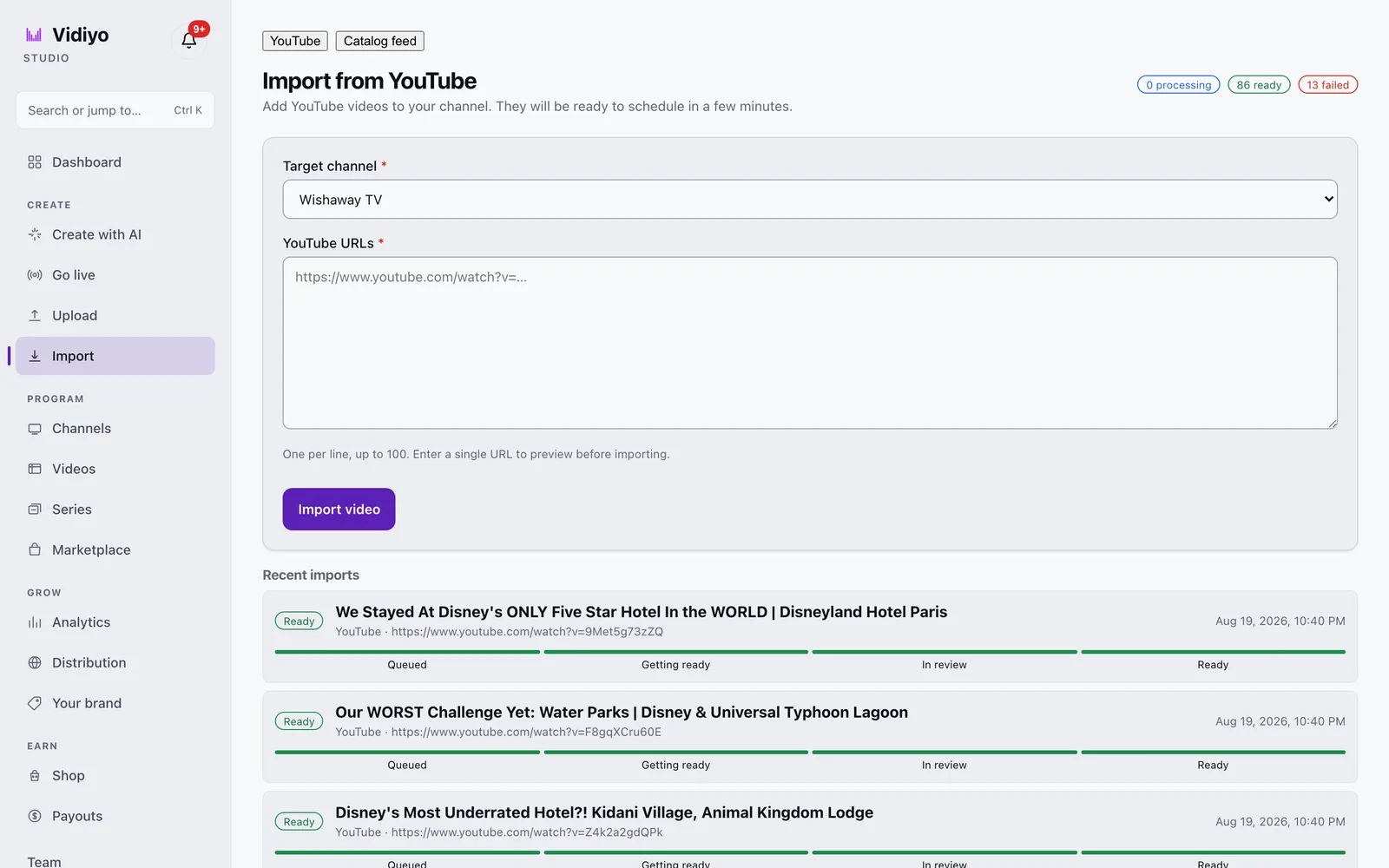
The clicks, the catalog feed option for large libraries, and what a failed import means are in [Import videos](/help/import-videos).
---
## Simultaneous YouTube and FAST distribution
You can distribute the same content on YouTube and a FAST channel simultaneously. There's no exclusivity requirement from either platform unless you've signed a specific exclusivity agreement.
Some operators go FAST-first (premiere on the FAST channel, then put it on YouTube the following week). This creates urgency for FAST viewers and separates the audiences.
Others run true simultaneous distribution. The same content, two different audiences, two different ad stacks.
---
---
## Operator takeaway
Treat this page as a working checklist, not a one-time read. Revisit it when you change schedule density, ad load, distribution targets, or source quality. Small weekly improvements compound faster than a single big relaunch. If you need a free place to run the channel while you learn, [start creating on Vidiyo](/sign-up).
## What's next
- [How to start a FAST channel](/learn/how-to-start-a-fast-channel): end-to-end launch steps
- [En Español: convertir YouTube en canal FAST](/learn/convertir-youtube-en-canal-fast)
- [Short-form to linear TV: repurpose clips into a channel](/learn/short-form-to-linear-tv)
- [How to repurpose content for feed, live, and TV](/learn/how-to-repurpose-content-for-feed-live-tv)
- [Free FAST channel platforms](/compare/free-fast-channel-platform): no monthly fee options
- [Vidiyo for YouTubers](/for/youtubers): free FAST channel path if you are ready to import and publish
- [FAST revenue calculator](/tools/fast-revenue-calculator): model hours and CPM assumptions
- [Channel scheduling for 24/7 playout](/learn/channel-scheduling-247-playout)
- [FCC captions requirements for FAST channels](/learn/fcc-captions-fast-channel)
- [FAST industry statistics](/learn/fast-industry-statistics)
- [What is FAST TV: the model you are moving into](/learn/what-is-fast-tv)
# DRM for FAST Channels: Do You Actually Need It?
URL: https://vidiyo.com/learn/drm-for-fast-channels
Published: 2026-05-22
Updated: 2026-05-22
When FAST channels need DRM, what DRM systems exist for HLS streams (Widevine, FairPlay, PlayReady), what the tradeoffs are, and why most independent FAST operators don't need it at launch.
DRM (Digital Rights Management) protects video content from unauthorized copying and redistribution. For most independent FAST channel operators, DRM is not required and adds significant complexity. But there are scenarios where it becomes necessary.
This guide explains what DRM does, when you need it, and what systems exist for FAST/HLS distribution.
---
## What DRM does
DRM encrypts your video stream so that only authorized players on authorized devices can decrypt and play it. Without DRM, a technically sophisticated viewer could:
- Download your HLS segments and reassemble them into a playable file
- Re-stream your channel without authorization
DRM makes this significantly harder (though not impossible: sufficiently motivated attackers can always circumvent DRM eventually).
---
## When FAST operators typically don't need DRM
**Original content you own.** If you own the content outright and your goal is maximum viewership (typical for independent creators), piracy is generally a secondary concern. The content being freely accessible is the point. You're monetizing with ads, not restricting access.

**Content licensed for free broadcast.** If you licensed content for FAST distribution, the licensor typically doesn't require DRM for free ad-supported streaming. DRM is more commonly required for paid/premium tiers.
**Older or public domain content.** If the content is already widely available (YouTube, public domain archives, etc.), DRM adds complexity without meaningful protection.
**Most independent channel operators.** Your FAST channel is primarily competing for attention, not protecting against sophisticated content piracy. DRM adds technical overhead that slows down your launch and adds ongoing costs.
---
## When you might need DRM
**Premium licensed content where the licensor requires it.** If you're licensing movies or TV shows from a studio or distributor, they may require DRM as a condition of the license. This is common for newer theatrical releases.
**Subscription or pay-per-view content.** If you're running a paid tier alongside your free FAST tier, DRM prevents paying subscribers' streams from being extracted and shared freely.
**Sports live rights.** Live sports broadcast rights holders often require DRM protection for licensed broadcasts.
**Enterprise/brand content.** Some corporate content owners require DRM for internal distribution or licensed show content.
---
## DRM systems for HLS
The major DRM systems relevant to FAST and HLS distribution:
### Widevine (Google)
Used by Chrome, Android, Chromecast, and most Android-based smart TVs. The most widely deployed DRM in the connected TV space (except Apple devices).
Widevine has three content security levels:
- **L3 (Software DRM):** Decryption in software, lowest security. Used by mobile and desktop Chrome. Content decoded in software and technically extractable.
- **L2 (Hardware DRM):** Hybrid hardware/software. Uncommon.
- **L1 (Hardware DRM):** Full hardware-based DRM. Required for HD/4K content under most premium licenses. Requires hardware support in the device's secure enclave.
### FairPlay (Apple)
Used by Safari, iOS, tvOS, macOS, and Apple TV. Required for DRM-protected content on any Apple platform. FairPlay cannot be replaced by Widevine on Apple devices.
For a FAST channel to have DRM across all major platforms, you need both Widevine (for non-Apple) and FairPlay (for Apple).
### PlayReady (Microsoft)
Used by Windows/Edge browsers, Xbox, and some Samsung TV platforms. Less dominant than Widevine in the connected TV space.
### Multi-DRM
Most DRM services (Axinom, EZDRM, Castlabs, Verimatrix, AWS Elemental MediaConvert) implement all three DRM systems and negotiate the right key exchange depending on the viewer's device. This is "multi-DRM" and is the practical standard for premium streaming services.
---
## HLS encryption: the middle ground
HTTPS + HLS AES-128 encryption (without full DRM key infrastructure) provides basic protection that stops casual content copying without the full overhead of a DRM system.
With AES-128 encrypted HLS:
- Your segments are encrypted
- The encryption key is served over HTTPS
- The player can still download and decrypt segments (it's not hardware-protected like L1 DRM)
- Casual copying is prevented; determined attackers can still extract content
For most independent FAST operators who need *some* protection without full DRM complexity, AES-128 HLS encryption is a practical middle ground.
---
## DRM costs and complexity
Full multi-DRM implementation adds:
- **License server costs:** $500-$5,000+/month depending on volume, from providers like Axinom, EZDRM, or Castlabs
- **Integration work:** DRM integration with your CDN, packager, and player is non-trivial engineering work
- **Key management:** Secure key storage and rotation
- **Device certification:** Some DRM systems require device certification
For a large-scale platform (like Vidiyo serving many channels), DRM is infrastructure cost spread across the platform. For an individual operator trying to protect their content independently, it's a significant overhead.
---
## What Vidiyo provides
Vidiyo's standard streams use HTTPS delivery with token-authenticated HLS. This provides:
- Streams served over HTTPS (transport encryption)
- Token-based access control (a viewer needs a valid playback token to access the stream)
- Basic segment security
Full DRM (Widevine/FairPlay/PlayReady key exchange infrastructure) is not enabled by default on free tier channels, consistent with the free ad-supported model where accessibility is the goal.
---
## The practical advice
For most FAST channel operators:
1. **Start without DRM.** Your content being freely accessible is a feature, not a bug. Ad-supported free content doesn't need the friction of DRM.
2. **Use HTTPS.** All FAST delivery should be over HTTPS. This is standard and should be provided by your platform automatically.
3. **Add DRM if required by a licensor.** If you license content from a studio or distributor and they require DRM, implement it for that content. Don't implement it platform-wide unless needed.
---
## What's next
- [HLS manifests explained](/learn/hls-manifest-explained)
- [What is SSAI](/learn/what-is-ssai)
- [FAST channel distribution platforms](/learn/fast-channel-distribution-platforms)
# EPG Generation for FAST Channels
URL: https://vidiyo.com/learn/epg-generation-fast-channels
Published: 2026-05-22
Updated: 2026-08-03
How Electronic Program Guides (EPGs) work for FAST channels: the XMLTV format, what data TV platforms require, how EPGs are generated from your schedule, and how to improve your EPG metadata for better discovery.
An Electronic Program Guide (EPG) is the TV schedule that viewers see when they browse the channel guide on Roku, Fire TV, or Apple TV. It tells the TV platform what's on your channel right now, what's coming up, and what's airing tomorrow.
For a FAST channel, a well-maintained EPG is not optional. It is required by every major TV platform and has a significant impact on viewer discovery.
---
## Quick answers
**What format do most FAST platforms use for EPG?**
XMLTV is the common interchange format for programme schedules.
**How far ahead should I schedule for a healthy EPG?**
Build at least 7 days forward for major TV platform windows.
**What metadata matters most for discovery?**
Clear titles, short descriptions, genre tags, episode numbers, and thumbnails.
**Where do EPG titles come from?**
Usually from your content item metadata and schedule grid, not from the video filename alone.
**Can bad EPG hurt ad targeting?**
Yes. Weak metadata reduces contextual targeting quality and can lower CPM potential.
---
## Why EPG matters for FAST channels
**Platform requirements.** Roku, Fire TV, and Samsung TV Apps all require EPG data to list your channel in their guides. Without an EPG, your channel may not appear in the "What's On" section at all.
**Viewer discovery.** Viewers browse the TV guide the same way people used to browse a newspaper TV listings section. A channel with "Unknown Program" in every slot gets skipped. A channel with descriptive titles and episode descriptions gets explored.
**Ad targeting.** Your EPG metadata is used by ad servers to serve contextually relevant ads. Better metadata means better targeting and higher CPMs.
**SEO on TV platforms.** Platform search engines on Roku, Fire TV, and smart TVs search EPG data. A viewer searching for "cooking show" is more likely to find your channel if your EPG has proper genre tags and episode descriptions.
---
## XMLTV format
XMLTV is the standard format for EPG data. It's an XML file that looks like this:

```xml
Your Channel Name
Episode Title
A description of this episode.
Cooking
S01E03
```
The key fields:
- **`start`/`stop`:** Times in `YYYYMMDDHHmmss +ZZZZ` format. Use UTC.
- **`title`:** The programme title. Should match the show name, not the episode title alone.
- **`desc`:** A short description. 100-300 characters is ideal.
- **`category`:** Genre tags. Multiple categories are allowed.
- **`episode-num`:** Season/episode numbering. Use the `onscreen` system for display format or `xmltv_ns` for machine-readable format.
- **`icon`:** A thumbnail image URL. Will appear in the TV guide alongside the title.
---
## How EPG data is generated from your schedule
When you build a schedule in a FAST platform, the platform generates an XMLTV feed automatically from your programming grid. The schedule (what content plays when) becomes the source of truth for the EPG.
What the platform supplies from your schedule:
- Start/stop times
- Channel ID
- Title (from the content item's title field)
What you should supply in your content metadata:
- Description (per content item)
- Genre/category tags
- Season/episode number
- Thumbnail image
- Rating (TV-G, TV-14, etc.)
The quality of your EPG is directly tied to the quality of your content metadata. If you upload a video titled "ep3.mp4" with no description or tags, your EPG will show "ep3.mp4" with no description. That's not useful.
---
## EPG window requirements
TV platforms request EPG data covering a specific time window. Common requirements:
- **Current + 24 hours:** Minimum for most platforms
- **Current + 7 days:** Standard for major platforms (Roku, Fire TV)
- **Current + 14 days:** Some platforms support up to 2 weeks ahead
This means your schedule needs to be built at least 7 days in advance to serve a complete EPG. An empty or incomplete EPG (showing gaps or unknown programs) is bad for viewer experience and platform listing.
Vidiyo's EPG endpoint serves up to 48 hours of data per request and paginates across your full schedule. TV platform integrations request EPG data periodically (typically every 30-60 minutes) to stay current.
---
## XMLTV field recommendations for better discovery
**Title formatting.** Use the show title for ``, not the episode title. Episode titles go in `<sub-title>`. Many TV guides display the show title prominently and the episode title as secondary info.
```xml
<title lang="en">The Taco Chronicles
Season 2: Birria
```
**Descriptions.** Write for a viewer who has never seen your show. Avoid "In this episode..." as the opening; it assumes context. Instead: "[Show name] explores [topic] in [location], featuring [guest/subject]."
**Genre tags.** Use multiple categories. The TV platform will map these to its internal genre taxonomy. Common useful categories: `Cooking`, `Travel`, `Sports`, `News`, `Documentary`, `Comedy`, `Drama`, `Music`, `Gaming`.
**Episode numbers.** Always include episode numbers for serialized content. Use the `xmltv_ns` system for machine-readable format (0-indexed, formatted as `S.E/Total`):
```xml
1.2.
```
**Thumbnails.** Provide episode-specific thumbnails, not just a generic channel logo. A frame from the episode, a key art image, or a title card performs better in the guide. Minimum size: 300×200px. Recommended: 1280×720px.
**Content ratings.** Include the rating tag:
```xml
TV-14
```
---
## Common EPG mistakes
**Missing descriptions.** Shows with no description get skipped in the guide. Even a one-sentence description is dramatically better than nothing.
**Generic titles.** Uploading content as "Episode 1", "Episode 2", etc. is useless in an EPG. Name your content.
**Wrong timezone offset.** XMLTV times should be UTC or explicitly include the offset. Using local time without an offset causes all schedule times to be wrong.
**Not extending the schedule forward.** If your FAST platform shows a 7-day schedule but you've only scheduled 2 days ahead, the EPG has gaps. Build your schedule at least 7 days forward.
**Not refreshing stale thumbnails.** If you change a thumbnail in your CMS after an EPG has been distributed, the cached thumbnail on TV platforms may take 24-48 hours to update.
---
## EPG QA checklist before partner reviews
Run this pass before OEM or aggregator submissions:
1. Spot-check the next 48 hours of titles against the live schedule
2. Confirm no "Unknown Program" or filename leftovers
3. Verify descriptions are present on primetime titles
4. Confirm ratings and captions flags where required
5. Open a few guide thumbnails in a browser to catch broken image URLs
6. Compare one programme's start/stop times to wall-clock playout
If the guide lies, viewers bounce even when the stream is healthy. Pair this with the [channel launch checklist](/tools/channel-launch-checklist).
---
## How EPG quality shows up in analytics
Weak EPG rarely looks like a "guide bug" in dashboards. It shows up as:
- Low tune-in from browse surfaces
- Short sessions after guide-driven arrivals
- High bounce when titles do not match what airs
- Partner feedback about incomplete windows
Treat EPG as a growth surface, not a compliance chore. Analytics that help you see the effect: [FAST channel analytics](/learn/fast-channel-analytics). Scheduling habits that keep windows full: [channel scheduling for 24/7 playout](/learn/channel-scheduling-247-playout).
---
## Metadata workflow that scales
For libraries larger than a handful of titles:
1. Standardize title / subtitle / description fields in your CMS
2. Require genre tags before a title can be scheduled
3. Store episode numbers in a machine-readable form
4. Attach a default thumbnail template, then replace with episode art
5. Review primetime metadata weekly, not only at launch
Small process beats heroic cleanup before every distribution pitch.
---
---
## Operator takeaway
Treat this page as a working checklist, not a one-time read. Revisit it when you change schedule density, ad load, distribution targets, or source quality. Small weekly improvements compound faster than a single big relaunch. If you need a free place to run the channel while you learn, [start creating on Vidiyo](/sign-up).
## What's next
- [HLS manifests explained](/learn/hls-manifest-explained)
- [Channel scheduling for 24/7 playout](/learn/channel-scheduling-247-playout)
- [How to start a FAST channel](/learn/how-to-start-a-fast-channel)
- [Channel launch checklist](/tools/channel-launch-checklist)
# FAST Channel Analytics: What to Measure and What It Means
URL: https://vidiyo.com/learn/fast-channel-analytics
Published: 2026-05-22
Updated: 2026-09-06
The key metrics for FAST channel operators: concurrent viewers, average watch time, ad impressions, fill rates, CPMs, and how to use analytics to make programming and scheduling decisions.
FAST channel analytics are fundamentally different from YouTube analytics. YouTube measures clicks, views, and subscriber growth. FAST measures viewership patterns more like traditional TV: concurrent viewers, tune-in rates, time-shifted viewing, and average commercial break exposure.

Understanding what to measure, what it means, and how to act on it separates operators who grow from operators who plateau.
---
## Quick answers
**What is the single most useful viewership metric?**
Monthly viewing hours. It weights long sessions and maps cleanly to ad inventory.
**What session length suggests a problem?**
Under about 15 minutes often points to content, schedule, or buffering issues.
**What fill rate drop should trigger a technical check?**
A sudden drop below about 30% is often configuration or ad-server health before demand collapse.
**How often should I review analytics?**
Weekly for concurrent viewers, hours, fill, and dropouts. Monthly for eCPM, top titles, and dayparts.
**Where do CPM planning bands live?**
[FAST CPM benchmarks 2026](/learn/fast-cpm-benchmarks-2026).
---
## Core viewership metrics
### Concurrent viewers
The number of devices actively watching your channel at any moment. This is the most immediate signal of channel health.
**What to track:**
- Peak concurrent viewers (what's the max you've hit?)
- Typical concurrent viewers by daypart (how many watch at 8 PM vs. 2 AM?)
- Trend over time (growing, flat, or declining?)
**Benchmark:** A new independent channel typically starts under 50 concurrent viewers. A healthy mid-sized channel runs 200-1,000 concurrent. Large channels run 5,000+.
### Monthly viewing hours
Total hours of content consumed across all viewers in a month. More useful than raw view count because it weights long-form viewing appropriately.
**Why it matters:** Monthly viewing hours is the primary metric ad networks use to price your inventory. More hours = more ad impressions = more revenue potential.
### Average session length
How long a typical viewer watches in a single session before leaving.
**Benchmark:** TV watching sessions average 30-60 minutes. Short sessions (under 15 minutes) suggest the channel isn't holding attention: possibly a content issue, a scheduling issue, or technical problems (buffering).
### Tune-in rate by show
Which content is triggering tune-ins? When you premiere a new show or move content to a primetime slot, does your concurrent viewer count increase?
Tune-in spikes around specific titles tell you which content your audience comes to your channel specifically to watch. These are your "tent pole" titles: worth protecting in your schedule.
---
## Ad metrics
### Ad impressions
The total number of ads served across all viewers. Impressions = concurrent viewers × ad breaks per hour × hours watched.

### Fill rate
The percentage of available ad break inventory that was filled with a paying advertiser. Critical for revenue optimization. See [Ad fill rate optimization](/learn/ad-fill-optimization) for a deep dive.
### eCPM (effective CPM)
Your blended revenue per thousand impressions, accounting for both fill rate and CPM. Calculated as:
```
eCPM = (Total ad revenue / Total ad impressions) × 1000
```
eCPM is the most useful single-number summary of ad monetization efficiency. A high gross CPM with low fill produces a lower eCPM than a moderate CPM with high fill.
---
## Programming analytics
### Content performance by title
Which shows or episodes have the highest average watch time? The highest tune-in rates? The best viewer retention (people who start watching and don't leave)?
This tells you what to program more of, what to put in primetime, and what to de-emphasize.
### Dropout rate by position in schedule
If viewers consistently leave after a specific show ends, the following show may be a weak link in the programming chain. Re-order your schedule so strong content follows strong content.
### Time-to-tune-in on channel launch
How quickly do viewers start watching after the channel first becomes visible to them (from discovery)? Longer time-to-first-view suggests the channel listing (name, description, thumbnail) isn't compelling enough to trigger immediate tune-in.
---
## What to watch weekly
A practical weekly analytics review:
1. **Concurrent viewers: peak and typical.** Is this week's peak higher or lower than last week's?
2. **Total viewing hours.** Month-over-month trend is more meaningful than week-over-week for small channels.
3. **Fill rate.** Has anything changed since last week?
4. **Dropout points.** Did any slot changes this week affect dropout patterns?
Monthly review:
1. eCPM trend: are you getting more efficient at monetization?
2. Top 10 content pieces by total viewing time
3. Daypart performance: which time windows are growing?
---
## Warning signs
**Suddenly lower concurrent viewers:** Check for technical issues first (buffering, stream outage, EPG errors). If technical is fine, look at schedule changes: did you move a tent-pole show?
**Fill rate drop below 30%:** Check your ad tag, your SSAI configuration, and your ad server health. A fill rate drop is often a configuration problem before it's a demand problem.
**Session length dropping:** Indicates content quality or schedule quality problems. Viewers are finding less reason to stick around.
**Viewership not growing after 3 months:** Check your content freshness (are you adding new content?) and your channel promotion (are you doing any?). Organic FAST discovery is slow without content additions.
---
## Benchmarks by channel size
| Monthly viewing hours | Typical concurrent viewers | Typical eCPM (US) | Monthly revenue estimate |
|---|---|---|---|
| 5,000 | 10-30 avg | $3-$6 | $75-$150 |
| 25,000 | 50-150 avg | $5-$10 | $625-$1,500 |
| 100,000 | 200-500 avg | $7-$14 | $4,375-$8,750 |
| 500,000 | 1,000-2,500 avg | $9-$18 | $27K-$56K |
These are illustrative. Actual numbers vary enormously by content category, US vs. global audience mix, and monetization setup. They are planning aids, not Vidiyo marketplace averages.
---
## How to turn metrics into schedule changes
Analytics only matter when they change the grid.
**If primetime concurrent is flat but overnight is growing:** You may be programming for the wrong daypart. Move tent poles to where viewers already arrive.
**If one title spikes tune-in then dumps viewers:** Keep the title, fix the follow-up. Weak lead-outs waste acquisition.
**If eCPM rises while hours fall:** You may be over-optimizing inventory quality at the expense of audience. Balance rate and volume.
**If fill is healthy but sessions are short:** Demand is fine; programming is not. Fix retention before you chase more distribution doors.
Programming tactics: [FAST channel programming strategy](/learn/fast-channel-programming-strategy). Break design: [designing ad breaks for FAST channels](/learn/designing-ad-breaks-for-fast-channels).
### Where these numbers live in Vidiyo Studio
The Studio Analytics page shows five numbers for a 24-hour, 7-day, 30-day, or 90-day window: live viewers right now, views, unique sessions, watch time, and ad impressions. The chart underneath switches between them, and the By channel table breaks the same numbers out per channel so a portfolio operator can see which channel is carrying the views. Export writes the window to a file for the spreadsheet models in the next section.

Each channel also has its own Analytics tab with Overview, Top content, Audience, Revenue, and Retention views, plus embed views by site. Reading it is covered in [Read your analytics](/help/read-your-analytics).
---
## Metrics partners ask for in distribution talks
When you pitch OEM guides or aggregators, bring a simple pack:
1. Monthly viewing hours for the last 30 to 90 days
2. Average session length by daypart
3. Top titles with retention notes
4. Uptime / incident notes for the same window
5. Caption and ratings compliance status
Partners care less about vanity peaks than about stable, explainable patterns. Distribution context: [FAST channel distribution platforms](/learn/fast-channel-distribution-platforms).
---
## Modeling revenue from analytics
A practical stack:
1. Take monthly viewing hours from your dashboard
2. Estimate ad minutes per hour and impressions per break
3. Apply a conservative CPM band for your genre
4. Multiply by expected fill rate
5. Apply platform revenue share
Worked examples: [how much do FAST channels make](/learn/how-much-do-fast-channels-make). Interactive math: [FAST revenue calculator](/tools/fast-revenue-calculator). Planning CPM bands: [FAST CPM benchmarks 2026](/learn/fast-cpm-benchmarks-2026).
---
---
## Operator takeaway
Treat this page as a working checklist, not a one-time read. Revisit it when you change schedule density, ad load, distribution targets, or source quality. Small weekly improvements compound faster than a single big relaunch. If you need a free place to run the channel while you learn, [start creating on Vidiyo](/sign-up).
## What's next
- [FAST channel monetization](/learn/fast-channel-monetization)
- [Ad fill rate optimization](/learn/ad-fill-optimization)
- [How to start a FAST channel](/learn/how-to-start-a-fast-channel)
- [Channel launch checklist](/tools/channel-launch-checklist)
# FAST Channel Art Specs: Logos, Banners, and Thumbnails
URL: https://vidiyo.com/learn/fast-channel-channel-art-specs
Published: 2026-05-22
Updated: 2026-05-22
The exact image specifications required for Roku, Fire TV, Samsung TV Plus, and other FAST platforms: channel logos, banners, poster art, and episode thumbnails with pixel dimensions, file sizes, and design best practices.
Every FAST platform requires specific image assets to list your channel. Getting these specs wrong (wrong dimensions, wrong format, wrong aspect ratio) causes your channel to display incorrectly in TV platform UIs or fail certification entirely.

This guide lists the exact specifications for every major platform and best practices for artwork that actually works on TV.
---
## Why TV artwork requirements are different from web
TV interfaces are fundamentally different from web or mobile. Artwork is viewed from 10 feet away on a large screen with a remote control. The design rules are different:
- **Text must be large.** Small text is unreadable from 10 feet on even a 65-inch TV.
- **High contrast is essential.** TV displays vary wildly in brightness and color calibration. Low-contrast designs disappear on some screens.
- **Simple reads better.** Complex artwork with many elements looks cluttered on TV UI tiles.
- **Logo-forward design.** TV channel grids display small tiles. Your logo must be recognizable at small sizes.
---
## Vidiyo channel artwork requirements
| Asset | Dimensions | Format | Notes |
|---|---|---|---|
| Channel logo | 500×500px minimum | PNG (transparent bg preferred) | Square, logo only |
| Channel banner | 1920×480px | JPG/PNG | No critical content in outer 200px |
| Episode thumbnail | 1280×720px | JPG/PNG | 16:9 aspect ratio |

**Logo design guidance:**
- Pure logo, no tagline text that becomes illegible at small sizes
- Transparent background for logo files (PNG). Vidiyo places the logo on various backgrounds
- Avoid very thin lines that disappear when scaled down
- Test your logo at 100×100px. If it's unreadable at that size, simplify it
---
## Roku channel artwork specifications
For a branded Roku channel (your own app in the Channel Store):
| Asset | Dimensions | Format | Max file size |
|---|---|---|---|
| Channel poster | 540×405px | PNG/JPG | 150 KB |
| Channel icon | 336×336px | PNG | 100 KB |
| Category icon | 128×128px | PNG | 50 KB |
| Focus icon | 540×405px | PNG | 150 KB |
| Screenshot | 1280×720px | PNG | 1 MB |
| Splash screen | 1920×1080px | JPG | 1 MB |
**Roku-specific notes:**
- All Roku artwork uses safe zones. Keep important content within the center 80% of each asset. Roku UIs crop and resize artwork.
- Focus icon (the larger version shown when a channel is selected) should have more detail than the regular icon
- Screenshots shown in the Channel Store should feature actual channel content, not just a logo
---
## Fire TV (Amazon) channel artwork specifications
| Asset | Dimensions | Format | Notes |
|---|---|---|---|
| Small icon | 114×114px | PNG (transparent bg) | Shown in grid views |
| Large icon | 1280×720px | PNG | Featured placement |
| Background | 1920×1080px | JPG/PNG | Channel detail page |
| Featured image | 1920×1080px | JPG | Homepage feature |
**Amazon-specific notes:**
- Small icon should work at tiny sizes. Test at 57×57px equivalent
- Background image should not have a logo duplicating the icon (Amazon overlays the icon on the background)
- Text in background images should be minimal. The UI overlays metadata text on top
---
## Samsung TV Plus specifications
Samsung TV Plus is selective about both content and artwork quality. Their requirements are stricter:
| Asset | Dimensions | Format | Notes |
|---|---|---|---|
| Channel logo | 800×450px | PNG (white logo on transparent) | White logo only |
| Channel background | 1920×1080px | JPG | Clean, minimal |
| Program poster | 960×540px | JPG | Episode/show art |
**Samsung-specific notes:**
- Samsung requires the logo to be a **white version on transparent background**. They composite it onto their own dark UI. Don't submit full-color logos.
- Artwork that contains text (other than the logo) in languages other than English requires Samsung approval.
---
## LG Channels specifications
| Asset | Dimensions | Format | Notes |
|---|---|---|---|
| Channel thumbnail | 1280×720px | JPG | Used in channel grid |
| Channel logo | 400×300px | PNG (transparent) | Displayed in guide |
---
## Episode thumbnail best practices
Episode thumbnails appear in the EPG, in recommendations, and in search results on TV platforms. Best practices:
**Show something identifiable.** A frame from the episode, key art, or a title card. Generic channel logos as episode thumbnails are missed opportunities.
**Text is ok but brief.** Episode title in large text on the thumbnail is fine. Multi-line descriptions are not readable at EPG thumbnail sizes.
**People's faces perform well.** If your content features talent, a close-up of the host's face is often the most engaging thumbnail for TV viewers.
**Consistent visual language.** All your episode thumbnails should look like they belong to the same channel. Consistent color palette, font treatment, and compositional style.
**Contrast for dark UIs.** Most TV platform UIs have dark themes. Dark episode thumbnails blend into the background. Use a light element, bright color, or contrasting border to ensure your thumbnails pop.
---
## Testing your artwork
Before submitting:
1. Open your channel artwork on an actual TV (or large external monitor), not just a laptop screen. What looks fine on a laptop often reads differently from 8 feet away.
2. Check at the minimum displayed size. TV platform grids show channel tiles very small. Export your logo at 100×100px and see if it's still recognizable.
3. Test in dark mode. All major TV platforms use dark UI themes. Make sure your artwork reads clearly on a dark background.
4. Check for TV overscan. Some TVs crop the outer 5% of the screen (overscan). Keep any critical content, especially text, within the center 90% of the image frame.
---
## What's next
- [How to start a FAST channel](/learn/how-to-start-a-fast-channel)
- [How to start a Roku channel](/learn/how-to-start-a-roku-channel)
- [FAST channel distribution platforms](/learn/fast-channel-distribution-platforms)
# Content Requirements for FAST Channels
URL: https://vidiyo.com/learn/fast-channel-content-requirements
Published: 2026-05-22
Updated: 2026-05-22
What content works for FAST channels: technical specs, minimum library size, content rights requirements, formats accepted by major platforms, and what not to launch with.
Before you can launch a FAST channel, you need content. Not just any content: content you have the rights to broadcast, in formats TV platforms accept, with enough depth to run a coherent schedule.

This guide covers the practical requirements: what you need, what formats work, what rights to verify, and what to avoid.
---
## Minimum content library
You can technically launch a FAST channel with as little as 1 hour of content that loops. But viewer experience degrades quickly when content repeats too often.
**Practical minimums:**
- **To launch:** 4-8 hours of content. Enough for a meaningful day with some variety.
- **For a good viewer experience:** 24-48 hours of unique content. Viewers watching for 2 hours won't see the same content twice.
- **For a sustainable channel:** 100+ hours. Enough to run 7 days without frequent repeats.
If you're launching with a small library, commit to a content acquisition or production cadence. A channel that's growing its library is healthy; a channel that loops the same 6 hours of content forever will see audience attrition.
---
## Accepted video formats
Most FAST platforms accept:
| Format | Codec | Notes |
|---|---|---|
| MP4 | H.264 (AVC) | Most compatible, safest choice |
| MP4 | H.265 (HEVC) | Better compression, widely supported |
| MOV | H.264 | Standard Apple format |
| MXF | Various | Broadcast-standard, accepted by all platforms |
| WebM | VP9 | Less common for FAST, avoid if possible |

**Do not use:**
- AVI, WMV, FLV: legacy formats with poor platform support
- YouTube-processed downloads without re-encoding are usually fine; they're H.264 MP4
---
## Technical specs
**Resolution and bitrate for source files:**
| Resolution | Minimum bitrate | Recommended |
|---|---|---|
| 1080p | 8 Mbps | 15-20 Mbps |
| 720p | 4 Mbps | 8 Mbps |
| 480p | 1.5 Mbps | 3 Mbps |
Upload the highest quality source you have. Platforms transcode down to their delivery bitrates. They don't transcode up. A 480p source will never look like HD, no matter how much you resize it.
**Audio:**
- Stereo AAC or MP3 at minimum 192 Kbps
- Dolby Atmos/5.1 supported by some platforms for premium content
- No silent audio tracks or channels with only mono audio (some platforms flag this)
**Container:** MP4 with both video and audio in a single container file. Don't submit separate video/audio track files unless the platform specifically requests it.
**Duration:** Most platforms accept content from 1 minute to 4+ hours. Very short clips (under 1 minute) cause scheduling complications. Feature-length content (90+ minutes) is handled like any other file.
---
## Rights requirements
Getting content rights wrong is the fastest way to have your channel taken down. Here's what to verify:
### Rights you need for FAST distribution
**Linear broadcast rights / FAST streaming rights.** Different from "online video" rights or "VOD streaming rights." You need rights that specifically cover "linear TV," "FAST channel," or "free ad-supported streaming television." If your license says "YouTube" or "non-linear streaming only," it doesn't cover FAST.
**Geographic rights.** If your content rights are US-only, your channel should be geo-restricted to the US. Platforms can enforce geo-blocking on your behalf.
**Music rights.** Separately from the content rights, the music in your content has its own rights. Background music licensed for YouTube under a Content ID deal likely does not cover broadcast. Use:
- Music you own the rights to
- Music under Creative Commons licenses that permit commercial broadcast
- Licensed music where your license explicitly covers broadcast/linear TV
**Advertising rights.** Most content licenses permit the platform you're distributing on to serve ads. If your content license has restrictions on commercial use or ad-supported distribution, you need to address that.
### What to do if you're unsure
Ask the licensor. Specifically ask: "Does this license cover distribution on free ad-supported streaming TV (FAST) channels?" If they say yes, get it in writing. If they say no or are unsure, assume no.
---
## Content quality standards
Beyond technical specs, content quality affects how well your channel performs on TV:
**Production quality.** FAST channels compete with professional TV content. Shaky handheld footage, poor audio mixing, and amateurish graphics will hurt audience retention. This doesn't mean you need broadcast equipment (many smartphone-shot productions look great), but it does mean audio quality and stable camera work matter more than flashy effects.
**Audio.** Consistently the underrated factor. Viewers tolerate average video quality much better than they tolerate bad audio. Fix echo, normalize levels, and remove background noise in post if needed.
**Aspect ratio.** Most TV platforms display in 16:9 widescreen. Portrait-mode video (9:16, common on mobile) can work for vertical FAST channels but requires platforms that support them. Square video (1:1) looks awkward on TV.
**Intros and outros.** Content with long YouTube-style intros ("Hey guys, welcome back to my channel, don't forget to subscribe...") loses TV viewers quickly. Edit these out or start with a proper title card.
---
## What not to launch with
**Pirated content.** Obvious. Don't do it.
**Content without verified rights.** If you're not certain you have the rights, don't launch. Infringing content gets channels taken down and can expose you to legal liability. The FAST world is small. Rights violations get noticed.
**Content with unlicensed broadcast music.** YouTube's Content ID system lets unlicensed music slide through most of the time. FAST platforms don't have that tolerance. Rights holders actively monitor for their music on TV platforms.
**Live streams with excessive dead time.** Raw Twitch or YouTube Live recordings often have hours of setup, chat-reading, and dead air. Edit before uploading.
**Vertical-only content on a non-vertical channel.** Uploading 9:16 portrait video to a landscape channel creates pillarboxed content (black bars on the sides), which looks unprofessional. Set up a portrait channel for vertical content.
---
## Building a content pipeline
The channels that grow consistently have a content acquisition or production plan from day one:
**Original production:** New content you create on a schedule. Even 1-2 new pieces per week adds up fast.
**Licensing:** Pay for rights to third-party content. Archive footage, documentary libraries, sports highlights packages, etc.
**User-generated content (with rights):** Content from your community where you've acquired distribution rights.
**Public domain:** US works published before 1931 (as of January 2026, with one year added each January 1st), plus US government-produced content, are free to distribute. Quality and relevance vary.
---
## What's next
- [How to start a FAST channel](/learn/how-to-start-a-fast-channel)
- [FCC captions requirements for FAST channels](/learn/fcc-captions-fast-channel)
- [Channel scheduling for 24/7 playout](/learn/channel-scheduling-247-playout)
# Where Can You Distribute a FAST Channel?
URL: https://vidiyo.com/learn/fast-channel-distribution-platforms
Published: 2026-05-22
Updated: 2026-05-22
The major platforms for FAST channel distribution: Roku, Fire TV, Samsung TV Plus, LG Channels, Pluto, Tubi, Plex, and more. What each platform requires, how to get on them, and which ones matter most.
FAST distribution has exploded since 2020. There are now dozens of platforms where viewers watch free, ad-supported streaming TV: from device manufacturers running their own FAST services to aggregator apps to major broadcasters building FAST tiers.

This guide maps the landscape: which platforms are worth pursuing, how to get on them, and what each one requires.
---
## The FAST distribution landscape
### Tier 1: Essential platforms (highest reach)
These platforms have the largest FAST audiences and should be the first targets for any channel:
**Roku Channel Store / Roku Channel**
Roku is the largest CTV platform in the US. Channels distributed through a FAST aggregator (like Vidiyo) appear in the Roku app automatically. A standalone branded Roku channel requires development and certification. Nearly 90 million streaming households globally as of Q4 2024, representing more than half of US broadband households (Roku Q4 2024 earnings).
**Amazon Fire TV / Freevee (now part of Amazon Ads)**
Amazon's FAST ecosystem. Channels on aggregator apps appear on Fire TV automatically. Amazon's own FAST service has been consolidated into Amazon's ad-supported tier. Fire TV is the second-largest US CTV platform.
**Samsung TV Plus**
Samsung's built-in FAST service on Samsung smart TVs. High reach (Samsung is the largest TV manufacturer globally). Getting a channel on Samsung TV Plus requires either working with an approved content aggregator or applying directly to Samsung. Their vetting process is selective.
**LG Channels**
LG's equivalent: built into LG TVs. Similarly selective; typically requires working with an approved content partner.
**Vizio WatchFree+**
Vizio's built-in FAST service. Vizio has significant US smart TV market share. Distribution requires partnership with a content aggregator or a direct deal.
---
### Tier 2: Major aggregator platforms
These are the destination FAST apps that viewers install specifically to watch free channels:
**Pluto TV (Paramount)**
One of the largest standalone FAST aggregators, with 250+ live channels in the US as of 2025. Getting a channel on Pluto requires applying through their content partnership program. Pluto is selective. They focus on content that fits their programmatic categories and has meaningful library depth.
**Tubi (Fox)**
Second-largest FAST platform. Primarily VOD but has linear channels. Similar application process to Pluto.
**Plex TV**
Originally a media server platform, Plex has built a substantial FAST service. Growing fast, particularly for film and specialty content. Content submissions available through their partner program.
**Peacock Free (NBC Universal)**
NBCUniversal's streaming platform has a free tier that includes FAST channels. Harder to get onto directly, typically for established media companies.
---
### Tier 3: Smaller / emerging platforms
**Xumo (now part of Comcast)**
Regional and niche content, primarily Comcast-distributed. Partners through a content submission process.
**Philo**
Live TV streaming but includes FAST channels in some packages. Smaller audience.
**DistroTV**
An aggregator that distributes channels to multiple platforms. Useful as a one-stop aggregator submission.
**Frndly TV**
Smaller FAST platform focused on family content. Niche but targeted.
---
## How to get onto the major platforms
### Through a FAST platform (fastest, most accessible)

The fastest path to broad distribution is launching on a platform that already has relationships with device manufacturers and aggregators. When your channel launches on Vidiyo:
- It's immediately available on web, iOS, Android
- Distribution via the Vidiyo app on Roku, Fire TV, Apple TV
- No individual platform applications required
This gets you distribution without needing relationships or approvals from each platform independently.
### Direct application (slower, more selective)
Applying directly to Pluto, Tubi, or Samsung TV Plus requires:
- Demonstrating content depth (typically 50+ hours of content, often much more)
- Content that fits their category mix
- A compelling pitch about your audience
- Often, an existing audience you can demonstrate
Major platforms receive hundreds of channel applications. They're selective. A new channel with 20 hours of content and no existing audience is unlikely to get approved.
**The practical sequence:**
1. Launch on an aggregator platform (get live, build audience)
2. Grow to 10,000+ monthly viewing hours
3. Apply to Pluto/Tubi with viewership data as proof of demand
4. Use the data to make your case
### Device manufacturer deals (hardest)
Getting a channel directly onto Samsung TV Plus or LG Channels independently is difficult. Both platforms work primarily through approved content aggregators. The path is: grow on aggregator platforms, then the aggregator submits your channel for device manufacturer consideration.
---
## What platforms require
Most platforms have similar requirements, with variations:
| Requirement | Standard |
|---|---|
| Content depth | 4-100+ hours (varies by platform) |
| Content format | HLS stream, XMLTV EPG |
| Closed captions | Required on all platforms |
| Content rating | Must be tagged (TV-G, TV-14, TV-MA, etc.) |
| Stream uptime | 99.5%+ availability expected |
| Content policy | No adult content without gating, no illegal content |
| Channel artwork | Channel logo, banner, poster art |
Samsung and LG have stricter requirements around content depth (50+ hours) and content quality standards.
---
## Prioritizing your distribution strategy
For a new FAST channel, the right sequence:
1. **Launch on a FAST platform** to get immediate distribution and start building viewership data
2. **Focus on content quality and scheduling.** This is what grows your audience
3. **Measure viewership by platform and time** to understand your audience
4. **Apply to Pluto/Tubi** once you have 20,000+ monthly viewing hours and can demonstrate demand
5. **Pursue Samsung/LG/Vizio** via your FAST platform's aggregator relationships once you're established
Chasing every platform at launch is counterproductive. Your first 6 months should be about content quality and schedule consistency, not distribution breadth.
---
## What's next
- Platform-by-platform carriage guides: [Samsung TV Plus](/learn/how-to-get-on-samsung-tv-plus), [LG Channels](/learn/how-to-get-on-lg-channels), [Vizio WatchFree+](/learn/how-to-get-on-vizio-watchfree), [Pluto TV](/learn/how-to-get-on-pluto-tv), [Tubi](/learn/how-to-get-on-tubi), and [Fire TV Channels](/learn/how-to-get-on-fire-tv-channels)
- [How to start a Roku channel](/learn/how-to-start-a-roku-channel)
- [How to start a FAST channel](/learn/how-to-start-a-fast-channel)
- [FAST channel monetization](/learn/fast-channel-monetization)
# FAST Channels for Independent News and Journalism
URL: https://vidiyo.com/learn/fast-channel-for-news
Published: 2026-05-22
Updated: 2026-05-22
How independent news organizations, journalists, and local news operations can use FAST channels to reach TV audiences: the format options, monetization, and what makes news content work on linear TV.
News is one of the highest-CPM content categories in FAST, routinely achieving $15-$40 CPMs in the US because news audiences are politically and commercially engaged. For independent news organizations looking for TV distribution that doesn't require a cable deal, FAST is a realistic path.

---
## News as a FAST format
Traditional TV news runs as a 24-hour channel: live news coverage that repeats on a cycle, updated as news breaks. Replicating this exactly requires significant continuous production capacity that most independent news organizations don't have.
But FAST doesn't require live 24/7 production. Linear doesn't mean live. A structured programming schedule built from recorded segments works as well as a live broadcast for most news content.
**Realistic formats for independent news on FAST:**
**The morning/evening cycle:** Record a 30-60 minute news roundup in the morning and again in the evening. These air in their respective dayparts and repeat overnight. This is a 2-segment-per-day production model that's achievable for small teams.
**The continuous segments model:** Produce short (5-15 minute) news segments throughout the day and add them to the schedule as they're ready. The channel airs the latest segments, then loops to earlier ones. The EPG shows what's "on now" and what's "coming up."
**The show format:** Produce one or more recurring programs (daily briefings, weekly deep dives, interview shows) and schedule them as regular programming, filling between shows with replays and evergreen content.
---
## What works for news on FAST
**Breaking news segments:** Short, timely, to-the-point. 3-8 minutes. News viewers want the facts fast.

**Analysis and commentary:** Longer form (10-30 minutes). Explains the "why" behind news events. Higher production tolerance. Viewers accept a talking head with good information over slick production with shallow analysis.
**Interview programs:** Conversations with experts, newsmakers, or community figures. Evergreen value even as news dates.
**Explainers and documentaries:** Background context pieces. "Why is [issue] important?" These age more slowly than breaking news and are good for filling non-primetime schedule slots.
**What ages poorly on news FAST:** Time-stamped breaking news that becomes factually outdated. "As of this morning..." content that loops for three days becomes misleading rather than informative. Flag time-sensitive content and rotate it out quickly.
---
## Monetization advantage for news
News content gets preferential treatment in programmatic advertising for a few reasons:
**Brand-safe context.** Advertisers want to be adjacent to credible, substantive content. Well-produced news has a brand-safe signal that random internet content doesn't.
**Demographic value.** News audiences skew toward older, higher-income viewers, a demographic heavily targeted by advertisers in financial services, healthcare, automotive, and retail.
**Political season.** In US election years, political ad spending into news channels can dramatically increase CPMs. This is category-specific. News channels see the biggest political advertising premium.
A well-produced independent news FAST channel targeting US audiences can expect:
- $12-$25 CPM in normal periods
- $20-$40 CPM during election seasons
- 50-75% fill rate once established
---
## Content rights considerations for news
**Your own reporting.** Content you produced (your reporters filmed, your editors assembled) is yours to distribute.
**Wire service footage.** AP, Reuters, and other wire services license footage. Standard wire service packages typically cover online digital use, but FAST/linear broadcast rights may require an upgraded license. Contact your wire service account representative.
**Third-party clips.** Fair use principles apply differently to broadcast TV than to YouTube. Using a competitor's footage in commentary or analysis is legally more fraught in a broadcast context. Consult legal counsel if you're regularly using third-party news footage.
**Archive rights.** Historical footage from networks like CNN, NBC, or local stations typically requires licensing even for news context. Some documentary news footage is licensable; breaking news replay often isn't.
---
## Technical considerations for news
**Turnaround time.** News content needs to go from recording to air quickly, ideally same-day, within hours for breaking stories. Your production and upload workflow needs to be fast. Vidiyo processes uploads quickly (typically under 15 minutes for a 30-minute segment), but you need to account for upload time in your production schedule.
**Segment structure.** Breaking news segments should be clearly titled with date/time in the metadata. "Morning Briefing: May 22, 2026" is more useful than just "Morning Briefing" for managing your content library and EPG.
**Live commentary timing.** If your content refers to real-time events ("as voting continues right now..."), be careful about looping it. Either don't use present-tense framing in content that will repeat, or actively remove time-sensitive content from the rotation.
---
## Distribution priorities for news
News has special considerations for TV platform distribution:
**Roku and Fire TV** have separate news genre sections in their EPG guides. News channels with proper genre tagging get placement in the news section, which drives discovery from viewers specifically browsing for news.
**Samsung TV Plus** has a dedicated news category with editorially curated channels. Getting onto Samsung TV Plus as a news channel is selective but is a significant distribution win.
**On Vidiyo**, categorize your channel under "News" for best placement in the news section of the channel directory.
---
## Competitive differentiation for independent news
The FAST news landscape is dominated by national outlets (Fox News, NBC News, CNN, Bloomberg). The opportunity for independent news on FAST is in:
**Local and regional news.** Most local TV news is paywalled or requires a cable subscription. A FAST channel that covers a specific city or region fills a gap. Local advertisers also pay premium CPMs for verified local audiences.
**Niche/vertical news.** Technology policy, climate science, financial markets, agricultural news: categories underserved by general national news and valuable to advertisers in those verticals.
**International news for specific diasporas.** News in languages or about regions underserved by US English-language news channels. These audiences are large and underserved.
**Independent investigative journalism.** Documentary-length investigations and accountability journalism: a format that works well for long-form viewing but doesn't fit well in the breaking news churn of major networks.
---
## What's next
- [FAST channel monetization](/learn/fast-channel-monetization)
- [FAST channel analytics](/learn/fast-channel-analytics)
- [How to start a FAST channel](/learn/how-to-start-a-fast-channel)
# How Podcasters Can Launch a FAST Channel
URL: https://vidiyo.com/learn/fast-channel-for-podcasters
Published: 2026-05-22
Updated: 2026-05-22
Why podcasting audiences translate well to FAST TV, how to repurpose your podcast content for a linear channel, what the economics look like, and how to get a podcast-based FAST channel live.
Podcasters have an underappreciated advantage when entering FAST: they already have catalog depth. A podcast with 200 episodes has more content than most new FAST channels ever launch with.

The path from podcast to FAST channel is direct if you've been recording video, and only slightly longer if you haven't.
---
## Why podcasts translate well to FAST
**Catalog depth.** 200+ episodes is more than enough to run a 24/7 FAST channel for months without repeating content. Most FAST channel operators struggle to build enough library. Podcasters already have it.
**Established audience.** Your podcast listeners are already consuming long-form audio about your topic. Many of them would watch video on the same topic. FAST is a different distribution channel for the same audience.
**Content format alignment.** Talk-based content (interviews, discussion, analysis) translates directly to TV. Podcast formats that work on audio work on video. The lean-back behavior of TV viewing is a good match for extended conversation content.
**Monetization upside.** Podcast CPMs on direct-sold sponsorships run $20-$80 CPM for quality shows. FAST CPMs can reach similar levels for established US-targeted channels. The monetization is complementary, not cannibalizing.
---
## Video podcast vs. audio podcast: the production gap
### If you already record video
If your podcast is already recorded on video (Zoom recording, a studio camera, a screen share for explainer content), you have everything you need. The video files you already have are your FAST content library.

What to do:
1. Export episodes as MP4 (H.264, 1080p preferred)
2. Add captions (your hosting platform may have auto-generated transcripts you can convert)
3. Upload to your FAST platform
4. Build a schedule
The only production work is captioning and possibly trimming intro/outro sequences that are podcast-specific ("find us on Spotify at...").
### If you only have audio
You need a video component to run a FAST channel. Options:
**Option 1: Waveform visualization video.** A static or animated visual (waveform visualization, B-roll, branded graphic) paired with your audio. Simple, cheap, but not visually engaging. Works better for music content than talk content.
**Option 2: Record future episodes on video.** Starting today, record your podcast on video. Apply forward. Your backlog won't be on video, but your future catalog will be. You can launch the FAST channel with your video episodes when you have enough.
**Option 3: Simple studio visual.** Even a basic recording with a camera on your face, a webcam, or a phone mounted on a desk tripod gives you visual content. Viewers have shown they'll watch video podcasts that are clearly recorded in non-professional settings if the content is compelling.
---
## Content formatting for TV
A few adjustments make podcast content work better on FAST:
**Trim podcast-specific segments.** Pre-show banter, Patreon shoutouts, "don't forget to subscribe to our newsletter": these are jarring on TV where the viewer relationship is different. Trim or use the main episode cut without host notes.
**Add episode chapters as distinct segments.** If your podcast has natural segments ("Let's take a break and then get into topic X"), these are natural scheduling unit boundaries. You can split a 90-minute podcast into three 30-minute segments that can be individually scheduled.
**Create a consistent opening.** TV content benefits from a recognizable opening sequence: 15-30 seconds of branded intro before each episode. If your audio episodes have a standard audio intro, create a matching visual version for TV.
---
## Scheduling strategy for a podcast FAST channel
With a large episode backlog, you have flexibility to program more like a traditional TV channel:
**Archive programming:** Older episodes playing on rotation throughout the day
**Newest episode:** Your most recent episode promoted to primetime (7-10 PM)
**Themed blocks:** If your podcast has topics, group related episodes into themed blocks ("All food episodes on Saturday morning")
**Guest replays:** Popular guest episodes promoted to premium slots
The goal is making the channel feel like a "live" experience even though all the content is pre-recorded. Listeners who've heard every episode might find it novel to encounter old episodes in a linear TV context.
---
## The cross-promotion opportunity
FAST and podcasting have overlapping but different audiences. People who watch linear TV aren't all podcast listeners; podcast listeners aren't all FAST TV watchers.
Running both creates cross-promotion opportunities:
- Mention the FAST channel on the podcast ("Catch the video version on [channel name] on Roku and Fire TV")
- Mention the podcast on the FAST channel via interstitials
- Create FAST-exclusive content that rewards viewers who found the channel through TV discovery
---
## Realistic economics for a podcast-based FAST channel
Assuming a US-targeted, talk/interview category channel built from a podcast backcatalog:
**Year 1 (building audience):**
- 10,000-50,000 monthly viewing hours
- 30-60% fill rate
- $5-$10 eCPM
- $1,500-$15,000 cumulative Year 1 revenue
**Year 2+ (established):**
- 50,000-200,000+ monthly viewing hours
- 50-75% fill rate
- $8-$15 eCPM
- $2,000-$15,000/month
These are supplemental income for most podcasters, not replacement income. The real value is audience reach. FAST reaches TV viewers who don't seek out podcasts on demand.
---
## Getting started
1. Collect your video episode files (export from your editing software or re-download from your podcast host if they stored video)
2. Add captions to each episode
3. [Create a Vidiyo account](/sign-up) and set up a channel
4. Upload your episodes and build a weekly schedule
5. Publish
You can be live in an afternoon with an existing library.
---
## What's next
- [Vidiyo for podcasters](/for/podcasters): free podcast FAST channel platform pitch
- [FAST channel content requirements](/learn/fast-channel-content-requirements)
- [Channel scheduling for 24/7 playout](/learn/channel-scheduling-247-playout)
- [FAST channel monetization](/learn/fast-channel-monetization)
# FAST Channels for Sports Organizations
URL: https://vidiyo.com/learn/fast-channel-for-sports
Published: 2026-05-22
Updated: 2026-05-22
How sports leagues, clubs, and media companies can use FAST channels to distribute sports content: live vs. VOD rights, replay channels, highlights channels, and the economics of sports FAST.
Sports content has one of the highest CPMs in FAST ($15-$40 for live sports, $10-$25 for sports highlights and replays) but also the most complex rights landscape. This guide focuses on the realistic paths for independent and regional sports organizations, not the NFL.

---
## The rights divide: live vs. VOD
The most critical distinction in sports content rights for FAST:
**Live broadcast rights:** The right to show a game in real-time while it's happening. These are the most valuable and most restricted. For professional leagues, live broadcast rights are typically controlled at the league level and sold exclusively (or semi-exclusively) to major broadcasters. An independent team typically does not own the right to broadcast their own games on a FAST channel if the league has sold those rights to ESPN, regional sports networks, etc.
**VOD/replay rights:** The right to show a recorded version of a game after it's aired live. These are often held or licensed separately. Many smaller leagues and independent sports organizations own their own VOD rights even if their live rights are restricted.
**Highlights rights:** The right to show short clips from games. Typically more permissive than live or full-game VOD. Often usable under fair use for commentary/analysis content.
**Producing-entity rights:** If you produced the event (you hired the camera crews, you own the footage), you typically own the rights to distribute it.
---
## FAST opportunities for sports organizations
### Regional / independent leagues
Smaller regional leagues (regional soccer leagues, independent basketball leagues, minor league baseball, amateur sports organizations) often have full rights to their own content because they don't have exclusive broadcast deals with major networks.

For these organizations, a FAST channel is a direct path to:
- Live game broadcast to fans who can't attend
- Replay library for fans to catch up
- Highlights and analysis content
- Documentary and behind-the-scenes content
### Content your organization owns
Even organizations with restricted live rights often own:
- Practice footage
- Coach interviews and press conferences
- Behind-the-scenes/access content
- Historical archive footage and documentaries
- Youth/junior content where no broadcast restrictions exist
These are the building blocks of a compelling sports FAST channel that doesn't conflict with existing broadcast deals.
### Sports media companies and creators
Independent sports journalists, analysis shows, documentary producers, and highlight-focused content creators often have clearer rights to their own productions. A sports analysis show, a documentary series about a sport, or a highlights commentary channel has fewer rights complications than a game broadcast.
---
## Live sports on FAST: technical requirements
If you're in a position to broadcast live sports, FAST adds complexity:
**Latency.** Standard HLS (as used for FAST) has 20-45 seconds of latency, far too high for interactive sports experiences (social media sync, live betting integration). For sports that need sub-10-second latency, you need LL-HLS (Low-Latency HLS) or LHLS.
Most FAST platforms, including Vidiyo, don't currently support real-time live ingestion for sporting events. FAST is primarily a scheduled linear format, not an ingest-and-relay-live format. For live sports that require real-time broadcast, a dedicated live streaming solution (OBS + streaming platform, traditional broadcast encoder + CDN) is needed.
The practical path: live game via dedicated streaming (YouTube Live, Twitch, your own encoder setup), then the FAST channel serves the replay starting 24-48 hours later.
**SCTE-35 and live sports:** Live sports typically have variable-length ad breaks (commercial breaks at TV timeouts, halftime, etc.). These need SCTE-35 markers triggered manually or by a broadcast automation system, not just a static schedule. This is standard broadcast infrastructure; most FAST platforms handle it in replays (where breaks are scripted) but not in live ingest.
---
## Building a sports FAST channel without live rights
If you can't broadcast games live but still want a sports FAST channel:
**Replays (if you own replay rights):** Full-game replays are valuable for fans who couldn't watch live. For regional/indie leagues, replays often start 12-48 hours after the live game.
**Condensed games:** 45-90 minute versions of games with dead time removed. These are popular in baseball and hockey and much easier to schedule than 3-hour full replays.
**Coaching and analysis:** X's and O's breakdowns, player analysis, coaching philosophy content. Teams and coaches can produce this without relying on game footage rights.
**Historical content:** Championship archives, "this week in history" content using archival footage. Fans engage deeply with historical content about teams they follow.
**Documentary and access content:** Training camp footage, travel days, locker room (when permitted), post-game reactions. This is often owned entirely by the producing organization.
---
## Sports FAST economics
Sports content commands premium CPMs primarily in two conditions:
1. **Live or near-live content** (real-time or same-day) during the active sports season
2. **Large, defined demographics** (male 25-54 for most US sports)
Replay and archive content outside the season is monetized like general entertainment (lower CPMs). The biggest revenue opportunity in sports FAST is live or near-live content in-season.
For a regional sports organization with 500 average concurrent viewers in-season:
- 2,000 hours/month in-season viewing
- $12-$20 CPM (sports premium)
- 50% fill rate
- ~$600-$1,000/month in-season revenue from FAST
Modest numbers, but the value is in fan engagement and distribution reach, not just direct ad revenue.
---
## What's next
- [FAST channel distribution platforms](/learn/fast-channel-distribution-platforms)
- [FAST channel monetization](/learn/fast-channel-monetization)
- [How to start a FAST channel](/learn/how-to-start-a-fast-channel)
# FAST Channel Launch Checklist
URL: https://vidiyo.com/learn/fast-channel-launch-checklist
Published: 2026-05-22
Updated: 2026-08-03
A complete pre-launch checklist for FAST channel operators: content, technical setup, legal requirements, EPG, monetization, and promotion. Everything to verify before going live.
Use this checklist before going live with a FAST channel. Going through each item doesn't guarantee perfection, but it prevents the most common and costly launch mistakes.
Prefer an interactive version? Use the [channel launch checklist tool](/tools/channel-launch-checklist) alongside this guide.

---
## Quick answers
**How much unique content do I need before launch?**
Aim for at least 4 hours of unique programming so day one is not an immediate loop.
**Do I need captions before going live?**
Yes for major TV surfaces. Upload WebVTT or SRT and verify accuracy.
**How far ahead should the schedule be built?**
At least 7 days forward so EPG partners do not show unknown programs.
**What is the minimum pre-launch watch test?**
Watch 15 live minutes across two devices and confirm ads, captions, and EPG titles.
**Where is the interactive checklist?**
[/tools/channel-launch-checklist](/tools/channel-launch-checklist).
---
## Content
- [ ] **Content library has at least 4 hours of unique programming.** Enough for a meaningful day without immediate loops.
- [ ] **All content is in an accepted format.** MP4 or MOV, H.264, at minimum 720p.
- [ ] **You have the broadcast/FAST rights to every piece of content.** Verify rights explicitly, including music licensing.
- [ ] **All content has closed captions.** Required by every major TV platform. Auto-generated captions are acceptable if accurate.
- [ ] **Content is trimmed of YouTube/podcast-specific intros and outros.** Remove platform-specific callouts, subscribe buttons, social handles, etc.
- [ ] **Every video plays uncropped.** Check that each video plays whole, centered and unstretched in your channel's frame.
If your library is thin, read [launch a FAST channel with no library](/learn/launch-a-fast-channel-with-no-library) before you fake depth with endless loops.
---
## Channel setup
- [ ] **Channel name is set.** Clear, descriptive, searchable. Avoid generic names.
- [ ] **Channel description is written.** 2-4 sentences explaining what the channel is and who it's for. This appears in EPG and TV platform guides.
- [ ] **Channel category is selected.** Choose the most accurate primary category for best ad targeting and viewer discovery.
- [ ] **Channel logo is uploaded.** Minimum 500×500px, PNG preferred, transparent background. Readable at small sizes.
- [ ] **Channel banner/header art is uploaded.** 1920×480px or as specified by your platform.

Art and naming mistakes bury good content. Specs and packaging notes: [FAST channel channel art specs](/learn/fast-channel-channel-art-specs) and [FAST channel branding](/learn/fast-channel-branding).
---
## Schedule
- [ ] **Schedule is built at least 7 days forward.** TV platforms request EPG data for the next 7 days. Gaps show as "Unknown Program."
- [ ] **Primetime slots (7-11 PM) are filled with your best content.**
- [ ] **Auto-scheduler or filler content is configured for gaps.** No dead air.
- [ ] **No content is scheduled beyond its rights window** (if rights are time-limited).
- [ ] **Episode titles and descriptions are set on each content item.** These populate the EPG.
Scheduling patterns that hold sessions: [channel scheduling for 24/7 playout](/learn/channel-scheduling-247-playout) and [FAST channel programming strategy](/learn/fast-channel-programming-strategy).
---
## Technical requirements
- [ ] **Closed captions are attached to content items.** WebVTT or SRT format uploaded alongside content files.
- [ ] **Content ratings are configured.** TV-G, TV-14, TV-MA, etc. Some platforms require content ratings.
- [ ] **Stream is playable** in a browser or test player before publishing.
- [ ] **HLS manifest loads without errors** (if you can access it directly for testing).
Validate manifests with the [HLS manifest validator](/tools/hls-manifest-validator) and preview playback in the [HLS stream player](/tools/hls-stream-player). Background on tags: [HLS manifests explained](/learn/hls-manifest-explained).
---
## Ad settings
- [ ] **Ad break schedule is configured.** Number of breaks per hour and break duration.
- [ ] **VAST ad tag URL is entered** (if using your own ad server alongside Vidiyo's demand).
- [ ] **Revenue share terms are reviewed** with your platform.
- [ ] **Floor prices are configured** (or you've accepted the platform defaults while building audience).
Pod length affects completion. Plan breaks with the [ad pod calculator](/tools/ad-pod-calculator). Monetization overview: [FAST channel monetization](/learn/fast-channel-monetization).
---
## Legal / compliance
- [ ] **Rights are documented.** For every piece of content, you can name the source of your rights (you own it, licensed from X with FAST rights, public domain).
- [ ] **FCC caption compliance verified.** All content has accurate English captions (for US distribution).
- [ ] **Content policy compliance.** No content violating your platform's TOS or relevant laws.
- [ ] **Music rights are clear.** Every piece of music in your content is either original, licensed with broadcast rights, or under a CC license permitting commercial broadcast.
Caption requirements: [FCC captions for FAST channels](/learn/fcc-captions-fast-channel). Rights pitfalls: [FAST platform content licensing](/learn/fast-platform-content-licensing).
---
## Pre-launch testing
- [ ] **Watch 15 minutes of the channel live.** Confirm video loads, ads serve, captions display, and there are no buffering issues.
- [ ] **Check EPG display.** View the channel in your platform's guide view and confirm episode titles, descriptions, and times are accurate.
- [ ] **Test on at least two devices.** Web browser and one TV device (Roku, Fire TV, or phone if TV isn't available).
- [ ] **Verify stream URL shares correctly.** Copy the channel URL and open it in an incognito window to confirm it works for unauthenticated viewers.
EPG quality checklist: [EPG generation for FAST channels](/learn/epg-generation-fast-channels).
---
## Promotion (pre-launch)
- [ ] **Announce to existing audience** (email list, social followers, podcast audience) before launch day so you have day-one viewers.
- [ ] **Channel URL is documented and shareable.**
- [ ] **"How to watch" instructions are ready** for your audience (which devices, which app, how to find the channel).
Day-one viewers matter more than day-one perfection. Warm audiences reduce the cold-start problem on linear TV.
---
## Post-launch monitoring
For the first 48 hours after launch:
- [ ] **Check concurrent viewer count.** Are viewers appearing? (May be small initially; that is normal.)
- [ ] **Check for stream errors** in your platform's error reporting.
- [ ] **Verify ad serving.** Are impressions being logged?
- [ ] **Review EPG accuracy.** Any wrong titles, wrong times, or gaps?
- [ ] **Confirm auto-scheduler is filling gaps** and not leaving dead air overnight.
If something fails, fix technical issues before you rewrite the programming strategy. Analytics primer: [FAST channel analytics](/learn/fast-channel-analytics).
---
## 30-day check-in
After 30 days live, review:
- Total viewing hours
- Top content pieces by viewership
- Fill rate and eCPM
- Where are viewers coming from (which platforms, which referrers)?
- What content caused the biggest drop-off in viewership when it aired?
Use this data to adjust your programming and content acquisition strategy for the next 90 days. Revenue modeling help: [FAST revenue calculator](/tools/fast-revenue-calculator) and planning CPM bands in [FAST CPM benchmarks 2026](/learn/fast-cpm-benchmarks-2026).
---
## Common launch mistakes this checklist catches
1. **Publishing with placeholder titles.** Guides show junk; viewers skip.
2. **Scheduling only tonight.** Partners request multi-day EPG windows.
3. **Skipping captions.** OEM and TV apps bounce non-compliant libraries.
4. **Never watching the live stream.** Studio previews hide player and SSAI issues.
5. **Launching with zero promotion.** Linear channels need a first audience push.
Mistake patterns in more depth: [FAST channel mistakes](/learn/fast-channel-mistakes).
---
## What's next
- Interactive tool: [channel launch checklist](/tools/channel-launch-checklist)
- [How to start a FAST channel](/learn/how-to-start-a-fast-channel)
- [FAST channel analytics](/learn/fast-channel-analytics)
- [Channel scheduling for 24/7 playout](/learn/channel-scheduling-247-playout)
---
## Suggested order on launch week
Day 1-2: Finish content rights, captions, and art. Refuse to schedule files that fail those checks.
Day 3: Build a full 7-day grid with honest titles and descriptions. Primetime gets your best work.
Day 4: Configure ads and watch a live dry run on web plus one TV device.
Day 5: Soft announce to an existing audience. Keep a short "how to watch" note ready.
Day 6-7: Monitor errors, EPG accuracy, and ad impressions. Fix technical issues before rewriting strategy.
Use the interactive [channel launch checklist](/tools/channel-launch-checklist) as the running task list while this page stays the long-form reference.
# FAST Channel Monetization: Revenue Models and CPMs
URL: https://vidiyo.com/learn/fast-channel-monetization
Published: 2026-05-22
Updated: 2026-09-06
How FAST channel operators make money: SSAI ad revenue, revenue share models, CPM ranges by market and category, ad fill optimization, and what realistic earnings look like at different audience sizes.
FAST channel monetization is almost entirely ad-based. Unlike subscription streaming (Netflix, Hulu) or transactional (iTunes), FAST channels are free to viewers and monetized through advertising, specifically server-side ad insertion (SSAI) into the linear stream.

This guide explains the mechanics of how money flows in FAST, what realistic revenue looks like, and how to optimize it.
---
## How FAST ad revenue works
The basic model:
1. A viewer watches your channel
2. At scheduled ad break times (usually 2-4 times per hour), your SSAI system calls an ad server
3. The ad server auctions the impression to advertisers in real time (programmatic)
4. Winning ad plays in the viewer's stream
5. Impression beacons fire to confirm delivery
6. Revenue is credited to your account
Your FAST platform and ad infrastructure handle all of this. What you configure: when ad breaks happen, how long they run, and which ad server/tag to use.
---
## Revenue share models
How your platform shares ad revenue depends on your arrangement:

**Platform-managed monetization (most FAST platforms):** The platform sells ads across its entire inventory and shares revenue per channel. You get a percentage of what your channel earns. Common splits: 50/50 or 60/40 (operator/platform). Easier setup, but less control over your rates.
**Bring your own ads (BYOA):** You connect your own Google Ad Manager account and VAST tags. You keep all direct-sold revenue; the platform may take a fee for SSAI infrastructure. More work, more control.
**Hybrid:** Direct-sold inventory runs through your ad server; unsold (backfill) inventory is filled by the platform's ad network. Industry-standard for established channels.
Vidiyo uses a revenue share model. Vidiyo monetizes the platform-wide inventory and shares per-channel earnings.
---
## CPM ranges by category and market
CPM (cost per thousand ad impressions) varies enormously by geography, category, time of day, fill rate, and platform. The ranges below are industry estimates based on programmatic CTV data as of 2025-2026. Actual CPMs depend on your specific audience demographics, ad network relationships, and floor price settings. These are not guarantees.
**Geography** is the biggest factor. US viewers are worth 5-20x non-US viewers to advertisers.
| Market | CPM range (gross) |
|---|---|
| United States | $8–$40 |
| United Kingdom | $5–$15 |
| Canada / Australia | $4–$12 |
| Western Europe | $3–$10 |
| Rest of world | $0.50–$4 |
**Content category** affects CPM because it determines what advertisers want to be adjacent to:
| Category | Relative CPM |
|---|---|
| News / politics | High ($15-$40 US) |
| Sports | High ($12-$35 US) |
| Cooking / food | High ($10-$25 US) |
| Financial / business | High ($12-$30 US) |
| General entertainment | Medium ($8-$20 US) |
| Music | Medium ($6-$15 US) |
| Gaming | Medium ($7-$18 US, younger demographic) |
| Niche / specialty | Lower ($4-$12 US) |
**Daypart** matters too. US primetime (8-11 PM Eastern) commands 30-50% higher CPMs than the same content at 2 AM.
---
## Fill rate
Fill rate is the percentage of your ad break inventory that gets filled with paid ads. 100% fill rate = every ad break has a paying advertiser. 0% fill rate = nobody is buying your inventory.
**What determines your fill rate:**
- Audience size (more viewers = more biddable impressions = higher fill)
- Demographics/targeting (verified US viewers with measurable demographics fill better)
- Content category (news and sports fill better than niche content)
- Ad break structure (too many breaks per hour reduces fill as demand gets exhausted)
- Time of day and day of week
**Typical fill rates for a new US-targeted channel:**
- First month: 20-40%
- Growing channel (10,000+ monthly hours viewed): 50-70%
- Established channel (100,000+ monthly hours): 70-90%
Unfilled ad breaks earn nothing. You still get the viewer, but no revenue. This is why fill rate is as important as CPM. A channel with a $20 CPM and 40% fill earns less than a channel with a $15 CPM and 80% fill.
---
## Calculating revenue
The formula:
```
Monthly revenue = Monthly hours viewed × Ad breaks per hour × Fill rate × Ads per break × CPM / 1000
```
An example for a US-targeted channel:
- 50,000 hours viewed per month
- 4 ad breaks per hour
- 70% fill rate
- 2 ads per break (30-second spots)
- $12 average CPM
```
50,000 × 4 × 0.70 × 2 × ($12 / 1000) = $3,360 gross
```
After a 50/50 platform revenue share: **~$1,680/month to the operator.**
This math shows why audience development is the primary lever. The same 70% fill rate at $12 CPM with 200,000 hours viewed would be ~$13,440 gross, ~$6,720 to the operator.
---
## Non-ad revenue streams
Ad revenue is the primary model, but not the only one:
**Sponsorships.** Direct sponsorship deals with brands relevant to your content category. A cooking channel can do branded content deals with food brands, kitchen equipment manufacturers, etc. This revenue is outside the programmatic system and negotiated directly.
**Content licensing.** Once your channel demonstrates audience, other platforms may want to license your content for their distribution. This is more relevant for original content than acquired content.
**Subscription/premium tier.** Some FAST operators offer an ad-free subscription version alongside the free ad-supported tier. This requires additional infrastructure but can add meaningful revenue for channels with loyal audiences.
**Branded merchandise / direct community.** Channels with strong personalities or brands can build direct commerce relationships with their audience. This sits next to FAST ads rather than replacing them.
### How the ad share reaches a Vidiyo creator
On Vidiyo the revenue share is a tier on the Payouts page, not a negotiation: Starter 60%, Growth 70%, Pro 80%, Partner 90%. Earnings accrue as a pending balance, the month closes, a 7-day hold lets refunds and restatements settle, and balances of US$20 or more transfer through Stripe Connect. Smaller balances roll into the next month. Connecting Stripe takes a bank account, tax information, and a government ID, and Vidiyo charges no fee on the payout. Payouts are available for US accounts today.

The setup steps are in [Get paid](/help/get-paid).
---
## Ad break structure best practices
**How many breaks per hour?** Industry standard for FAST: 2-4 commercial breaks per hour. Traditional cable and broadcast TV typically runs 15-16 minutes of ads per hour as a market convention (the FCC only limits commercials in children's programming, not adult broadcast TV); most FAST operators run 4-8 minutes per hour to maintain viewer experience and lean-back engagement.
**Break length.** 2-4 minutes is standard. Longer breaks don't necessarily earn more. If demand is exhausted, additional spots are unfilled or backfilled at near-zero CPMs.
**Break placement.** Natural narrative breaks (act breaks, between scenes) perform better than mid-sentence interruptions. For content that was produced for broadcast TV, SCTE-35 cue points often align with the original commercial breaks.
**Frequency cap.** Good ad servers and SSAI platforms enforce frequency capping, limiting how many times a single viewer sees the same ad in a session. Frequency capping reduces viewer fatigue and can improve CPMs.
---
## Optimizing revenue over time
**Grow US viewership.** US ad dollars dominate programmatic. If your channel has significant non-US viewership, the CPM drag is real. Tailor content, metadata, and discovery for US audiences unless you have a specific reason to target other markets.
**Improve content metadata.** Better titles, descriptions, and category tags improve ad targeting accuracy, which improves CPMs. An advertiser targeting "home cooking enthusiasts" will pay more for an impression on a viewer watching "How to Make Ramen from Scratch" than on a viewer watching a generically tagged video.
**Optimize your EPG.** Better EPG metadata (episode titles, descriptions, genre tags) helps TV platforms serve your channel to the right viewers, viewers who are more valuable to advertisers.
**Build consistent viewership patterns.** Channels with predictable, recurring viewers (people who tune in at the same time every week) command better direct sponsorship rates because you can offer impression guarantees. One-off viral moments are less valuable to direct buyers.
---
## What's next
- [How much do FAST channels make: the revenue math](/learn/how-much-do-fast-channels-make)
- [What is SSAI](/learn/what-is-ssai)
- [Ad fill optimization](/learn/ad-fill-optimization)
- [How to start a FAST channel](/learn/how-to-start-a-fast-channel)
# Content Licensing for FAST Channels
URL: https://vidiyo.com/learn/fast-platform-content-licensing
Published: 2026-05-22
Updated: 2026-10-26
How FAST channel operators license content from third parties: what rights to ask for, typical deal structures, where to find licensable content, and common rights traps to avoid.
Content licensing is how FAST channels build catalog depth beyond what they produce themselves. Many successful FAST channels are essentially curated collections of licensed content: a documentary channel, a classic film channel, or a niche sports highlights channel built entirely from licensed third-party material.

Getting rights deals right at the start prevents costly mistakes later. This guide covers the mechanics.
---
## What rights you're asking for
When you license content for FAST distribution, you need to be explicit about what rights you're acquiring. The minimum you need:
**Linear streaming rights** or **FAST rights**: The right to play the content in a scheduled, linear format where viewers tune in to a channel (as opposed to selecting on-demand).
**Advertising rights**: The right to monetize the content with ads (SSAI-inserted ads in your stream). Some content licenses prohibit commercial use or ad-supported distribution. Make sure yours explicitly permits it.
**Territory**: Which countries the license covers. US-only rights are common. Check whether your rights cover all the countries where your channel will be accessible.
**Duration**: How long the license runs. One-year, multi-year, or perpetual.
**Exclusivity (or lack thereof)**: Exclusive means you're the only one who can show this content in this format/territory. Non-exclusive (most common) means others can have the same license.
**Attribution requirements**: Some licenses require on-screen credits or mention in EPG data.
---
## Standard FAST license deal structures
There is no standard deal structure in FAST. The market is still maturing. But common approaches:

### Revenue share
You share a percentage of the ad revenue your channel earns with the content licensor. Typically 30-70% to you, 30-70% to the licensor, depending on who has the leverage.
**Best for:** Licensors who believe in the channel's growth potential, new channels that don't have upfront budget, creators with established audiences.
**Drawback:** Admin-heavy. You need to accurately report and pay revenue shares. Disagreements about measurement can be contentious.
### Flat fee license
A set dollar amount per year (or per content piece) for the right to use the content. You keep all ad revenue.
**Best for:** Operators with some budget, established channels that can predict revenue.
**Common range for indie content:** $100-$5,000/year per show or film, depending on the content's existing audience.
**High-end licensed content (recognizable titles, major festivals):** $10,000-$100,000+/year.
### Output deal
You acquire rights to all content from a specific creator or studio for a period, rather than picking individual titles.
**Best for:** Channels built around a specific creator or content type. Example: acquiring all episodes of an independent documentary series, or all content from a specific creator's back catalog.
### Barter deal
No money changes hands. You distribute their content on your channel; they promote your channel to their audience.
**Best for:** Early-stage channels building initial content library, and content owners who primarily want distribution exposure rather than revenue.
---
## Where to find licensable content
### Independent filmmakers and documentary producers
Independent filmmakers frequently have content sitting unused after its festival run. They've already spent years making it. Additional distribution revenue through FAST is often attractive with low barriers.
**Where to find them:** Film festivals (Sundance, SXSW, Tribeca alumni), filmmaking communities (Stage 32, No Film School), filmmaker-specific LinkedIn groups.
**Pitch:** "I run a [category] FAST channel on Roku and Fire TV. I'd like to license your film for one year, revenue share at [X%]. No upfront cost to you, and we'll credit you in the EPG and on-screen."
### YouTube creators with existing video libraries
Many YouTube creators have catalogs that would translate well to FAST: cooking shows, travel documentaries, educational series, sports analysis. They're creating for on-demand; adding linear FAST distribution is incremental.
**Approach:** Contact creators directly via their business inquiry email (usually in their YouTube "About" tab). Be specific: "I'd like to license [specific content] for FAST distribution, structured as revenue share."
**Rights note:** You need rights to the content including any music used. YouTube creators often don't have proper broadcast music licenses. This is negotiable. You can ask them to re-cut episodes with royalty-free music or you can exclude episodes with licensed music.
### Archive and stock content libraries
Several companies specialize in licensing archival footage and documentary content for FAST channels:
- **Pond5 and Getty Images**: stock footage and some documentary content
- **BBC Motion Gallery**: British broadcasting archive content
- **AP Archive**: News and current events archive
- **WPA Film Library**: Historical footage
These are licensed per-use or via annual subscription arrangements.
### Public domain content
Content in the public domain is free to use, with no licensing required. In the US:
- All works first published before 1931 in the US (as of January 1, 2026, works from 1930 entered the public domain; one more year is added each January 1st)
- Works published between 1928-1977 where copyright was not renewed
- US government-produced content (NASA footage, USDA educational films, etc.)
**Limitations:** Public domain is legally free to use but often commercially unattractive because it's old and the quality may be low. There's also competition. Many channels have the same access to the same public domain titles.
**Useful source:** Internet Archive (archive.org) hosts millions of public domain films, recordings, and media.
### Content exchanges and marketplaces
A few platforms have emerged specifically for FAST content licensing:
- **Wurl's Content Exchange**: Connects content owners with FAST distributors
- **Struum**: Content marketplace for streaming
- **Zype**: Content marketplace and distribution platform
---
## Rights traps to avoid
**YouTube-only licenses.** Royalty-free music sites (Artlist, Epidemic Sound, Musicbed) often sell "YouTube-only" or "online video" licenses. These do NOT cover linear broadcast or FAST distribution. Always check whether the license explicitly covers "broadcast" or "TV distribution."
**Festival-only licenses.** Some filmmakers have licensed their content to a streaming service exclusively for a period. They can't sub-license to you during that window. Ask explicitly: "Are there any existing licensing commitments that would prevent you from licensing to me?"
**Format confusion.** "Streaming rights" is ambiguous. It can mean SVoD (subscription on-demand like Netflix), TVoD (transactional like iTunes), or FAST. Make sure your license agreement uses the specific term "FAST" or "free ad-supported linear streaming" rather than the generic "streaming."
**Music licensing in acquired content.** When you license a video from a third party, you're also taking on any music licensing issues in that video. Ask the licensor: "Do you have broadcast-quality music licenses for all music in this content?" If they're unsure, have them remove the music or use content where they can confirm the music rights.
**Territory overlaps with existing licensees.** If a content owner has already licensed to Pluto TV or Tubi in the US non-exclusively, they can license to you too. If the deal with Pluto or Tubi was exclusive, they cannot. Always ask.
---
## Sub-licensing: quick answers
**What is sub-licensing in a FAST deal?**
It's when the party holding a license passes some of those rights on to someone else. In FAST it usually comes up in two places: a licensor who has already licensed a title to another service, and the platform you put your channel on, which needs its own license from you to stream it.
**Can a filmmaker license me a title they've already licensed to another streamer?**
Only if that deal allows it. If a filmmaker gave a streaming service an exclusive window, they can't license the title to you until the window ends. If the earlier deal was non-exclusive, they can. Ask before you sign: "Are there any existing licensing commitments that would prevent you from licensing to me?"
**What rights does Vidiyo need from me for licensed content?**
When you upload to Vidiyo, you grant it a worldwide, non-exclusive, royalty-free license to host, encode, distribute, show and run ads against that content as part of the service. Vidiyo can pass that license on only to its infrastructure and distribution providers. Your deal with the licensor has to let you grant that, so check that it covers ad-supported linear streaming and doesn't block the companies that host and deliver your stream.
**Does Vidiyo sell or sub-license my channel's content to other FAST services?**
No. Vidiyo's Terms say the license doesn't give it the right to sell your content to third parties as standalone works. Your channel plays inside the Vidiyo apps and website; it doesn't get its own listing in another service's guide.
**Can I run the same licensed title on Vidiyo and somewhere else?**
Vidiyo doesn't ask for exclusivity: the Creator Agreement is non-exclusive, and you can publish the same content on other platforms. Whether you can is up to your license with the content owner, so check its exclusivity and territory terms.
**Do I need separate music rights for licensed video?**
Yes. Licensing a video means taking on any music inside it. Vidiyo's Terms ask you to have the music, synchronization and performance rights for everything you upload. Ask the licensor whether they hold broadcast-quality music licenses for every track; if they aren't sure, have them remove the music.
**What happens when my license from the content owner runs out?**
Take the title off your schedule and remove it from Vidiyo before the license ends. Vidiyo's license from you lasts while the content is on the service, plus a commercially reasonable period for backups, caching and legal compliance.
---
## What to include in a licensing agreement
Even for simple deals, get the key terms in writing:
1. **Rights granted:** "Non-exclusive right to distribute [content title] on FAST channels in [territory] in a linear, scheduled format with ad-supported monetization"
2. **Term:** "12 months from the date of this agreement"
3. **Territory:** "United States and Canada" (or whatever is agreed)
4. **Compensation structure:** Revenue share percentage or flat fee
5. **Attribution:** What credit appears in EPG/on-screen
6. **Termination:** Either party can terminate with 30 days notice
7. **Warranty:** Licensor warrants they have the rights to grant this license
A simple one-page letter agreement covers most indie content deals. For content with significant commercial value, involve a lawyer.
---
## What's next
- [FAST channel content requirements](/learn/fast-channel-content-requirements)
- [How to start a FAST channel](/learn/how-to-start-a-fast-channel)
- [FAST channel distribution platforms](/learn/fast-channel-distribution-platforms)
# FCC Captions Requirements for FAST Channels
URL: https://vidiyo.com/learn/fcc-captions-fast-channel
Published: 2026-05-22
Updated: 2026-05-22
Closed caption requirements for FAST channels: FCC rules for online video, which channels must have captions, acceptable caption formats (CEA-608, CEA-708, WebVTT), and how to add captions to your content before going live on Roku and Fire TV.
Closed captions are required for FAST channels. Roku, Fire TV, and most major TV platforms enforce caption requirements at submission time. The FCC sets the underlying regulatory requirement; TV platforms enforce it technically.

This guide explains what you need, what format, and how to get captions on your content.
---
## The FCC requirement
The FCC requires closed captions on video programming distributed to US viewers if that programming was previously shown on broadcast or cable TV with captions.
For FAST channels, this means:
- **Content previously aired on TV:** Must carry captions. If you're licensing content that aired on broadcast/cable, the captions are almost certainly already attached to the master file.
- **Original online video content:** Generally not subject to the same FCC mandate if it was never aired on TV first. However, and this is critical, **TV platforms require captions regardless of FCC mandate status**.
The practical rule: **any content you intend to distribute on Roku or Fire TV needs closed captions.** Whether or not the FCC technically requires it, the platform does.
---
## Caption formats: what they are and which to use
### CEA-608 (analog captions)
The original broadcast caption standard. Embedded in the video file's line 21 data. Supports a limited character set, basic formatting (color, position), and two simultaneous caption channels (CC1, CC2 for primary/secondary language).

If you have older content from broadcast TV, it likely has CEA-608 captions already embedded.
### CEA-708 (digital captions)
The modern digital caption standard for broadcast television, DTV, and satellite. Supports more styling (font, size, background), more languages, and is required for HD content by FCC rules.
CEA-708 captions are embedded as a stream within the video file (in the H.264/H.265 SEI layer for MP4 files, or as a caption stream in MPEG-TS).
**For FAST channels on TV platforms:** CEA-708 is required. Roku and Fire TV specifically require CEA-708 for HD content. If you have CEA-608 only, some platforms accept it for SD content but CEA-708 is always preferable.
### WebVTT (web captions)
A text-based caption format (.vtt files) used primarily for web video. Supported by HLS as a separate text track alongside the video stream.
WebVTT is simpler to create and edit than CEA-708. It's a plain text file. But CEA-608/708 embedded in the media is required for TV platform certification.
### SRT (SubRip Text)
Another plain text caption format. Not directly supported in HLS streams but commonly used as a source format for converting to other formats.
---
## How to add captions to your content
### Option 1: Auto-generate captions (recommended for most operators)
Use an AI transcription service to generate captions automatically:
- **Amazon Transcribe**: Good accuracy, supports multiple languages, output in SRT/VTT
- **AssemblyAI**: Very high accuracy, supports speaker diarization
- **Whisper (OpenAI, open source)**: Excellent accuracy, runs locally, free
- **Rev.com**: Human captions, 99%+ accuracy, $1.99/minute for English; AI captions available at $0.25/minute (pricing current as of May 2026; check rev.com for latest rates)
Vidiyo integrates automatic captioning during transcoding. After uploading content, you can enable caption generation in the content settings. Vidiyo will generate WebVTT captions automatically.
### Option 2: Embed captions in your source files
If you're generating captions externally and want them permanently embedded in the video file:
**From SRT to CEA-708 using ffmpeg:**
```bash
ffmpeg -i input.mp4 -i input.srt \
-c:v copy -c:a copy \
-c:s mov_text \
-metadata:s:s:0 language=eng \
output.mp4
```
Note: `mov_text` is MP4 compatible but creates a separate text track, not CEA-708. For proper CEA-708 embedding in a broadcast-compatible MPEG-TS container, you need specialized tools:
- **CaptionConverter** (paid): Converts SRT → CEA-608/708 and embeds
- **MacCaption** (Telestream, paid): Professional broadcast caption tooling
- **Subtitle Edit** (free): Converts between many subtitle formats
### Option 3: Deliver captions as HLS text tracks
For modern HLS delivery, you can deliver captions as a separate `.vtt` file referenced from the HLS manifest:
```
#EXT-X-MEDIA:TYPE=SUBTITLES,GROUP-ID="subs",NAME="English",DEFAULT=YES,AUTOSELECT=YES,FORCED=NO,URI="captions_en.m3u8",LANGUAGE="en"
```
Vidiyo supports this automatically when captions are available for a content item. The caption track appears in the player's CC menu.
---
## Roku's specific caption requirements
Roku requires:
- **Closed captions must be present** for all content on their platform
- **CEA-608 or CEA-708** for linear/FAST channels
- **Content in English** must have English captions
- **Caption styling** must be user-controllable (the platform provides this at the OS level)
When submitting a branded Roku channel for certification, caption compliance is a common rejection reason. Roku's checklist specifically calls out:
1. All video content includes captions
2. Captions are in the correct format for the content type
3. Captions display correctly without truncation or overlap
4. Caption timing is accurate (within 2 seconds of audio)
### Fire TV caption requirements
Amazon Fire TV is slightly more lenient in certification but still requires captions for all content. The platform supports:
- CEA-608/708 for linear streams
- SideCarCaptions (external VTT) for VOD
- IMSC (TTML) for some content types
---
## Caption quality
Technically valid captions can still be bad. Common quality issues:
**Timing.** Captions that are consistently early or late are frustrating. Target ±0.5 second accuracy; ±1 second is acceptable; anything beyond 2 seconds is a compliance issue.
**Accuracy.** Auto-generated captions from AI services typically hit 90-95% word accuracy on clear English speech. For content with accents, domain-specific vocabulary, or poor audio, accuracy drops. For content where accuracy matters (news, educational), human review or professional captioning is worth the cost.
**Speaker identification.** For multi-speaker content, caption the speaker's name when there's ambiguity about who is speaking.
**Sound effects.** For viewers who are deaf or hard of hearing, caption significant non-speech audio: `[MUSIC]`, `[APPLAUSE]`, `[DOOR SLAMS]`.
---
## Checking your captions
Before submitting to a TV platform, verify:
1. Open your content in a player that supports caption display (VLC, a browser with HTML5 video)
2. Enable captions and watch at least 5 minutes
3. Check timing, accuracy, and formatting
4. Confirm captions appear in English (or your target language)
For FAST channels on Vidiyo, you can preview captions in the content library before publishing.
---
## What's next
- [How to start a Roku channel](/learn/how-to-start-a-roku-channel)
- [How to start a FAST channel](/learn/how-to-start-a-fast-channel)
- [Converting a YouTube library to a FAST channel](/learn/converting-youtube-to-linear-channel)
# HLS Manifests Explained for FAST Channel Operators
URL: https://vidiyo.com/learn/hls-manifest-explained
Published: 2026-05-22
Updated: 2026-08-03
What HLS (HTTP Live Streaming) is, how manifests work, what adaptive bitrate means for your viewers, and what FAST channel operators need to know about their HLS stream without getting a computer science degree.
HLS (HTTP Live Streaming) is the video delivery protocol that powers virtually every FAST channel. Your viewers receive HLS streams. Your SSAI system delivers ads via HLS. Your EPG is linked to your HLS output.

You don't need to understand every technical detail of HLS to run a FAST channel. Your platform handles the implementation. Still, the basics help you debug problems, ask better questions, and make informed decisions about content quality settings.
Validate a live feed with the [HLS manifest validator](/tools/hls-manifest-validator). Preview playback in the [HLS stream player](/tools/hls-stream-player).
---
## Quick answers
**What is an HLS manifest?**
A playlist file (usually `.m3u8`) that tells the player which media segments to fetch and in what order.
**Do FAST operators hand-write manifests?**
No on managed platforms. Playout generates master and media playlists continuously.
**Why does source quality matter?**
ABR can only go as high as your source. A 480p master cannot become a true 1080p ladder.
**How do ads appear in HLS?**
SSAI rewrites the playlist around SCTE-35 cue markers so the player sees one continuous stream.
**Which tools should I use to inspect a stream?**
[HLS manifest validator](/tools/hls-manifest-validator) for structure checks and [HLS stream player](/tools/hls-stream-player) for playback.
---
## What HLS is
HLS is a protocol developed by Apple that breaks a video stream into small chunks (segments) and serves them over HTTP. Instead of sending one continuous video file, HLS sends a playlist file (the manifest) that tells the player where to get each segment, in order.
A basic HLS stream looks like this:
```
#EXTM3U
#EXT-X-VERSION:3
#EXT-X-TARGETDURATION:6
#EXT-X-MEDIA-SEQUENCE:1847
#EXTINF:6.0,
https://cdn.example.com/channel/segments/1847.ts
#EXTINF:6.0,
https://cdn.example.com/channel/segments/1848.ts
#EXTINF:6.0,
https://cdn.example.com/channel/segments/1849.ts
```
Each `#EXTINF` tag is a 6-second segment. The player fetches them in sequence and stitches them together into a seamless video.
For a live/linear channel, this manifest is updated every few seconds. The player keeps polling for new segments. This is how your FAST channel delivers real-time content to viewers.
---
## The master manifest vs. media playlists
An HLS stream typically has two levels of manifests:

**Master manifest (also called "multi-variant playlist"):** Lists the available quality levels (bitrate variants) for a stream. Looks like this:
```
#EXTM3U
#EXT-X-STREAM-INF:BANDWIDTH=800000,RESOLUTION=854x480
480p/index.m3u8
#EXT-X-STREAM-INF:BANDWIDTH=2800000,RESOLUTION=1280x720
720p/index.m3u8
#EXT-X-STREAM-INF:BANDWIDTH=5000000,RESOLUTION=1920x1080
1080p/index.m3u8
```
**Media playlist:** The per-quality segment list shown above.
The player requests the master manifest first, picks the appropriate quality based on network conditions, then requests the media playlist for that quality.
For FAST channels, your platform generates and maintains both. You don't hand-craft these files.
---
## Adaptive bitrate streaming (ABR)
Adaptive bitrate (ABR) is the system that automatically adjusts video quality based on the viewer's internet connection speed. When a viewer on a slow connection watches your channel:
1. The player requests the master manifest
2. It starts with a lower bitrate (e.g., 480p at 800 Kbps)
3. As the network improves, it switches up to 720p or 1080p
4. If the network degrades, it switches back down
The viewer never has to manually select quality. The player switches seamlessly in the background.
**Why this matters for you:** Your source content quality sets the ceiling for your ABR ladder. If you upload a 480p source file, your channel can never deliver 1080p regardless of the viewer's connection speed. Always upload the highest quality source file you have.
**Typical FAST ABR ladder:**
| Variant | Resolution | Bitrate |
|---|---|---|
| Low | 426×240 | 400 Kbps |
| Medium | 854×480 | 800 Kbps |
| High | 1280×720 | 2500 Kbps |
| HD | 1920×1080 | 5000 Kbps |
Your platform transcodes your source content to all variants automatically.
---
## Segment duration
Most FAST platforms use 2-6 second segments. Shorter segments:
- Lower latency (the viewer is closer to "live")
- More frequent HTTP requests (more overhead)
- Better for ad insertion (shorter segments = more precise ad break alignment)
Longer segments:
- Lower HTTP overhead
- Higher latency
- Simpler for VOD playout
For live FAST channels, 2-4 second segments are standard. For VOD content scheduled in a linear channel, 6-10 second segments are common.
---
## How SSAI modifies the HLS manifest
When SSAI is active on your channel, the SSAI system sits between the player and your origin HLS manifest. It:
1. Receives the player's manifest request
2. Fetches the original content manifest from your playout engine
3. Detects upcoming SCTE-35 ad break cues
4. Fetches ad segments from your ad server (VAST response)
5. Replaces the SCTE-35-marked content segments with ad segments
6. Returns a modified manifest to the player
The player sees one seamless stream. It doesn't know whether it's watching content or an ad. This is why SSAI produces no buffering at ad breaks (unlike client-side ad insertion, where the player pauses and fetches a separate ad stream).
SSAI basics: [what is SSAI](/learn/what-is-ssai). Break design: [designing ad breaks for FAST channels](/learn/designing-ad-breaks-for-fast-channels).
---
## SCTE-35 in HLS manifests
SCTE-35 cue markers in an HLS manifest look like this:
```
#EXT-X-CUE-OUT:30.0
#EXTINF:2.0,
segment_ad_break_start.ts
#EXT-X-CUE-IN
#EXTINF:6.0,
segment_content_resumes.ts
```
- `#EXT-X-CUE-OUT:30.0`: Signal that an ad break starts here, lasting 30 seconds
- `#EXT-X-CUE-IN`: Signal that the ad break ends, content resumes
Your FAST playout engine inserts these markers based on your configured ad break schedule. The SSAI system watches for them and triggers ad decisioning.
---
## Checking your HLS stream
You can inspect your HLS manifest directly. Your channel's HLS URL ends in `.m3u8`. You can open it in a browser or use a tool like [HLS.js demo](https://hls-js.netlify.app/demo/) to play it.
Prefer first-party tools when you are debugging a Vidiyo-related or partner feed:
- Structure and tag sanity: [HLS manifest validator](/tools/hls-manifest-validator)
- Visual playback check: [HLS stream player](/tools/hls-stream-player)
To check the manifest text, use curl:
```bash
curl "https://your-channel-hls-url.m3u8"
```
Common things to verify:
- All referenced segment URLs are accessible (return 200, not 404)
- Segment duration is consistent
- SCTE-35 markers appear at expected ad break times
- Audio and video tracks are present at all bitrate variants
---
## Operator debugging checklist
When viewers report buffering or black screens, work this order:
1. **Open the master playlist.** Confirm variants exist and URLs resolve.
2. **Open one media playlist.** Confirm `#EXTINF` durations and media sequence advance over time.
3. **Fetch two segment URLs.** 404s mean packaging or CDN path issues.
4. **Watch through an ad break.** If content plays but ads fail, check SSAI and VAST, not source video.
5. **Compare devices.** A failure only on one TV app can be player-specific, not origin-wide.
Document the failing `.m3u8` URL, timestamp, and device. That package speeds support conversations.
---
## What operators don't need to manage
If you're on a managed FAST platform like Vidiyo, you don't need to:
- Generate HLS manifests
- Manage CDN distribution
- Handle segment storage
- Configure bitrate ladders
- Write SCTE-35 markers
The platform handles all of this. Your job is to upload quality source content, build your schedule, and configure monetization.
---
## How HLS connects to EPG and scheduling
HLS is the delivery pipe. EPG is the guide. Scheduling is the plan that feeds both.
When a title starts in your grid, playout switches the media that segments encode, and EPG lists that title for the same window. If the schedule and EPG disagree, viewers trust neither. Keep metadata clean so the guide matches the stream. EPG detail: [EPG generation for FAST channels](/learn/epg-generation-fast-channels). Scheduling detail: [channel scheduling for 24/7 playout](/learn/channel-scheduling-247-playout).
---
---
## Operator takeaway
Treat this page as a working checklist, not a one-time read. Revisit it when you change schedule density, ad load, distribution targets, or source quality. Small weekly improvements compound faster than a single big relaunch. If you need a free place to run the channel while you learn, [start creating on Vidiyo](/sign-up).
## What's next
- [What is SSAI](/learn/what-is-ssai)
- [EPG generation for FAST channels](/learn/epg-generation-fast-channels)
- [Channel scheduling for 24/7 playout](/learn/channel-scheduling-247-playout)
- Tools: [HLS manifest validator](/tools/hls-manifest-validator), [HLS stream player](/tools/hls-stream-player)
# How to Start a FAST Channel
URL: https://vidiyo.com/learn/how-to-start-a-fast-channel
Published: 2026-05-22
Updated: 2026-09-06
How to start a FAST channel: pick a free platform, clear rights, upload content, schedule 24/7, and go live on Roku, Fire TV, Apple TV, and the web.
**Short answer:** Clear linear rights, pick a platform, upload, schedule 24/7, and publish. Free self-serve is enough for most first channels. You do not need your own Roku or Fire TV app on day one.

FAST means Free Ad-Supported Streaming TV. It is a scheduled linear channel that plays around the clock. Viewers watch free; ads fund the channel.
If you already have video, a FAST channel is a high-impact way to reach TV without building an app. Compare free economics in [free FAST channel platforms](/compare/free-fast-channel-platform). Estimate earnings with the [FAST revenue calculator](/tools/fast-revenue-calculator). Coming from YouTube? Read [converting a YouTube library to a linear channel](/learn/converting-youtube-to-linear-channel).
---
## Quick answers
**Do I need to build my own Roku or Fire TV app?**
No. On a managed platform like Vidiyo, your channel lives inside the existing app footprint on Roku, Fire TV, Apple TV, iOS, and Android.
**How much content do I need to launch?**
Usually 4-12 hours that loop cleanly. A stronger 24/7 wheel often wants 24-72 hours of unique material.
**What rights do I need?**
Linear FAST rights. On-demand-only licenses are not enough. Confirm broadcast or FAST rights in writing.
**Is free self-serve enough for a first channel?**
Yes for most first channels. Pick a platform, upload, schedule 24/7, and publish.
---
## What makes FAST different from YouTube
FAST channels are **linear**: a fixed schedule viewers tune into, like broadcast TV. YouTube is **on-demand**: viewers pick each title.
That difference drives:
- **No algorithm gate for the next minute.** Viewers watch what is on when they tune in.
- **Longer lean-back sessions.** Linear viewing often means less skip behavior than on-demand feeds.
- **Stronger channel CPMs.** FAST inventory often clears in the $10-$40+ CPM range, higher than many YouTube rates, because buyers can buy a channel placement.
- **TV guide distribution.** FAST channels show up in free tiers on Roku, Fire TV, and smart TV apps alongside Pluto TV and Tubi.
Market size and share numbers live in [FAST industry statistics](/learn/fast-industry-statistics).
---
## Do you need to build an app?
No. That is the most common misconception.

On a platform like Vidiyo, your channel lives inside the Vidiyo app, already on Roku, Fire TV, Apple TV, iOS, and Android. You get multi-platform distribution without writing app code.
A branded channel app on Roku or Fire TV is a later, separate process with each store. Most operators start inside an aggregator app, then pursue branded apps after they have audience.
---
## What infrastructure does a FAST channel need?
### HLS playout
Your channel must generate a live HLS manifest from the schedule in real time. That is the core of FAST: a live stream assembled from scheduled assets, not a VOD file.
Managed platforms handle this. DIY means a playout engine that reads a schedule, fetches segments, and builds the manifest.
### Electronic Program Guide (EPG)
The guide shows what is on now and next. TV platforms expect XMLTV (or equivalent). Your platform should publish it for you.
### Server-Side Ad Insertion (SSAI)
Ads are stitched into the stream on the server, not by a client SDK. That keeps playback continuous and works with most TV platforms. Your platform stitches; you supply a VAST/VMAP ad tag when you bring your own demand.
### CDN
Manifests and segments need a CDN. Managed platforms usually include delivery.
---
## What content do you need?
You need video with rights to broadcast linearly. Typical sources:
- **Original content** you produced
- **Licensed content** with linear FAST rights
- **Public domain** works (US works published before 1931 are public domain as of 2026, plus US government works)
- **Distribution agreements** that explicitly cover FAST or linear streaming
Minimum viable channel: usually 4-12 hours that loop cleanly. A stronger 24/7 wheel often wants 24-72 hours of unique material.
**Formats most platforms accept:** MP4 (H.264/H.265), MOV. Target at least 1080p sources.
**Content that usually fails FAST:**
- Live sports without the right live rights
- Licenses limited to on-demand only
- Music licenses that exclude broadcast or linear streaming
---
## Choosing a FAST platform
**Enterprise (Amagi, Wurl, Frequency):** Built for media companies. Often quote-based or mid-to-high monthly fees, sales process required. See the tier map in [best FAST channel platforms 2026](/compare/best-fast-channel-platforms-2026).
**Mid-market (Zype and peers):** Subscription pricing, often hundreds to a few thousand dollars per month.
**Self-serve (Vidiyo):** Free to launch, monetization via ad revenue share. Built for independents, podcasters, leagues, and anyone who wants to go live without a contract. Free-tier detail: [free FAST channel platforms](/compare/free-fast-channel-platform).
If you are reading this guide, Vidiyo is usually the right first stop: launch, test, and grow without buying infrastructure you have not proven yet.
---
## Step-by-step: launch on Vidiyo
1. **Create your account** at [vidiyo.com/sign-up](/sign-up). Free.
2. **Upload content.** Drop MP4s into the library. Vidiyo transcodes the adaptive ladder for each platform.
3. **Build the schedule.** Use the week grid. Use auto-scheduler to fill gaps.
4. **Configure the channel.** Name, description, logo, category. These power discovery.
5. **Publish.** Your channel goes live on the web at `vidiyo.com/watch/your-slug` and inside the Vidiyo apps.
6. **Review ad settings.** SSAI runs automatically. Tune break cadence in the dashboard.
YouTubers can also start from [/for/youtubers](/for/youtubers). Coming from an existing catalog? [Convert YouTube to linear](/learn/converting-youtube-to-linear-channel).
---
## What it takes on Vidiyo
We run this product. The first channel does not need a sales cycle, a branded Roku app, or an Amagi quote. Create the account. Upload MP4s. We transcode the ladder. Build the week grid. Auto-fill the gaps. Publish. The channel is live on the web at `vidiyo.com/watch/your-slug` and inside the Vidiyo apps on Roku, Fire TV, Apple TV, iOS, and Android. SSAI runs. You tune break cadence in the dashboard.
What you do not get on day one: your own Samsung TV Plus, LG Channels, or Vizio WatchFree+ deal. The channel lives in the Vidiyo app footprint. That is enough to learn whether the schedule and the library work. Buy OEM doors when monthly hours and revenue can pay for them. Until then the work is rights, schedule density, and retention.
### What the launch looks like in Studio
Two screens carry the whole launch. The first is the Create a channel form: a name, the channel URL, the audience (general or adult), the spoken language, and the channel type. The audience choice is permanent, so it is the one field to get right on day one. Everything else can change later.

The second is the week grid. Every block on it is a video at a time, in the channel's clock; the channel plays whatever the grid says, 24 hours a day. Schedule a video into a slot, or use **Auto-fill gaps** to cover the empty hours. The header counts blocks and gaps for the week, so a hole in the overnight is visible before a viewer finds it.

The clicks live in two tutorials: [Create a channel](/help/create-a-channel) and [Schedule your week](/help/schedule-your-week).
Spanish: [cómo crear un canal FAST](/learn/como-crear-un-canal-fast).
---
## What to expect after launch
- **Distribution:** Live on web, mobile, and Vidiyo TV apps when you publish. No approval queue for the Vidiyo path.
- **Indexing:** Expect 2-4 weeks before search and EPG surfaces catch up on some devices.
- **Viewers:** Organic discovery is slow at first. Share the link. Promote socially. In-app browse helps later.
- **Revenue:** CPM-based. Small audiences earn small amounts. Revenue scales with hours watched. Sanity-check with the [FAST revenue calculator](/tools/fast-revenue-calculator).
---
## Common mistakes to avoid
**Uploading content without linear rights.** FAST is not YouTube Content ID. Confirm broadcast or FAST rights in writing.
**Launching with under 4 hours.** Hourly loops frustrate viewers and hurt repeat tuning.
**Ignoring the EPG.** The schedule is the product. Clear titles and accurate metadata improve discovery.
**Waiting for a perfect library.** You do not need 200 hours. Eight solid hours with an active schedule beats a perfect library still on a hard drive.
---
---
## Operator takeaway
Treat this page as a working checklist, not a one-time read. Revisit it when you change schedule density, ad load, distribution targets, or source quality. Small weekly improvements compound faster than a single big relaunch. If you need a free place to run the channel while you learn, [start creating on Vidiyo](/sign-up).
Document what you changed and when. Future you will need that history when fill, retention, or guide metadata drifts.
## Common first-month traps
New operators usually fail on three things: uploading low-bitrate masters, scheduling sparse loops with no dayparting, and turning on dense ad pods before retention exists. Fix source quality first. Then fill the week grid until every hour has a deliberate show. Only then raise ad load. Pair this guide with [how to grow a FAST channel](/learn/how-to-grow-a-fast-channel) once the stream is stable.
## What's next
- [Free FAST channel platforms](/compare/free-fast-channel-platform): no monthly fee options
- [Best FAST channel platforms 2026](/compare/best-fast-channel-platforms-2026): tier map
- [How to grow a FAST channel: retention and discovery](/learn/how-to-grow-a-fast-channel)
- [Converting YouTube to a linear channel](/learn/converting-youtube-to-linear-channel)
- [Vidiyo for YouTubers](/for/youtubers)
- [FAST revenue calculator](/tools/fast-revenue-calculator)
- [How to schedule a 24/7 FAST channel](/learn/channel-scheduling-247-playout)
- [What is SSAI](/learn/what-is-ssai)
- [How to monetize a FAST channel](/learn/fast-channel-monetization)
- [How much do FAST channels make](/learn/how-much-do-fast-channels-make)
- [FAST industry statistics](/learn/fast-industry-statistics)
- [En Español: cómo crear un canal FAST](/learn/como-crear-un-canal-fast)
# How to Start a Roku Channel
URL: https://vidiyo.com/learn/how-to-start-a-roku-channel
Published: 2026-05-22
Updated: 2026-05-22
Everything you need to launch a Roku channel: the difference between a branded channel and a FAST channel, Roku's content requirements, the certification process, and how to go live fast without building an app.
Roku is the largest streaming platform in the US by active accounts: nearly 90 million streaming households globally as of Q4 2024 (Roku earnings, February 2025), with the US representing over half of all US broadband households. If you have video content, getting it on Roku is one of the highest-impact distribution moves you can make.

There are two fundamentally different ways to get your content onto Roku. Most guides conflate them. This one doesn't.
---
## Option 1: Launch inside a FAST aggregator (fast, free)
You don't need your own Roku app to be on Roku. The fastest path to Roku distribution is launching a FAST (Free Ad-Supported Streaming TV) channel on a platform like Vidiyo that already has a Roku app.
When your channel launches on Vidiyo, it immediately becomes browseable and watchable within the Vidiyo app on Roku. No Roku developer account, no certification, no 60-day review process.
**Who this is right for:** Independent creators, podcasters, sports leagues, niche content brands, anyone who wants to reach Roku viewers quickly without building or maintaining an app.
**Timeline:** Same day.
**Cost:** Free with Vidiyo.
**Trade-off:** Your channel lives under the Vidiyo brand inside the Vidiyo app, not as a standalone Roku channel entry. Viewers find you through Vidiyo's discovery, not directly in the Roku Channel Store.
---
## Option 2: Build a branded Roku channel (your own app)
A branded Roku channel is your own entry in the Roku Channel Store, like "The History Channel" or a branded sports network. Viewers install it directly, and it appears under your name and logo.

This is what most people mean when they say "I want to start a Roku channel." It requires significantly more work.
### What you'll need for a branded Roku channel
**A Roku developer account.** Register at developer.roku.com. The process is free.
**An app (channel).** Roku channels are built in BrightScript, Roku's proprietary scripting language, with SceneGraph for UI. Roku offers starter templates (Direct Publisher for simple channels, developer SDK for full control). Alternatively, use a third-party Roku channel builder.
**Content infrastructure.** Your channel needs HLS video feeds, an MRSS feed or direct URL feed that Roku can ingest, and EPG data in a format Roku accepts.
**A Roku certification review.** Roku reviews all new channels before they go live. The process takes 4–8 weeks. Common rejection reasons: missing closed captions, content policy violations, broken functionality.
**Ongoing maintenance.** Roku updates its API and design requirements periodically. Branded channels require development time to stay current.
---
## Roku Direct Publisher vs. Custom SDK
If you're going the branded channel route, Roku Direct Publisher is the fastest path:
**Direct Publisher:**
- No code required
- Point Roku at an MRSS feed or Roku Feed JSON
- Roku generates the app automatically
- Significant limitations on UI customization and monetization options
- Not suitable for FAST/linear channels (it's on-demand VOD only)
**Roku Channel SDK (BrightScript/SceneGraph):**
- Full control over UI, monetization, and content types
- Supports linear/FAST channels
- Requires development resources
- Longer certification timeline
For FAST channels with linear scheduling, you need the SDK route or a third-party partner.
---
## Roku's content requirements
Regardless of which path you take, Roku has baseline requirements:
**Closed captions.** All content must have closed captions (CEA-608 or CEA-708). This is a hard requirement. Roku rejects channels without caption support. See the [FCC captions guide](/learn/fcc-captions-fast-channel) for details.
**Content policy.** No adult content without age-gating, no illegal content. Standard broadcast norms apply.
**Stream format.** HLS (M3U8) with HTTPS. Roku does not support RTMP or unencrypted HTTP for streams. Minimum bitrate of 1500 kbps for SD, 4000+ kbps for HD.
**Artwork.** Channel poster (540×405 or 1920×1080), channel logo (50px height minimum). Square logos look better in the channel tile grid.
---
## Roku monetization options
**Roku Advertising Framework (RAF).** Roku's ad insertion framework is how most Roku channels monetize. RAF handles ad stitching (similar to SSAI) and connects to Roku's OneView ad platform. If you're building a branded channel, integrating RAF is how you get direct Roku-sold ads.
**Direct ad sales / your own ad server.** You can use your own VAST ad tags through a third-party SSAI provider like Google Ad Manager, Brightcove, or the platform you're using.
**Roku Pay.** If you want to offer subscriptions or transactional purchases, Roku Pay is the billing mechanism. Roku takes a 20% cut.
---
## If you're launching inside Vidiyo
1. [Create a free account](/sign-up)
2. Upload your content library
3. Build your schedule
4. Publish. You're immediately live on Roku inside the Vidiyo app
You can see your channel at `vidiyo.com/watch/your-channel-slug`, and viewers on Roku can find it by browsing categories inside the Vidiyo app.
If you grow your audience and eventually want a standalone branded Roku channel, the content infrastructure you build on Vidiyo (HLS playout, EPG, ad integration) ports directly to a branded channel. You're not locked in.
---
## The realistic timeline for a branded Roku channel
| Phase | Timeline |
|---|---|
| Developer account + setup | 1-3 days |
| App development (Direct Publisher) | 2-4 weeks |
| App development (BrightScript SDK) | 4-16 weeks |
| Roku certification review | 4-8 weeks |
| Total (Direct Publisher path) | 6-12 weeks |
| Total (SDK path) | 3-6 months |
This is why most new operators start with an aggregator platform. The branded channel is a Phase 2 play once you've validated audience and content.
---
## What's next
- [How to start a FAST channel](/learn/how-to-start-a-fast-channel)
- [FCC captions requirements for FAST channels](/learn/fcc-captions-fast-channel)
- [FAST channel monetization](/learn/fast-channel-monetization)
- [What is SSAI](/learn/what-is-ssai)
# What Is SSAI? Server-Side Ad Insertion Explained
URL: https://vidiyo.com/learn/what-is-ssai
Published: 2026-05-22
Updated: 2026-08-03
A plain-English explanation of Server-Side Ad Insertion (SSAI) for FAST channel operators: how it works, why it matters for TV distribution, the difference between SSAI and client-side ad insertion, and what you need to set it up.
Server-Side Ad Insertion (SSAI) is how ads get into FAST channels. If you're running a linear streaming channel, SSAI is the technology that replaces content segments with ad segments in your HLS stream, creating a seamless viewing experience where ads flow into programming without buffering or black frames.

Understanding SSAI is essential for any FAST channel operator. It affects your ad revenue, your viewer experience, and what you need to set up.
---
## Quick answers
**What is SSAI?**
Server-Side Ad Insertion stitches ad segments into the HLS stream on the server so ads play as continuous video on the viewer's device.
**Why does FAST need SSAI instead of client-side ads?**
TV platforms like Roku, Fire TV, and Apple TV cannot run browser ad SDKs the way web video does. SSAI also avoids the pause-load-resume buffering of CSAI.
**What triggers an ad break?**
SCTE-35 cue markers in the stream. Your playout engine inserts them on a schedule; SSAI detects them and fills the break.
**What do I need to set up SSAI on Vidiyo?**
A VAST ad tag URL (or use Vidiyo's network for backfill) and monetization settings for break count and duration. The platform handles stitching and beacons.
---
## The problem SSAI solves
Traditional web video advertising uses client-side ad insertion (CSAI): the video player pauses, loads an ad from a third-party ad server, plays it, then resumes the content. This is how YouTube, Hulu's web app, and most browser-based video players work.
CSAI has several problems for TV distribution:
1. **Ad blockers.** Browser-based ad blockers trivially block CSAI ads. They just filter the separate ad server request. Ad blocker adoption has reached 40%+ on desktop.
2. **TV platforms can't run ad SDKs.** Roku, Fire TV, and Apple TV run closed operating systems. You can't install an ad blocker or a JavaScript ad SDK on them. But you also can't use CSAI because it requires JavaScript running in the browser.
3. **Buffering.** The pause-load-resume pattern creates buffering artifacts that frustrate viewers on slow connections.
SSAI solves all three by moving ad insertion from the client (browser/player) to the server.
---
## How SSAI works
With SSAI, the ad is stitched into the video stream **before it reaches the viewer's device**. From the player's perspective, there's no difference between an ad segment and a content segment. It's all one continuous HLS stream.

Here's the sequence:
1. A viewer starts watching your channel. The SSAI server (provided by your FAST platform) intercepts the HLS manifest request.
2. The SSAI server checks for an upcoming ad break (triggered by SCTE-35 cue markers embedded in your stream's manifest).
3. The server calls your ad tag URL (a VAST endpoint from your ad server, typically Google Ad Manager).
4. The ad server returns a VAST response with one or more ad video URLs.
5. The SSAI server fetches the ad media, transcodes it to match the content's bitrate ladder, and stitches the ad segments into the HLS manifest in place of the content segments.
6. The viewer's player receives the manifest and plays the ad as if it were regular content.
7. The SSAI server fires impression beacons back to the ad server to confirm viewership.
---
## SCTE-35 cue markers
SCTE-35 is a broadcast standard for signaling ad break opportunities in a video stream. When you want an ad break at a specific point in your FAST channel, you insert a SCTE-35 cue-out marker at that timecode in your manifest. The SSAI system watches for these markers and triggers the ad decision process.
For FAST channels, your playout engine (not you manually) inserts SCTE-35 markers on a schedule. You configure how often ad breaks happen and how long they run. Typically 2-4 breaks per hour, 2-4 minutes each.
SSAI platforms handle the SCTE-35 detection automatically. You don't need to manually encode markers into your source files.
---
## VAST and VMAP ad tags
VAST (Video Ad Serving Template) is the XML-based standard that ad servers use to communicate ad decisions to players and SSAI systems. Your ad server (Google Ad Manager, FreeWheel, Magnite, etc.) gives you a VAST tag URL that looks like:
```
https://pubads.g.doubleclick.net/gampad/ads?iu=/your-network/your-ad-unit&...
```
You configure this URL in your FAST platform's monetization settings. The SSAI server calls this URL each time it needs to fill an ad break.
[VMAP](/learn/what-is-vmap) (Video Multiple Ad Playlist) is an extension of VAST that defines an entire session's ad schedule upfront: when breaks should happen, how long they should be, and which tags to call. VAST still fills the creatives. Live FAST channels usually cue breaks with SCTE-35 from playout rather than a per-viewer VMAP. For how ads are grouped inside a break, see [ad podding](/learn/what-is-ad-podding). For how SSAI prepares ads before cue-out, see [SSAI ad prefetch](/learn/ssai-ad-prefetch).
---
## Ad fill rate
Fill rate is the percentage of ad break opportunities that are actually filled with paid ads. A 70% fill rate means 30% of your ad breaks run house ads, backfill, or nothing.
Fill rates depend on:
- **Audience size.** Small audiences have lower demand, lower fill rates.
- **Targeting data.** Better demographic and geographic data gets better fills.
- **Content category.** News, sports, and cooking channels command better CPMs and higher fill rates than niche categories.
- **Time of day.** Primetime (8-11 PM) has higher demand than overnight.
- **Geography.** US audiences get the highest CPMs. UK is second. Most other markets are significantly lower.
New channels with small US audiences should expect 20-50% fill rates initially. As the channel grows, fill rates improve.
---
## CPM ranges for FAST
FAST CPMs (cost per thousand ad impressions) vary widely:
| Market | Typical CPM range |
|---|---|
| US primetime, sports/news | $15–$40 |
| US general, all dayparts | $8–$20 |
| UK | $5–$15 |
| Canada, Australia | $4–$12 |
| Other | $1–$5 |
These are gross CPMs: what advertisers pay. After platform revenue share, you typically receive 50-70% of gross CPMs depending on your arrangement.
---
## What you need to set up SSAI on Vidiyo
Vidiyo handles all the SSAI infrastructure. What you need to provide:
1. **A VAST ad tag URL.** Get this from your ad server. If you don't have an ad server yet, Vidiyo can backfill through its ad network while you set one up.
2. **Monetization settings.** Configure how many ad breaks per hour and the break duration in your channel settings.
That's it. Vidiyo's playout engine handles SCTE-35 insertion, the SSAI stitching, and beacon firing.
---
## SSAI vs. CSAI comparison
| | SSAI | CSAI |
|---|---|---|
| Ad blockers | Bypassed (ads are in the stream) | Blocked |
| TV platform support | Yes | Limited or no |
| Buffering | No (seamless stitch) | Yes (load pause) |
| Targeting | Session-level (less granular) | User-level (more granular) |
| Setup complexity | Platform handles it | Requires SDK integration |
| Works on Roku | Yes | Limited |
For FAST channels on TV platforms, SSAI is not a choice. It's the only viable approach.
---
## Official references
- IAB Digital Video Ad Serving Template (VAST): [iabtechlab.com](https://iabtechlab.com/standards/vast/)
- Launch on Vidiyo instead of applying platform-by-platform: [start creating](/sign-up)
- Related: [FAST distribution platforms](/learn/fast-channel-distribution-platforms)
## Cite this page
Vidiyo, "What Is SSAI? Server-Side Ad Insertion Explained", vidiyo.com/learn/what-is-ssai.
## What's next
- [What is ad podding? FAST ad pods explained](/learn/what-is-ad-podding)
- [What is VMAP? Video Multiple Ad Playlist](/learn/what-is-vmap)
- [SSAI ad prefetch for CTV streams](/learn/ssai-ad-prefetch)
- [FAST channel monetization](/learn/fast-channel-monetization)
- [Ad fill optimization](/learn/ad-fill-optimization)
- [AI video for FAST channels: create, label, program](/learn/ai-video-for-fast-channels)
- [Creator monetization beyond YouTube](/learn/creator-monetization-beyond-youtube)
- [How to schedule a 24/7 FAST channel](/learn/channel-scheduling-247-playout)
- [FAST channel glossary: every term defined](/learn/fast-tv-glossary)
========================================================================
## Help: step-by-step product guides
========================================================================
# Account and security
URL: https://vidiyo.com/help/account-and-security
Published: 2026-09-06
Updated: 2026-09-06
Update your Vidiyo profile and username, change your password, turn on two-step verification with an authenticator app, and sign out unknown devices.
The Account page holds your public profile, your email and password, and the door to the Security page. Security covers two-step verification and every browser, TV, and app signed in to your account.
Go here when you change your name or photo, suspect someone else has your password, or want a second factor on sign-in.
## Steps
### 1. Open Account
In the Studio sidebar, scroll to the bottom and click **Account**, under **Team**. The page starts with **Profile**. Your public @username is how you appear in chat and on Vidiyo; the display name is optional.
### 2. Edit your profile
Click **Upload photo** or **Upload banner** to change your images. Fill in **Username**, **Display name** (up to 100 characters), **Bio** (up to 500 characters), **Website** (https only), **Location**, and **Timezone**. Click **Save profile** when you are done. A toast reading **Profile saved** confirms it.
The username field checks availability as you type. A taken name shows **Taken. Pick another.** in red under the field. After you rename, you can rename again 30 days later. Old links to your previous @handle keep working.
### 3. Verify your email and change your password
The **Email** section shows **Not verified yet** with a **Resend verification email** button until you click the link in the email. Under **Password**, enter your **Current password**, a **New password** of at least 8 characters, and **Confirm new password**, then click **Update password**. Changing your password signs out your other browsers.
### 4. Open Security
In the **Security** section, click **Manage security**. The Security page has three cards: **Two-step verification**, **Linked sign-ins**, and **Signed-in sessions**.

### 5. Turn on two-step verification
In the **Two-step verification** card, type your password under **Confirm your password** and click **Set up authenticator app**. Scan the QR code with an app such as Google Authenticator, or enter the key by hand. Enter the six-digit code the app shows in **Code** and click **Turn on**.
Studio then shows 10 recovery codes once. Save them somewhere safe. Each one signs you in a single time if you lose your phone. Click **I saved them** to finish. The card badge changes to **On**, and shows how many recovery codes you have left, with **New recovery codes** and **Turn off** buttons.
The badge reads **Required** when your account role must use two-step verification. Admin accounts fall in this group.
### 6. Review signed-in sessions
The **Signed-in sessions** card lists every browser, TV, and app signed in to your account. Each row shows a label such as **Browser** or **TV or app**, the last active time, and part of the IP address. Your current one reads **This session**. Click **Sign out** on any row you do not recognise. Click **Sign out everywhere else** and confirm with **Sign out others** to end every session except this one. The same list lives on its own page at `vidiyo.com/studio/account/sessions`.

## Tips
- **Linked sign-ins** lets you link an Apple ID. Do this if your Apple ID hides its email, so that Sign in with Apple reaches this account and not a new one. The card says so when Apple sign-in is not set up on the environment you are using.
- If you think your password leaked, change it first. That signs out other browsers on its own. Then check **Signed-in sessions** for TV and app sessions and sign those out too.
- To delete your account, scroll to **Delete account** at the bottom of the Account page. Type your email to confirm and click **Request account deletion**. Vidiyo emails a confirmation link. Once confirmed, your account, channels, and content are permanently deleted within 30 days.
## Quick answers
### How do I turn on two-factor authentication on Vidiyo?
Open Account, click Manage security, confirm your password, and click Set up authenticator app. Scan the QR code, enter the six-digit code, and click Turn on. Save the 10 recovery codes it shows.
### I lost my phone. How do I sign in to Vidiyo?
Use one of the recovery codes you saved when you turned on two-step verification. Each code works once. After you sign in, open Security and click New recovery codes or set up the authenticator again on your new phone.
### How do I sign out of Vidiyo on all devices?
Open Account, click Manage security, and click Sign out everywhere else in the Signed-in sessions card. Every browser, TV, and app except the one you are using is signed out.
### How often can I change my Vidiyo username?
Once every 30 days. The Username field tells you the date you can rename again. Links to your old @handle keep working after a rename.
### How do I delete my Vidiyo account?
At the bottom of the Account page, type your email in the Delete account box and click Request account deletion. Confirm from the email Vidiyo sends. Your account, channels, and content are deleted within 30 days, and this cannot be undone.
# Create a channel
URL: https://vidiyo.com/help/create-a-channel
Published: 2026-09-06
Updated: 2026-09-06
Create a 24/7 channel in Vidiyo Studio: name it, choose its audience and language, add videos to its library, then publish it to the guide.
A channel is a 24/7 linear feed that viewers find in the guide and tune in to. You create it in Studio, give it a library of videos, and publish it. From then on it plays whatever the schedule says.
This tutorial creates a standard channel: general audience, 24/7 linear. You can create as many channels as you need.
## Before you start
- Sign in to Vidiyo Studio with a verified email. Channel creation is blocked until you verify.
- Have at least one video uploaded and finished processing. You need one to publish.
## Steps
### 1. Open Channels
In the Studio sidebar, under **Program**, click **Channels**. The **Your channels** page lists every channel you own with its status chip: **Draft** or **Live**.
Click **New channel** in the top right. The same button sits on the dashed card at the end of the grid.

### 2. Fill in the Create a channel form
The **Create a channel** dialog asks for six things.
- **Channel name** (required). Up to 120 characters. Shown on the guide. You can change it later.
- **Channel URL** (required). Studio fills this from the name. Lowercase letters, digits, and hyphens, 3 to 80 characters. Your channel lives at vidiyo.com/your-channel. If the URL is taken, the form says so.
- **Audience**. **General audience** is listed in the guide and apps, rated up to TV-MA. **Adult (18+)** is web only and age verified. This choice is permanent.
- **Language** (required). The spoken language of the channel. Viewers can filter the catalog by it.
- **Channel type**. Leave it on **24/7 linear: scheduled content**. Most creators start here, and you can switch type later. The other types are **Live: RTMP stream**, **Simulcast: mirror another source**, and **Existing stream: HLS + XMLTV guide**.
- **Short description**. Optional, up to 400 characters. Shown on the channel card.
Click **Create channel**. Studio confirms that the channel is ready and it appears in your list as a **Draft**.

### 3. Add videos to the programming library
Open the channel and click the **Library** tab. The **Programming library** is the pool of videos this channel schedules from. Auto-schedule rotates these videos, and owned titles also appear on the channel's On Demand shelf.
A new channel's library is empty. Add videos in one of three ways.
- On the **Upload** page, set **Assign to channel** before you upload. New uploads land in that channel's library.
- In a video's editor, set **Home channel**, or add it to more channels under **Also on channels**.
- On the **Marketplace** page, add another creator's listing to your channel. Marketplace titles air linearly only.
Use **Filter by title** to find a video, and **Remove** to take it out of this channel. Removing a video from the library does not delete it. If this channel is the video's home channel, change **Home channel** in the video's editor first.

### 4. Check the channel settings
Back on the **Overview** tab, scroll to **Channel settings**. Text fields save as you type, and each field shows **Saved** when it has.
- **Description**. 1 to 2 sentences, shown on the channel page.
- **Categories**. Guide aisles such as Movies, Comedy, or Documentary. Pick 1 to 3 broad ones.
- **Genres & tags**. Finer labels for discovery, up to 10. Common genres appear as chips you can tap.
- **Auto-scheduling**. On by default. Studio fills empty slots from your library. Turn it off to build the week yourself.
- **Distribution**. **Live and on demand** also lists your videos in On Demand. **Live only** keeps them on the schedule.
Below the settings card, **Video orientation** shows **Unlocked. Locks on your first upload.** until the channel has content.

### 5. Publish the channel
At the top of the **Overview** tab, click **Publish channel**. Publish puts the channel on the guide and on Vidiyo apps. Videos that are still processing keep going and join when they are ready.
If the library is empty, Studio refuses with **Nothing to air yet** and links to the library. Add a video, then publish again.
Once the channel is live, the button changes to **Take offline**. Click it to remove the channel from the guide without deleting anything.
## Tips
- Set **Assign to channel** on the Upload page before a batch upload. Every file in the batch joins that channel's library.
- The first video you add locks the channel's orientation. Decide whether the channel is landscape or portrait before uploading.
- Leave **Auto-scheduling** on while you build your library. Turn it off later if you want a hand-built week.
- Use **Delete** on the Overview tab only when you mean it. **Take offline** is the reversible option.
## Quick answers
### Can I change a channel's orientation later?
No. The first video with a known orientation locks the channel, and the settings card then reads Locked. Orientation can't change once you upload content. A landscape channel accepts any video. A portrait channel accepts portrait and square videos only. A video that does not fit is rejected when you add it to the library.
### Can I change the audience from general to adult later?
No. The Audience choice is permanent. Adult channels never appear in the public guide, search, or apps. If you need both, create two channels.
### What does the Draft chip mean?
A draft channel exists in Studio but is not on the guide or in the apps. You can build its library and schedule while it is a draft. Click Publish channel on the Overview tab when it is ready.
### Can I rename a channel after creating it?
Yes. Edit Channel name in Channel settings on the Overview tab. It saves as you type and updates on the guide and channel cards.
### How many videos do I need before publishing?
One video that has finished processing. Publish checks the library and refuses an empty channel. A 24/7 channel needs far more than one video to avoid repeats, so keep adding after you publish.
# Create a series
URL: https://vidiyo.com/help/create-a-series
Published: 2026-09-06
Updated: 2026-09-06
Group videos into an ordered series in Vidiyo Studio, choose how many episodes are free, and price the rest per episode or with a season pass.
A series is an ordered set of episodes. The first few play free; viewers unlock the rest one episode at a time with credits, or all at once with a season pass. Use a series for anything with a natural order: a course, a documentary in parts, a show with seasons.
Series also change how a channel schedules. With **Play episodes in order** on in the channel's Rules, Auto-fill treats a series as one entry and always offers its next episode.
## Before you start
- Upload the videos you want as episodes and wait for them to finish processing. Only ready videos can be added.
## Steps
### 1. Open Series
In the Studio sidebar, under **Program**, click **Series**. The page lists every series you own with its episode count, how many are free, and its price. If you have none yet, you see **No series yet** with a **Create your first series** button.
### 2. Create the series
Click **New series** in the top right, or **Create your first series**. In the **New series** dialog, type a **Title** of up to 200 characters and click **Create series**. Studio confirms the series was created and opens its editor.

### 3. Set free episodes and pricing
The editor's first card holds the series settings.
- **Title** and **Description**. The description can run to 5,000 characters.
- **Free episodes**: how many episodes viewers watch before the paywall. New series start at 3.
- **Credits per episode**: the price to unlock one paywalled episode. New series start at 20 credits.
- **Season pass (credits)**: one price that unlocks every episode. Leave it empty to sell episodes one at a time only.
Click **Save series**.
### 4. Add episodes in order
Under **Episodes**, type in the search box labeled **Search your ready videos to add an episode**. Click **Add as next episode** beside a result. It joins the end of the list with the next episode number.
Each episode row shows its number, thumbnail, title, and duration, plus a **Free** or **Paywalled** badge. The line under the heading tells you which episode the paywall starts at. Use the up and down arrows to reorder, and **Remove** to take an episode out of the series. Removing an episode does not delete the video.
## Tips
- Episode order sets the paywall. With 3 free episodes, episodes 1 to 3 are free and episode 4 onward is paywalled. Reorder and the badges update.
- A viewer with an active fan subscription to you can watch every episode without buying an unlock. Season passes and per-episode unlocks are for everyone else.
- A series can hold up to 500 episodes.
- To pause sales without losing the series, raise **Free episodes** to match the episode count. Every episode becomes free.
## Quick answers
### How do viewers pay for episodes?
With credits. A viewer buys credits once and spends them on a single episode at your Credits per episode price. They can also unlock the whole series at your Season pass price. Episodes at or below your Free episodes count never need credits.
### Can I add a video to more than one series?
A video can appear once per series. The episode search marks videos already in this series as Added, and the editor rejects a duplicate. Nothing stops the same video from being an episode in two different series.
### Do I have to charge for a series?
No. Set Free episodes to the total number of episodes and every episode plays free. You can still use the series for episode ordering in channel schedules.
### What happens when I delete a series?
Click Delete series in the editor header and confirm. The series and its episode list are removed. The videos themselves stay in your library.
# Create a video with AI
URL: https://vidiyo.com/help/create-a-video-with-ai
Published: 2026-09-06
Updated: 2026-11-05
Describe a video in Vidiyo Studio, pick its length and format, spend Create Credits to generate it, and find the finished clip in your library ready to air.
Create with AI turns a written prompt into a finished video. Vidiyo generates it through a partner tool, transcodes it like an upload, and adds it to your library. From there it can air on a channel or post to the Feed like any other video.
Generation is the one thing on Vidiyo that costs money. It is paid in Create Credits. Everything else stays free.
## Before you start
- Sign in to Vidiyo Studio. You can generate before verifying your email, but the video stays in your library until you verify. Scheduling and publishing need a verified email.
- Have credits. New accounts start with none. A 30-second video costs 270 credits, and packs start at 300 credits for $19.99.
## Steps
### 1. Open Create with AI
In the Studio sidebar, under **Create**, click **Create with AI**. The same button sits in the top bar next to **Upload a video**. On a phone, tap **Create** in the tab bar, then **Create with AI**.
Empty libraries and schedule gaps link here too. **Make a clip for this slot** opens the form with that channel and a format it can air already selected.
You can also start from the Dashboard. Type your idea into **What should Vidiyo make today?** and click **Make it**. Create with AI opens with your prompt already filled in.

### 2. Describe the video
In **What should the video be about?**, describe the subject, tone, and any visual direction. Up to 2,000 characters. The placeholder gives the idea: "A calm 60-second tour of bioluminescent waves at night, soothing narration."
### 3. Pick the length, format, and quality
**Length** offers 15, 30, 60, or 90 seconds, or 2 or 3 minutes. The price changes with it.
- Up to 30 seconds: 270 credits.
- 60 seconds: 470 credits.
- 90 seconds: 640 credits.
- 2 minutes: 810 credits.
- 3 minutes: 1,140 credits.
**Format** is **Vertical (9:16)** or **Widescreen (16:9)**. Vertical suits the Feed and phone screens; widescreen suits TV channels.
**Quality** is **Balanced**, **Draft (fastest)**, or **Best quality (slowest)**. The price is the same at every level.
### 4. Choose a channel (optional)
**Add to channel** defaults to **Library only (assign later)**. Pick a channel and the clip joins that channel's library when it is ready, so it can air automatically.
Channels that cannot take the clip are greyed out with the reason: **locked to landscape** or **locked to portrait** when the format does not match, or **adult channels don't allow AI content**.
### 5. Accept the terms and generate
Check **I understand this video is AI-generated, it will carry an AI-content label, and its creation is covered by the partner tool's terms and the Vidiyo terms.**
Next to **Generate video**, the line reads **Costs 470 credits, Balance 900**. Click **Generate video**. A message confirms **Generation started** and the credits are held.
If your balance is short, click the buy button or **See all packs**. Packs are 300 credits for $19.99, 900 for $59.99, and 1,500 for $99.99. After checkout you return to this page to generate.
### 6. Watch it under Recent generations
Each job appears under **Recent generations** with a status: **Queued**, **Generating**, **Finishing up**, then **Ready** or **Failed**. While a job is still active you can click **Cancel**. If it stops in time, the message reads **Cancelled and refunded**; if it was already generating, the page tells you so.
When a job is **Ready**, click **Open video** to land in the editor. The clip is in your Videos library with an AI-content label.
## Tips
- Credits are held when you click **Generate video** and refunded automatically if generation fails.
- Pick **Widescreen (16:9)** for a landscape 24/7 channel and **Vertical (9:16)** for the Feed. A channel locked to the other orientation cannot take the clip.
- Name the subject, the tone, and the visual direction in your prompt. The field hint asks for all three because they shape the result.
- To generate videos on a schedule instead of one at a time, see [Start an AI channel](/help/start-an-ai-channel).
## Quick answers
### How much does an AI video cost on Vidiyo?
270 credits up to 30 seconds, 470 for 60 seconds, 640 for 90 seconds, 810 for 2 minutes, and 1,140 for 3 minutes. Credits come in packs of 300 for $19.99, 900 for $59.99, and 1,500 for $99.99. These match Wavemaker's published prices.
### Do I get any free credits?
No. New accounts start with no credits, and generation is the one thing on Vidiyo that costs money.
### What happens if generation fails?
The job shows **Failed** and the credits that were held are refunded to your balance. Nothing is charged for a failed run.
### Can I put an AI video on an adult channel?
No. Adult channels are disabled in **Add to channel** with the note **adult channels don't allow AI content**. AI-generated video airs on general-audience channels and the Feed only.
### How long does generation take?
It varies by length and by the partner tool's queue. The job moves through **Queued**, **Generating**, and **Finishing up** on the Create with AI page. Generation runs on Vidiyo's side, so you can leave the page and come back.
# Create your account
URL: https://vidiyo.com/help/create-your-account
Published: 2026-09-06
Updated: 2026-09-06
Sign up for Vidiyo with a username, email, and password, verify your email from the link we send, then sign in to Vidiyo Studio and start creating.
A Vidiyo account is free and gives you Vidiyo Studio: upload and import videos, go live, and run 24/7 channels on Roku, Fire TV, Apple TV, web, iOS, and Android. There is no waitlist and no credit card.
Sign-up takes one form. You can start using Studio right away, and a verification link unlocks channel creation and uploads.
## Steps
### 1. Open the sign-up page
Go to vidiyo.com/sign-up. If you are on the sign-in page, click **Create an account** under the form. The page title reads **Create your account** with the line "Start your channel in minutes. We will email you a verification link."
### 2. Fill in the form
The form has four fields.
- **Username** (required). Your public @handle on Vidiyo. 3 to 40 characters: letters, numbers, and underscores. The form checks it as you type.
- **Display name (optional)**. The name shown on your channels and profile. Leave it blank to use your username.
- **Email** (required). We send the verification link here.
- **Password** (required). At least 8 characters. Click the eye icon to show what you typed.
Click **Create account**. Studio opens and signs you in.
### 3. Verify your email
A yellow bar at the top of Studio reads **Verify your email to create channels and upload. We sent a link to** your address. Open the email and click the link. The link works for 24 hours.
The confirmation page reads **Email verified** with a **Go to your studio** link.
If the email did not arrive, click **Resend email** in the yellow bar. If the link expired, the page offers **Send a new link**.
### 4. Sign in on your next visit
Go to vidiyo.com/sign-in. Enter your **Email** and **Password**, then click **Sign in**. You land back in Studio.
Forgot your password? Click **Forgot password?** below the form, enter your email, and click **Send reset link**. The reset link expires in an hour.

## Tips
- Pick your username carefully. It is your public @handle across Vidiyo.
- Until you verify, the **Create** section of the Studio sidebar stays hidden and uploads are blocked. Everything else in Studio works.
- New accounts start with no Create Credits. You only need them for AI video generation.
## Quick answers
### Is a Vidiyo account free?
Yes. Creating an account, uploading, going live, and running 24/7 channels cost nothing. The only thing you can buy is Create Credits for AI generation, and they are optional.
### Do I need a credit card to sign up?
No. The form asks for a username, an optional display name, an email address, and a password.
### What are the username rules?
3 to 40 characters using letters, numbers, and underscores. No spaces or other symbols. The form marks an invalid handle before you submit.
### What happens if I never verify my email?
You can sign in and look around Studio, but you cannot create channels or upload until you verify. The yellow bar stays at the top of every Studio page with a **Resend email** button.
### How long is the verification link valid?
24 hours. After that, click **Resend email** in Studio or **Send a new link** on the expired-link page to get a fresh one.
# Use the Creator Marketplace
URL: https://vidiyo.com/help/creator-marketplace
Published: 2026-09-06
Updated: 2026-09-06
Schedule videos other creators have listed onto your channel, list your own videos for others to air, and track the 35% or 50% share you earn.
The Creator Marketplace is a shared library of videos that Vidiyo creators have agreed to let other creators air. You can fill gaps in your schedule with someone else's video. You can also list your own videos so they earn while they play on other channels.
Ad revenue from a marketplace airing splits three ways. The channel that aired it keeps 50%, the creator who owns the video gets 35%, and Vidiyo takes 15%.
## Before you start
- To schedule a marketplace video you need at least one published general-audience channel. Adult channels cannot air marketplace videos.
- To list your own video, it must have finished processing (status **Ready**) and you must own every element in it, including the music.
## Steps
### 1. Open the Marketplace
In the Studio sidebar, under **Program**, click **Marketplace**. The page has three tabs: **Browse**, **Earnings**, and **Blocked**. Browse opens first.
### 2. Search and filter listings
Use the search box to match titles, descriptions, and creator names. Narrow the grid with **Any orientation**, **Any format**, **Any language**, and **Any duration**. Pick a channel in **Any channel** to show only listings that fit that channel's orientation and rating. Each card shows the creator handle, runtime, title, and a line with format, language, and orientation.
### 3. Preview a video
Click **Preview** on a card, or click its thumbnail. The detail dialog plays the video and lists **Duration**, **Orientation**, **Format**, **Rating**, **Language**, **Fits your channels**, and **Revenue split**. A video with strong language carries an **Explicit language** badge.
### 4. Schedule it on your channel
Click **Schedule** on the card. In the dialog, pick a **Channel** from your published channels, set a **Start time** in your local time, and click **Add to schedule**. The block appears on that channel's week grid. If you have no eligible channel, the dialog tells you to publish a general-audience channel first.
### 5. Add it to a channel library instead
Click **Add to library** to put the video into a channel's rotation without picking a time. Choose the **Channel** and click **Add to library**. The channel's auto-fill can now draw on it. Ownership does not change, and the video does not appear on that channel's On Demand page.
### 6. Hide a creator you do not want to see
Click **Hide this creator** on any card. Their listings leave your Browse grid, and they are never notified. To undo it, open the **Blocked** tab, find the row, click **Remove**, and confirm. Blocks are private to you.
### 7. List your own video
Open **Videos**, open a video that is Ready, and find the **Creator Marketplace** card. Click **List on Marketplace**. Read the Vidiyo Open License, tick both confirmations (you hold the rights, and any music is cleared for commercial syndication), then click **Accept & list**. The card badge changes to **Listed**.
### 8. Track your earnings
Back in Marketplace, open **Earnings**. Before your first airing, the tab reads **No marketplace earnings yet**. Once a listed video airs elsewhere, you see three balances: **Holding** (in the 30-day hold), **Available** (pays out on the monthly run), and **Paid out**. Below, switch between **7d**, **30d**, and **90d** windows to see earnings and ad impressions per video.

## Tips
- The **Any channel** filter uses the channel's orientation and maximum age rating, so a landscape channel does not show portrait listings.
- Music from a consumer video editor's personal-use library usually does not cover commercial syndication. If you are not sure, do not list the video.
- To take a video down, open it in Videos and click **Withdraw from Marketplace**. Blocks already scheduled keep playing for 14 days and you keep earning during that window; new scheduling stops at once. You can click **Re-list on Marketplace** during those 14 days.
- Marketplace earnings are paid through the same Stripe account as your ad revenue. Connect it on the [Payouts](/help/get-paid) page.
## Quick answers
### How much do I earn from the Creator Marketplace?
If you air someone else's video, you keep 50% of the ad revenue from that airing. If someone airs your video, you receive 35%. Vidiyo keeps 15% in both cases.
### When are marketplace earnings paid?
Each airing's revenue is held for 30 days. Once the hold passes, the amount moves to Available and joins the next monthly payout run. The same US$20 minimum as ad revenue applies.
### Do I give up copyright when I list a video?
No. You keep full copyright. The Vidiyo Open License grants other creators the right to air the video on their Vidiyo channels, and you can withdraw it later.
### Can I list a video that has not finished processing?
No. Listing requires the video to be in the Ready state. The Creator Marketplace card does not appear on a video until processing finishes.
### Why is a video marked Removed?
A video shows Removed when Vidiyo permanently withdrew it, usually after a copyright notice. It cannot be re-listed from Studio. If you believe this is a mistake, write to support@vidiyo.tv.
# Cross-post clips to social
URL: https://vidiyo.com/help/cross-post-clips
Published: 2026-09-06
Updated: 2026-09-06
Connect YouTube, TikTok, Instagram, X, and Facebook to Vidiyo Studio, then publish or schedule a clip to all of them from the Distribution page.
Distribution lets you post a clip from your Vidiyo library to YouTube, TikTok, Instagram, X, and Facebook without re-uploading it on each site. You connect each account once, then pick a clip, write a caption, choose the platforms, and publish now or at a scheduled time.
Every post you send shows up in the **Cross-posts** list with its status and a link to the published post.
## Before you start
- The clip must have finished processing and be public. You must own it. An imported video needs a confirmed ownership attestation first, and a clip that uses a licensed catalog sound cannot leave Vidiyo.
- Your browser must allow popups for vidiyo.com. Account linking opens in a new tab.
## Steps
### 1. Open Distribution
In the Studio sidebar, under **Grow**, click **Distribution**. The page has three parts: **Connected accounts**, **Cross-posts**, and the **New cross-post** form. Before you connect anything, the first card reads **No accounts connected**.
### 2. Connect your accounts
Click **Connect accounts**. A new tab opens the linking page, where you sign in to each social account you want to use. When you finish, close that tab and click **Refresh** in Studio. Each connected account appears as a card with the platform name, your account name, and an **active** badge. Once you have at least one account, the button reads **Manage accounts**.
### 3. Pick a clip and write the caption
In **New cross-post**, choose a **Clip** from the list of your ready videos. Write a **Caption** of up to 5,000 characters and add **Hashtags** such as #vidiyo #shorts. In **Format**, pick **Vertical (9:16)**, **Square (1:1)**, or **Original**. Vidiyo renders the export in that shape before it posts.
### 4. Choose where to post
Under **Post to**, tick each platform you want. Only connected platforms can be ticked. A platform you have not linked shows **Connect accounts first** next to it.
### 5. Publish now or schedule
Leave **Schedule** empty and click **Publish now**. Or set a date and time in Schedule; the button changes to **Schedule**. A toast confirms **Publishing started** or **Scheduled**. If one platform is not connected, the toast lists it under **Some platforms need connecting** and the others still go out.
### 6. Track the post
Each platform gets its own row in **Cross-posts** with a status badge: **queued**, **uploading**, **published**, **failed**, or **canceled**. A published row shows a **View** link to the post and, once the platform reports it, a view count. A failed row shows the error. Click **Cancel** on a queued post to stop it before it uploads.
## Tips
- Want the file instead of a post? Pick the clip and format, then click **Generate download**. Studio renders it and shows a **Download your clip** link when it is ready.
- Click **Disconnect** on an account card to unlink it. Posts already published stay on that platform.
- If your account token expires, the card badge changes from **active** to **expired**. Click **Manage accounts** and sign in to that platform again.
- Clips marked as AI-generated in their video details carry that disclosure to YouTube and TikTok automatically.
## Quick answers
### Which platforms can I cross-post to?
YouTube, TikTok, Instagram, X, and Facebook. Each one needs its own connection through Connect accounts.
### Why can't I tick a platform in Post to?
The checkbox is disabled until that platform is connected. Click Connect accounts or Manage accounts, link the account, then click Refresh. If a platform shows (not configured), it is not available on this Vidiyo environment.
### Can I cross-post a video I imported from YouTube?
Only after you confirm you own it. Imported videos need an ownership attestation before they can be posted elsewhere. Videos you do not own, and clips that use a licensed catalog sound, cannot be cross-posted.
### Can I cancel a scheduled post?
Yes, while it is still queued. Click Cancel on its row in Cross-posts. Once a post is uploading or published, cancel is no longer available and you would remove it on the platform itself.
### Does Vidiyo re-encode my clip?
Yes. Vidiyo renders an export in the Format you chose (vertical, square, or original) and sends that file to each platform. The same export is reused if you post the clip again in the same format.
# Edit video details
URL: https://vidiyo.com/help/edit-video-details
Published: 2026-09-06
Updated: 2026-11-11
Set a video's title, description, home channel, rating, on-demand availability, tags, and thumbnail in Vidiyo Studio, where changes save as you type.
The video editor is where you shape how a video appears on the guide, on video cards, and in On Demand. It is also where you choose which channels carry it, pick a thumbnail, and set ad breaks.
Every field saves on its own about half a second after you stop typing. There is no Save button. Each field shows **Saved** when it has.
## Before you start
- Have at least one video in your library, uploaded or imported.
- Ratings, thumbnails, and ad breaks need the video to finish processing first.
## Steps
### 1. Open the video
In the Studio sidebar, under **Program**, click **Videos**. Click a title in the list. The page title reads **Edit video** with the line "Changes save automatically as you type."
The top right shows the status chip (for example **Ready**), a **Delete** link, and **Back to videos**.
### 2. Write the title and description
**Title** is required and up to 140 characters. It is shown on the channel guide and video cards.
**Description** is up to 500 characters. Aim for 1 to 2 sentences; it appears on the video detail page. When AI analysis has run, the field may already hold a suggestion marked **AI suggested, edit freely.** Change it however you like.
### 3. Choose the channels
**Home channel** sets where the video lives and its on-demand default. Scheduling to air is a separate step.
**Also on channels** adds the video to other channels' programming libraries and On Demand shelves. Type in **Filter channels** to find one, and switch between **Grid** and **List** views. Click **Schedule this video** to put it on the home channel's schedule now.
### 4. Set the rating and on-demand availability
**Content rating** is required: **G**, **PG**, **PG-13**, or **TV-MA**. If AI analysis suggested one, the hint reads **AI suggested, change if needed.**
**On demand** controls where viewers can watch besides the live schedule.
- **Use channel setting** follows the home channel's distribution setting.
- **Always on demand** lists the video in On Demand regardless of the channel.
- **Live only** keeps it on the schedule.
**Available from** and **Available until** are optional dates that limit the on-demand window.
### 5. Add tags and pick a thumbnail
**Tags** accepts up to 32 freeform tags. Press **Enter** or type a comma after each one. Tags feed channel genre discovery after analysis. When suggestions exist, they appear under **AI suggested**; click one to add it.
Under **Thumbnail**, click any frame to make it the poster. The current one is marked **Selected**. Click **Upload your own** for a custom image: JPEG, PNG, or WebP between 1 KB and 5 MB.
### 6. Review ad breaks and the lower sections
**Ad breaks** has two lists. **Accepted** shows the breaks that will be used. Until you accept any, the schedule places breaks on the channel cadence, snapped to scene cuts. **Suggested** lists breaks Vidiyo found at scene cuts and silences; click **Accept** on one, **Accept all**, or **Refresh**. Suggestions arrive after the next transcode.
**Creator Marketplace** lets other Vidiyo creators schedule this video on their channels. You keep full copyright. Ad revenue on those plays splits 50% to the airing channel, 35% to you, and 15% to Vidiyo. Click **List on Marketplace** to opt in.
**Shop products** tags items from your Shop so viewers can buy while watching. Click **Tag** next to a product.
### 7. Download the original file
**Download original**, at the bottom of the page, saves the full original file of the video: what you uploaded, or the complete recording of a live broadcast. It works whether or not the video is published, and at any length. Click it and the download starts; the link behind it works for one hour.
An imported video (from YouTube or a link) first asks you to check **I own the rights to this imported video**. Withdrawn videos, and videos that use a licensed catalog sound, can't be downloaded; the card says why.

## Tips
- The **Details** card on the right shows **Duration**, **Captions**, **Orientation**, **AI enrichment**, and **Last updated**. Check **Captions: Ready** before scheduling on a channel that needs them.
- Removing a video from a channel under **Also on channels** does not delete it. It stays in your library and on its home channel.
- Accept ad breaks on long videos. Breaks at scene cuts feel far better than breaks on a fixed clock.
- **Delete** warns you when the video is scheduled: "This video is scheduled in 3 upcoming blocks. Deleting will remove it from the schedule."
## Quick answers
### Where is the Save button?
There is none. Each field saves about half a second after you stop typing and shows **Saved** next to its label. While a save is in flight it reads **Saving**, and if it fails it reads **Save failed** and keeps your text.
### How long can a video title be?
140 characters. The description allows 500. Both fields stop accepting input at the limit.
### Can a video be on more than one channel?
Yes. Set one **Home channel**, then check any others under **Also on channels**. The video joins each channel's programming library and On Demand shelf. Scheduling it to air on each channel is a separate step.
### How do I change a video's thumbnail?
Scroll to **Thumbnail** on the edit page. Click one of the frames Vidiyo pulled from the video. Or click **Upload your own** and choose a JPEG, PNG, or WebP between 1 KB and 5 MB.
### Can I download my video or live recording?
Yes. Open the video and click **Download original** at the bottom of the page. You get the full original file, even for a private video or a multi-hour live recording, so you can put it on your own platform.
### What happens when I delete a video?
It is permanently removed from your library and from any channel libraries. If it is scheduled, the dialog tells you how many upcoming blocks will lose it. Click **Delete video** to confirm.
# Get paid
URL: https://vidiyo.com/help/get-paid
Published: 2026-09-06
Updated: 2026-09-06
Connect a Stripe account in Vidiyo Studio, read your revenue share and payout minimum, and know when each month's ad revenue reaches your bank.
Your channels earn ad revenue while people watch. The Payouts page in Studio shows what you have earned, the terms you are paid under, and where the money goes. Payouts run through Stripe Connect. Vidiyo does not charge a fee on top of your share.
Use this page once to connect Stripe, then come back each month to check your balance and history.
## Before you start
- You need a Vidiyo account with at least one channel that has had views. Until then the page shows your terms but no balance cards.
- Stripe onboarding asks for a bank account, tax information, and a government ID. Payouts are available for US accounts today.
## Steps
### 1. Open Payouts
In the Studio sidebar, under **Earn**, click **Payouts**. The page opens with three cards at the top: **Pending balance**, **Scheduled**, and **Total payouts**. Pending is money from months that have not closed yet. Scheduled is money that is on its way to Stripe. Total payouts counts every payout row in your history. If you have received live gifts, a fourth card shows **Live gifts (lifetime)**.
### 2. Read your terms
The **Your terms** card shows three numbers. **Revenue share** is your cut of gross ad revenue, set by your tier. The four tiers are Starter 60%, Growth 70%, Pro 80%, and Partner 90%. New accounts start on Starter. **Payout minimum** is US$20; a smaller balance rolls into the next month. **Hold after month end** is 7 days, which gives refunds and reporting restatements time to settle before the transfer.
### 3. Connect with Stripe
In the **Start getting paid** card, click **Connect with Stripe**. Studio sends you to Stripe's hosted onboarding, which takes about 3 minutes. Enter your bank account, tax details, and ID. When you finish, Stripe returns you to the Payouts page.
### 4. Check your Stripe status
After you connect, the card is titled **Stripe Connect** and shows a status badge. **Setup needed** means Stripe still needs information; click **Continue onboarding** to pick up where you left off. **Verifying** means Stripe is checking your details, which usually takes 1 to 2 days. **Active** means payouts can transfer. **Restricted** means Stripe has paused payouts; contact support. Click **Refresh status** to pull the latest state from Stripe.
### 5. Follow your payout history
The **Payout history** table lists one row per month with **Amount**, **Status**, **Scheduled**, and **Created**. Status is **Pending**, **Paid**, or **Failed**. The Scheduled column fills in once the month has closed and its hold has passed. Before your first payout, this area reads **No payouts yet** and explains the minimum and the hold.
## Tips
- You do not need to connect Stripe before you start earning. Balances accrue from your first views and wait for you.
- Amounts in Studio and amounts in your payout are computed from the same terms, so the number you see is the number Stripe transfers.
- Tiers are assigned by Vidiyo. You cannot change your tier from the Payouts page.
- Live gifts are a separate product from ad revenue. Vidiyo keeps a 30% platform fee on gifts, and your net shows in the **Live gifts (lifetime)** card.
## Quick answers
### When do I get paid?
Payouts are monthly. After a month ends, Vidiyo closes the period and holds it for 7 days so refunds and restatements can settle. Once the hold passes, any balance of US$20 or more is scheduled and transferred to your Stripe account. Studio sends you a notification when a transfer starts, and another when it settles or fails.
### What is the minimum payout?
US$20. If your balance for a month is under US$20, it stays pending and rolls into the following month until the total reaches the minimum.
### How much of the ad revenue do I keep?
Between 60% and 90% of gross, depending on your tier: Starter 60%, Growth 70%, Pro 80%, Partner 90%. The Your terms card on the Payouts page shows the share that applies to you.
### Does Vidiyo charge a fee for payouts?
No. Vidiyo does not add a fee on payouts. Stripe handles the transfer through its Connect program.
### Can I get paid outside the United States?
Not yet. Stripe payouts on Vidiyo are available for US accounts today. Your balance still accrues, so you will not lose earnings while you wait.
# Go live
URL: https://vidiyo.com/help/go-live
Published: 2026-09-06
Updated: 2026-11-11
Broadcast from the Go live page in Vidiyo Studio: pick a camera, microphone, and destination channel, press GO LIVE, or schedule a premiere of a ready video.
The **Go live** page at [/studio/live](/studio/live) is one screen for every kind of broadcast. Pick a camera and microphone, pick the channel the stream airs on, watch the loudness meter, and press **GO LIVE**. Your browser publishes the stream directly.
The same page hands out encoder keys for OBS or a hardware encoder, and it schedules premieres: a ready video that airs once at a set time as a live event. A phone stream, an RTMPS stream, and a premiere all start here.
## Before you start
- You need a channel to air on. **Destination** lists your general-audience channels only. Adult-tier channels never appear. See [Create a channel](/help/create-a-channel).
- Allow the browser to use your camera and microphone when it asks. If you decline, the preview stays black, but **Destination** and **GO LIVE** still work, so you can stream from an external encoder.
- Only one of your streams can be live at a time, and you can hold up to 5 scheduled broadcasts that have not started yet.
## Steps
### 1. Open Go live and check your devices
In the Studio sidebar under **Create**, click **Go live**. The page title reads **Go live.** and the camera preview fills the right side once you allow access.
**Camera** and **Microphone** list every device your browser can see. Change either one and the preview follows. Under **Destination**, the loudness meter shows the level of the selected microphone in LUFS, the broadcast loudness unit. It reads **No LUFS yet** until sound arrives. Speak at your normal level and watch the bar move. The bar runs from -36 LUFS at empty to -6 LUFS at full, so a normal speaking voice lands near the middle.
### 2. Pick a destination
**Destination** lists the channels you own. A channel where you are an invited guest host shows **(guest)** after its name. When one of your channels has a scheduled stream whose window is open, the page selects that slot for you, so pressing **GO LIVE** starts the scheduled event rather than a new one.
### 3. Set the options
Click **Options** to expand the stream settings. None of them are required.
- **Title**: shown to viewers while you are live. Up to 200 characters.
- **Visibility**: **Public** streams appear in discovery. **Private** streams do not.
- **Camera orientation**: **Landscape** or **Portrait**. Portrait starts with the front camera on a phone.
- **Chat mode**: **Open**, **Followers**, **Subscribers**, or **Off**. **Slow mode seconds** limits how often one viewer can post, from 0 to 300. 0 turns slow mode off.
- **Record this stream** saves a recording after the broadcast ends. Once it is checked, **Publish recording** makes the recording visible when processing finishes, and **Auto-schedule recording** puts the finished recording back on the channel guide.
- **Schedule for later**: pick a date and time to announce the stream instead of starting now. The start must be in the future and at most 30 days out. A scheduled broadcast reserves a 1-hour window on the channel.
### 4. Press GO LIVE
Click **GO LIVE**. The button reads **Starting…** while Studio creates the stream, then your browser begins publishing from the selected camera and microphone. When the connection is up, the page shows stream health and latency, chat, and the **Clip last 30 s**, **Clip last 60 s**, and **Clip last 2 min** buttons under the preview. Each clip button marks that much of the broadcast; the cut lands in your library from the recording when the stream ends. See [Cross-post clips](/help/cross-post-clips) for what to do with it.
Keep the tab open for the whole broadcast. Click **End** under the preview when you are done. If you set **Schedule for later**, **GO LIVE** books the event instead of starting it. Come back at the start time, confirm **Destination** points at the scheduled slot, and press **GO LIVE** again.
### 5. Stream from OBS or a hardware encoder
Before you start or schedule, the page reads **External encoder keys appear after you start or schedule.** Afterwards that line becomes a **Use OBS / external encoder** section. Open it to see **Server (RTMPS)**, **Stream key**, and **WHIP (browser encoders)**. The key is masked; click **Show** to reveal it and **Hide** to mask it again.
Paste the server and key into OBS under Settings, then Stream, and click Start Streaming there. You go live when the encoder connects. The stream key is shown only while this page is open, so copy it now.
### 6. Schedule a premiere
Under the encoder section, click **Schedule a premiere**. Premieres need a 24/7 channel; without one the section reads **Premieres need a 24/7 channel. Create one under Channels.**
Pick a **Channel**, then a **Video** from the **Choose a ready video** list. Only videos that have finished processing are listed. See [Upload a video](/help/upload-a-video). Set **Starts** to a date and time in the future, up to 30 days out, then click **Schedule premiere**. Studio confirms with **Premiere scheduled**. If the slot is already taken on that channel's grid, Studio asks you to pick another time.
The video airs once at that time as a live event. Viewers see **Premiere** on the guide and chat in the channel room. Scheduled premieres are listed under **Upcoming premieres**, each with a **Cancel** button.

## How a live stream reaches viewers
Your browser sends the stream over WHIP, or your encoder sends it over RTMPS, to Vidiyo's ingest. From there it is repackaged as HLS and plays on the channel page, in the TV guide, and in the TV apps like any other program.
When the stream airs on a channel, it takes the place of whatever the 24/7 grid had scheduled for that window. When you click **End**, the channel returns to its schedule. A scheduled broadcast holds a 1-hour window by default; the live service allows windows from 5 minutes to 4 hours.
Recording is off unless you check **Record this stream**. With it on, the recording lands in your library after the stream ends, and the two follow-up options decide whether it is published and whether it goes back onto the channel's schedule. To keep a copy, for example to put the replay on your own platform, open the recording under **Videos** and click **Download original** ([Edit video details](/help/edit-video-details)). It works for unpublished recordings too.
## Tips
- Test the meter before you go live. A bar that never moves, or a label stuck on **No LUFS yet**, means the wrong microphone is selected.
- Schedule before you announce. A scheduled stream appears on the channel's guide row ahead of time, and the page preselects the slot when you return.
- Copy the stream key the moment it appears. Closing the page discards it, and you cannot get the same key back.
- Mark highlights while you are live with the **Clip last** buttons. The cuts are made from the recording after the stream ends. Short clips reach a different audience than the full broadcast.
- Prefer a timed partner feed on the grid instead of a live camera? Use [Schedule a live stream](/help/schedule-a-live-stream) on the channel's Schedule tab.
## Quick answers
### Do I have to stream from my browser?
No. Press **GO LIVE**, then open **Use OBS / external encoder**. Paste **Server (RTMPS)** and the **Stream key** into OBS under Settings, then Stream, and start streaming there. Browser-based encoders can use the **WHIP (browser encoders)** URL instead.
### Why does the page say live is not available?
The notice **Live isn't available right now. Your settings are still here. Try again in a moment.** means the live service is not reachable. Your camera, microphone, destination, and options are kept. Wait a moment and press **GO LIVE** again.
### Can I run two streams at once?
No. One of your streams can be live at a time. You can have up to 5 scheduled broadcasts waiting to start, each set at most 30 days ahead.
### Where do the encoder keys go when I close the page?
They are shown only while the Go live page is open. If you close it, start or schedule a new stream to get a fresh set of keys.
### What is the difference between a premiere and a scheduled stream?
A scheduled stream is a live broadcast you start yourself at the booked time, from a camera or an encoder. A premiere is a ready video from your library that airs once at the set time with no camera involved. Both show on the channel's guide and both open chat in the channel room.
# Import videos
URL: https://vidiyo.com/help/import-videos
Published: 2026-09-06
Updated: 2026-09-06
Bring videos into Vidiyo Studio from YouTube links, up to 100 at a time, or from an HTTPS JSON catalog feed, and track each one until it is ready to schedule.
Importing copies videos you already publish elsewhere into your Vidiyo library. Vidiyo fetches each file, transcodes it, and adds it to the channel you pick. There are two sources: YouTube links, and a catalog feed (a JSON list of titles and video URLs).
Use import when your back catalog lives on YouTube or on your own servers. To send files from your computer, see [Upload a video](/help/upload-a-video).
## Before you start
- Sign in to Vidiyo Studio with a verified email.
- Create at least one channel. Imports land in a specific channel, and the page asks you to create one if you have none.
- Make sure you hold the rights to copy the videos onto Vidiyo and air them.
## Steps
### 1. Open Import
In the Studio sidebar, under **Create**, click **Import**. Two tabs sit at the top of the page: **YouTube** and **Catalog feed**. YouTube is selected first.
The header shows running totals once you have imports: **processing**, **ready**, and **failed**.
### 2. Pick the target channel
Under **Target channel**, choose the channel these videos belong to. Each imported video joins that channel's library as its home channel.
### 3. Paste YouTube URLs
In **YouTube URLs**, paste one link per line, up to 100. Lines that are not web links are ignored.
Paste a single URL and a **Preview video** button appears. Click it to see the title and thumbnail before importing. Two warnings can appear here.
- **Already imported**. This video is already in your library. The import button stays disabled.
- An orientation warning, such as "This video appears to be portrait but your channel is locked to landscape content." The import button stays disabled. Pick a channel that matches the video.
### 4. Start the import
Click **Import video**. With several URLs the button reads **Import** followed by the count, for example **Import 12 videos**. A message confirms **Started importing 12 videos**.
Each video appears under **Recent imports** with a progress strip: **Queued**, **Getting ready**, **In review**, **Ready**. The list refreshes every 8 seconds while anything is in progress. The page shows the 20 most recent; click **Show older imports** below the list to see the rest.
A video marked **Ready** is in your library and can be scheduled. **Failed** means Vidiyo could not fetch or process it. **Blocked** means it was stopped in review and will not air.
### 5. Import a catalog feed instead
Click the **Catalog feed** tab. The page title reads **Import a catalog**. Pick a **Target channel**; it must be a 24/7 channel.
Paste your feed into **Catalog JSON URL**. It must be an HTTPS URL. The feed is either a Roku movies/series object or an array of Title / Video URL entries. Click **Check feed** to see what Vidiyo found. The summary shows how many titles are ready to import and how many are already on this channel. It also lists skipped titles and the reason: HLS/DASH, live feeds, DRM, no file, or unsafe URLs.
Check **I have the rights to copy these files onto Vidiyo and air them.** The **Import** button unlocks. For an adult channel, a performer age attestation checkbox appears as well.
Click **Import**. Vidiyo queues up to 100 titles per batch. When more remain, the summary says how many are waiting and the button changes to **Import next 100**.

## Tips
- Use **Preview video** on the first link from a new source. It catches an orientation mismatch before you paste 100 of them.
- Encoding does not wait on publish. Ready titles air first, and the rest join the 24/7 schedule as they finish.
- A feed that lists live HLS streams belongs on a channel of type **Existing stream: HLS + XMLTV**, not here. The catalog importer skips live entries and tells you how many.
- Titles already in your library are attached to the channel instead of being copied again.
## Quick answers
### How many YouTube videos can I import at once?
Up to 100 URLs per import, one per line. Paste the next batch after clicking the import button.
### Why is the Import button disabled after I preview a video?
One of two warnings is showing. **Already imported** means the video is in your library already. An orientation warning means the video's shape does not match a channel that is locked to landscape or portrait content. Choose a matching channel.
### How long does a YouTube import take?
The page says "They will be ready to schedule in a few minutes." Each video moves through **Queued**, **Getting ready**, and **In review** before it shows **Ready**. Long videos take longer.
### What format does the catalog feed need?
An HTTPS URL that returns JSON. Either a Roku-style object with movies and series, or a plain array of entries with a title and a video URL. Click **Check feed** to confirm Vidiyo can read it before you import.
### Can I import from a source other than YouTube or a JSON feed?
Not from this page. For files on your computer, use **Upload**. For a live HLS stream, create a channel of type **Existing stream: HLS + XMLTV** or schedule a timed live stream on a 24/7 channel.
# Invite your team
URL: https://vidiyo.com/help/invite-your-team
Published: 2026-09-06
Updated: 2026-09-06
Invite people to your Vidiyo Studio by email, pick the Admin, Editor, or Viewer role for each one, create a separate team, and remove or revoke access.
The Team page lets other people work in your Studio without sharing your password. You invite them by email, give each person a role, and they sign in with their own Vidiyo account. Roles decide what a person can change, from programming channels to seeing payouts.
Use it when an editor programs your schedule, a partner needs to read analytics, or a manager should handle members and money.
## Before you start
- Everyone you invite needs their own Vidiyo account, created with the email address you invite.
- Only an Owner or Admin can send invites, change roles, or remove members. Editors and Viewers see the member list only.
## Steps
### 1. Open Team
In the Studio sidebar, scroll to the bottom and click **Team**. The **Organisation** dropdown shows your personal organisation, named after you with "(personal)" after it. Below it a note tells you your role and what members reach. In a personal organisation, members reach every channel you own.
### 2. Pick a role
The **Role** dropdown defaults to **Editor**. A hint under it describes each choice:
- **Admin**: programs channels, publishes, manages members, sees payouts.
- **Editor**: programs channels: videos, schedule, settings. No members, no money.
- **Viewer**: looks at channels and analytics. Changes nothing.
You can hand out a role up to your own. Nobody can be made **Owner**; that role stays with the person who created the organisation.
### 3. Send the invite
Type the person's address in **Email** and click **Send invite**. Studio emails them a link and lists them under **Pending invites** for 7 days. If the email fails to send, a warning toast says so and the page prints the invite link below the form. Copy that link and send it yourself.
If the address already belongs to a member, or already has a pending invite, the form shows an error under the Email field.
### 4. The invitee accepts
The person opens the link while signed in to Vidiyo with the invited email. Studio joins them and shows **You joined [team name]** with an **Open channels** button. If they are signed in as a different account, the page tells them to sign in with the invited email and open the link again. Expired links show **This invite has expired. Ask for a new one.**
### 5. Change a role or remove someone
In the **Members** table, each row shows the person, a **Role** dropdown, and their **Joined** date. Owners and Admins change a role from the dropdown; the change saves at once and a toast confirms it. Click **Remove** at the end of a row to take someone out, then confirm in the dialog. To cancel an invite before it is accepted, click **Revoke** next to it under **Pending invites**.
You cannot change your own role, and no one can remove or demote the Owner. A member who is not the Owner can click **Leave** on their own row.
### 6. Create a separate team
Click **New team** at the top right. Type a **Team name** (up to 120 characters) and click **Create team**. The new team appears in the **Organisation** dropdown and is selected. A team reaches only the channels attached to it. Your own channels stay yours. Invite people to a team the same way as in Step 3.

## Tips
- Use your personal organisation when a helper should reach everything you own. Use a team when someone should reach a smaller set of channels.
- Admins see payouts but cannot connect the Stripe account or change payout settings. That stays with the Owner.
- Publishing a channel, reading a stream key, and deleting a channel need Admin or Owner. Editors can edit and schedule but not publish.
## Quick answers
### What can an Editor do in Vidiyo Studio?
An Editor can add and edit videos, build the schedule, and change channel settings on the channels they reach. They cannot publish a channel, invite or remove members, or see payouts.
### How long does a Vidiyo team invite last?
7 days. After that the link shows "This invite has expired." An Owner or Admin can send a new invite to the same address.
### Can I invite someone without a Vidiyo account?
You can send the invite, but they need an account to accept it. They should create one with the invited email address, sign in, and then open the link.
### How do I give a team access to a channel?
Teams reach only the channels attached to them. Attaching a channel you own to a team is done through the Vidiyo API today. The Team page in Studio handles members and roles.
### Can I transfer ownership of my organisation?
No. The Owner role stays with the person who created the organisation. Give a trusted person the Admin role instead; they can do everything except delete the organisation and manage payouts.
# Read your analytics
URL: https://vidiyo.com/help/read-your-analytics
Published: 2026-09-06
Updated: 2026-09-06
Read views, sessions, watch time, and ad impressions across your account, drill into one channel, check retention, and export the numbers as CSV or JSON.
Analytics in Vidiyo Studio shows how people watch your channels: how many views you got, how long they stayed, and how many ads played. The account page covers every channel you own. Each channel also has its own Analytics tab with top content, audience breakdowns, revenue, and retention.
Use it after a schedule change, a new upload, or a live stream to see what moved the numbers.
## Before you start
- You need at least one published channel. Analytics reads from the viewer sessions on your channels, so a channel with no viewers shows zeros.
- The longest window is 90 days. Older data is not shown on these pages.
## Steps
### 1. Open Analytics
In the Studio sidebar, under **Grow**, click **Analytics**. The page opens on **Last 7 days**. Switch the window with **Last 24 hours**, **Last 7 days**, **Last 30 days**, or **Last 90 days** at the top right. Every card, chart, and table on the page follows the window you pick.
### 2. Read the summary cards
Five cards sit at the top of the page:
- **Live viewers**: people watching right now across all your channels. It updates on its own while the page is open. The label reads **Live viewers (offline)** if the live connection drops.
- **Views**: play starts in the window.
- **Unique sessions**: distinct viewing sessions.
- **Watch time**: total minutes watched, shown as hours and minutes when it passes 60 minutes.
- **Ad impressions**: ads that played inside your channels.
### 3. Compare metrics over time
The **Over time** chart plots one metric across the window. Click **Views**, **Sessions**, **Watch**, or **Ad imps.** above the chart to switch. Each button shows the total for that metric next to its name.
### 4. Find your strongest channel
The **By channel** table lists every channel with its views, sessions, and watch minutes for the window. Channels sort by views, so the channel pulling the most traffic is on top. Click a channel name to open that channel in Studio.
### 5. Break down by platform, country, and content
Below the channel table, the **Breakdown** card splits the same window three ways. Click **Platform**, **Country**, or **Content** to switch. Each row shows views, sessions, and watch time. On the **Content** view, click **Retention** on any row to open a retention curve for that video. Click **Export CSV** on the card to download the table you are looking at.
### 6. Open one channel's analytics
Go to **Channels**, open a channel, and click the **Analytics** tab. The window buttons here read **24 h**, **7 d**, **30 d**, and **90 d**. The top bar shows **Live viewers**, **Views (5 min)**, and **Sessions (5 min)** with an **Updated** time. Below that, five tabs organize the channel's data:
- **Overview**: Views, Sessions, Unique viewers, and Watch minutes.
- **Top content**: a table of the videos that played on this channel with Title, Views, Unique, and Avg watch.
- **Audience**: the same Platform, Country, and Content breakdown as the account page, limited to this channel.
- **Revenue**: the ledger lines this channel earned in the window, with **Export CSV**.
- **Retention**: average and total watch time, plus a **Viewer activity heatmap** showing when your audience is most active, in UTC.
The **Embed views by site** card at the bottom lists the sites where your channel's embed code played. It reads "No embed views in this window" until someone embeds your channel.

### 7. Export the numbers
On the account Analytics page, click **Export** at the top right. Studio downloads a JSON file named `analytics_7d_.json` (the number matches your window) with the summary totals and the views time series. For spreadsheets, use the **Export CSV** button on the Breakdown, Revenue, or Retention cards instead. Each one downloads the table it sits on, and a toast reading **Export ready** confirms the file name.
## Tips
- Retention curves count watch time from player heartbeats. A session that never sent a heartbeat counts as 0 seconds, so a short spike of drop-offs at the start is normal.
- Completed hours in the Breakdown come from an hourly rollup that runs 5 minutes past each hour. The current hour is counted live, so the totals stay close to current.
- Ad impressions on this page are the count of ads that played. For the money they earned, use the channel's **Revenue** tab or the Payouts page.
## Quick answers
### Why does my Analytics page show 0 watch time?
Watch time comes from heartbeats the player sends while a video plays. Very short sessions, or sessions where the player never reported back, count as 0 minutes. Views still count because a view is a play start, not a completed watch.
### How often do Vidiyo analytics update?
Live viewers and the 5-minute counters on the channel page update on their own while the page is open. Window totals reload each time you open the page or change the window. Breakdown tables add completed hours from a rollup that runs 5 minutes past each hour and count the current hour live.
### What is the difference between views and sessions?
A view is a play start. A session is one viewer's continuous visit, which can include several play starts as the schedule moves from one video to the next. Sessions are usually the better count of people.
### Can I download my Vidiyo analytics?
Yes. Click Export on the account Analytics page for a JSON file, or Export CSV on the Breakdown, Revenue, and Retention cards for a spreadsheet-ready file. Each export covers the window you have selected.
### Where do I see analytics for one channel?
Open Channels, pick the channel, and click its Analytics tab. The Overview, Top content, Audience, Revenue, and Retention tabs cover that channel alone.
# Schedule a live stream
URL: https://vidiyo.com/help/schedule-a-live-stream
Published: 2026-09-06
Updated: 2026-09-06
Put a partner's HTTPS HLS feed on a channel's week grid in Vidiyo Studio with a title, start time, duration, and ad mode. The channel pulls it for that window.
A 24/7 channel plays videos from its week grid, block by block. **Schedule live stream** adds a different kind of block: a window during which the channel pulls a live HLS feed from another server, such as a sports broadcaster, an event producer, or your own encoder's CDN output.
You give the dialog a title, the HTTPS HLS URL, a start time, a duration, and an ad setting. During that window the channel plays the feed instead of your scheduled videos. When the window ends, the 24/7 schedule resumes on its own.
## Before you start
- The channel must be a 24/7 linear channel with a general audience rating. The **Schedule live stream** button does not appear on other channel kinds or on adult-tier channels. See [Create a channel](/help/create-a-channel).
- Get the feed's master playlist URL from the partner. It must start with `https://` and point at an `.m3u8` playlist. Plain `http://` links and non-HLS links are rejected.
- Decide who sells the ads. If Vidiyo should insert ad breaks, the feed needs SCTE cues in its playlist. Without cues, choose no ads.
## Steps
### 1. Open the channel's Schedule tab
In Studio, open **Channels**, pick the channel, and click the **Schedule** tab. **This week's schedule** shows the Monday to Sunday grid. In the header, next to **Schedule a video**, click **Schedule live stream**. The same button is available in **List view**.
The **Schedule live stream (HLS)** dialog opens. Its first line explains the rule: paste a partner HTTPS HLS URL (`.m3u8`), and during this window the channel pulls that feed instead of your scheduled videos. When the window ends, the 24/7 schedule resumes.
### 2. Name the block
Type a **Title**. This is what viewers see in the TV guide and on the channel page while the feed plays, so use the event name, for example the placeholder's **Friday night baseball**. The title can be up to 200 characters.
### 3. Paste the HLS stream URL
Paste the partner's playlist into **HLS stream URL**. Studio checks the address when you save: it has to be a public `https://` URL and it has to contain `.m3u8`. If either check fails, the field shows **Stream URL must be an HTTPS HLS master playlist (.m3u8).**
### 4. Set the start time and duration
**Starts at** uses the clock on this device, even if the grid shows the channel's time zone. Pick the date and time the window opens.
**Duration** decides how long the channel stays on the feed. The presets run from **30 seconds** through **1 minute**, **5 minutes**, **15 minutes**, **30 minutes**, and **1 hour** to **2 hours**, **3 hours**, and **4 hours**. **2 hours** is selected by default. Choose a little more than the event's expected length so an overrun does not cut back to the grid early.
### 5. Choose the ad setting
**Ads** has two options.
- **No ads (best for most games)**: the feed plays through untouched. Pick this when the partner sells its own ads or the feed has no ad markers.
- **Vidiyo SSAI (needs SCTE cues in the feed)**: Vidiyo inserts ad breaks server-side where the partner's playlist carries SCTE cues. If the playlist has no cues, the check after saving fails with **Vidiyo SSAI requires SCTE/HLS cues; none found on the media playlist.**
### 6. Schedule the stream
Click **Schedule stream**. Studio confirms with **Live stream scheduled** and the note **We are checking the HLS URL. The channel will pull it during this window.** The block lands on the grid with a **Live stream** badge, and its detail view names it **Live stream (HLS)**.
If the window overlaps another block, **Starts at** shows the conflict. Auto-scheduling fills empty time from the library, so the week is often full. Move or delete a block first, or turn auto-scheduling off in Channel settings.
## How the takeover works
The block is stored on the channel's grid like any other block, with the feed URL, title, and ad mode attached. Right after you save, a background check fetches the playlist. It confirms the URL answers, that the playlist is not protected by DRM, and, when you chose Vidiyo SSAI, that ad cues are present. A feed that passes is marked ready. A feed that fails stays on the grid as a draft with the reason recorded, so fix the URL or the ad setting and save again.
When the start time arrives, the playout engine stops reading your video blocks and pulls the partner feed for every viewer, on web, in the TV apps, and on mobile. Viewers see the block's title in the guide. When the duration runs out, the engine returns to the next scheduled video. Nothing on the rest of the grid moves.
This is different from [Go live](/help/go-live). Go live publishes your own camera or encoder through Vidiyo's ingest and takes over the channel while you are on. Schedule live stream pulls a feed that already exists on another server, for a fixed window you set in advance.
## Tips
- Schedule the block a few minutes before the event starts. The channel switches at the block's start time, not when the feed begins.
- Ask the partner for the master playlist, not a media playlist for one rendition. The check looks for `.m3u8` and rejects playlists that declare DRM.
- Leave the ad setting on **No ads (best for most games)** unless the partner has confirmed SCTE cues. A failed cue check leaves the block as a draft.
- Lock the blocks around the window if you plan to run Auto-fill afterwards. See [Schedule your week](/help/schedule-your-week) and [Scheduling rules](/help/scheduling-rules).
- Keep a copy of the playlist URL. If the partner changes it, open the block and paste the new address.
## Quick answers
### Can I schedule a live stream on any channel?
No. The **Schedule live stream** button appears only on 24/7 linear channels with a general audience rating. Adult-tier channels and non-linear channel kinds do not offer it.
### Does the URL have to be HTTPS?
Yes. The address must begin with `https://` and contain `.m3u8`. Plain `http://` links, RTMP addresses, and MP4 files are all rejected with **Stream URL must be an HTTPS HLS master playlist (.m3u8).**
### How long can the window be?
The dialog offers presets from 30 seconds to 4 hours. Pick the closest preset above the expected length of the event. For a longer event, schedule a second block that starts when the first one ends.
### What happens to my scheduled videos during the window?
They are not played and they are not moved. The channel shows the partner feed for the length of the block, then continues with the next video on the grid.
### Who sells the ads during a live stream block?
That depends on **Ads**. With **No ads (best for most games)**, the feed plays as delivered, including any ads the partner put in it. With **Vidiyo SSAI (needs SCTE cues in the feed)**, Vidiyo fills the partner's cue points with its own ad breaks.
# Save and apply schedule templates
URL: https://vidiyo.com/help/schedule-templates
Published: 2026-09-06
Updated: 2026-09-06
Save a week of blocks as a reusable template in Vidiyo Studio, then apply it to another week or another channel without overwriting what is there.
A schedule template is a copy of one week's blocks, stored relative to the start of the week. Save a week you like once, then lay it onto any future week of any of your channels. The blocks keep their day, start time, duration, and video.
Templates are the fastest way to give every week the same shape: the same movie slot on Friday night, the same morning block, the same ad rhythm.
## Before you start
- Build a week on the **Schedule** tab that you want to reuse. The template captures the week the grid is showing.
## Steps
### 1. Open Templates
On your channel's **Schedule** tab, click **Templates** in the header of the week grid. The **Schedule templates** dialog opens with two parts: save the current week, and apply a saved template.
### 2. Save this week as a template
Under **Save this week as a template**, the summary line reports what the capture holds. It counts the blocks from the week on screen and lists anything left out.
- Live blocks cannot be templated. A scheduled live stream is skipped and counted.
- A block that overlaps an earlier block is left out. The earlier block is kept.
Type a **Template name**, up to 120 characters, and click **Save template**. Studio confirms how many blocks it captured and how many it left out. The template then appears in the list below, ready to apply.
A template holds at most 500 blocks.
### 3. Apply a template to a week
Navigate to the channel and week you want to fill, open **Templates**, and find the template under **Apply a template to this week**. Each entry shows its name and block count.
Click **Apply**. Studio lays the template's blocks onto the week on screen, then reports how many it added. Applying never overwrites: a block that would overlap something already scheduled is skipped. A block whose video is no longer ready is also skipped. The confirmation tells you both counts.
Click **Delete** next to a template to remove it. Deleting a template does not touch any schedule.
## Tips
- Clear or regenerate the target week before applying if you want the template to win. Existing blocks always take priority.
- Templates store video ids, so the same template works on any of your channels that can play those videos.
- Days in a template are fixed 24-hour steps from the start of the week. On a week with a daylight saving change, blocks after the change shift by one hour on the wall clock.
## Quick answers
### Why does the template have fewer blocks than my week?
Two kinds of block are dropped during capture. Live stream blocks cannot be templated. A block that overlaps the block before it is left out, because a template must hold a clean, non-overlapping sequence. The summary line above the name field lists both counts before you save.
### Can I apply a template to a different channel?
Yes. Templates belong to you, not to a channel. Open the other channel's Schedule tab, click Templates, and apply. Videos that are no longer ready are skipped and reported.
### Does applying a template replace the blocks already on the grid?
No. Applying only adds blocks into free time. Anything that would overlap an existing block is skipped. To start from a clean week, use Regenerate in Replace mode first, or remove the blocks by hand.
### Can I edit a template after saving it?
Not directly. Apply it to a week, adjust the blocks on the grid, and save that week as a new template. Then delete the old one.
# Schedule your week
URL: https://vidiyo.com/help/schedule-your-week
Published: 2026-09-06
Updated: 2026-09-06
Fill a channel's week grid in Vidiyo Studio: place videos, move and resize blocks, run Auto-fill on the gaps, and check the day in List view.
The **Schedule** tab is where a 24/7 channel gets its programming. Every item on the grid is a block: one video, one start time, one duration. The playout engine reads those blocks and plays each one when its start time arrives.
You can place every block by hand, let Auto-fill do it from the channel's library, or mix the two. Most creators pin a few blocks they care about and let Auto-fill cover the rest.
## Before you start
- Create a channel and add videos to its **Library**. Auto-fill only picks from that library.
- Wait for videos to finish processing. Only **ready** videos can be scheduled.
## Steps
### 1. Open the week grid
Open your channel and click the **Schedule** tab. **This week's schedule** shows seven day columns, Monday to Sunday, with hours down the left side.
The line under the heading tells you the date range, how many blocks the week holds, and how many gaps remain. The next line names the clock the grid uses: the channel's time zone, set in **Rules**. If your browser is in a different zone, the grid says so.
Each block shows its title, start time, and duration, plus a **Lock** button. Hatched space is a gap with nothing scheduled. The legend under the grid explains the colors: **Video**, **Ad**, and **Promo**.
### 2. Schedule a video
Click **Schedule a video** in the header, or click a gap on the grid to fill that exact slot. The **Schedule a video** dialog opens.
Pick a source with the three tabs at the top.
- **This channel's library**: videos already in this channel's programming library.
- **All my videos**: every ready video you own.
- **Marketplace**: videos other creators have listed. The owner earns 35% of ad revenue and you earn 50%.
Type in **Filter by title** to narrow the list, and switch between **Grid** and **List** with the toggle on the right. Click a video to select it.
Set **Start time**. This field uses local time on this device, even if the grid shows a different zone. Then set **Duration**. It snaps to the video's length when you pick one. The presets run from 30 seconds to 1 hour. If you choose a duration longer than the video, the video repeats until the block ends.
Click **Add to schedule**. The block appears on the grid. If it would overlap another block, the dialog names the conflicting block and asks you to move or shorten it first.

### 3. Move, resize, lock, and remove blocks
Drag a block to a new time or day. It snaps to 5-minute steps. Drag the bottom edge of a block to change its duration, from 5 seconds up to 24 hours. Stretching a block past its video's length makes the video repeat, and Studio warns you when that happens.
Click a block to open its editor. There you can change **Start time** and **Duration**, then click **Save changes**, or click **Remove block**.
Click **Lock** on a block to protect it. A locked block is planned around by Auto-fill and left alone by Regenerate. You can still move, resize, or remove it yourself. Click **Locked** to unlock it.
**Undo** in the header reverts your last grid edit. Its tooltip tells you what the next undo will do.
Keyboard works too. Arrow keys step between blocks and Enter opens the editor. Shift plus arrows move a block, Ctrl plus Up or Down resizes it. Delete removes, L locks, and Ctrl+Z undoes.
### 4. Fill the gaps with Auto-fill
Above the grid, the **Auto-fill** banner offers two buttons. **Fill gaps (24h)** fills empty slots in the next 24 hours. **Regenerate 7 days** fills empty slots across the next 7 days. Both pick videos from the channel's library. Neither moves or removes a block you already placed.
When the current week has gaps, the header also shows **Auto-fill gaps**. It does the same as **Regenerate 7 days**: it fills the gaps over the next 7 days.
Auto-fill runs in the background. Studio confirms it has been queued, and the grid refreshes on its own as the new blocks land. The picker follows the channel's **Rules**: minimum time between repeats, a per-day cap, prime-time preference, and any dayparts you defined. When ads are on for the channel, it also places **Ad break** markers between videos.

### 5. Check today in List view
Click **List view** in the header. **Today's schedule** lists every block for the current day in order: start time, thumbnail, title, a **Video** or **Ad** badge, and duration. Each row has a **Remove** button.
Gaps appear inline with a **Use this gap** button, which opens the Schedule a video dialog with that gap's start and length already filled in. **Schedule a video** and **Schedule live stream** are here as well.
Click **Week view** to go back to the grid.

## How the channel plays from the grid
The channel is always on air once it is published. At any moment, viewers who tune in see the block scheduled for that time, on Roku, Fire TV, Apple TV, web, iOS, and Android. When one block ends, the next one starts.
A video shorter than its block repeats until the block ends. A gap with nothing scheduled shows slate, so keep the grid full. The channel's own clock decides when a block airs. A block at 8:00 PM plays at 8:00 PM in the channel's time zone, wherever the viewer is.
## Tips
- Lock the blocks you placed by hand before running Auto-fill or Regenerate. Locked blocks are never touched.
- The grid shows the channel's time zone, but **Start time** in the dialog uses your device's clock. Check both when they differ.
- Three or more different short clips in a row fold into one **Short clips** entry in the viewer guide. The grid tags those blocks so you can see it coming.
- Use **Templates** to save a week you like and lay it onto another week or another channel.
## Quick answers
### Why does the grid show UTC when I am in another time zone?
The grid runs on the channel's clock, which defaults to UTC. Click Rules and change Channel time zone to your zone. Prime time, the per-day cap, and dayparts all follow that same clock.
### What happens if I leave a gap in the schedule?
Viewers see slate during the gap. If Auto-scheduling is on in the channel's settings, Studio fills empty slots from the library. You can also fill a gap yourself by clicking it, or run Auto-fill gaps.
### Can I schedule a video that is still processing?
No. Only videos that have finished processing appear in the Schedule a video dialog. Upload the video, wait for it to reach ready, then schedule it.
### Does Auto-fill move the blocks I placed?
No. Auto-fill and the two banner buttons only fill empty time. Existing blocks stay where they are. Regenerate in Replace mode does clear unlocked blocks in the window you choose, so lock the ones you want to keep.
### How far ahead should the schedule be filled?
Keep at least the next 24 hours full so the channel never shows slate. Regenerate 7 days fills a week ahead, and Auto-scheduling keeps topping up empty slots when it is on.
# Set scheduling rules
URL: https://vidiyo.com/help/scheduling-rules
Published: 2026-09-06
Updated: 2026-09-06
Tune how Auto-fill programs a channel in Vidiyo Studio: time zone, repeat gap, per-day cap, prime time, freshness, and dayparts, then regenerate the week.
Scheduling rules tell Auto-fill how to pick videos when it fills a channel's gaps. They cover how often a video can repeat, what plays in prime time, and how much new uploads are favoured. Dayparts add a fourth control: which content is allowed in which part of the day.
Every channel starts with defaults. Change them when the schedule repeats too much or when you want films after 8pm. Change them too when kids content should only air in the morning.
## Before you start
- Add videos to the channel's **Library**. Rules shape what Auto-fill picks; they cannot invent content.
## Steps
### 1. Open Rules
Open your channel, click the **Schedule** tab, and click **Rules** in the week grid header. The **Scheduling rules** dialog opens.
### 2. Set the channel's time zone
**Channel time zone** is the clock the whole schedule runs on. Prime time, the per-day cap, dayparts, and the week grid all read it. New channels default to UTC. Pick the zone your audience lives in, so a block at 8:00 PM airs at 8:00 PM for them.
### 3. Control repeats
**Minimum minutes between repeats** is the shortest gap before the same video can air again. The default is 30 minutes. **Max airings per day** caps how many times one video plays in a channel-local day. The default is 3, and the field accepts 1 to 500.
The picker treats these as a ladder. It first avoids back-to-back repeats, then honours the minimum gap, then the per-day cap. If the library is too small to satisfy all three, it relaxes them in that order rather than leaving slate.
**Series** decides how episodes are handled. **Play episodes in order** treats a series as one entry that always offers its next episode, resuming after the last one that aired. **Treat episodes as separate videos** ignores episode order.
### 4. Shape prime time and freshness
Tick **Prefer the most-watched videos in prime time**. Set **Prime time starts (hour)** and **Prime time ends (hour)** in the channel's clock, 0 to 24. The default window is 19 to 23. Inside it, the picker plays the video with the most views whenever view data exists.
**Favour new videos** is a slider from 0% to 100%. At 0% the picker ignores upload date. At 100% a video added today has double the chance of being picked. **Freshness half-life (days)** sets how fast that boost fades. The default is 14 days; the field accepts 1 to 365.
### 5. Add dayparts
Under **Dayparts**, click **Add a daypart**. A daypart narrows what plays in a window of the day. Each daypart has a **Name**, **Starts** and **Ends** times in the channel's clock, and weekday checkboxes from **Mon** to **Sun**.
The filter fields decide what qualifies: **Tags (any of, comma separated)**, **Age ratings (comma separated)**, **Min minutes**, **Max minutes**, **Series ids**, and **Video ids**. A video matches when it passes every filter you filled in.
**When nothing matches** sets the fallback. **Use the whole library** falls back to any video when the filter finds nothing. **Leave the time to slate** keeps the window empty instead. Two dayparts cannot overlap on the same weekday. You can define up to 24.
Click **Remove** on a daypart to delete it.
### 6. Save and regenerate
Click **Save rules**. Studio confirms with **Rules saved** and reminds you to run Regenerate. Saving alone does not change blocks already on the grid.
Click **Regenerate** in the week grid header. The **Regenerate the schedule** dialog asks for a **From** and **To** time in your browser's zone, at most 14 days apart. Choose what to do:
- **Replace: clear the unlocked blocks in the window, then fill it**. Locked blocks stay.
- **Fill: keep every block, fill the gaps only**.
Click **Regenerate** (or **Fill gaps** in Fill mode). The job runs in the background and the grid refreshes as blocks land.

## Tips
- Lock the blocks you placed by hand before running Regenerate in Replace mode. Only unlocked blocks in the window are cleared.
- Regenerate is deterministic. Running it again on the same window with the same rules and library makes the same choices.
- A daypart window that spans a daylight saving change is as long as the wall clock says. The engine reads channel-local time at every instant.
- Short videos loop inside one block to keep the guide readable, but never past an ad break or a daypart change.
## Quick answers
### Why does my channel keep playing the same videos?
The library is too small for the repeat rules to hold. Add more videos, or lower Minimum minutes between repeats and raise Max airings per day. The picker relaxes the rules rather than leave slate, so a 10-video library will repeat no matter what you set.
### How do I stop kids content from airing at night?
Add a daypart for the night hours with an Age ratings or Tags filter that matches your grown-up videos. Set its When nothing matches to Leave the time to slate. Add a second daypart for the morning with the kids filter.
### Does changing the rules affect blocks already on the grid?
No. Rules only guide future picks. After saving, click Regenerate, choose a window, and pick Replace to rebuild it or Fill to only fill the gaps.
### What time zone does the schedule use?
The one under Channel time zone in Rules. It defaults to UTC. The week grid, prime time, the per-day cap, and dayparts all use it. The Regenerate dialog is the exception: its From and To fields use your browser's clock.
### Can I regenerate the whole month at once?
No. Regenerate covers at most 14 days per run. Pick a 14-day window, run it, then move the window forward and run it again.
# Sell products
URL: https://vidiyo.com/help/sell-products
Published: 2026-09-06
Updated: 2026-09-06
Add products to your Shop in Vidiyo Studio, tag them on videos and live streams, and track clicks, orders, and commissions from one page.
Shop is a product catalog inside Studio. You add each item once with a title and a price, then tag it onto a video or a live stream. Viewers see a **Shop** chip while they watch and can buy without leaving the player.
You choose how the sale closes. Leave the product URL blank and the buyer checks out on Vidiyo through Stripe. Add a URL and the **Buy** button opens your own store page through a tracked link.
## Before you start
- You need a product to sell and, if you want to send buyers to your own store, the page URL for it.
- Native checkout on Vidiyo needs a connected Stripe account so the money can reach you. See [Get paid](/help/get-paid).
- Shop is available on vidiyo.com. A brand site may have shopping turned off, in which case the page reads **Shopping is not available on this brand site**.
## Steps
### 1. Open Shop
In the Studio sidebar, under **Earn**, click **Shop**. The page has four cards: **Add a product**, **Your products**, **Recent orders**, and **Commissions**.

### 2. Add a product
In **Add a product**, fill in **Title** (up to 200 characters) and **Price (USD)** as dollars and cents, for example 29.99. **Product URL** is optional. Leave it blank to check out on Vidiyo. Set it and the Buy button opens that link, with the click tracked. Click **Add product**. A toast confirms **Product added** and the item appears under **Your products**.
### 3. Edit or remove a product
In **Your products**, each row shows the title, price, and URL if you set one. Click **Edit** to load it back into the form; the card title changes to **Edit product** and the button to **Save changes**. Click **Remove** to delete it. Removing a product also removes it from any video or stream it was tagged on.
### 4. Tag a product on a video
Open **Videos**, then open the video. Scroll to the **Shop products** card. Every product in your catalog is listed with a **Tag** button. Click **Tag** to attach it; the button changes to **Untag**. Viewers watching that clip or its On Demand page see a **Shop** chip with the product title and price.
### 5. Tag or feature a product on a live stream
While you are live, the Go live studio shows a **Shop** card. Click **Tag** next to a product to attach it to the stream. Click **Feature** to pin one product on the player for viewers. A featured product is marked **Featured** in the list. Click **Remove** to take it off the stream.
### 6. Read orders and commissions
**Recent orders** lists native checkout orders with amount, status, and date. Until a buyer completes checkout on Vidiyo, the card reads **No native checkout orders yet**; link sales show as clicks, not orders. **Commissions** lists what you earned from paid sales attributed to your video or stream. It reads **Commission rows appear after a paid attributed sale** until then.
## Tips
- Prices accept up to two decimal places. A price like 19.999 is rejected with **Enter a valid price like 19.99**.
- A product with a URL costs you nothing on Vidiyo. You handle payment and fulfillment on your own store, and Vidiyo counts the click.
- Feature only one product at a time on a live stream. The featured chip stays on the player, so pick the item you are talking about now.
- The Shop chip appears on clip pages, On Demand pages, and live event pages. It does not appear inside the 24/7 channel player.
## Quick answers
### How do buyers pay when I check out on Vidiyo?
They click Buy on the Shop chip and go to a Stripe Checkout page. Buyers must be signed in to Vidiyo; a signed-out viewer is sent to sign in first and then returned to checkout. When the payment settles, the order appears under Recent orders and your share is added to your Stripe payout.
### What does Vidiyo take on a sale?
On a native checkout sale of your own product, Vidiyo keeps a 10% platform fee and the rest is credited to your payout. On a link sale, Vidiyo takes nothing; the buyer pays you on your own site.
### Can I sell without a Stripe account?
Yes, with a product URL. The Buy button sends the viewer to your store and Vidiyo records the click. Native checkout needs a connected Stripe account so the payout has somewhere to go.
### Where do viewers see my products?
On the page for any clip or On Demand video you tagged, and on your live event page while you are streaming. A featured live product is pinned on the player.
### What happens to my commission if a buyer refunds?
If the payout is still pending, the refunded amount is removed from it. If the payout has already been scheduled or transferred, the commission row is marked reversed and flagged for review.
# Start an AI channel
URL: https://vidiyo.com/help/start-an-ai-channel
Published: 2026-09-06
Updated: 2026-09-06
Set up Autopilot in Vidiyo Studio with a brief, a cadence, and a credit cap so Vidiyo generates, ingests, and schedules new videos on your channel.
Autopilot is a standing order for new videos. You describe the programming once. On your cadence, Vidiyo plans a set of stories and generates a video for each one. The videos are ingested like uploads and added to the channel, so the schedule can pick them up.
There are two ways in. **Start an AI channel** creates a fresh channel and its first brief in one pass. The **Autopilot** tab on an existing channel adds a brief to a channel you already have. Both end on the same Autopilot tab, where you watch runs and manage the brief.
Autopilot generates video with the same partner tools as Create with AI.
## Before you start
- Sign in to Vidiyo Studio with a verified email. Autopilot is blocked until you verify.
- Have Create Credits. Each run holds credits per video before generating. A 60-second video costs 470 credits, so three cost 1,410. See [Create a video with AI](/help/create-a-video-with-ai) for prices.
- To add Autopilot to an existing channel, the channel must be portrait or have no orientation yet. Generated videos are vertical (9:16). A channel locked to landscape cannot take them.
- Adult channels do not accept AI-generated content.
## Steps
### 1. Start an AI channel from the Dashboard
On the Dashboard, under **What should Vidiyo make today?**, click **Start an AI channel**. The same link sits on the **Channels** page. The page title reads **Start an AI channel**.
In **What's the channel about?**, describe the channel in one sentence. The hint gives an example: "Every morning, the top 5 tech stories, upbeat, 60 seconds each." The field takes 4 to 500 characters. Click **Draft my channel**.

### 2. Review the drafted plan
Vidiyo's assistant turns your sentence into a draft: a **Channel name**, the subject under **Every video covers**, a **Cadence**, **Videos per run**, and a **Video length**. Below the form, **Example episodes the assistant has in mind** lists sample titles so you can judge the direction. Edit anything that is off.
- **Channel name** is required, up to 80 characters. A language field sits under it.
- **Every video covers** is required, 4 to 500 characters. This becomes the standing subject of the brief.
- **Cadence** is **Every day** or **Once a week**.
- **Videos per run** is 1 to 10.
- **Video length** is **30 seconds**, **60 seconds**, or **90 seconds**.
Next to the submit button, **~N credits per run** shows what a run will cost at those settings. If the assistant is unavailable, the same form opens with your sentence as the subject. Fill it in by hand.
### 3. Create the channel and start generating
Click **Create channel + start generating**. Vidiyo creates a 24/7 channel with your name and language, saves the brief, and kicks off the first run right away. A message confirms **Your AI channel is being made** and you land on the channel's **Autopilot** tab.
The note above the button states the rules: videos are AI-generated and carry an AI-content label, videos are vertical (9:16) so the channel starts with a portrait frame, and nothing is charged until each run generates.
### 4. Add Autopilot to an existing channel
Open a channel and click the **Autopilot** tab. With no brief yet the page shows **No Autopilot brief yet** with an example: "Every morning at 9, three 60-second videos covering calm ocean scenes." Click **Set up Autopilot**.

### 5. Fill in the brief
The brief form has more controls than the wizard.
- **Brief name** (required). The placeholder reads "Morning tech news".
- **What should each video cover?** (required). The hint calls it the standing subject. Every run plans fresh stories inside it.
- **Tone** (optional), for example "Upbeat, plain-spoken".
- **Source page or feed** (optional). Paste an https URL. Each run reads it for stories.
- **Cadence**: **Every day** or **Once a week**. Weekly briefs add a **Day** field.
- **Run at (UTC hour)**: any hour from **00:00** to **23:00**, in UTC. The default is **09:00**.
- **Videos per run**: 1 to 10. The default is **3**.
- **Video length**: **30 seconds**, **60 seconds**, or **90 seconds**.
- **Credit cap per run**: the most a single run may cost. The default is 120. The hint reads **Runs that would cost more are skipped.**
- **Publishing**: **Auto-publish to this channel** or **Hold for my review**.
Click **Turn on Autopilot**. A message confirms **Autopilot is on**. The form is the one shown at the top of this page.
### 6. Watch runs and approve videos
Each brief shows as a card with an **On** or **Paused** badge, the subject, and a summary line: run time in UTC, videos and length per run, estimated credits per run, and credits spent this month.
**Recent runs** lists the latest seven runs. Each shows the date, a status of **planning**, **generating**, **completed**, **failed**, or **skipped**, and the credits spent or held. A skipped or failed run also shows the reason.
If **Publishing** is **Hold for my review**, finished videos wait in a box that reads **N videos waiting for your approval**. Click **Approve** on each one. Approving adds the video to the channel and asks the schedule to fill the next 24 hours.
## How a run works
At the run hour, Vidiyo plans the stories first. If the brief has a **Source page or feed**, it reads that page and plans stories from it. If the source cannot be read that day, the run fails and the log says so. A brief without a source plans from the subject and tone alone.
Next comes the budget check. The cost of the run is the price of one video at your **Video length** multiplied by **Videos per run**. If that number is over **Credit cap per run**, the run is skipped and the log records why. An example reason: "Today's run needs 200 credits but the per-run cap is 120."
Then Vidiyo starts one generation job per story and holds the credits for each. If your balance runs out partway through, the videos that already started keep going and the log notes it. Finished videos are transcoded, labeled as AI content, and, on **Auto-publish to this channel**, added to the channel library so the schedule can use them.
Skipped and failed runs also send you a notification titled **Autopilot skipped** or **Autopilot failed** with the brief name and the reason.
## Tips
- Set **Credit cap per run** above the estimate on the card. A cap below the estimate skips every run.
- Start with **Hold for my review** for a topical brief with a source feed. Switch to **Auto-publish to this channel** once you trust the output.
- Click **Run now** on a brief card to test a run without waiting for the hour. It only works while the brief is **On**.
- **Pause** stops future runs and keeps the brief. **Resume** picks the schedule back up. **Turn off** removes the brief.
- Run hours are UTC. Pick the hour so videos land before your audience's peak.
## Quick answers
### How much does Autopilot cost per run?
The price of one video at the chosen length, times the number of videos per run. A 30-second video costs 270 credits and a 60-second video costs 470, so the default of three 60-second videos costs 1,410 credits per run.
### What happens if a run would cost more than the cap?
The run is skipped before any credits are held. The run log shows a skipped status with the reason, and you get a notification. Raise the credit cap per run or lower the videos per run to let the next run through.
### Can I use Autopilot on a landscape channel?
No. Generated videos are vertical (9:16), so a channel locked to landscape rejects the brief. Use a portrait channel, a channel with no videos yet, or the Start an AI channel wizard to create a new portrait channel.
### Do I have to approve every video?
Only if publishing is set to hold for your review. In that mode finished videos wait on the Autopilot tab until you click Approve. With auto-publish, each finished video joins the channel library as soon as it is ready.
### Are the videos labeled as AI-generated?
Yes. Every video Autopilot makes carries an AI-content label, the same as videos from Create with AI. See [AI-generated content on TV](/learn/ai-generated-content-on-tv) for what that means for viewers.
# Tour Vidiyo Studio
URL: https://vidiyo.com/help/studio-tour
Published: 2026-09-06
Updated: 2026-09-06
Learn the Vidiyo Studio layout: the Dashboard, the sidebar sections for creating and programming, and the Ctrl+K command palette for jumping anywhere.
Vidiyo Studio is the creator app at vidiyo.com/studio. Everything you do as a creator happens here: uploading and importing, going live, building channels and schedules, reading analytics, and getting paid.
This tour covers the three things you use on every visit: the Dashboard, the sidebar, and the command palette.
## Before you start
- Sign in to Vidiyo Studio. See [Create your account](/help/create-your-account) if you do not have one.
## Steps
### 1. Start on the Dashboard
The Dashboard is the first page after sign-in. It is an overview of all your channels.
- **What should Vidiyo make today?** sits at the top. Type a video idea and click **Make it** to open Create with AI with your prompt filled in. Below it are shortcuts: **Upload a video**, **Import videos**, and **Start an AI channel**.
- **Get your channel on TV** is a four-step checklist: upload a video, build your schedule, publish your channel, set up payouts. It disappears when every step is done, or click **Hide**.
- Four stat cards show **Views today**, **Followers**, **Revenue this month**, and **Ready videos**.
- **Your channels** lists every channel as a card. **Recent uploads** lists your latest videos with status and duration.
- **Upload video** and **Manage channels** in the top right go to the Upload page and the Channels page.
On a brand-new account with no channels, the Dashboard shows **Welcome to Vidiyo Studio** and asks you to create a channel first.
### 2. Learn the sidebar
The sidebar is the same on every Studio page. It is grouped by what you are doing.
- **Dashboard**. Back to the overview.
- **Create**: **Create with AI**, **Go live**, **Upload**, **Import**. Ways to get video onto Vidiyo. This section stays hidden until your email is verified.
- **Program**: **Channels**, **Videos**, **Series**, **Marketplace**. Your library and where it airs.
- **Grow**: **Analytics**, **Distribution**, **Your brand**. Audience numbers, cross-posting clips, and your brand site.
- **Earn**: **Shop**, **Payouts**. Products and getting paid.
- **Team** and **Account** at the bottom.
The current page is highlighted. The bell icon in the top left holds your notifications.

### 3. Jump anywhere with the command palette
Press **Ctrl+K** on Windows or **Cmd+K** on Mac, or click the **Search or jump to...** box at the top of the sidebar. The palette opens over the page.
Type a page name, an action, a channel name, or a video title. Results update as you type and show up to 12 matches. A query matches when every word you typed appears in the result's label. Video titles come from a live search of your library.
Use the arrow keys to move, **Enter** to open, and **Esc** to close. If nothing matches, the palette reads **No matches.**

## Tips
- The palette lists create actions too: **Upload a video**, **New channel**, **New series**, **Go live**, and **Create with AI**.
- Type part of a channel or video name to open it without leaving the page you are on.
- The **Get your channel on TV** checklist reads "About 10 minutes from here to live on every platform." Follow it in order for the fastest path to a published channel.
## Quick answers
### Where is Vidiyo Studio?
At vidiyo.com/studio. Sign in and you land on the Dashboard. The sidebar takes you everywhere else.
### Why is the Create section missing from my sidebar?
Your email is not verified yet. The **Create** links (Create with AI, Go live, Upload, Import) appear once you click the link in your verification email. Use **Resend email** in the yellow bar if you need a new one.
### What is the keyboard shortcut for the command palette?
**Ctrl+K** on Windows and Linux, **Cmd+K** on Mac. Clicking the search box at the top of the sidebar opens the same palette.
### Can I hide the getting-started checklist?
Yes. Click **Hide** in the top right of the **Get your channel on TV** card. It also hides itself once all four steps are complete.
# Upload a video
URL: https://vidiyo.com/help/upload-a-video
Published: 2026-09-06
Updated: 2026-09-06
Upload MP4, MOV, MKV, or WebM files up to 50 GB to Vidiyo Studio, assign them to a channel, and find them ready to schedule in your Videos library.
Uploading puts a video file into your Vidiyo library. Vidiyo transcodes it for every screen, generates captions, and pulls thumbnails. About a minute later it is ready to schedule on a channel, post to the Feed, or offer on demand.
Use this when you have finished video files on your computer. To bring in videos from YouTube or a catalog feed, see [Import videos](/help/import-videos).
## Before you start
- Sign in to Vidiyo Studio with a verified email. Uploads are blocked until you verify.
- Have your files ready: MP4, MOV, MKV, or WebM, up to 50 GB each.
- Optional: create a channel first so uploads can land in its library right away.
## Steps
### 1. Open Upload
In the Studio sidebar, under **Create**, click **Upload**. The page title reads **Upload videos**.
The **Upload video** button on the Dashboard opens the same page.
### 2. Choose where the videos go
**Assign to channel** is set to **Unassigned** by default. Pick a channel and every file in this batch joins that channel's library as its home channel. Leave it on **Unassigned** to assign each video later on its edit page.
Once you pick a home channel, an **Also on channels** list appears. Check any other channels that should carry these uploads too.
If you pick an adult channel, a performer age attestation checkbox appears. You must check it before any file can be queued.
### 3. Drop your files
Drag files onto **Drop videos here**, or click the area to browse. You can drop several files at once.
The area lists the rules: **MP4, MOV, MKV or WebM, up to 50.0 GB each. Files over 32.0 MB resume if the connection drops.** A file that is too big or the wrong format is refused with a message naming the file, and nothing else is affected.
### 4. Watch the transfer
Each file gets a row at the top of the page with a progress bar. Two files transfer at a time; the rest wait in the queue. Keep the page open until the transfer finishes.
- **Cancel** stops a transfer in progress.
- **Retry** appears on a failed row and starts it again.
- **Done** marks a finished upload.
A dropped connection does not fail the row right away. Files over 32 MB retry on their own and continue from the last byte the server received.
When a file finishes, a message reads **We're getting the video ready. It can be scheduled in about a minute.** It offers **Open schedule** if you assigned a channel, or **Go to videos** if not.
### 5. Find the video under Videos
In the sidebar, under **Program**, click **Videos**. The **Your videos** page lists everything you have uploaded or imported.
Filter by status with **All**, **Ready**, **Processing**, and **Failed**. Narrow further with **All orientations**, **On demand**, and **Live recordings**, or type in **Search by title or channel**. A video in **Processing** flips to **Ready** on its own; the list refreshes while anything is still processing.
Click a title to edit it, or click **Preview** to watch it. Check several rows to delete them together.

## Tips
- Set **Assign to channel** before a big batch. It saves reassigning each video afterwards.
- Dropping the same file again while it is transferring does not speed it up. Wait for the row to finish.
- If a video shows **Failed** with a **Retry processing** button, click it. Processing restarts on the same file, so you do not upload again. If it reads **Re-upload required**, the file itself needs to be uploaded again.
- The first video you add to a channel locks that channel's orientation. Upload a landscape video first if you want a landscape channel.
## Quick answers
### What video formats can I upload to Vidiyo?
MP4, MOV, MKV, and WebM. Anything else is refused with a message naming the file and the accepted formats.
### Can I upload a file bigger than 50 GB?
No. 50 GB is the limit per file. A larger file is refused before the transfer starts, with a message showing its size and the limit.
### What happens if my connection drops during an upload?
Files over 32 MB use resumable uploads. When the connection returns, the transfer continues from where it stopped. If you reloaded the page, drop the same file again and it picks up the same upload. Smaller files restart from the beginning.
### How long until my video is ready to schedule?
Most videos are ready about a minute after the transfer finishes. Long files take longer to transcode. The **Processing** filter on the Videos page shows what is still in progress.
### Can I upload several videos at once?
Yes. Drop as many files as you like. Two transfer at the same time and the rest wait in the queue, each with its own row and progress bar.
# Watch free TV
URL: https://vidiyo.com/help/watch-free-tv
Published: 2026-09-06
Updated: 2026-09-06
Watch live channels, the TV guide, categories, channel pages, On Demand, and the Feed on vidiyo.com without an account, and see where ads and favorites fit in.
Vidiyo is free TV in a browser. Live channels run 24 hours a day, On Demand holds full-length titles you can start any time, and the Feed plays short vertical clips. Ads pay for it. There is no subscription.
You do not need an account to watch any of it. Signing in adds favorites, follows, reminders, likes, and chat. This guide walks through each screen at vidiyo.com. The same channels play in the apps; see [Watch on TV apps](/help/watch-on-tv-apps).
## Before you start
- Open vidiyo.com in a current browser. Nothing to install.
- Channels start muted. Browsers block sound until you interact with the page, so expect one click for audio.
- An account is optional. Create one at [Create your account](/help/create-your-account) when you want favorites, follows, reminders, or chat.
## Steps
### 1. Start with On Now
Click **On Now** in the top bar. A channel starts playing at once. Click **Tap for sound** to hear it, or press **m** on the keyboard.
The lower left corner of the player shows the channel number as **CH 4**, a **LIVE** badge, the channel name, the program playing, and a progress bar with the minutes left. The **NEXT** line names what follows and when. Use the up and down arrows on the right edge of the player, or the up and down arrow keys, to change channels in lineup order. The row of tiles under the player shows every channel with its current program; click a tile to jump to it.
**Guide** opens the full schedule. **Full screen** opens that channel's own page with the player at full width. Under the channel row, **Vertical channels** shows the portrait lineup with an **Open the feed** link. The **All languages** dropdown above the player narrows the lineup to one language.
### 2. Read the TV guide
Click **Guide**, or go to [/guide](/guide). The heading **TV Guide** shows the time zone the guide uses, taken from your browser. Two views sit beside it. **On now** is the default: a numbered list of every channel with the program playing right now. **Full schedule** switches to the time grid for a whole day, with **Previous day** and **Next day** arrows to move through dates.
Above the list, the hero player plays the highlighted channel. It shows **LIVE NOW**, the channel name, the program title, its time range, a progress bar with the minutes left, and a **NEXT** line. Arrows step to the previous or next channel, **Full screen** opens the channel page, and **Tap to unmute** turns sound on. Click any channel row to move the hero player to it.
Filter the lineup with the category chips, the **All**, **Landscape**, and **Vertical** orientation buttons, or the **Search channels** field. When a live event or premiere is coming up, the guide lists it in its own rail above the channels. Click a program to see its details. Later programs offer **Remind me**, and a live event offers **Open live event**. Reminders need an account. When you are signed in, your favorite channels float to the top of the list.

### 3. Browse channels and categories
The search box in the top bar reads **Search channels and shows** and finds both. For a broader look, open **All categories**. The page counts how many categories have live channels and shows a card for each: the category name, how many channels it holds, and a one-line description. Click a card to see the channels in that category.

### 4. Open a channel page
Click **Full screen** from On Now, or a channel name anywhere on the site, to open the channel's page. The player fills the left side with **Tap for sound** on top and mute and full-screen controls in its corner. Scroll down and the player docks into a small floating window so the program keeps playing.
Beside the player, the **CHAT** panel shows the channel room. Until you sign in it reads **Sign in to join the chat**. Signed-in viewers post messages and tap the emoji reactions along the bottom. A creator can turn chat off for a channel, in which case the panel does not appear.
Under the player sit the channel name with a **LIVE** badge, the creator, the description, and a row of buttons. **Follow** gets you alerts when the channel goes live. **Save** adds it to your favorites and turns into **Favorited**. **Share** opens a share sheet with a copy link option. **What else is on?** jumps to the guide. **Report** opens a form with a **Reason** list (Spam, Hate speech, Harassment, Violence, Sexual content, Copyright, Misinformation, Other) and a **Details (optional)** box; click **Submit report** to send it. Follow, Save, chat, and Report all ask you to sign in first.
Below that, **NOW AIRING** shows the current program with its time range and a **More info** link, and **COMING UP** lists the next programs with their start times.

### 5. Watch On Demand
Click **On Demand** in the top bar, or go to [/on-demand](/on-demand). The page reads **Watch anytime. Free with ads.** Titles sit in rails: **Continue Watching** once you have started something, **Most Popular**, **New This Month**, **Leaving Soon**, and one rail per category. Each card shows the artwork, the running time, the title, and the channel it comes from.
Click a title to play it. The player is seekable, and the ad breaks are part of the timeline, like a commercial break on TV. Below the player you find the description, running time, and other titles from the same channel. A title the creator has not made available where you are shows **This title is not available in your region.**

### 6. Swipe the Feed
Click **Feed** in the top bar, or go to [/feed](/feed). The Feed is a full-screen vertical stream of short clips from creators. Scroll or swipe up to move to the next clip. Each clip plays muted; tap the speaker icon in the lower right to unmute. The heart shows the like count and the arrow shares the clip. The creator's handle, how long ago the clip was posted, the caption, and hashtags sit along the bottom and fade after a few seconds; tap the video to bring them back.
Chips at the top open hashtag lanes. Signed-in viewers also get a following lane with clips from creators they follow. Liking needs an account; without one the heart shows **Sign in to like clips**. Click **On Now** in the top left, or the **X** in the top right, to leave the Feed.

## How the guide and ads work
Every 24/7 channel runs on a schedule its creator set in advance: one video after another, each with a start time. The guide reads that schedule and shows what is playing now and what comes next. The progress bar and the minutes-left count come from the block's start and end times, so they are right even if you tune in halfway through. When a block ends, the next one starts for everyone at once, like broadcast TV.
Ads on live channels are placed by the creator between programs and inserted by Vidiyo's playout engine into the stream itself, server-side. You see the same ad break at the same moment as every other viewer on that channel, and there is nothing to skip past on your device. On Demand works the same way: the ad breaks are already in the timeline when the title loads.
Content rated for adults is not part of the regular lineup. It lives in a separate section that asks signed-in viewers to verify their age before anything plays.
## Tips
- Use the **On now** view of the guide to channel surf by reading, and **Full schedule** to plan an evening.
- Press the up and down arrow keys on the On Now page to change channels and **m** to toggle sound.
- Save channels with **Save** on the channel page. The **Favorites** page in the top bar lists them, and they float to the top of the guide.
- Set **Remind me** on a program in the guide when you want a nudge before it starts.
## Quick answers
### Do I need an account to watch?
No. Live channels, the guide, categories, On Demand, and the Feed all work without signing in. An account adds favorites, follows, reminders, likes, and chat.
### Why is there no sound when a channel starts?
Browsers block sound until you interact with the page, so every channel starts muted. Click **Tap for sound** on the player, or press **m**, and audio stays on as you change channels.
### How do I know what is on next?
Every player shows a **NEXT** line with the next program and its start time. The channel page lists more under **COMING UP**, and the guide's **Full schedule** view shows the whole day.
### Can I skip the ads?
No. Ad breaks on live channels are inserted into the stream by Vidiyo's servers, and on On Demand they are part of the title's timeline. They are what keep the channels free.
### How do I report a channel?
Open the channel's page and click **Report** under the player. Pick a **Reason**, add **Details (optional)**, and click **Submit report**. You need to be signed in to send one; the sign-in requirement keeps the report queue free of spam.
### What is the difference between Follow and Save?
**Follow** sends you alerts when the channel goes live. **Save** adds the channel to your **Favorites** page and floats it to the top of the guide. Both need an account, and you can use either one, or both, on the same channel.
# Watch on TV apps
URL: https://vidiyo.com/help/watch-on-tv-apps
Published: 2026-09-06
Updated: 2026-09-06
Find the Vidiyo app for Roku, Apple TV, iPhone, or Android on the Apps page, watch without an account, and sign a TV in with a code at vidiyo.com/activate.
The same channels you watch at vidiyo.com play in the Vidiyo apps for TVs and phones. The [Apps page](/apps) lists every platform and tells you which stores have the app today and which are still coming.
Watching is free and needs no account on any screen. When you do sign in on a TV, you never type a password with a remote. The TV shows a short code, you enter it at vidiyo.com/activate on your phone or computer, and the TV signs in on its own.
## Before you start
- Check your TV or streaming device against the platform list below. Not every store listing is live yet.
- Signing in is optional. You only need a Vidiyo account for favorites, follows, and reminders. See [Create your account](/help/create-your-account).
- Keep a phone or computer nearby for the sign-in code. The TV cannot complete sign-in by itself.
## Steps
### 1. Find your screen on the Apps page
Open [vidiyo.com/apps](/apps). Under **Pick your screen.**, one card per platform shows the device name, a one-line description, and either a store link or a **Coming soon** notice. As of this writing the cards read:
- **iPhone & iPad**: **Get it on the App Store**.
- **Android**: **Get it on the Google Play**.
- **Roku**: **Get it on the Roku Channel Store**.
- **Apple TV**: **Get it on the App Store**. Free live TV in 4K on tvOS, no sign-in required to watch.
- **Fire TV**: **Coming soon to the Amazon Appstore**.
- **Android TV**: **Coming soon to the Google Play**. This is a separate listing from the Android phone app.
- **Samsung**: **Coming soon to the Samsung Seller Office**.
- **LG**: **Coming soon to the LG Seller Lounge**.
- **Vizio**: **Coming soon to the Vizio SmartCast**. This is the Vidiyo app, not a WatchFree+ channel.
### 2. Install the app from its store
Click the **Get it on** link for your platform to open the store listing, then install from there as you would any other app.
If your platform shows **Coming soon**, there is no listing to install yet. Watch in a browser in the meantime; see step 5.
### 3. Start watching
Open the app and a channel starts playing. No account is needed to watch live channels, the TV guide, or On Demand. On a TV, the guide plays while you browse, and the arrow keys change channels, like real TV. On a phone, the same channels, short clips, and your favorites are all in one app.
### 4. Sign the TV in with a code
To bring favorites and follows to a TV, open sign-in in the TV app. The TV shows a web address, vidiyo.com/activate, and a short code.
On your phone or computer, go to [vidiyo.com/activate](/activate). The page reads **Activate your Vidiyo device** and **Type the code that is showing on your TV screen.** Enter the code in the **Code** field. As soon as you leave the field, the page looks the code up and shows which device it belongs to, for example **Looks like Apple TV** or **Looks like Roku**. Check that it matches, then click **Activate this TV**.
If you are not signed in on the web yet, the page asks you to sign in to Vidiyo first; you need an account before you can authorize a TV. Once the code is accepted, the page reads **TV activated** and **Go back to your TV. It should be signed in within a few seconds.** The TV picks up the sign-in on its next check.
### 5. Watch in a browser instead
Every platform's content also runs at vidiyo.com with nothing to install. The Apps page says so under **No install needed.**, with **Watch now** and **Open the TV guide** buttons. Live channels, the [TV guide](/guide), [On Demand](/on-demand), and the [Feed](/feed) all work in a current browser. See [Watch free TV](/help/watch-free-tv) for a tour of each screen.
## How TV sign-in works
Your password stays off the TV. When you open sign-in, the TV asks Vidiyo for a pair of codes: an 8-character code for you to type, drawn from letters that are hard to confuse with one another, and a longer code it keeps for itself. The TV displays the short code and starts asking Vidiyo every 5 seconds whether that code has been approved.
Entering the code at vidiyo.com/activate while signed in to your account approves it. On the TV's next check, Vidiyo hands it a session tied to your account, and the app switches to your favorites and follows. A code is valid for 10 minutes. If it runs out, the TV reports **That code expired** and offers **Get a new code**, and the web page no longer recognises the old one.
Some TV apps show a link that already contains the code. Opening it lands on vidiyo.com/activate with the **Code** field filled in, so you only confirm the device and click **Activate this TV**.
## Tips
- Type the code exactly as shown. The page uppercases it for you. If it reads **Code not recognised**, double-check the code on your TV; a new code may have replaced it.
- Sign in on the web first, then open vidiyo.com/activate. The approve step needs your web session.
- Look at the **Looks like** line before you approve. If it names a device you do not recognize, do not activate it.
- One account works on every screen. Favorites you save on the web show up on the TV after you activate it, and the reverse.
- Bookmark vidiyo.com on a smart TV whose app is still **Coming soon**.
## Quick answers
### Do I need an account to watch on a TV?
No. Live channels, the guide, and On Demand play without signing in on every platform. Sign in only when you want your favorites and follows on that TV.
### Which TV apps are available right now?
The Apps page is the source of truth. As of this writing, Roku and Apple TV have live store listings, along with the iPhone & iPad and Android phone apps. Fire TV, Android TV, Samsung, LG, and Vizio are marked **Coming soon**.
### Where do I enter the TV code?
At [vidiyo.com/activate](/activate). Type the code in the **Code** field, confirm the **Looks like** line names your device, and click **Activate this TV**. You need to be signed in to your Vidiyo account on that browser.
### The code stopped working. What now?
Codes expire after 10 minutes. On the TV, choose **Get a new code** and enter the new one on the web page. A code that has already been used cannot be entered again.
### Can I watch a Vidiyo channel on another website?
Yes, when a creator has embedded their channel. Creators can place a small Vidiyo player for a published channel on their own site. It plays without an account and links back to the channel on Vidiyo, so you can open the full page from there.
# Set up your brand site
URL: https://vidiyo.com/help/your-brand-site
Published: 2026-09-06
Updated: 2026-09-06
Draft a white-label watch site in Vidiyo Studio with your name, colors, logo, and channels, attach your own domain, and publish it when access is on.
Your brand is a white-label watch site under your own name. It carries your colors, logo, and layout, shows only the channels you pick, and can live on a domain you own. Your channels still appear on vidiyo.com unless you choose to hide them.
This page is separate from channel art. Each channel's logo and banner live under **Channels** and show on Vidiyo and in the apps. Publishing a brand site needs white-label access from the Vidiyo team; you can draft everything before that is turned on.
## Before you start
- Create at least one channel. A brand site needs one selected channel before it can publish.
- Have a square logo ready (400x400 recommended, up to 10 MB). You also need a privacy policy URL and a terms of use URL for your site footer.
- If you want a custom domain, you need access to the DNS records for a hostname you own.
## Steps
### 1. Create a draft
In the Studio sidebar, under **Grow**, click **Your brand**. Type a **Brand name** and click **Create draft**. A toast confirms **Draft brand created**. The page reloads with a **Draft** badge and a **White-label site needs access** badge until access is granted. It also shows your **Site address after publish**, a preview hostname on vidiyo.com.

### 2. Pick a layout preset
Set **Display name** if you want it to differ from the brand name. In **Layout preset**, choose **Your brand site** for a sidebar layout that shows only your channels with live TV front and center. Choose **Vidiyo-style browse** for top tabs, broader discovery, and a full guide; this is rare under your own brand.
### 3. Set your colors
In **Brand colors**, enter hex values for the colors you want to change. Leave a field blank to keep the platform default. The list starts with **Primary**, **Primary hover**, **On brand (text/icons)**, and **Accent on dark**, then covers surfaces, borders, text, the **LIVE badge**, and status colors. Only the values you type are saved.
### 4. Choose the look and layout
In **Look and layout**, pick one option in each row. **Navigation chrome** offers **Layout default**, **Marketplace tabs**, **Brand sidebar**, and **Brand minimal**. **Home stage** offers **Cinematic hero**, **Channel wall**, and **Single live stage**. **On-player brand** offers **Mark corner**, **Wordmark bar**, and **Minimal**. **Guide density** offers **Full EPG**, **Now / next**, and **Hidden**. Changes apply on the web at once; mobile and TV apps need a build that includes the recipe.
### 5. Upload site images
In **White-label site images**, click **Upload site logo** and pick your wordmark (400x400 recommended). The site logo is required to publish. You can also upload a **Mark** (square icon for player chrome and share cards) and an **App icon** (1024x1024 for stores and favicon). **Hero art** is a 1920x1080 backdrop for the home stage, and **Background** covers TV app screens. Each file can be up to 10 MB.
### 6. Select channels and legal links
Under **Channels**, tick each channel that should appear on your site, then choose a **Primary channel**. Tick **Channel chat on the watch page** to keep 24/7 chat on. Fill in **Privacy policy URL** and **Terms of use URL**; both are required to publish. **Support URL** and **Filler video URL** are optional.
### 7. Attach your own domain
In **Custom domain**, copy the **CNAME target** shown on the page. At your DNS host, add a CNAME record whose name is your subdomain (for example watch) and whose value is that target. Back in Studio, type the full hostname such as watch.example.com in **Hostname to attach** and click **Add domain**. The row shows **pending** until DNS resolves, then **active**. If it shows **failed**, check the CNAME and try again later.
### 8. Save and publish
Click **Save draft** as you go. The **Before you go live** box lists anything still missing. The checks are white-label access, a site logo, a privacy policy URL, a terms of use URL, and at least one channel. When the list is empty, click **Publish**. A toast confirms **Your brand is live**, the badge changes to **Live**, and an **Open site** link appears.
## Tips
- Turn on **Only on my brand site** to remove your selected channels from vidiyo.com's Guide, On Demand, search, and direct links. Viewers still find them on your site. This switch needs white-label access.
- With exactly one channel selected under the **Your brand site** preset, Home uses a single-channel layout: hero, on demand, and a guide teaser.
- **Embed your TV** gives you an iframe snippet for another website. Choose **In-page** or **Corner dock**, a width from 480x270 to 1280x720 or a custom value between 320 and 1280, then click **Copy embed code**. The embed plays once your brand is published with at least one channel.
- You can add a domain and prepare DNS while the site is still a draft. It starts serving traffic after you publish.
## Quick answers
### What is the difference between my brand and my channel logo?
Your brand is the whole watch site: its name, colors, chrome, and domain. A channel logo and banner identify one channel and live under Channels. They show on vidiyo.com and in the Vidiyo apps whether or not you have a brand site.
### Why can't I click Publish?
Publish stays disabled while the Before you go live box lists a blocker. The five checks are white-label site access, a site logo, a privacy policy URL, a terms of use URL, and one selected channel. Fix each item and click Save draft; the button turns on when the list is empty.
### How do I get white-label site access?
The Vidiyo team grants it per account. Until then the page shows a White-label site needs access badge. You can still build and save the draft, attach a domain, and prepare DNS.
### Do my channels leave vidiyo.com when I publish?
No. They stay on vidiyo.com by default. To hide them there and show them only on your site, turn on Only on my brand site. That switch is available once white-label access is on.
### Can I buy a domain inside Studio?
The Buy a domain card checks a name for price and availability. It purchases the name through Cloudflare Registrar when that feature is enabled on your environment. If it reads Domain lookup is not configured in this environment, attach a domain you already own instead.
========================================================================
## Comparisons
========================================================================
# Plex FAST Alternatives: Where Operators Go When Plex Is Not the Launch Path
URL: https://vidiyo.com/compare/plex-fast-alternatives
Published: 2026-10-09
Updated: 2026-08-03
Realistic alternatives to Plex for FAST channel operators: managed playout platforms, aggregators, and free stacks when Plex partner placement is not available.
Plex shows up in every free TV conversation. For viewers, it is a legit app with live channels and on-demand movies. For operators, the confusion is assuming Plex works like an open FAST upload platform. It usually does not.

If you wanted Plex because it is free and familiar, this guide maps the realistic alternatives for launching and growing a FAST channel when Plex partner placement is not on the table.
---
## Quick answers
**Can I upload my FAST channel directly to Plex like YouTube?**
Generally no. Plex live channels are partner curated. Expect a sales or aggregator path.
**What is the closest free alternative to operating on Plex?**
A managed FAST platform like Vidiyo where you schedule and launch without running a media server.
**When should I pay an aggregator instead?**
When you have revenue or strategic budget and need placement on major TV platform guides beyond a single app ecosystem.
**Is Plex bad for operators?**
No. It is just the wrong default assumption. Plex is excellent for viewers and for partners already inside its pipeline.
**Should I wait for a Plex deal before launching?**
No. Launch elsewhere, gather watch data, then pitch Plex or other guides with evidence.
---
## What Plex offers operators today
Plex FAST channels are largely curated through partnerships. Plex monetizes free viewing with ads. Operators typically arrive via aggregators, licensors, or direct content deals, not a self-serve "create channel" flow open to everyone.
That makes Plex a **distribution endpoint** in some deals, not the **operator stack** where you build schedules, SSAI, and EPG from scratch.
Viewer-side free TV on Plex still matters competitively. Your audience may already watch free live TV there. See [Vidiyo vs Plex](/compare/vidiyo-vs-plex) for the full operator comparison.
---
## Alternative 1: Vidiyo (full-stack, free to start)
Best for independents who need everything in one place:

- Upload and transcode episodes
- Schedule 24/7 linear grids
- Generate EPG listings
- Run SSAI on free viewing
- Reach viewers on web, Roku, Fire TV, Apple TV, iOS, and Android inside Vidiyo apps
Tradeoff: you launch inside Vidiyo's viewer ecosystem first, not as a standalone tile in Plex's guide on day one.
Launch path: [how to start a FAST channel](/learn/how-to-start-a-fast-channel). Programming: [FAST channel programming strategy](/learn/fast-channel-programming-strategy).
---
## Alternative 2: Open-source playout plus your own HLS
Best for engineers who want maximum control and will operate infrastructure:
- Run your own playout engine and scheduler
- Deliver an HLS URL to whoever agrees to carry it
- Own ad server integration yourself or through a vendor
Tradeoff: you are the on-call team for playout, monitoring, and ad ops. See [open-source FAST channel software](/compare/open-source-fast-channel-software) for an honest cost picture.
---
## Alternative 3: Aggregators for premium FAST placement
Best when you already have a working channel and watch data:
- **Wurl**, **Frequency**, **Amagi**, and similar firms place channels onto Samsung TV Plus, LG Channels, Pluto TV, and other guides
- Fees and onboarding time are real. Enterprise contracts apply at scale.
Tradeoff: not a day-one free launch. Stronger when monthly ad revenue justifies fees. Compare enterprise options in [Vidiyo vs Amagi](/compare/vidiyo-vs-amagi) and [best FAST channel platforms 2026](/compare/best-fast-channel-platforms-2026).
---
## Alternative 4: Other free or low-cost managed platforms
Several platforms target independents with lighter sales processes than enterprise aggregators. Capabilities vary on SSAI, EPG, analytics, and which apps they reach.
Use [free FAST channel platform](/compare/free-fast-channel-platform) as a starting checklist. Evaluate any vendor on:
1. Do you own your content files?
2. Can you export schedule and analytics?
3. Who controls ad sales?
4. Which TV apps are included without extra deals?
---
## Alternative 5: Stay on Plex as a viewer app only
Not every operator needs Plex as a host. Many use Plex personally while operating a public channel elsewhere.
Viewer behavior still informs programming. If crime, comedy, or holiday marathons perform on Plex live guides, borrow the format for your grid. Viewer maps like [free true crime streaming](/learn/free-true-crime-streaming) show what free audiences already choose.
---
## Why operators confuse Plex with a launch platform
Three habits create the wrong mental model:
1. **Viewer familiarity.** People know the Plex app, so they assume operators can "upload a channel" the way creators upload to YouTube.
2. **Free TV branding.** Plex markets free movies and live TV. Free for viewers is not the same as free self-serve operator tools.
3. **Media server history.** Personal Plex servers for home libraries feel like control. Public FAST carriage is a partnership business, not a home NAS workflow.
Separate those ideas. Use Plex for research and personal watching. Use a FAST operator stack for scheduling, EPG, SSAI, and launch.
---
## Decision tree
```
Need a channel live this week with no server ops?
→ Vidiyo or another managed free platform
Already have HLS and an engineering team?
→ Open-source stack + aggregator outreach
Have watch data and monthly revenue?
→ Aggregator for Samsung / Pluto / LG placement
Only wanted Plex because viewers know the app?
→ Operate elsewhere; treat Plex as a competitor guide for research
```
---
## Build audience before you chase logos
Platform logos impress in pitch decks. Watch data wins submissions.
Minimum proof pack for aggregator conversations:
- 30 to 90 days of stable scheduling
- Session length trends by daypart
- Top EPG titles with retention notes
- Clean rights documentation
- Captions and technical compliance in order
Distribution paths are summarized in [FAST channel distribution platforms](/learn/fast-channel-distribution-platforms). Market scale context with sourced numbers is in [FAST industry statistics](/learn/fast-industry-statistics).
---
## Programming lessons you can steal from Plex guides
Even if Plex never carries your channel, its guide teaches format:
- **Clear genre lanes.** Crime, comedy, classic movies, and kids blocks are easy to scan.
- **Marathon logic.** Holiday and theme nights keep sessions long.
- **Familiar titles next to discovery titles.** Mix known hooks with deeper catalog.
- **Honest metadata.** Titles and art that match what airs reduce bounce.
Apply those lessons on your own schedule. Programming strategy detail: [FAST channel programming strategy](/learn/fast-channel-programming-strategy). Analytics that tell you if it worked: [FAST channel analytics](/learn/fast-channel-analytics).
---
## What to do this month if Plex was your plan A
1. Launch on a managed platform so you have a live HLS grid and EPG this month.
2. Document 30 days of session length and top titles.
3. Revisit Plex, Pluto, and Samsung placement with data, not a cold pitch.
That sequence beats waiting for a partner inbox reply while your library sits on a hard drive.
If you still need a zero-fee launch path, read [free FAST channel platforms](/compare/free-fast-channel-platform). If enterprise distribution is already in budget, compare [Wurl alternatives](/compare/wurl-alternatives) and [Frequency alternatives](/compare/frequency-alternatives).
---
## Next steps
- [Vidiyo vs Plex](/compare/vidiyo-vs-plex)
- [Pluto TV alternatives](/compare/pluto-tv-alternatives)
- [How to start a FAST channel](/learn/how-to-start-a-fast-channel)
- [Channel launch checklist](/tools/channel-launch-checklist)
---
## Operator FAQ beyond the quick answers
**Does launching elsewhere hurt a future Plex pitch?**
Usually no. A live channel with watch data is a stronger pitch than a library on a hard drive.
**Should I build a personal Plex server to "practice" FAST?**
Useful for media tech learning. Not a substitute for public FAST ops: EPG partners, SSAI, and rights reviews still wait.
**Is aggregator placement the same as a Plex deal?**
Not always. Aggregators may place you on several guides. Plex may be one outcome among many, or none. Ask for named platforms in writing.
**What metrics matter most before outreach?**
Monthly viewing hours, average session length, top titles, and uptime notes for 30 to 90 days. CPM planning bands: [FAST CPM benchmarks 2026](/learn/fast-cpm-benchmarks-2026).
Waiting for a familiar logo delays the only asset partners trust: a working schedule with viewers.
---
## Operator takeaway
Treat this page as a working checklist, not a one-time read. Revisit it when you change schedule density, ad load, distribution targets, or source quality. Small weekly improvements compound faster than a single big relaunch. If you need a free place to run the channel while you learn, [start creating on Vidiyo](/sign-up).
# Vidiyo vs Plex: FAST Channel Hosting Compared for Operators
URL: https://vidiyo.com/compare/vidiyo-vs-plex
Published: 2026-08-14
Updated: 2026-08-14
Vidiyo vs Plex for FAST operators: full-stack channel hosting vs Plex's media-server model, live TV distribution, monetization, and which platform fits independent channel owners.
Vidiyo and Plex both appear in conversations about free TV, but they solve different problems for operators. Vidiyo is a FAST channel platform: upload, schedule, monetize, distribute. Plex is a media server ecosystem that added free live TV and FAST-style channels for viewers who already use Plex to organize personal media.

If you want to run a 24/7 ad-supported channel as a business, the comparison starts with infrastructure ownership. If you want to expose a personal library to friends, Plex remains the familiar tool.
---
## At a glance
| | Vidiyo | Plex |
| --- | --- | --- |
| Primary job | FAST channel platform for operators | Media server plus viewer apps |
| Operator model | Upload and schedule on Vidiyo | Host your own server or publish to Plex's FAST lineup via partner paths |
| 24/7 linear playout | Managed by platform | Not a self-serve operator playout product for independents |
| SSAI / ad monetization | Built in for channel owners | Viewer ads on Plex free tier; operator monetization via partner programs, not open self-serve |
| Time to launch a channel | Hours for a managed grid | Days to weeks unless you already run server infrastructure |
| Best fit | Independent FAST operators | Personal media libraries plus viewer-side FAST consumption |
---
## What Plex actually is for operators
Plex built its reputation on turning a home media library into apps on every screen. The free Plex tier also carries licensed live TV channels and on-demand movies for viewers. Plex FAST channels are primarily curator and partner driven. They are not an open self-serve portal where any operator uploads a schedule and goes live globally tomorrow.

Operators sometimes appear on Plex through content partnerships or aggregators, similar to Pluto TV or Samsung TV Plus submission paths. That is distribution inside Plex's guide, not the same as owning the full playout stack on Plex itself.
If your asset is a finished HLS stream and you have a distribution deal, Plex may be a destination. If your asset is a folder of MP4s and a programming idea, you still need playout, rights, SSAI, and EPG somewhere else.
---
## What Vidiyo provides
Vidiyo is the full operator stack in one place:
- **Upload and transcode** finished episodes or segments
- **Schedule** a 24/7 grid with EPG titles
- **Playout** as continuous HLS linear streams
- **SSAI** for ad insertion on free viewing
- **Distribution** inside Vidiyo apps on web, Roku, Fire TV, Apple TV, iOS, and Android
- **Revenue share** instead of a fixed monthly platform fee
You are building a FAST channel inside Vidiyo's viewer ecosystem, not publishing from a NAS in your closet. For operators without enterprise budgets, that difference is the product.
Launch steps are in [how to start a FAST channel](/learn/how-to-start-a-fast-channel). Programming discipline still determines performance: [FAST channel programming strategy](/learn/fast-channel-programming-strategy).
---
## Distribution comparison
**Vidiyo:** Viewers find your channel inside Vidiyo apps. You get TV-platform presence without shipping your own Roku channel binary on day one.
**Plex:** Viewers find partner channels inside Plex's live TV guide. Placement is selective. Independent operators typically need an aggregator or direct partnership, not a self-serve upload button.
For a map of broader distribution options beyond either app, read [FAST channel distribution platforms](/learn/fast-channel-distribution-platforms).
---
## Monetization comparison
**Vidiyo:** Ad-supported viewing with platform-managed demand and revenue share to channel owners. You optimize programming and session length; the platform handles ad ops entry point.
**Plex:** Monetizes its free viewer experience with ads. Operator economics flow through whatever partnership or licensing deal put the content there. There is no open equivalent to "sign up, schedule, earn" for arbitrary independents.
Model your side of the math with [FAST channel monetization](/learn/fast-channel-monetization) and the [FAST revenue calculator](/tools/fast-revenue-calculator).
---
## When Plex is the better choice
Choose Plex when:
- You already run a Plex media server for personal or community libraries
- Your goal is organizing and streaming files you host, not operating a public FAST business
- You consume free live TV as a viewer and want one app for library plus channels
Choose Plex partner paths when:
- You have existing distribution relationships that include Plex as an endpoint
- An aggregator you work with already places channels into Plex's live guide
---
## When Vidiyo is the better choice
Choose Vidiyo when:
- You want to launch a thematic FAST channel without server ops
- You need scheduling, EPG, SSAI, and playout managed together
- You are testing genre fit before paying enterprise platform fees
- You want revenue share instead of upfront monthly costs
Market timing favors testing now. Streaming held **47.0%** of US TV viewing in January 2026, per Nielsen data collected in our [FAST industry statistics hub](/learn/fast-industry-statistics). Independent channels still compete on habit and clarity, not on owning a server.
---
## Can you use both?
Yes, as different layers. Vidiyo can be where you operate the linear channel. Plex can remain your personal library tool, or a downstream distribution target if a partner places you there later.
They are not mutually exclusive. They are different parts of the stack.
---
## The decision framework
**Start on Vidiyo if** you need a FAST channel live this month, you own or license content, and you want managed playout plus apps.
**Use Plex as a viewer app if** you want free live TV and personal media in one interface, not operator infrastructure.
**Pursue Plex distribution if** you already have a partner pipeline that lists channels inside Plex's guide.
For alternatives to Plex's operator path, read [Plex FAST alternatives](/compare/plex-fast-alternatives).
---
## Quick answers
**Is Plex a FAST platform for independents?**
Not in the open self-serve sense. Plex is a viewer ecosystem with partner-driven live channels. Operators still need playout and a distribution path.
**Does Vidiyo replace Plex for personal media libraries?**
No. Vidiyo is for operating ad-supported linear channels, not for hosting your private ripped collection.
**Which is faster to launch?**
Vidiyo for a managed FAST grid. Plex for watching existing free channels, not for launching your own from scratch.
**Where do I compare more platforms?**
See [best FAST channel platforms 2026](/compare/best-fast-channel-platforms-2026) and [free FAST channel platform](/compare/free-fast-channel-platform).
## Who should pick which
Choose Plex-oriented paths when your primary audience already lives inside Plex and you need that ecosystem. Choose Vidiyo when you want a free creator-facing FAST stack with feed, live, and linear in one product, without building distribution plumbing yourself. Many teams evaluate both; the deciding factor is usually where viewers already are versus how fast you need to ship a channel.
## Migration and dual-running
Some operators keep a Plex-facing audience while testing a public FAST channel elsewhere. Dual-running is fine for a quarter if you can maintain one schedule source of truth. The failure mode is two divergent grids and stale art. Pick a canonical schedule tool, export or mirror into the second system, and retire the weaker path once viewing hours make the choice obvious.
Cost structure differs too. Self-hosted or Plex-centric stacks can look cheap until you count engineering time, CDN, and ad stack glue. Vidiyo prices the managed path at free for creators so you can spend time on programming instead of plumbing. Compare total cost of ownership over six months, not license fees alone.
Keep notes in the same doc you use for schedule changes so finance and programming stay aligned.
Review the model with a second person who did not write the forecast. Fresh eyes catch optimistic fill assumptions.
# Amagi Alternatives: FAST Platforms by Budget
URL: https://vidiyo.com/compare/amagi-alternatives
Published: 2026-05-22
Updated: 2026-08-31
Compare Amagi alternatives by budget: free self-serve, mid-market, and enterprise FAST options when Amagi pricing is too high for your first channel.
Amagi is a real enterprise FAST platform. The tech is solid, the distribution relationships are strong, and the SSAI stack is mature. This page is not an argument against that.

The friction is price and process. Amagi sells to media companies and broadcasters. Independent creators and small operators often spend more time in sales cycles than on the channel itself.
This guide maps alternatives by budget tier. For a pure head-to-head with Vidiyo, see [Vidiyo vs Amagi](/compare/vidiyo-vs-amagi). For a wider market map, see [best FAST channel platforms 2026](/compare/best-fast-channel-platforms-2026).
---
## Quick answers
**What is the best Amagi alternative for a first channel?**
Vidiyo, if you want free self-serve playout and app distribution without a sales cycle.
**Is Amagi pricing public?**
No. Expect enterprise, quote-based contracts. Reported ranges often start around a few thousand dollars per channel per month for managed tiers.
**When should I leave a free platform for Amagi?**
When monthly ad revenue clearly exceeds Amagi's fee and you need direct OEM placements Amagi can open.
**Where else should I compare?**
[Vidiyo vs Amagi](/compare/vidiyo-vs-amagi) for head-to-head detail. [Best FAST platforms 2026](/compare/best-fast-channel-platforms-2026) for the full tier map. YouTubers can also read [/for/youtubers](/for/youtubers).
**Is Frequency a stepping stone?**
Often yes. Mid-market OEM placement can bridge free stacks and full enterprise ops.
---
## What Amagi offers
Amagi is a cloud broadcast and FAST distribution platform used by major media companies. The suite includes:
- **CLOUDPORT:** Cloud playout and scheduling for broadcast and OTT channels
- **THUNDERSTORM:** SSAI and ad-server monetization
- **CLOUDSTREAM:** Transcoding and content processing
- **CONTENT STORE:** Content sourcing and licensing marketplace
- **Distribution:** Relationships with Pluto TV, Tubi, Samsung TV Plus, LG Channels, Vizio, Roku, and others
For operators running 10+ channels across many outlets, that stack solves real scale problems.
---
## What Amagi costs
Amagi does not publish a public price list. Quotes are typically enterprise and contract-based. Industry reports and operator conversations usually describe:

- A per-channel monthly fee (often cited in the $2,000-$5,000+/channel/month range for managed tiers)
- Or usage pricing tied to content hours and distribution volume
- Setup and onboarding fees
Treat those figures as reported ranges, not a rate card. For a single-channel operator, expect thousands per month at the low end once you are under contract.
---
## Who Amagi is right for
Amagi makes sense if:
- You manage 5+ channels at once
- You have dedicated operations staff
- You need enterprise SLAs or existing broadcaster relationships
- You already hold major FAST distribution deals
- Your infrastructure budget is roughly $5,000-$50,000+/month
If that is not you, pick a tier below and grow into enterprise tooling later.
---
## Alternatives by budget tier
### Free: Vidiyo
**Best for:** First FAST channel, independent operators, creators, tight budgets.
[Vidiyo](/sign-up) is free to launch. You get:
- HLS playout with SSAI infrastructure
- Distribution on web, iOS, Android, Roku, Fire TV, Apple TV
- Automated scheduling and auto-fill
- Analytics dashboard
- Revenue share monetization (bring your own ad tag or use Vidiyo's network)
Trade-off vs Amagi: Vidiyo does not hand you independently negotiated Samsung TV Plus, LG Channels, or Vizio WatchFree+ deals. Your channel lives in the Vidiyo app footprint. Details on the free economics sit in [free FAST channel platforms](/compare/free-fast-channel-platform).
**Price:** Free to launch. Revenue share on monetization.
### About $500-$2,000/month: Wowza, Dacast
Wowza and Dacast are live streaming platforms with FAST-like capabilities. More infrastructure control than Vidiyo. Less managed service than Amagi.
**Wowza Streaming Engine:** Strong live streaming stack with HLS, SSAI hooks, and custom playout. Needs more engineering than a managed FAST product.
**Dacast:** Broadcast-friendly live streaming with OTT distribution and a SaaS-style UI. FAST features exist, but they are less specialized than dedicated FAST platforms.
### About $2,000-$10,000/month: Frequency, Zype
**Frequency** targets mid-market media companies. More accessible than Amagi, less enterprise-heavy. Offers distribution partnerships and SSAI. Subscription pricing is publicly listed.
**Zype** (Endeavor Streaming) is a video publishing platform with FAST options: multi-platform distribution, monetization tools, and CMS.
---
## Feature comparison
| Feature | Vidiyo | Frequency | Amagi |
|---|---|---|---|
| Price | Free | $500-$5,000+/mo | Typically enterprise / quote-based |
| Self-serve setup | Yes | Partial | No (sales required) |
| SSAI | Yes | Yes | Yes (Thunderstorm) |
| EPG generation | Yes | Yes | Yes |
| Pluto TV distribution | Via Vidiyo app | Direct | Direct |
| Samsung TV Plus | Via Vidiyo app | Negotiated | Direct |
| Minimum channels | 1 | 1-3 | 3-5+ |
| Support | Self-serve | Account manager | Dedicated team |
| Analytics | Basic | Moderate | Advanced |
---
## Self-serve vs Amagi (from operating Vidiyo)
| | Vidiyo self-serve | Amagi enterprise |
|---|---|---|
| Entry price | Free to launch | Quote-based, often thousands per channel per month |
| How you start | Account and upload | Sales cycle |
| SSAI | Yes, on publish | Thunderstorm plus network ops |
| Day-one distribution | Vidiyo app and web (Roku, Fire TV, Apple TV, iOS, Android) | Negotiated placements in the contract |
| Samsung TV Plus / LG / Vizio | Not your own direct deal | Part of the enterprise offer |
| Minimum staff | One operator can run it | Ops team |
| When it fits | First channel, prove schedule and audience | Multi-channel, SLAs, OEM doors you can pay for |
We operate Vidiyo. Day one we do not hand you an independent Samsung TV Plus deal. We hand you playout, schedule, SSAI, and the app footprint. That is enough to learn if the channel exists. Buying Amagi to look enterprise before you have hours is the expensive mistake.
Spanish: [alternativas a Amagi](/compare/alternativas-a-amagi).
---
## How to choose without overbuying
Most readers of this page should:
1. Launch free on Vidiyo. Validate content, audience, and early revenue.
2. Model upside with the [FAST revenue calculator](/tools/fast-revenue-calculator).
3. Around ~100,000 monthly viewing hours, ask whether Amagi's distribution deals would add more revenue than the fee.
4. Move to Frequency or similar if you need mid-market distribution before enterprise scale.
5. Consider Amagi when multi-channel ops and quote-based spend clearly pay for themselves.
Going straight to Amagi without an audience and library is usually premature. Build proof first. The launch path is in [how to start a FAST channel](/learn/how-to-start-a-fast-channel). Market size context lives in [FAST industry statistics](/learn/fast-industry-statistics).
---
## Questions to ask before signing Amagi
1. Which platforms am I placed on under this contract, and what does "distribution" mean for my channel specifically?
2. What is the minimum term and total cost over that term?
3. What happens to distribution if I cancel?
4. What does migration from my current platform look like?
5. Which support is included vs billable?
---
## When Amagi is the wrong first purchase
Skip Amagi as your launch platform if:
- You have not proven a stable schedule and audience yet
- You cannot staff partner reporting and overnight incidents
- Your monthly revenue model only works with optimistic CPMs
- You mainly need a single channel inside an app ecosystem
- You confuse "enterprise logos" with viewer demand
Enterprise tooling amplifies an operating machine. It does not create one. Build the machine on free or mid-market first when you can.
---
## Proof pack before any upgrade
Whether you move to Frequency or Amagi, arrive with:
1. 30 to 90 days of viewing hours and session length
2. Top titles with retention notes
3. Caption, ratings, and rights documentation
4. A conservative revenue model using [FAST CPM benchmarks 2026](/learn/fast-cpm-benchmarks-2026)
5. A named list of platforms you need, not a logo wall
Run the numbers in the [FAST revenue calculator](/tools/fast-revenue-calculator). Launch hygiene: [channel launch checklist](/tools/channel-launch-checklist).
---
## Migration notes from free to paid
Moving off a free stack is usually a content and schedule migration:
1. Re-upload or transfer masters with clean metadata
2. Rebuild the grid with the same programming logic
3. Reconnect SSAI and ad demand under the new vendor
4. Align EPG windows before OEM go-live
5. Keep the old surface live until new doors produce hours
Expect dual-run cost in attention, even when platform fees are the headline. Head-to-head detail: [Vidiyo vs Amagi](/compare/vidiyo-vs-amagi). Mid-market path: [Frequency alternatives](/compare/frequency-alternatives). Distribution breadth path: [Wurl alternatives](/compare/wurl-alternatives).
---
## Bottom line
Amagi is a strong enterprise answer when you already have channels, staff, and budget. For a first FAST channel, start free, prove the schedule, then buy the tier that matches your distribution need. Overbuying early is the expensive mistake.
---
## Operator takeaway
Treat this page as a working checklist, not a one-time read. Revisit it when you change schedule density, ad load, distribution targets, or source quality. Small weekly improvements compound faster than a single big relaunch. If you need a free place to run the channel while you learn, [start creating on Vidiyo](/sign-up).
# Best FAST Channel Platforms in 2026
URL: https://vidiyo.com/compare/best-fast-channel-platforms-2026
Published: 2026-05-22
Updated: 2026-08-03
Best FAST channel platforms in 2026 by tier: free self-serve, mid-market, and enterprise options. Compare Vidiyo, Frequency, Amagi, Wurl, and Zype.
The FAST platform market has consolidated since 2022. A few vendors now dominate, each aimed at a different budget and ops model. This page is a 2026 market map by tier. It deep-links for Amagi detail instead of re-arguing that matchup here.

Use this page to pick a lane. Then drill in:
- Free economics: [free FAST channel platforms](/compare/free-fast-channel-platform)
- Amagi by budget: [Amagi alternatives](/compare/amagi-alternatives)
- Head-to-head: [Vidiyo vs Amagi](/compare/vidiyo-vs-amagi)
---
## Quick answers
**What is the best FAST platform for beginners in 2026?**
Vidiyo, if you want free self-serve launch without a sales cycle.
**What is the best enterprise FAST platform?**
Amagi for playout and ops at scale; Wurl when global distribution is the main goal. Both are quote-based.
**Where do I compare Amagi in depth?**
[Amagi alternatives](/compare/amagi-alternatives) by budget. [Vidiyo vs Amagi](/compare/vidiyo-vs-amagi) for head-to-head.
**Where do free options get a full treatment?**
[Free FAST channel platforms](/compare/free-fast-channel-platform).
**When should I leave free for mid-market?**
When incremental OEM distribution revenue can cover fees under a conservative model, often after tens of thousands of monthly viewing hours.
---
## What to evaluate
**Playout:** Reliable 24/7 HLS? What uptime can they show?
**SSAI:** Do ads insert cleanly? Which ad networks integrate?
**Distribution:** Own app footprint, or direct OEM / AVOD deals?
**CMS and scheduling:** How do you upload, organize, and program?
**Analytics:** Viewership and monetization detail?
**Price:** Monthly fee, usage, or revenue share?
**Support:** Who answers when the stream dies at 2 AM?
---
## Free / self-serve: Vidiyo
**Target:** Independent creators, first-time FAST operators, budget-constrained shops

**Price:** Free to launch. Revenue share on monetization.
**What you get:**
- HLS playout with SSAI
- Distribution via the Vidiyo app on Roku, Fire TV, Apple TV, web, iOS, Android
- Visual scheduling with auto-fill
- Analytics: concurrent viewers, viewing hours, ad metrics
- Sign up and launch in under an hour
**Assessment:** The default start for most independents. Free launch, solid playout, immediate multi-platform reach inside Vidiyo. Trade-off: your channel lives in the Vidiyo app, not as a standalone branded OEM listing.
**Skip if:** You need your own branded Roku/Fire TV app on day one, or direct negotiated Samsung TV Plus / LG / Vizio deals.
Launch path: [how to start a FAST channel](/learn/how-to-start-a-fast-channel). YouTubers: [/for/youtubers](/for/youtubers).
---
## Mid-market: Frequency
**Target:** Mid-market media companies, YouTube brands moving to TV, news and sports orgs
**Price:** Subscription, publicly listed. Often starts around $499/month and scales with channels and features.
**What you get:**
- Full FAST playout and SSAI
- Paths toward Pluto TV, Tubi, Samsung TV Plus, LG Channels, and others
- Stronger analytics than most pure self-serve tools
- White-label options for branded apps
- Account management
**Assessment:** Sensible when you have outgrown free but cannot justify enterprise quotes. Distribution relationships are real. Cost needs an existing audience to make sense.
**Skip if:** You are still validating a first channel, or you need enterprise SLAs and a dedicated eng team.
---
## Mid-market multi-product: Zype (Endeavor Streaming)
**Target:** Content brands that want SVOD/TVOD/AVOD alongside FAST
**Price:** Subscription. Tiers often start around $500/month.
**What you get:**
- Multi-product OTT (SVOD, TVOD, FAST, AVOD)
- App publishing for Roku, Fire TV, Apple TV, web
- CMS and monetization
- Analytics
**Assessment:** Strong if you need a branded app stack plus a FAST lane. Less FAST-specialized on scheduling and SSAI than dedicated FAST vendors.
---
## Enterprise playout: Amagi
**Target:** Media companies and broadcasters managing 5+ channels
**Price:** Not public. Typically enterprise / quote-based. Industry reports often cite $2,000-$5,000+/channel/month for managed tiers.
**What you get:** Enterprise playout (CLOUDPORT), SSAI (THUNDERSTORM), deep OEM relationships, multi-channel ops tooling, advanced analytics, dedicated support.
**Assessment:** Industry standard at large scale. Cost-benefit turns negative for most first channels. Full budget-tier options and questions to ask: [Amagi alternatives](/compare/amagi-alternatives). Pure head-to-head with Vidiyo: [Vidiyo vs Amagi](/compare/vidiyo-vs-amagi).
**Skip if:** You are launching channel one, you run fewer than five channels, or you lack a media-company budget.
---
## Enterprise distribution: Wurl
**Target:** Major media companies and aggregators chasing global placement
**Price:** Not public. Enterprise / quote-based.
**What you get:**
- Distribution into 200+ platforms globally (per Wurl positioning)
- AdCore monetization infrastructure
- Deep OEM relationships (Samsung, LG, Vizio, Pluto, Tubi, and more)
- Analytics and audience insights
**Assessment:** Differentiator is distribution breadth. Less of a self-serve playout product for independents. Choose Wurl when global placement is the primary job.
**Skip if:** You need managed self-serve playout, or you want to launch this week without a sales process.
---
## Tier map
| | Vidiyo | Frequency | Amagi | Wurl |
|---|---|---|---|---|
| Best for | Independent | Mid-market | Enterprise playout | Enterprise distribution |
| Min. monthly cost | Free | ~$499 | Typically quote-based | Custom / quote-based |
| Self-serve | Yes | Partial | No | No |
| Pluto/Tubi path | Via app | Direct | Direct | Direct |
| Samsung TV Plus | Via app | Negotiated | Direct | Direct |
| Branded Roku app | No | Yes | Yes | Yes |
| Setup time | Hours | Days | Weeks | Weeks |
| Support | Self-serve | Account mgr | Dedicated | Dedicated |
---
## Which tier fits you?
**New channel, first operator, no tech budget:** Vidiyo. Free, fast launch, immediate app distribution. Upgrade when unit economics justify it.
**Established audience (50,000+ monthly hours), need more doors:** Evaluate Frequency. Extra distribution and analytics can justify the fee once you have numbers to monetize.
**Media company, 5+ channels, enterprise budget:** Talk to Amagi or Wurl. Bring channel count, content hours, and audience data to the sales call.
**Branded app plus FAST:** Zype or Frequency for the multi-product path.
Common mistake: paying enterprise prices before you have enterprise audience. Audience first; platform upgrade second. Model revenue with the [FAST revenue calculator](/tools/fast-revenue-calculator). Market baselines: [FAST industry statistics](/learn/fast-industry-statistics).
---
## How to shortlist without a six-vendor bakeoff
1. Write your constraint first: free, mid-market fee, or enterprise budget.
2. Write your distribution need: app ecosystem vs named OEM guides.
3. Write your staffing reality: solo operator vs ops team.
4. Pick one vendor in that lane and launch.
5. Revisit the map after 90 days of watch data.
Comparing every logo delays the schedule. A live channel with analytics beats a spreadsheet of demos.
---
## Red flags in vendor conversations
- Pricing that cannot be explained as fee, usage, or revenue share
- "Distribution" without named platforms and placement type
- Demands for long exclusivity before you have audience proof
- No path to export content, schedule, or analytics
- Promises of CPMs that sound like marketing decks, not your genre band
Use planning bands from [FAST CPM benchmarks 2026](/learn/fast-cpm-benchmarks-2026), not pitch-slide peaks. Launch readiness: [channel launch checklist](/tools/channel-launch-checklist).
---
## Related deep dives
- [Vidiyo vs Wurl](/compare/vidiyo-vs-wurl)
- [Frequency alternatives](/compare/frequency-alternatives)
- [Wurl alternatives](/compare/wurl-alternatives)
- [Plex FAST alternatives](/compare/plex-fast-alternatives)
- [How to start a FAST channel](/learn/how-to-start-a-fast-channel)
---
## 90-day operating plan after you pick a tier
Week 1-2: Finish rights, captions, and channel art. Build a 7-day schedule with honest EPG titles.
Week 3-4: Soft launch to an existing audience. Fix stream, SSAI, and guide issues before you rewrite strategy.
Week 5-8: Track monthly viewing hours, session length, top titles, and fill. Adjust primetime and lead-outs.
Week 9-12: Decide whether free app distribution is enough, or whether mid-market OEM fees now clear a conservative revenue model.
That cadence turns a platform choice into an operating habit. Analytics primer: [FAST channel analytics](/learn/fast-channel-analytics). Interactive launch tasks: [channel launch checklist](/tools/channel-launch-checklist).
---
## Operator takeaway
Treat this page as a working checklist, not a one-time read. Revisit it when you change schedule density, ad load, distribution targets, or source quality. Small weekly improvements compound faster than a single big relaunch. If you need a free place to run the channel while you learn, [start creating on Vidiyo](/sign-up).
# Free FAST Channel Platforms: No Monthly Fee Options
URL: https://vidiyo.com/compare/free-fast-channel-platform
Published: 2026-05-22
Updated: 2026-08-03
Free FAST channel platforms explained: what no monthly fee really means, revenue-share economics, DIY costs, and which free options are real FAST tools.
Most FAST channel platforms charge. Enterprise stacks like Amagi and Wurl are typically quote-based in the thousands per month. Mid-market tools like Frequency often start near $500/month. That pricing blocks many independent creators, podcasters, and small media shops.

This page is about free and self-serve economics only. For Amagi by budget tier, see [Amagi alternatives](/compare/amagi-alternatives). For Vidiyo vs Amagi as a head-to-head, see [Vidiyo vs Amagi](/compare/vidiyo-vs-amagi). For the full market map, see [best FAST channel platforms 2026](/compare/best-fast-channel-platforms-2026).
---
## Quick answers
**Is there a truly free FAST channel platform?**
Vidiyo is free to launch with no credit card. Monetization is revenue share, not a monthly platform fee.
**Is YouTube a free FAST platform?**
No. YouTube is on-demand. FAST is linear scheduled TV over the internet.
**Is DIY cheaper than Vidiyo?**
Often no. Hosting, CDN, and engineering usually beat a $0 platform fee for a single channel.
**What should I read next?**
[How to start a FAST channel](/learn/how-to-start-a-fast-channel), [Vidiyo vs Amagi](/compare/vidiyo-vs-amagi), and [best FAST platforms 2026](/compare/best-fast-channel-platforms-2026).
**When should I leave free?**
When paid distribution or features would add more net revenue than they cost, and you can prove it with watch data.
---
## What "free" means here
**Free to launch, revenue share:** No upfront platform fee. The vendor earns a cut of ad revenue. You get infrastructure; they get a share of what you earn.
**Free trial, then paid:** 14-30 days free, then a monthly subscription.
**Free features, paid scale:** A free tier with caps; advanced distribution or volume costs money.
**"Free" for viewers:** The consumer product is ad-supported. That is not the same as a free operator platform.
This guide cares about operator cost: can you launch a linear FAST channel without a monthly platform bill?
---
## Vidiyo: genuinely free to launch
[Vidiyo](/sign-up) lets you launch a channel with no payment and no credit card. There is no time-limited trial that flips into a bill.

**What you get free:**
- HLS playout and 24/7 scheduling
- Distribution on web, iOS, Android, Roku, Fire TV, Apple TV via the Vidiyo app
- SSAI-ready monetization infrastructure
- Automated scheduling and content management
- Analytics
**How Vidiyo earns:** Revenue share on ad monetization. Vidiyo takes a percentage of channel ad revenue. You keep the rest.
**What free does not include:**
- A standalone branded Roku or Fire TV app (your channel lives in the Vidiyo app)
- Direct negotiated placement on Samsung TV Plus, LG Channels, or Vizio WatchFree+ as your own OEM deal
- Enterprise SLAs or a dedicated support team
For a first channel, those trade-offs are usually acceptable. Start at zero fixed cost, grow audience and revenue, then upgrade when the math says so. Launch steps are in [how to start a FAST channel](/learn/how-to-start-a-fast-channel). YouTubers can start at [/for/youtubers](/for/youtubers).
---
## YouTube: free, but not FAST
YouTube has huge reach and strong discovery. It is not a FAST platform:
- On-demand, not linear scheduled playout
- CPMs are often lower than FAST channel inventory
- No TV EPG guide listing as a FAST channel
- No linear "channel guide" experience
Many operators run YouTube and FAST together. Converting a library is covered in [converting YouTube to a linear channel](/learn/converting-youtube-to-linear-channel).
---
## Twitch, Kick, Rumble: also not FAST
Live platforms are for live streams, not scheduled 24/7 channel playout. After the live event, viewing is on-demand. They are not a FAST substitute.
---
## DIY open source: software can be free; ops are not
You can assemble open-source pieces:
- **Restreamer:** Streaming from RTMP/SRT sources
- **ErsatzTV:** Channel playout with scheduling
- **ChannelsDVR:** Paid, and cheaper than most
- **FFmpeg:** Custom transcoding and HLS generation
The catch is always-on infrastructure:
- Cloud hosting for playout: often $50-$500+/month by quality and traffic
- CDN for HLS: roughly $0.01-$0.08/GB, which grows with scale
- Storage for masters and segments
- Engineering time to build and keep it up
For one channel under about 1,000 concurrent viewers, $100-$500/month in infra is common. That can cost more than some paid managed platforms, with far more work. DIY fits multi-channel shops that can amortize ops. It rarely fits a first solo channel.
More detail: [open-source FAST channel software](/compare/open-source-fast-channel-software).
---
## Free options compared
| Option | Cost | Distribution | Control | Effort |
|---|---|---|---|---|
| Vidiyo | Free (rev share) | Major platforms via app | Moderate | Low |
| DIY open source | Infra only ($100+/mo typical) | You build it | Full | Very high |
| YouTube | Free (rev share) | Excellent, not linear FAST | Low | Low |
For most independent FAST operators, Vidiyo is the free-tier answer.
---
## Hidden costs that still exist on free platforms
A $0 platform fee does not mean a $0 channel. Budget for:
1. **Content.** Production or licensing still costs money or time.
2. **Captions.** Required for major TV surfaces; auto tools help, QC still takes time.
3. **Art and metadata.** Logos, banners, titles, and descriptions affect discovery.
4. **Promotion.** Email, social, and cross-promotion from existing audiences.
5. **Music and clip clearances.** Rights mistakes are expensive later.
Free infrastructure removes the monthly software bill. It does not remove operator work. Use the interactive [channel launch checklist](/tools/channel-launch-checklist) before you publish.
---
## Revenue share vs subscription: how to think about it
**Subscription platforms** charge whether or not anyone watches. That model fits operators with predictable budgets and enterprise needs.
**Revenue share platforms** take a cut when ads monetize. Fixed cost stays near zero. Percentage cost rises with success.
Early channels usually prefer revenue share because fill and CPMs are still uncertain. Planning bands (not Vidiyo marketplace averages) live in [FAST CPM benchmarks 2026](/learn/fast-cpm-benchmarks-2026). Run scenarios in the [FAST revenue calculator](/tools/fast-revenue-calculator).
---
## When to leave free
Move up when economics justify it:
- Paid distribution or features would add more revenue than they cost
- You need a branded app, direct OEM deals, or deeper analytics
- You outgrow free-tier channel management (many channels, heavy ops)
For many operators, that crossover lands around 50,000-200,000 monthly viewing hours. Estimate with the [FAST revenue calculator](/tools/fast-revenue-calculator). Market baselines live in [FAST industry statistics](/learn/fast-industry-statistics).
Mid-market next steps: [Frequency alternatives](/compare/frequency-alternatives). Enterprise next steps: [Amagi alternatives](/compare/amagi-alternatives) and [Wurl alternatives](/compare/wurl-alternatives).
---
## A practical 30-day free launch plan
Week 1: Finish rights, captions, and channel art. Upload a library that can fill several dayparts without immediate loops.
Week 2: Build a 7-day schedule with honest EPG titles. Test the stream on web and one TV device.
Week 3: Soft launch to an existing audience. Watch session length and dropout points. Adjust primetime.
Week 4: Document viewing hours, top titles, and fill notes. Decide whether to keep compounding on free distribution or start OEM outreach.
That sequence turns "free" into a real operating habit, not a parking lot for unused files.
---
## Free does not mean featureless
A serious free FAST stack still needs:
- Reliable 24/7 HLS playout
- Schedule tools that can fill gaps
- EPG generation for TV guides
- SSAI hooks for monetization
- Analytics for hours, sessions, and ads
If a "free" product is only a file host or a live encoder, it is not a FAST channel platform. Measure tools against that list before you invest weeks of uploads. Launch readiness: [channel launch checklist](/tools/channel-launch-checklist). Market map: [best FAST channel platforms 2026](/compare/best-fast-channel-platforms-2026).
---
## Operator takeaway
Treat this page as a working checklist, not a one-time read. Revisit it when you change schedule density, ad load, distribution targets, or source quality. Small weekly improvements compound faster than a single big relaunch. If you need a free place to run the channel while you learn, [start creating on Vidiyo](/sign-up).
# Frequency Alternatives: FAST Platforms for Mid-Market Operators
URL: https://vidiyo.com/compare/frequency-alternatives
Published: 2026-05-22
Updated: 2026-08-03
What Frequency offers, who it's built for, and which alternatives to consider if Frequency's pricing or feature set isn't right for your situation.
Frequency positions itself between the enterprise platforms (Amagi, Wurl) and the free tier. For established channels that have outgrown a free platform but can't justify enterprise pricing, Frequency is worth serious consideration.

---
## Quick answers
**What does Frequency cost?**
Frequency publishes pricing. Tiers generally start around $499/month for basic channel operations and about $1,999+/month for premium distribution and advanced analytics.
**When should I choose Frequency over Vidiyo?**
When you have roughly 50,000+ monthly viewing hours (or enough incremental distribution revenue to cover the fee) and want direct Samsung TV Plus or LG Channels placement.
**Does Frequency offer direct OEM distribution?**
Yes. That is the main differentiator: negotiated placement paths to Samsung TV Plus, LG Channels, Vizio WatchFree+, and similar outlets.
**What if I need enterprise scale beyond Frequency?**
Evaluate Amagi for SLAs, dedicated support, and heavier multi-channel ops.
**Is Frequency a good first platform?**
Usually no. Validate content and audience on a free stack first, then pay for OEM doors when the math works.
---
## What Frequency offers
Frequency is a FAST-specific platform (unlike some competitors who added FAST to a broader streaming product). Their focus gives them stronger FAST-specific features.
**Core capabilities:**
- Channel playout with scheduling and EPG generation
- SSAI with integration to major ad networks
- Distribution: Pluto TV, Tubi, Samsung TV Plus, LG Channels, Vizio WatchFree+, and others
- Analytics with CPM and fill rate reporting
- Content ingestion and management
**The differentiator:** Direct distribution relationships with device manufacturers. When you're on Frequency, you can negotiate placement on Samsung TV Plus and LG Channels in a way that isn't available through most smaller platforms.
---
## What Frequency costs
Frequency publishes pricing (unusual in this category). Tiers generally start around:
- ~$499/month for basic channel operations
- ~$1,999+/month for channels needing premium distribution and advanced analytics

Pricing scales with channel count and distribution scope.
---
## Who Frequency is right for
**Growing channels with established viewership.** If you have 50,000+ monthly viewing hours and want the additional distribution to accelerate growth, Frequency's platform relationships justify the monthly cost.
**Content operators seeking Samsung TV Plus placement.** Samsung TV Plus is one of the most impactful distribution channels for FAST. Getting direct placement there through Frequency is a meaningful distribution upgrade.
**Multi-channel operators.** Frequency's operations tooling handles multiple channels more smoothly than most free or low-cost platforms.
---
## Alternatives to Frequency
### Vidiyo (free): for earlier stage operators
If you're considering Frequency but don't yet have an established audience, the monthly cost doesn't make sense yet. Vidiyo (free, revenue share) gets you live and distributing. Migrate to Frequency when the additional distribution revenue would cover and exceed the monthly fee.
**The math:** At $499/month, you need the Frequency distribution relationships to generate at least $499/month more than you'd earn on Vidiyo. That typically requires 20,000-50,000+ monthly viewing hours in the incremental channels Frequency provides access to.
### Amagi: for enterprise scale
If you're at Frequency's upper pricing tier and need enterprise SLAs, dedicated support, and more sophisticated operations tooling, Amagi is the next step. Amagi's CLOUDPORT and THUNDERSTORM platforms are more mature than Frequency's at enterprise scale.
### Zype (Endeavor Streaming): for multi-product operators
If you need FAST alongside a subscription tier or branded apps, Zype handles the full multi-product portfolio better than Frequency. More flexible but less FAST-specific.
### Direct platform applications (for patient operators)
Instead of paying Frequency for distribution, you can apply directly to Pluto TV, Tubi, and Samsung TV Plus. This is free, but:
- Pluto and Tubi are selective. You need content depth and viewership to get accepted
- Samsung TV Plus is even more selective
- The process takes months per platform
- Rejection rates are high for smaller channels
The direct application path is viable at scale; Frequency is the faster path that costs money.
---
## Feature comparison: Vidiyo vs. Frequency vs. Amagi
| | Vidiyo | Frequency | Amagi |
|---|---|---|---|
| Price | Free (rev share) | ~$499-$2,000+/mo | ~$2,000-$50,000+/mo |
| Samsung TV Plus | Via Vidiyo app | Direct negotiated | Direct |
| LG Channels | Via Vidiyo app | Direct negotiated | Direct |
| Pluto TV | Via Vidiyo app | Direct | Direct |
| Branded channel apps | No | Yes | Yes |
| Multi-channel ops | Basic | Moderate | Full |
| Setup time | Hours | Days | Weeks+ |
| Account management | Self-serve | Account manager | Dedicated team |
---
## When Frequency is the wrong buy
Skip Frequency (for now) if:
- You have not launched a stable schedule yet
- Monthly viewing hours are still experimental
- You cannot name which OEM placements you need and why
- Your team cannot staff partner reporting and content refresh
- A branded OEM tile is a nice-to-have, not a growth plan
Paying for mid-market distribution before you have retention data is a common stall. Partners ask for proof packs. Free and low-cost stacks are better places to build that proof. Launch steps are in [how to start a FAST channel](/learn/how-to-start-a-fast-channel).
---
## Build the proof pack before you upgrade
Frequency sales conversations go better with evidence. Assemble:
1. **30 to 90 days of schedule stability.** No chronic dead air.
2. **Session length by daypart.** Show that primetime holds attention.
3. **Top titles with retention notes.** Partners want tent poles, not filler dumps.
4. **Rights and captions status.** OEM reviews fail on compliance gaps.
5. **A simple revenue model.** Use the [FAST revenue calculator](/tools/fast-revenue-calculator) with conservative CPMs from [FAST CPM benchmarks 2026](/learn/fast-cpm-benchmarks-2026).
If the incremental OEM inventory cannot cover the monthly fee under a conservative fill assumption, wait. Distribution fees should buy net upside, not logo slides.
---
## Migration notes: free stack to Frequency
Moving from a free managed platform to Frequency is usually a content and schedule migration, not a full rebuild:
1. Export or re-upload masters with clean metadata
2. Rebuild the grid with the same programming strategy
3. Reconnect SSAI and ad tags under Frequency's integrations
4. Align EPG windows to partner requirements before go-live
5. Keep promoting existing URLs until OEM listings are live
Expect a dual-run window. Viewers do not teleport overnight when a new guide listing appears. Keep the old surface alive until the new doors produce measurable hours.
Head-to-head context for enterprise next steps: [Vidiyo vs Amagi](/compare/vidiyo-vs-amagi). Broader tier map: [best FAST channel platforms 2026](/compare/best-fast-channel-platforms-2026).
---
## The practical decision tree
Start here:
1. Do you have 20,000+ monthly viewing hours? → If no, start with Vidiyo.
2. Is Samsung TV Plus/LG Channels access important to your growth strategy? → If yes, Frequency.
3. Are you managing 5+ channels? → Consider Frequency at minimum.
4. Do you need enterprise SLAs and dedicated support? → Evaluate Amagi.
For the majority of operators under 100,000 monthly viewing hours, the answer is Vidiyo (free) and grow into the next tier.
---
## Related reading
- [Wurl alternatives](/compare/wurl-alternatives) if distribution breadth is the main need
- [Free FAST channel platforms](/compare/free-fast-channel-platform) for zero-fee launch economics
- [FAST channel distribution platforms](/learn/fast-channel-distribution-platforms) for OEM and aggregator paths
- [FAST industry statistics](/learn/fast-industry-statistics) for sourced market context
---
## One-week evaluation plan
If Frequency is on your shortlist, spend one week proving the fee:
1. Export last 30 days of viewing hours and session length from your current stack.
2. Estimate incremental hours OEM placement might add (be conservative).
3. Convert those hours to impressions and revenue with the [FAST revenue calculator](/tools/fast-revenue-calculator).
4. Subtract Frequency's monthly fee and any sales labor.
5. Only proceed if the net is clearly positive under the downside scenario.
If the model only works with optimistic fill and peak CPMs, wait another quarter and keep compounding on free distribution.
# Open Source FAST Channel Software: What Actually Works
URL: https://vidiyo.com/compare/open-source-fast-channel-software
Published: 2026-05-22
Updated: 2026-08-03
The landscape of open source tools for building FAST channels: ErsatzTV, Restreamer, FFmpeg-based solutions, and what it actually takes to run your own infrastructure versus using a managed platform.
The open source community has built several capable tools for FAST channel playout. If you want to build your own channel infrastructure from source, this guide covers what's available and what's involved.

---
## Quick answers
**What is the best open source FAST playout tool?**
ErsatzTV is the most capable open source option for scheduled HLS channels from a media library, with EPG (XMLTV) output.
**Does ErsatzTV include SSAI?**
No. You would add a separate SSAI layer such as AWS Elemental MediaTailor or Mux SSAI.
**Is open source cheaper than a managed platform?**
Software is free, but server, CDN, and storage are not. At about 100 concurrent viewers 24/7, infrastructure can run $1,000-$7,000+/month versus a free managed path like Vidiyo.
**Who should self-host?**
Developers and platform builders who want infrastructure control. Content-focused operators are usually better on a managed platform.
---
## The honest framing first
Running open source FAST infrastructure means you're operating a media platform, not just running a channel. You're responsible for:
- Server uptime (your channel goes offline if your server crashes)
- CDN configuration and costs
- FFmpeg pipeline maintenance
- Storage management
- Security patches
- Scaling under load
This is a perfectly valid choice for developers and technically inclined operators who enjoy the infrastructure work. It's a poor choice for content creators who want to focus on programming.
The cost comparison also isn't as favorable as it appears: open source software is free, but server + CDN + storage infrastructure is not.
---
## ErsatzTV
**What it is:** ErsatzTV is the most capable open source FAST channel playout software available. It generates live HLS channels from a local or remote media library with a full scheduling interface.

**Key features:**
- Web-based UI for schedule management
- Multiple channel support
- EPG generation (XMLTV output)
- Hardware transcoding support (NVIDIA, AMD, Intel QSV)
- HDHR (HDHomeRun) network tuner support
- Library management with metadata from TheMovieDB, TheTVDB
**What it doesn't do:**
- SSAI (no server-side ad insertion)
- Programmatic monetization
- Multi-CDN distribution
- TV platform distribution (you'd need to integrate separately)
ErsatzTV outputs an HLS stream that you can then push through a CDN. Ad insertion would require a separate SSAI layer (like AWS Elemental MediaTailor or Mux SSAI).
**Best use case:** Running a personal media server as a FAST channel for home or small group use, or as a foundation for a developer building a custom FAST platform.
**GitHub:** [ErsatzTV on GitHub](https://github.com/ErsatzTV/ErsatzTV)
---
## Restreamer
**What it is:** Restreamer is an open source live streaming tool that supports streaming from RTMP, SRT, HTTP, and other sources to multiple outputs simultaneously.
**Key features:**
- Docker-based deployment
- Multiple output destinations (HLS, RTMP, SRT, etc.)
- Embedded server for HLS output
- Process-based transcoding
**What it doesn't do:**
- Scheduling/playout from a media library (it's a relay/encoder, not a playout system)
- EPG generation
- SSAI
Restreamer is useful for taking a live feed and distributing it, not for building a scheduled FAST channel from VOD content.
**GitHub:** [Restreamer on GitHub](https://github.com/datarhei/restreamer)
---
## FFmpeg-based custom solutions
FFmpeg is the foundational tool underlying most video processing, including playout. A custom FAST channel built on FFmpeg looks something like:
1. A scheduler (database or text file) that determines what should play at each time
2. An FFmpeg process that reads the current content item and outputs HLS segments
3. A file server or CDN serving the HLS output
4. A script that transitions between content items and ensures continuous output
This is entirely buildable but involves significant engineering:
```bash
# Example: basic FFmpeg HLS output
ffmpeg -re -i input.mp4 \
-c:v libx264 -preset veryfast -b:v 2500k \
-c:a aac -b:a 128k \
-f hls \
-hls_time 4 \
-hls_playlist_type event \
-hls_segment_filename 'segments/seg%03d.ts' \
output.m3u8
```
Running this continuously with automatic content transitions, proper SCTE-35 insertion, ABR ladder generation, and failover is a non-trivial engineering project.
---
## Castr and Dacast (low-cost managed, not open source)
These aren't open source but are worth mentioning in this context because they're low-cost alternatives to building your own:
**Castr** (~$10-$100/month): Live streaming relay with some scheduling features. More affordable than enterprise FAST platforms, less capable than dedicated FAST tools.
**Dacast** (~$39-$500+/month): Streaming platform with OTT/FAST capabilities. More accessible than Amagi/Wurl.
---
## Infrastructure costs for a self-hosted solution
Running your own FAST channel infrastructure for a public-facing channel:
**Server (for transcoding/playout):**
- Low-quality, minimal audience: $20-$50/month (basic VPS)
- 1080p, small audience (under 100 concurrent): $80-$200/month
- 1080p, moderate audience (100-1000 concurrent): $200-$1,000+/month
**CDN (for HLS delivery):**
- Bandwidth: $0.01-$0.08/GB
- 100 concurrent viewers × 3 Mbps = ~300 Mbps = ~110 GB/hour = $1.10-$8.80/hour
- That's $800-$6,300/month at 100 concurrent viewers 24/7
**Storage:** $20-$50+/month for a reasonable content library.
**Total for 100 average concurrent viewers:** $1,000-$7,000+/month
Compare this to Vidiyo (free). The open source infrastructure path costs significantly more unless you're operating at a scale where the per-channel cost amortizes across many channels.
---
## When open source makes sense
**You're building a platform, not a channel.** If you're building a FAST platform that will host many channels (10+), the economics of running your own infrastructure improve dramatically. The infrastructure cost is amortized across many channels, and you have the control needed to add features specific to your use case.
**You're a developer who enjoys the infrastructure work.** If running servers, optimizing FFmpeg pipelines, and debugging CDN configurations is interesting to you, open source is a valid choice. The learning is valuable even if a managed platform would be more efficient.
**You have specific technical requirements that managed platforms don't support.** Custom SCTE-35 injection logic, proprietary ad server integrations, specific codec requirements, or unusual distribution patterns that managed platforms can't accommodate.
**You have existing infrastructure.** If your organization already operates servers, CDN contracts, and has a DevOps team, the marginal cost of adding FAST playout is lower.
---
## The recommendation
For channel operators (content and audience focus): Use a managed platform. Vidiyo is free; the operational cost of self-hosting infrastructure outweighs the savings.
For platform builders (building a system to host many channels): Evaluate open source tooling seriously. ErsatzTV is worth exploring as a playout component; pair it with a commercial SSAI solution and your own CDN.
# Pluto TV Alternatives: How to Get on Pluto and What to Do If You Can't
URL: https://vidiyo.com/compare/pluto-tv-alternatives
Published: 2026-05-22
Updated: 2026-08-03
Pluto TV is selective about which channels it accepts. Here are the realistic alternatives for content owners who want Pluto-style distribution but aren't big enough to get in.
Pluto TV is one of the largest independent FAST aggregators, with 250+ live channels in the US. eMarketer forecasts about 68.6 million US Pluto viewers in 2026. Paramount acquired Pluto TV in 2019; it now operates under the Paramount umbrella. It's a marquee distribution destination for FAST channels.

It's also increasingly difficult to get onto as a new independent channel.
---
## Quick answers
**How hard is it to get a channel on Pluto TV?**
Increasingly hard for new independent submissions. Pluto's content team reviews every channel and is selective.
**How much content does Pluto want?**
Practical minimum around 50+ hours; 100+ hours is stronger, with professional production quality and a clear genre fit.
**What should I do if Pluto rejects me?**
Build audience elsewhere, grow viewership (20,000+ monthly hours is a useful reapply threshold in this guide), deepen the library, and reapply with data.
**What are realistic alternatives?**
Vidiyo (free, self-serve), Plex TV, Samsung TV Plus direct, DistroTV, and STIRR.
---
## What Pluto TV actually is
Pluto TV is an AVOD/FAST platform. You watch for free; ads run during content. They operate hundreds of thematic channels (Pluto TV Westerns, Pluto TV News 24/7, Pluto TV True Crime, etc.) alongside content channels from media companies.
As a content owner, you can get onto Pluto TV two ways:
1. Submit your channel through their content partner program
2. Have an existing content aggregator distribute you to Pluto (e.g., Frequency, Amagi, Wurl all distribute client channels to Pluto)
---
## What Pluto looks for
Pluto's content team reviews every channel submission. Their criteria include:

**Content depth.** Pluto wants channels that can run 24/7 with meaningful variety. Practical minimum: 50+ hours of content; 100+ hours is stronger.
**Content quality.** Professional production quality or better. Hobbyist-quality content typically doesn't make the cut.
**Content fit.** Pluto organizes channels by genre and theme. Your channel needs to fit a category that Pluto is actively expanding (they have enough comedy and drama; they want more cooking, sports, true crime, lifestyle).
**Audience data.** If you have existing streaming audiences or social following you can show, that strengthens the application. They want evidence that people want to watch your content.
**Exclusivity (sometimes):** Pluto sometimes wants to be the first or exclusive FAST home for certain content. If you're already on every platform, this negotiating position disappears.
---
## Realistic alternatives to Pluto TV
### For independent operators: Vidiyo (free)
The most direct alternative path: launch your channel on Vidiyo, build viewership data, then use that data to strengthen a Pluto TV application later.
Vidiyo gives you:
- Multi-platform distribution (Roku, Fire TV, Apple TV, web, mobile) from day one
- Real viewership analytics you can show Pluto ("We average 500 concurrent viewers in the US")
- Monetization while you build audience
The practical sequence: Vidiyo for 6-12 months → gather data → apply to Pluto with evidence of demand.
### Plex TV (mid-size independent content)
Plex has built a significant FAST service from their media server origins. They're more accessible than Pluto and target similar viewer demographics.
Plex's content submission process is available through their content partner program. They're particularly receptive to documentary, film, and niche content that fits their tech-forward demographic.
**Distribution:** Plex app on Roku, Fire TV, Apple TV, Samsung, LG, web, and mobile. Large user base.
### Samsung TV Plus direct
Samsung TV Plus is selective but has a content submission form. For channels with compelling thematic content and reasonable production quality, Samsung TV Plus is worth applying to directly.
Samsung's reach (they're the largest TV manufacturer globally) makes acceptance highly valuable. Their rejection rate is high but the distribution win is significant.
### DistroTV
DistroTV is a smaller aggregator that distributes channels to multiple platforms including Samsung TV Plus, LG Channels, and others. Lower barrier to entry than Pluto, smaller audience.
Useful as a distribution layer when you want multi-platform presence without the overhead of applying to each platform individually.
### STIRR (Sinclair)
Sinclair's FAST platform distributed through their TV station apps and other carriers. More accessible to independent channels than Pluto. Smaller overall audience but meaningful distribution.
---
## What to do if Pluto rejects you
Common reasons for Pluto rejection:
- Content depth under their threshold
- Production quality below standard
- Category already saturated on their platform
- Insufficient audience evidence
**Build audience first.** A Pluto rejection today isn't permanent. Get on other platforms, grow viewership to 20,000+ monthly hours, and reapply with data. Pluto's content team responds differently to "here's our viewership metrics from the past 6 months" than to "we think people will love our channel."
**Improve content depth.** If you're under 50 hours, expand the library. Pluto has minimum requirements for a reason. They've learned that thin libraries churn viewers off the platform.
**Reframe the pitch.** What category is underrepresented on Pluto? Apply with that specific angle rather than a generic "here's a great channel."
**Work through a distribution partner.** Channels represented by Frequency or Amagi have an easier path to Pluto placement through those platforms' existing Pluto relationships.
---
## The broader lesson
Pluto TV is one distribution channel, not the destination. Operators who treat getting onto Pluto as the definition of success are optimizing for the wrong thing.
Build a compelling channel with real viewership, and distribution on major platforms (including Pluto) follows eventually. The operators who chase distribution first and content quality second plateau quickly.
## When Pluto is the wrong first target
If your library is under a few dozen hours, or you cannot staff metadata and art updates, apply later. Launch on a self-serve FAST host first, prove weekly viewing hours, then reopen the Pluto conversation with ratings, episode descriptions, and a clean rights story. Vidiyo can be that first host while you build the case.
## Building a Pluto-ready package
Platform reviewers look for depth, metadata quality, and a rights story they can defend. Prepare a pitch deck with: total hours, genres, average episode length, sample week grid, art that matches platform specs, and proof you can refresh the schedule. Include caption coverage and content ratings. If you are early, say so and show a 90-day content plan instead of pretending the library is finished.
While you wait, run the channel on a self-serve host so the stream, guide data, and ad breaks are real. That practice run catches broken art, missing descriptions, and thin dayparts before a Pluto submission. Use [how to get on Pluto TV](/learn/how-to-get-on-pluto-tv) for the carriage checklist and keep this page for the "what if not Pluto" path.
If Pluto says no, ask what failed: hours, genre fit, rights, or metadata. Fix that gap before you reapply. Meanwhile grow proof on a channel people can watch today. A rejected pitch with a live stream and analytics is still an asset. A rejected pitch with a slide deck alone is not.
Keep notes in the same doc you use for schedule changes so finance and programming stay aligned.
Review the model with a second person who did not write the forecast. Fresh eyes catch optimistic fill assumptions.
Also decide whether Pluto is a distribution goal or a branding goal. If you mainly want the Pluto logo on a slide, you may be optimizing for prestige over viewers. If you want hours, ship where acceptance is fast, measure retention, and revisit Pluto when the numbers justify another sales cycle.
# Vidiyo vs Amagi: Head-to-Head FAST Comparison
URL: https://vidiyo.com/compare/vidiyo-vs-amagi
Published: 2026-05-22
Updated: 2026-08-03
Vidiyo vs Amagi head-to-head: pricing, distribution, SSAI, time to launch, and which FAST platform fits your channel stage and budget today.
Vidiyo and Amagi sit at opposite ends of the FAST platform market. Vidiyo is free and built for independent operators. Amagi is enterprise-priced and built for media companies. This page is the head-to-head only.

For a budget-tier list of other options, see [Amagi alternatives](/compare/amagi-alternatives). For free-tier economics, see [free FAST channel platforms](/compare/free-fast-channel-platform). For the wider market map, see [best FAST channel platforms 2026](/compare/best-fast-channel-platforms-2026).
---
## Quick answers
**Is Vidiyo cheaper than Amagi?**
Yes for launch cost. Vidiyo is free with revenue share. Amagi is typically enterprise and quote-based.
**Does Amagi put me on Samsung TV Plus?**
Often yes under the right contract. That is a core enterprise differentiator vs aggregator-app distribution.
**Can I start on Vidiyo and move to Amagi later?**
Yes. Keep your files and programming plan. Plan for weeks of onboarding when you switch.
**Where do I see other options by budget?**
[Amagi alternatives](/compare/amagi-alternatives) and [best FAST platforms 2026](/compare/best-fast-channel-platforms-2026).
**When does Amagi usually make economic sense?**
When monthly FAST ad revenue and multi-channel needs clearly exceed quote-based fees, often discussed in the $10,000-$30,000/month range depending on ops.
---
## At a glance
| | Vidiyo | Amagi |
|---|---|---|
| Price | Free (revenue share) | Typically enterprise / quote-based (~$2,000-$50,000+/month reported) |
| Target user | Independent operators, creators | Enterprise media companies |
| Self-serve | Yes | No (sales process) |
| Time to launch | Hours | Weeks |
| Required minimum commitment | None | Contract |
---
## What they share
Both platforms handle the core FAST channel stack:
- 24/7 HLS playout from scheduled content
- SSAI (server-side ad insertion)
- EPG generation (XMLTV)
- Multi-platform distribution
- Analytics

For a single channel, the underlying delivery is comparable. An HLS stream from either platform can reach a Roku viewer. The viewer experience of watching your channel is the same.
---
## Where Amagi is stronger
**Enterprise distribution relationships.** Amagi has direct, negotiated relationships with major FAST outlets: Samsung TV Plus, LG Channels, Vizio WatchFree+, Pluto TV, Tubi, and many more globally. Your channel can appear as a standalone listing on those platforms, not only inside an aggregator app.
**Multi-channel operations.** CLOUDPORT is built for operators running 10+ channels. Workflow, automation, and ops tooling match that scale.
**Deeper analytics.** Amagi's analytics go further on audience and monetization than most smaller platforms.
**SLAs and support.** Enterprise SLAs, dedicated technical support, and account management. When a stream fails overnight, a team is on call.
**Content operations at volume.** CLOUDSTREAM handles ingest, processing, and QC for operators moving hundreds of hours of new content per week.
---
## Where Vidiyo holds its own
**Price.** Free to launch. For operators building audience without a tech budget, that removes the fixed monthly floor.
**Time to launch.** Vidiyo takes hours. Amagi onboarding and negotiation take weeks.
**Single-channel focus.** For one to three channels, Vidiyo's UI stays simpler than enterprise ops tooling.
**Revenue share.** No fixed monthly platform fee. You pay in proportion to earnings. On a small channel, a fixed Amagi fee can erase the whole revenue line.
---
## Distribution: the real comparison
**Vidiyo:** Your channel lives inside the Vidiyo app on Roku, Fire TV, Apple TV, web, iOS, and Android. Viewers find you by browsing Vidiyo. You are not independently listed in the Roku Channel Store as a standalone app under your brand.
**Amagi:** Amagi can place your channel directly on Samsung TV Plus, LG Channels, Vizio WatchFree+, Pluto TV, and Tubi as a branded channel. Viewers can find you inside those platforms' own guides.
For many independents, the Vidiyo app path is enough while you grow. For channels that need native Samsung TV discoverability, Amagi's relationships matter. Carriage process detail sits in guides like [how to get on Samsung TV Plus](/learn/how-to-get-on-samsung-tv-plus).
---
## Monetization differences
**Vidiyo:** Revenue share. Vidiyo monetizes platform inventory and shares per-channel earnings. You do not run a full private ad sales desk on day one.
**Amagi (THUNDERSTORM):** Heavier ad ops. You can bring your own ad server (Google Ad Manager, FreeWheel), set private marketplace deals, and use Amagi's sales relationships. Better fit when you sell premium direct inventory.
**Practical gap:** At about $500/month in ad revenue, Amagi's fee usually dwarfs the upside of a fancier ad stack. At about $20,000/month, bring-your-own demand and deeper ops can pay off. Model scenarios with the [FAST revenue calculator](/tools/fast-revenue-calculator).
---
## Migration path
Operators who start on Vidiyo and later move to Amagi-scale do not need to rebuild the library from zero:
1. Content files stay yours
2. Programming strategy migrates; the schedule logic is yours
3. Audience follows your promotion, not the hosting brand
The real costs are onboarding time (often weeks) and a short window where the channel may be split across systems.
---
## Decision framework
**Start on Vidiyo if:**
- You are launching your first FAST channel
- Monthly channel revenue is under about $5,000
- You do not need branded OEM app distribution yet
- You want to validate content and audience before committing budget
**Consider Amagi if:**
- Monthly FAST ad revenue exceeds about $10,000-$20,000
- You manage 5+ channels
- You need direct Samsung TV Plus / LG Channels placement
- You need enterprise SLAs and dedicated support
- You are a broadcaster with ops staff already in place
The crossover often lands between about $10,000 and $30,000/month in ad revenue, depending on channel count and how much the extra distribution is worth to you.
Ready to launch? Follow [how to start a FAST channel](/learn/how-to-start-a-fast-channel). YouTubers can also start at [/for/youtubers](/for/youtubers). Market context: [FAST industry statistics](/learn/fast-industry-statistics).
---
## Ops and staffing differences
The product comparison is incomplete without staffing.
**Vidiyo:** Self-serve. One operator can upload, schedule, and monitor a small slate. Support is documentation and product tooling, not a dedicated on-call engineer assigned to your account.
**Amagi:** Built for teams. Expect account management, technical onboarding, and reporting rituals that assume broadcast-style ops. That is a feature when you have staff. It is overhead when you do not.
If your "team" is one founder and a freelancer, enterprise process cost is real even before the invoice.
---
## Questions to ask in an Amagi sales process
1. Which platforms are guaranteed under this quote, and what does placement look like for my channel?
2. What is the minimum term and total cash cost over that term?
3. Which SLA covers overnight incidents, and what is the response time?
4. How does SSAI work if I bring Google Ad Manager or FreeWheel?
5. What does migration from my current playout look like week by week?
6. What reporting do I get by platform for hours, fill, and CPM?
Write the answers down. Vague "distribution included" language is not enough. Broader budget options: [Amagi alternatives](/compare/amagi-alternatives).
---
## A staged path most independents should use
1. Launch free on Vidiyo and stabilize a 7-day schedule.
2. Collect 30 to 90 days of viewing hours, session length, and top titles.
3. Model incremental OEM revenue with the [FAST revenue calculator](/tools/fast-revenue-calculator) using conservative CPM bands from [FAST CPM benchmarks 2026](/learn/fast-cpm-benchmarks-2026).
4. If mid-market OEM doors are enough, evaluate Frequency before enterprise quotes.
5. Open Amagi when multi-channel ops and direct placements clearly pay for themselves.
That path avoids paying enterprise prices for an unproven library.
---
## Related comparisons
- [Free FAST channel platforms](/compare/free-fast-channel-platform)
- [Frequency alternatives](/compare/frequency-alternatives)
- [Wurl alternatives](/compare/wurl-alternatives)
- [Best FAST channel platforms 2026](/compare/best-fast-channel-platforms-2026)
# Vidiyo vs. Wurl: FAST Platform and Distribution Comparison
URL: https://vidiyo.com/compare/vidiyo-vs-wurl
Published: 2026-05-22
Updated: 2026-08-03
A direct comparison of Vidiyo and Wurl for FAST operators: what each platform actually does, who needs Wurl's distribution network, and when the enterprise cost is justified.
Vidiyo and Wurl solve different problems. Understanding the difference helps you choose the right tool, or understand why comparing them directly may not be the right frame.

---
## Quick answers
**What is the core difference between Vidiyo and Wurl?**
Vidiyo is a full-stack FAST platform (playout, scheduling, EPG, SSAI, and app distribution). Wurl is primarily a distribution and monetization network for operators who already have an HLS stream.
**Does Wurl provide 24/7 playout?**
No. You provide the stream. Wurl focuses on getting that stream onto 200+ FAST platforms.
**Is Wurl priced publicly?**
No. Pricing is enterprise and custom.
**When should I consider Wurl?**
When you already run playout and need global platform reach that justifies enterprise fees. This guide suggests revisiting around $30,000+/month in FAST revenue with an ops team.
**Can I use Vidiyo and Wurl together later?**
Yes. Some operators keep managed playout, then layer enterprise distribution when revenue and ops capacity support it.
---
## The core difference
**Vidiyo** is a complete FAST channel platform: you bring your content, Vidiyo handles playout, scheduling, EPG, SSAI, and distribution. It's a full-stack solution.
**Wurl** is primarily a distribution and monetization network. Wurl's core product is getting your content or channels onto 200+ FAST platforms globally through their network of platform relationships. They assume you have playout infrastructure or can generate an HLS stream independently.
If you don't yet have a working 24/7 HLS channel, Wurl isn't your first call. Vidiyo (or another managed playout platform) is.
If you have a channel running and want it on every FAST platform on the planet, Wurl's network is unmatched.
---
## Feature breakdown
| | Vidiyo | Wurl |
|---|---|---|
| 24/7 HLS playout | Yes | No (you provide the stream) |
| EPG generation | Yes | Handled by client's system |
| Content management / scheduling | Yes | No |
| SSAI | Yes | AdCore (Wurl's ad product) |
| Distribution: Pluto/Tubi | Via Vidiyo app | Direct partnerships |
| Distribution: Samsung TV Plus | Via Vidiyo app | Direct partnerships |
| Distribution: LG, Vizio, 200+ others | Via Vidiyo app | Direct partnerships |
| Price | Free (rev share) | Enterprise (custom) |
| Target | Independent and mid-market | Enterprise |

---
## Who needs Wurl
Wurl makes sense for:
**Major studios and networks** with existing playout and operational infrastructure who want to maximize distribution of their content across the global FAST ecosystem.
**Large content owners** who don't want to operate channels themselves but want their content placed in third-party FAST channels through Wurl's Content Exchange.
**Broadcasters transitioning to FAST** who have existing broadcast infrastructure and need a distribution partner for their digital output.
Wurl is not designed for independent creators, small media companies, or first-time FAST operators. Their minimum deal size and operational requirements are enterprise-grade.
---
## Who is fine with Vidiyo
For the majority of independent FAST channel operators:
- You need playout infrastructure, not just distribution
- You don't have existing HLS stream generation to bring to Wurl
- The free tier economics make more sense than enterprise distribution fees
- Being inside the Vidiyo app on Roku/Fire TV/Apple TV is sufficient distribution
Vidiyo's distribution (channels available inside the Vidiyo app on every major TV platform) is meaningful reach. You reach every major TV platform through that app. You are not listed on every FAST platform that exists.
---
## Cost model: fixed fee vs revenue share
The commercial models pull operators in opposite directions.
**Vidiyo** charges no monthly platform fee. Monetization is revenue share on ad inventory. Early channels can launch without a fixed cost floor. Cash risk sits mostly in content production and promotion, not in a platform invoice.
**Wurl** sells enterprise contracts. Expect custom pricing, minimums, and a sales process. That model fits when incremental distribution revenue clearly exceeds the fee. It punishes early operators whose watch hours are still small.
A useful planning question: if Wurl costs $X per month, do the platforms Wurl opens generate more than $X in incremental net revenue after fill, share, and ops labor? If you cannot answer with numbers, you are not ready for that conversation.
Industry planning bands for CTV inventory live in [FAST CPM benchmarks 2026](/learn/fast-cpm-benchmarks-2026). Model your own channel with the [FAST revenue calculator](/tools/fast-revenue-calculator).
---
## Distribution depth vs breadth
Operators often confuse "more platforms" with "more viewers."
**Breadth** means appearing on many guides and OEM apps. Wurl sells breadth through platform relationships.
**Depth** means viewers who actually watch your schedule for long sessions on the surfaces you already reach. Depth comes from programming quality, EPG metadata, and promotion.
For many independents, depth on a smaller set of apps beats thin presence on 200 logos. A channel with strong primetime retention inside one app ecosystem can outperform a thinly scheduled feed that is "everywhere" but rarely discovered.
Use Wurl when you have proven depth and need breadth as the next growth lever. Use Vidiyo when you still need to build depth.
---
## What happens when you outgrow Vidiyo
If you reach a scale where Wurl's distribution relationships would generate revenue well in excess of their fees, the migration path is:
1. Generate your own HLS stream (you can do this by pointing a streaming encoder at your Vidiyo HLS URL, or by running your own playout infrastructure)
2. Bring that stream to Wurl as the distribution layer
3. Connect Wurl's AdCore to your ad serving, or bring your own ad server
This is a valid enterprise architecture. It's also much more operationally complex than staying on a managed platform.
---
## Operational readiness checklist before Wurl
Before you book a Wurl sales call, confirm you can show:
1. A stable 24/7 HLS feed with monitoring and on-call ownership
2. EPG delivery that meets partner window requirements (often 7 days forward)
3. Captions and content ratings ready for OEM compliance reviews
4. Rights documentation for every title in the pitch package
5. 30 to 90 days of watch data: viewing hours, session length, top titles
6. An ad ops owner for AdCore or a third-party ad server
7. Legal capacity to review enterprise terms and exclusivity clauses
If items 1 through 5 are missing, spend the next quarter on a managed stack. Sales cycles go faster when you arrive with evidence. Distribution paths are summarized in [FAST channel distribution platforms](/learn/fast-channel-distribution-platforms).
---
## Common comparison mistakes
**Treating Wurl as a playout vendor.** Operators ask Wurl to "run the channel." That is the wrong product. Playout belongs upstream.
**Buying logos before audience.** Pitch decks love platform lists. Buyers and partners respond to watch time and retention.
**Ignoring ops labor.** Enterprise distribution adds meetings, reporting, and technical integrations. Factor staff time into the cost model.
**Assuming app distribution is worthless.** App ecosystems still put channels in front of living-room viewers. For first channels, that is often enough.
**Skipping the free launch path.** Many operators can prove the format on Vidiyo before paying for breadth. See [how to start a FAST channel](/learn/how-to-start-a-fast-channel).
---
## Related comparisons
- [Wurl alternatives](/compare/wurl-alternatives) for operators who need distribution without an enterprise deal
- [Vidiyo vs Amagi](/compare/vidiyo-vs-amagi) when the question is enterprise playout plus distribution
- [Best FAST channel platforms 2026](/compare/best-fast-channel-platforms-2026) for a tier map across free, mid-market, and enterprise
- [Free FAST channel platforms](/compare/free-fast-channel-platform) if monthly fees are the constraint
---
## The honest recommendation
If you're evaluating Vidiyo vs. Wurl and you're asking the question, you probably want Vidiyo. The operators who need Wurl have dedicated engineers and are not usually comparison-shopping on a website.
Start on Vidiyo. Build your audience. When you're generating $30,000+/month in FAST revenue and have the operational team to manage enterprise distribution contracts, revisit Wurl and the other enterprise options.
# Wurl Alternatives: FAST Distribution for Content Owners
URL: https://vidiyo.com/compare/wurl-alternatives
Published: 2026-05-22
Updated: 2026-08-03
What Wurl actually does, who it's built for, and realistic alternatives for content owners and FAST operators who need distribution without an enterprise deal.
Wurl is often mentioned in the same breath as Amagi, but they do something different. Understanding that difference helps you know whether Wurl is relevant to your situation.

---
## Quick answers
**Is Wurl a playout platform?**
No. Wurl is primarily distribution and monetization. It assumes you already have (or can generate) an HLS stream.
**What does Wurl cost?**
Not publicly listed. Expect enterprise pricing with a sales conversation and meaningful monthly minimums.
**What is a full-stack alternative for independents?**
Vidiyo: free playout, SSAI, and distribution inside the Vidiyo app on major TV platforms.
**What if I already have playout and only need more platforms?**
Apply directly to Pluto, Tubi, Samsung TV Plus, and similar partners, or use aggregators like DistroTV. Wurl remains the enterprise breadth option.
**When is Wurl the wrong first purchase?**
When you still need scheduling, EPG, and 24/7 playout. Solve that stack first, then buy distribution breadth.
---
## What Wurl actually does
Wurl's core product is content distribution: getting content owners' channels onto every FAST platform that exists. Their differentiator is the breadth of their platform relationships: they distribute to 200+ platforms globally.
They've also built AdCore, their ad monetization infrastructure, which handles programmatic and direct sales across their distributed content.
What Wurl is less focused on: playout infrastructure. They assume you already have an HLS stream (or can generate one). Their value is in distributing that stream to platforms, not in creating it.
This distinction matters. If you need playout (a system to schedule content and generate a 24/7 HLS stream), Wurl isn't where you start. If you have playout covered and need the stream to appear on 50+ TV platforms, Wurl is more relevant.
---
## Who Wurl is for
Wurl's client base is primarily:
- Major media companies with existing content libraries and playout infrastructure looking to expand FAST distribution
- Content owners (studios, networks) who want their content distributed in FAST channels without operating the channels themselves
- Broadcasters transitioning traditional TV content to FAST formats

They're not designed for independent channel operators or first-time FAST launchers. Their sales process, pricing, and operational model are enterprise-grade.
---
## What Wurl costs
Not publicly listed. Enterprise pricing requiring a sales conversation. Based on the nature of their customer base, expect meaningful monthly minimums, especially for their direct-to-platform distribution.
---
## Alternatives that cover the full stack (playout + distribution)
### Vidiyo (free)
If you're an independent operator or smaller media company who needs both playout infrastructure and distribution, Vidiyo handles the full stack:
- Playout: HLS stream generation from your schedule
- Distribution: Vidiyo app on Roku, Fire TV, Apple TV, web, iOS, Android
- Monetization: SSAI with your ad tag or Vidiyo's ad network
- Price: Free
The trade-off vs. Wurl: Vidiyo's distribution is through the Vidiyo app (channels live inside the Vidiyo app on TV platforms), not through individually negotiated channel slots on Samsung TV Plus, LG Channels, Vizio WatchFree+, etc.
For most independent operators, the Vidiyo app's distribution footprint is sufficient. Once you have a large enough audience to justify direct platform deals, Wurl or Frequency become relevant.
### Frequency (mid-market)
Frequency handles both playout and distribution, similar to Wurl but with a more accessible price point and clearer self-serve options. They have distribution relationships with Pluto, Tubi, Samsung TV Plus, and others. A better Wurl alternative for operators who need direct platform placements without an enterprise budget.
### Amagi (enterprise)
For operators who need enterprise playout AND enterprise distribution, Amagi is the leading option. More comprehensive than Wurl (they do playout via CLOUDPORT in addition to distribution). Pricing is similar or higher than Wurl.
---
## If you already have playout and just need distribution
If your situation is "I have an HLS stream running and I want more platforms," then you're closer to Wurl's actual use case:
**Direct platform applications:** Apply directly to Pluto TV, Tubi, Samsung TV Plus, LG Channels, and Vizio through their content partner programs. This is slow (weeks to months per platform, selective acceptance) but free.
**DistroTV:** An aggregator that distributes channels to multiple platforms. More accessible than Wurl, smaller distribution footprint.
**Bitmovin, Mux, Broadpeak:** CDN and streaming infrastructure companies that have grown into FAST distribution in various ways. Worth evaluating if you need CDN infrastructure alongside distribution.
---
## Decision matrix by operator type
| Operator type | Best first move | When to revisit Wurl |
|---|---|---|
| Independent creator, first channel | Vidiyo or similar free full stack | After proven hours and ops capacity |
| Mid-market media brand | Frequency or similar | If global OEM breadth still gaps |
| Studio / network with playout | Direct apps + selective aggregators | When 200+ platform reach is the KPI |
| Broadcaster with ops staff | Amagi or Wurl sales process | Immediately if budget and SLAs exist |
Pick the row that matches your staffing and budget, not the row that sounds most prestigious.
---
## What "distribution" should mean in a contract
Before you sign any enterprise distribution deal, define terms in writing:
1. **Which platforms are included?** Names matter more than "200+" marketing language.
2. **What does placement look like?** Standalone guide tile vs content licensing into third-party channels.
3. **Who controls ad sales?** Your tag, their AdCore, or a hybrid.
4. **What reporting do you get?** Viewing hours, fill, and CPM by platform.
5. **What happens on exit?** Can you keep audience relationships and content rights cleanly?
Vague "distribution" language creates disappointment. Ask for a platform schedule, not a logo wall. More context: [FAST channel distribution platforms](/learn/fast-channel-distribution-platforms).
---
## Proof pack for aggregator and OEM talks
Whether you pursue Wurl, Frequency, or direct apps, arrive with:
- Stable HLS uptime notes for the last 30 to 90 days
- EPG samples with titles, descriptions, and ratings
- Caption and rights documentation
- Session length and top-title retention
- A conservative revenue model using planning CPM bands from [FAST CPM benchmarks 2026](/learn/fast-cpm-benchmarks-2026)
Partners reject cold pitches that only describe a library. They accept channels that already behave like TV.
---
## The honest question to ask
Before pursuing Wurl (or any enterprise distribution platform), ask: "What specific platforms are my target viewers on, and is the incremental viewership from those platforms worth the platform cost?"
For most operators under 500,000 monthly viewing hours, the answer is: focus on building content quality and promoting existing distribution rather than optimizing distribution breadth.
The channels that grow on FAST grow because they have compelling content and consistent programming, not because they're on 200 platforms vs. 50 platforms.
---
## Related comparisons
- [Vidiyo vs Wurl](/compare/vidiyo-vs-wurl) for a direct head-to-head
- [Frequency alternatives](/compare/frequency-alternatives) if mid-market OEM placement is the goal
- [Amagi alternatives](/compare/amagi-alternatives) when you need enterprise playout plus distribution
- [Best FAST channel platforms 2026](/compare/best-fast-channel-platforms-2026) for the full tier map
- [How to start a FAST channel](/learn/how-to-start-a-fast-channel) if you still need a launch path
---
## A practical sequence if Wurl is tempting
1. Confirm you already have stable playout and EPG. If not, start with a full-stack platform.
2. Name five platforms that matter for your audience, not two hundred logos.
3. Price the next-best path (direct apps or Frequency) against a Wurl quote.
4. Bring a 90-day proof pack to any sales call.
5. Sign only when incremental net revenue covers fees and staff time.
Breadth is a growth lever after depth exists. It is a poor substitute for programming quality.
---
## Operator takeaway
Treat this page as a working checklist, not a one-time read. Revisit it when you change schedule density, ad load, distribution targets, or source quality. Small weekly improvements compound faster than a single big relaunch. If you need a free place to run the channel while you learn, [start creating on Vidiyo](/sign-up).
========================================================================
## SIGNAL episodes
========================================================================
# Why FAST Is Having a Moment, and What Comes Next
URL: https://vidiyo.com/signal/ep1-why-fast-is-having-a-moment
Published: 2026-05-22
Updated: 2026-05-22
The economics behind the FAST channel explosion, why independent operators are now viable where they weren't five years ago, and where the category is heading over the next two years.
This is the first episode of SIGNAL, Vidiyo's editorial publication covering the FAST channel industry for the people building it.

We're starting with the big picture: why FAST is growing so fast, what's driving independent operators into the space, and where we think the category goes from here.
---
## The numbers first
Analyst estimates of global FAST ad revenue sit in a wide band because category definitions differ. Mordor Intelligence puts the 2025 global figure at $12.26 billion; Research and Markets / The Business Research Company put 2025 at $12.28 billion rising to $14.88 billion in 2026; Grand View Research sized the market at $9.73 billion in 2024 and about $11.5 billion in 2026, growing to $40.2 billion by 2033; Omdia's more conservative definition sits near $6 billion in 2025 toward $11 billion by 2030. Whichever estimate you use, the direction is clear: FAST is growing faster than most other segments of the TV advertising market.
*Note: market size estimates vary significantly by analyst and methodology. All figures above are from public research reports. For sourced tables and links, see [FAST industry statistics](/learn/fast-industry-statistics).*
FAST viewership is up too. US viewers streamed about 1.8 billion hours of FAST content through August 2025, a 43% increase year over year (Comscore 2025 State of Streaming, as reported by The Current), driven primarily by cord-cutters and cord-nevers who never had cable subscriptions to begin with.
The platforms are responding. Major device manufacturers have steadily expanded their built-in FAST offerings. Aggregator apps like Pluto TV now carry 250+ live channels in the US. Amazon heavily promoted its ad-supported tiers and folded its Freevee service into the main Prime Video experience.
The infrastructure costs that previously made FAST prohibitive for small operators have dropped dramatically over the past five years. Cloud HLS playout that cost tens of thousands per month in 2020 costs a few hundred dollars or less in 2025. On a platform like Vidiyo, it can be free.
---
## Why now?
Five forces are converging:
**1. Cord-cutting reached mainstream.** By 2025, the majority of US households watch at least some streaming-first content. The "cord cutter" is no longer an early adopter. They're the median viewer. This audience is comfortable with FAST's linear format because many of them grew up with cable TV and find the "just put something on" lean-back experience familiar.

**2. Streaming subscription fatigue is real.** The average US household has 4-5 streaming subscriptions at $15-20 each. That's $80-$100/month before they've watched a single second of TV. Consumer tolerance for adding another subscription is low. Free, ad-supported alternatives are getting looked at with fresh eyes.
**3. Platform proliferation creates distribution optionality.** In 2019, FAST distribution meant Pluto TV and a handful of others. In 2025, there are 20+ platforms with meaningful FAST audiences. Samsung TV Plus ships pre-installed on every Samsung TV and reaches hundreds of millions of devices globally.
**4. Cloud infrastructure reached the right price point.** CDN costs, cloud transcoding costs, and managed HLS playout have all come down to the point where even a channel with 500 average viewers generates more in ad revenue than it costs to operate.
**5. Programmatic ad demand recovered from its 2022-2023 downturn.** After a rough couple of years, programmatic CTV CPMs have recovered and in some categories (news, sports, food) have set new records.
---
## What kinds of channels are winning
Looking at the fastest-growing FAST channels in 2024-2025, a few patterns stand out:
**Deep niche, not broad genre.** "Cooking" channels compete with the entire cooking section of every major FAST platform. "Authentic Thai street food" channels don't compete with anyone. The internet has taught audiences to find incredibly specific content they love. FAST channels that go deep on a niche are outperforming broad genre channels for audience loyalty and time-per-session.
**Catalog depth over production freshness.** Channels with 500+ hours of quality catalog consistently outperform channels trying to publish fresh content daily. The linear format means catalog depth is infinitely more valuable on FAST than it is on YouTube. A 300-episode back catalog of documentary interviews becomes a high-quality linear channel. On YouTube, the 300th episode competes with the 1st for attention; on FAST, they're all scheduled programming.
**Creator-to-channel conversions.** YouTube channels, podcasters, and other digital content creators with established audiences are converting faster than expected into FAST channel operators. They arrive with built-in audiences who want to see their content in a TV format. The early cohort of creator-to-FAST conversions (2023-2024) is now showing 2-3x higher average session times than channels launched without a pre-existing audience.
**News and analysis.** The news category remains the highest-CPM category in FAST. Independent news outlets, local journalism operations, and vertical-specific news publications are finding genuine audiences and premium ad rates. The gap left by the collapse of local television news in the US is being partially filled by FAST operators.
---
## The competitive moat question
The obvious question: if FAST channels are getting easier to launch, doesn't that mean the market fills up with mediocre content and everyone's revenue gets diluted?
The short answer is yes, this will happen in some niches. We're already seeing saturation in certain categories (classic film, 24-hour news loops with wire service content).
But the economics of FAST don't work like YouTube, where you're competing for the same algorithmic slot with ten thousand other channels. FAST channels aren't competing primarily with each other. They're competing with subscription TV and YouTube for the viewer's lean-back time.
The best-positioned operators are building content moats, not just schedules:
- **Rights libraries.** Operators who own or have multi-year licenses to deep content catalogs are building durable distribution assets. The content is the moat.
- **Original programming with unique access.** Interview shows with practitioners in specific industries, coverage of real events (not just news), documentary series about underserved topics. These generate content that can't be replicated.
- **Community and audience ownership.** FAST channels with loyal audiences who come back to specific programming (a weekly show, a recurring segment) are building a different kind of moat. Platform algorithms change; loyal audiences move with you.
---
## What we think comes next
**Platform consolidation will favor aggregators.** As the number of FAST platforms stabilizes, the question for independent operators isn't "which platforms can I get on?" but "how much does each platform's audience actually translate to my CPMs?" Platforms with verified demographics and strong programmatic demand will win the operator competition; others will struggle.
**Original content will matter more.** As catalog libraries become more accessible (through licensing, public domain, creator conversion), original content becomes more differentiating. The channels that survive long-term in a saturated category will be the ones with programming that can't be replicated.
**Direct buyer relationships will drive premium CPMs.** Programmatic rates are volatile and always trending toward commoditization. The operators who build direct advertising relationships, including sponsorships, branded content, and direct-sold inventory, will have more stable and higher CPMs than those relying entirely on programmatic.
**Cross-platform distribution will be table stakes.** Being on Roku and Fire TV isn't a differentiator anymore. Samsung TV Plus, LG Channels, and Vizio WatchFree+ are increasingly important. Operators who aren't on all the major devices are leaving viewership on the table.
---
## What this means for independent operators
If you're thinking about launching a FAST channel in 2026, the window of opportunity is real but narrowing in some niches. The categories with room for new operators:
- Deep niche content with no incumbent channel
- Creator-driven content with existing audiences in non-FAST-saturated niches
- Local and regional content with genuine community engagement
- Language-specific content for underserved linguistic communities in the US
- Original documentary and investigative content
The categories with high barriers for new operators:
- General entertainment (highly saturated)
- Classic film without a distinctive curation angle
- 24-hour news (requires significant production infrastructure)
- Sports without rights access
The infrastructure argument for launching now is strong: costs have never been lower, distribution has never been broader, and the ad market is healthy. The content argument is more nuanced: you need something real to say, not just a schedule.
---
## Next on SIGNAL
Future episodes will go deep on specific parts of the FAST channel stack: monetization tactics from operators who've actually built things, distribution strategy from people who've navigated platform deals, and content development from creators who've made the transition from digital to linear.
If you're building a FAST channel and want to be on SIGNAL, reach out at signal@vidiyo.com.
If you're not yet building a channel and this has convinced you to start, [Vidiyo is free to start](/sign-up). No credit card, no minimum commitment.
The Vidiyo team
# The Monetization Stack: How FAST Operators Are Actually Making Money
URL: https://vidiyo.com/signal/ep2-the-monetization-stack
Published: 2026-05-25
Updated: 2026-05-25
A practical breakdown of every revenue layer available to independent FAST channel operators: programmatic, direct sales, revenue share, and what the numbers actually look like at different scales.
The FAST channel monetization conversation often gets stuck at "you make money from ads." That's technically true and almost useless as a starting point. This episode breaks down every layer of the monetization stack, what the actual numbers look like, and where independent operators are leaving money on the table.

---
## The baseline: what programmatic actually pays
If you launch a FAST channel today and plug into a programmatic demand stack through your playout platform, here's what you'll see:
**CPMs by category (US, Q1 2025 averages):**
- News/current events: $8–$18
- Sports: $10–$22
- Food and cooking: $5–$12
- General entertainment: $3–$8
- Classic film: $2–$6
- Kids/family: $3–$7 (with compliance constraints)
- Documentary: $6–$14
- Health and wellness: $5–$11
These are average programmatic CPMs. The spread within each category is enormous. A food channel with verified demographic data and strong completion rates can command double the rate of a channel with the same content but weaker signals.
The three things that move programmatic CPMs up most reliably:
**Verified audience demographics.** Advertisers buying CTV inventory programmatically are bidding on audience signals, not content categories. A channel with strong first-party data about its audience (age, gender, household income, location) commands meaningfully higher CPMs than a channel that's a black box to the DSP. Every legitimate CTV SSP has mechanisms for passing audience data alongside inventory.
**Completion rates.** CTV completion rates are already higher than any other digital format. Advertisers expect it. But there's variance. A channel with 95% completion rates on 30-second spots commands a premium over one with 85%. Your playout platform's ability to deliver smooth, uninterrupted playback is a direct factor in your CPMs.
**Content safety signals.** Brand safety is increasingly automated and increasingly important. Content that can be accurately categorized as brand-safe (no violent news, no controversial topics) gets higher bid prices. Content that can't be categorized, or that creates brand-risk signals, gets bid suppression or no bids at all.
---
## Ad load: the lever most operators under-optimize
Standard FAST ad load is 4–5 minutes of advertising per 30-minute programming block, which is about 13–17% of total airtime. This is dramatically less than linear cable (typically 18–22 minutes per hour) but what the market has converged on as FAST-standard.

Most independent operators launch with whatever default ad break cadence their playout platform configures and never revisit it. This is a significant revenue mistake.
**Ad pod composition matters more than raw ad load.** A single 90-second pod of three 30-second spots often outperforms three separate 30-second single-spot breaks in terms of completion rates and fill rates. Grouped pods are easier for demand-side systems to fill optimally. Fragmented single-spot breaks can have lower fill rates because the gap between ad request and response time has to fit inside a window that wasn't designed for it.
**Break timing affects both completion and revenue.** Ad breaks placed immediately after natural content pauses (end of a segment, post-credit moment, natural story resolution) have higher completion rates than breaks inserted mid-sentence or mid-scene. This sounds obvious but many FAST operators using automated commercial placement are generating breaks algorithmically without content-awareness.
**The fill rate problem.** Most independent FAST channels have programmatic fill rates well below 100%. A channel generating 1,000 ad opportunities per day with 60% fill is leaving 400 ad slots empty. The fix isn't always "get more demand sources." Sometimes it's better audience signaling, better break pod structure, or fixing VAST response handling in the playout stack.
---
## The revenue share structure
Most FAST platforms that distribute channels to viewers take a revenue share rather than charging flat fees. Understanding this structure matters because it directly affects how you should think about distribution strategy.
**Platform revenue share models (typical ranges):**
- Pluto TV: ~50% to the channel (varies by deal tier)
- Samsung TV Plus: ~50–60% to the channel
- Amazon Freevee (folded into Prime Video): varies by deal structure
- Roku Channel: ~50–60% to the channel
- Tubi: typically not a direct rev share channel (Tubi owns and programs its own channels, separate from the network model)
These numbers are not published and vary based on channel category, exclusivity, and negotiating leverage. A channel bringing a large existing audience to a platform is in a different negotiating position than an unknown operator.
What this means practically: if you're on five platforms and each takes 50%, your effective CPM after revenue share is half of whatever programmatic is paying. A $10 CPM becomes $5. At scale, the question of which platforms you prioritize, and whether you can negotiate better terms, matters significantly.
---
## Direct advertising: the path to real margins
Programmatic advertising is a commodity market by design. Direct advertising is where independent FAST operators can build real competitive advantage.
Direct advertising on FAST takes a few forms:
**Sponsorships.** A brand pays a flat fee to be the exclusive sponsor of a specific show or daypart. "This episode of [show] is brought to you by [brand]." Flat fee deals eliminate the programmatic volatility and often come with significantly higher effective CPMs. A $5,000/month sponsorship for a show with 100,000 monthly viewers at 2 minutes of ad time is roughly a $25 CPM, double what most programmatic channels see.
**Branded content.** The channel produces content in partnership with a brand. More production work but potentially much higher fees and longer contract terms. Usually only viable for channels with established audiences and some editorial credibility.
**Host-read or integrated ads.** More common in podcast-origin channels but growing in FAST. An editorial host or narrator does a contextual read for a brand. Higher engagement than standard spots, commands a premium.
**Direct-sold pre-roll.** For channels with sufficient scale, selling pre-roll video inventory directly to brands or agencies bypasses the programmatic stack entirely. Requires a sales capability (or relationship) but can generate 3–5x programmatic rates on the same inventory.
Most independent FAST operators are not doing any direct advertising in the first 12–18 months. This is understandable. Direct ad sales requires either a sales team, strong inbound brand interest, or a very specific niche with obvious advertiser demand. But building toward direct revenue should be a stated goal from the start.
---
## Channel licensing as a revenue stream
This is underutilized and underappreciated: your channel can itself be a licensed asset.
Once you've built a channel with an established brand, schedule, EPG metadata, and a content library, other platforms can license that package rather than build their own. This happens in two directions:
**Licensing to aggregators.** Platform-specific FAST bundles want programmed channels, not just content libraries. A well-programmed 24/7 channel in a specific niche is more valuable to an aggregator than raw content it has to program itself. Some platforms pay flat licensing fees for this.
**White-labeling for brands.** Brands in some categories want branded streaming channels: a fitness brand wants a fitness channel, a food brand wants a cooking channel. Building a channel for a brand on a fee-for-service basis is a different business model than running an ad-supported channel, but it's one that's growing as brands explore CTV as an owned media channel.
Neither of these is a "launch" revenue strategy, but they're worth keeping in mind as the channel matures.
---
## Merchandise, events, and the long game
FAST channels with genuine audiences eventually open up ancillary revenue streams that have nothing to do with advertising:
**Merchandise.** Documentary and editorial channels in particular can build enough brand equity to sell merchandise. This is niche but real. A few creator-origin FAST channels have launched product lines tied to their channel brand.
**Live events and premium content.** Some FAST operators are experimenting with hybrid models: a free ad-supported channel that promotes paid live events (concerts, sporting events, conferences). The FAST channel is the audience-development engine; the live event is the premium revenue product.
**Subscription tiers.** This is controversial because it feels like it contradicts the FAST value proposition, but some operators are running hybrid ad-supported/subscription models where the FAST channel is the top of funnel and premium content lives behind a paywall.
None of these are relevant until you have meaningful audience scale. But the pattern is consistent: the most financially durable FAST operations are the ones where the channel is not just an ad delivery mechanism but a media brand.
---
## What the unit economics actually look like
A realistic P&L for a mid-tier independent FAST channel in 2025-2026:
**Channel profile:**
- 5,000 average concurrent viewers
- 4 ad breaks per 30-minute block (8 per hour)
- 2 x 30-second spots per break
- 70% fill rate
- $6 average CPM
- 24/7 operation
**Monthly ad impressions:** 5,000 viewers × 24 hours × 60 breaks/hour × 70% fill × 1 impression/break ≈ 5.04M impressions
**Gross revenue:** 5.04M / 1,000 × $6 = ~$30,240/month
**After 50% platform rev share:** ~$15,120/month
**Operating costs:**
- Playout infrastructure: $200–$500/month (on Vidiyo, $0)
- Content licensing: $2,000–$5,000/month (varies enormously)
- EPG metadata: $100–$300/month
- Personnel: highly variable
At Vidiyo's $0 infrastructure cost, the economics are substantially better than running your own playout stack. But the content cost is the real variable. A channel with a paid content library has materially different economics than one using owned or free content.
The point isn't the specific numbers. Your numbers will be different. The point is that FAST channel economics are calculable, not mysterious. Model your unit economics before launch and you'll know what fill rates, CPMs, and viewer counts you need to break even.
---
## What most operators get wrong
**Chasing platform count over platform quality.** Being on 10 platforms with an average CPM of $2 is worse than being on 3 platforms with an average CPM of $8. Programmatic demand quality varies enormously by platform. Your first priority should be platforms with strong programmatic demand and verified audience demographics, not maximum distribution breadth.
**Ignoring fill rates.** Most operators look at CPM but not fill rate. A 90% fill rate at $6 CPM generates 10% more revenue than a 80% fill rate at $6.50 CPM. Understanding your VAST error logs and fixing fill rate issues is often more immediately valuable than optimizing CPMs.
**Not investing in audience data.** First-party audience data is increasingly the asset that separates high-CPM inventory from average. Even basic demographic data about your audience, collected through registration flows, app data, or platform partnerships, is worth capturing and passing to your SSP.
**Treating programmatic as permanent.** Programmatic revenue is real but volatile. eCPMs fluctuate with macro advertising cycles, platform policy changes, and market conditions. Operators who've built toward direct advertising relationships have more predictable revenue than those entirely dependent on programmatic.
---
The FAST monetization opportunity is real. But it's layered, and the operators doing well have thought carefully about each layer. Start with programmatic, invest in audience data quality, build toward direct deals, and keep an eye on the ancillary revenue streams as your audience grows.
Next episode, we'll get into distribution strategy: navigating the platform landscape, understanding what different distribution partners actually offer, and how to sequence your platform rollout.
If you're building a FAST channel and want to compare notes on monetization strategy, reach out at signal@vidiyo.com.
The Vidiyo team
# Distribution Strategy: Navigating the FAST Platform Landscape
URL: https://vidiyo.com/signal/ep3-distribution-strategy
Published: 2026-05-25
Updated: 2026-05-25
How to evaluate FAST distribution platforms, sequence your rollout, understand what each partner actually offers, and build a distribution stack that maximizes both reach and revenue.
Getting your FAST channel onto the right platforms, in the right order, with the right deal terms, is one of the decisions that compounds over time. Platform distribution is not symmetric. Some platforms have ten times the programmatic demand of others. Some have better discovery. Some are easier to get on. This episode covers how to think about the distribution landscape and build a sequenced strategy.

---
## The platform landscape in 2026
The FAST distribution ecosystem has several distinct tiers:
**Tier 1: Device-native platforms with massive install bases**
These ship pre-installed on connected TV devices and reach audiences who never sought out a streaming app. High passive discovery.
- **Roku Channel:** Available on all Roku devices (~85M active accounts as of 2025). Strong US audience. Competitive programmatic demand.
- **Samsung TV Plus:** Integrated into Samsung's SmartTV OS. 560M+ Samsung TVs shipped historically; reaches viewers globally.
- **LG Channels:** Available on all LG webOS TVs. Strong European presence in addition to US.
- **Vizio WatchFree+:** Built into Vizio SmartCast. Acquired by Walmart, making advertiser relationships potentially more direct.
- **Amazon Freevee / Prime Video FAST:** Built into the most widely installed streaming app in the US. Amazon's move to fold Freevee into Prime Video AVOD/FAST has increased the inventory quality.
**Tier 2: Aggregator apps with loyal audiences**
These require a deliberate install but have built significant FAST audiences. Programmatic demand varies.
- **Pluto TV (Paramount):** One of the earliest and best-known FAST aggregators. 250+ channels; eMarketer forecasts about 68.6M US viewers in 2026.
- **Tubi (Fox):** Primarily AVOD but includes FAST channels. Strong content library and solid programmatic demand from Fox's ad sales relationships.
- **Peacock (free tier):** NBCU's streaming service has FAST channels in its free tier. Strong CPMs from NBCUniversal's direct ad relationships.
- **Plex:** Strong with a cord-cutter audience that leans tech-savvy and male. Solid international distribution.
**Tier 3: Emerging and niche platforms**
- Various international platforms (FAST is growing rapidly in the UK, Canada, Australia)
- Vertical-specific distributors (gaming, sports, news)
- New entrants (this tier changes frequently)
---
## What "being on a platform" actually means
The phrase "distribute on Roku" encompasses wildly different relationships:

**Direct channel deal.** You have a direct agreement with the platform. They carry your channel in their UI. Revenue share terms are negotiated directly. Requires an application or business development relationship.
**Aggregator distribution.** An aggregator (like DistroTV, Xumo, or similar) bundles multiple channels and distributes them as a package to device platforms. You sign with the aggregator; they handle platform relationships. Faster to launch but you may get less favorable rev share (aggregator takes their cut on top of platform cut).
**Whitelabel / app-based.** You build and maintain your own app on a platform (Roku channel app, Fire TV app, etc.) rather than putting your channel into a platform's native FAST aggregator. Different economics: you're running an app, not a FAST channel entry. More control, more operational overhead.
For most independent operators launching a FAST channel, the question is: **direct FAST deal** or **via an aggregator**. The right answer depends on your scale, timeline, and negotiating leverage.
---
## Sequencing your platform rollout
Trying to launch on ten platforms simultaneously is a common mistake. You end up with fragmented analytics, inconsistent channel metadata, and no ability to learn what's working before you've scaled out.
A sequenced approach that's worked for independent operators:
**Phase 1: Stabilize on 1–2 platforms (months 1–3)**
Pick one or two platforms where you can actually learn. Roku's direct channel program or a Pluto TV partnership are common starting points. Both have programmatic demand, reasonable documentation, and consistent enough viewership to tell signal from noise.
The goal in Phase 1 is not maximum revenue. It's learning your content's performance, your EPG's reliability, your ad break cadence, and what your actual CPMs look like in production.
**Phase 2: Expand to primary devices (months 4–9)**
Once you have clean performance data and operational confidence, expand to the Tier 1 device platforms you're not yet on. Samsung TV Plus and LG Channels in particular can add materially to viewership without requiring new content.
**Phase 3: Niche and international (months 9+)**
International distribution (UK, Canada, Australia) is often underrated by US-based operators. The FAST markets in English-speaking countries outside the US are growing fast, programmatic demand is maturing, and competition from other channels is lower. If your content travels (not highly US-specific), international can add 20–40% to your viewership.
---
## Platform application mechanics
Each platform has its own onboarding process. The common requirements across all of them:
**Channel metadata package.** Platform name, descriptions (short and long), content category, language, country of origin. This needs to be accurate and specific. Vague category descriptions lead to poor placement in platform UIs.
**Channel art and branding.** Each platform has specific image dimension requirements. Typically: logo (transparent PNG), hero image (landscape), thumbnail variants. Budget time for this. Inconsistent or low-quality channel art is a reliable way to get deprioritized in platform discovery.
**EPG / program guide data.** A 14-day rolling EPG in either XMLTV or JSON format is standard. Some platforms accept real-time EPG feeds; others want batch uploads. EPG quality is more important than most operators realize. Platforms use EPG data for content categorization, brand safety signals, and advertiser targeting. Inaccurate or sparse EPG data directly reduces CPMs.
**FAST channel stream URL.** A valid HLS master manifest URL that the platform can ingest. Must be stable (no frequent URL changes), must support the bitrate ladder the platform expects, and must have reliable uptime. A channel that goes offline frequently will be deprioritized or removed.
**Technical compliance review.** Most Tier 1 platforms have a technical review step where they test your HLS stream against their player and ad insertion system. SCTE-35 marker accuracy, segment duration consistency, and manifest format compliance all matter here. Failures at this stage are common and entirely preventable.
---
## Understanding platform exclusivity pressure
Some platforms will push for exclusivity deals or preferred-launch windows. This is worth thinking about carefully.
**Platform exclusivity** means your channel is only available on that platform for a defined period (often 3–12 months). In exchange, you typically get:
- Better UI placement (featured sections, promotional slots)
- Sometimes better rev share terms
- Marketing support from the platform
The cost is obvious: you're not on competing platforms during the exclusivity window.
For most independent operators, full platform exclusivity is a bad deal unless the revenue and placement guarantees are substantial. You're betting that one platform's audience and demand quality are worth more than all the others combined.
**Category exclusivity** is more nuanced. Being the exclusive cooking channel on a specific platform within your niche (not competing with yourself elsewhere) can be worth it if the platform has strong CPMs in that category.
**Promotional windows** (not true exclusivity, just launching there first with a 30–60 day head start) are generally fine. They satisfy the platform's desire for something to promote without locking you out of other distribution.
---
## Programmatic demand quality varies enormously
This is one of the least-discussed variables in FAST distribution and one of the most important.
Not all FAST platforms have the same programmatic demand quality. The difference between a platform with $3 average CPMs and one with $8 average CPMs is not the platform's audience size. It's the programmatic demand infrastructure:
- Which SSPs they're connected to
- Whether they have preferred marketplace deals with major agencies
- Whether they support demographic targeting signals
- Their fill rate consistency
Some ways to evaluate programmatic demand quality before committing:
**Ask for sample CPMs from operators in your category.** Any platform rep who won't provide reference ranges is a red flag. Operators who are already on the platform can often share approximate figures.
**Ask about SSP relationships.** Which SSPs are they plugged into? SpotX (now Magnite), FreeWheel, Index Exchange, and Google Ad Manager are major CTV SSPs. A platform with only one or two SSP relationships will have lower fill rates and CPMs than one with five or more.
**Ask about fill rate guarantees.** Most platforms won't guarantee fill rates, but their willingness to discuss what their typical fill rates are tells you something.
---
## Building your distribution data stack
One thing most operators don't do: systematically compare performance across platforms.
You'll have viewership data from each platform (their dashboard), programmatic revenue data from your SSP(s), and EPG delivery confirmation. These data sources don't naturally talk to each other.
Building a simple consolidated view, even a manual spreadsheet that you update weekly, of viewership by platform, revenue by platform, and effective CPM by platform tells you where to invest distribution development effort and where to pull back.
The metric that matters: **revenue per thousand viewer-hours by platform**. This combines fill rate, CPM, and ad load efficiency into a single comparable metric. Platforms with high viewership but low revenue per viewer-hour are either low-CPM or high-cost in terms of integration overhead. Platforms with lower viewership but high revenue per viewer-hour deserve more investment.
---
## The international opportunity
US-focused FAST operators routinely underweight international distribution. A few observations:
**The UK FAST market is the most mature outside North America.** Channel 4's FAST offering, Samsung TV Plus UK, LG Channels UK, and Rakuten TV are all meaningful. Tubi launched in the UK. The programmatic demand infrastructure is real, CPMs are lower than US but not dramatically so in some categories.
**Canada is an easy first international market.** Same language, similar content tastes, and most US-focused FAST platforms already have Canadian distribution. The incremental effort to add Canada to a Roku or Samsung distribution deal is often minimal.
**Australia is the highest-CPM international FAST market after the US.** The market is smaller but the advertising demand is strong and competition among channels is lower than the US.
**Language-specific international opportunities are genuinely underserved.** Spanish-language FAST in the US is one example: the audience is large, programmatic demand is growing, and the channel count is still relatively low compared to the opportunity.
---
## What good distribution actually looks like
A realistic best-in-class distribution stack for a mid-tier independent FAST channel at 18 months:
- Roku Channel (direct deal)
- Samsung TV Plus (direct deal)
- LG Channels
- Vizio WatchFree+
- Amazon Prime Video FAST (aggregator deal or direct)
- Pluto TV
- Plex (if content travels internationally)
- 1–2 international markets relevant to your niche
This isn't "launch on everything day one." It's a 12–18 month accumulation of distribution relationships, each one added when you have the operational bandwidth to set it up correctly and monitor it.
The goal of distribution strategy isn't to be everywhere. It's to be everywhere that your audience actually is, with an experience that represents your channel well.
Next episode, we'll cover the creator-to-FAST playbook: specifically what works (and what doesn't) when a YouTube channel, podcast, or digital media brand converts to a FAST channel.
If you're navigating platform negotiations and want to compare notes, reach out at signal@vidiyo.com.
The Vidiyo team
# The Creator-to-FAST Playbook: What Works When Digital Brands Go Linear
URL: https://vidiyo.com/signal/ep4-the-creator-to-fast-playbook
Published: 2026-05-25
Updated: 2026-05-25
YouTube channels, podcasters, and digital media brands are converting to FAST channels at a growing rate. Here's what the successful transitions have in common, what doesn't work, and how to think about the format shift from on-demand to linear.
The most interesting cohort in FAST right now isn't media companies or studios. It's digital creators: YouTube channels, podcast brands, and independent media operations making the transition to linear TV. This episode is about what that transition actually looks like, where it works, and where creators consistently get tripped up.

---
## Why creators are doing this
The creator-to-FAST conversion trend has three separate drivers, and understanding which one applies to you matters for whether it makes sense.
**Audience diversification.** YouTube, TikTok, and podcast platforms are increasingly volatile. Algorithm changes, policy shifts, and platform-level monetization decisions can swing a creator's revenue by 30–50% in a quarter. FAST channel revenue, while smaller for most early-stage operators, is more predictable and entirely decoupled from any single platform's algorithm.
**Format fit.** Some content was always better suited to linear TV than on-demand. Long-form interview series, documentary collections, ambient and background-watching content, and anything where the "play something similar while I do something else" use case is dominant performs better in the lean-back linear format than it does competing for active clicks on YouTube.
**Monetization ceiling expansion.** YouTube CPMs for mid-tier creators range from $1–$4 for most categories. FAST CPMs in the same categories often range from $4–$12. The content that earns $2 per thousand views on YouTube might earn $6–$10 per thousand viewer-hours on FAST if the audience sits with it. This isn't always true. YouTube has stronger demand in some categories, but the CTV premium is real in enough categories to be worth evaluating.
---
## The catalog question: do you have enough?
The single most important variable in a successful creator-to-FAST conversion is catalog depth.

Linear TV requires scheduling content 24 hours a day, 7 days a week. Your playout platform needs something to run. For a new FAST channel, this typically means running a relatively small catalog in rotation across a 168-hour week.
**The minimum viable catalog depends on your content length:**
- 15-minute episodes: you need ~300–400 episodes to avoid repetitive rotation within a week
- 30-minute episodes: ~150–200 episodes
- 45–60-minute episodes: ~100–120 episodes
- Feature-length (90+ minutes): ~70–80 titles
These are lower bounds for a tolerable viewer experience. Best-in-class operators have 2–3× these minimums so that repeat viewers don't notice the rotation.
Most YouTube creators with 200+ videos in a category can technically launch a FAST channel. The question is whether 200 individual YouTube videos stitch together into a coherent viewing experience, or whether the tonal inconsistency, varying production quality across years, and format variation (interview vs. tutorial vs. vlog) creates a channel that feels incoherent.
The honest answer: many YouTube catalogs don't stitch together into good FAST channels. The videos that were made for YouTube's autoplay-next format, with heavy pattern-interrupt hooks and algorithm-optimized thumbnails, often feel dissonant when playing as part of a linear channel that viewers discover and leave on.
---
## Content remixing: the underrated strategy
The creators who've made the FAST transition successfully are often the ones who've done deliberate format remixing rather than just uploading their back catalog.
**What works:**
**Long-form compilations from short content.** If you have a large library of 10–15 minute videos in a consistent format, compiling them into 45–60 minute "themed collections" works extremely well in linear. Viewers who encounter the channel while browsing are comfortable sitting with a compilation in a way they're not with 10 minutes of something, then having the program end.
**Branded marathons and themed blocks.** "All day Sunday: the ultimate guide to home espresso." A 12-hour block of your coffee content organized thematically. This is scheduling strategy on top of existing content and it works. It makes the linear experience feel intentional.
**Repurposed documentary structures.** Interview series that worked on YouTube as standalone episodes can be restructured into documentary-style programming with recut B-roll, narration links between segments, and thematic organization. This is production work but creates content that genuinely works in the linear format rather than just sitting in it.
**What doesn't work:**
**Directly uploading YouTube videos in chronological order.** The early videos are lower quality. The tonal variety is disorienting. There's no scheduling logic. This is the most common creator-to-FAST mistake.
**Scheduling content that requires prior context.** Linear TV viewers discover channels mid-stream. A series where episode 1 is mandatory viewing before episode 2 makes sense is incompatible with FAST. If your content has strong episodic dependencies, you need to create a standalone "best of" or "introduction" version that can air at any point.
**Ignoring ambient suitability.** A meaningful chunk of FAST viewership is background viewing. Content that requires active attention at all times, like dense educational material or complex on-screen text that requires reading, underperforms in linear compared to content that can be enjoyed passively and draws viewers back when something interesting happens.
---
## The podcast conversion
Podcast-to-FAST conversions are less common than YouTube-to-FAST but often work well for specific content types. The key question is whether you have video.
**Audio-only podcasts on FAST don't work.** A black screen with a waveform gets no viewership. You need video.
**Video podcasts convert cleanly.** If you're already recording video of your podcast, even simple webcam or fixed-camera setups, you have FAST-compatible content. Long-form conversation video performs surprisingly well in linear TV, particularly for professional/business topics.
**The audience gap.** Podcast audiences listen on demand; they're not accustomed to tuning in at a specific time. When a podcast brand launches a FAST channel, they often find that the FAST audience is entirely different from their podcast audience: new discovery viewers, not existing fans. This is a good thing (new audience growth) but it means the FAST channel can't rely on existing audience familiarity to carry weaker content.
---
## Scheduling strategy: the difference between a channel and a pile of content
Creating a FAST channel schedule is different from managing a YouTube upload calendar. The scheduling layer is where most creator-to-FAST transitions either succeed or fail.
**The linear day has natural structure.** Morning viewing (6am–9am) skews toward news, brief content, background viewing. Daytime (9am–5pm) is often background-view-dominant: people watching while working from home or doing chores. Prime time (7pm–10pm) is active-viewing, engagement is higher. Late night is ambient.
Your content scheduling should respect this structure. Your most compelling, engaging episodes go in prime time. Your most ambient-suitable content runs in daytime and overnight. Your introductory/sampler content runs in morning dayparts where new viewers are discovering the channel.
**The week has structure too.** Weekend viewership patterns differ from weekday. Most FAST channels see 30–50% higher viewership on Saturday and Sunday, with more multi-hour sessions. Marathon programming (a full day of related content) works on weekends in a way it doesn't on weekday evenings.
**Avoid scheduling logic that requires a viewer to have seen the previous episode.** See above. Every program that airs on FAST should be discoverable to a new viewer mid-stream. Your schedule should reinforce this. If you air a "Part 2" that doesn't make sense without "Part 1", Part 1 should air in the slot immediately before Part 2.
---
## What the metrics look like for creator conversions
Based on patterns from creator-to-FAST conversions in 2024–2025:
**Viewership expectation gap.** Most creators launch expecting their FAST channel to immediately reach their YouTube audience scale. This doesn't happen. A YouTube creator with 500,000 subscribers typically launches a FAST channel with 1,000–5,000 average concurrent viewers. FAST is not YouTube. Passive discovery on a TV set is different from an active subscriber base.
**Ramp time is longer than expected.** FAST channels typically take 6–12 months to reach stable viewership after launch. The first 3 months are often flat or growing slowly as platforms index and recommend the channel. Patience is mandatory.
**Revenue crossover is often in the 12–24 month range.** For most mid-tier YouTube creators, FAST channel revenue exceeds YouTube revenue for the same content at some point in the 12–24 month range, assuming the content works in the format. This varies dramatically by category.
**The audience is different, not additional.** The FAST audience for a creator's channel is mostly not their YouTube audience. It's new discovery viewers. This is net-positive for the creator's brand but means you can't treat FAST as a secondary release window for YouTube uploads.
---
## The brand safety adjustment
This is a practical issue that catches creators off-guard: FAST platform content standards are different from YouTube's.
FAST channels are distributed to TV sets in living rooms. The content standards are closer to broadcast TV than to YouTube. Explicit language, violence, sexual content, and legally sensitive claims are held to a stricter standard.
For most creators, this isn't a problem. The content works as-is. But creators in certain categories (comedy, political commentary, true crime) sometimes find that their YouTube content either violates platform content standards or trips brand safety filters that reduce programmatic fill rates.
It's worth reviewing your back catalog with this lens before committing to a FAST channel. Content that performs well on YouTube and generates significant revenue might perform worse on FAST due to brand safety suppression, even if it technically passes platform content review.
---
## Building the FAST-first content strategy
The most successful creator FAST conversions at the 3-year mark are ones where the creator stopped thinking of FAST as a distribution channel for YouTube content and started creating content specifically for the linear format.
What this looks like:
**FAST-native series format.** A show designed for linear TV: consistent episode length (28 or 58 minutes, fitting TV advertising break cadence), consistent format, designed to be watched in order within a season but accessible for a new viewer joining mid-season.
**Season thinking instead of individual video thinking.** YouTube rewards individual video performance. FAST rewards season-level programming decisions. A "season" of a FAST show is a meaningful unit: it has a run time, a promotional angle, a defined arc.
**Companion content strategy.** The FAST channel feeds the YouTube channel with clips, highlights, and trailers. The YouTube channel promotes the FAST channel as the "home" for the full experience. Cross-platform strategy where each platform does what it's best at.
The creators who figure this out tend to build the most durable FAST operations. The ones who treat FAST as a passive upload destination tend to see declining viewership after the initial discovery bump.
---
The creator-to-FAST opportunity is real and growing. The transition requires thinking about your content differently: as scheduled programming rather than an on-demand library. The creators who've made this mental shift are building TV channels that outlast algorithm cycles. The ones who haven't are seeing their FAST channels slowly flatten.
Next episode we'll get into the technical stack: what you actually need to run a FAST channel, how the pieces connect, and what's worth building yourself versus relying on a platform to provide.
If you're making the FAST conversion and want to talk through your specific situation, reach out at signal@vidiyo.com.
The Vidiyo team
# The Technical Stack: What It Actually Takes to Run a FAST Channel
URL: https://vidiyo.com/signal/ep5-the-technical-stack
Published: 2026-05-25
Updated: 2026-05-25
A practical breakdown of the technology behind a live FAST channel: HLS playout, SSAI, EPG, metadata, and the stack decisions that affect your revenue and viewer experience.
Most editorial coverage of FAST channels focuses on content and business model. The technical stack is treated as a commodity. Pick a platform, upload your content, done. This framing misses how much the technical decisions affect viewer experience, ad revenue, and platform distribution eligibility. This episode is a practical breakdown of the FAST technical stack for operators who want to understand what they're running.

---
## The pieces
A live FAST channel has six major technical components:
1. **Content ingest and transcoding**: your video files converted into streaming-compatible formats
2. **Content storage**: where your transcoded files live
3. **Playout engine**: the software that assembles your schedule into a live stream
4. **HLS packaging and delivery**: the live stream formatted for distribution
5. **SSAI (Server-Side Ad Insertion)**: ads stitched into the live stream
6. **EPG (Electronic Program Guide)**: schedule metadata delivered to platforms and viewers
You can build any of these yourself. You can use third-party services for any of them. Most independent operators use some combination of a platform that bundles these (like Vidiyo) and their own tools for specific workflows. Understanding what each piece does helps you evaluate platforms, debug problems, and make better decisions about where to invest.
---
## Content ingest and transcoding
Raw video files, whatever format they're in from your camera, editing software, or acquisition source, need to be converted into a specific format and bitrate ladder for streaming.

**What good transcoding produces:**
An adaptive bitrate (ABR) ladder: multiple renditions of the same content at different resolutions and bitrates. A standard FAST ladder:
- 1080p @ 4–6 Mbps
- 720p @ 2.5–3.5 Mbps
- 540p @ 1.5–2 Mbps
- 360p @ 0.8–1 Mbps
The streaming player on the viewer's device selects the appropriate rendition based on their connection quality and switches between renditions as conditions change. This is why HLS content doesn't buffer when your internet slows down. It just switches to a lower bitrate.
**What bad transcoding does to your channel:**
Incorrect encoding settings create symptoms that are hard to diagnose. Common problems:
- Wrong keyframe interval → SSAI ad insertion breaks at unexpected places
- Incorrect audio normalization → ads are louder than content (or vice versa)
- Variable frame rate → player stuttering at rendition switch points
- Missing closed caption track → fails FCC accessibility requirements and some platform eligibility checks
- Non-standard container format → some platforms simply won't ingest the content
Transcoding is infrastructure work that most operators correctly want someone else to handle. But understanding what the output should look like means you can verify it and catch problems before they show up in platform reviews.
---
## Content storage
Transcoded content needs to be stored somewhere that your playout engine can access it reliably and CDN can deliver it to viewers.
**Object storage (S3, Cloudflare R2, etc.)** is the standard for FAST content storage. Transcoded HLS segments and manifests are files. They live in object storage and get served through a CDN.
**Storage cost considerations:**
At typical FAST bitrates, 1 hour of content at an ABR ladder costs roughly 2–4 GB of storage. A 1,000-hour catalog costs 2–4 TB. Object storage at major providers costs approximately $0.02–0.04/GB/month, so a 1,000-hour catalog costs $40–$160/month in storage alone.
At Cloudflare R2 (which Vidiyo uses), egress is free for content served through Cloudflare's network, which eliminates the egress cost that makes AWS S3 expensive at scale. For a large catalog with high viewership, the difference in monthly bills between R2 and S3 can be thousands of dollars.
**CDN delivery:**
Your transcoded segments need to be delivered through a CDN so that viewers globally get fast, low-latency segment delivery. Without CDN, every viewer is pulling segments directly from your origin storage. For more than a handful of concurrent viewers, this becomes an origin capacity problem.
CDN selection affects viewer experience in ways that matter to ad revenue: segment delivery latency affects player rebuffering, which affects completion rates, which affects CPMs.
---
## The playout engine
The playout engine is the piece that turns a schedule ("episode A at 9am, episode B at 9:30am, commercial break at 9:15am and 9:28am") into a live HLS stream.
**What the playout engine actually does:**
1. Reads the current schedule
2. Identifies what should be playing right now
3. Generates an HLS manifest pointing to the correct segments
4. Inserts SCTE-35 markers at scheduled ad break points
5. Handles transitions between pieces of content
6. Regenerates the manifest every few seconds as the live position advances
This sounds simple but the implementation details matter significantly:
**Manifest accuracy.** An HLS manifest that gets stale (doesn't update frequently enough, or has incorrect segment URLs) causes player errors. Some playout implementations regenerate manifests on-demand (per-request); others regenerate on a timer. On-demand is generally more accurate but requires more playout engine capacity.
**SCTE-35 marker accuracy.** SCTE-35 markers tell the SSAI system "there's an ad break here." If the markers are wrong (wrong duration, wrong cue point timing, missing), the ad system either inserts ads at wrong places or misses breaks entirely. This directly affects revenue.
**Seamless transitions.** When one piece of content ends and another begins, the playout engine needs to produce a seamless HLS stream. This requires understanding the audio/video format of each piece (sample rate, codec, frame rate) and handling mismatches gracefully. Format mismatches at transitions are a common source of player errors.
**Loop handling.** When your schedule repeats content, the playout engine needs to handle the transition from the end of the last scheduled item back to the beginning of the next occurrence correctly. Many playout engines have subtle bugs in loop handling that only surface after the channel has been running for a few days.
---
## SSAI: how ads actually get into your stream
SSAI (Server-Side Ad Insertion) is the technology that allows ads to be inserted into your live stream without visible buffering, ad blockers circumventing them, or the jarring experience of client-side ad insertion.
**How SSAI works:**
1. At an ad break, your playout engine emits a SCTE-35 marker in the HLS stream
2. The SSAI system intercepts this marker
3. The SSAI system calls a VAST endpoint (your SSP's ad server) to request an ad
4. The VAST response includes a URL to an ad creative
5. The SSAI system transcodes/packages the ad creative into the same format as your content
6. The SSAI system stitches the ad segments into the HLS manifest in place of content segments
7. The viewer's player sees a continuous HLS stream. It has no way to distinguish ad segments from content segments
8. As the viewer watches the ad, the SSAI system fires tracking beacons (impression, first quartile, midpoint, third quartile, complete) back to the ad server
**Why SSAI matters for revenue:**
Client-side ad insertion (CSAI) is the older approach where the player pauses, makes an ad request, loads the ad, plays it, then resumes content. CSAI has two major problems:
- **Ad blockers can easily intercept the separate ad request.** On desktop this removes 30–50% of inventory.
- **The buffering during the ad-to-content switch is a bad viewer experience.** Completion rates are lower.
SSAI eliminates both problems. The ad is part of the stream. It can't be blocked without blocking the entire video. The switch from content to ad and back is seamless.
For FAST channels, SSAI is essentially mandatory. All major FAST platforms require it. Any playout platform that's offering FAST channel hosting without SSAI is not production-ready.
**VAST compliance:**
The standard protocol for ad serving in SSAI is VAST (Video Ad Serving Template). VAST is a specification for how an ad server communicates an ad creative and its tracking requirements to the SSAI system. Current standard is VAST 4.2, though many systems still use VAST 3.0.
VAST implementation details matter for revenue. Common VAST problems:
- Ad creative bitrate incompatible with your HLS ladder → SSAI can't transcode fast enough, ad break is missed
- VAST wrapper chains too deep → timeout before ad fills → empty break
- Tracking beacon failures → impressions not counted → lower reported fill rates → reduced bid prices on future impressions
---
## EPG: the metadata layer that drives discovery and CPMs
The Electronic Program Guide is how viewers (and platforms) know what's on your channel. But EPG data does more than show a schedule.
**EPG affects platform placement.** Platforms like Samsung TV Plus and Roku Channel use EPG metadata for channel discovery and content categorization. A channel with rich, accurate EPG data (program titles, descriptions, genres, content ratings) gets placed more accurately in platform discovery UIs and gets surfaced in relevant search results. A channel with sparse or inaccurate EPG (just repeating the channel name as every program, or missing descriptions) gets default generic placement.
**EPG affects programmatic CPMs.** SSAI systems use EPG metadata to provide context signals to the demand side. When a DSP is bidding on your inventory, contextual signals from the EPG (this is a cooking show in a health-and-wellness segment) are used to determine bid price. Better EPG data means more precise contextual targeting, which means higher CPMs from brand-safety-conscious advertisers.
**EPG format standards:**
The two dominant formats are:
- **XMLTV**: XML-based format, widely used for older platforms
- **JSON EPG**: various JSON schemas, used by newer platforms
Most platforms accept either. The content of the EPG matters more than the format. A 14-day rolling EPG feed with full program descriptions, genres, and content ratings is the standard.
**EPG update frequency:**
EPG data needs to be updated before the schedule it describes. If you update your schedule and don't update the EPG immediately, platforms may not show the correct programming, or may show your channel as having no programming, which hides it in some discovery UIs.
Automated EPG generation from your scheduling system is strongly preferable to manual EPG creation. Any system where EPG is a separate manual step is a system where EPG gets out of sync with reality.
---
## The self-build vs. platform decision
Understanding the stack makes it easier to evaluate the build-vs-buy decision:
**Building your own playout:**
- Full control over playout logic, SSAI configuration, manifest generation
- Requires engineering resources with HLS and SSAI expertise
- Realistic timeline: 3–6 months to a production-quality implementation
- Ongoing maintenance: significant
- Cost at scale: significant (server infrastructure, CDN, engineering)
**Using Vidiyo or similar:**
- Playout, SSAI, EPG, transcoding, CDN all managed
- No engineering resources required for infrastructure
- Realistic timeline: 1–2 weeks from upload to live channel
- Ongoing maintenance: handled by platform
- Cost at scale: depends on platform pricing
For most independent operators, the decision is clear: don't build your own playout stack unless your channel volume or specific technical requirements justify the engineering investment. A single-channel independent operator building their own playout stack is spending 3–6 months of engineering time on infrastructure that a platform can provide, while their actual business, content and audience development, waits.
The edge cases where self-building makes sense: multiple channels at significant scale, unique SSAI requirements that commercial platforms can't accommodate, or specific technical requirements around content protection (DRM).
---
## The things that go wrong
In rough order of how often they happen:
**SCTE-35 marker misalignment.** Your schedule says the break is at 14:32 into episode X. The actual SCTE-35 marker fires at 14:45 because the playout engine is miscounting frame duration. Result: SSAI inserts the ad mid-sentence or cuts off content. Fix: verify SCTE-35 marker timing against your scheduling metadata before going live.
**Segment duration inconsistency.** Your content has some segments that are 2 seconds and some that are 6 seconds because the transcoder used variable segment duration. Most players handle this fine; some platforms' ingest systems reject it or produce manifest errors. Fix: enforce consistent target segment duration in your transcoder settings.
**EPG desync.** Your schedule has been updated but the EPG feed hasn't been regenerated. Viewers see the wrong program title; platform search indexes reflect stale data. Fix: EPG regeneration should be triggered automatically when schedule changes.
**VAST timeout cascades.** During high-traffic periods, your VAST endpoint takes longer to respond than the SSAI system's timeout allows. Result: empty ad breaks, lost revenue. Fix: monitor VAST response times; configure SSAI timeout settings to match your demand partner's actual latency characteristics.
**Closed caption sync drift.** Closed captions get out of sync with audio during long playback sessions. Common in playout systems that treat captions as a separate stream rather than muxed into the content. Fix: verify caption sync across the full content duration, not just at the start.
---
The technical stack for a FAST channel is genuinely learnable in a week of study. You don't need to understand every implementation detail. But knowing what each piece does means you can evaluate platforms critically, debug problems when they happen, and have informed conversations with technical partners.
Next episode we'll close this first arc with the first 90 days: what to actually do, in order, when you're launching a FAST channel from scratch.
If you're debugging a FAST stack issue or evaluating playout platforms, reach out at signal@vidiyo.com.
The Vidiyo team
# Your First 90 Days: A Practical Launch Playbook for FAST Channel Operators
URL: https://vidiyo.com/signal/ep6-your-first-90-days
Published: 2026-05-25
Updated: 2026-05-25
The decisions and milestones that matter in the first three months of a FAST channel launch: what to prioritize, what to defer, and how to know if your channel is on the right trajectory.
If you're launching a FAST channel, the first 90 days set the trajectory. The decisions you make during this window, about content, scheduling, platform distribution, and operations, compound over the following year in ways that are hard to reverse. This episode is a practical playbook: what to do, in what order, and what to watch for.

---
## Before day one: the launch readiness checklist
Don't launch before these are true. Each one affects either your platform eligibility or your ability to learn from early data.
**Content:**
- [ ] Minimum viable catalog assembled (see EP4 for catalog depth guidelines by episode length)
- [ ] All content transcoded to ABR HLS ladder with consistent segment duration
- [ ] Closed captions present on all content (required by most platforms; required by FCC for any content that aired on broadcast)
- [ ] Content format reviewed for brand safety (language, violence, claims)
- [ ] At least 14 days of schedule planned
**Technical:**
- [ ] Playout stream tested end-to-end: schedule → playout engine → HLS manifest → player
- [ ] SSAI verified: test ad break triggers → VAST request → creative stitched → beacon fired
- [ ] EPG feed generated and validated (correct format, correct content, 14-day window)
- [ ] Stream URL stable (not changing with every schedule update)
- [ ] Uptime monitoring in place (get alerted within minutes if the stream goes offline)
**Business:**
- [ ] At least one platform application submitted
- [ ] Channel branding package ready (logos, hero images, descriptions in platform-spec dimensions)
- [ ] Signal@vidiyo.com equivalent: a way to receive inbound from platforms and potential partners
- [ ] Basic revenue tracking set up: where does your programmatic revenue data live, and how often will you check it?
---
## Weeks 1–2: soft launch
A soft launch means: live on one platform, with real traffic, but not announced publicly and not on your full distribution list.

The purpose of a soft launch is to catch problems before you've made promises to a wide audience. Platform eligibility reviews, SSAI integration issues, EPG errors, and playout bugs all surface during the first days of live operation in ways that testing in staging doesn't catch.
**What to monitor in the soft launch:**
**Stream uptime.** Your monitoring should be alerting you to any outage within 5 minutes. In the first two weeks, expect to see some issues: content that was transcoded incorrectly, schedule gaps, SCTE-35 timing errors. Log everything. Fix issues before expanding distribution.
**SSAI fill rate.** Check your VAST error logs. In the first week, you'll often see VAST errors that are fixable: wrong ad tag parameters, missing inventory metadata, bid price floors set too high. Each VAST error is lost revenue. Most can be fixed within a few days.
**EPG accuracy.** Check that the platform is showing your EPG correctly. Verify that the program titles and times match what's actually playing. EPG desync in week 1 is common and worth fixing before it becomes normalized.
**Segment errors in platform test players.** Some platforms provide channel testing tools. Use them. Segment errors that show up in platform testing tools correlate with real viewer errors.
---
## Weeks 3–4: first operational rhythm
By week 3, your channel should be running without active intervention. The goal of weeks 3–4 is establishing the operating rhythm that will carry the channel for the next year.
**Schedule management cadence.** Decide how often you'll update your schedule and stick to it. Weekly schedule updates are standard. More frequent updates (daily) create more scheduling overhead; less frequent (monthly) creates situations where you're playing the same content rotation too heavily.
**EPG update process.** Your EPG should update automatically when your schedule updates. If it doesn't, you need a manual EPG update step in your schedule management process. Document this.
**Content pipeline.** If you're adding new content, define the pipeline: acquisition/production → transcoding → quality check → library → schedule eligibility. Don't add new content directly to a running schedule without verifying it has passed through transcoding and QC correctly. One bad transcoded file can cause a playout error that takes your stream offline.
**Revenue monitoring.** Set up a weekly revenue check: programmatic eCPM, fill rate, estimated total revenue. These numbers won't be meaningful in weeks 3–4. Your viewership is too low. But establishing the tracking habit early means you'll have the baseline data when you need it.
---
## Month 2: distribution expansion
If week 1–2 soft launch went smoothly and you've established operational rhythm, month 2 is when you start expanding distribution.
**Platform 2 and 3 applications.** Based on your sequencing strategy (EP3), submit applications to your next two platforms. The application process takes time. Most platform reviews take 2–6 weeks. Submit early.
**EPG submission to multiple platforms.** Each platform ingests your EPG differently. Some pull from a URL; some require manual upload; some integrate with industry EPG data providers. Set up each platform's EPG integration correctly at the start. It's harder to fix retroactively.
**Metadata consistency check.** Your channel name, description, categories, and branding should be consistent across all platforms. Inconsistent metadata confuses platform recommendation algorithms and creates a fragmented brand experience.
**SSAI configuration per platform.** Different platforms have different SSAI configurations: some provide their own SSAI and require you to pass a content-only stream; others expect you to pass an SSAI-stitched stream. Verify the SSAI configuration for each platform individually. An SSAI misconfiguration on a new platform platform can mean all your ad breaks are empty even if the content stream is working perfectly.
---
## Month 2: the first content evaluation
By month 2, you have enough operational data to do a first content evaluation. The question: is your content working in the linear format?
**Completion rate by program.** Which programs have the highest viewer completion rates? In the linear format, completion rate means "viewers who encounter a program mid-way through watch it to the end" rather than YouTube's "viewers who clicked play finish the video." High completion rates signal content that works in the passive/ambient FAST viewing context.
**Abandonment patterns.** Are there specific programs or time slots where you're seeing viewers drop off? Consistent abandonment at the same point in a specific program suggests something about that program isn't working: overly slow pacing, a format break that confuses viewers, or content that doesn't hold passive-viewing attention.
**Daypart performance.** Which dayparts have the highest average concurrent viewership? If your prime time content is underperforming and your daytime content is doing well, that's scheduling intelligence. Your best content might be better placed in a time slot with higher viewership.
This evaluation isn't deeply statistical at month 2. You don't have enough data for statistical significance. But patterns that are obvious in week 6 are often the same patterns that become significant at month 12. Trust early signals that are consistent.
---
## Month 3: the benchmark conversation
At the end of month 3, you have enough data to ask the right questions:
**Is viewership growing, flat, or declining?**
Growing: good. Keep doing what you're doing. Continue distribution expansion.
Flat: investigate why. Has platform discovery indexed your channel? Are you in the right content category on each platform? Is your EPG complete and accurate? Flat viewership in month 3 is often a discovery/metadata problem, not a content problem.
Declining: unusual but happens. Usually indicates content that isn't working in the linear format. Review completion rates, abandonment patterns, and whether the content type matches what FAST viewers are looking for in your category.
**What are your effective CPMs?**
By month 3 you should have a clear picture of your effective CPM by platform. "Effective CPM" = total programmatic revenue / (total impressions / 1,000). This number is your baseline.
If it's below $3: investigate fill rate, VAST error rate, and audience signal quality. Something in your programmatic stack is underperforming.
If it's $4–$7: this is normal for a new channel with limited audience data. It will improve as platforms accumulate your audience data and improve targeting accuracy.
If it's above $8: you're in a high-demand category with good signals. Focus on growing viewership. The monetization side is working.
**Are you operationally sustainable?**
By month 3, how much time per week is channel operations taking? If it's more than 4–5 hours/week for a single channel, something in your operations is inefficient. Schedule management, EPG updates, content QC, and revenue monitoring should be largely systematized by now.
---
## The 90-day mental model: what you're actually building
A common mistake in the first 90 days is optimizing for the wrong thing. The first 90 days are not about revenue. They're about building a channel that's eligible for distribution, operationally reliable, and generating enough viewership data to make content and scheduling decisions.
**The 90-day goals, ranked:**
1. **Stream reliability.** A channel that goes offline loses platform placement and viewer trust. Nothing else matters if the stream isn't running.
2. **Platform eligibility and distribution.** Get on the platforms. The distribution relationships take time to build. Start early.
3. **Operational sustainability.** Build processes you can maintain without burning out. FAST channels are a long game: months and years, not weeks.
4. **Content learning.** Understand what's working in your catalog in the linear format. Adjust scheduling based on what you learn.
5. **Revenue.** Month 3 programmatic revenue at low viewership is not a meaningful signal. It will be low. That's expected.
---
## The most common mistakes in the first 90 days
**Launching before the catalog is ready.** A channel with 40 episodes that plays each episode every two weeks is a bad viewer experience. Viewers who find your channel twice within a week see the same content. This generates negative signals on platforms that track repeat viewership.
**Skipping the soft launch.** Going straight to full distribution without a soft launch period is how operators end up with broken streams on five platforms simultaneously. Platform-level stream errors are harder to fix than single-platform errors.
**Over-rotating on revenue in month 1.** Month 1 revenue is essentially noise. Optimizing your SSAI configuration, platform rev share, and CPM before you have meaningful viewership is premature. Get the stream working correctly and get on platforms. Revenue follows viewership.
**Under-investing in EPG quality.** EPG is boring. It's a YAML/JSON file. But EPG quality directly affects platform placement, discovery indexing, and programmatic CPMs. A channel with rich, accurate EPG is measurably better positioned than one with sparse metadata. Invest in this early.
**Not having a content update cadence.** Channels that launch with a catalog and never add content see viewership plateau and decline. Plan your content update cadence before launch: how often will you add new episodes? How many? Where are they coming from?
---
## What success looks like at 90 days
A realistic picture of a healthy channel at 90 days:
- Live on 2–3 platforms with zero outstanding technical issues
- Stream uptime > 99.5% (less than 10 hours offline per month)
- EPG accurate and updating automatically
- Programmatic fill rate > 60% (with a plan to get to 75%+ by month 6)
- Viewership trending upward, even slowly
- Operating time under 5 hours/week
- Content update plan in place for months 4–6
None of these are dramatic milestones. That's the point. FAST channel success at 90 days is the absence of problems and the presence of a trajectory, not a revenue inflection.
The inflection comes later, when multiple platforms have accumulated audience data, when your catalog is deep enough for reliable linear scheduling, when direct advertising relationships are starting to form. Month 3 is the foundation. Build it right.
---
This wraps the first arc of SIGNAL. We've covered why FAST is growing, how the monetization stack works, how to navigate distribution, how to make the creator-to-FAST transition, what the technical stack looks like, and how to execute a launch.
Future SIGNAL episodes will go deeper on specific areas: conversations with operators who've been running channels for 2–3 years, specific monetization case studies, and the emerging dynamics in platform distribution.
If you're in your first 90 days and want to compare notes, reach out at signal@vidiyo.com. If you haven't launched yet and are ready to start, [Vidiyo is free](/sign-up).
The Vidiyo team